What is Neiro Studio?
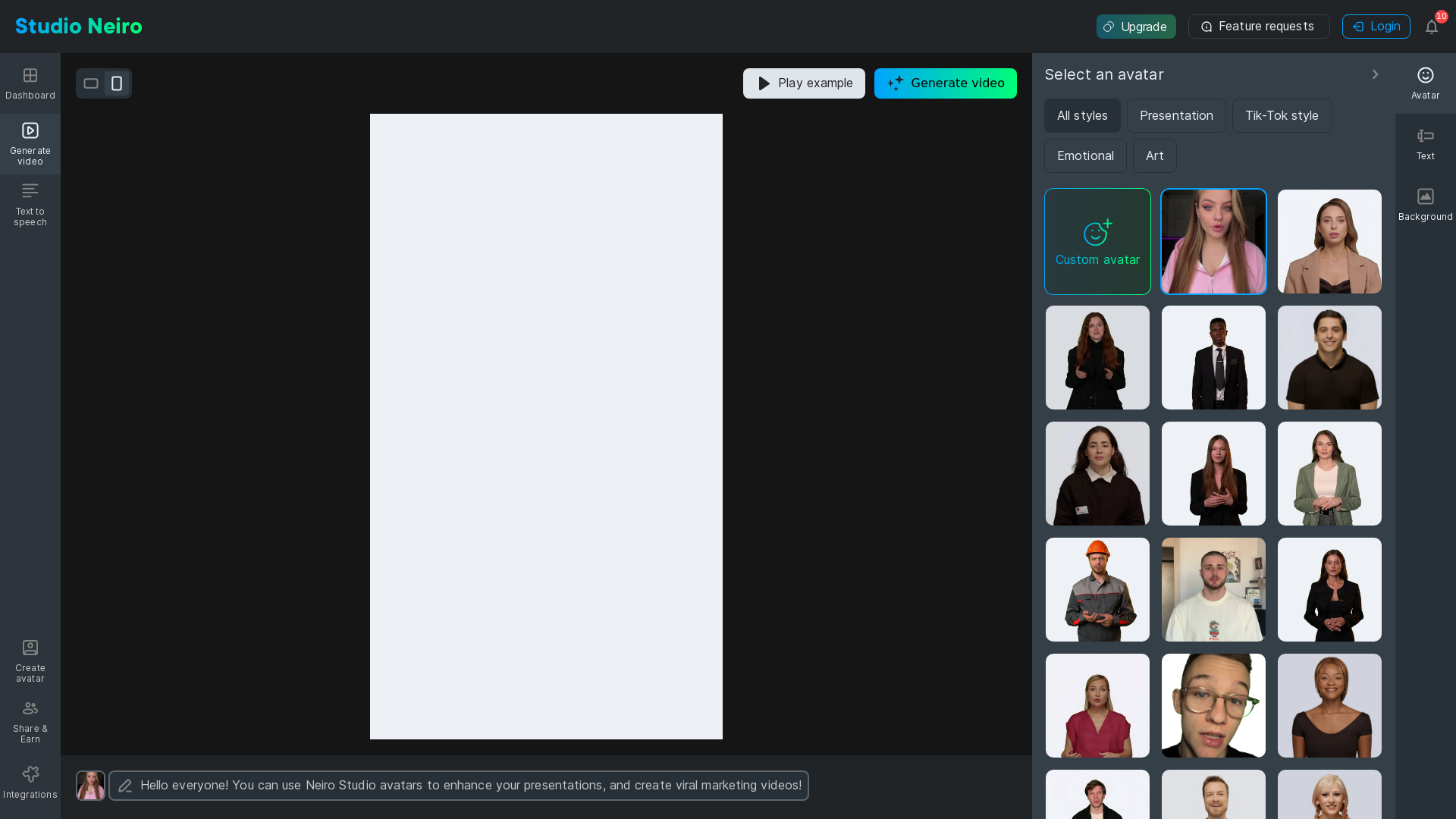
Neiro Studio is an innovative AI-powered video maker that seamlessly transforms text into engaging videos. This platform is designed to cater to various user needs, including creating marketing videos, educational content, and presentations. With its advanced features like text-to-speech and custom avatars, Neiro Studio enhances video production efficiency and creativity.
What are the main features of Neiro Studio?
- Text-to-Speech Capabilities
- Easily convert your written content into natural-sounding speech.
- Custom Avatars
- Utilize avatars to enhance viewer engagement and presentation appeal.
- Various Video Styles
- Choose from multiple styles such as presentation, TikTok-inspired, or emotional narrative to suit your project's needs.
- User-Friendly Interface
- Intuitive design makes it accessible for users of all skill levels.
- Video Sharing Options
- Effortlessly share your creations across social media platforms and other channels.
How to use Neiro Studio?
To get started with Neiro Studio, simply sign up for an account, choose your preferred avatar and video style, and input your text. The AI will handle the rest, generating a captivating video tailored to your specifications. Users can upgrade their accounts for additional features and capabilities beyond the basic use.
What pricing plans are available?
Neiro Studio offers flexible pricing plans to cater to different needs: a free tier with essential features and paid plans that unlock advanced options such as unlimited video creation, premium avatars, and enhanced text-to-speech quality.
Helpful tips for using Neiro Studio
- Experiment with Styles
- Try different video styles to find the best match for your content and audience.
- Use Engaging Text
- Write text that captures attention and prompts emotion to produce more compelling videos.
- Leverage Social Media
- Share your videos on platforms like TikTok, Twitter, or Instagram for maximum reach and engagement.
Frequently Asked Questions
Can I create videos for commercial use?
Yes, Neiro Studio allows users to create videos that can be used for commercial purposes, subject to the terms of use.
Do I need technical skills to use Neiro Studio?
No, Neiro Studio is designed for users of all skill levels. Its intuitive interface makes video creation simple and straightforward.
What formats can I export my videos in?
Users can typically export their videos in popular formats such as MP4, suitable for various platforms and devices.
Is there a limit to the number of videos I can create?
The free tier has limits on video creation, while paid subscriptions allow for unlimited video generation. Check the pricing section for specific details.
AI Video Maker
Generate AI video for free
 Clickbank
 Nginx:1.29.5
 Rewardful
Free AI anime and manga generator. Turn text into anime episodes, manga, comics, webtoons and comic shorts in any art style — no drawing or animation skills needed.
Translate image text across 70+ languages with our advanced AI Image Translator to help you better expand your products globally to various countries
Advertised Here
Reach thousands of visitors daily. Get your spot now!
Tools similar to AI Video Maker
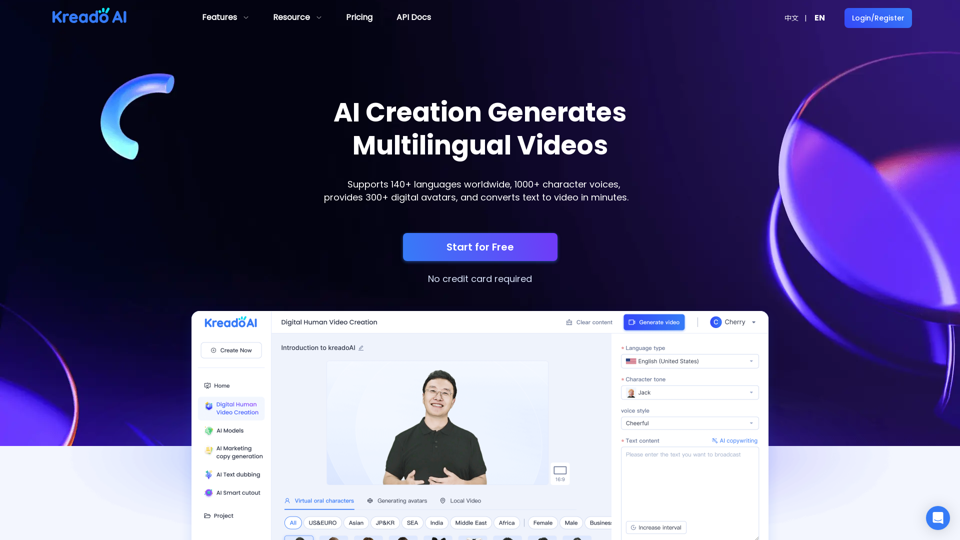
QuickVideo is an advanced AI Video Generator that simplifies video creation. Create professional studio-quality Videos using AI avatars and voiceovers.
All-in-One AI Video Maker: Transform Text, Images & Videos with Professional AI Tools - Free Video Generation, Face Swap & Advanced Editing
Create stunning AI photos and videos in seconds. Professional headshots, studio portraits, product images, and AI video with 150+ styles. Free AI photo studio — no camera needed.