TalkingPDF.io
TalkingPDF.io is a free tool that allows you to chat with any PDF. ask questions, get summaries, find anything you need!
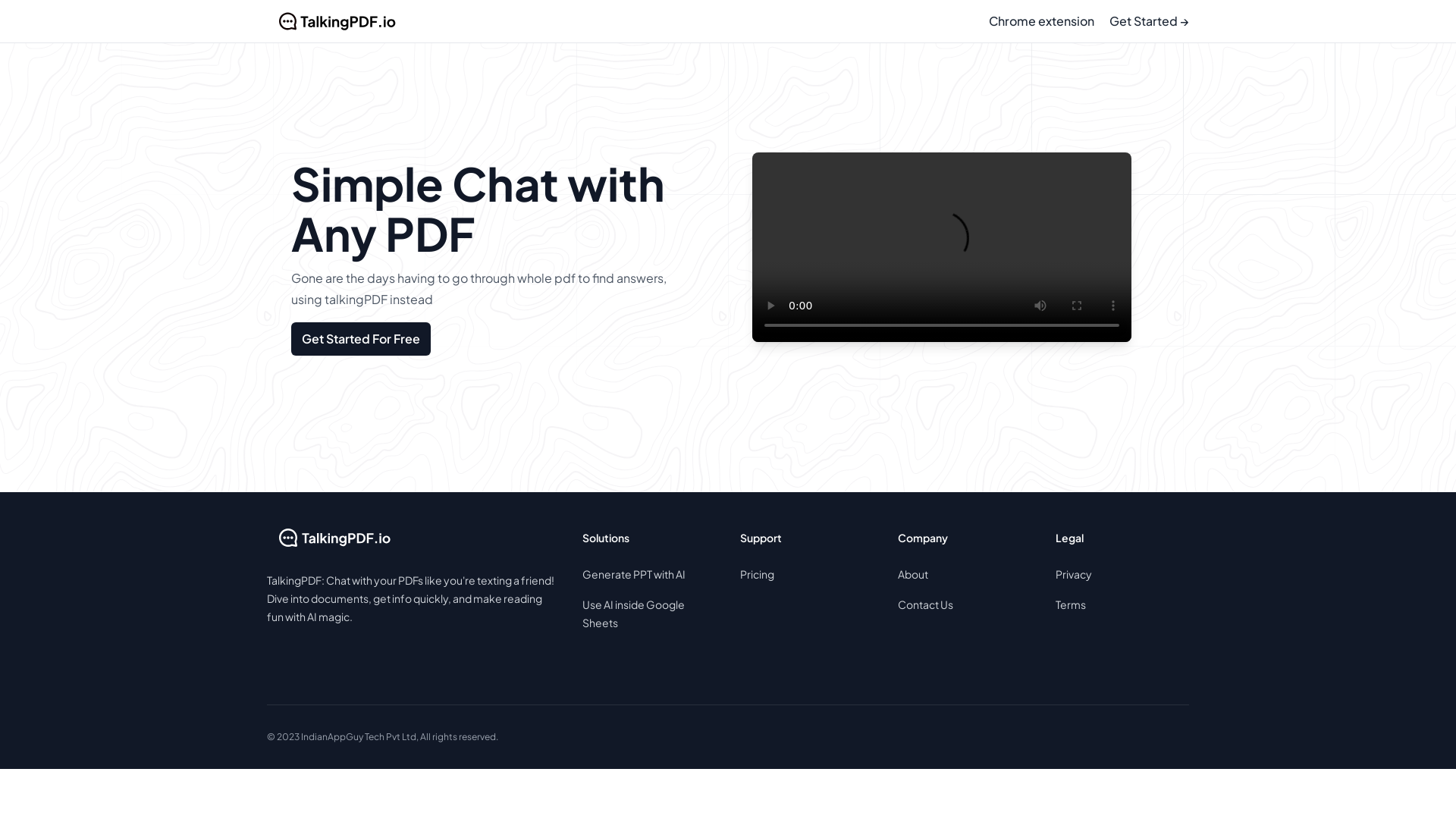
What is TalkingPDF.io?
TalkingPDF.io is an innovative platform that allows users to interact with their PDF documents in a conversational manner. By leveraging advanced AI technology, users can chat with any PDF, making it easier to find answers and extract information without sifting through entire documents. This tool transforms the way we read and engage with PDFs, bringing a simple and efficient communication style to document handling.
What is the main feature of TalkingPDF.io?
- Chat with Any PDF
- Users can directly ask questions and receive immediate answers from their PDF documents.
- Chrome Extension
- Accessing TalkingPDF is seamless with a convenient Chrome extension, allowing for easy integration into your workflow.
- AI-Powered Interactivity
- Experience a fun and engaging way to read papers, reports, or books as if you're texting a friend.
How to use TalkingPDF.io?
To get started with TalkingPDF.io, simply create an account and upload your PDF documents. Once uploaded, you can initiate a conversation by asking specific questions regarding the content of the document. The interactive interface allows you to receive immediate answers and insights, making your reading experience more efficient. Grab the Chrome extension for a more integrated approach to chatting with your PDFs effortlessly.
Price
TalkingPDF.io offers a free trial for users to explore its capabilities. After the trial period, various subscription options are available to cater to individual and business needs. Pricing details can be found on the TalkingPDF.io website, ensuring that users can choose a plan that fits their budget and requirements.
Helpful Tips
- Utilize Keywords
- When asking questions, use key phrases or specific terms from the document to get accurate responses.
- Explore Features
- Experiment with the Chrome extension for enhanced convenience while browsing or working on PDFs.
- Stay Updated
- Follow any updates and new features on the TalkingPDF.io blog to make the most out of your subscription.
Frequently Asked Questions
Can I chat with multiple PDFs at once?
Yes, TalkingPDF.io allows you to upload and interact with multiple PDFs, enabling you to seamlessly switch between documents as needed.
Is my data secure when using TalkingPDF.io?
Absolutely! Your privacy and data security are a top priority at TalkingPDF.io. All uploaded documents are handled with strict confidentiality and are not shared with third parties.
Do I need to download any software to use TalkingPDF.io?
No downloads are necessary! You can access TalkingPDF.io directly through your web browser or by using the Chrome extension.
How can I improve interaction with my PDFs?
To enhance your experience, ask clear and specific questions, and don't hesitate to explore different sections of the document through your chat. This will lead to more precise and relevant answers.
What types of PDFs can I upload?
TalkingPDF.io supports a variety of PDF formats, making it a versatile tool for users dealing with academic papers, business reports, eBooks, and more.
TalkingPDF.io
TalkingPDF.io is a free tool that allows you to chat with any PDF. ask questions, get summaries, find anything you need!
 Vercel
Free AI anime and manga generator. Turn text into anime episodes, manga, comics, webtoons and comic shorts in any art style — no drawing or animation skills needed.
Translate image text across 70+ languages with our advanced AI Image Translator to help you better expand your products globally to various countries
Advertised Here
Reach thousands of visitors daily. Get your spot now!
Tools similar to TalkingPDF.io
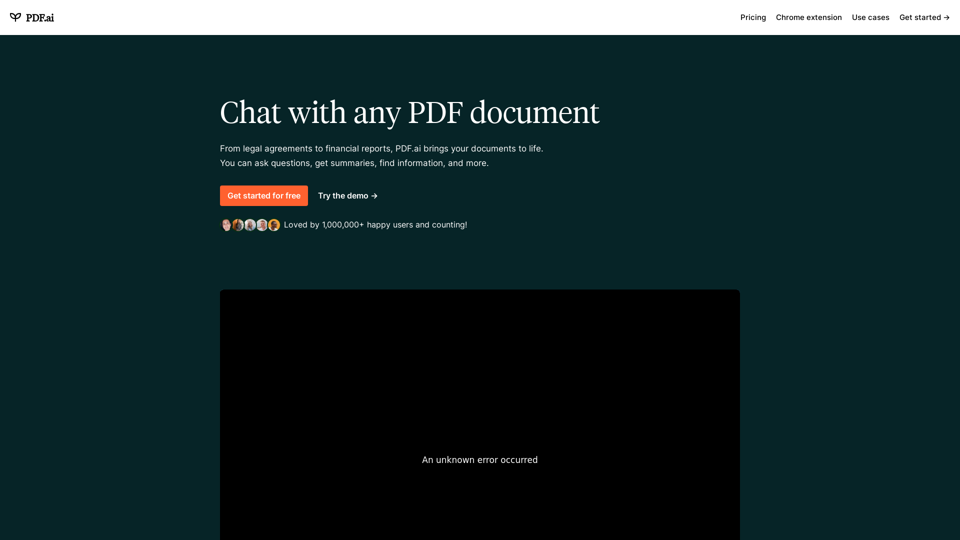
We built the ultimate ChatPDF app that allows you to chat with any PDF: ask questions, get summaries, find anything you need!
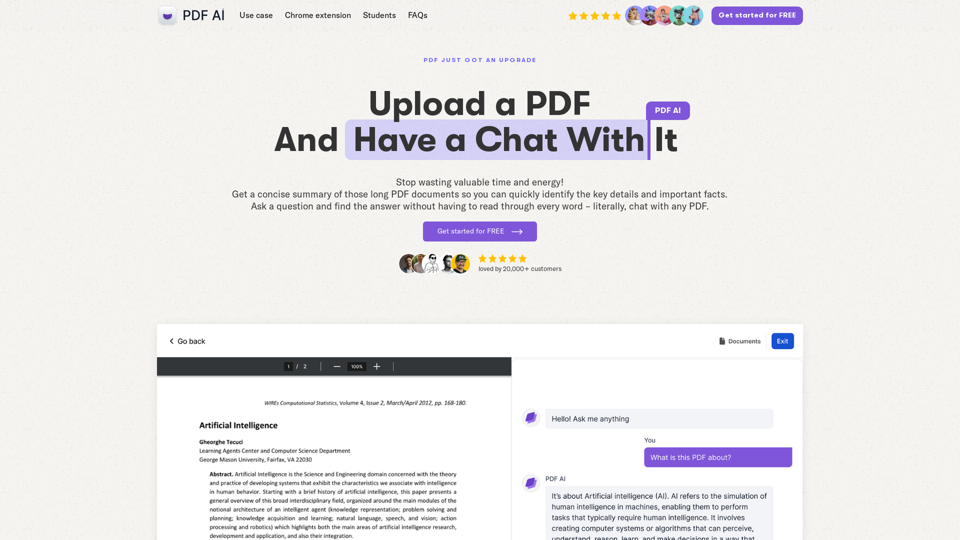
Chat with any PDF today for instant answers, summaries, and more - the complex made simple. From legal documents to academic studies, download our PDF AI today.
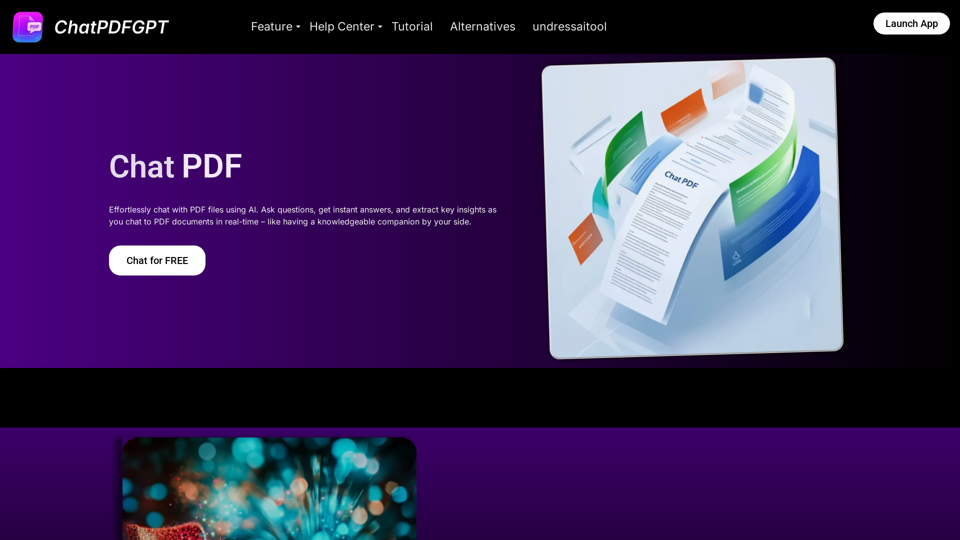
Engage PDFs. Read, analyze, summarize, translate. Chat to PDF, ask. Chat with PDF, gain insights. For students, professionals, researchers - on any device.
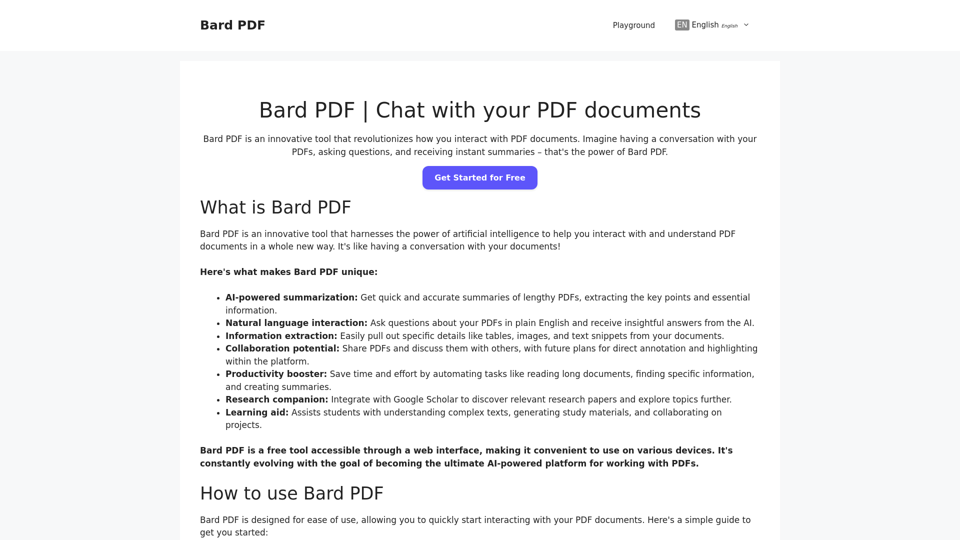
Bard PDF is a FREE interactive platform that focuses on providing powerful features for handling and collaborating on PDF files.
The ultimate ChatPDF app that allows you to chat with any PDF, Website, Audio or Video: ask questions, get summaries, find anything you need!
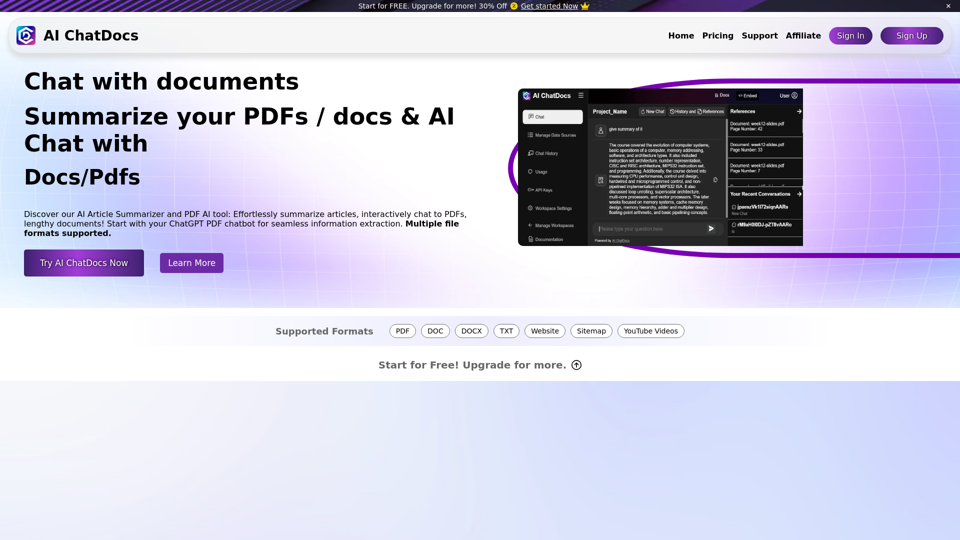
Chat with PDF, Word, TXT, Websites, Sitemaps and YouTube Videos. Chat Pdf easily and summarize lengthy documents with our Pdf chatGPT AI Summarizer in seconds.
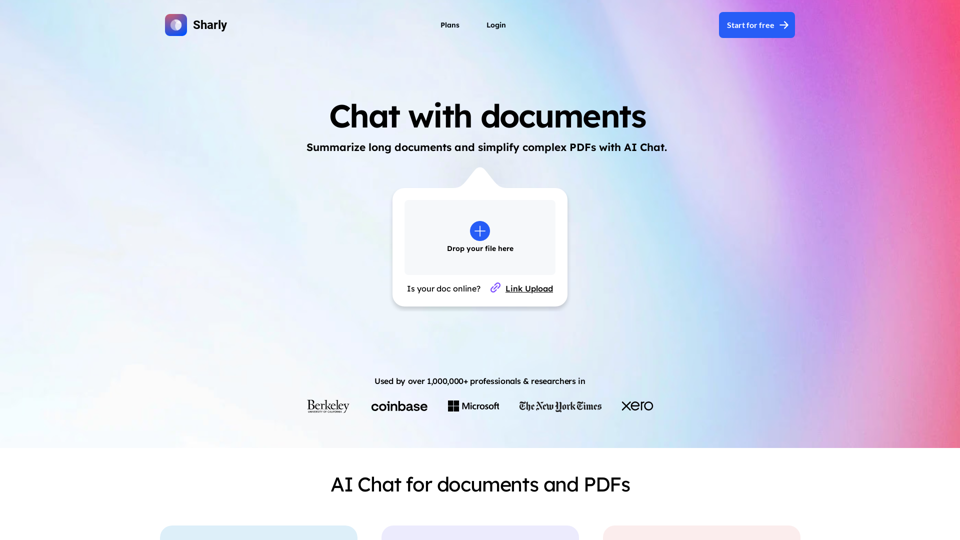
Chat with documents and PDFs. Sharly is the ultimate AI tool for document workflow. Harness PDF AI chatbot to efficiently summarize and organize content.