What is Texts?
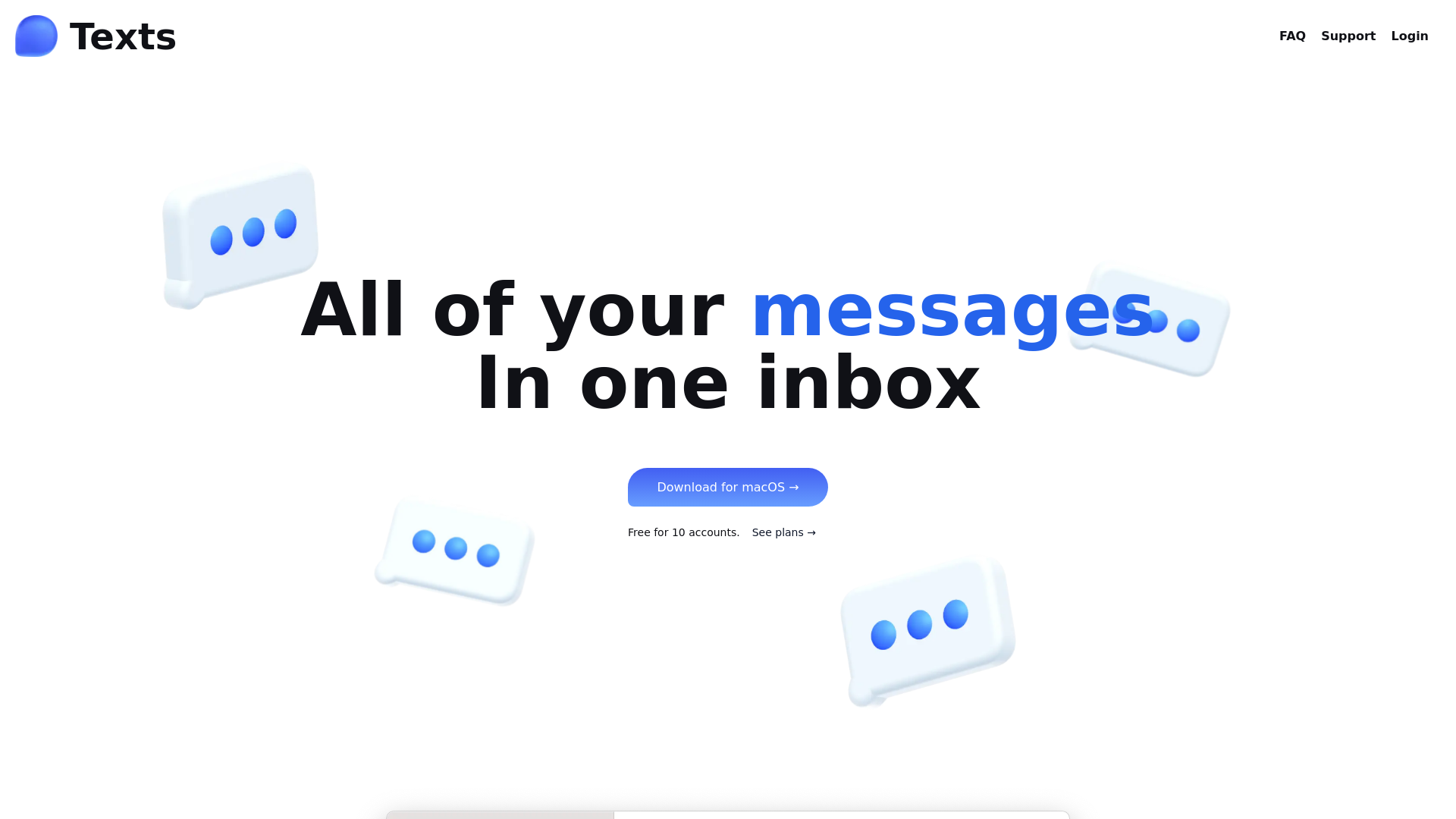
Texts is an all-in-one messaging platform that allows users to send and receive messages across multiple major messaging applications such as iMessage, WhatsApp, Telegram, Signal, MessengerX, Instagram, LinkedIn, Slack, and Discord. With Texts, you can manage all your messages in one convenient inbox, enhancing your productivity and communication efficiency.
What are the main features of Texts?
- Unified Messaging
- Access messages from all major platforms in a single interface.
- Privacy First
- Your messages are fully encrypted and never stored on Texts servers; the platform runs on a subscription model that prioritizes user privacy.
- AI Assistance
- Automated chat summaries for quick catch-ups, integrated ChatGPT for drafting responses, and AI-driven translation options.
- Organized Inbox
- Easily search through messages, archive conversations, and mark chats as unread for effective management.
- Special Modes
- Utilize Stealth Mode to read messages discreetly, schedule messages for later delivery, and snooze messages from contacts you prefer to delay responding to.
- Customizable Interface
- Choose between dark/light modes and adjust settings to create a personalized user experience with custom CSS support.
How to use Texts?
To get started with Texts, simply sign up using your Google account or email. Once you're in, you can link your various messaging accounts to the platform. Enjoy the streamlined experience of managing all messages in a single inbox while taking advantage of AI features like chat summaries and response drafting.
What is the pricing for Texts?
Texts operates on a monthly subscription model, which provides access to all features without compromising user privacy. Pricing details can be found on the Texts website under the 'See plans' section.
Helpful Tips for Using Texts
- Leverage AI Features
- Utilize automated summaries and translations to save time in your conversations.
- Maintain Inbox Zero
- Archive old chats that you want to reference later but don’t need cluttering your active inbox.
- Custom Keyboard Shortcuts
- Familiarize yourself with the extensive keyboard shortcuts supported by Texts to navigate quickly through messages.
Frequently Asked Questions
Is my data safe with Texts?
Yes, Texts respects user privacy and your data is not stored on their servers. Messages are encrypted during transmission.
Can I organize my conversations?
Absolutely! Texts offers several options for organizing your inbox, including archiving conversations, marking them as unread, or using customizable sorting.
How does the AI integration work?
Texts integrates AI features that help summarize conversations and draft responses, making it easier to manage your communications efficiently.
Can I use Texts on mobile devices?
Currently, Texts is available as a download for macOS, but mobile versions may be anticipated in future updates.
What should I do if I experience issues with Texts?
If you encounter any problems, reach out to the Texts support team via their official help section for assistance.
Texts
The ultimate messaging app
 Cloudflare
 Next.js
 Node.js
 React
 Varnish
 Webpack
Free AI anime and manga generator. Turn text into anime episodes, manga, comics, webtoons and comic shorts in any art style — no drawing or animation skills needed.
Translate image text across 70+ languages with our advanced AI Image Translator to help you better expand your products globally to various countries
Advertised Here
Reach thousands of visitors daily. Get your spot now!
Tools similar to Texts


Looking for ChatGPT WhatsApp? ChatGPT Buddy is a ChatGPT-powered assistant in WhatsApp which assists you with web research, generating text & images.
Inbox Zero AI Email Organizer helps you clear your emails efficiently. Be more productive quickly. Feel lighter, by clearing your inbox. Get to inbox zero quickly using Inbox Zero AI Email Cleaner. Clear your Email with the ultimate email hack, clear your Mind.

Automate conversations on Whatsapp, Facebook, Instagram & Telegram using the CalendarApp which magically books appointments to your Google Calendar

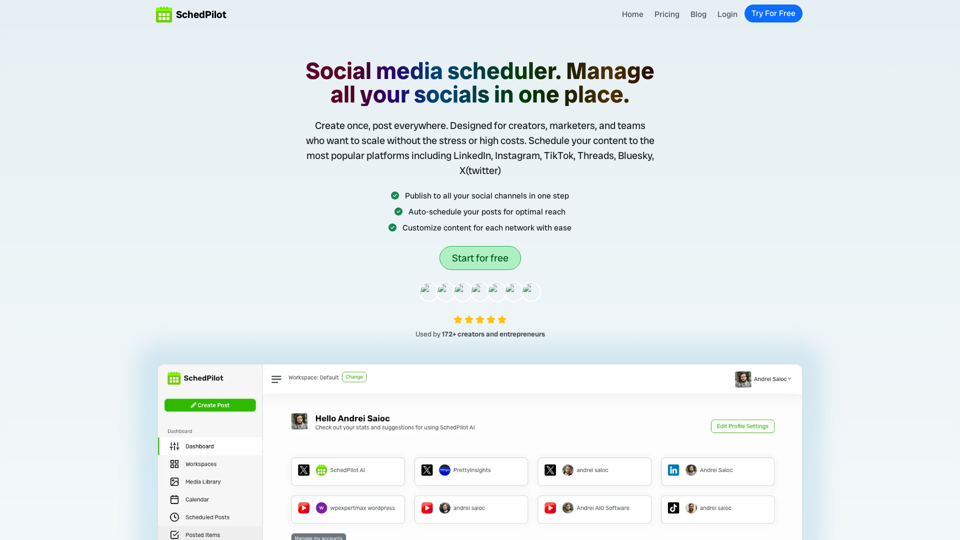
Social media scheduler for individuals or businesses. Supports: Twitter, Linkedin, Instagram, TikTok, BlueSky, Youtube, Reddit.