What is OASIS?
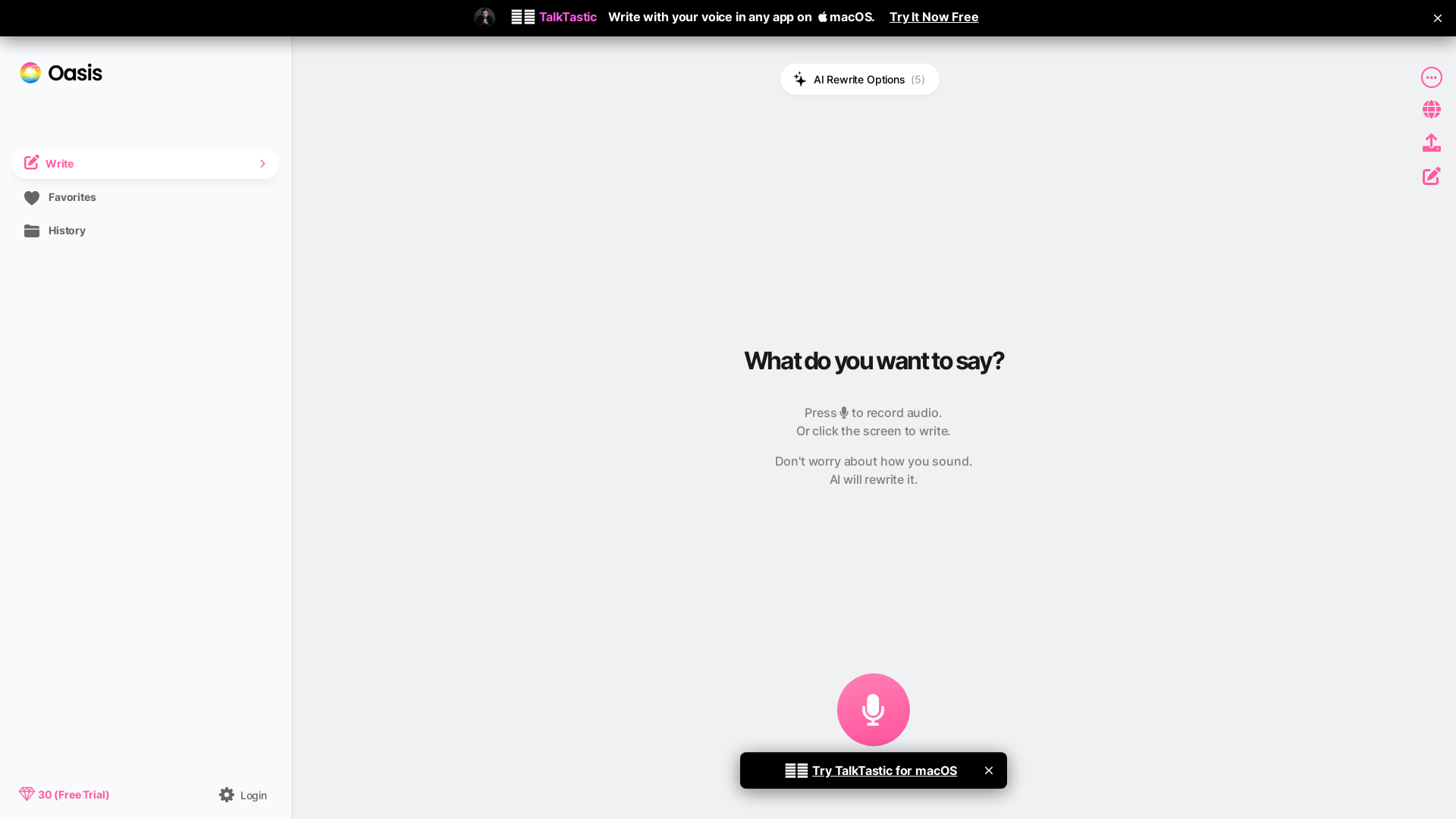
OASIS is a writing tool that turns speech into finished text: you record audio and the AI rewrites what you said. It is built for people who would rather talk than type, and it is designed so that you do not have to worry about how you sound, because the AI rewrites your words. The interface combines audio recording with AI rewrite options for format and style.
Key features
- Voice-first writing
- You record audio and the AI rewrites it into written text, so the talking is the input and the AI handles the rest.
- AI rewrite options
- The interface offers five AI rewrite options for reworking what you have said.
- Format and style rewrites
- A separate set of five options is grouped under "Rewrite: Format & Style".
- Speech language setting
- English is listed as the speech language in the interface.
- Review transcript
- A Review Transcript setting includes an "Edit Before Rewrite" option.
- Type or tap instead of speaking
- You can tap or click the screen to write rather than recording audio.
- Cancel recording
- A recording in progress can be cancelled.
How to use OASIS
- Open OASIS and check the speech language setting, which is set to English.
- Press to record audio, or tap or click the screen if you would rather write instead of speak.
- Say what you want to say and do not worry about how you sound, because the AI rewrites it.
- If you want to check the text first, use the Review Transcript option to edit before the rewrite.
- Choose an AI rewrite option, including the format and style options, to produce the final written text.
Pricing
The official website does not list pricing for OASIS. Check the official site for current plan and price information.
FAQ
Is OASIS free to use?
The official website does not state whether OASIS is free or list any plans or prices. Check the official site for current pricing.
What languages does OASIS support for speech?
English is the speech language shown in the OASIS interface. The website does not list any other speech languages.
How does OASIS turn spoken words into written text?
You record audio in OASIS and the AI rewrites it. The interface notes that you should not worry about how you sound, because the AI handles the rewriting.
Can I type in OASIS instead of recording audio?
Yes. Besides pressing to record audio, OASIS lets you tap or click the screen to write.
Can I edit my transcript before OASIS rewrites it?
OASIS includes a Review Transcript setting with an "Edit Before Rewrite" option, which lets you review the transcript before the rewrite step.
What rewrite options does OASIS offer?
OASIS lists five AI rewrite options, and a further five options grouped under "Rewrite: Format & Style".
OASIS
All you do is talk. AI does the rest.
 Cloudflare
 Google Analytics
 Vercel
 cdnjs
cdnjsFree AI anime and manga generator. Turn text into anime episodes, manga, comics, webtoons and comic shorts in any art style — no drawing or animation skills needed.
Translate image text across 70+ languages with our advanced AI Image Translator to help you better expand your products globally to various countries
Advertised Here
Reach thousands of visitors daily. Get your spot now!
Tools similar to OASIS
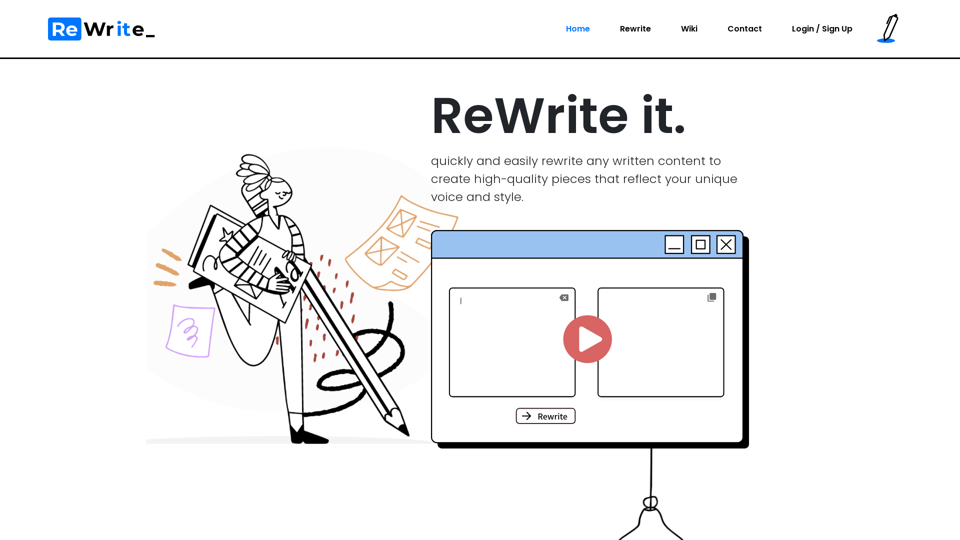
Our AI-powered rewriting assistant is designed to help you improve your writing skills and learn along the way. With our intuitive platform, you can quickly and easily rewrite any written content to create high-quality pieces that reflect your unique voice and style.
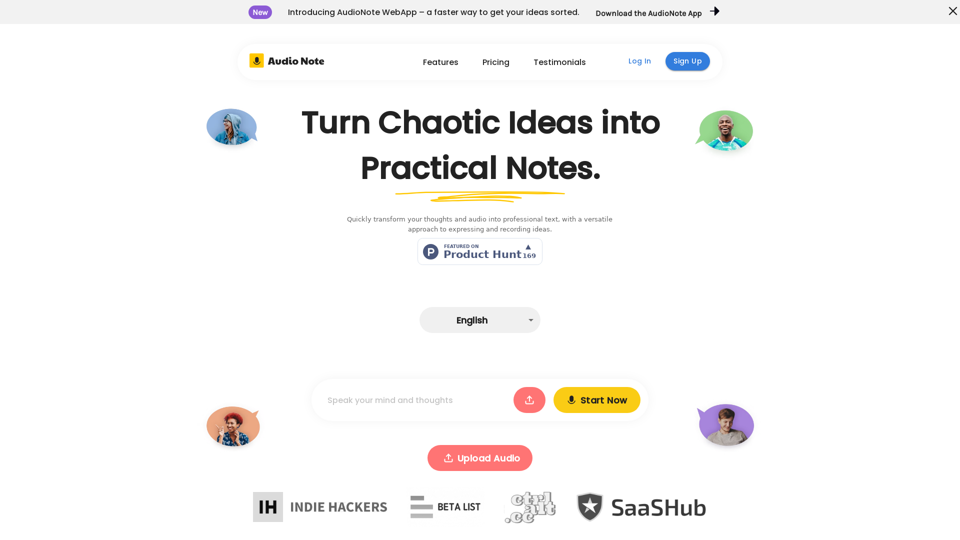
Speak and Write Like a Pro with Audio Note. Audio Note is the ultimate note taking app that lets you record your voice and turn it into text. But that's not all. Audio Note also uses AI to rewrite your text in various formats, such as todo list, tweet, LinkedIn post, email and more. Whether you need to organize your tasks, share your ideas, network with others or communicate effectively, Audio Note can help you do it with ease and style. Try Audio Note today and see the difference for yourself.
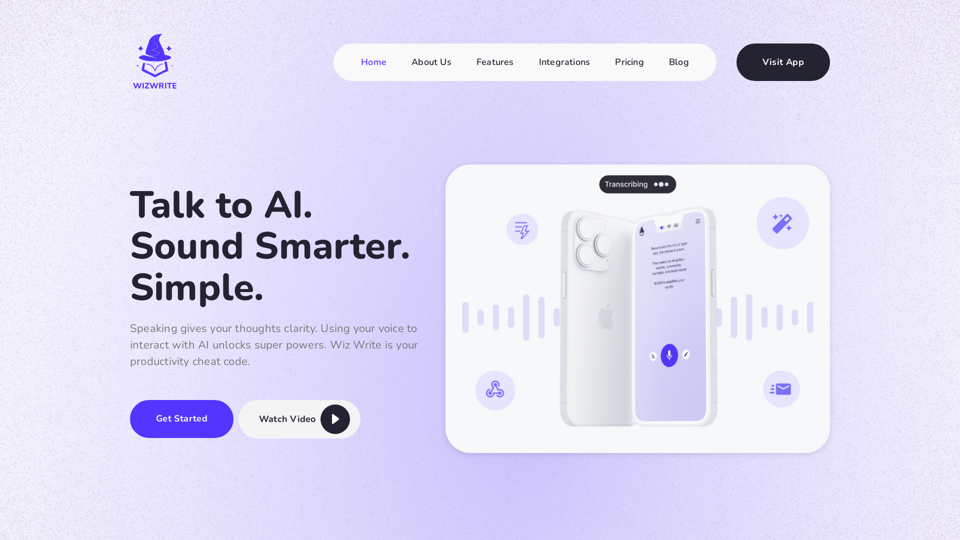
Talk, don't type. Wiz Write is an AI assistant that turns your spoken ideas into written content with speed and accuracy. Our conversational interface makes content creation easy and efficient. Integrate Wiz Write into your workflow to write faster, stay organized, and collaborate seamlessly. Unlock your productivity with the power of AI voice technology.
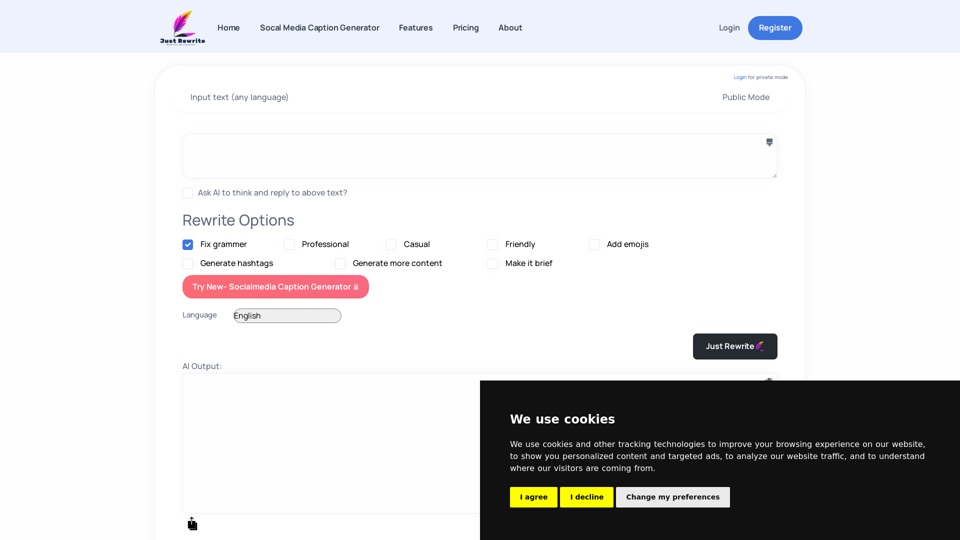
Just Rewrite is a powerful online tool that helps you to rewrite and paraphrase your content. Our platform is designed to help you create high-quality content that is unique and plagiarism-free. With our easy-to-use interface, you can quickly rewrite your text and get the results you need. Start using Just Rewrite today to take your content to the next level!
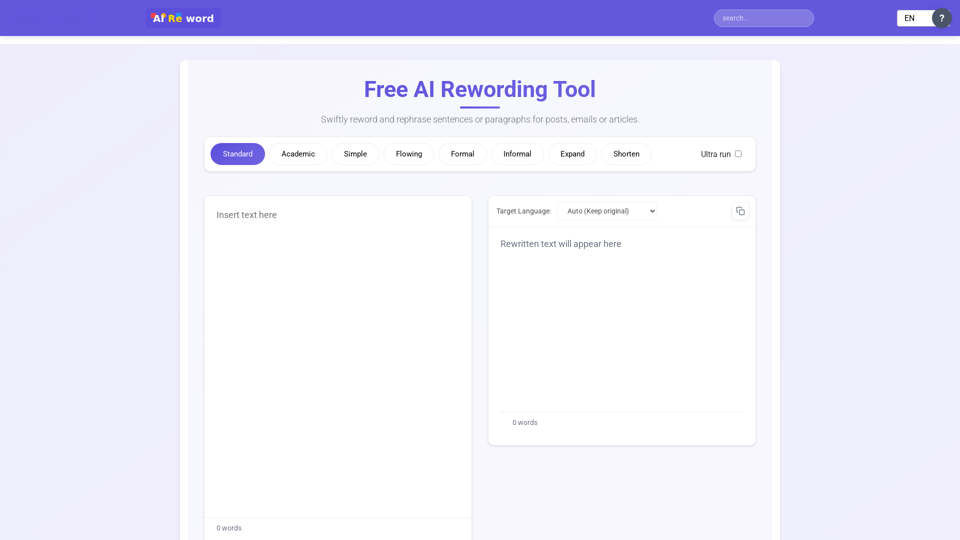
Enhance your writing with our suite of AI Reword tools designed for perfect text transformation

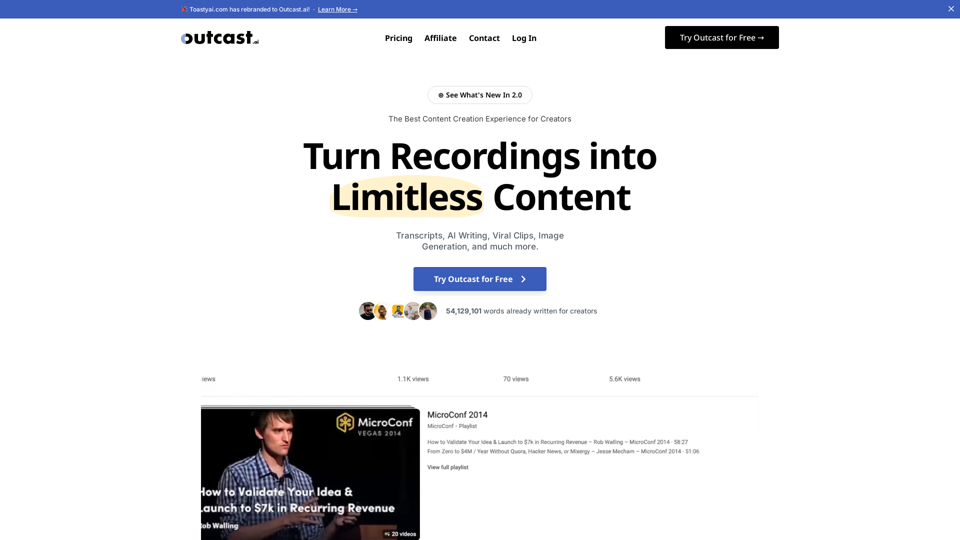
⊛ See What's New In 2.0 The Best Content Creation Experience for Creators Turn Recordings into Limitless Content Transcripts, AI Writing, Viral […]
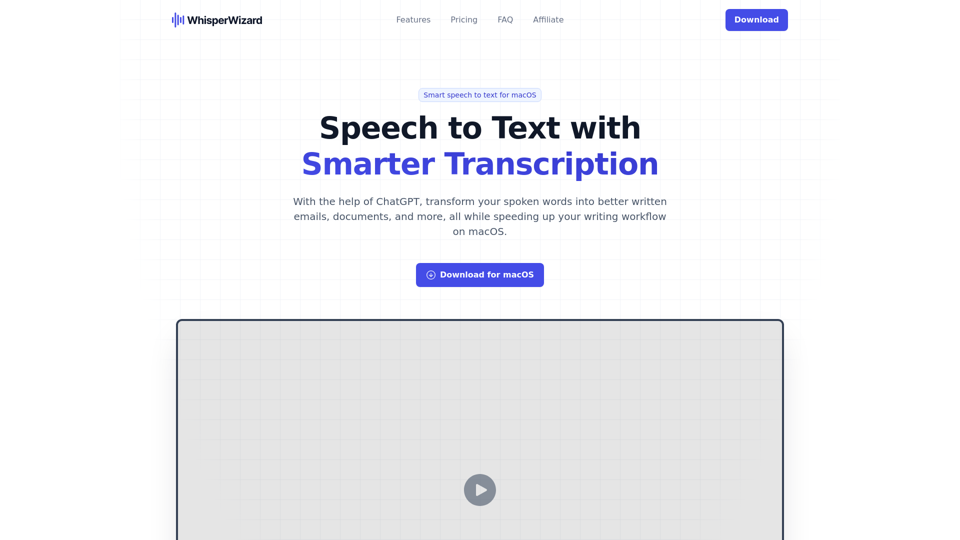
With the help of ChatGPT, transform your spoken words into better written emails, documents, and more, all while speeding up your writing workflow on macOS.