Unix Timestamp
Free Unix timestamp converter by Unix Timestamp. Convert timestamp to date or date to timestamp with time zone support, multiple formats, and easy copying.
What is Unix Timestamp Converter?
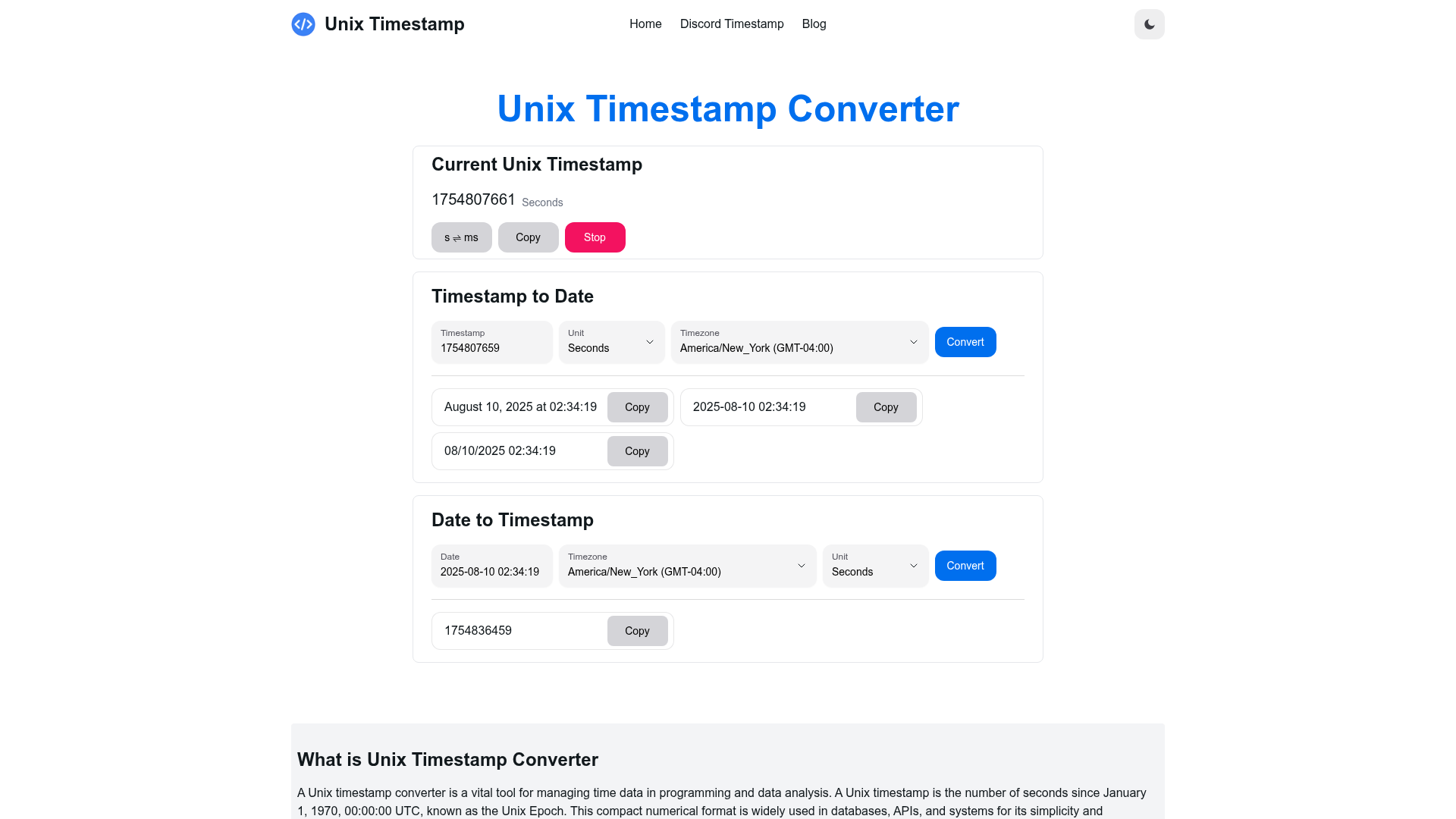
A Unix Timestamp Converter is an essential tool for developers and data analysts, designed to facilitate the conversion of time data between Unix timestamps and standard date formats. A Unix timestamp counts the number of seconds that have elapsed since January 1, 1970, 00:00:00 UTC (known as the Unix Epoch). This numerical representation simplifies time-related computations and is commonly utilized in API integrations, databases, and software development.
Our Unix Timestamp Converter allows users to quickly convert a timestamp (e.g., 1697059200) into a human-readable date ("October 12, 2023, 00:00:00 UTC") and vice versa. It supports various time zones, essential for global applications, ensuring accurate time representation across different geographical regions.
Key Features
Instant Current Timestamp Retrieval
Get the current Unix timestamp in both seconds and milliseconds instantly. Users have the option to pause or resume the refresh and copy the timestamp for convenience.
Timestamp to Date Conversion
Easily convert a Unix timestamp to a date by choosing your desired unit (seconds or milliseconds) and selecting the appropriate time zone. The converted date can be displayed in multiple formats such as YYYY-MM-DD hh:mm:ss or MM/DD/YYYY hh:mm:ss.
Date to Timestamp Conversion
Transform a standard date into a Unix timestamp by simply entering the date, selecting a time zone, and choosing either seconds or milliseconds—complete with a one-click copy feature for ease of use.
Flexible Time Zone Support
Our tool accommodates a variety of time zones, ensuring accurate conversions for datetime formats worldwide.
Multiple Date Formats Available
Select from various date formats, such as the default format, YYYY-MM-DD hh:mm:ss, and MM/DD/YYYY hh:mm:ss, to suit your specific conversion needs.
Free and User-Friendly Interface
This tool is completely free to use, featuring a user-friendly interface that is ideal for developers and analysts requiring quick and reliable timestamp conversions.
Helpful Tips
- For Developers
- Incorporate the converter into your applications to handle timestamps across multiple formats effortlessly.
- For Data Analysts
- Use the tool to convert timestamps for database manipulations and queries efficiently.
- Maximize Time Zone Functionality
- Always double-check the selected time zone to ensure accurate conversions when collaborating with international teams.
Frequently Asked Questions
What is a Unix timestamp?
A Unix timestamp is a way of tracking time as a running total of seconds that have elapsed since the Unix Epoch (January 1, 1970).
What does a Unix timestamp converter do?
A Unix timestamp converter facilitates the conversion of Unix timestamps to human-readable dates and vice versa, accommodating various time zones and formats.
How do I convert a timestamp to a date?
Input your Unix timestamp into the converter, choose the desired time zone and format, and click 'Convert' to obtain the corresponding date.
How do I convert a date to a timestamp?
Enter the standard date you wish to convert, select the corresponding time zone and unit (seconds or milliseconds), and click 'Convert' to receive the Unix timestamp.
Can I copy the converted results?
Yes, the tool includes a convenient one-click copy feature, allowing users to easily copy converted timestamps and dates for use elsewhere.
Does the tool support different time zones?
Absolutely! The converter supports various time zones, ensuring users can perform accurate timestamp conversions.
What date formats are available?
Users can select from multiple formats, including the default, YYYY-MM-DD hh:mm:ss, and MM/DD/YYYY hh:mm:ss, to suit their needs.
Is the Unix timestamp converter free?
Yes, the Unix timestamp converter is completely free to use without any hidden charges.
What is the 2038 problem?
The 2038 problem refers to the potential overflow of Unix timestamps in older 32-bit systems, which will reach their maximum limit on January 19, 2038.
Can I get the current Unix timestamp?
Yes, the converter provides an instant retrieval option for the current Unix timestamp in seconds or milliseconds.
Why would I need to convert timestamp to date?
Converting timestamps to dates is crucial for readability, data analysis, software debugging, and ensuring proper time management in applications.
Who can benefit from a Unix timestamp converter?
Software developers, data analysts, system administrators, and anyone dealing with time data in their projects can benefit significantly from a Unix timestamp converter.
Unix Timestamp
Free Unix timestamp converter by Unix Timestamp. Convert timestamp to date or date to timestamp with time zone support, multiple formats, and easy copying.
 Cloudflare
 HTTP/3
 Next.js
 Node.js
 React
React Vercel
 Webpack
Free AI anime and manga generator. Turn text into anime episodes, manga, comics, webtoons and comic shorts in any art style — no drawing or animation skills needed.
Translate image text across 70+ languages with our advanced AI Image Translator to help you better expand your products globally to various countries
Advertised Here
Reach thousands of visitors daily. Get your spot now!
Tools similar to Unix Timestamp
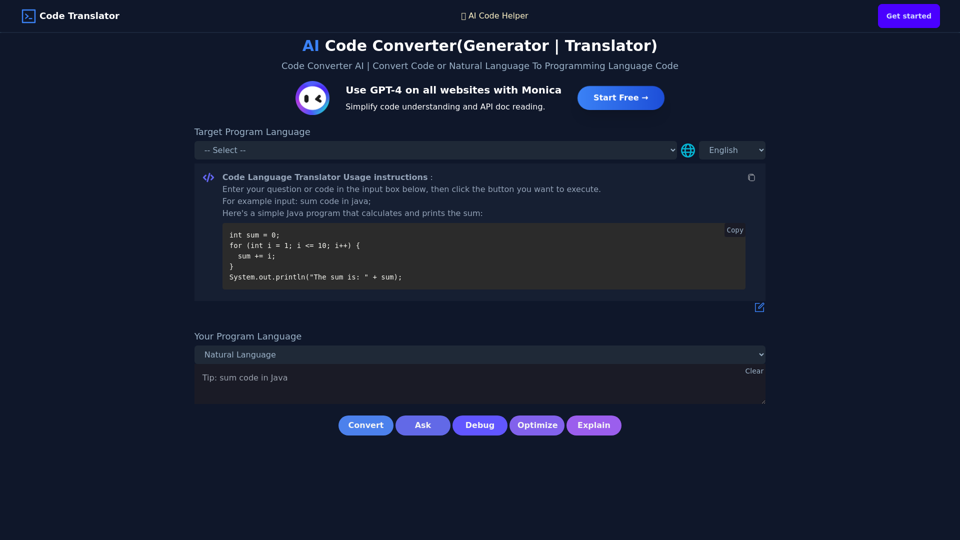
Use AI To Convert Code Or Generate Code From One Language To Another. AI Code Translator. Translate Code From Any Language To Another With A Click.
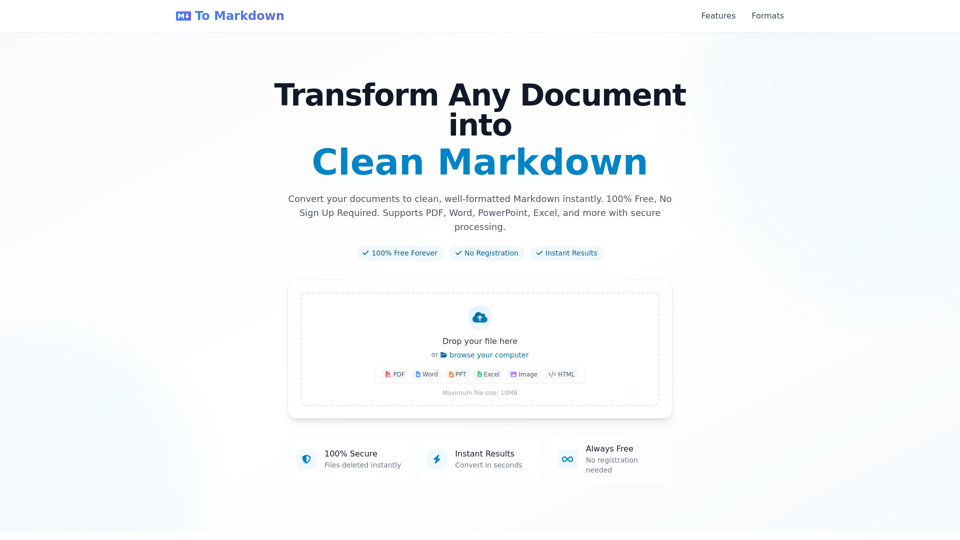
Convert any document to clean Markdown format instantly - 100% Free, No Registration Required. Support PDF, Word, PowerPoint, Excel and more. Fast, secure, and easy to use online converter with instant results.
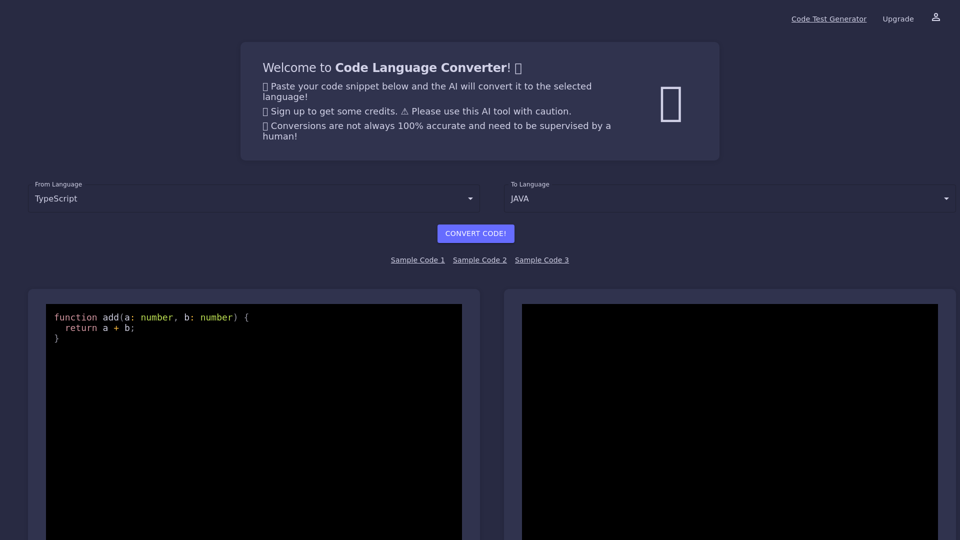
Code Language Converter online uses artificial intelligence to quickly convert your code snippets from one programing language to another in a matter of seconds.
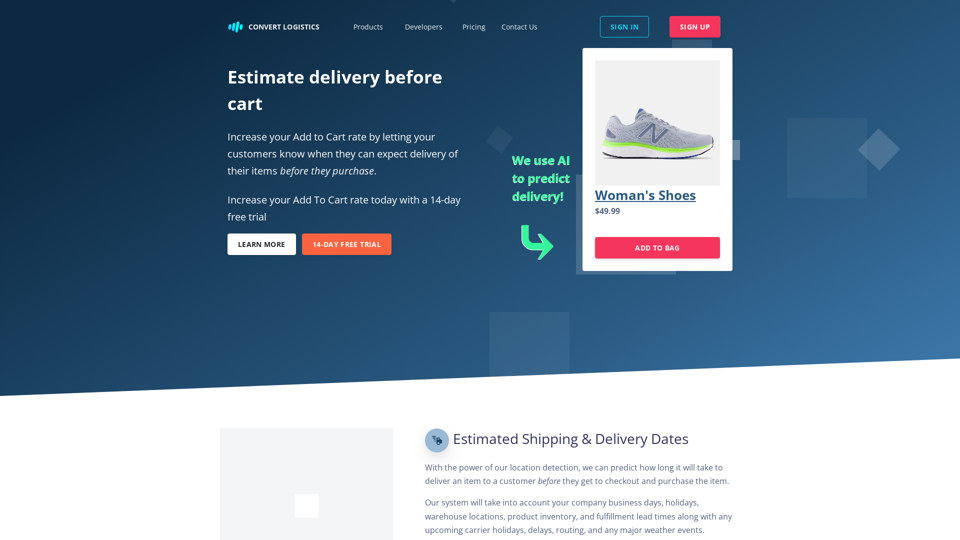
Unleash the power of location detection without annoying your users. Increase conversions with estimated product delivery dates based on the users zip code. Enhance your customer experience with accurate and reliable zip code detection that allows users to update/change based on their needs.
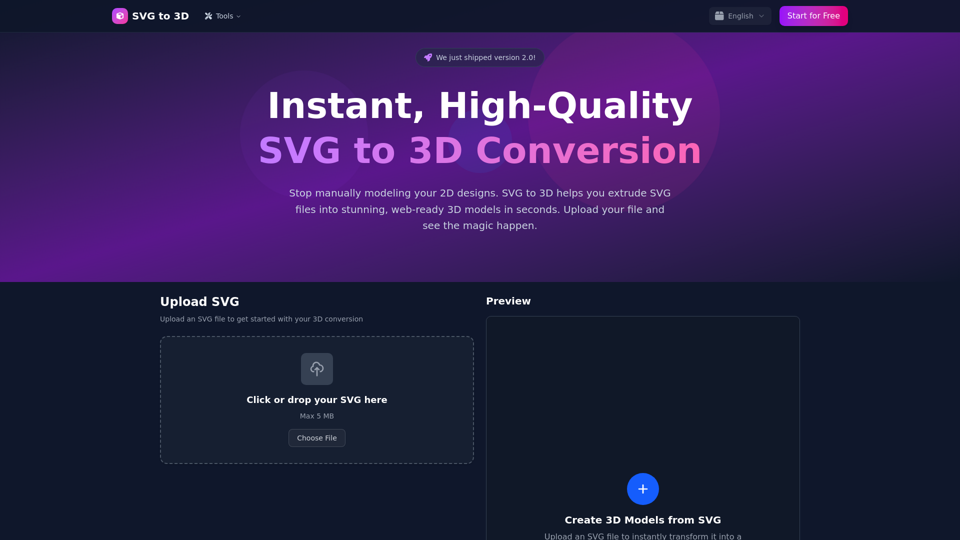
Convert SVG files to stunning 3D models instantly and for free. Export as GLB, STL, or PNG. Professional quality with customizable thickness, materials, and lighting.
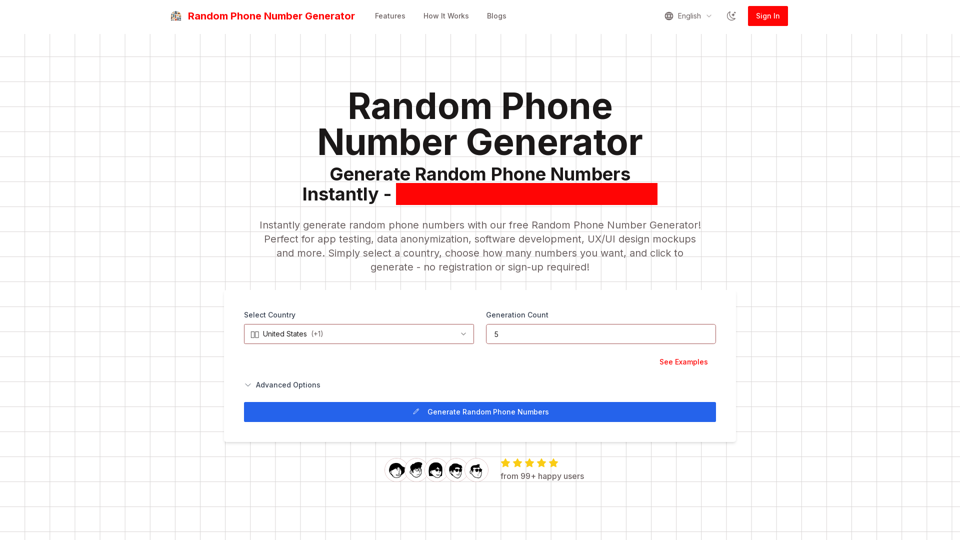
Generate random phone numbers instantly with our free Random Phone Number Generator. Perfect for app testing, data anonymization, software development, UI/UX design mockups, and more. Multiple country formats supported, no login required, 100% free tool.
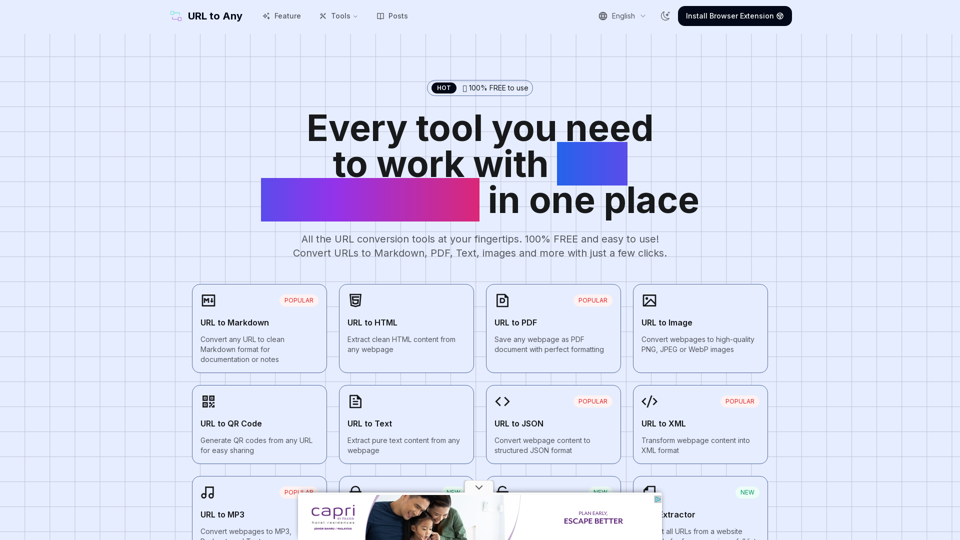
URL to Any provides various URL conversion tools to transform web content into Markdown, PDF, images, and more formats.
Format JSON, format JSON file, format JSON response online. Upload a JSON file, json file format in seconds, then download your formatted json file