YouTube Transcript Generator
Get the transcript from any YouTube video. Generate an article from it using AI. Search, download, and customize any transcript.
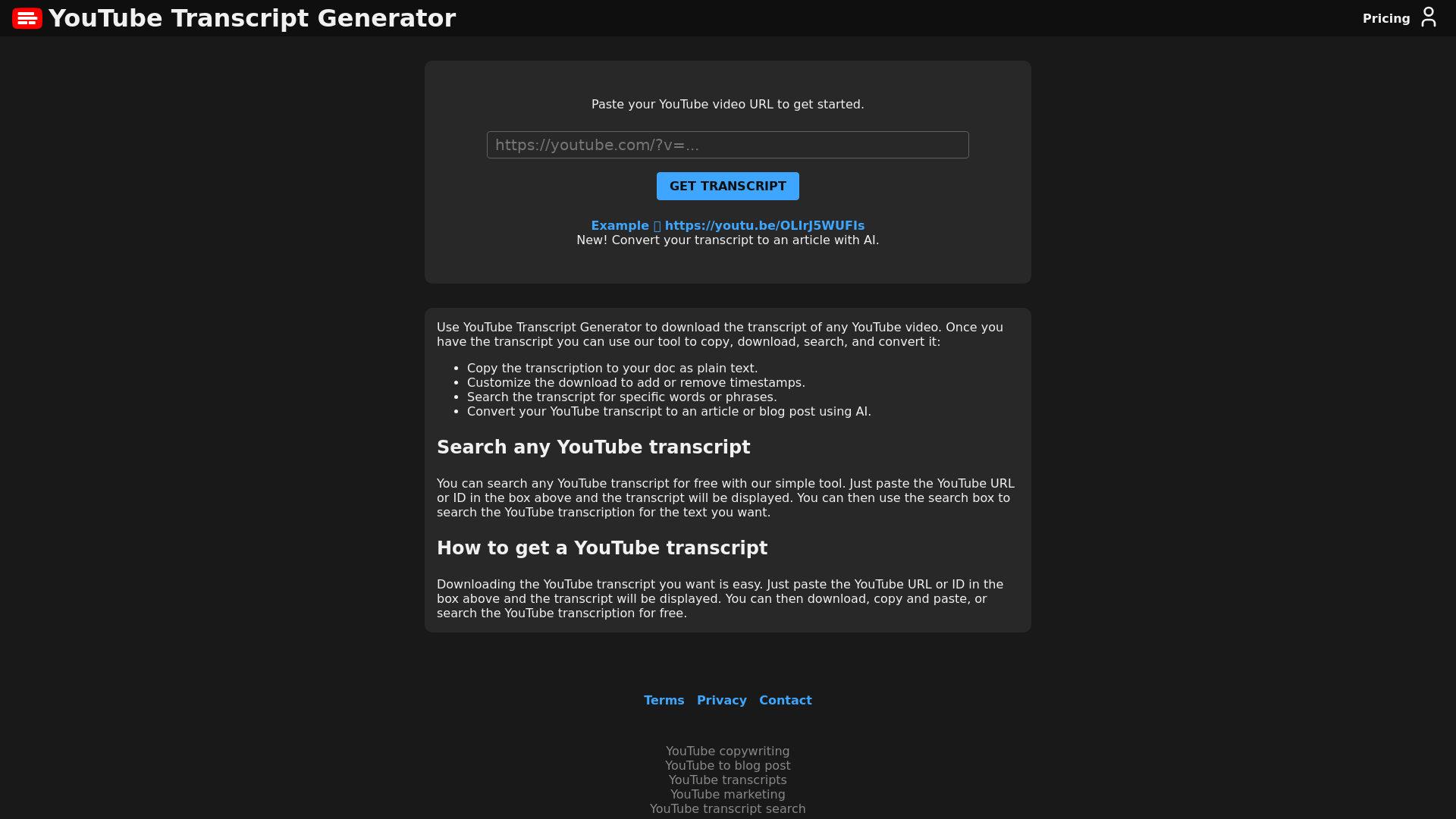
What is the YouTube Transcript Generator?
The YouTube Transcript Generator is an efficient tool designed to extract and download the transcripts of any YouTube video. With this platform, users can easily convert spoken content into text, making information from YouTube videos more accessible for various purposes, such as note-taking, content creation, and research.
Features of the YouTube Transcript Generator
- Transcription Downloading
- Access the transcript of any YouTube video by simply pasting its URL.
- Customizable Options
- Customize the download to include or exclude timestamps, making it more convenient for your needs.
- Search Functionality
- Quickly search the transcript for specific words or phrases using an integrated search tool.
- AI Conversion
- Transform your downloaded transcript into an article or blog post using AI capabilities, enhancing your content creation process.
- Free Access
- Search any YouTube transcript without any cost, making it a valuable resource for students, researchers, and content creators alike.
How to Use the YouTube Transcript Generator?
Using the YouTube Transcript Generator is simple and user-friendly. Follow these steps:
- Paste the YouTube URL: Copy the URL or ID of the YouTube video you want the transcript from.
- Fetch the Transcript: Click the button to fetch and display the transcript for the video.
- Download or Customize: You can choose to download the transcript, copy it, or customize it by adding/removing timestamps.
- Search Transcripts: Use the search box to find specific phrases within the transcript for quick reference.
- Convert to Article: Utilize the AI tool to convert your transcript into a well-structured article or blog post.
Pricing for the YouTube Transcript Generator
The YouTube Transcript Generator is primarily free to use for basic functions like searching and downloading transcripts. If you desire advanced features such as AI conversion into articles, affordable subscription options may be available. Always check the platform for the latest pricing updates and subscription details.
Helpful Tips for Using the YouTube Transcript Generator
- Combine Features
- Use the search function alongside download capabilities for efficient research and study.
- Format for Readability
- Consider cleaning up the transcript for clarity when you intend to convert it into an article.
- Stay Updated
- Regularly check the platform for new features, updates, or changes in pricing.
- Utilize for Study
- Transcripts can enhance your learning process by allowing you to review and highlight essential points from video content.
Frequently Asked Questions
Can I get transcripts from any YouTube video?
Yes, the YouTube Transcript Generator works with any public YouTube video for which the transcript is available.
Is the transcription tool free?
The basic features, including downloading and searching transcripts, are free to use. Advanced options may require a subscription.
How accurate are the transcripts?
The accuracy of the transcripts largely depends on the quality of the video's audio and the speaker's clarity. The generator typically provides accurate transcriptions, especially for well-produced content.
Can I use the transcripts for content creation?
Absolutely! You can use the transcripts to create articles, blogs, or any written content that requires a text version of the video’s spoken material.
What should I do if the transcript doesn’t appear?
Ensure you have pasted the correct YouTube URL and check if the video has closed captions available. If issues persist, refreshing the page or trying a different video may help.
YouTube Transcript Generator
Get the transcript from any YouTube video. Generate an article from it using AI. Search, download, and customize any transcript.
Free AI anime and manga generator. Turn text into anime episodes, manga, comics, webtoons and comic shorts in any art style — no drawing or animation skills needed.
Translate image text across 70+ languages with our advanced AI Image Translator to help you better expand your products globally to various countries
Advertised Here
Reach thousands of visitors daily. Get your spot now!
Tools similar to YouTube Transcript Generator
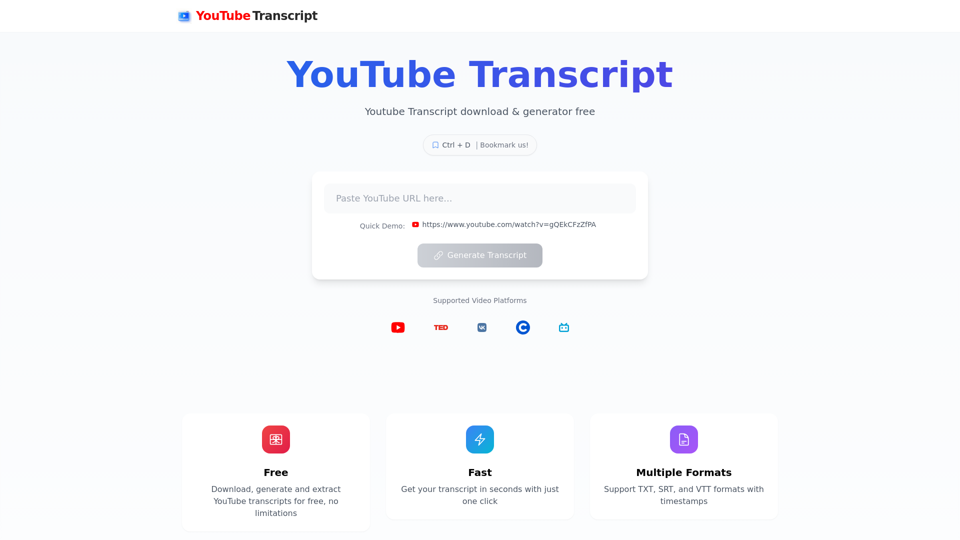
YouTube transcript generator and extractor. Download YouTube transcripts with timestamps in srt,txt,vtt formats.
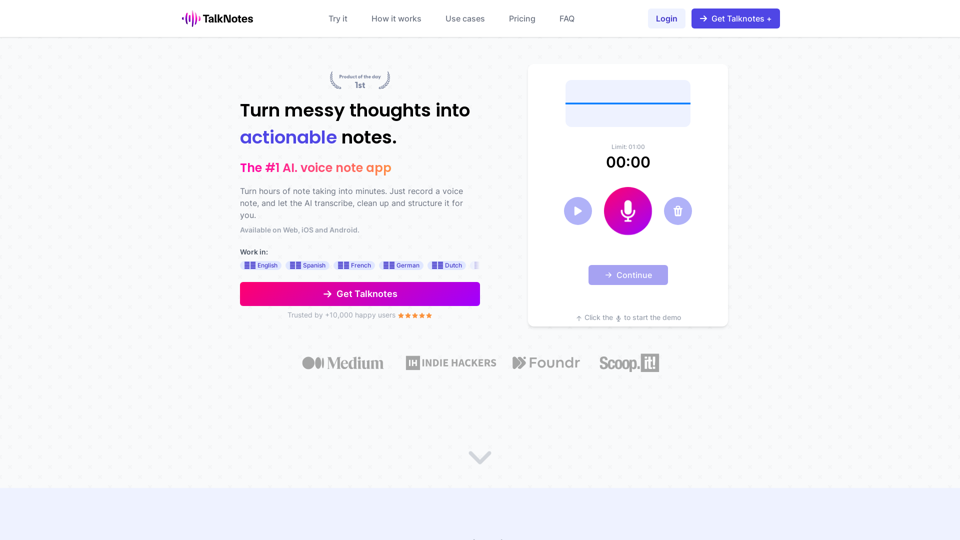
Turn hours of note taking into seconds. Record voice notes, and let the AI transcribe & structure them into actionable text. Create task lists, transcripts, blog posts, and more! Works in 50+ languages.
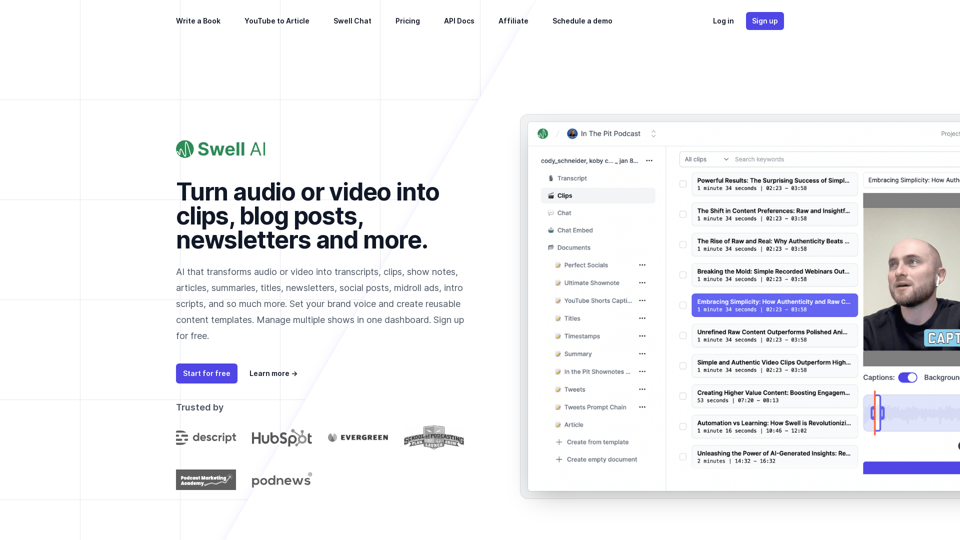
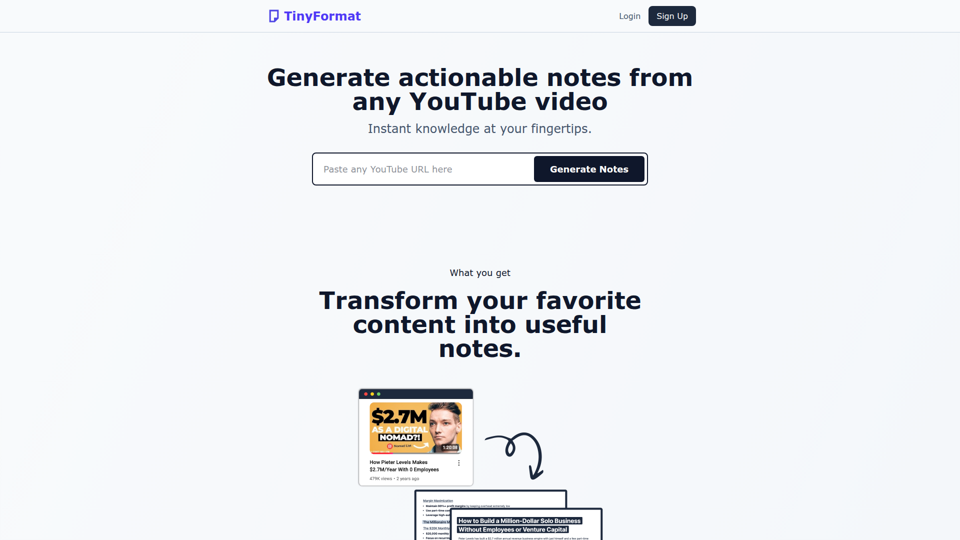
Transform hours of YouTube content into organized and actionable notes. Perfect for those who need information fast.
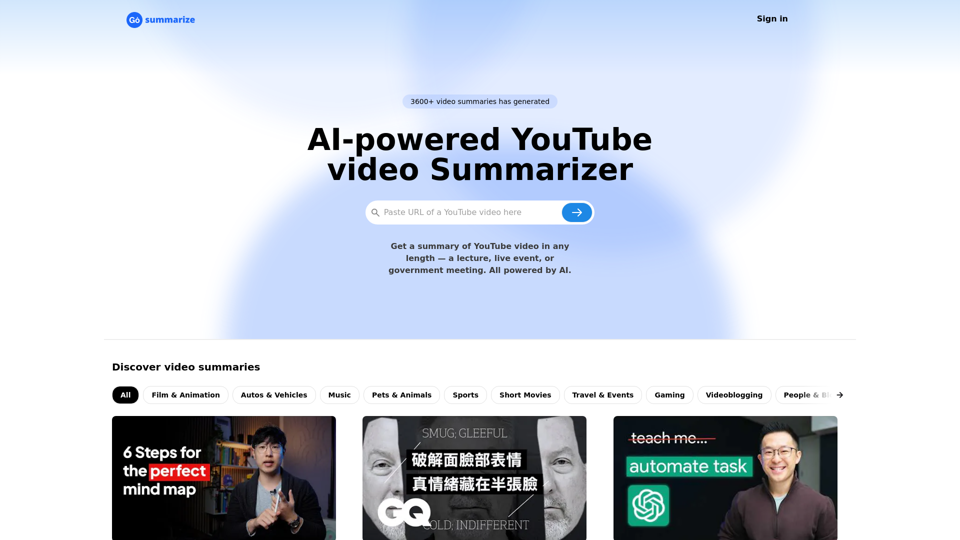
Get youtube videos transcript online and using ChatGPT to summarize youtube videos. Using it to increase learning efficiency for free!
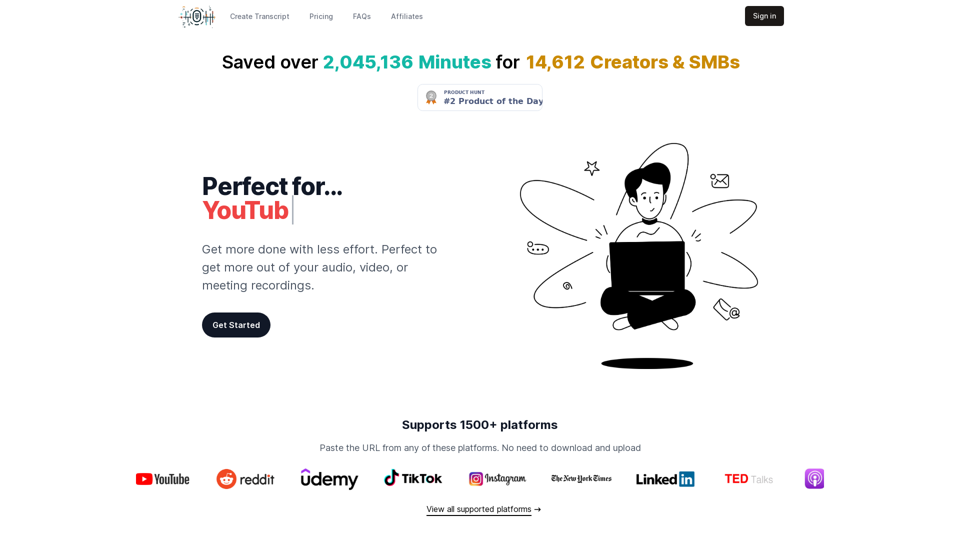
Transcribe your podcasts, videos, and meetings. Accelarate your learning and productivity.
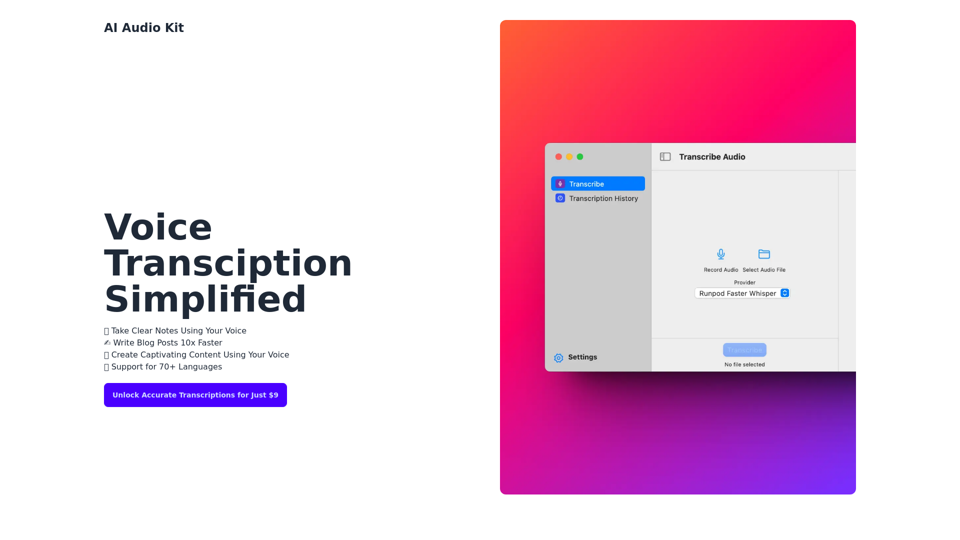
AI Audio Kit helps you to transcribe Audio using OpenAI's Official Whisper API right from macOS!