Verla
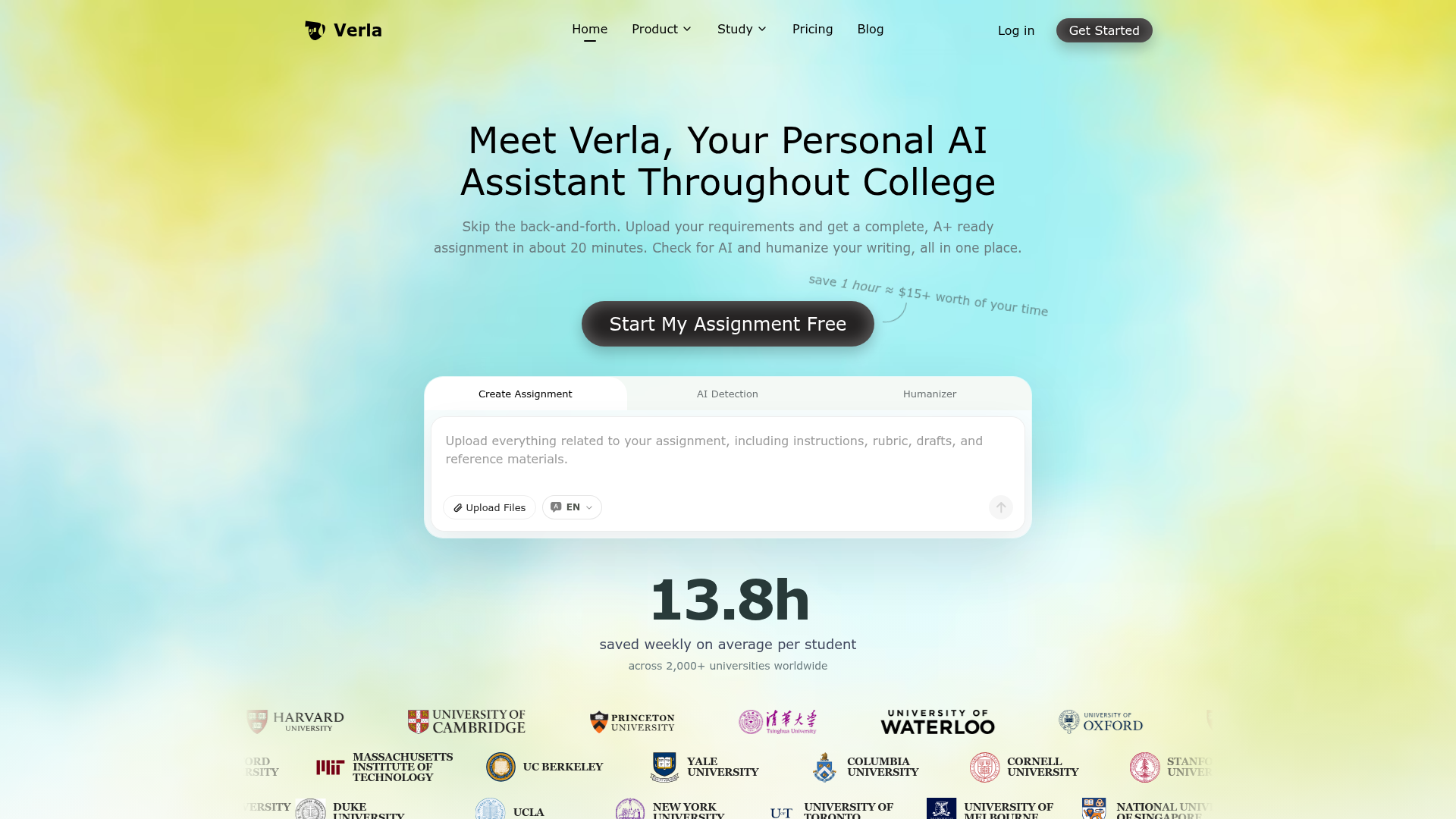
Verla specializes in college assignments, academic writing, AI detection and humanization: essays, papers, lab reports, slides and code across majors.
What is Verla?
Verla is an AI academic assistant that turns uploaded assignment requirements into complete college work, including essays, research papers, lab reports, presentations and coding projects. It combines three tools in one place: an assignment generator, an AI detector and an AI humanizer. It is built for students across more than 50 majors and 30 assignment types, and it is set apart by rubric-aware writing, traceable academic references and passage-level AI detection in a single workflow.
Key features
- Assignment generation from your own materials
- Verla reads the instructions, rubric, lecture notes, PDFs, books, datasets and examples you upload, then produces a complete result in about 20 minutes.
- Rubric-aware structure
- The output aligns structure, argument, evidence and formatting with the grading criteria you provide.
- Traceable academic references
- Citations are drawn from real academic sources and supported in APA, MLA, Chicago, IEEE, Harvard and Vancouver styles.
- AI detection with passage analysis
- Verla gives an AI likelihood score plus sentence and paragraph level analysis, with results closely aligned with Turnitin evaluations and support for more than 20 languages.
- AI humanizer
- It reduces detectable AI patterns while preserving meaning, evidence, citations and the original argument.
- Online editing and multiple exports
- Work can be edited in the browser and exported to Word, PDF, slides or code, with completion alerts in the browser and by email.
- Wide subject and format coverage
- Verla supports 50+ majors and 30+ assignment types, from essays and literature reviews to slide decks, Python and SQL tasks, data analysis and Jupyter notebooks.
How to use Verla
- Open the Verla dashboard and start a new assignment.
- Upload your requirements, such as the rubric, lecture notes, PDFs, books, datasets or example files.
- Let Verla research traceable academic sources and generate the complete assignment in one run.
- Review and edit the result in the browser, then export it to Word, PDF, slides or code.
- Run the AI detection check to see which passages carry AI risk, and use the humanizer to refine them before you submit.
Use cases
- Students writing essays, research papers, literature reviews, case studies, lab reports, research proposals, reflection papers or annotated bibliographies.
- Students preparing slide decks, pitch decks, case presentations, research presentations, speaker notes, poster presentations or group presentations.
- Computer science, engineering and data students working on Python, R, SQL, algorithm tasks, data analysis, visualization or Jupyter notebook assignments.
- Students in business, social sciences, STEM, health and medicine, humanities, law, education, architecture, design or media studies who need rubric-aligned work in their discipline.
- Multilingual students who want to check a draft for AI signals in more than 20 languages and refine the tone before submission.
Pricing
The official Verla website does not list pricing or plan details, so check the official site for current costs.
FAQ
Is Verla free to use?
The Verla website does not publish pricing or plan information. The homepage shows a "Start My Assignment Free" button, but no plan prices or subscription details are listed, so check the official site for current costs.
What kinds of assignments can Verla produce?
Verla covers 30+ assignment types across writing, presentations and coding or data work. That includes essays, research papers, reports, case studies, literature reviews, lab reports, slide decks, speaker notes, Python and SQL assignments, data analysis and Jupyter notebooks.
Which citation styles does Verla support?
Verla supports APA, MLA, Chicago, IEEE, Harvard and Vancouver citation styles. The references it produces are drawn from real academic sources and can be opened and checked.
How does Verla's AI detection work?
Verla gives an AI likelihood score and breaks the result down by sentence and paragraph so you can see exactly which passages need attention. It supports more than 20 languages and its results are closely aligned with Turnitin evaluations.
Does Verla's humanizer change the meaning or citations in my text?
No. Verla's humanizer is designed to reduce detectable AI patterns while keeping the meaning, evidence, citations and quality of the original argument intact, so the writing still reads as yours.
Are files uploaded to Verla kept private?
Verla states that uploaded materials, personal information and activity records stay protected and are never shared publicly.
Verla
Verla specializes in college assignments, academic writing, AI detection and humanization: essays, papers, lab reports, slides and code across majors.
 Cloudflare
 HTTP/3
Free AI anime and manga generator. Turn text into anime episodes, manga, comics, webtoons and comic shorts in any art style — no drawing or animation skills needed.
Translate image text across 70+ languages with our advanced AI Image Translator to help you better expand your products globally to various countries
Advertised Here
Reach thousands of visitors daily. Get your spot now!
Tools similar to Verla
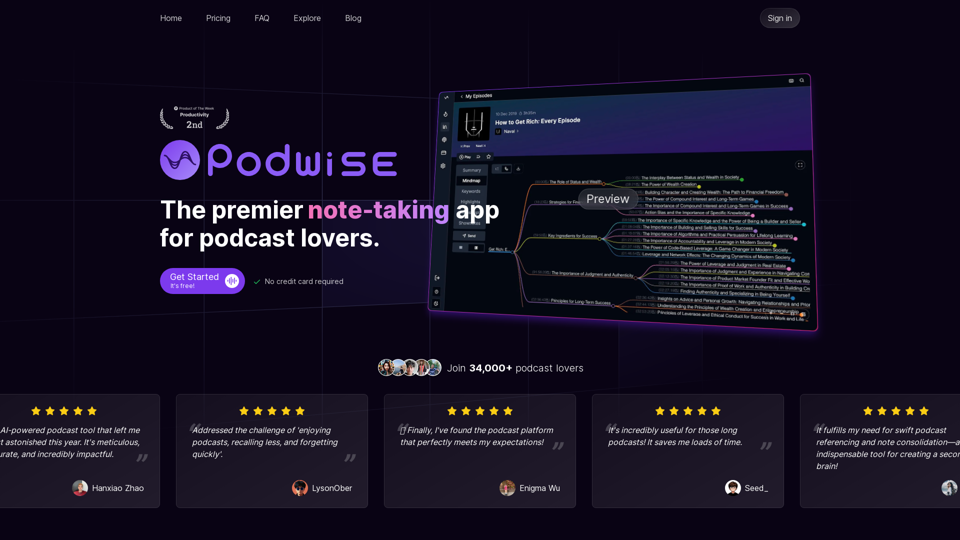
The premier learning app for podcast listeners. Learn from structured knowledge and selectively listen to chapters that pique your interest.
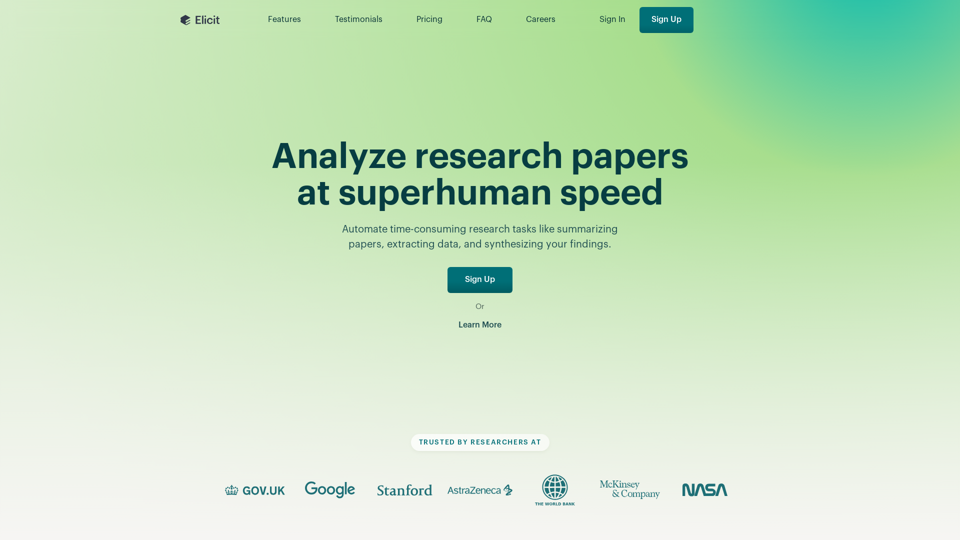
Use AI to search, summarize, extract data from, and chat with over 125 million papers. Used by over 2 million researchers in academia and industry.

NoteAI: Provides AI summary for YouTube videos/documents/websites/PDFs/DOCs/text/images, supports 3-second generation of multilingual knowledge cards, powered by top AI engines like ChatGPT, DeepSeek, and Gemini
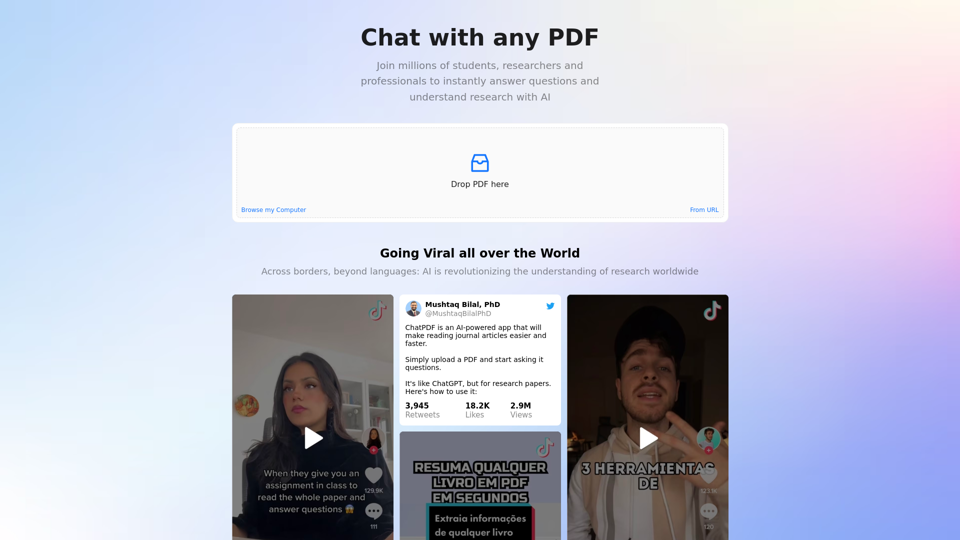
ChatPDF is the fast and easy way to chat with any PDF, free and without sign-in. Talk to books, research papers, manuals, essays, legal contracts, whatever you have! The intelligence revolution is here, ChatGPT was just the beginning!
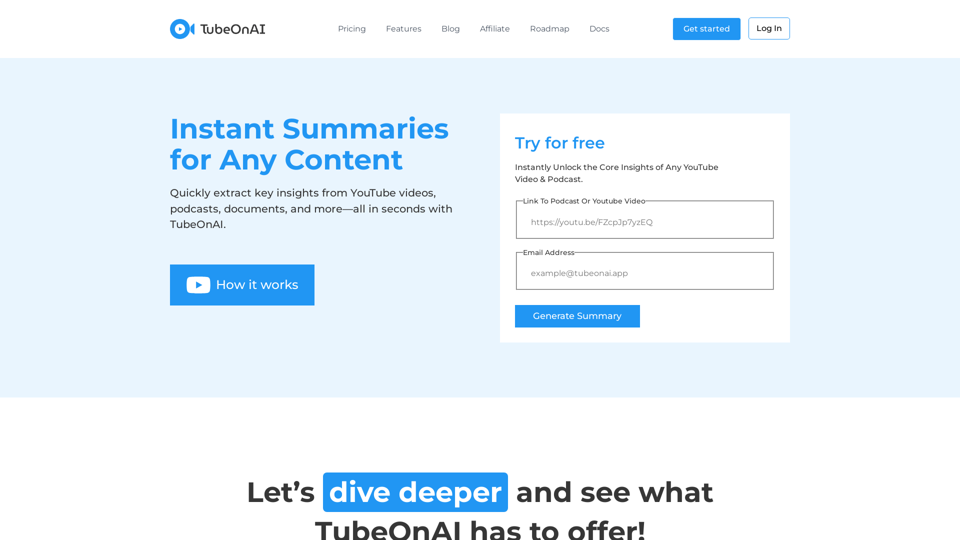
Quickly extract key insights from YouTube videos, podcasts, documents, and more—all in seconds with TubeOnAI.
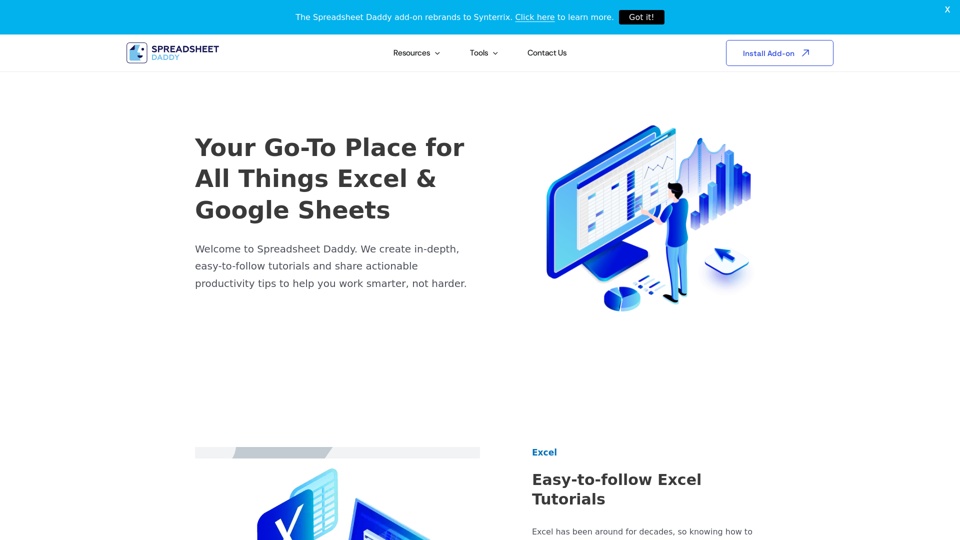
Spreadsheet Daddy is an online resource we you can find in-depth, easy-to-follow Excel & Google Sheets tutorials and find the best productivity software & tools out there to work smarter, not harder.
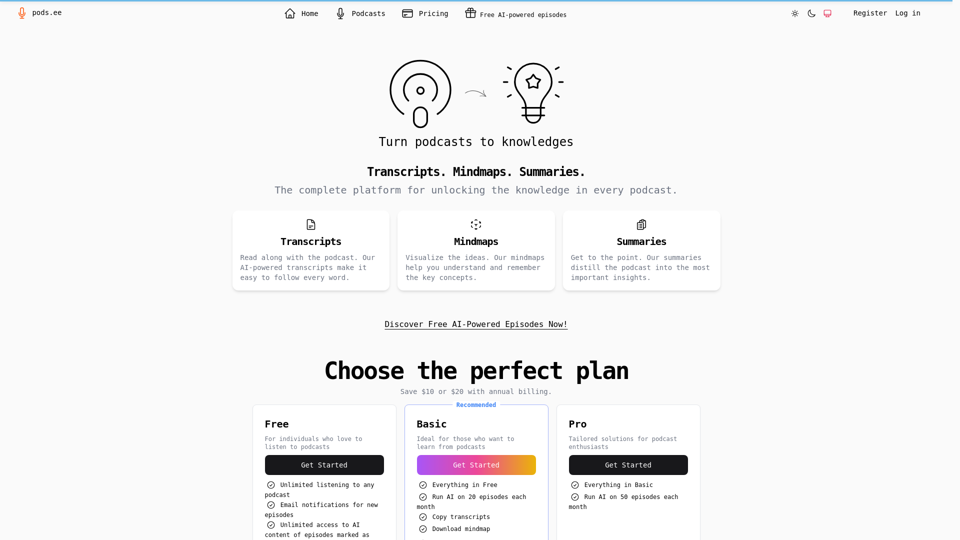
Podsee, AI transcripts, mindmaps, summaries, outlines, notes and more for podcasts.