Free Video Knowledge Base Software
Build and host a video knowledge base for your website. Use the WowTo video editor to create Support Videos, Training videos, and Educational videos.

What is WowTo?
WowTo is a comprehensive video knowledge base software that empowers users to create engaging how-to videos and maintain an organized visual help center. With its robust features, WowTo allows businesses to deliver information effectively, enhancing customer support and educational resources through video content.
Main Features of WowTo
- AI-Powered Video Creator
- Effortlessly make step-by-step how-to videos that guide viewers through various processes.
- Customizable Video Knowledge Base
- Create a professional, branded video knowledge base using pre-made layouts tailored for different uses.
- In-app Video Widget
- Integrate videos seamlessly within your website or app for accessible customer support.
- Multiple Video Formats Supported
- Convert existing content, such as PDFs and PPTs, into engaging video tutorials.
- Automated Workflows
- Utilize tools like screen recording and voice-over generation to streamline video production.
- Localization Support
- Offer multi-lingual video solutions to cater to a global audience.
How to Use WowTo
To get started with WowTo, simply sign up for a free trial. After logging in, use the AI video creator to develop how-to videos in just a few clicks. The platform enables integration with tools like Intercom, Jira, and Shopify, allowing you to streamline video access and enhance customer support. Install the WowTo Chrome extension to easily record workflows and turn them into videos with automatic voice-overs.
Pricing
WowTo offers a range of pricing plans to accommodate different business needs, from free basic features to advanced subscription options that unlock more capabilities. Start your journey for free and explore the benefits of a comprehensive video knowledge base.
Helpful Tips
- Utilize Templates
- Use the pre-made video layouts available on the platform to save time and ensure consistency.
- Regularly Update Content
- Keep your videos relevant by updating them whenever there are changes in your services or products.
- Leverage AI Localization
- Make use of the multi-lingual support feature to provide tutorials in languages that suit your diverse customer base.
- Link Support Tools
- Integrate WowTo with your existing customer support tools for enhanced resource availability.
Frequently Asked Questions
Can I create videos without prior design skills using WowTo?
Yes, WowTo's simplified video editor is specifically designed for support staff, allowing anyone to create effective support videos with no design expertise required.
How can I access my video knowledge base within my customer support apps?
WowTo enables users to integrate video tutorials into apps such as Zendesk, Intercom, and Slack, making it easy to access support resources right where you need them.
Are there any limitations on the number of videos I can create?
There are no hard limitations on video creation; however, the number of videos you can create may vary depending on your subscription plan.
Is my video content secure with WowTo?
WowTo prioritizes user privacy and data security. The platform ensures that your video content is securely stored and only accessible to authorized personnel.
How often should I update my video content?
Regularly review and update your video tutorials, especially when there are changes to your products or services, to maintain accuracy and relevance.
Free Video Knowledge Base Software
Build and host a video knowledge base for your website. Use the WowTo video editor to create Support Videos, Training videos, and Educational videos.
 Amazon CloudFront
 Amazon S3
 Amazon Web Services
 Bootstrap:5
 Google Analytics
 jQuery:3.5.1
 p5.js
Free AI anime and manga generator. Turn text into anime episodes, manga, comics, webtoons and comic shorts in any art style — no drawing or animation skills needed.
Translate image text across 70+ languages with our advanced AI Image Translator to help you better expand your products globally to various countries
Advertised Here
Reach thousands of visitors daily. Get your spot now!
Tools similar to Free Video Knowledge Base Software
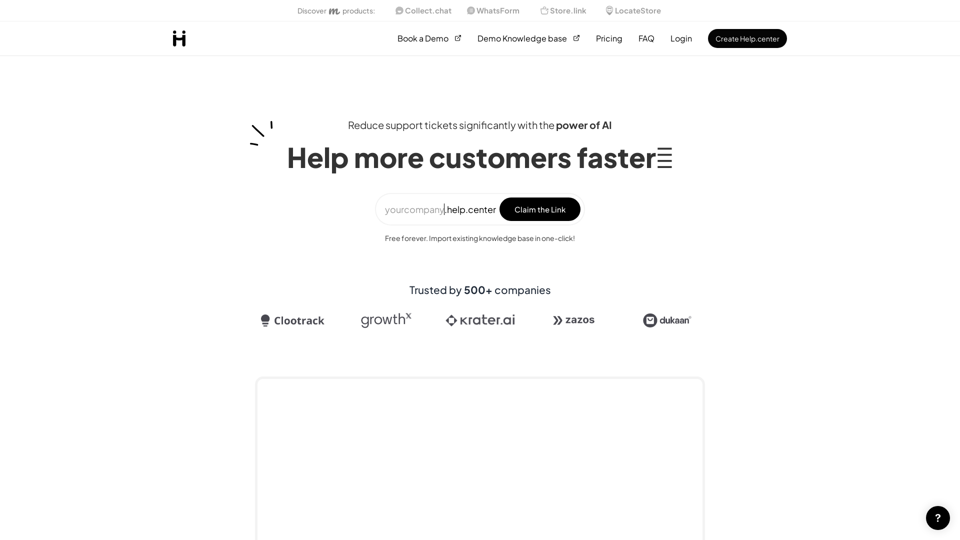
Help.center is a full-fledged customer support knowledge base solution powered with chatGPT to help customers get instant answers. You can have yourcompany.help.center website where customers can use AI search and also deploy an AI chat widget to your website to support customers in a conversational way. Deliver instant answers to customer questions using AI and boost customer satisfaction. Add an AI chatbot to your website and create a self-service doumentation portal.
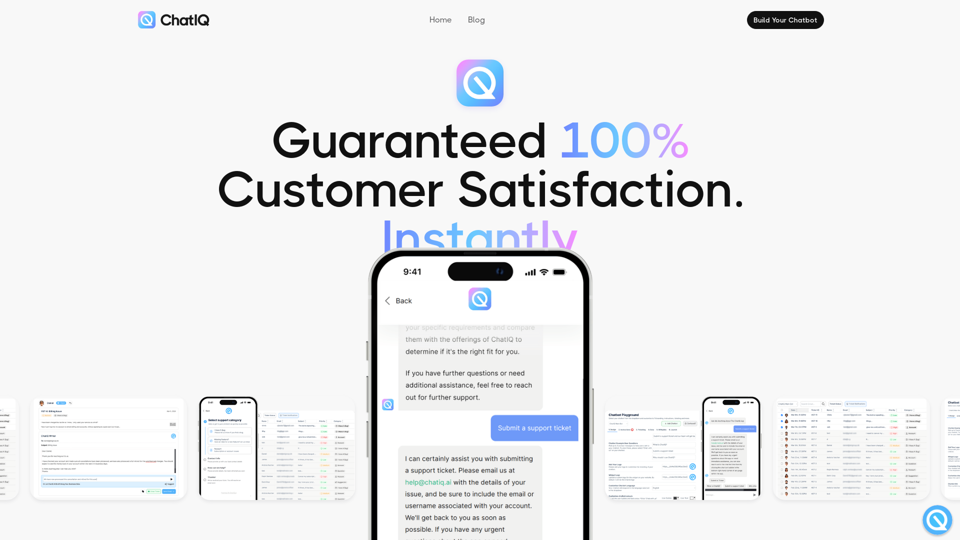
ChatIQ AI. It's ChatGPT & AI knowledge base system for your business, Automated Customer Support Ticketing
ChatIQ AI, cha gpt for your business, an ai knowledge base for your business, Knowledgebase system, Guaranteed 100% Customer Satisfaction Instantly. Build a fully integrated AI support ticketing system for your business
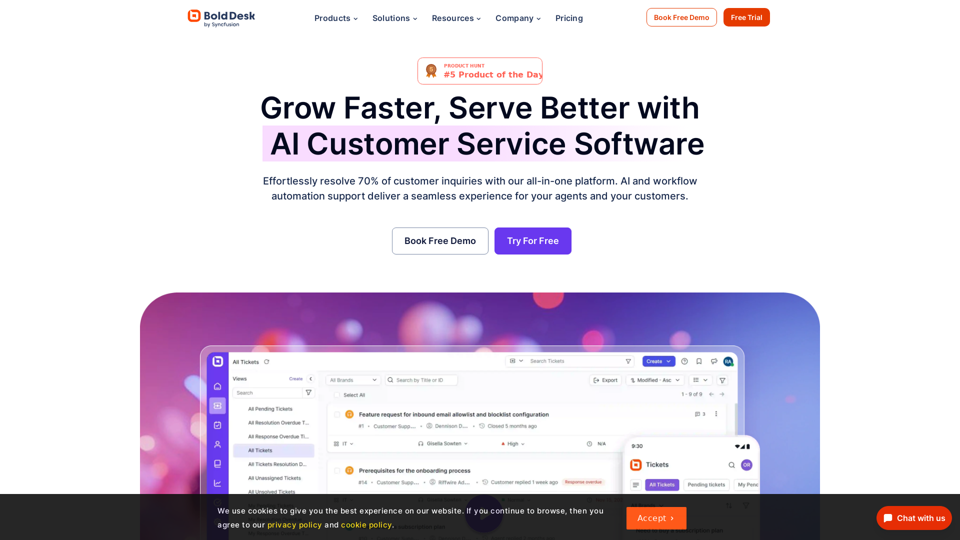
Looking for a cutting-edge help desk software to streamline your customer support? Try BoldDesk today - Scheudle Live demo
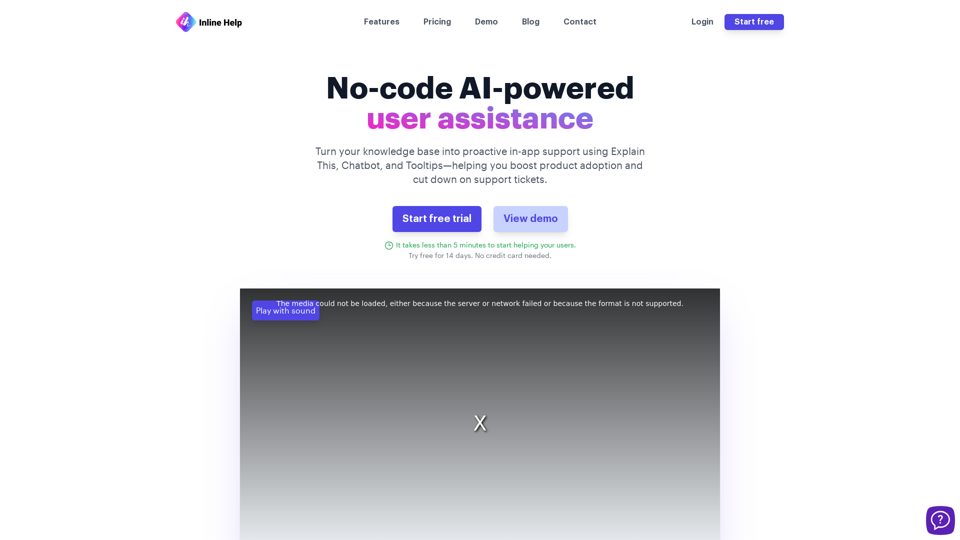
Revolutionize customer support with Inline Help's AI-enabled knowledge base. Streamline issue resolution and enhance user experience effortlessly.
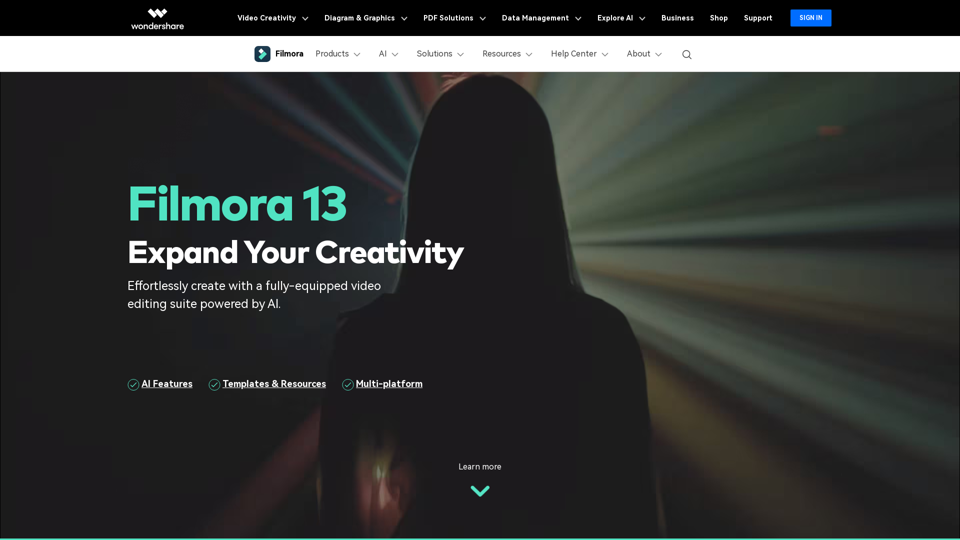
Wondershare Filmora is a simple video editor that empowers you to edit video and audio on Windows and Mac. Download Filmora to create stunning videos with titles, transitions and creative visual effects.
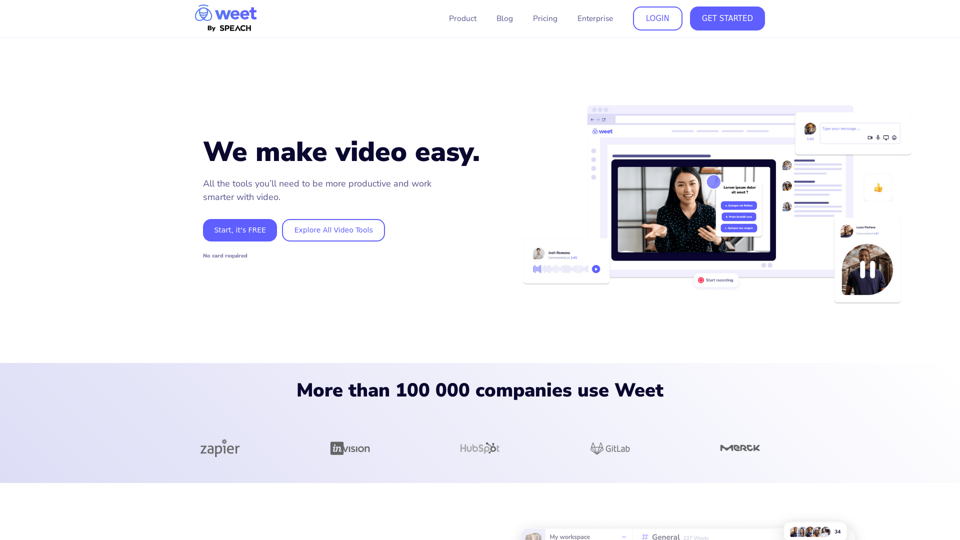
Use Weet to instantly record, create and edit interactive training videos. Build your organization’s knowledge videos library for clients & employees!
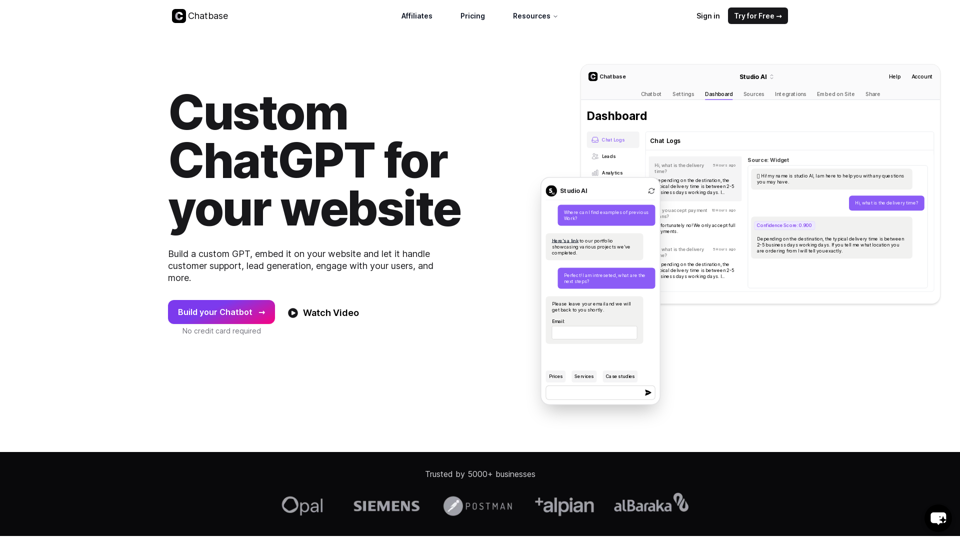
Build an AI chatbot from your knowledge base and add it to your website or interact with it through our API.