AI Product Photo Generator for Ecommerce
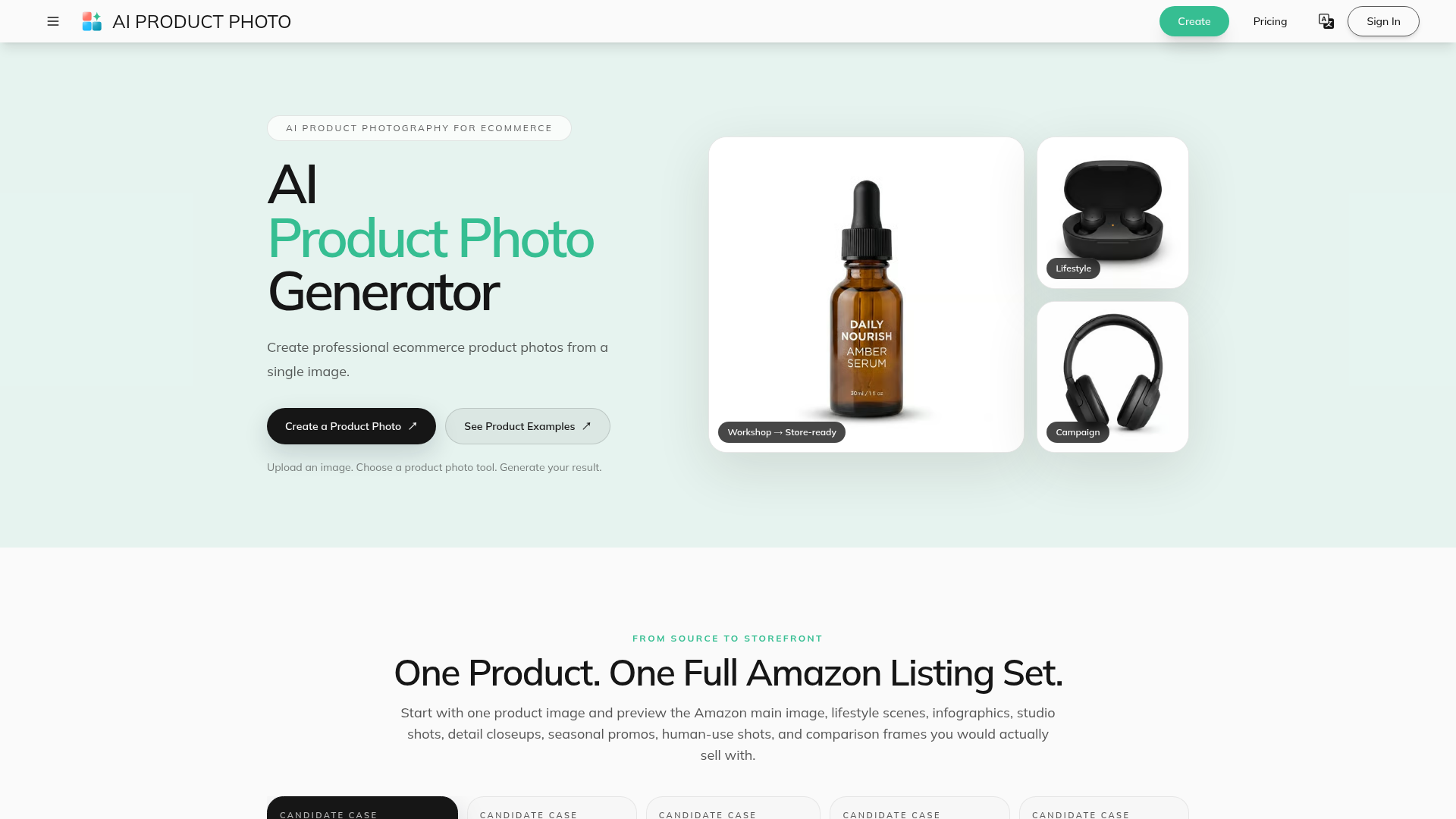
Create AI product photos for ecommerce. Remove backgrounds, generate white backdrops and scenes, improve lighting, add shadows, and run batch workflows.
What is AI Product Photography?
AI Product Photography leverages artificial intelligence, specifically image-generation and editing models, to transform a single source photograph of a product. It automates common ecommerce photography tasks, allowing you to generate a full suite of professional product images for listings, marketing, and catalogs from just one upload. This includes creating clean white backgrounds, placing products in new lifestyle scenes, generating infographics, improving lighting, and adding realistic shadows. Platforms like AIProductPhoto.com specialize in providing these focused, AI-driven tools to streamline the entire visual asset creation pipeline for online sellers.
Main Features
- Complete Amazon Listing Set Generation
- Start with a single product image and generate a full Amazon-ready image suite. This includes the main image, lifestyle scenes, infographics (A+ Content), studio shots, detail close-ups, seasonal promotional images, human/model use shots, and comparison frames—all from one source.
- Specialized AI Product Photo Tools
- Offers dedicated tools for specific ecommerce tasks:
- Background Remover: Separates the product from its original background, exporting a transparent PNG. A Pro model is available for complex edges and fine details.
- Product White Background Generator: Instantly places products on a clean, consistent white backdrop ideal for marketplaces and catalogs.
- Background Replacer: Describe a new scene (e.g., "cozy coffee shop table") to generate a completely new environment around your product.
- Product Shadow Generator: Adds realistic grounding or studio-style cast shadows to give images depth and a professional finish.
- Product Lighting Optimizer: Enhances exposure, contrast, and material definition for a brighter, more polished commercial look.
- Scalable Workflows for Businesses
- Batch Processing Workspace: Run multiple image-generation tasks simultaneously. Apply one prompt across multiple products or test several visual directions for a single product, ensuring consistency across large catalogs.
- Unified AI API: Automate product photo generation by connecting the tools to your internal systems, enabling repeatable, high-volume workflows for catalog updates and scheduled exports.
- Category-Specific Styling Guidance
- Provides tailored examples and workflows for different ecommerce categories like Home & Lifestyle, Food & Beverage, Electronics, and Fashion Accessories, helping you choose the right photographic style.
How to Use It
The process is designed to be simple and requires no manual photo-editing skills like masking in Photoshop.
- Upload Your Source Image: Choose a clear, well-lit JPG, PNG, or WebP image where the entire product is visible. A high-quality source yields the best AI results.
- Select Your Desired Tool: Navigate to the specific tool you need (e.g., "White Background," "Background Replacer," "Shadow Generator") based on the final image style you want to achieve.
- Configure and Generate: For tools like the Background Replacer, you may provide a text prompt describing the new scene. Then, initiate the AI generation process.
- Review and Download: Examine the generated result for accuracy in product details, color, and labeling. Once satisfied, download the high-resolution image for immediate use.
Pricing and Commercial Usage
- Free Access
- The platform may offer free access or a limited number of free credits for initial use. However, images generated using free access or credits are typically ### licensed only for personal, non-commercial use.
- Paid Subscriptions/ Credits
- For commercial use—such as images for Amazon listings, online stores, or marketing campaigns—a paid subscription or the purchase of credits is required. Under typical Terms of Service, output created with an active paid plan is assigned to you for commercial use, to the extent permitted by law. Pricing details are available on the platform's pricing page.
- Responsibility
- Users are responsible for ensuring their source images and use of the AI-generated output do not infringe on any third-party rights (like trademarks or copyrights).
Helpful Tips for Best Results
- Start with a Strong Source
- Use a sharp, well-lit photo with the product centered. Good separation between the product and its original background simplifies the AI's task, especially for background removal.
- Be Specific with Prompts
- When using the Background Replacer, descriptive prompts ("on a marble countertop with morning light," "in a modern office setting with a laptop") yield more targeted and effective results than vague ones.
- Leverage Batch Processing for Efficiency
- If you have multiple products (SKUs) that need the same style (e.g., all on a white background), use the Batch Workspace to process them simultaneously, saving significant time.
- Always Review Before Publishing
- AI is powerful but not infallible. Carefully check every generated image for accuracy in text on labels, product shape, color consistency, and fine details before using it in a live commercial listing or ad campaign.
- Explore by Category
- Look at the platform's examples for your product category (e.g., skincare, electronics) to understand which tools and styles work best before starting your own project.
Frequently Asked Questions (FAQ)
What kind of product photo should I upload for the best AI results?
Upload a clear image where the complete product is visible and reasonably well-lit. A sharp image with good product-background contrast will provide the AI model with the best detail to work from, leading to more reliable output.
Can I create a full set of images for my Amazon listing from one photo?
Yes, this is a core feature. The platform's workflow is built to generate the main image, lifestyle shots, infographics, studio shots, detail macros, and more, providing a complete visual package ready for an Amazon listing or A+ Content.
Do I need experience with Photoshop or professional photo editing?
No. The tools are designed as simple, upload-first workflows. You do not need to perform manual masking, layer editing, or complex retouching. The AI handles the technical editing tasks.
How does the Batch Workspace function?
The Batch Workspace allows you to run multiple AI generation tasks in one go. You can either: a) Use one reference product image and test multiple different scene prompts, or b) Apply the same prompt (e.g., "white background") to a batch of uploaded product images to ensure visual consistency across a catalog.
Are the AI-generated results guaranteed to be perfect?
No AI-generated result is guaranteed to be 100% accurate. Output can vary based on the input image, the prompt given, and the specific AI model used. It is crucial to review all generated images for any errors in product details, text, or unwanted artifacts before commercial use.
Can I use the API to automate my product photography?
Yes, a Unified AI API is available. This allows businesses to integrate AI product photo generation directly into their own systems and workflows, enabling automated processing for tasks like catalog refreshes, scheduled image exports, and high-volume operations.
What are the usage rights for the images I generate?
Usage rights depend on your account status. Output created using ### free access or free credits is generally licensed for personal, non-commercial use only. Output created with an ### active paid subscription or purchased paid credits is assigned to you for commercial use, subject to the platform's Terms of Service and applicable law. You must also ensure your use does not infringe on third-party rights.
AI Product Photo Generator for Ecommerce
Create AI product photos for ecommerce. Remove backgrounds, generate white backdrops and scenes, improve lighting, add shadows, and run batch workflows.
 Cloudflare
 HTTP/3
 dc.js
dc.jsFree AI anime and manga generator. Turn text into anime episodes, manga, comics, webtoons and comic shorts in any art style — no drawing or animation skills needed.
Translate image text across 70+ languages with our advanced AI Image Translator to help you better expand your products globally to various countries
Advertised Here
Reach thousands of visitors daily. Get your spot now!
Tools similar to AI Product Photo Generator for Ecommerce
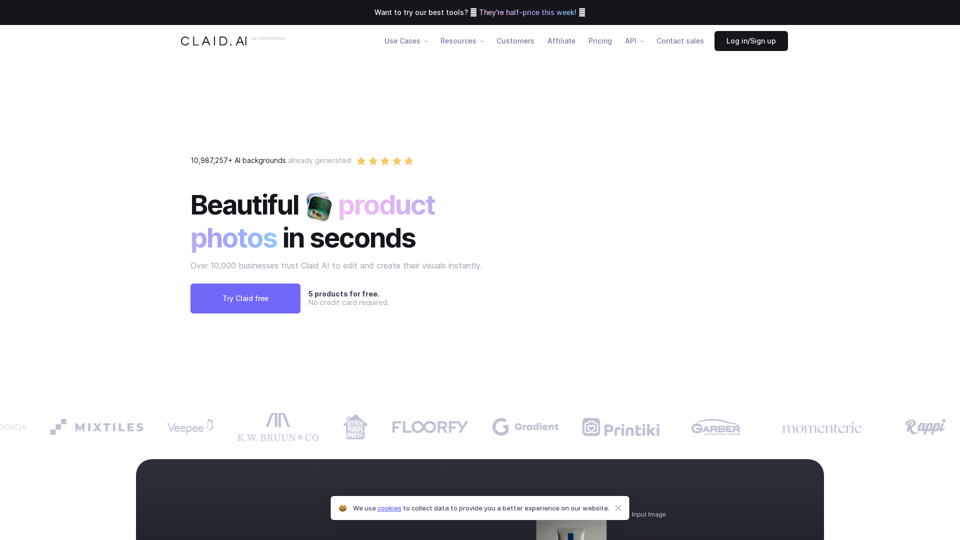
Generate AI product photos, remove background, enhance, edit, and more. Start for FREE.
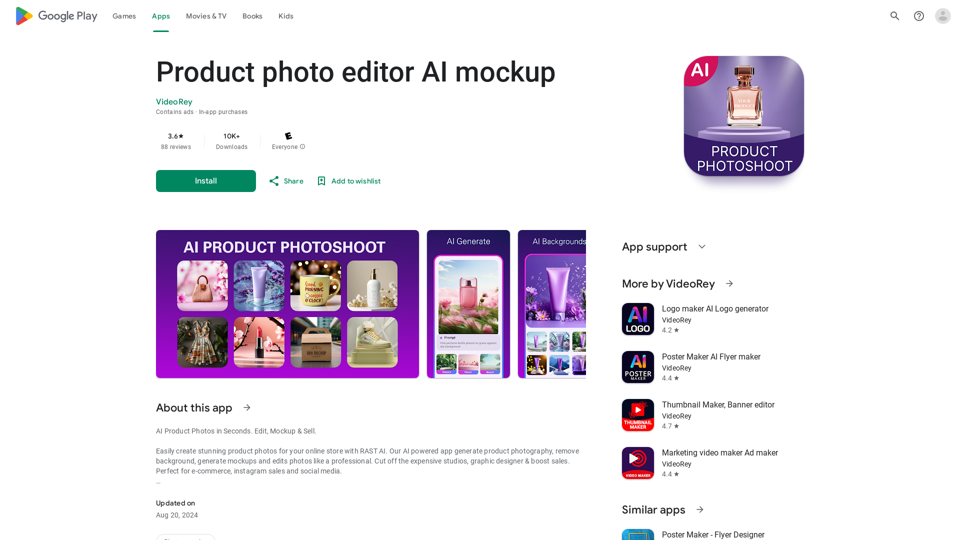
AI Product Photoshoot, ecommerce photo editor, background remover, mockup maker
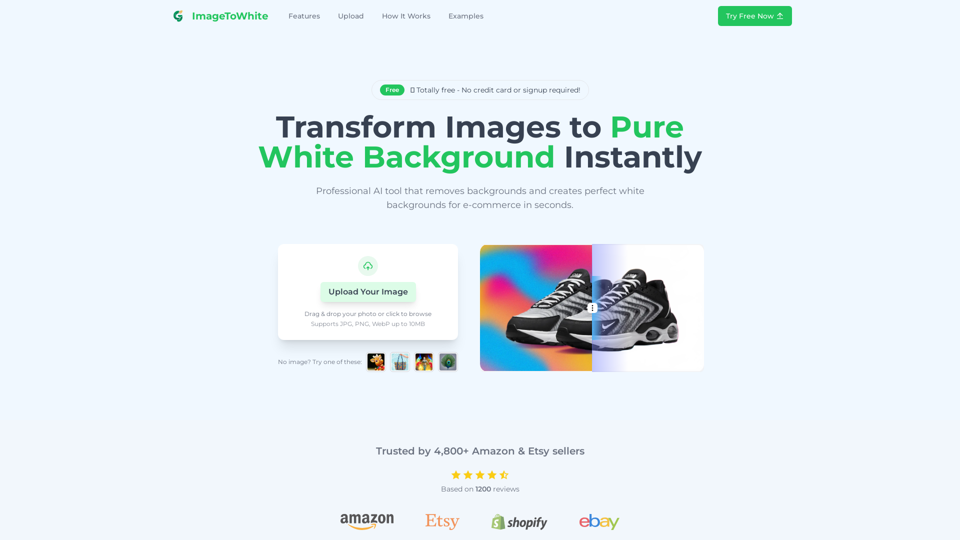
One-click tool to turn any photo into a pure white background image. Compliant with Amazon & eBay product listings. Perfect for e-commerce sales.

AI Background Generator and Replacer: Elevate your product photography with ease. Create stunning product images through simple drag and drop. Achieve high-quality results fast. Try it for free and transform your visuals effortlessly.
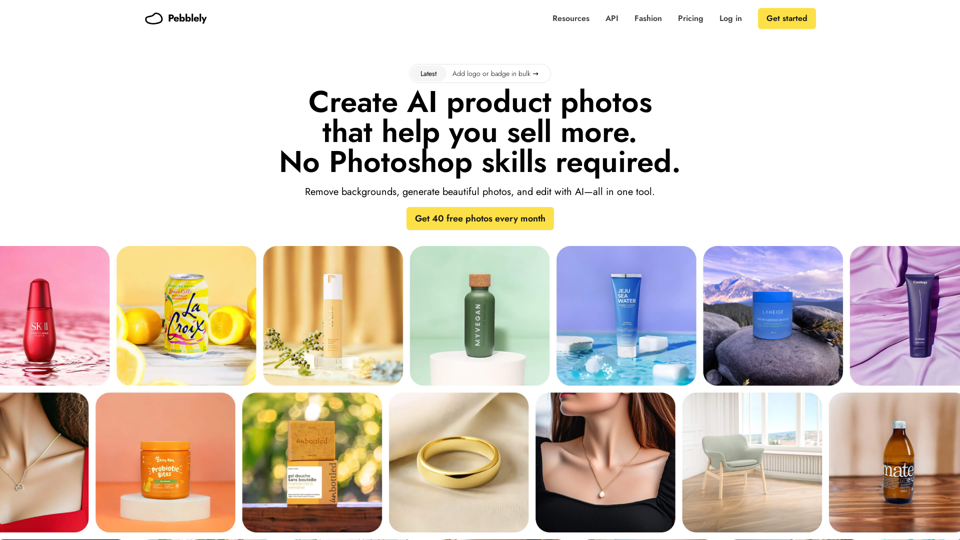
Boring product photos? Pebblely helps you create beautiful photos in seconds with AI