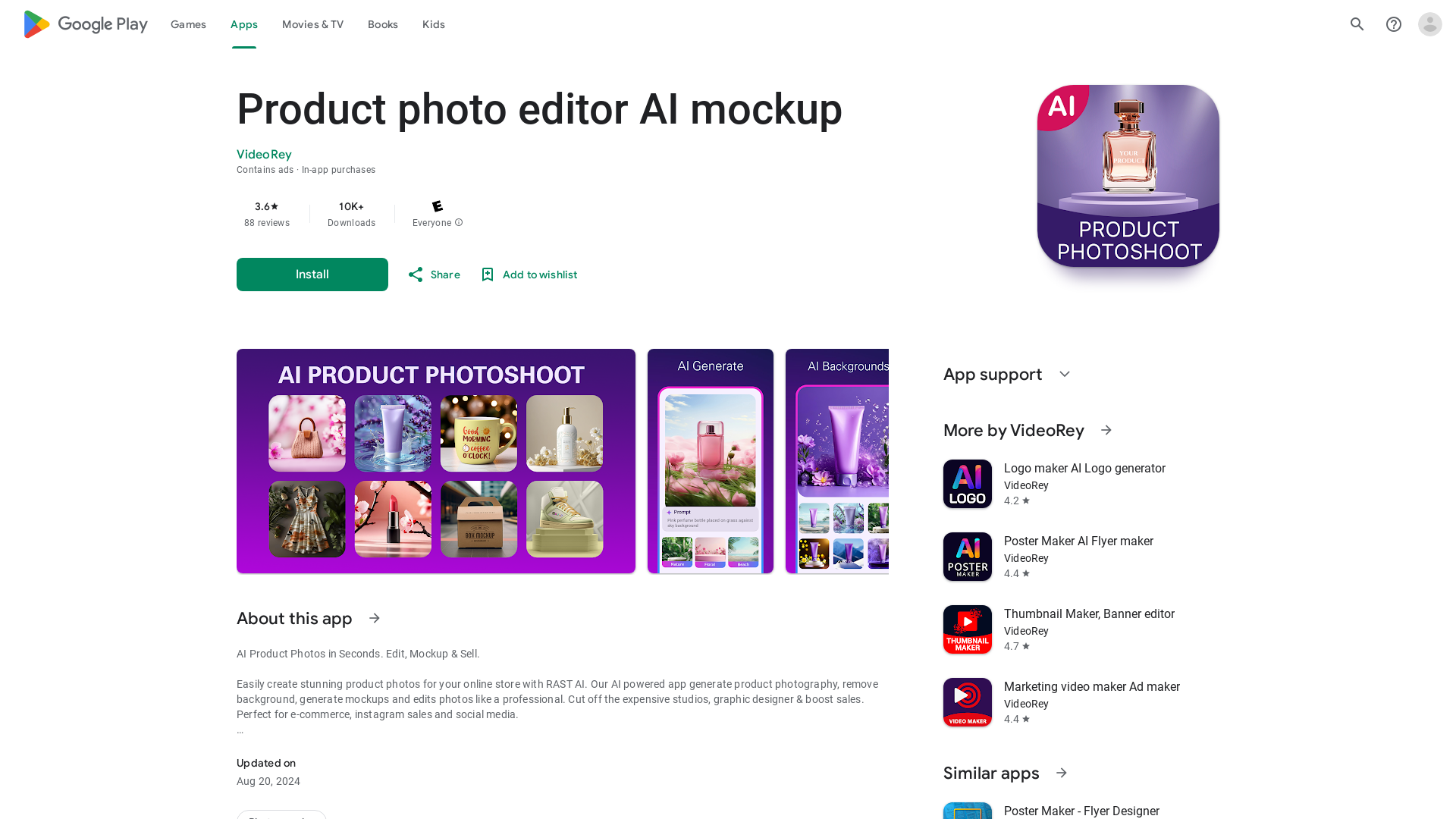
What is the AI Product Photo Editor?
The ### AI Product Photo Editor is a powerful application designed to help e-commerce businesses and social media entrepreneurs create stunning product images effortlessly. By utilizing advanced artificial intelligence, this app enables users to generate professional product photography in seconds, remove backgrounds, generate mockups, and edit photos like a seasoned graphic designer—eliminating the need for expensive studios.
Key Features of the AI Product Photo Editor
- AI Product Photo Shoot & Editor
- Leverage advanced technology to capture and edit product images.
- AI Photo Background Removal
- Achieve crystal-clear product cutouts with a transparent background.
- AI Object Removal & Eraser
- Seamlessly remove unwanted objects from your product images.
- Product Mockup Generator
- Create realistic mockups to enhance customer engagement.
- AI Photo Editing
- Apply color corrections and stunning filters/effects to improve image quality.
- Lighting Adjustment
- Fine-tune lighting to present products realistically.
- Image Resizing & Batch Editing
- Resize and edit multiple images simultaneously for efficiency.
- Promotional Poster Maker
- Design attractive posters or banners with product specifications.
- Customizable Templates
- Choose from pre-designed templates for quick and easy marketing material creation.
- E-commerce Photo Editor
- Perfect images for platforms like Amazon, Shopify, and more.
How to Use the AI Product Photo Editor?
Using the AI Product Photo Editor is straightforward:
- Download and Install: Get the app from the Google Play Store.
- Capture or Upload: Take product photos directly through the app or upload existing images.
- Edit Your Image: Use tools like background removal, lighting adjustments, and filters to enhance your photos.
- Generate Mockups: Select a template and apply your images to create appealing product mockups.
- Save and Share: Export your finished images to boost your online presence or share directly to social media channels like Instagram.
Pricing
The AI Product Photo Editor is available for free with certain features, but users may encounter in-app purchases for advanced features and tools. These enhancements provide greater flexibility and powerful editing capabilities, tailored to the needs of serious e-commerce users.
Helpful Tips
- Use Descriptive Prompts
- When generating images, use specific terms related to size, color, and mood to guide the AI more effectively.
- Batch Process
- Take advantage of batch editing to save time, especially if you have numerous products to showcase.
- Promote Clean Aesthetics
- Opt for white backgrounds for a professional look that appeals to online shoppers.
- Explore Templates
- Use pre-designed templates to quickly create marketing materials that are consistent with your brand image.
Frequently Asked Questions
Can the app create images automatically?
Yes, users can enter prompts for the AI to generate images, including constructing scenes with specified styles and lighting.
Is there a subscription model?
While there are free features available, the app also offers subscription options for power users who need advanced capabilities beyond the free tier's limitations.
Will my data be secure?
The developers prioritize privacy and do not share user data with third parties. Encryption of data in transit ensures security.
Do I need graphic design experience to use this app?
No, the AI Product Photo Editor is designed for both novices and professionals, featuring a user-friendly interface that makes editing accessible to all levels.
What platforms does the app support for product editing?
The app is compatible with various e-commerce platforms, including Amazon, Etsy, Shopify, and social media outlets like Instagram.
This comprehensive AI Product Photo Editor empowers users to approach their product photography with ease, creativity, and professionalism, enhancing their e-commerce effectiveness and social media presence.
Product photo editor AI mockup
AI Product Photoshoot, ecommerce photo editor, background remover, mockup maker
 HTTP/3
Free AI anime and manga generator. Turn text into anime episodes, manga, comics, webtoons and comic shorts in any art style — no drawing or animation skills needed.
Translate image text across 70+ languages with our advanced AI Image Translator to help you better expand your products globally to various countries
Advertised Here
Reach thousands of visitors daily. Get your spot now!
Tools similar to Product photo editor AI mockup
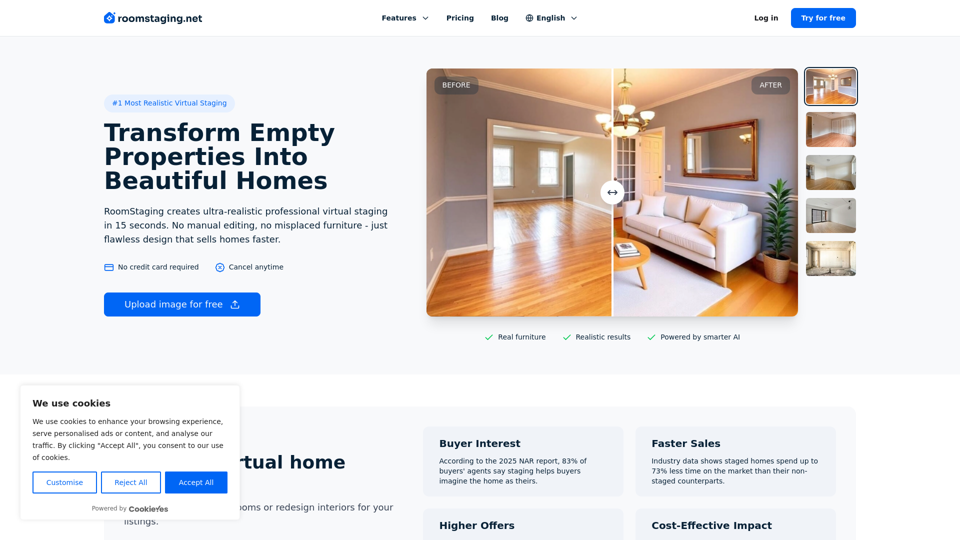
Professional virtual staging services for real estate, property managers, designers. Stage rooms in seconds with photorealistic furniture and decor.
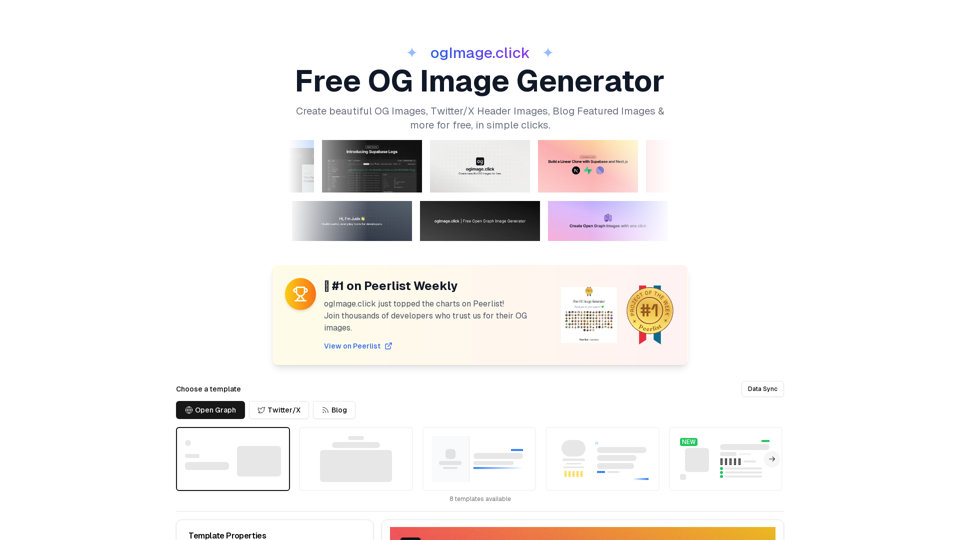
Create beautiful OG Images, Twitter/X Header Images, Blog Featured Images & more for free, in simple clicks.
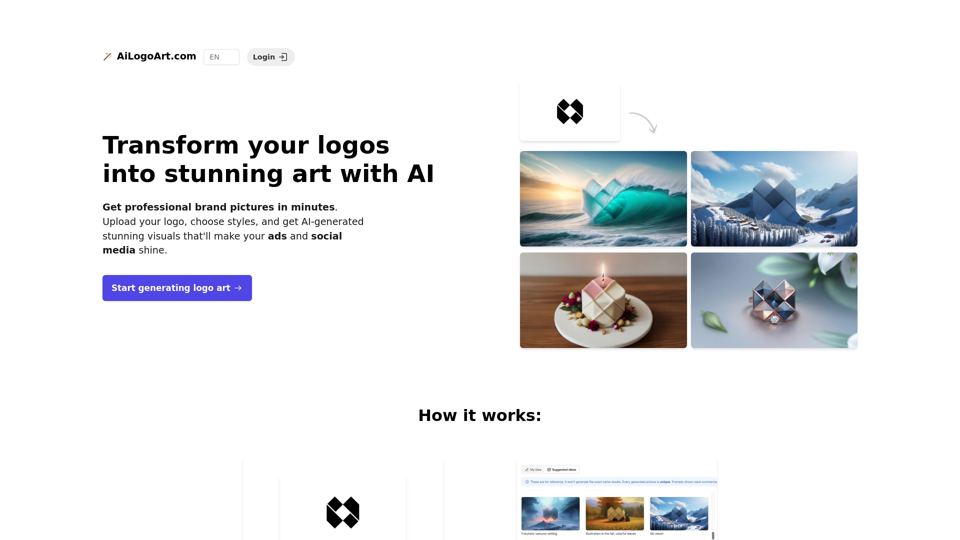
Get professional brand pictures in minutes. Upload your logo, choose styles, and get AI-generated stunning visuals that'll make your ads and social media shine.
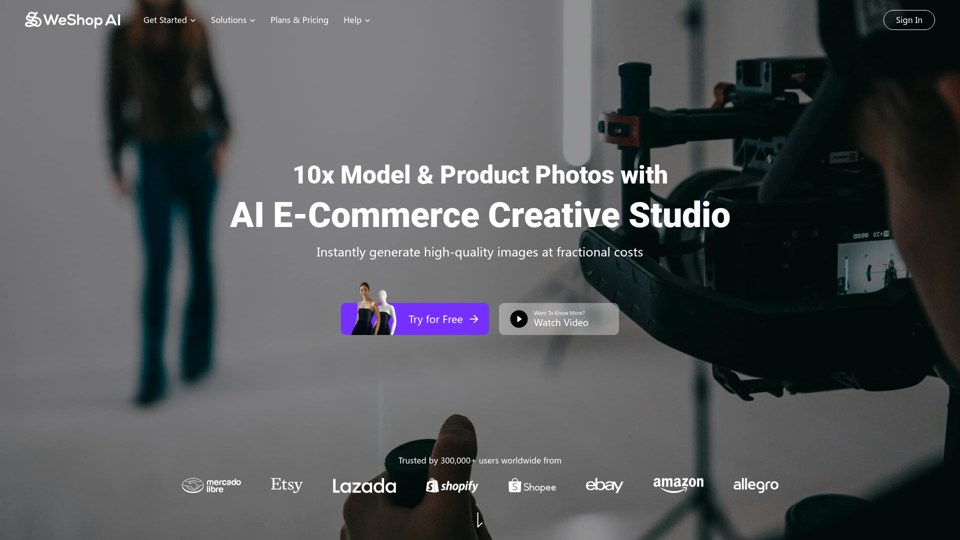
WeShop AI is your ultimate solution for AI-powered e-commerce image. AI models and photo shooting without constraints. Transform one image to multiple assets 10x faster at fractional costs.
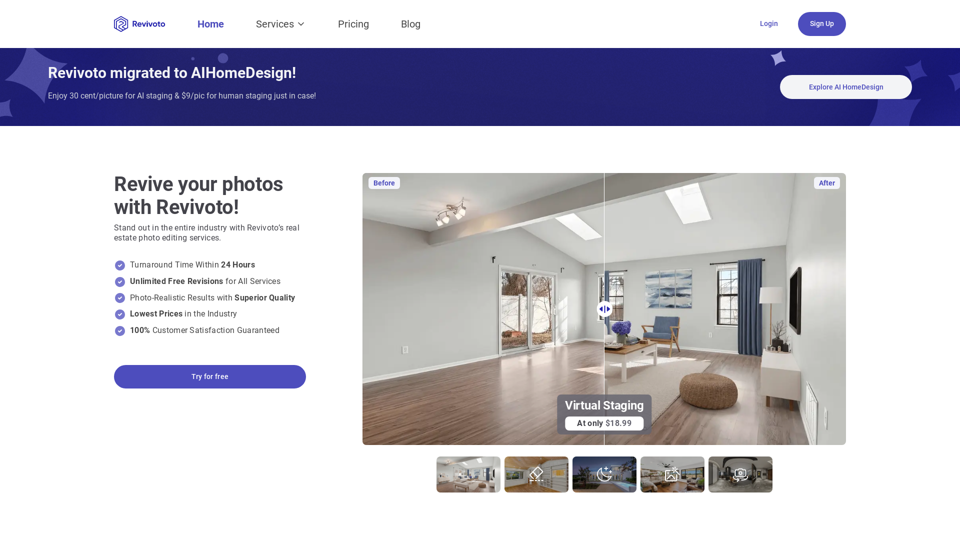
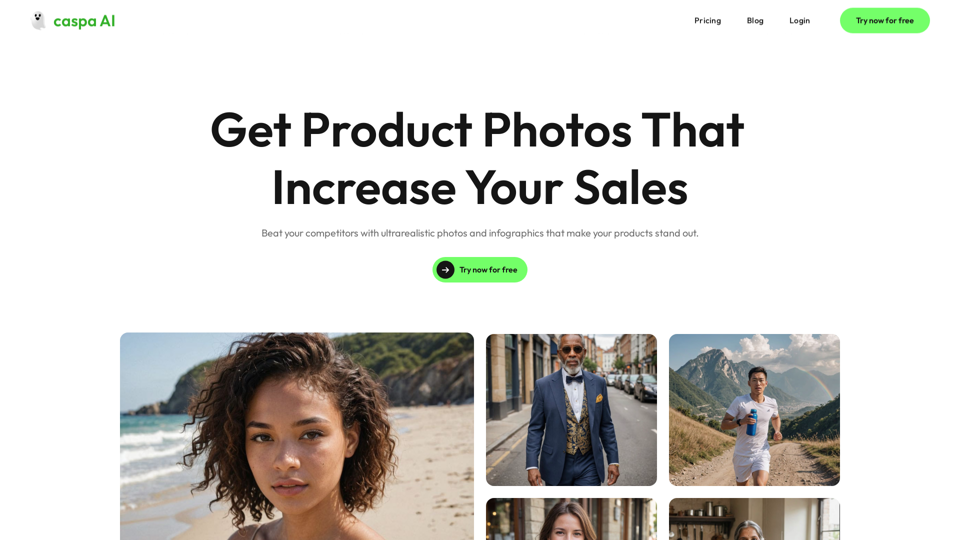
Want to make your products stand out from the competition? Try caspa AI for free and generate ultra-realistic photos and infographics of your products with human models. Edit, generate, upscale and more.
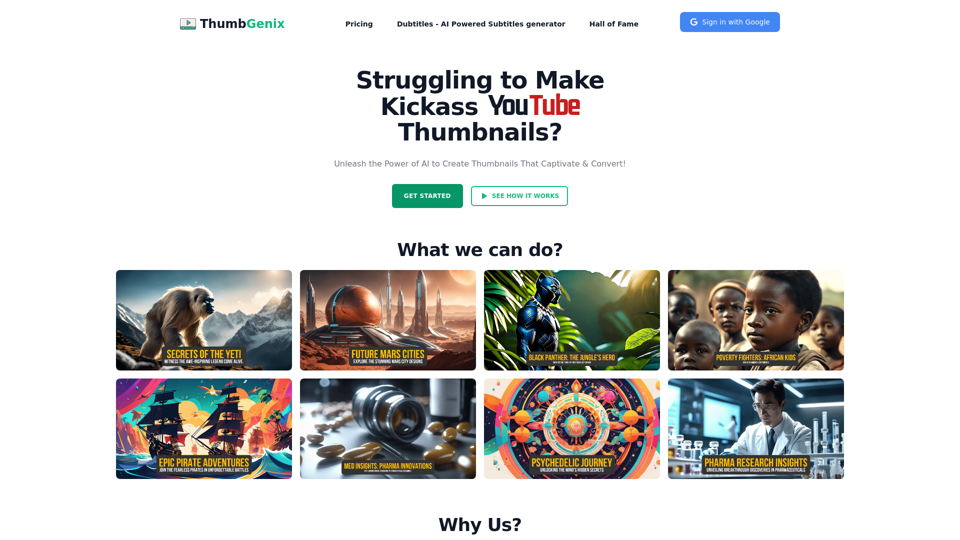
Create stunning thumbnails effortlessly with ThumbGenix, the AI-powered thumbnail generator for content creators and marketers. No design or prompt skills required.