AI Image Editor │ Free All
AIImageEditor.me offers 12 Free AI image tools—from image enhancement and watermark removal to style transfer and background editing—to simplify image editing.
What is AI Image Editor?
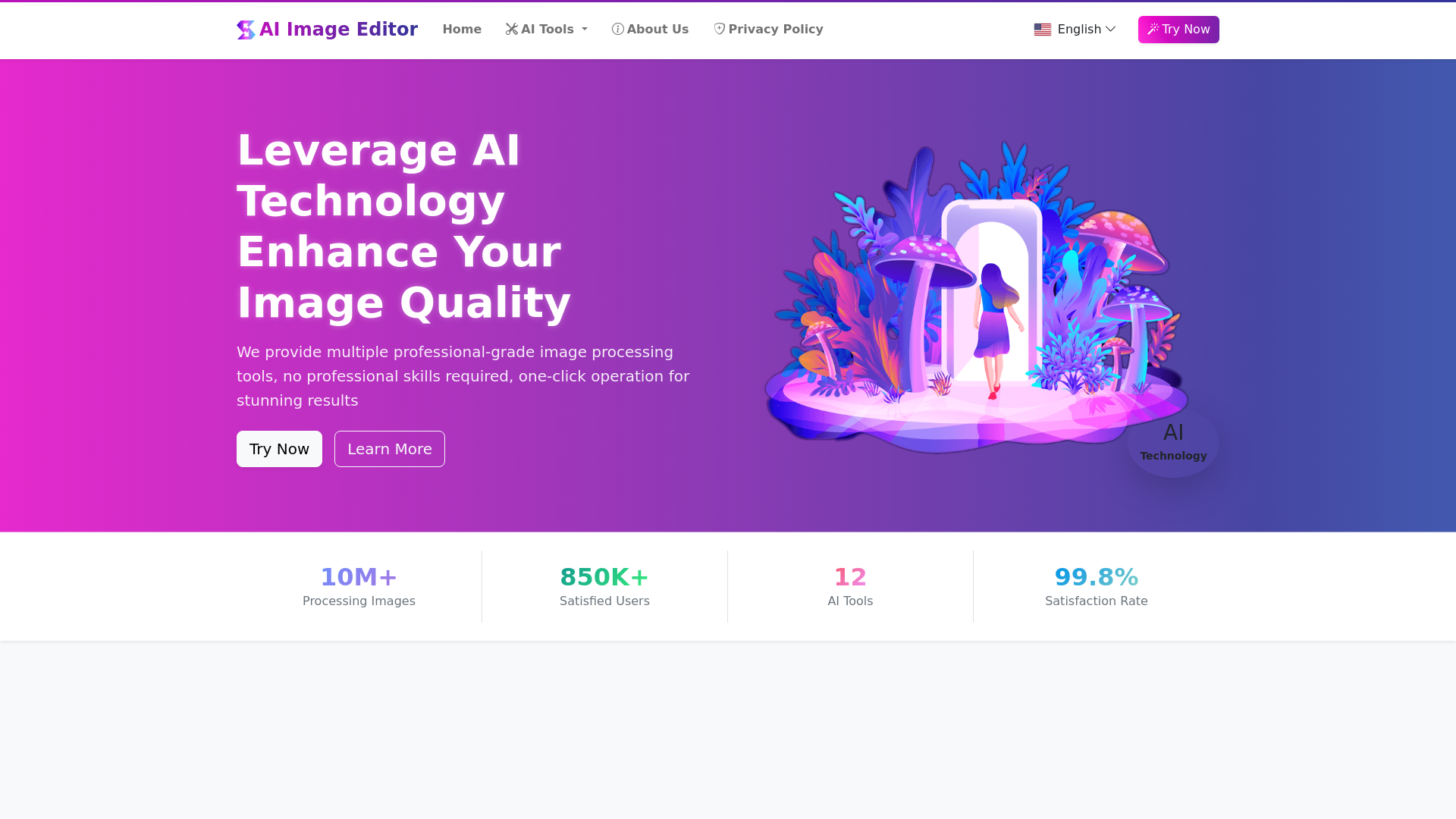
AI Image Editor is a free all-in-one photo AI tool that leverages advanced artificial intelligence technology to provide users with a range of professional-grade image processing solutions. The platform is designed for anyone, regardless of skill level, allowing one-click operations to enhance image quality effortlessly. With features such as image enhancement, background removal, and object removal, users can transform their photos with stunning results.
What are the main features of AI Image Editor?
- Comprehensive AI Tools
- Offers 12 powerful tools including image enhancement, watermark removal, background removal, and more.
- User-Friendly Interface
- Designed for ease of use with straightforward navigation, allowing users to achieve professional results without the need for technical skills.
- Multi-format Support
- Supports all major image formats, including JPG, PNG, WEBP, BMP, and TIFF, ensuring versatility in image processing.
- Fast Processing Times
- Most image processing tasks are completed in seconds due to optimized AI models.
- Dedicated Mobile Support
- Fully responsive design that allows users to access tools on both desktop and mobile devices.
How to use AI Image Editor?
Using the AI Image Editor is simple and can be completed in just three steps:
- Upload Image: Upload your desired image from your device, supporting any major format.
- Select Tool and Parameters: Choose the appropriate tool for your needs and adjust the parameters to achieve the desired outcome.
- Download Processed Image: Preview the results and download the high-quality images once the processing is complete.
What is the price of AI Image Editor?
AI Image Editor is completely free to use. Users can access all tools without any limitations, with the ability to process numerous images throughout their sessions.
Helpful Tips
- Maximize Results
- Experiment with different tools to find the perfect combination for your specific image editing needs.
- Save Different Versions
- Always save copies of your original images before processing, allowing you to revert back if needed.
- Check Format Outputs
- Remember that after processing, you can export images in various formats, which is useful for different applications.
- Stay Updated
- Keep an eye on the platform for any new tools or updates that enhance functionality and features.
Frequently Asked Questions
Is the AI image processing tool free?
Yes, our AI image processing tools are completely free, and you can use them anytime.
What image formats are supported?
We support all major image formats including JPG, PNG, WEBP, BMP, and TIFF. After processing, you can export your image in any of these formats.
Is my image safe? Do you save uploaded images?
We guarantee that uploaded images are not saved. All processing occurs on your device to ensure privacy and security.
What is the quality of processed images?
Processed images are guaranteed to be high quality with rich details and natural colors due to our advanced AI technology.
How long does processing take?
Most image processing tasks are completed within seconds, depending on the image size and complexity.
Can processed images be used for commercial purposes?
Yes, users are free to use processed images for commercial applications.
Can I use these tools on mobile devices?
Absolutely. Our AI Image Editor is fully responsive and can be accessed via smartphones and tablets.
Do you provide technical support?
Yes, technical support is available through our official website or customer service channels for prompt assistance.
Take advantage of AI Image Editor's powerful tools today and transform your images with ease!
AI Image Editor │ Free All
AIImageEditor.me offers 12 Free AI image tools—from image enhancement and watermark removal to style transfer and background editing—to simplify image editing.
 Bootstrap:5.2.3
 Cloudflare
 Google AdSense
 Google Analytics
 HTTP/3
 jQuery CDN
 jsDelivr
Free AI anime and manga generator. Turn text into anime episodes, manga, comics, webtoons and comic shorts in any art style — no drawing or animation skills needed.
Translate image text across 70+ languages with our advanced AI Image Translator to help you better expand your products globally to various countries
Advertised Here
Reach thousands of visitors daily. Get your spot now!
Tools similar to AI Image Editor │ Free All
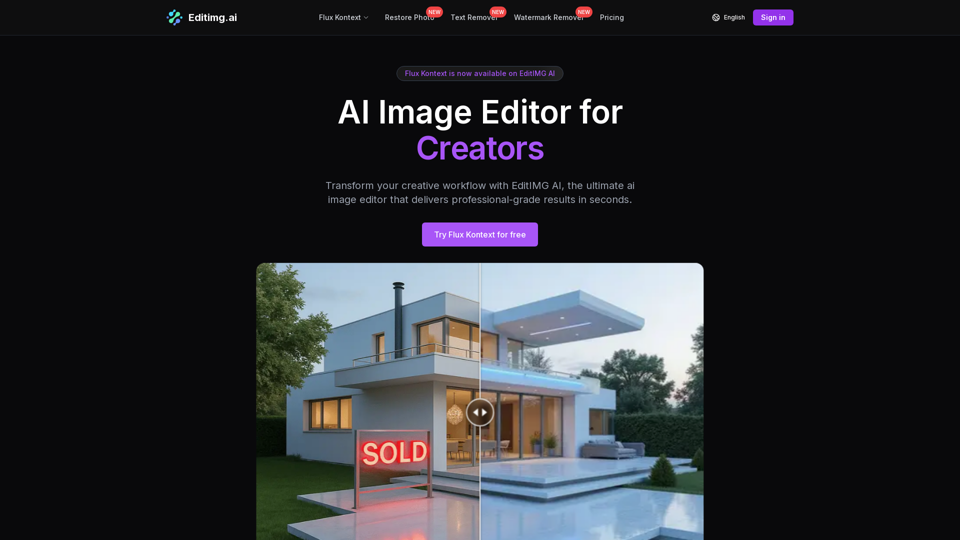
Transform your images with EditIMG AI, the most advanced ai image editor. Edit photos online with AI-powered tools for style transfer, background removal, object replacement, and more.
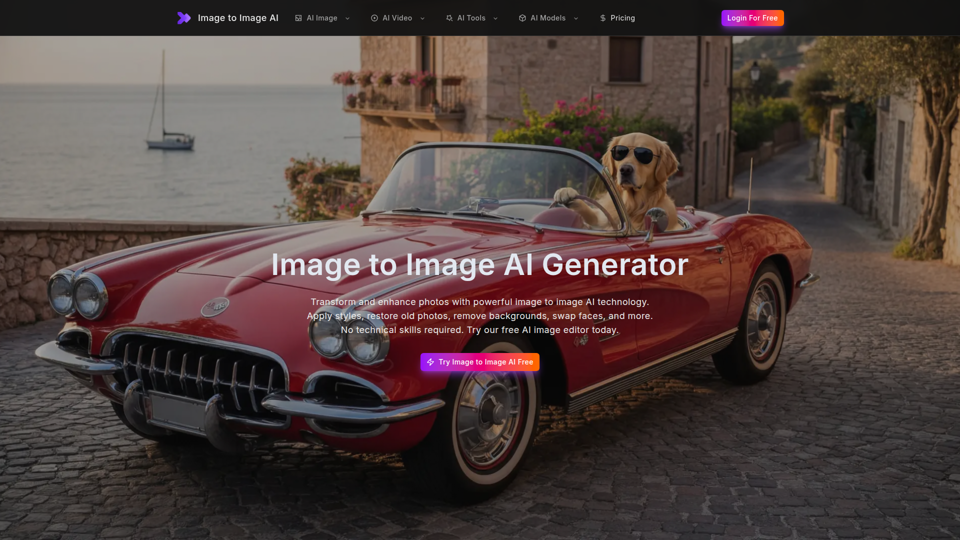
Free image to image AI generator and AI image editor online. Face swap, restore old photo, remove background, upscale, and transform photos with AI in seconds.
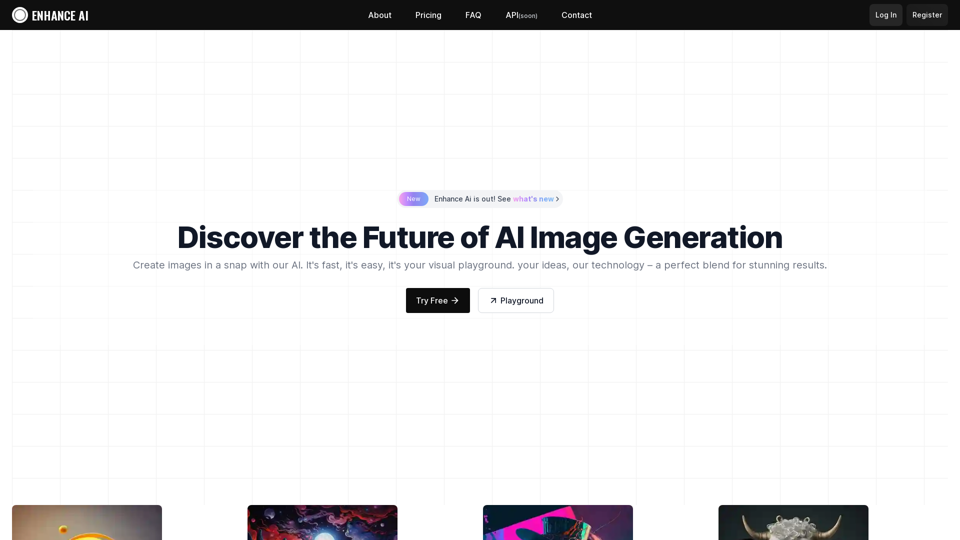
Experience cutting-edge AI image technology with Enhance AI. Photo enhancement, upscaling, deepfake creation, face generation, and background removal - all in one powerful platform.
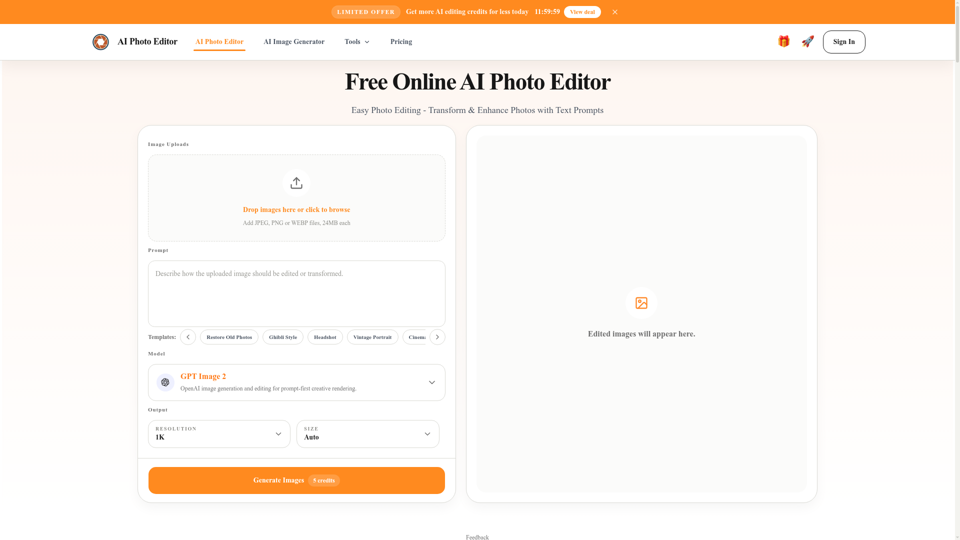
Free AI photo editor online for fast, simple photo edits. Remove, replace, enhance, and restyle images in seconds with an easy AI editor.
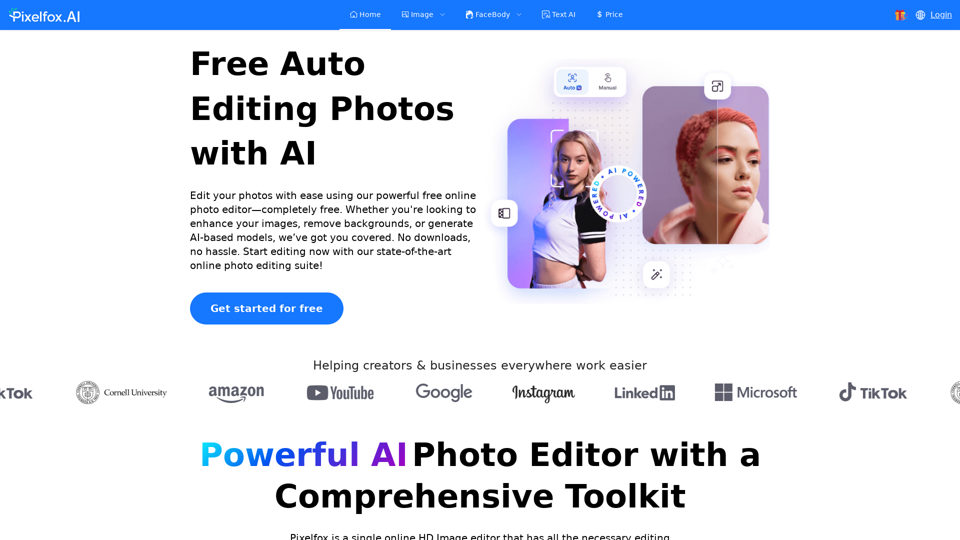
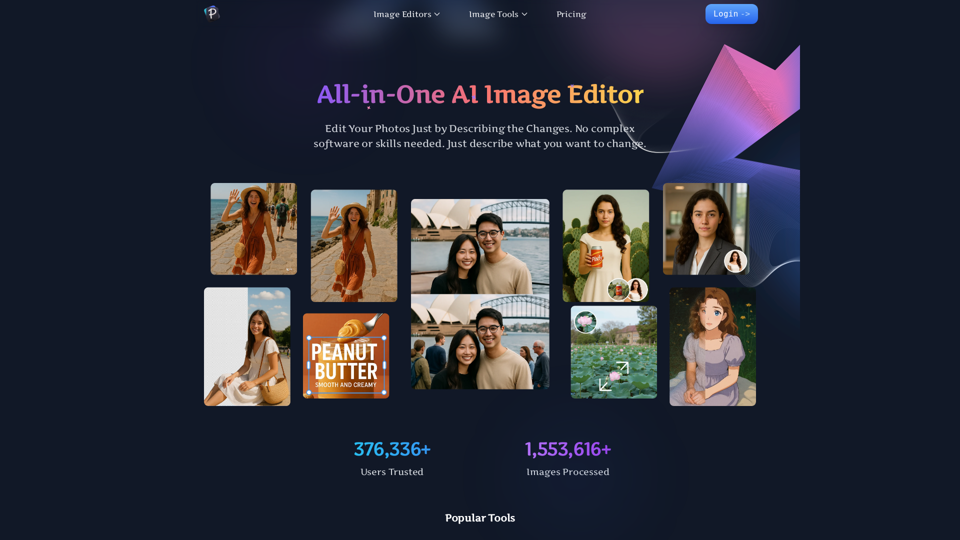
Pixelfox AI is one of the best free AI image editor tool, which is designed to auto edit images and photos. Start editing photos Now.