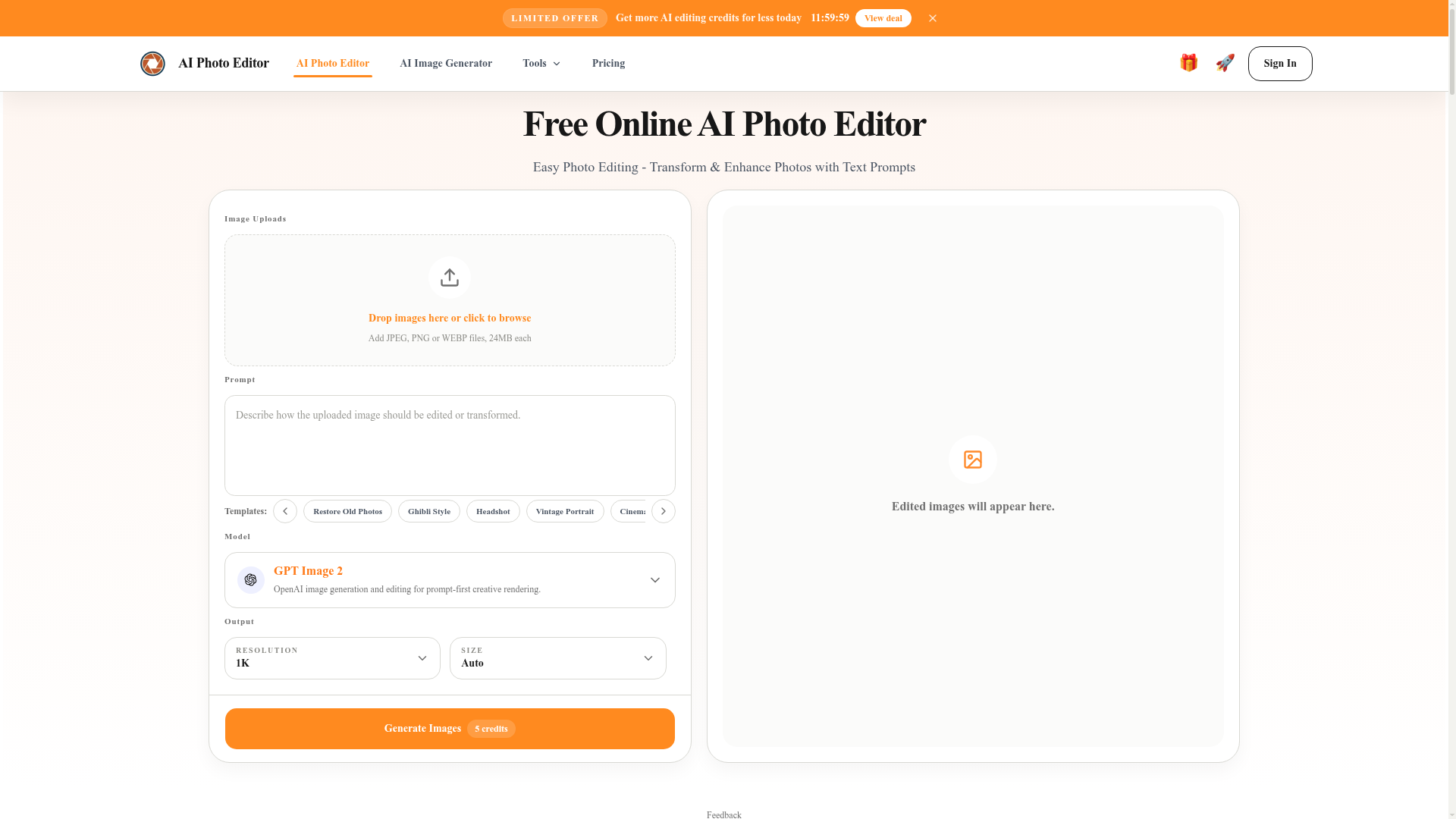
What is AI Photo Editor?
AI Photo Editor is a free online platform powered by advanced artificial intelligence that allows you to edit and enhance photos using simple text prompts. It transforms traditional photo editing by enabling users to describe the changes they want—like removing an object, changing a background, or applying a specific artistic style—and letting the AI execute those edits automatically. It's designed for users of all skill levels, from beginners needing quick fixes to professionals seeking efficient workflows for tasks like product photography, portrait retouching, or marketing asset creation.
What are the key features of AI Photo Editor?
Precise Content Control: Our AI photo editor makes targeted adjustments to specific people, objects, or areas within an image, allowing you to focus edits on small details to match your exact creative goal, whether that's adjusting local elements or reorganizing visual composition.
Background Replacement with Prompts: Easily transform ordinary settings by describing a new background. The AI seamlessly replaces backgrounds while keeping subject edges natural, making it ideal for creating cleaner, on-brand visuals for ecommerce, social media, and professional presentations.
Portrait and Product Detail Enhancement: Improve lighting, refine skin textures, and enhance product details to increase overall image clarity and professionalism. This feature is perfect for polishing headshots, portraits, and product images for direct use in stores or on social platforms.
Multi-Image Reference Workflow: Support for uploading multiple reference images allows you to unify visual styles, borrow compositional ideas, or merge elements. This is invaluable for design and brand teams needing to maintain visual consistency across projects and review rounds.
Fast Photo Stylization: Instantly transform photos into defined artistic styles, such as Ghibli-inspired animation, vintage film, Polaroid, or illustration aesthetics. This is perfect for quickly creating distinctive social media content or experimenting with new visual directions for brand assets.
Flexible AI Model Selection: Choose from different AI models like GPT Image 2 for flexible, prompt-driven editing, Nano Banana Pro for premium commercial-grade output, Seedream for specialized creative workflows, and Qwen for intelligent editing of complex scenes, tailoring the tool to your specific creative needs.
How to use the AI Photo Editor?
Using the AI photo editor involves a simple three-step process that leverages text prompts for intuitive control:
- Upload Your Image: Start by uploading a JPG, PNG, or WebP image file. Clear, high-quality photos of products, portraits, or everyday scenes yield the best results.
- Describe the Change: In the prompt box, clearly describe the edit you want. Use simple instructions like "remove the person in the background," "change the wall color to blue," "enhance skin smoothness," or "make this look like a vintage photo."
- Generate and Download: Click the generate button. After a short processing time, review the AI-edited image in the preview window. If satisfied, download the high-quality result. If not, refine your prompt and generate again to iteratively achieve the perfect edit.
Is the AI Photo Editor free? What about pricing?
Yes, the AI Photo Editor offers free usage. Users can manually claim 20 free credits every 24 hours for image editing and generation tasks. For users with higher volume needs—such as marketing teams, ecommerce sellers, or frequent content creators—additional credits are available for purchase. This flexible model allows beginners to explore the tool at no cost while providing scalable options for professional workflows that require more extensive editing.
Helpful Tips for Using AI Photo Editor
- Start with Clear Prompts
- The more specific your text description, the better the AI can execute your vision. Instead of "make it better," try "brighten the subject's face and blur the background."
- Use the Template Library
- Leverage built-in prompt templates for common tasks like "Restore Old Photos," "Ghibli Style," or "Skin Enhancement" to jumpstart your editing process.
- Experiment with Different Models
- If you're not satisfied with the initial result from one AI model (like GPT Image 2), try switching to another (like Nano Banana Pro) for a different balance of creativity, detail, and consistency.
- Utilize Reference Images
- For complex stylization or when aiming for a specific look, use the multi-image reference feature. Upload a style example to guide the AI more effectively.
- Iterate for Perfection
- Treat the first generation as a draft. Use the output to refine your prompt for a second or third attempt, gradually honing in on the perfect final image.
Frequently Asked Questions
Do I need an account to use the AI Photo Editor?
Yes, you need to sign in to use the editor. You can quickly authorize an account using your Google credentials for one-click access.
How does the AI Photo Editor work?
You upload an image, enter a text prompt describing the changes you want, and click Generate. The AI processes your request and displays the edited image, which you can then download.
Why is this AI photo editor good for beginners?
It eliminates the need to learn complex software with layers and masks. The prompt-based interface is intuitive; you describe what you want in simple language and get a polished result quickly, making professional-grade editing accessible to everyone.
Which file formats are supported?
The editor supports common formats including JPG, PNG, and WebP for upload. Edited images can be downloaded in high quality suitable for web, print, and social media use.
Can I use the edited images for commercial work?
Yes. Images created with the AI Photo Editor can be used for commercial purposes, including ecommerce, marketing campaigns, social media, websites, and other business projects.
Can the editor remove objects from photos for free?
Yes. Using your free daily credits, you can describe an object or person you want removed, and the AI will intelligently rebuild the background for a clean, natural-looking result.
Will the editor preserve my photo's quality?
The AI is designed to maintain key details and sharpness while making edits, ensuring the final output remains high-quality and suitable for professional use.
Is my data safe when using the editor?
Uploads are handled through secure workflows. For specific details on data storage, processing, and privacy, please refer to the platform's dedicated privacy policy.
Free AI Photo Editor Online
Free AI photo editor online for fast, simple photo edits. Remove, replace, enhance, and restyle images in seconds with an easy AI editor.
 Cloudflare
 HTTP/3
 Next.js
 Node.js
 React
React Webpack
Free AI anime and manga generator. Turn text into anime episodes, manga, comics, webtoons and comic shorts in any art style — no drawing or animation skills needed.
Translate image text across 70+ languages with our advanced AI Image Translator to help you better expand your products globally to various countries
Advertised Here
Reach thousands of visitors daily. Get your spot now!
Tools similar to Free AI Photo Editor Online
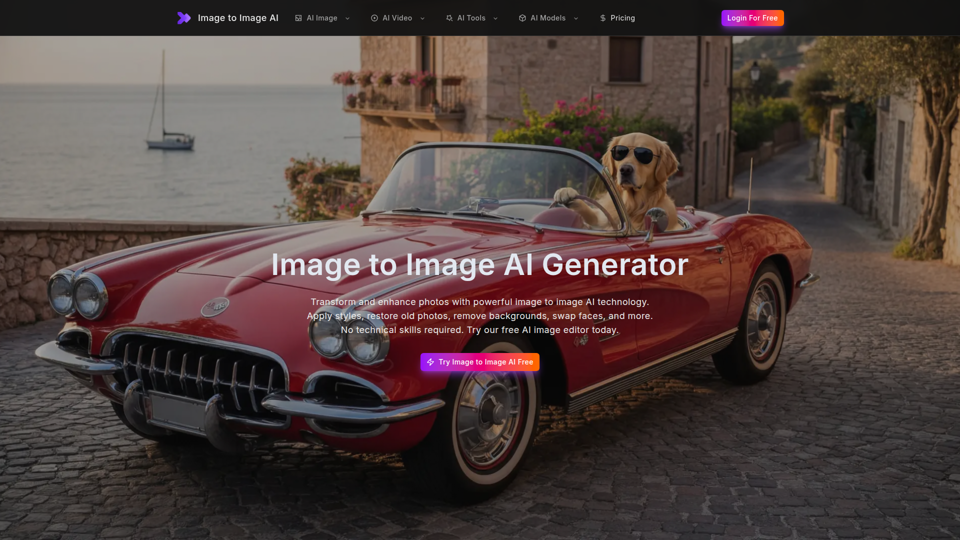
Free image to image AI generator and AI image editor online. Face swap, restore old photo, remove background, upscale, and transform photos with AI in seconds.
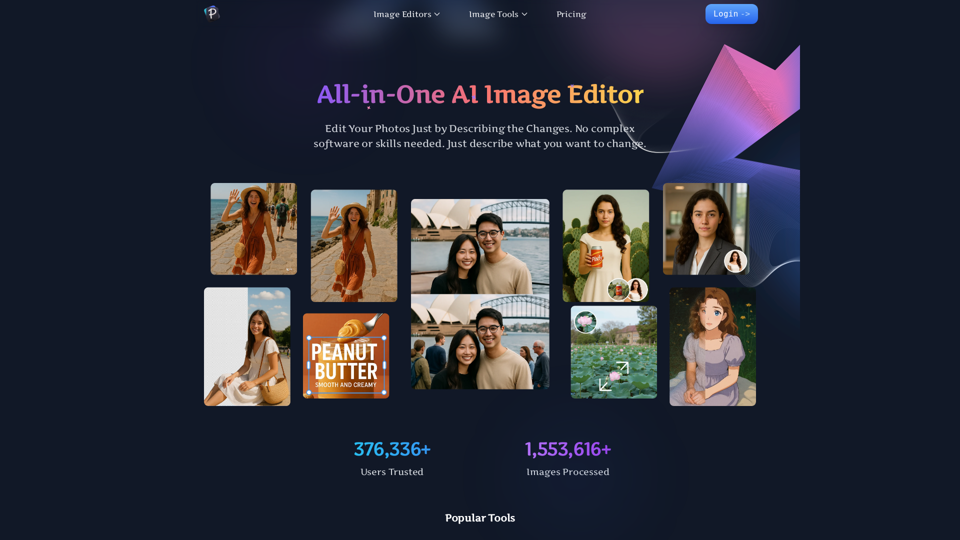
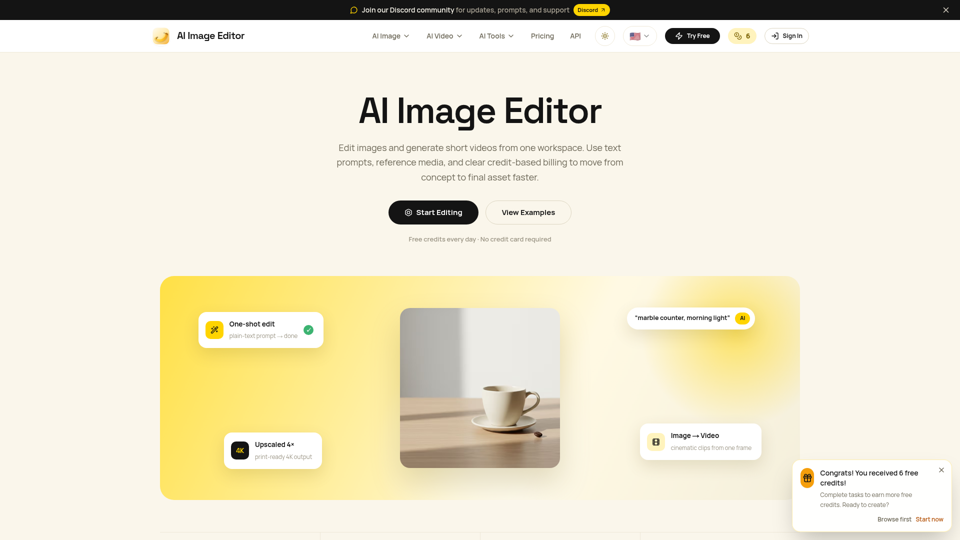
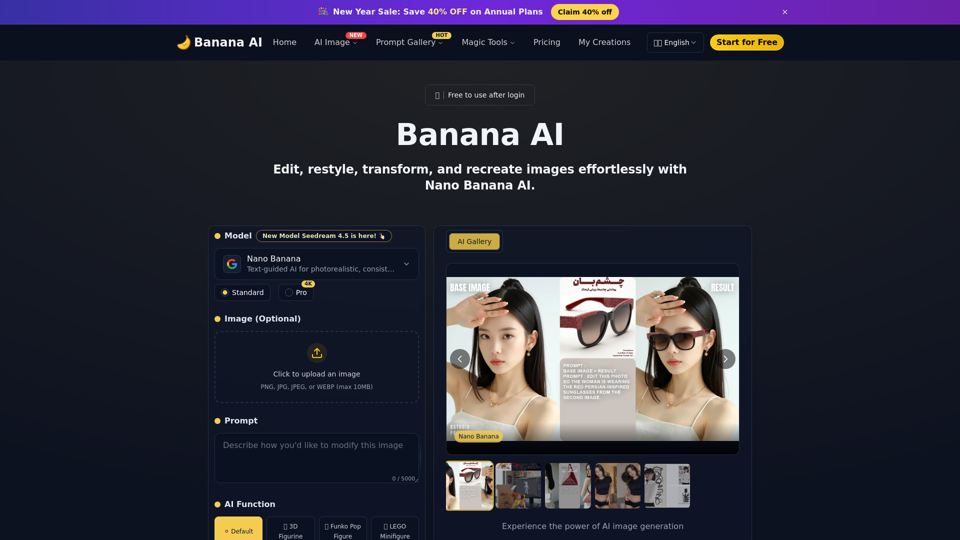
Edit photos with natural language using our free AI image editor. Transform, retouch, and enhance any photo with simple text prompts—fast and easy.
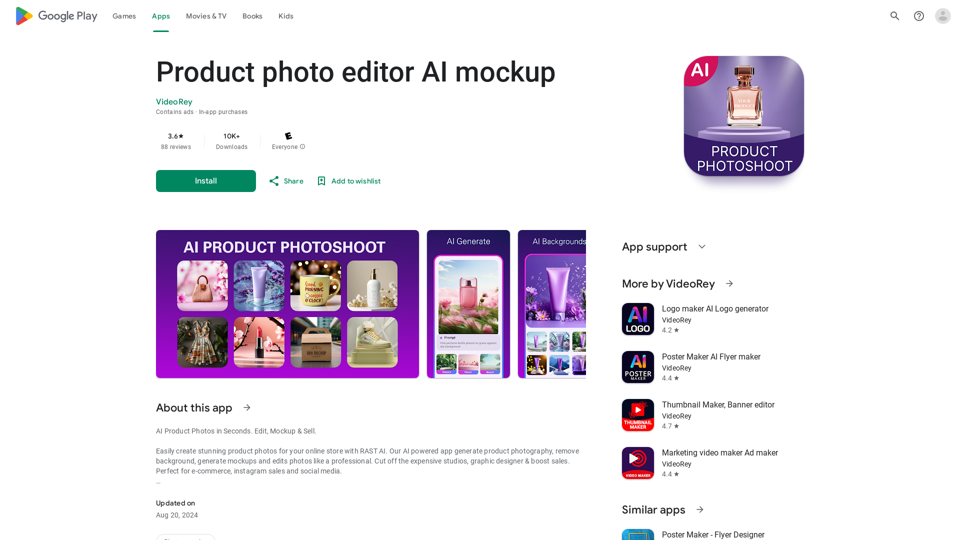
AI Product Photoshoot, ecommerce photo editor, background remover, mockup maker
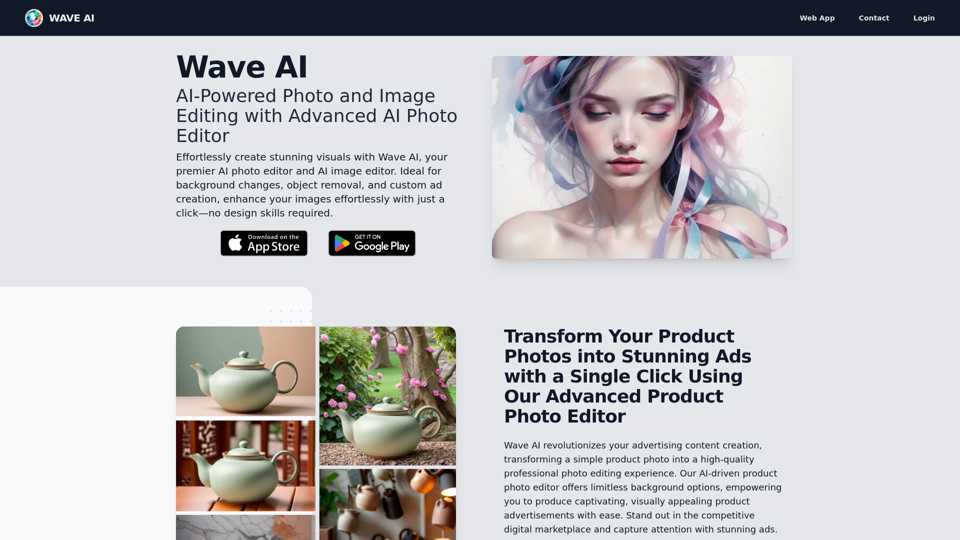
Easily enhance and create product photos with our AI editing tools. Remove background, AI image generator, remove objects, photo enhancer and batch edit.
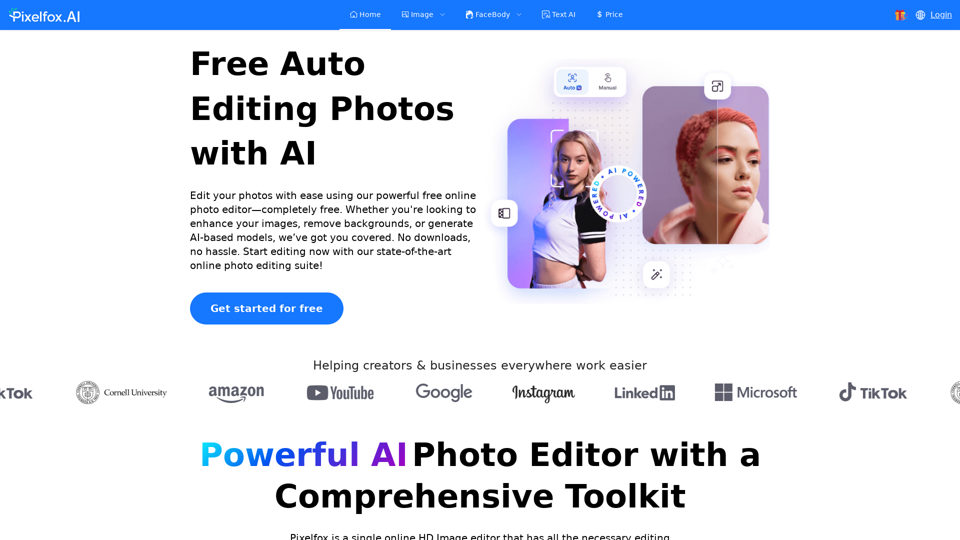
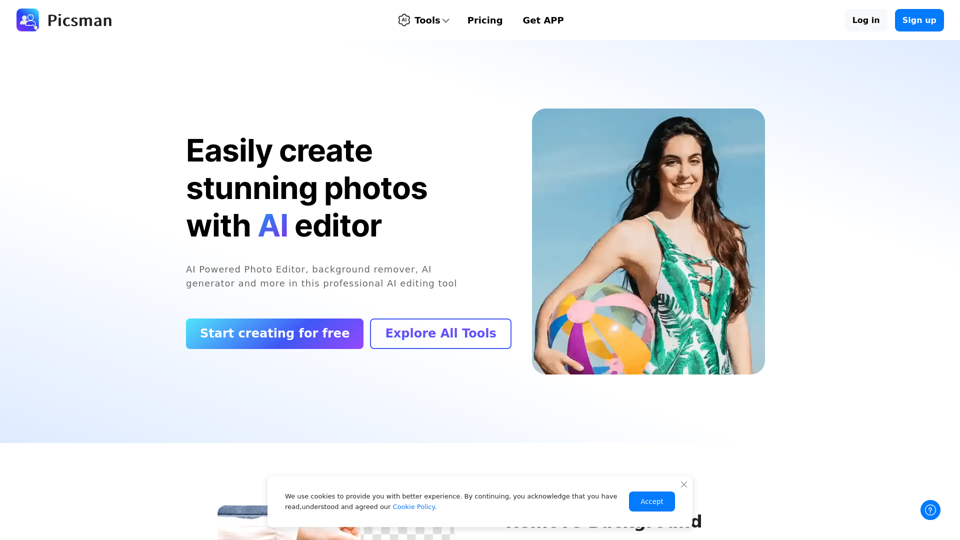
Pixelfox AI is one of the best free AI image editor tool, which is designed to auto edit images and photos. Start editing photos Now.