What is AnividAI?
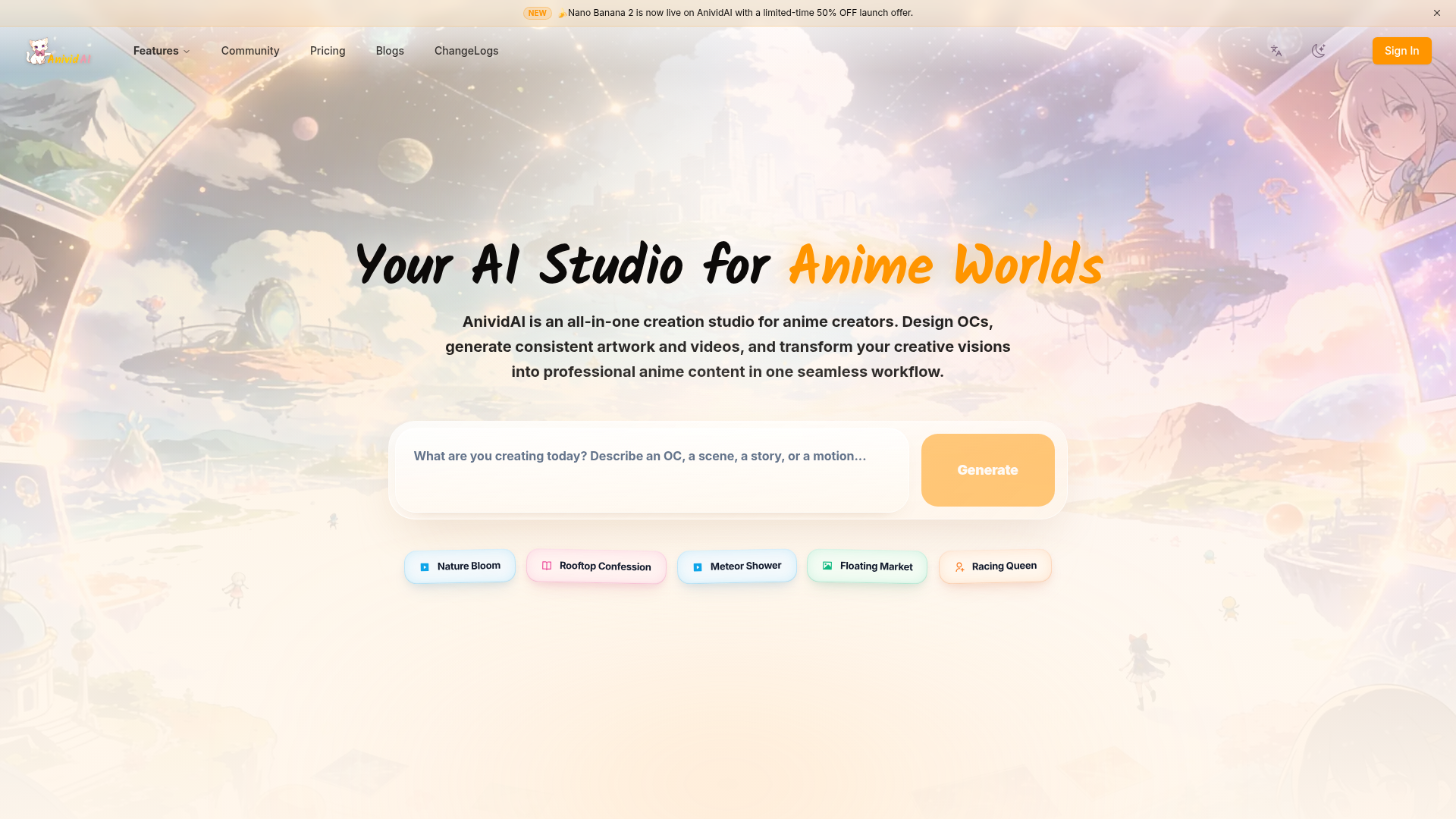
AnividAI is an AI-powered, all-in-one creative studio designed specifically for anime creators and enthusiasts. It serves as a comprehensive platform for designing original characters (OCs), generating consistent anime artwork, producing cinematic videos, and crafting illustrated stories, all within a unified workflow. It empowers users to transform their creative visions into professional anime content, from static images to dynamic narratives and even production-ready assets like stickers and action figures.
What are the main features of AnividAI?
AnividAI offers a suite of interconnected tools that form a complete anime creation ecosystem.
Character Core: AI Anime OC Maker
This is the foundation. Users can design detailed original characters once, defining their appearance, personality, lore, and skills. This character profile acts as a "anchor," ensuring visual and narrative consistency across all other tools on the platform.
Visualization: AI Anime Art Generator Transform text descriptions into high-quality, professional anime artwork. This tool leverages the character profiles from the OC Maker to generate images that faithfully represent your OCs in any scene or art style.
Motion: AI Anime Video Generator Create cinematic anime clips with professional camera control. Bring your OCs to life with fluid motion and consistent aesthetics, directly using the characters and styles defined in your studio.
Narrative: AI Story Generator
Craft illustrated, multi-chapter stories and visual novels. This tool integrates your OCs into progressive, cinematic storytelling, generating both text and accompanying images to bring narratives to life.
Worlds & Lore
Define unified settings, rules, and backstories for your creations. This feature helps keep your stories, characters, images, and videos coherent within a single, consistent universe.
Production: Studio Apps
Expand your intellectual property (IP) with specialized production tools. Generate assets like 3D action figure renders, sticker packs, and other production-ready materials directly from your characters.
Voice (Coming Soon)
Future integration of AI voice cloning and lip-sync technology for character performances, adding another layer of depth to animations and stories.
Community Gallery & Template Gallery
A space to discover creations from other users worldwide and a library of pre-designed workflows (templates) to jumpstart projects without complex prompt engineering.
How to use AnividAI?
Using AnividAI involves a logical, project-based workflow centered around your Original Characters.
- Start with Character Studio (OC Maker): Begin by creating your first Original Character. Define their visual details, personality, backstory ("Soul Lore"), and even skill stats.
- Generate Art and Videos: Use your created OC as the subject in the ### AI Anime Art Generator and ### AI Anime Video Generator. Input your desired scene or action, and the AI will produce content that maintains your character's consistency.
- Build Stories: In the ### AI Story Generator, select your OC(s) and the defined ### Worlds & Lore to create an illustrated story. You can generate page-by-page narratives with matching artwork.
- Produce Assets: Utilize the ### Studio Apps to turn your characters into tangible products like digital sticker packs or 3D figure mockups.
- Explore Templates: For quicker results, use the ### Template Gallery to apply pre-made, high-quality styles and scenarios to your characters with minimal input.
- Share and Discover: Engage with the ### Community gallery to share your work and get inspiration from creations by other users worldwide.
What is the price of AnividAI?
AnividAI operates on a credit-based system. Users purchase "MC" (Magic Credits) which are consumed when generating content (images, videos, stories, etc.).
- Free Tier
- Users can start for free. This includes access to create Original Characters in the OC Maker and likely a limited number of free generation credits to try out the core tools.
- Paid Credits (MC)
- To generate more content or access higher-quality/higher-resolution outputs, users need to purchase MC packs. Pricing is typically based on the volume of credits bought. Specific pricing tiers and plans should be checked directly on the AnividAI website as they may vary.
Helpful tips for using AnividAI
- Invest Time in Your OC
- The more detailed and comprehensive your Original Character profile is in the Character Studio, the better and more consistent the results will be across all other tools (art, video, story).
- Utilize Worlds & Lore
- Don't skip this feature. Establishing a coherent world and lore for your project provides context that improves story generation and helps maintain thematic consistency.
- Start with Templates
- If you're new or want quick results, explore the ### Template Gallery. It's a shortcut to professional-level outputs without needing advanced prompt-writing skills.
- Plan Your Credit Use
- Understand what each generation (image, video clip, story page) costs in MC. Plan your projects accordingly to make the most efficient use of your credits.
- Engage with the Community
- The community gallery is a great source of inspiration. Seeing how others use the tools can provide ideas for your own creations and workflows.
Frequently Asked Questions about AnividAI
What can I create with AnividAI?
You can create a wide range of anime-themed content: Original Characters (OCs), static anime artwork, cinematic anime video clips, illustrated multi-chapter stories, visual novels, and production assets like sticker packs and 3D figure renders.
How does the AI Anime Generator work?
It uses advanced AI models trained on anime art styles. You provide a text description (prompt) of the scene you want. The generator interprets this text and creates an image. When you use a character from your Character Studio, the AI references that character's profile to ensure they appear correctly in the generated image.
What can I do with the AI Anime Video Generator?
You can create short, cinematic anime video clips. You describe the action, scene, and camera movement in text. The generator produces a video sequence featuring your chosen OC(s), maintaining their visual consistency throughout the motion.
What are Studio Apps used for?
Studio Apps are specialized tools for expanding your creations into tangible or marketable assets. For example, you can generate a photorealistic 3D render of your OC as an action figure for product mockups, or create a set of themed digital stickers.
Can I keep character consistency across anime images and videos?
Yes, this is a core strength of AnividAI. By first creating a detailed profile in the ### Character Studio (OC Maker), that character becomes an anchor. Whenever you use that OC in the Art Generator, Video Generator, or Story Generator, the system pulls from that single profile to maintain a consistent appearance and personality.
What's included for free users?
Free users typically get access to the Character Studio to create OCs and may receive a limited number of free generation credits (MC) to try out the art, video, or story generators. Exact free tier benefits should be verified on the AnividAI website.
How does the credits (MC) system work?
"MC" or Magic Credits are the in-platform currency used for generating content. Each action—generating an image, a video clip, a story page, etc.—consumes a certain number of credits. Users purchase packs of MC. The cost per generation depends on the complexity and quality/resolution of the output.
Can I use generated content commercially?
The commercial usage policy is a critical point to check. Many AI generation platforms allow commercial use of the content you create, but often under specific terms (e.g., you own the output but must comply with their Terms of Service). Always review AnividAI's official Terms of Service or Licensing agreement for definitive answers on commercial rights.
AnividAI
The Professional AI Anime Studio & OC Maker. Create consistent characters, generate AI anime art, cinematic videos, and chat with your OCs in one platform.
 Cloudflare
 HTTP/3
 Next.js
 Node.js
 React
React Webpack
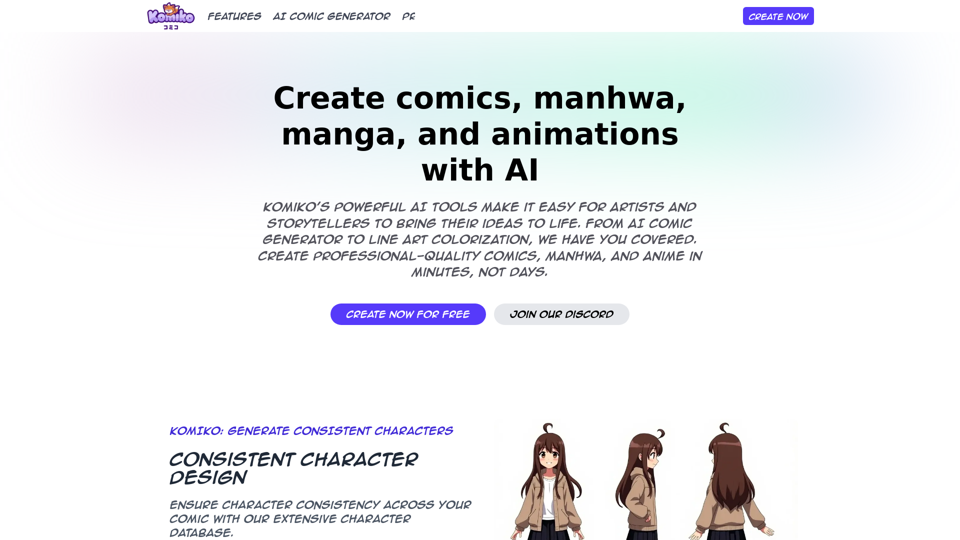
Free AI anime and manga generator. Turn text into anime episodes, manga, comics, webtoons and comic shorts in any art style — no drawing or animation skills needed.
Translate image text across 70+ languages with our advanced AI Image Translator to help you better expand your products globally to various countries
Advertised Here
Reach thousands of visitors daily. Get your spot now!
Tools similar to AnividAI
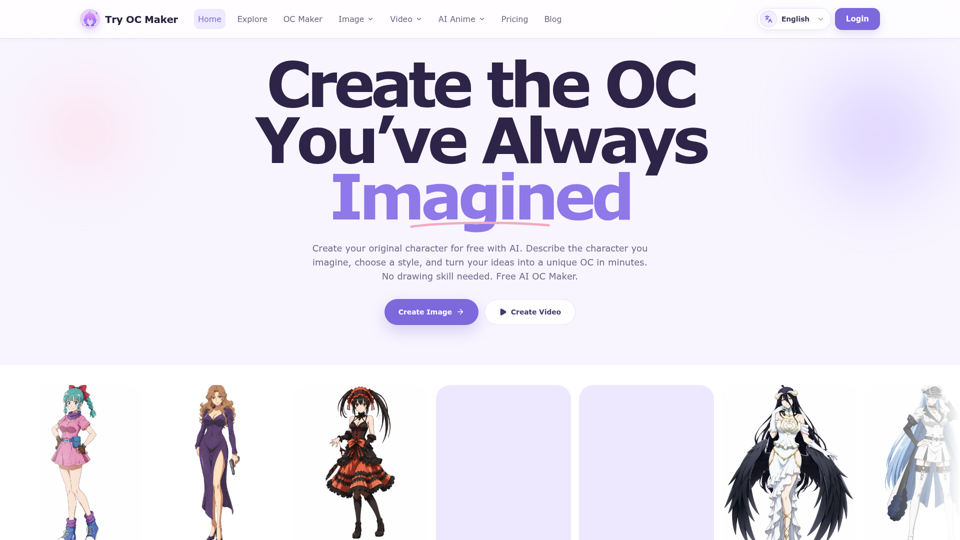
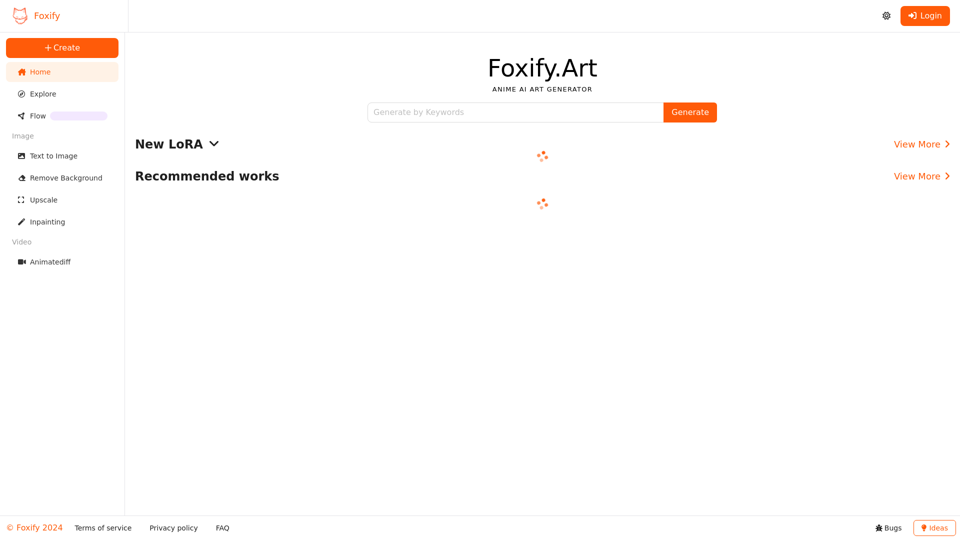
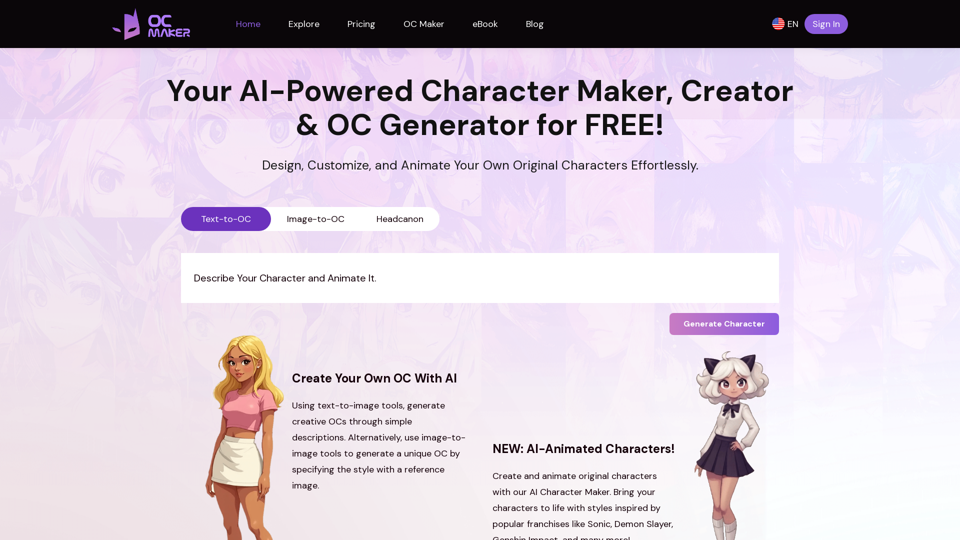
Start with a simple prompt, then let our AI OC Maker turn your idea into anime characters, fantasy OCs, roleplay avatars, and full-body character designs.
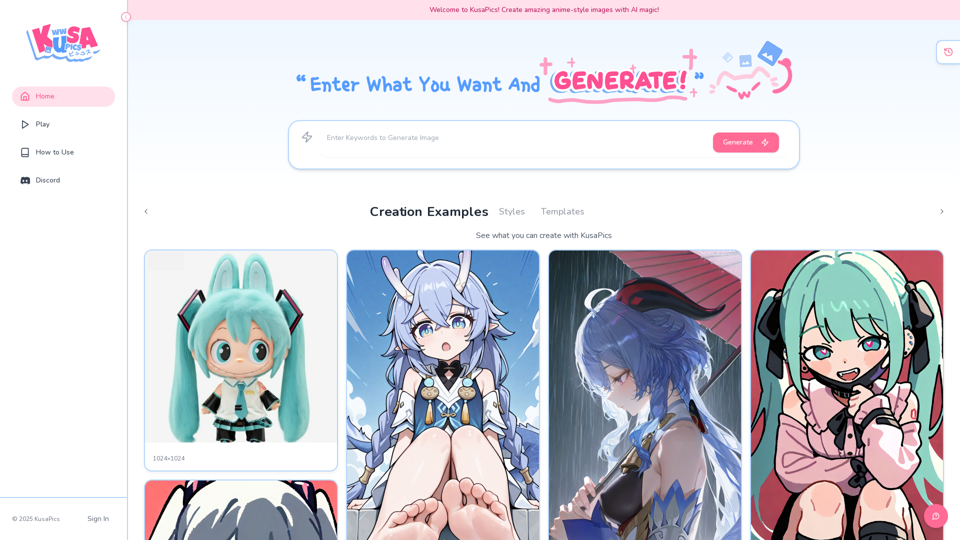
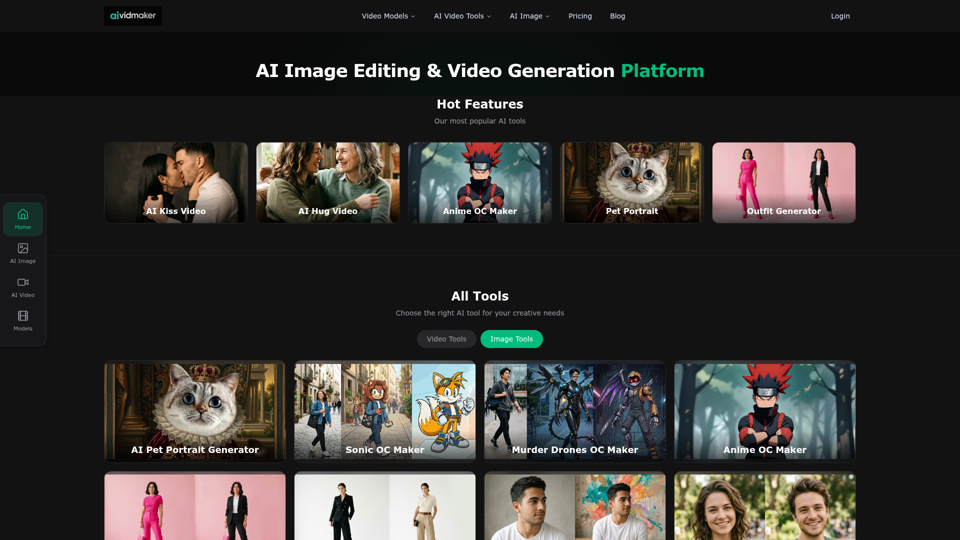
Create AI videos and images with Sora 2, Veo 3.1, Seedance 2.0 and more. Virtual try-on, anime OC maker, pet portraits. Free to try.
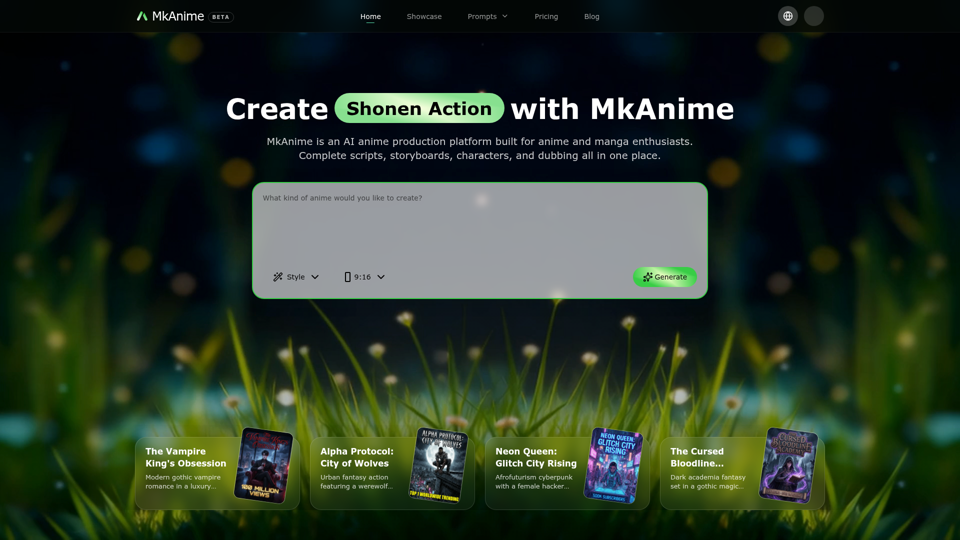
MkAnime is an AI anime studio to turn a prompt into outlines, scripts, storyboards, and short videos with consistent characters, dubbing, and exports.