AI Video & Image Generator
Create AI videos and images with Sora 2, Veo 3.1, Seedance 2.0 and more. Virtual try-on, anime OC maker, pet portraits. Free to try.
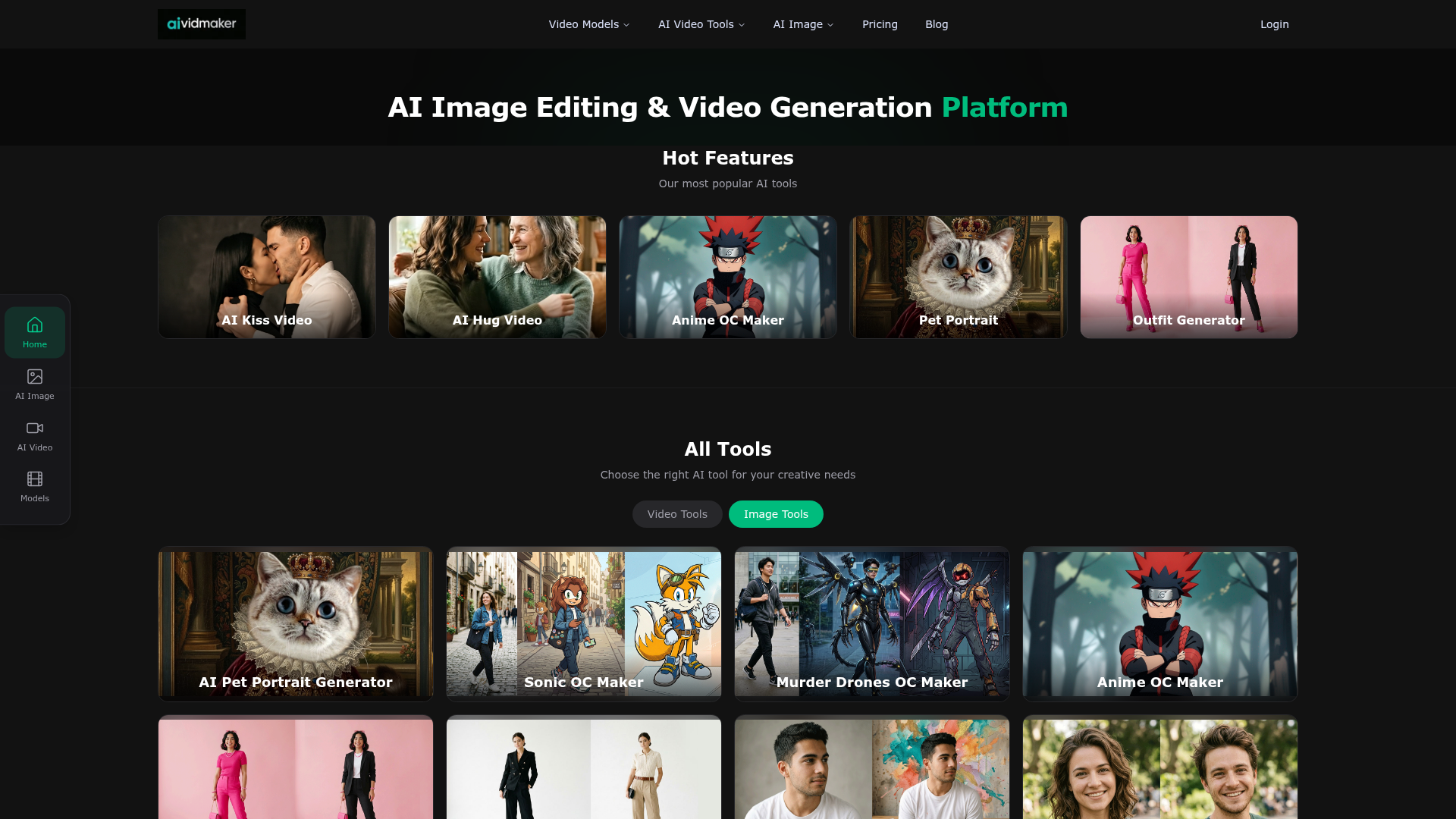
What is AiVidMaker?
AiVidMaker is a state-of-the-art AI platform specializing in video generation, image editing, and creative content creation. It serves as a hub where users can access a wide variety of specialized AI tools for transforming photos and generating videos. From creating custom anime characters (OCs) and trying on virtual outfits to applying fun visual filters and generating AI-powered video content, AiVidMaker leverages cutting-edge AI models to empower creativity for work, hobbies, and social media.
Key Features of AiVidMaker
1. Comprehensive AI Toolkit Suite
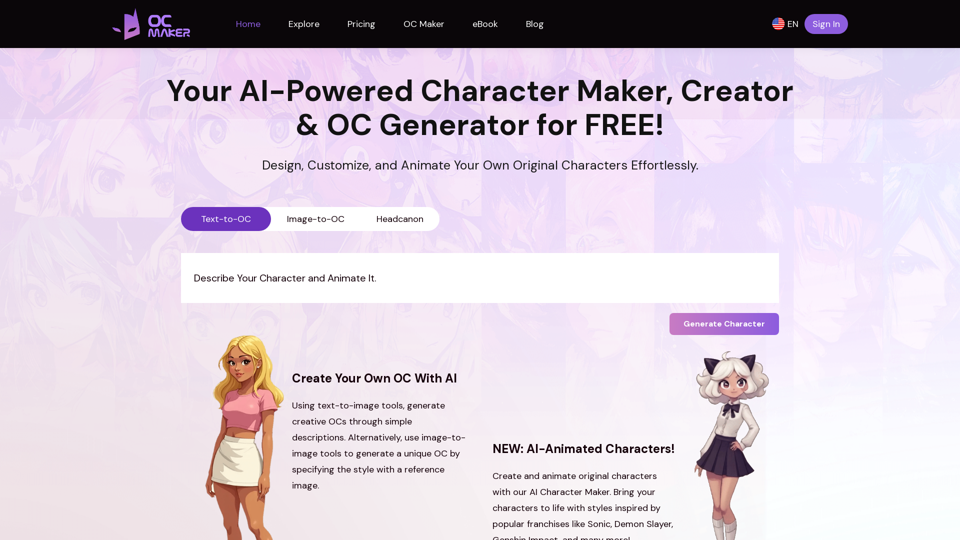
The platform hosts a diverse collection of specialized tools. This includes popular generators like the Anime OC Maker, Sonic OC Maker, and Murder Drones OC Maker for character creation, as well as practical tools like the Outfit Generator, Kolors Virtual Try-On, and AI Gender Swap for image transformation.
2. Leading AI Model Integration
AiVidMaker is powered by the latest and most advanced AI models from industry leaders. Users can access and create content using technologies like OpenAI's Sora 2 for video, Google's Veo 3.1, Alibaba's Wan 2.6, ByteDance's Seedance 2.0, and the platform's own Nano Banana 2.
3. User-Friendly Creative Workflow
The platform is designed for ease of use, allowing both beginners and professionals to generate high-quality content quickly. Tools often feature simple upload-and-generate interfaces, with clear before-and-after examples in the creative gallery to inspire users.
4. Diverse Output for Various Needs
Whether for personal fun (AI Kiss/Hug Video generators, pet portraits), character design (OC makers), fashion (outfit generators), or aesthetic edits (graffiti, braces, fat filters), AiVidMaker provides solutions for a vast range of creative projects and content needs.
How to Use AiVidMaker
Using AiVidMaker is a straightforward process designed for accessibility:
- Browse & Select: Navigate to the "All Tools" or "Hot Features" section to find the AI tool that matches your creative goal, such as the "Pet Portrait Generator" or "AI Image Combiner."
- Upload & Input: For image tools, upload your source photo(s). For video or generation tools, follow the on-screen prompts, which may include text descriptions or style selections.
- Generate & Customize: Click the generate button. The AI will process your input. Some tools may offer customization options like selecting art styles (e.g., Van Gogh, cubism for pet portraits) or outfit presets.
- Download & Share: Once generation is complete, you can preview the result, download it in a supported format, and share your AI-created content directly.
Pricing and Credit System
AiVidMaker typically operates on a credit-based system. Details on specific pricing plans (e.g., free tiers, subscription packages) and how credits are consumed per generation (which varies by tool and output quality) are available on the platform's pricing page. Users are advised to check the latest pricing information and any ongoing promotions directly on the website.
Helpful Tips for Maximizing AiVidMaker
- Explore the Gallery
- Before using a tool, check the "Creative Gallery" for sample results. This gives you a clear idea of the tool's capabilities and can inspire your own prompts or uploads.
- Start with Quality Inputs
- For image-editing tools (like filters or the outfit generator), uploading a clear, well-lit, high-resolution photo will generally yield the best and most accurate AI-generated results.
- Use Specific Prompts
- When using text-to-image or video tools, being descriptive in your prompts (details about style, mood, setting) helps the AI generate content closer to your vision.
- Understand Credit Costs
- Different tools and output qualities (e.g., video resolution) may consume different amounts of credits. Review the credit cost before generating to manage your balance effectively.
- Experiment with Combinations
- Use tools in sequence for complex projects. For example, create a character with the Anime OC Maker, then use the Outfit Generator to dress them in different styles.
Frequently Asked Questions (FAQ)
How do credits work?
Credits are the currency used to generate content on AiVidMaker. Each AI tool consumes a certain number of credits per use, often depending on the complexity and output quality. Credits can typically be purchased in packs or obtained through subscription plans.
What video quality and formats are supported?
AiVidMaker supports various output resolutions and formats. For videos, common formats like MP4 are standard, with quality options potentially ranging from standard definition to high definition or 4K, depending on the specific AI model (e.g., Sora 2, Veo 3.1) and your credit plan.
Which AI models are available?
The platform integrates top-tier models including ### OpenAI's Sora 2 for video generation, ### Google's Veo 3.1, ### Alibaba's Wan 2.6, ### ByteDance's Seedance 2.0, and its proprietary model ### Nano Banana 2. Different tools are powered by different underlying models to optimize for specific tasks.
Can I use generated videos and images commercially?
Commercial usage rights depend on the specific terms of service and the licensing of the underlying AI models. It is crucial to review AiVidMaker's usage policy and the terms for each AI model (e.g., OpenAI's policies for Sora 2) to understand any restrictions on commercial use, attribution, or redistribution.
What if my generation fails?
If an AI generation fails due to a technical error on the platform's side, credits used for that attempt are often refunded automatically or can be refunded upon request to support. Failures due to inappropriate content or unsupported input formats may not be eligible for credit return.
What is your refund policy?
Refund policies generally cover issues like failed generations or technical problems. Refunds for purchased credit packs or subscriptions are typically handled on a case-by-case basis according to the platform's published terms. It's recommended to contact support at [email protected] for specific refund inquiries.
AI Video & Image Generator
Create AI videos and images with Sora 2, Veo 3.1, Seedance 2.0 and more. Virtual try-on, anime OC maker, pet portraits. Free to try.
 Next.js
 Node.js
 React
React Vercel
 Webpack
Free AI anime and manga generator. Turn text into anime episodes, manga, comics, webtoons and comic shorts in any art style — no drawing or animation skills needed.
Translate image text across 70+ languages with our advanced AI Image Translator to help you better expand your products globally to various countries
Advertised Here
Reach thousands of visitors daily. Get your spot now!
Tools similar to AI Video & Image Generator
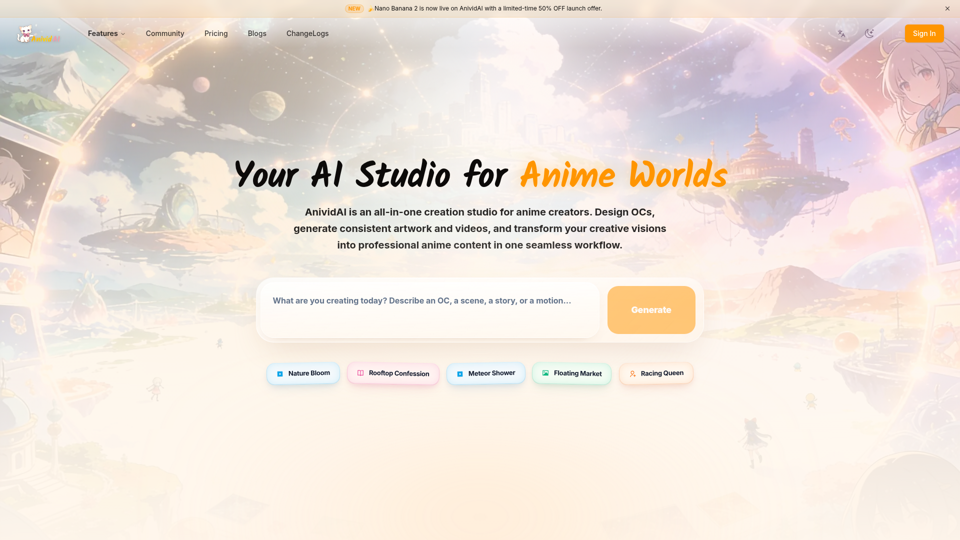
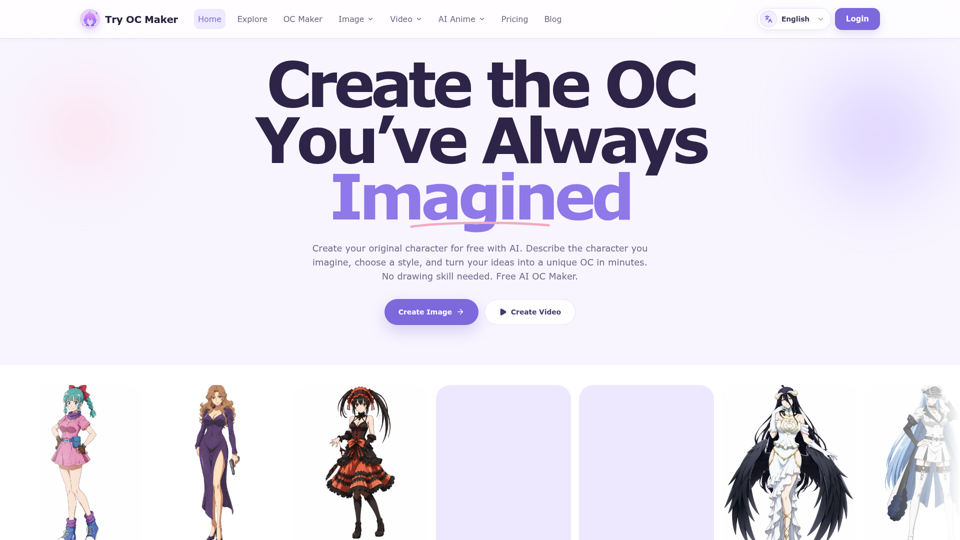
Start with a simple prompt, then let our AI OC Maker turn your idea into anime characters, fantasy OCs, roleplay avatars, and full-body character designs.
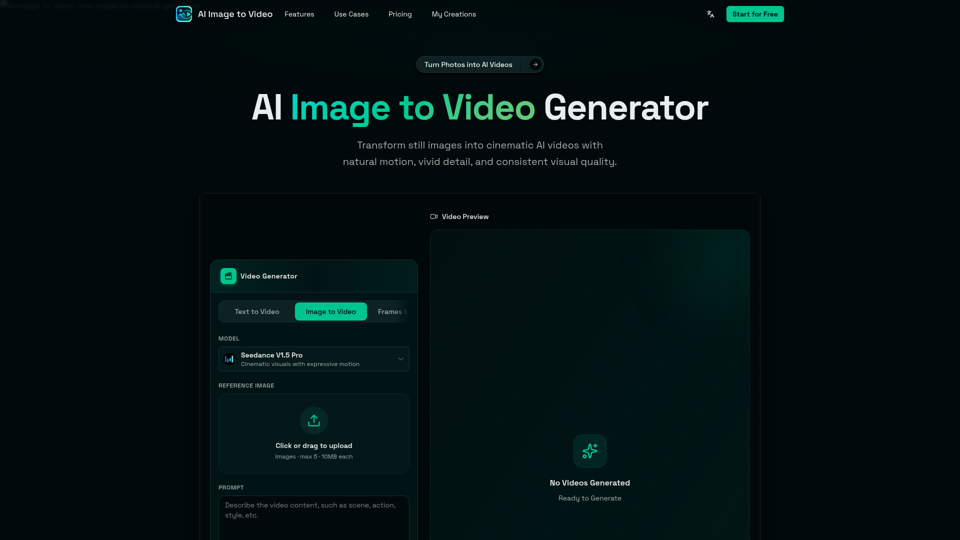
AI Image to Video is a free online image to video AI generator. Turn photos into AI videos for social media, products, portraits, anime, and pets.
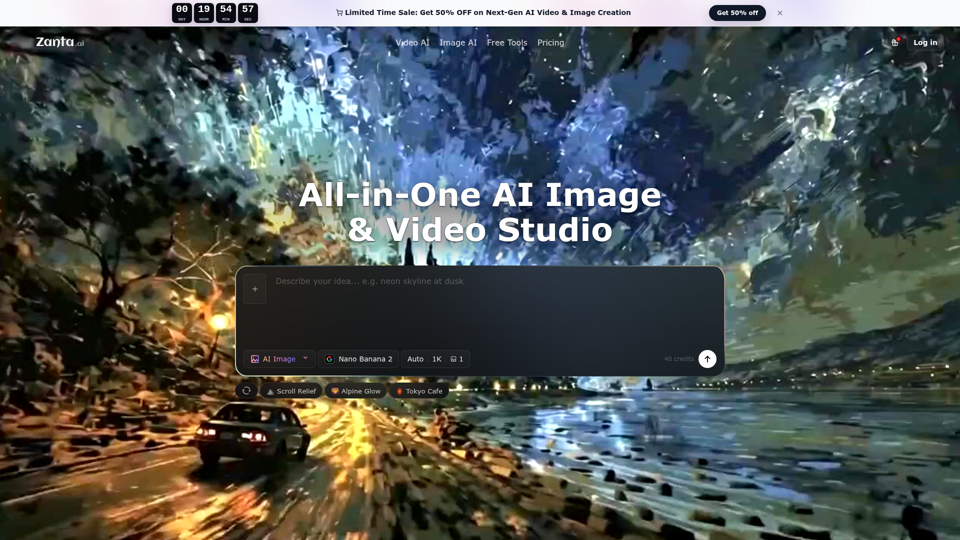
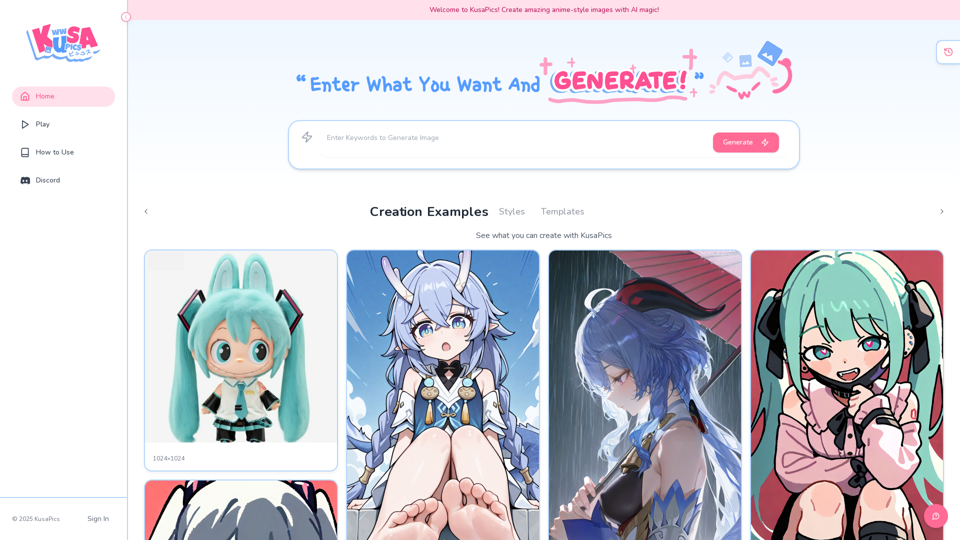
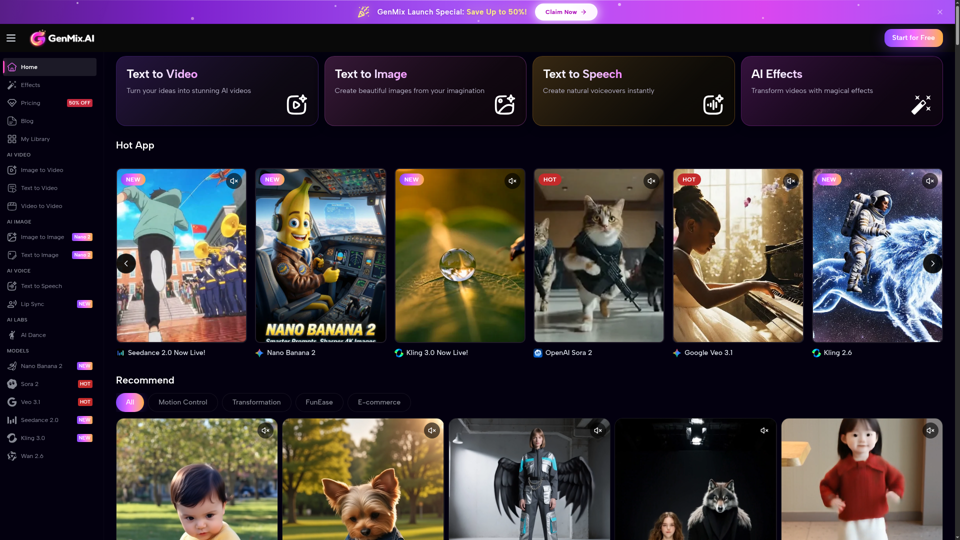
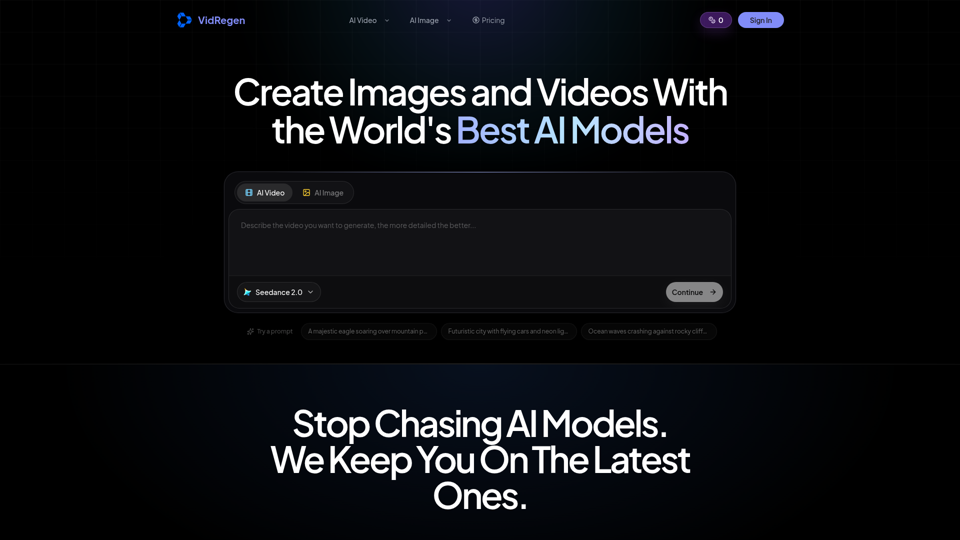
Generate AI images and videos with top models — Kling 3, Veo 3.1, Flux 2, Seedance & more. One workspace, 10+ models, starting from $9.9/mo.