At Your Service
Convert text to audio instantly with natural voices. Listen to PDFs, docs, and more as audio. Try it now for free!, With Testimonial, in minutes, you can collect and display video testimonials and other types of testimonials from your customers with no need for a developer or website hosting., AI Agent Builder
What is AnyToSpeech?
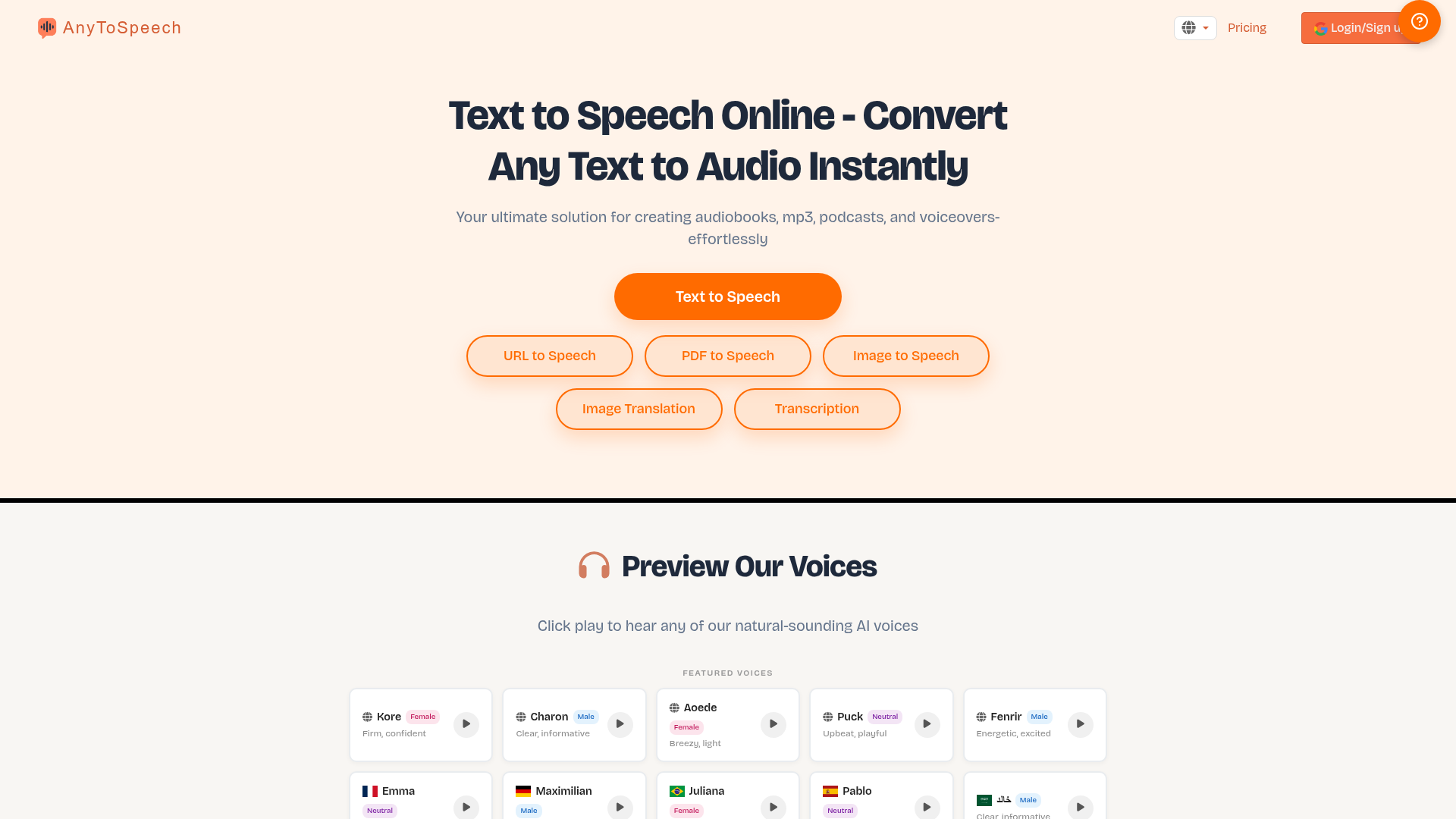
AnyToSpeech is an advanced online Text-to-Speech (TTS) platform that allows you to convert any written text, document, image, or webpage into high-quality, natural-sounding audio. It utilizes cutting-edge AI voice technology to generate speech, making it an ideal tool for creating audiobooks, MP3 files, podcasts, voiceovers, and accessible content. The platform supports a wide array of input formats including plain text, PDFs, PowerPoint presentations, URLs, images, and even your own voice recordings. Beyond simple conversion, AnyToSpeech offers unique features like ### Voice Cloning, where you can create a personalized AI voice replica in under 30 seconds, and ### Speech-to-Speech, which polishes rough recordings into professional narration using your cloned voice. It also provides a suite of free tools like pronunciation tests, accent analysis, and various calculators.
What Are the Key Features of AnyToSpeech?
AnyToSpeech distinguishes itself with a comprehensive and versatile feature set designed for a wide range of audio creation needs.
1. Multi-Format Text-to-Speech Conversion: Convert text from numerous sources:
- Text-to-Speech
- Direct text input.
- PDF to MP3
- Transform entire PDF documents into audiobooks.
- PowerPoint to Speech
- Convert presentation slides into narrated audio.
- URL to Speech
- Turn any webpage article or blog post into listenable audio.
- Image to Speech
- Extract text from images (like signs or documents) and read it aloud.
- Image Translation
- Extract text from images and translate it into over 30 languages, with optional speech output.
2. Extensive AI Voice Library: Access over 100 natural-sounding AI voices across various languages, accents, genders, and tones (e.g., professional, energetic, calm, playful). Voices are categorized for different languages like English, French, German, Spanish, Arabic, Japanese, and many more.
3. Personal Voice Cloning: Record three short voice samples. In about 30 seconds, the AI clones your unique voice, capturing tone, pitch, and style. This cloned voice can then be used across all TTS features on the platform.
4. Speech-to-Speech Enhancement: Upload a casual voice recording or speak into your microphone. The AI transcribes it and re-generates the audio in your cloned (or any selected) voice, removing filler words and creating polished, professional narration.
5. Additional Productivity & Audio Tools:
- Transcription
- Convert audio/video files to text.
- Audio & Video Translation
- Translate audio/video content into 30+ languages.
- AI Podcast Studio
- Generate a two-speaker podcast from a topic or script.
- Mobile App
- An Android app for on-the-go conversions.
- Free Tools Suite
- Includes pronunciation tests, accent tests, voice rating, reading speed tests, calculators, and format converters—all usable without signing up.
6. Global Language Support: The platform and its voices support numerous languages, catering to a worldwide user base.
How to Use AnyToSpeech?
Using AnyToSpeech is designed to be straightforward:
- Choose Your Input Format: Navigate to the tool you need (e.g., "Text to Speech," "PDF to MP3," "Image to Speech") from the main page or menu.
- Upload or Input Your Content: Upload your PDF, image, PowerPoint file, or audio file. For text or URL conversion, simply paste the text or enter the webpage URL.
- Select Your Voice: Browse the extensive voice library. Choose a pre-made AI voice based on language, gender, and vibe, or select your own cloned voice if you have created one.
- Adjust Settings (if applicable): For some tools, you can adjust parameters like reading speed or select specific parts of a document.
- Generate & Download: Click the convert/generate button. The AI will process your input and produce the audio file. You can then listen to it online or download it as an MP3.
- For Voice Cloning: Go to the "Voice Cloning" section, record three short clear voice prompts, and wait approximately 30 seconds for your AI voice clone to be ready. It will then appear as an option in all TTS tools.
- For Free Tools: Access tools like the "Pronunciation Test" or "Reading Time Calculator" directly without any login—just use them on the website.
What is the Pricing for AnyToSpeech?
AnyToSpeech offers a tiered subscription model with a free plan and several paid plans that unlock more features and higher usage limits. All plans are monthly and can be canceled anytime.
- Free Plan ($0/month)
- Limited to ~15 seconds of audio per conversion and 5,000 characters.
- Unlimited audio conversions per day.
- 100 minutes/month of transcription.
- Includes the "Created with AnyToSpeech" tagline on outputs.
- No commercial use rights, voice cloning, or speech-to-speech.
- Hobby Plan ($7/month - Most Popular)
- 50,000 characters per conversion.
- Unlimited image conversions.
- No daily limits.
- Commercial use allowed.
- Multi-image upload (up to 20 images) for image-to-speech.
- Full voice & vibe selection for all features.
- 1 Voice Clone included.
- Speech-to-Speech feature included.
- Standard Plan ($14/month)
- 100,000 characters per conversion.
- All features from the Hobby Plan.
- 3 Voice Clones included.
- Pro Plan ($69/month)
- 1,000,000 characters per conversion.
- All features from the Standard Plan.
- 10 Voice Clones included.
Helpful Tips for Using AnyToSpeech
- Start Free
- Explore the free tools and the basic text-to-speech to get familiar with the voices and quality before committing to a subscription.
- For Long Documents
- If you have a lengthy PDF or text, the ### Hobby or ### Standard plans are recommended due to their higher character limits.
- Voice Selection
- Spend time previewing different voices. The voice "vibe" (e.g., "Confident," "Playful," "Professional") can significantly impact the feel of your audio content.
- Cloning for Brand Consistency
- If you produce regular audio content (e.g., podcast, training materials), ### Voice Cloning is invaluable for maintaining a consistent, recognizable voice across all your projects.
- Use Speech-to-Speech for Editing
- If you have recorded audio with mistakes, pauses, or filler words, use the ### Speech-to-Speech feature to clean it up and re-output it in a polished voice without manual editing.
- Check the Mobile App
- For convenience, download the free Android app to perform conversions directly from your phone, especially useful for image-to-speech in real-world situations.
- Leverage Free Tools
- Use the free pronunciation, accent, and reading tools not just for content creation, but also for self-improvement in language learning and presentation skills.
Frequently Asked Questions (FAQ) about AnyToSpeech
What is AnyToSpeech's text-to-speech service?
AnyToSpeech is an AI-powered online service that converts written text from various formats (text, PDF, URL, image, etc.) into natural-sounding spoken audio.
How many voices are available?
AnyToSpeech offers over 100 different AI voices, spanning multiple languages, accents, and emotional tones (vibes). You can preview and select the perfect voice for your project.
Can I use my own voice?
Yes! With the ### Voice Cloning feature (available on paid plans), you can create a digital clone of your own voice by recording three short samples. This cloned voice can then be used for all text-to-speech conversions on the platform.
What file formats can I convert?
You can convert: Text (direct input), PDF documents, PowerPoint (.pptx) files, webpage URLs (URL to Speech), images (JPG, PNG, etc.), and audio/video files for transcription/translation.
Is there a free version?
Yes. A free plan allows limited conversions (~15 sec audio, 5k characters) and access to 100 minutes/month of transcription, along with all the standalone free tools (like pronunciation tests). It does not include commercial rights, voice cloning, or speech-to-speech.
What does "Commercial use" mean in the plans?
Paid plans (Hobby, Standard, Pro) grant you the right to use the generated audio content in commercial projects, such as paid podcasts, audiobooks, marketing materials, or training courses, without needing to credit AnyToSpeech.
How does the Speech-to-Speech feature work?
You upload a raw audio recording or speak into your mic. The AI first transcribes the speech, then regenerates the audio using a selected AI voice (including your cloned voice). It automatically improves pacing and removes filler words, creating a professional final version.
Are there any daily limits?
The free plan has per-conversion limits but unlimited attempts per day. Paid plans (Hobby, Standard, Pro) have no daily conversion limits, only per-conversion character limits.
Can I translate content?
Yes. The ### Image Translation tool extracts text from images and translates it to 30+ languages. The ### Audio & Video Translation tool translates spoken content in audio/video files. Translated text can also be output as speech.
How do I cancel my subscription?
Subscriptions are monthly and can be canceled anytime through your account settings, stopping future charges.
At Your Service
Convert text to audio instantly with natural voices. Listen to PDFs, docs, and more as audio. Try it now for free!, With Testimonial, in minutes, you can collect and display video testimonials and other types of testimonials from your customers with no need for a developer or website hosting., AI Agent Builder
 Bootstrap:5.0.2
 Express
 Google Analytics
 Nginx:1.18.0
 Node.js
 Popper:2.9.2
 Ubuntu
 jQuery CDN
 jsDelivr
Free AI anime and manga generator. Turn text into anime episodes, manga, comics, webtoons and comic shorts in any art style — no drawing or animation skills needed.
Translate image text across 70+ languages with our advanced AI Image Translator to help you better expand your products globally to various countries
Advertised Here
Reach thousands of visitors daily. Get your spot now!
Tools similar to At Your Service
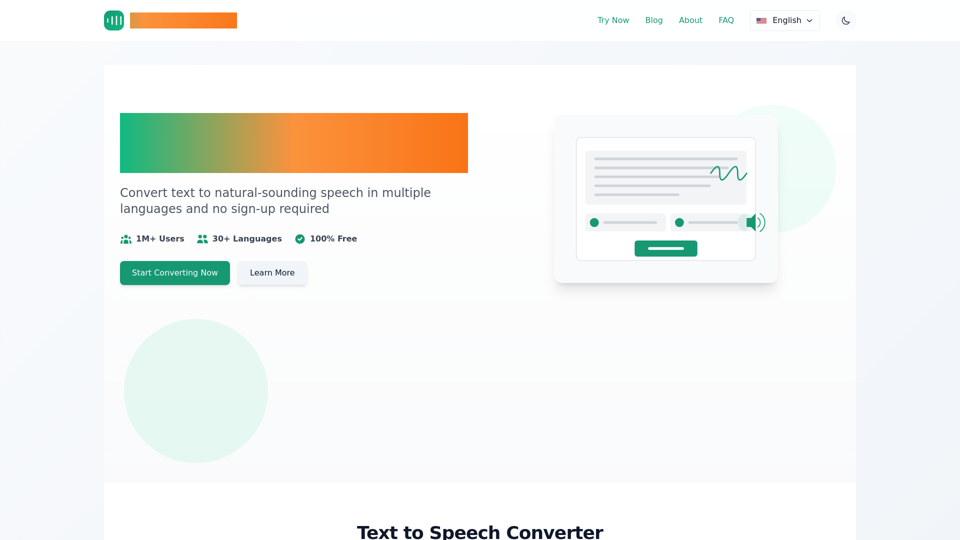
Instantly convert text to speech online for free with tts-free.online. Get natural-sounding AI voices in multiple languages. No sign-up required, MP3 download.
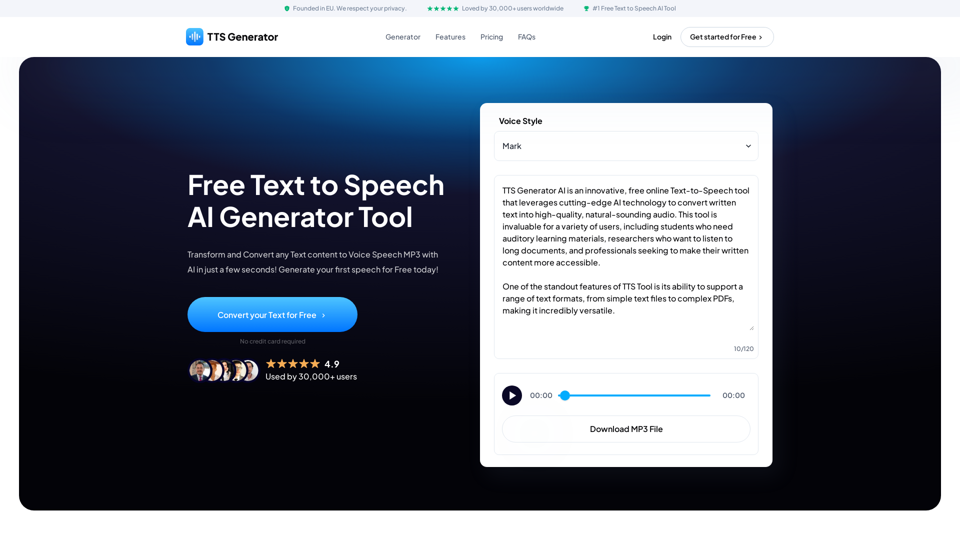
Transform and Convert any Text content to Voice Speech MP3 with AI in just a few seconds! Generate your first speech for Free today!
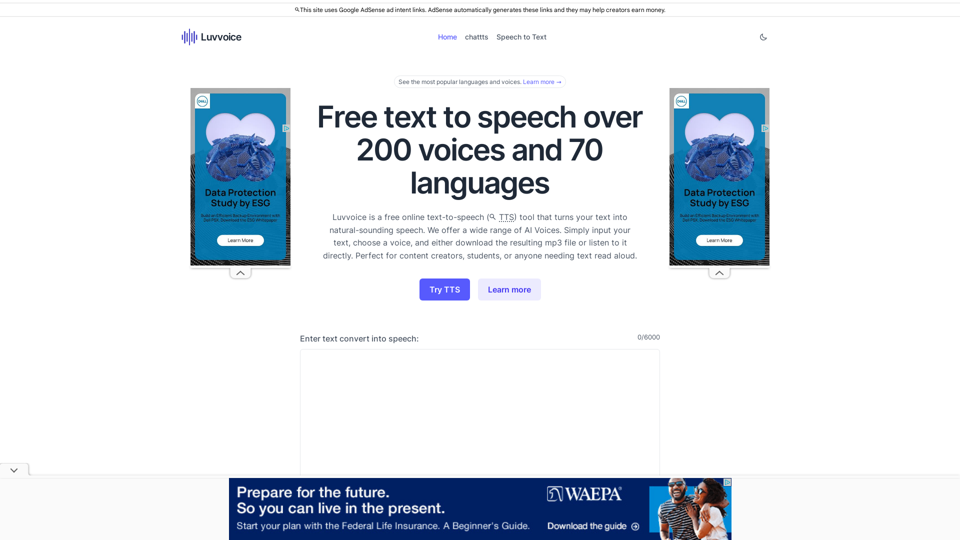
Free text to speech voices over 70 languages and 200 voices,no word limit. Listen online and download files in mp3 format.A free tts tool.
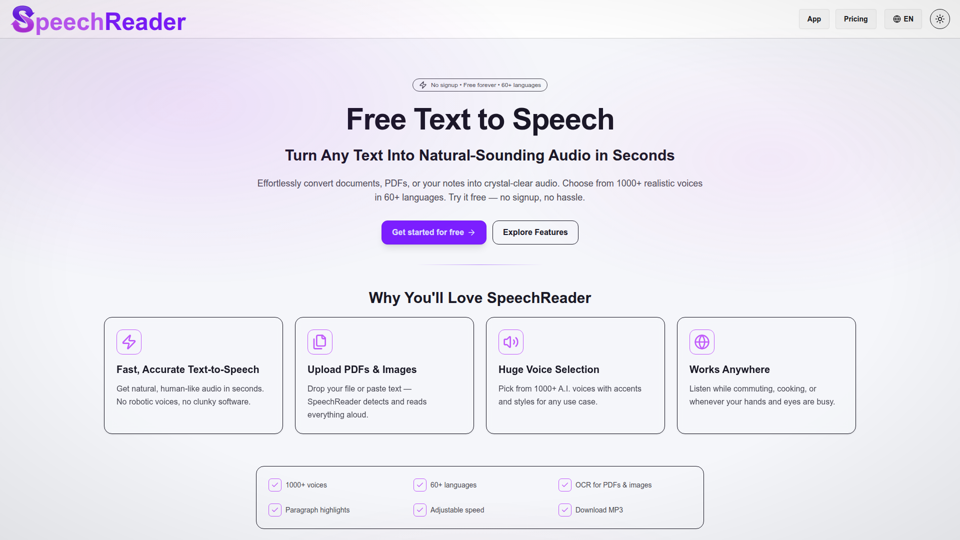
Free Text to Speech Online: AI Voices & TTS Reader. Convert text to lifelike AI voices. Free text to speech to read aloud any text. Listen online now!
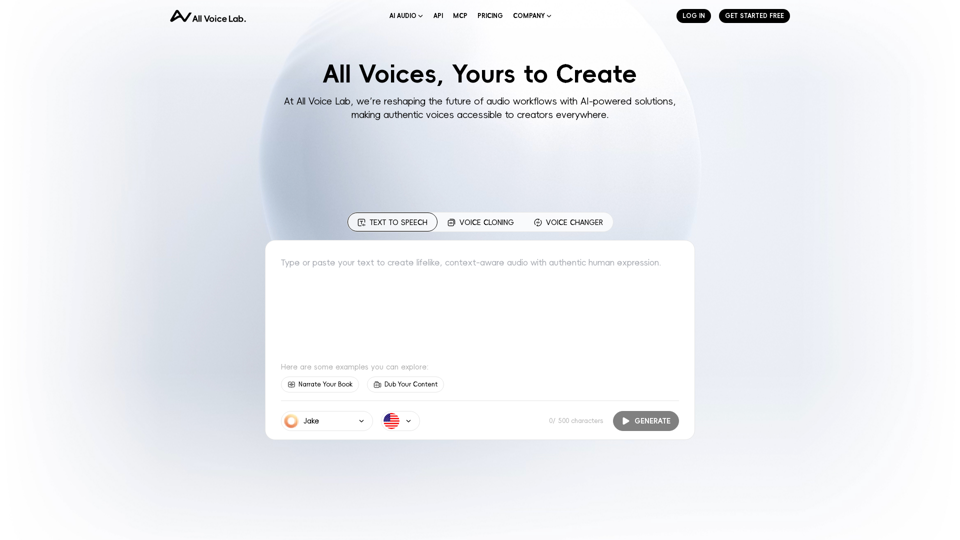
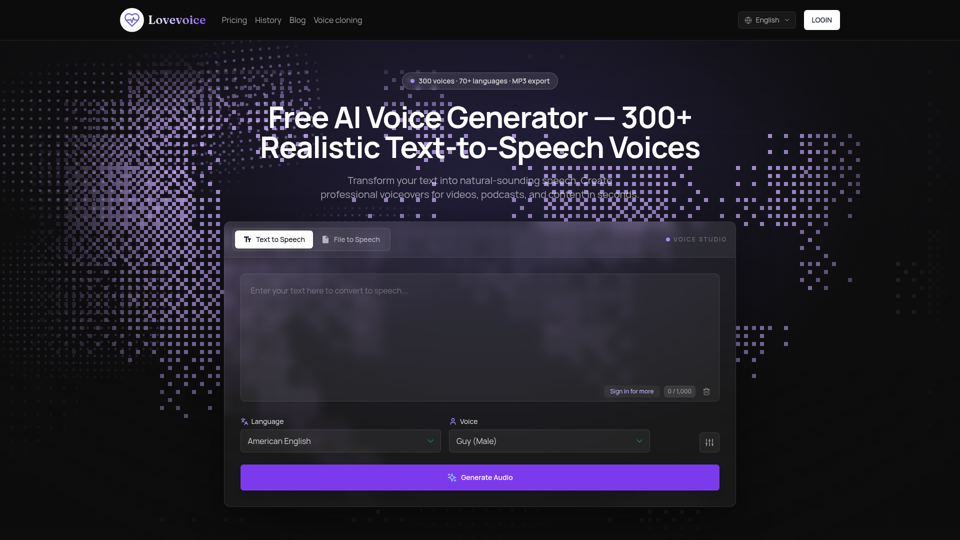
Transform your text into lifelike speech with Lovevoice AI Voice Generator. Choose from nearly 300 AI voices to create natural-sounding audio. Download your generated speech as MP3 files for easy use in videos, podcasts, and more. Perfect for content creators, educators, and businesses. Try it for free today and experience the power of AI-generated voices!
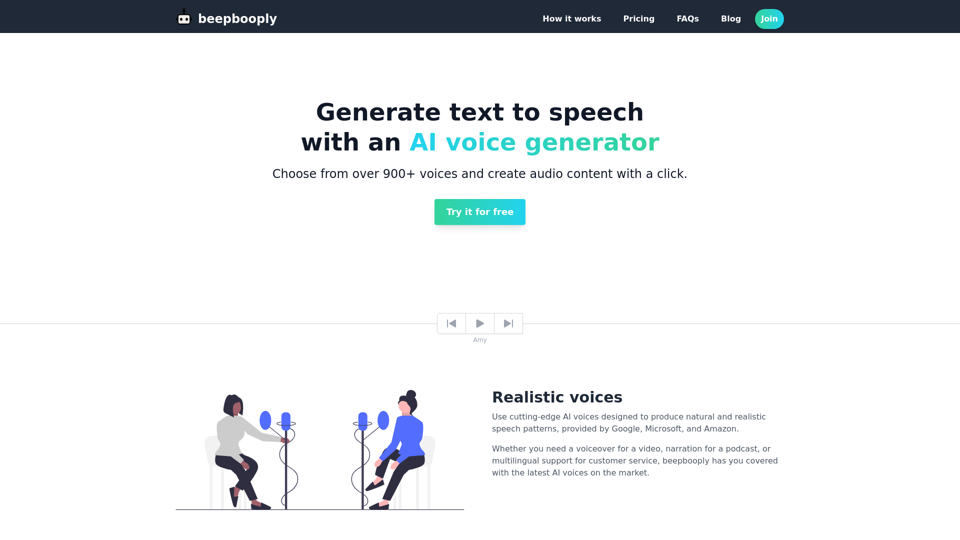
Convert text to speech in over 900+ voices across 80+ languages. Generate and download realistic and natural sounding audio content with a click.
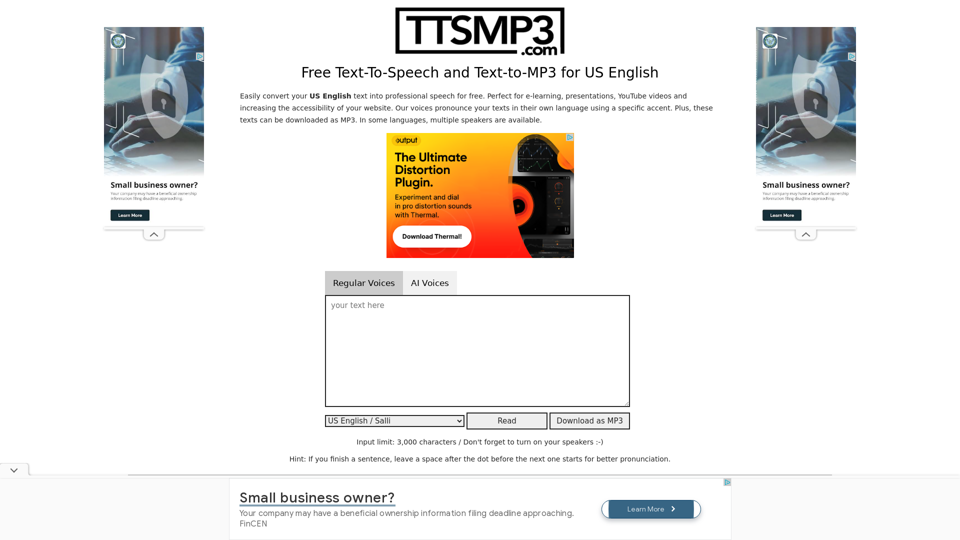
Easily convert text to natural US English voice and 50+ languages/accents for free. Listen online or download as MP3.