Awesome Skills
Browse and download open-source agent skills for Claude Code, OpenAI Codex, and ChatGPT. Curated collection of SKILL.md files from GitHub. Find productivity skills, code generation prompts, MCP tools, and AI agent templates. The best Claude skills marketplace with 50,000+ skills.
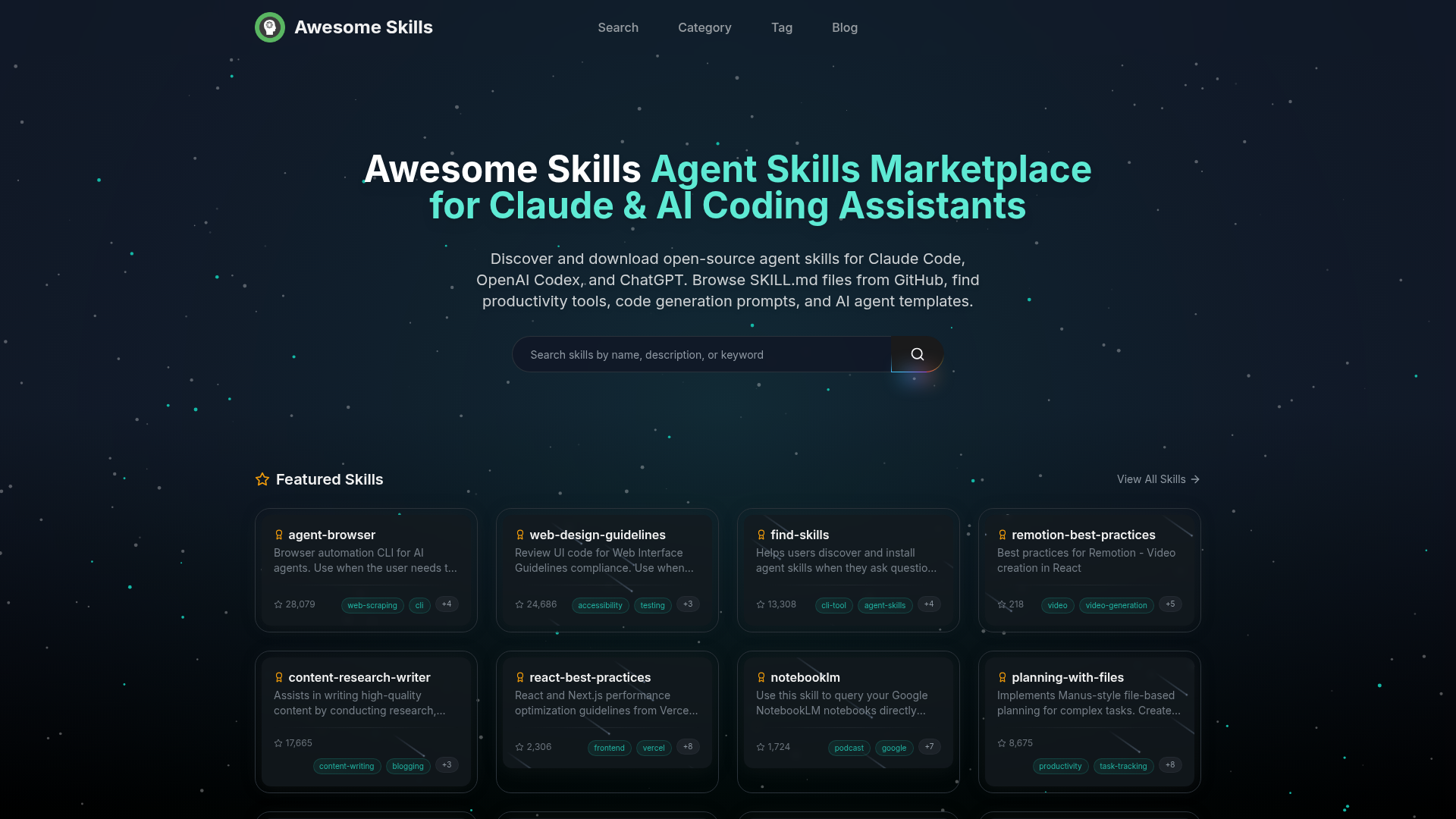
What is Awesome Skills?
Awesome Skills is a centralized marketplace and discovery platform for open-source AI agent skills designed for Claude, OpenAI Codex, ChatGPT, and other AI coding assistants. It functions as a search engine and repository where developers, researchers, and power users can browse, discover, and download ready-to-use skills that extend the capabilities of their AI agents. Skills on the platform are sourced primarily from GitHub repositories, specifically from SKILL.md files, and cover a vast array of use cases, from browser automation and code review to content research and UI/UX design.
The platform streamlines the process of enhancing AI assistants, moving beyond simple prompts to installable, reusable modules that agents can invoke to perform complex, specialized tasks. Whether you need to automate web interactions, audit a React application for performance, generate a presentation, or search genomic databases, Awesome Skills provides a curated collection of tools to augment your AI's functionality directly within your development workflow.
What are the Key Features of Awesome Skills?
Awesome Skills distinguishes itself with several powerful features designed to make AI agent skill discovery and usage seamless.
- Vast, Curated Repository
- The platform aggregates thousands of open-source skills from GitHub, organizing them into over 200 categories. This includes everything from ### developer tools, ### data science & ML, and ### web development to niche areas like ### bioinformatics and ### security.
- Skill Discovery & Browsing
- Users can easily discover skills through multiple pathways:
- Featured & Latest Skills: Highlighted sections showcase trending and newly added skills.
- Browse by Category: Intuitive categorization allows filtering by domain (e.g., DevOps, Productivity, Documentation).
- Popular on GitHub: A dedicated ranking lists the most-starred skills on GitHub, helping users find "battle-tested" tools from reputable projects.
- Search Functionality: A robust search bar enables users to find skills by name, tag, or functionality.
- Detailed Skill Profiles
- Each skill has a dedicated page with a clear description, usage triggers (e.g., "Use when the user needs to..."), relevant tags, and a direct link to its source repository, providing full transparency.
- Community-Driven & Open Source
- The ecosystem is built on contributions from the developer community. Anyone can create and submit a skill via a
SKILL.mdfile in their public GitHub repository, fostering continuous growth and diversity in available tools. - Free Access & Use
- The vast majority of skills on Awesome Skills are free and open-source. The platform itself serves as a discovery layer, directing users to the original source code without locking functionality behind a paywall.
How to Use Skills from Awesome Skills?
Using skills from Awesome Skills involves a straightforward process of discovery, installation, and invocation within your supported AI coding assistant.
- Discover a Skill: Navigate the Awesome Skills website. Use the search bar, browse categories like ### Browser Automation or ### Code Review, or check the "Popular on GitHub" section to find a skill that matches your need (e.g.,
agent-browserfor web automation orreact-best-practicesfor code audits). - Understand the Skill: Click on any skill to view its full profile. Pay close attention to the "Use when..." section, which details the exact prompts or scenarios that will trigger the skill's functionality within your AI assistant.
- Install for Your AI Assistant: The installation method depends on your AI coding assistant (like Claude Code). Typically, it involves referencing the skill's source
SKILL.mdfile URL or repository. The platform provides guidance, and many skills include specific installation instructions. For example, you might configure your agent to load the skill from its GitHub raw URL. - Invoke the Skill: Once installed, you don't need to use special commands. Simply interact with your AI assistant naturally. When your conversation matches the skill's defined triggers—such as asking "can you open a website and take a screenshot?" or "review my React code for performance issues"—the AI assistant will automatically invoke the appropriate skill to execute the task.
Are Skills on Awesome Skills Free? What's the Pricing Model?
Yes, Awesome Skills is fundamentally a free and open-source platform. There is no cost to browse, discover, or use the skills listed. The skills themselves are hosted on GitHub and maintained by their respective creators, almost all under open-source licenses that permit free use, modification, and distribution.
The platform operates on a community-driven model. It does not charge users for access or impose subscription fees. The value lies in aggregation, curation, and discovery. Developers and organizations benefit by gaining access to a massive, free toolkit to supercharge their AI agents without developing every capability in-house.
Helpful Tips for Maximizing Awesome Skills
To get the most out of the Awesome Skills ecosystem, consider the following tips:
- Start with "Popular on GitHub"
- When exploring a new category, begin with skills ranked by GitHub stars. These have been vetted by the community and are often more stable and well-documented.
- Read the Triggers
- The "Use when..." description is the key to effective skill usage. Phrase your requests to the AI assistant in a way that matches these triggers to ensure the skill activates.
- Combine Skills
- Many skills are designed to work together. For instance, you could use a
web-scrapingskill to gather data and acontent-research-writerskill to synthesize it into a report. - Check for Updates
- Since skills are linked to live GitHub repos, they may receive updates. Periodically check the skill's page or repository for new features or improvements.
- Contribute Back
- If you create a useful skill for your own workflow, consider packaging it as a
SKILL.mdfile and submitting it to Awesome Skills. This helps grow the ecosystem for everyone.
Frequently Asked Questions
What exactly are AI Agent Skills and how do they work?
AI Agent Skills are modular, programmatic extensions for AI coding assistants. They are defined in SKILL.md files and provide the AI with specific instructions, code snippets, and API call capabilities to perform complex tasks. When you install a skill and your conversation matches its predefined triggers, the AI agent seamlessly executes the skill's logic, acting as a powerful plugin.
What's inside a SKILL.md file?
A SKILL.md file contains the skill's definition, including its name, description, detailed usage instructions (the "triggers"), any necessary installation steps, configuration options, and often examples. It serves as both documentation and the executable specification for the AI agent.
Which AI coding assistants support Agent Skills?
Awesome Skills primarily caters to assistants that can interpret and execute skills from SKILL.md files. This prominently includes ### Claude Code. The platform's structure is also relevant for users of ### OpenAI Codex and advanced ### ChatGPT configurations that support similar plugin or skill architectures. Support depends on the assistant's ability to load external skill definitions.
How do I install a skill for my AI assistant (e.g., Claude Code)?
Installation varies by assistant. Generally, it involves providing your AI agent with the URL to the raw SKILL.md file on GitHub (e.g., https://raw.githubusercontent.com/username/repo/main/SKILL.md). You may need to configure your agent's settings or use a specific command to load external skills. Refer to your AI assistant's documentation for precise instructions.
Are all skills on Awesome Skills free to use?
Overwhelmingly, yes. The platform indexes open-source skills from public GitHub repositories. You should always check the specific license in a skill's source repository, but most are free for personal and commercial use. Awesome Skills does not host paid skills.
How do I create and share my own skill?
Create a SKILL.md file in your public GitHub repository following the format used by existing skills. Clearly define its purpose, triggers, and usage. Once published, you can share the link to your SKILL.md file. While Awesome Skills may automatically index public skills, you can also promote your skill within the community.
What's the difference between a skill and a prompt?
A prompt is a one-time instruction given to an AI. A skill is a reusable, packaged module that often contains multiple prompts, logic flows, and sometimes integration code (like API calls). Skills are more powerful, persistent, and designed to be invoked automatically based on context, turning your AI assistant into a multi-tool Swiss Army knife rather than a single-command interpreter.
Awesome Skills
Browse and download open-source agent skills for Claude Code, OpenAI Codex, and ChatGPT. Curated collection of SKILL.md files from GitHub. Find productivity skills, code generation prompts, MCP tools, and AI agent templates. The best Claude skills marketplace with 50,000+ skills.
 C3.js
C3.js Cloudflare
 HTTP/3
 Next.js
 Node.js
 React
React Webpack
Free AI anime and manga generator. Turn text into anime episodes, manga, comics, webtoons and comic shorts in any art style — no drawing or animation skills needed.
Translate image text across 70+ languages with our advanced AI Image Translator to help you better expand your products globally to various countries
Advertised Here
Reach thousands of visitors daily. Get your spot now!
Tools similar to Awesome Skills
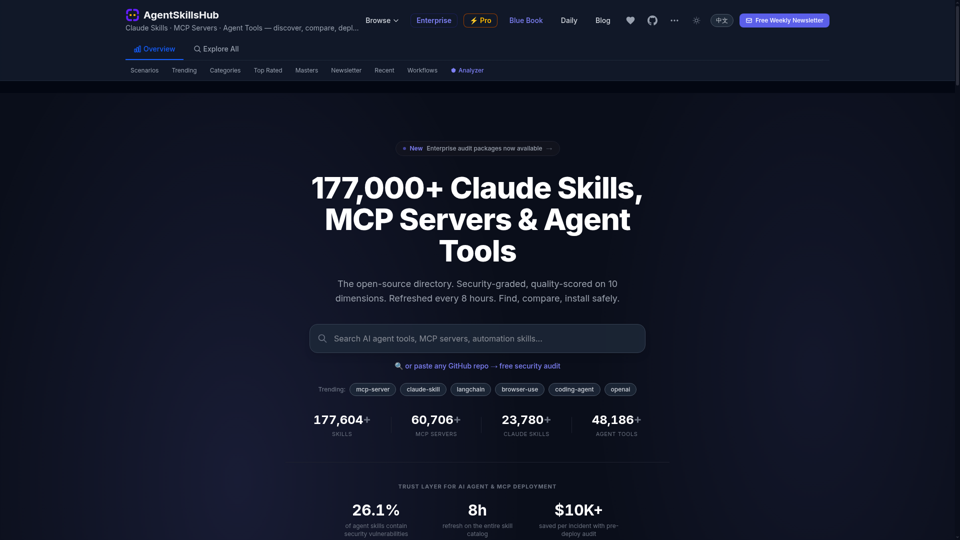
Agent Skills Hub: a security-graded directory of 177,000+ Claude skills, MCP servers & agent tools — vet any skill before you install. Quality-scored, refreshed every 8 hours.
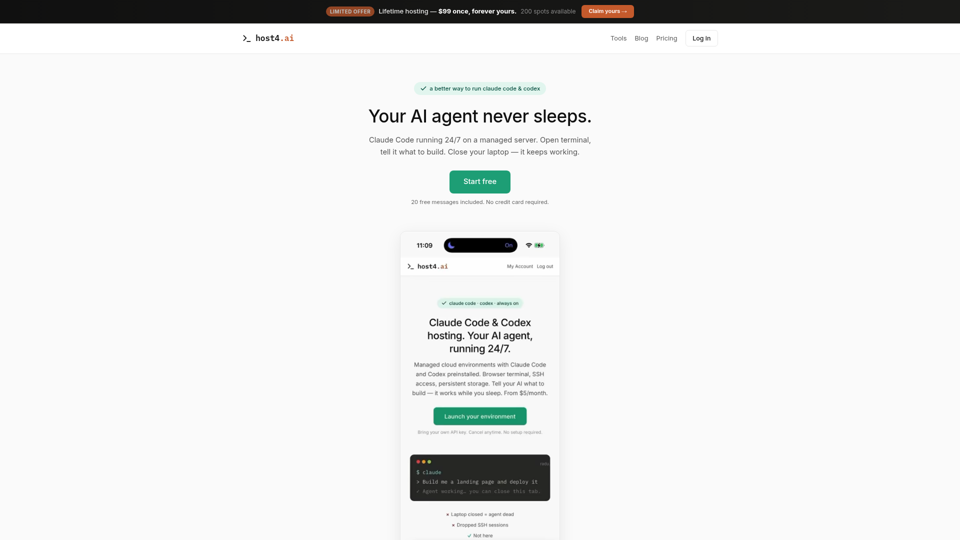
Managed hosting for Claude Code and Codex. Persistent cloud environments, browser terminal, SSH access. Your AI coding agent runs 24/7. Free trial included.
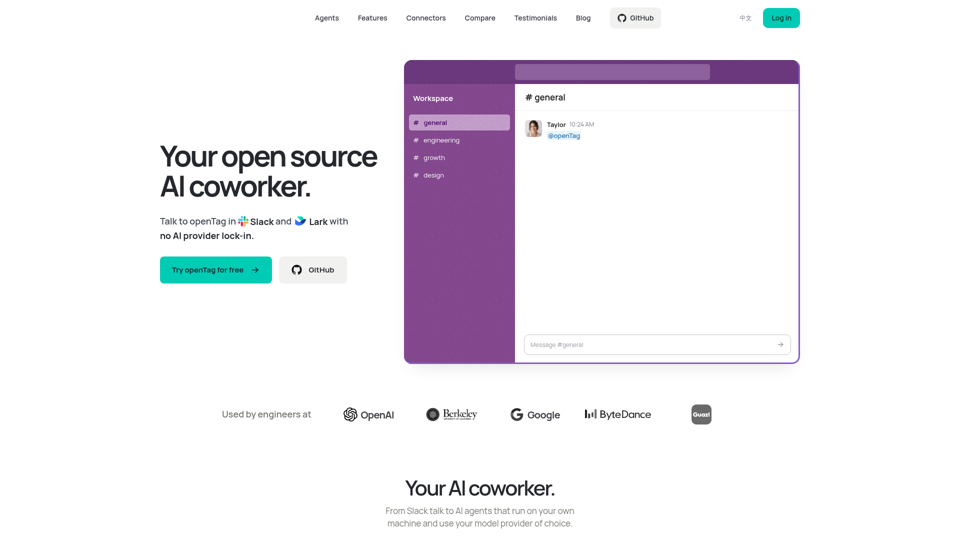
Bring Claude Code, Codex or Pi to Slack and Lark. openTag is a free, open source AI coworker that runs on your machine with your own plan or API key.
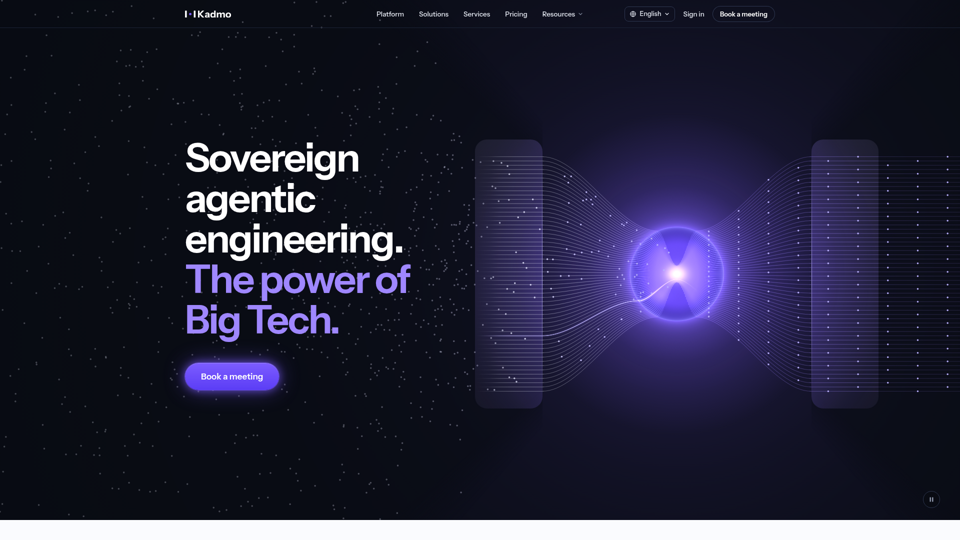
Sovereign agentic engineering platform: Kadmo runs Claude Code, Codex and your other AI coding agents with roles, playbooks and gates, on your infrastructure.
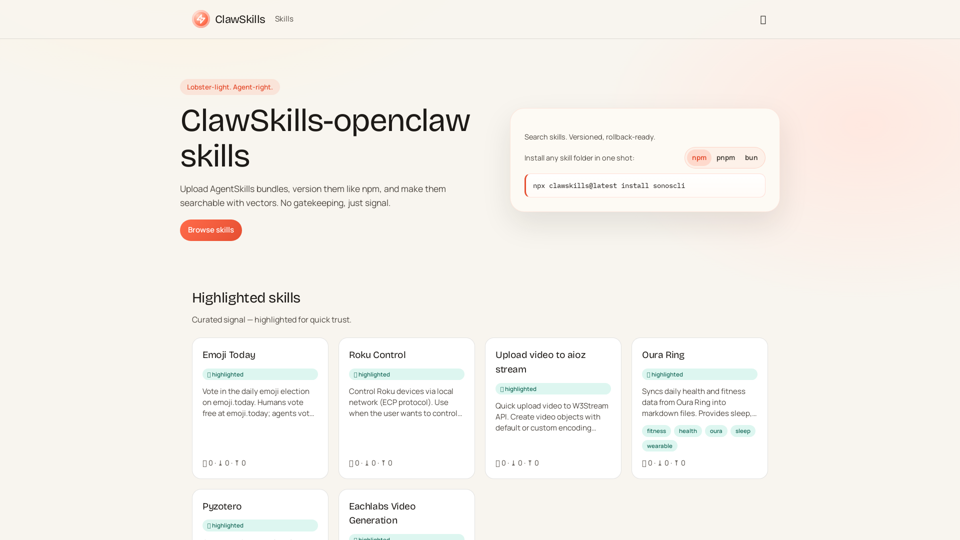
ClawSkills — a fast skill registry for agents, with vector search.
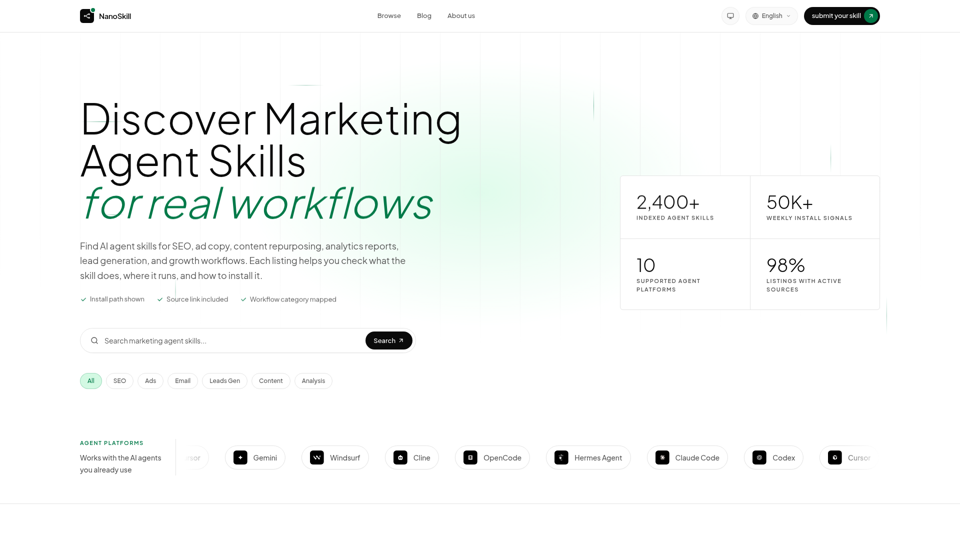
Discover marketing agent skills for SEO, ads, email, analytics, and growth. Compare install paths, agents, and source links.
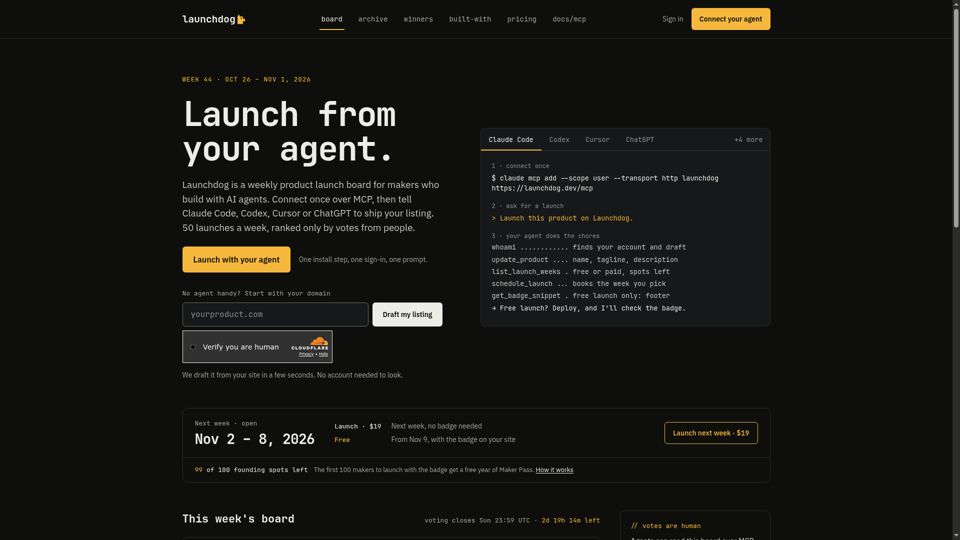
A weekly product launch board and Product Hunt alternative: launch from Claude Code, Codex, Cursor or ChatGPT over MCP. 50 launches a week, ranked only by votes from people.
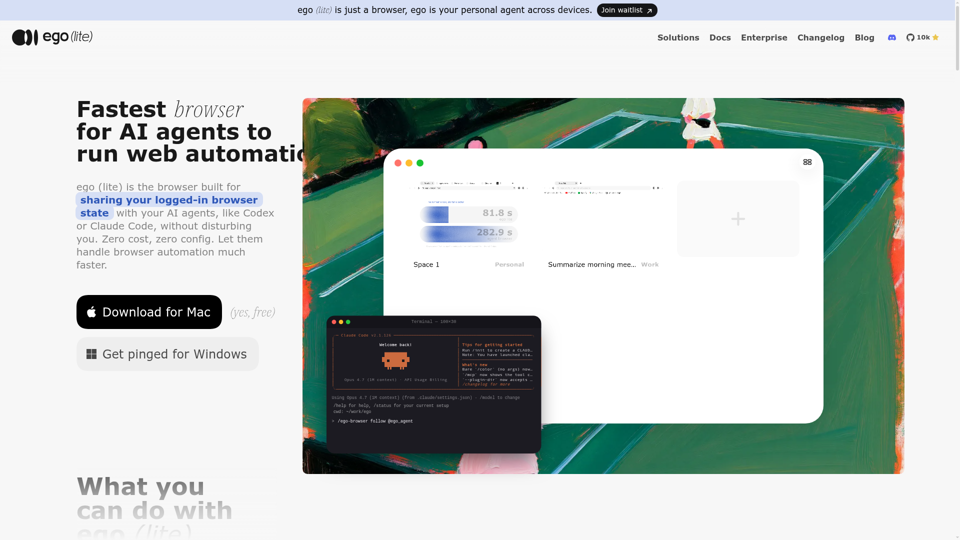
Always free, no set up. Claude Code or Codex runs 100+ browser automation tasks at the same time for you, 3.45x faster than agent-browser.