Claude Code & Codex Hosting
Managed hosting for Claude Code and Codex. Persistent cloud environments, browser terminal, SSH access. Your AI coding agent runs 24/7. Free trial included.
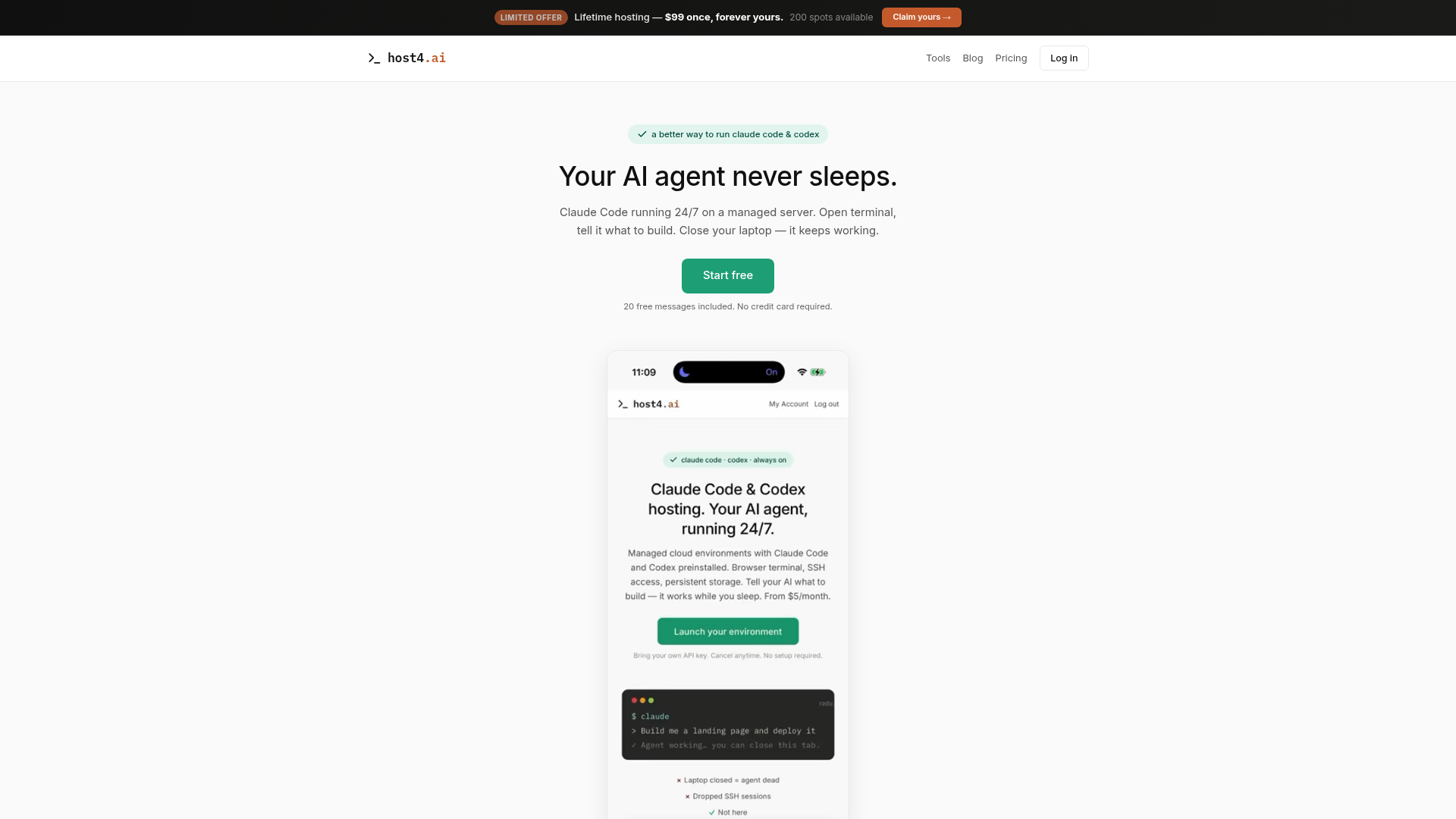
What is Host4.ai?
Host4.ai is a pioneering managed cloud platform designed specifically for developers and builders who want to leverage AI agents like Claude Code and Codex for 24/7 project development. It provides dedicated hosting environments where your AI-powered coding assistant can run continuously, building websites, apps, and tools even when your laptop is closed. Think of it as your persistent, always-on AI development workstation in the cloud.
What is the Main Feature of Host4.ai?
The platform stands out by offering a flexible, honest, and developer-centric approach to AI-assisted building.
- Persistent 24/7 AI Agent
- Your Claude Code environment runs continuously on a managed server, surviving browser closures and SSH disconnects.
- Flexible AI Billing
- You have a choice. Start with 20 free messages, then connect your own Anthropic API key for unlimited usage, avoiding restrictive credit systems.
- Real, Full-Access Environment
- You get root access to a real Linux (Ubuntu) server via SSH or a mobile-friendly browser terminal, not a locked-down sandbox.
- Instant Live Deployment
- Everything your AI builds is instantly live on your own subdomain or custom domain, with automatic SSL, requiring no manual deploy commands.
- "Build It and Own It" Philosophy
- There is no platform lock-in. You have full access to all your code and can export your entire environment anytime.
How to Use Host4.ai?
Getting started is designed to be incredibly fast and straightforward, requiring no deep technical setup.
- Sign Up & Choose a Plan: Create a free account. You can start with the Free tier (20 messages) or select a plan like Pro, Business, or the limited-time Lifetime offer.
- Access Your Terminal: Once your environment is provisioned (ready in ~30 seconds), open the web-based terminal or connect via SSH from your preferred client.
- Start Building with AI: In your terminal, launch Claude Code or Codex. Describe what you want to build (e.g., "Build me a portfolio site"). The AI will write and execute the code.
- View and Share Instantly: As the AI builds, your project is immediately accessible on a live URL. You can share this link with anyone to view or test the application in real-time.
Host4.ai Pricing & Plans
Host4.ai offers transparent, all-inclusive pricing with no hidden fees. All plans include hosting, a terminal, SSL, a domain, and backups.
- Free Trial
- $0 forever. Includes 1 vCPU, 1 GB RAM, 5 GB storage, and 20 free AI builder messages. Perfect for testing.
- Pro Plan
- $15/month ($165/year). For active development. Includes 2 vCPU, 2 GB RAM, 20 GB storage, and 500 GB traffic. Connect your own Anthropic key.
- Business Plan
- $49/month ($539/year). For teams and production. Includes 4 vCPU, 4 GB RAM, 50 GB storage, and 1 TB traffic.
- 🔥 Lifetime Deal (Limited Offer)
- A one-time payment of $99 for a permanent hosting environment with 1 vCPU, 1 GB RAM, and 5 GB storage. No recurring monthly fees.
Add-ons like custom domains ($12/mo), dedicated IPs ($4/mo), and expert setup ($30/hour) are available for all plans.
Helpful Tips for Maximizing Host4.ai
- Leverage the Free Trial
- Use the 20 free messages to thoroughly test the AI Builder's capability for your specific use case before committing to a plan or connecting your API key.
- Understand Overage Billing
- Resources are extended gracefully. If you exceed storage or traffic limits, you'll be notified and charged in clear $5 blocks (e.g., +10 GB storage), ensuring your project is never abruptly stopped.
- Use the Mobile Terminal
- The web terminal is optimized for phones. Increase the font size and use quick-action buttons for a surprisingly functional coding-on-the-go experience.
- Install Beyond Claude
- You have root access. Don't hesitate to install other AI coding assistants like Aider or Continue, or any other Linux tool you need for your workflow.
- Bookmark Your Live URL
- Your project is always live. Bookmark the URL so you can check progress or show it to others instantly, without needing to log into the terminal.
Frequently Asked Questions (FAQ)
Do I need my own Claude subscription to use Host4.ai?
No, you don't. You can start with the 20 included free messages. For continued use beyond that, you simply need to connect your Anthropic API key (which you get from an Anthropic subscription like Pro or Max). Host4.ai provides the persistent server; you provide the AI model access.
What happens if I close my browser or lose my SSH connection?
Nothing negative. Your environment and the Claude Code process continue running uninterrupted on the Host4.ai server. You can reconnect from any device, and your work will be exactly as you left it, running in a background tmux session.
Can I run tools other than Claude Code on Host4.ai?
Absolutely. You have full root access to a standard Ubuntu Linux environment. You can install and run Codex, Aider, Continue, or any other command-line AI tool, code editor, web server, or database you require.
How does the "instant live" feature work?
When you start a web project (like a Node.js or Python app), Host4.ai's system automatically detects it, makes it accessible on a public URL (e.g., yourname.host4.ai), and provisions an SSL certificate. There's no git push, CI/CD pipeline, or docker compose up command needed.
Is my code and data safe and private?
Yes. Each user's environment is fully isolated with its own filesystem and network. Daily backups are performed. Other users cannot access your data. You also have the option to delete your environment and all associated data permanently at any time.
Claude Code & Codex Hosting
Managed hosting for Claude Code and Codex. Persistent cloud environments, browser terminal, SSH access. Your AI coding agent runs 24/7. Free trial included.
 Google Sign-in
 HTTP/3
 PHP
PHPFree AI anime and manga generator. Turn text into anime episodes, manga, comics, webtoons and comic shorts in any art style — no drawing or animation skills needed.
Translate image text across 70+ languages with our advanced AI Image Translator to help you better expand your products globally to various countries
Advertised Here
Reach thousands of visitors daily. Get your spot now!
Tools similar to Claude Code & Codex Hosting
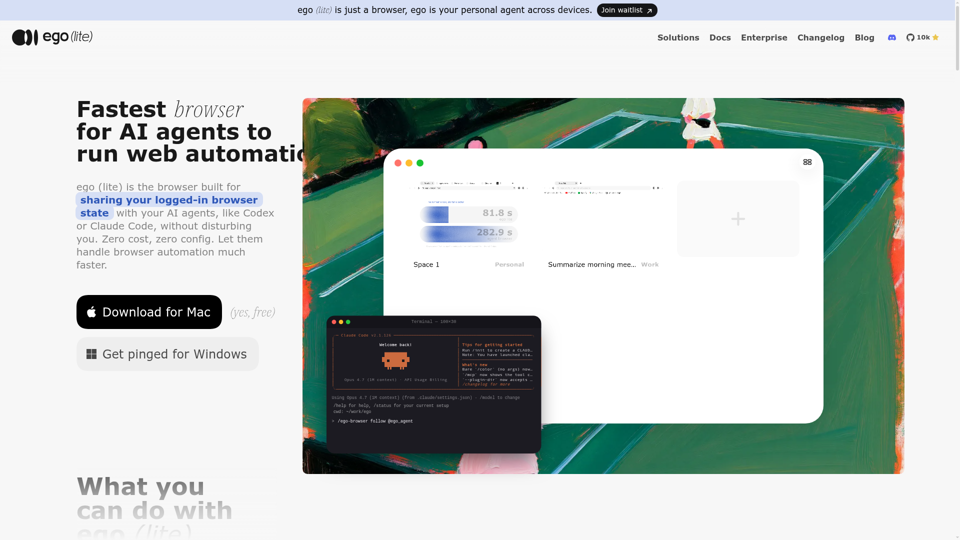
Always free, no set up. Claude Code or Codex runs 100+ browser automation tasks at the same time for you, 3.45x faster than agent-browser.
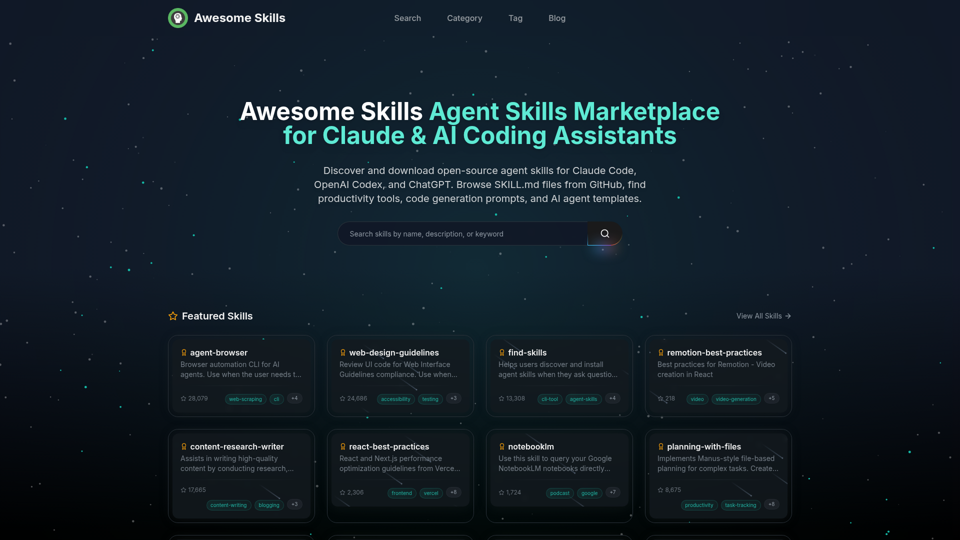
Browse and download open-source agent skills for Claude Code, OpenAI Codex, and ChatGPT. Curated collection of SKILL.md files from GitHub. Find productivity skills, code generation prompts, MCP tools, and AI agent templates. The best Claude skills marketplace with 50,000+ skills.
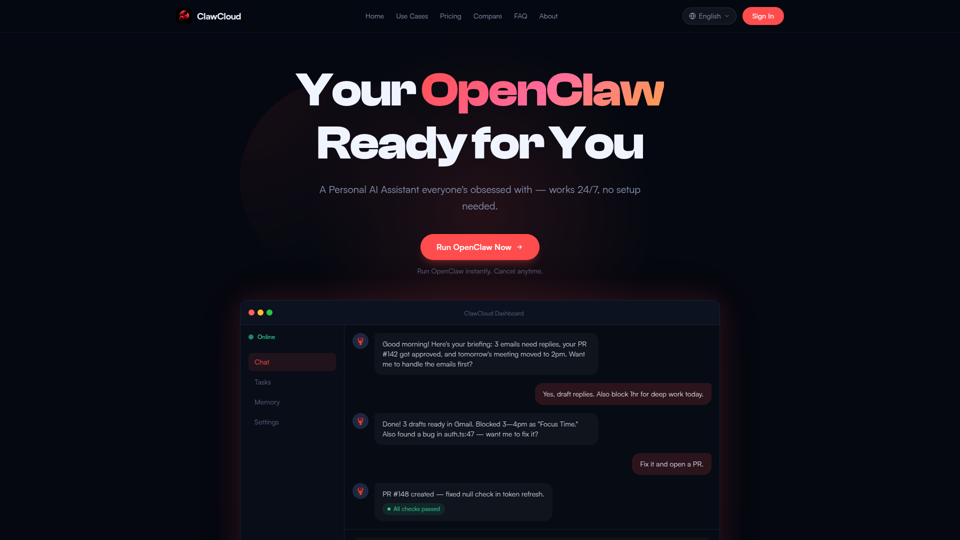
Your personal AI assistant, hosted and managed for you. Run OpenClaw instantly with zero setup. Always online, always ready.
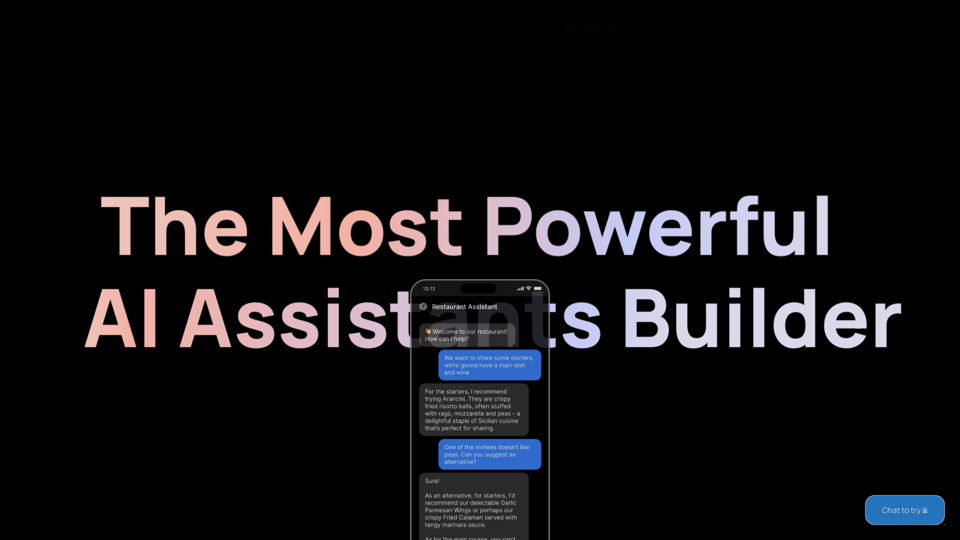
Start building your AI Assistant using models such as OpenAI, Claude & Azure. Easily connect to your tools and database and ship as an API Chatbot or HTML embed widget
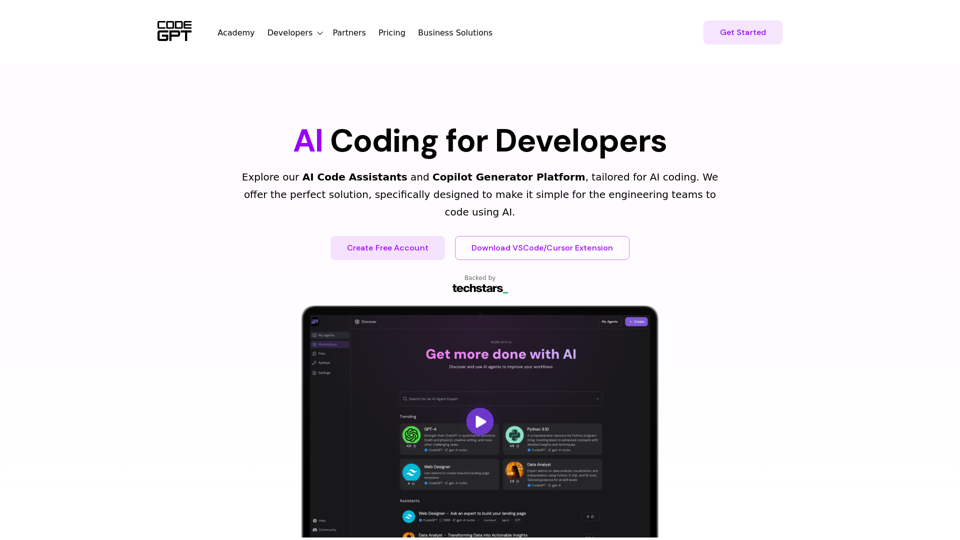
Secure AI copilots for developers to enhance code efficiency while ensuring data security and privacy. Leverage AI models to code faster and better.
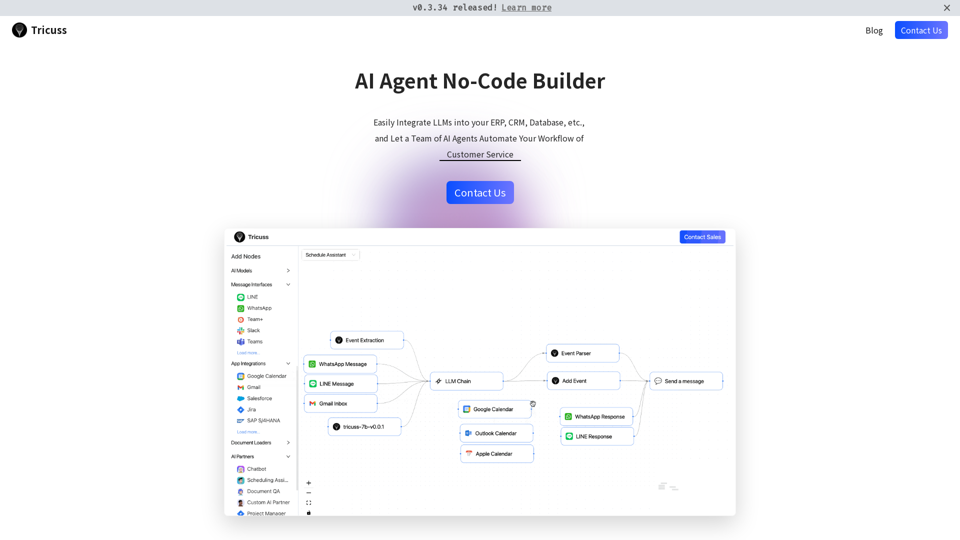
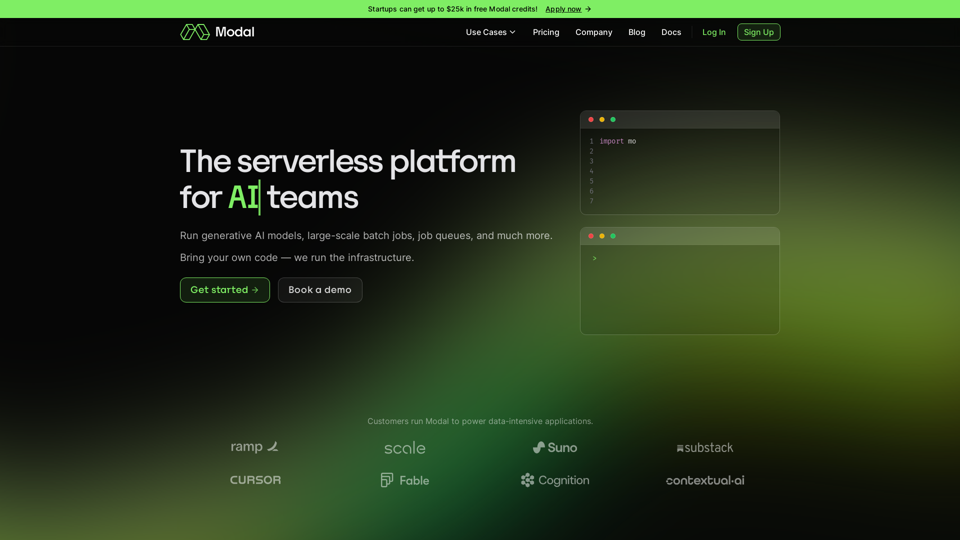
Bring your own code, and run CPU, GPU, and data-intensive compute at scale. The serverless platform for AI and data teams.
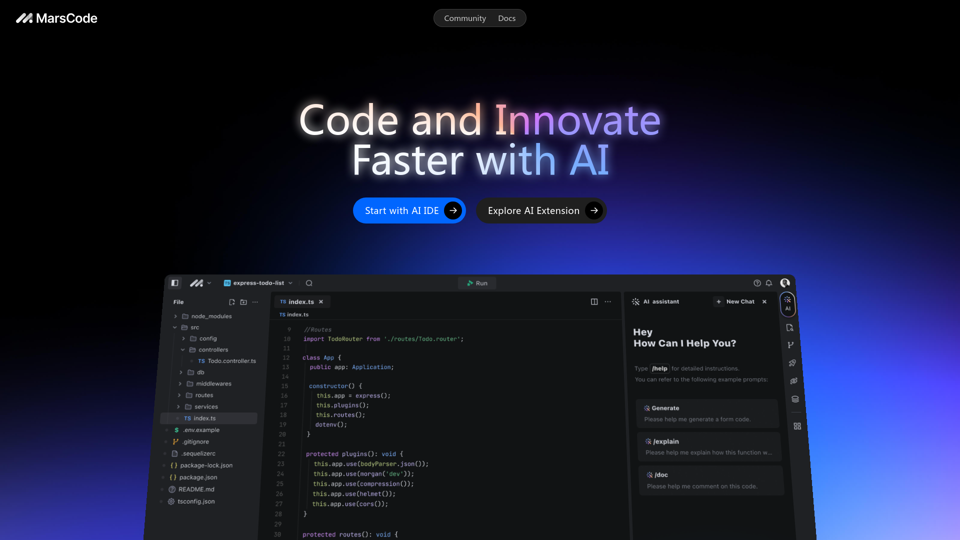
MarsCode provides an IDE with a built-in AI Assistant and extensions that support over 100 languages and mainstream IDEs.