What is Banana AI?
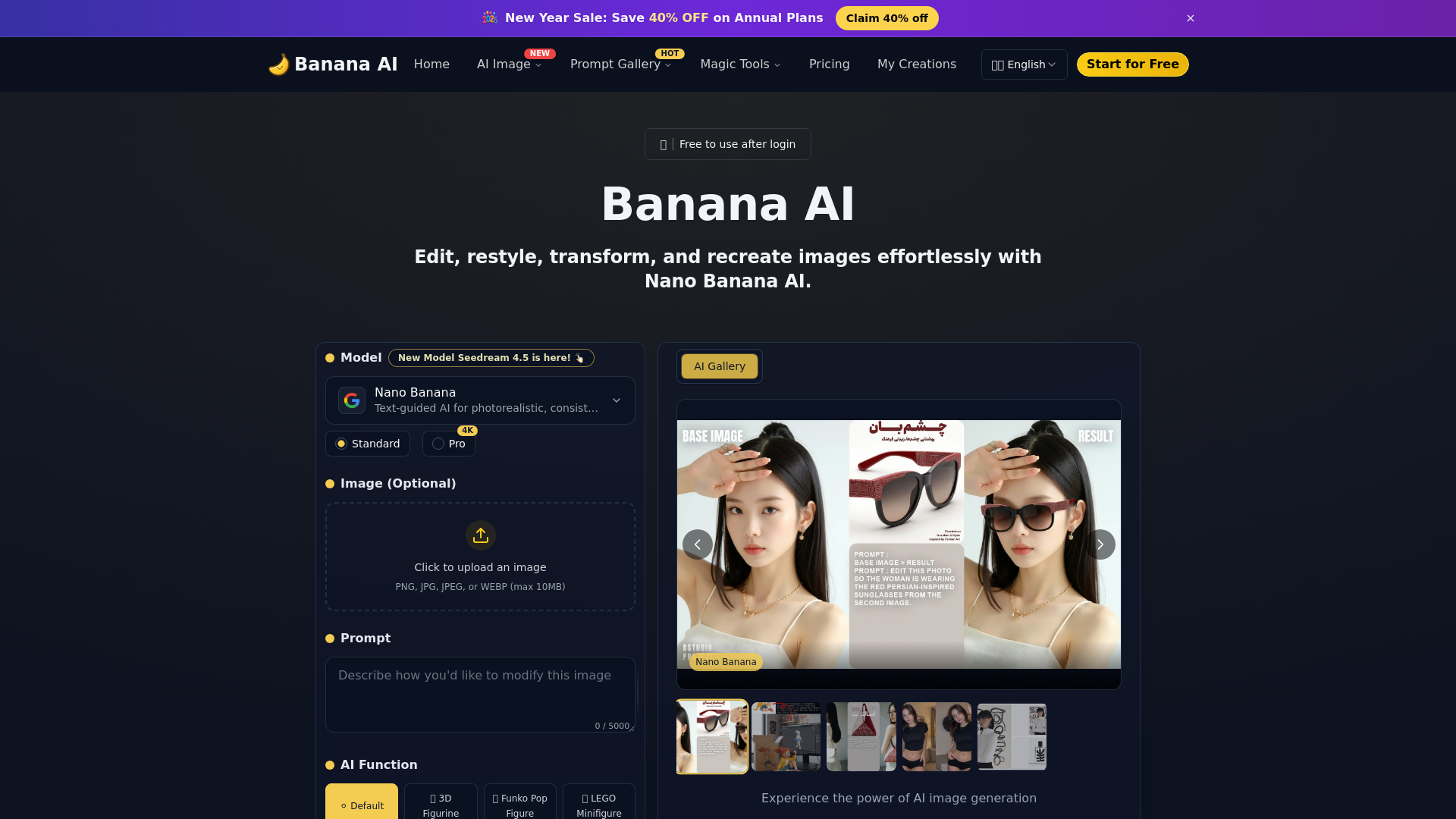
Banana AI is a cutting-edge AI photo editor developed by Google's Nano Banana technology. It allows users to edit, restyle, transform, and recreate images effortlessly by utilizing text prompts. With Banana AI, you can enhance your photos in just seconds, turning them into unique visual experiences without requiring any design expertise.
What are the main features of Banana AI?
- Quick Editing
- Processes edits in just 1-2 seconds using advanced AI technology.
- 3D Figurines
- Transform your photos into playful 3D figurines with realistic details and perspectives.
- Background Replacement
- Easily replace photo backgrounds using text prompts while preserving natural edges and lighting.
- Creative Style Conversion
- Instantly apply various art styles to your images, such as watercolor, oil painting, and anime.
- Batch Editing
- Edit multiple images simultaneously, ensuring consistency across your visual content.
- User-Friendly Interface
- Simple and intuitive design, accessible to users of all skill levels.
How to use Banana AI?
Using Banana AI is a straightforward process. Follow these steps to create stunning images:
- Upload Your Photo: Begin by uploading any image you wish to edit, whether it's a selfie or landscape.
- Enter Your Prompt: Describe the edit you want through text prompts, e.g., “Add a rainbow background” or “Transform into a watercolor style.”
- Click Generate: Hit the “Generate” button and wait for the AI to process your edit in seconds.
- Preview and Download: Once the editing is complete, preview your image. If satisfied, download or share it on social media.
What is the price of Banana AI?
Banana AI offers free credits upon signing up to try basic editing features at no cost. For advanced features like higher resolution images or batch editing, users can purchase additional credits or opt for a subscription plan to unlock full capabilities.
Helpful Tips
- Utilize Text Prompts
- Be specific with your prompts to achieve more tailored edits.
- Explore Styles
- Experiment with various artistic styles to discover new looks for your images.
- Batch Process for Efficiency
- If you have multiple images, use the batch editing feature to save time while maintaining cohesion in your projects.
- Preview Before Downloading
- Always check the preview of your image to ensure it meets your expectations before downloading.
Frequently Asked Questions
What can Banana AI edit?
Banana AI can remove objects, replace backgrounds, and apply creative styles across various image types, including portraits and landscapes.
Is Banana AI free to use?
Yes, Banana AI offers free credits for basic editing features, while advanced functionalities can be unlocked through purchases or subscriptions.
How fast is Banana AI?
Banana AI processes edits in just 1-2 seconds, making it one of the fastest AI photo editors available.
What styles are available in Banana AI?
Banana AI includes various creative styles like anime, Pixar-like effects, watercolor, and more. Custom prompts allow for unique edits.
Can I edit multiple photos at once?
Absolutely! Banana AI supports batch editing, perfect for businesses or content creators needing consistent edits across multiple images.
How does Banana AI maintain consistency across edits?
One of Banana AI's standout features is maintaining identity consistency, ensuring key facial features remain recognizable even with edits.
Can I use Banana AI for professional projects?
Yes, it's ideal for marketing visuals, social media content, and more, delivering high-quality, consistent edits rapidly.
Do I need any design experience to use Banana AI?
No, Banana AI is designed for everyone. Its user-friendly interface means anyone can easily transform their photos using text prompts.
How does Banana AI handle privacy and data security?
All images processed through Banana AI are secured, and your data remains private. Following downloads, you have complete control over your edited photos.
Banana AI
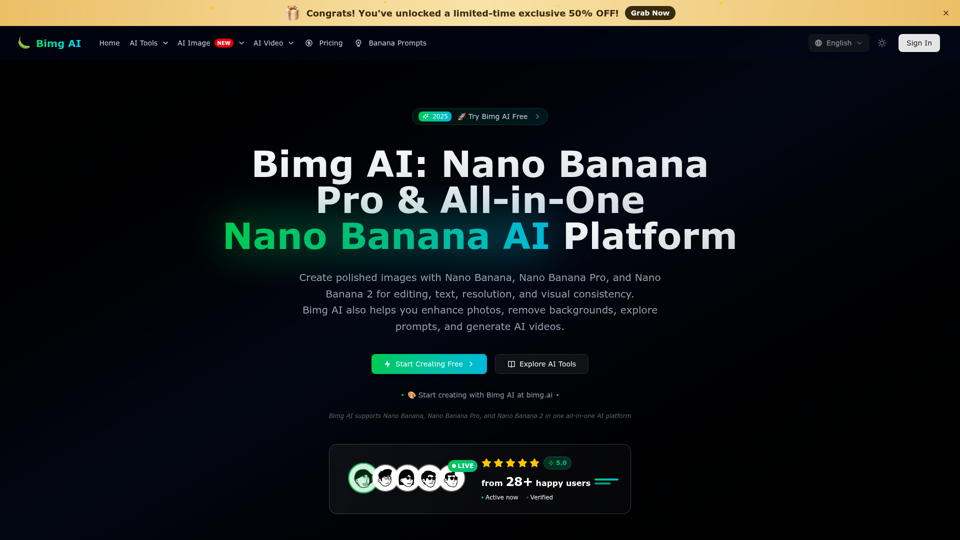
Banana AI is a free AI photo editor. Use text prompts for precise edits, style changes, and consistent, high-quality results in seconds. Try it online now.
 Cloudflare
 HTTP/3
 Next.js
 Node.js
 React
React Webpack
Free AI anime and manga generator. Turn text into anime episodes, manga, comics, webtoons and comic shorts in any art style — no drawing or animation skills needed.
Translate image text across 70+ languages with our advanced AI Image Translator to help you better expand your products globally to various countries
Advertised Here
Reach thousands of visitors daily. Get your spot now!
Tools similar to Banana AI
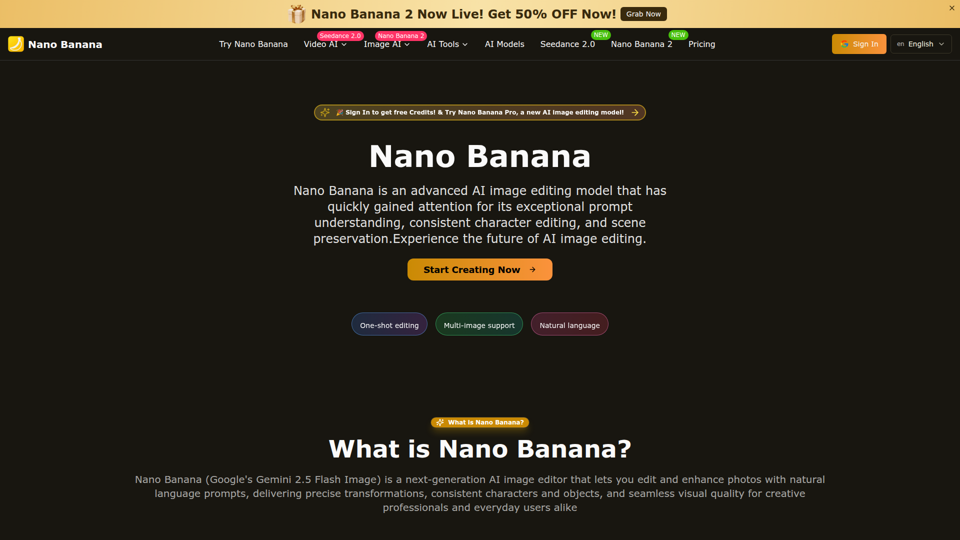
Nano Banana is an AI image editor from Google that lets you edit images with text. Achieve natural edits, consistent results, and creative transformations.Experience the future of AI image editing—try it for free today.
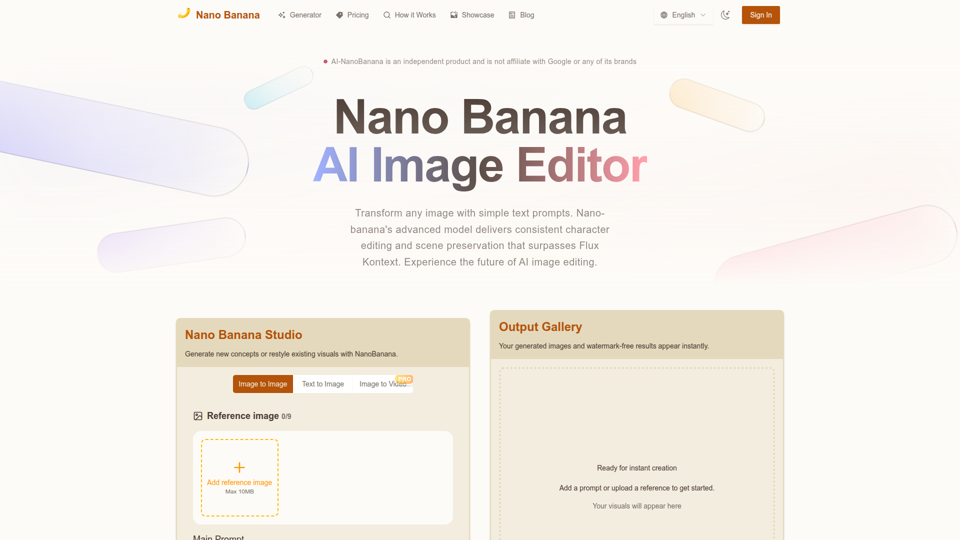
Nano Banana combines image-to-image and text-to-image so teams can ship polished visuals in seconds. Generate, edit, and clean assets in one intuitive workspace.
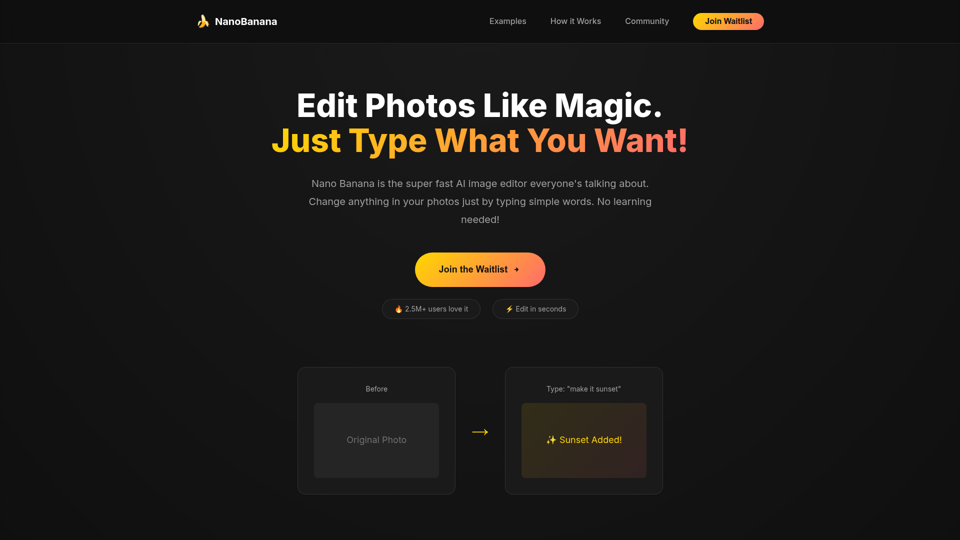
Nano Bananais the fastest AI image editor. Just type what you want and watch magic happen! Edit photos in seconds.
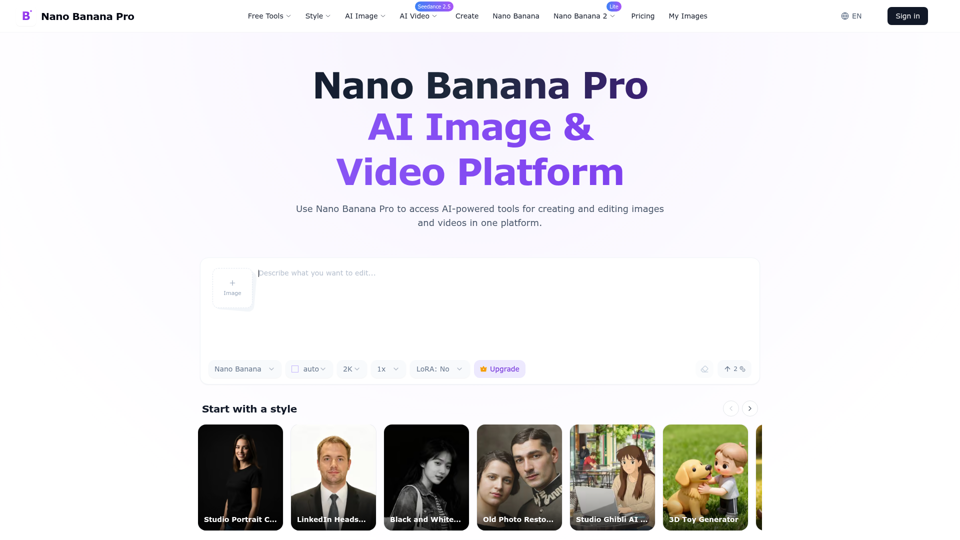
Create and edit high-quality AI images with Nano Banana Pro. Start with free credits, generate up to 4K, and refine text, style, and lighting online.
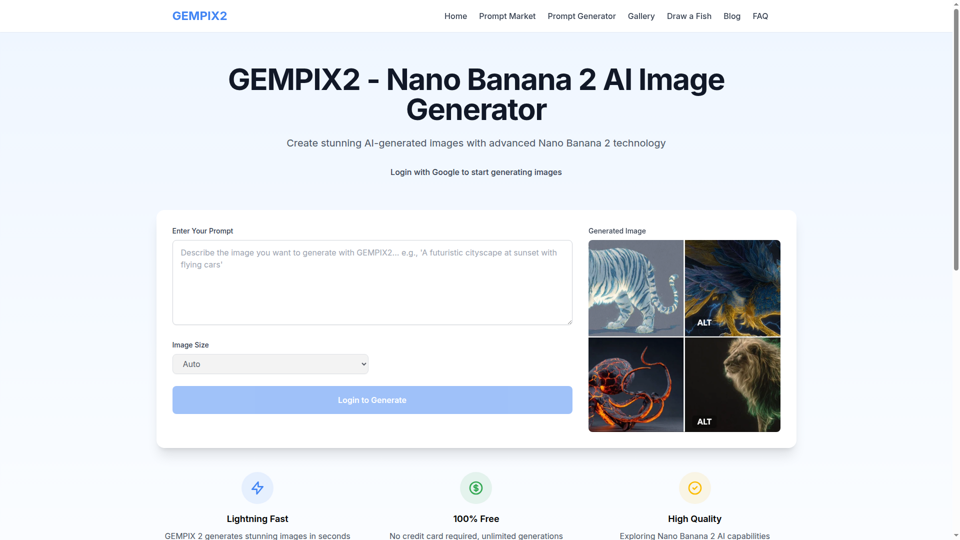
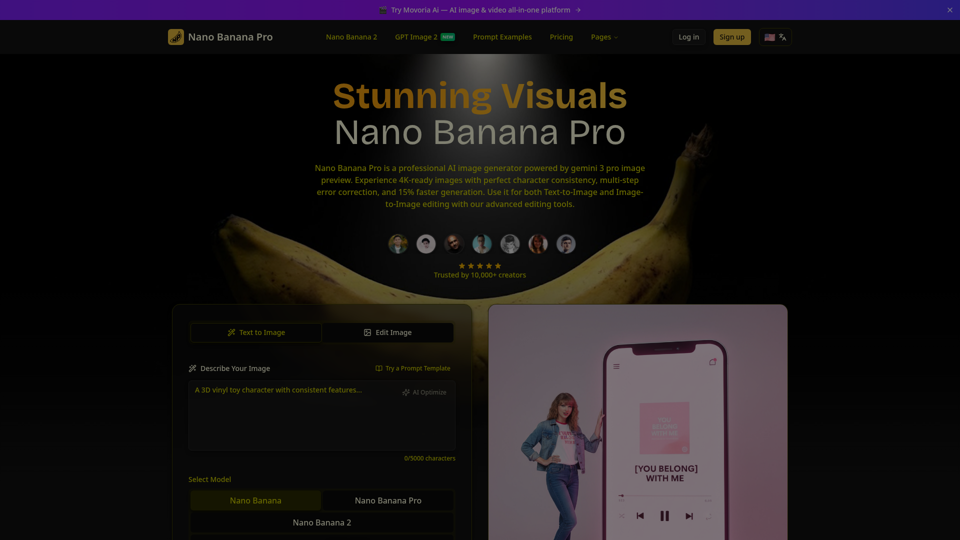
Create beautiful images with Nano Banana Pro, a fast and easy AI image generator. Try it free, keep characters consistent, and pick from flexible aspect ratios.
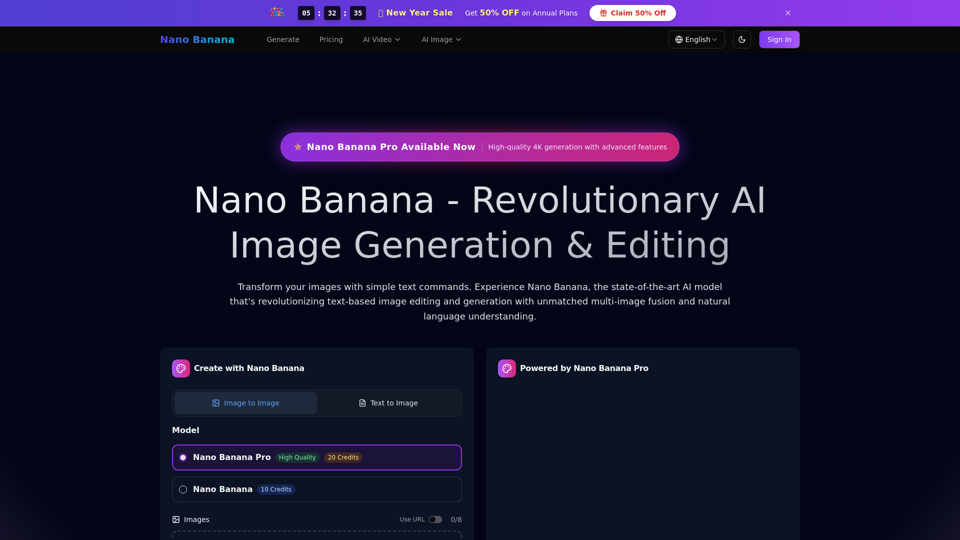
Transform your images with simple text commands. Experience the mysterious AI model that's outperforming industry leaders in text-based image editing and generation.