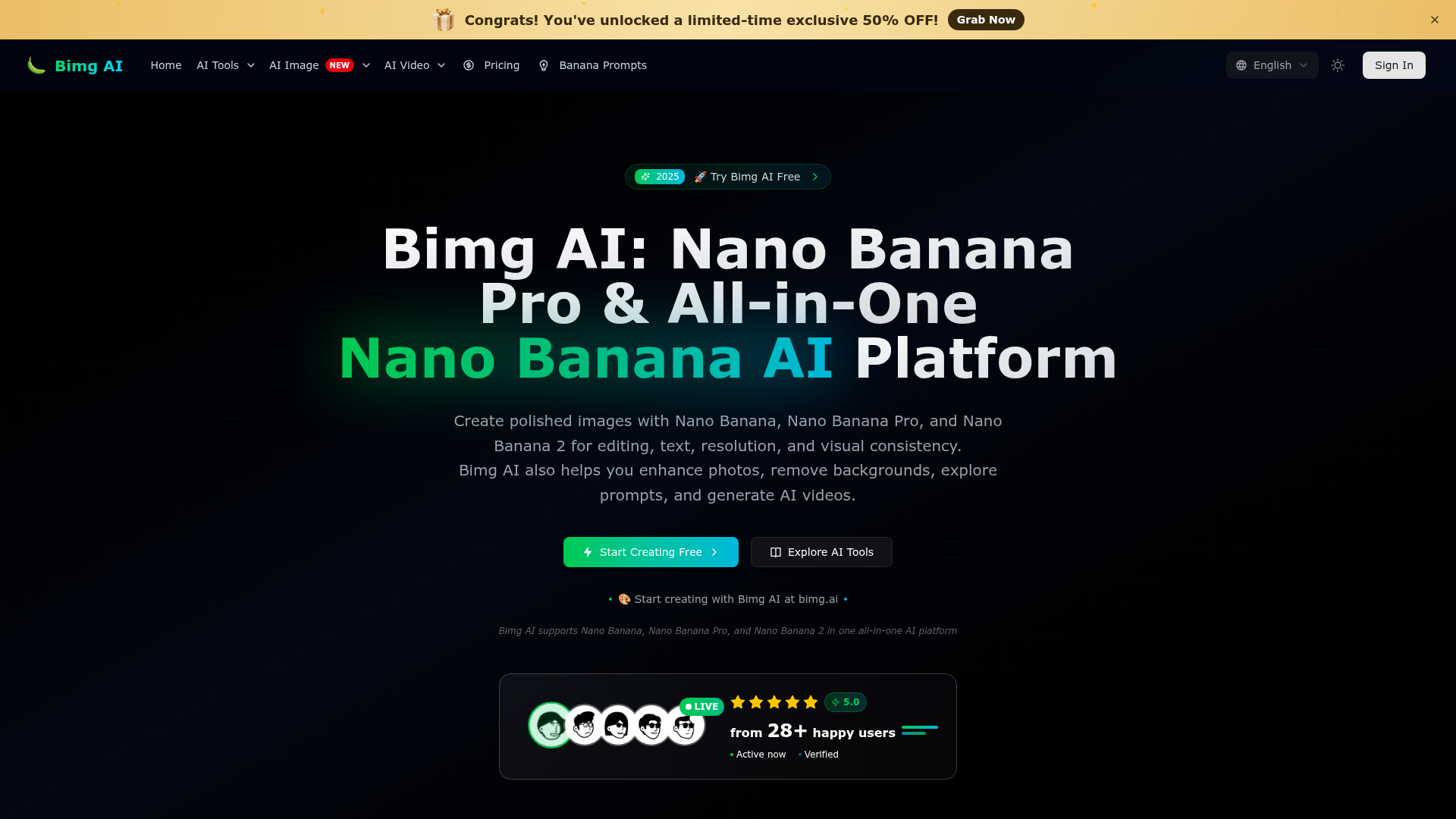
What is Bimg AI Nano Banana?
Bimg AI Nano Banana is an all-in-one AI image generation platform powered by advanced models like Nano Banana, Nano Banana Pro, and Nano Banana 2. It allows users to create, edit, enhance, and analyze images using cutting-edge AI technology. The platform specializes in transforming text descriptions into high-quality visual art, offering tools for photo enhancement, background removal, prompt exploration, and even AI video generation. It serves as a comprehensive workbench for turning creative ideas into polished, professional-grade images.
What are the main features of Bimg AI Nano Banana?
1. Multiple Advanced AI Models: Access Nano Banana, Nano Banana Pro, and Nano Banana 2 within a single platform for various creative needs. 2. High-Quality Text-to-Image Generation: Generate images from detailed textual descriptions with exceptional clarity and artistic control. 3. Superior Text Rendering & 4K Resolution: Nano Banana Pro excels at rendering clear, legible text within images and producing outputs up to 4K ultra-high resolution. 4. Real-World Knowledge Integration: Leverages models like Gemini for accurate, detailed results based on real-world knowledge, useful for annotations, infographics, and diagrams. 5. Perfect Style Transfer: Capable of precisely capturing and applying artistic styles (e.g., oil painting, watercolor) to your generated images. 6. Comprehensive Editing Suite: Includes tools for image enhancement, background removal, and detailed editing (Image Edit mode). 7. AI Video Generation: Extends capabilities beyond static images to create AI-powered videos. 8. Inspiration Library & Prompt Hub: Provides a vast collection of pre-made prompts ("Banana Prompts") for inspiration, which can be copied and used instantly. 9. Free Credits & Trial: New users receive 20 free credits to try the Pro model and 4K resolution without a credit card. 10. Referral Program: Users can invite friends to earn rewards ($1 + 20% commission).
How to use Bimg AI Nano Banana?
1. Sign Up: Visit bimg.ai and create a free account to receive 20 initial credits. 2. Access the Creation Workbench: Navigate to the main interface where you can select your AI model (e.g., Nano Banana Pro). 3. Describe Your Idea: In the "Describe your idea" text box, enter a detailed prompt (up to 5000 characters). More detailed descriptions yield better results. 4. Configure Settings: Choose the aspect ratio (e.g., Auto, Square), resolution (e.g., 2K, 4K), and the number of output images. 5. Add Reference Images: Upload an image (max 30MB) or select from your library to use as a style or content reference. 6. Start Creation: Click the "Start Creation" button. The credit cost (e.g., 12 credits for a Pro generation) will be deducted, and your image will be generated. 7. Use AI Tools: Explore other platform features like photo enhancement, background removal, and prompt discovery in the "Explore AI Tools" section. 8. Manage Credits: Use your daily free allowances or purchase additional credits/subscriptions for extended use.
Price and Subscription Plans
1. Free Tier: New users get 20 free credits to experiment with the platform, including access to Nano Banana Pro and 4K resolution. 2. Subscription Plans: If the free usage limits are insufficient, Bimg AI offers affordable subscription products. Details and current pricing (including potential limited-time discounts like 50% OFF) can be found on the Pricing Page. 3. Credit System: Image generation consumes credits. The cost varies based on model and settings (e.g., Nano Banana Pro at 2K resolution may cost 12 credits per generation). 4. Referral Earnings: Users can earn $1 plus a 20% commission from friends' activities via the referral program.
Helpful Tips for Using Bimg AI Nano Banana
1. Leverage Detailed Prompts: The quality of the output is heavily influenced by the detail and specificity of your text description. Use the "Browse Inspiration" section to learn from effective prompts. 2. Utilize Reference Images: For style transfer or consistent character generation, uploading a reference image can greatly enhance accuracy and quality. 3. Choose the Right Model: Use Nano Banana Pro for tasks requiring perfect text, 4K resolution, or complex style transfer. Select other models based on your specific creative need. 4. Experiment with Settings: Try different aspect ratios and resolutions to match your project's final use case (e.g., social media post, print material). 5. Explore the Prompt Library: The "Banana Prompts" section is a treasure trove of ideas. Copy and modify these prompts to kickstart your creations. 6. Start with Free Credits: Use the 20 free credits to thoroughly test the Pro model's capabilities before committing to a subscription. 7. Join the Referral Program: Share your link to earn extra credits or cash, effectively reducing your costs. 8. Use for Diverse Applications: Beyond art, the platform is excellent for creating marketing materials, product mockups, infographics, restoring old photos, and generating video content.
Frequently Asked Questions about Bimg AI Nano Banana
Can I generate images for free on Bimg AI?
Yes, new users receive 20 free credits upon sign-up, allowing them to generate images using models like Nano Banana Pro without any initial payment.
What is Nano Banana Pro best used for?
Nano Banana Pro is ideal for generating images with sharp, readable text (e.g., posters, diagrams), achieving 4K ultra-high resolution for professional use, and performing precise artistic style transfers.
How does the style transfer feature work?
You can upload a reference image and describe the desired style in your prompt. Nano Banana Pro analyzes the reference and applies its artistic style (e.g., oil painting texture, watercolor effect) to your newly generated image.
Can I edit existing images on Bimg AI?
Yes. The platform offers an "Image Edit" mode where you can upload an image and use AI to enhance it, remove backgrounds, change elements, or restore/colorize old photographs.
How many images can I generate per prompt?
You can set the "Output Count" in the workbench. You can generate one or multiple images per creation request, with each image consuming credits accordingly.
Are my generated images private?
Bimg AI values user privacy. Your generated images and data are not used for training their AI models. You can manage and delete your content as needed.
What happens if I run out of free credits?
Once your 20 free credits are exhausted, you can purchase additional credits or subscribe to a plan to continue using the AI services without interruption.
Can I use Bimg AI for commercial projects?
Yes, the high-quality outputs, especially 4K resolution from Nano Banana Pro, are suitable for commercial use such advertising, product design, and content creation.
Does Bimg AI support video generation?
Yes, the platform includes AI video generation tools, expanding its utility beyond static image creation.
How do I get the best results from text-to-image generation?
Provide extremely detailed descriptions. Include specifics about subject, style, lighting, composition, mood, and technical aspects (like camera lens type). Use the prompt examples in the "Banana Prompts" gallery as a guide.
Bimg AI
Bimg AI is an all-in-one platform for Nano Banana, Pro and 2, with AI image editing, upscaling, restoration, background removal, and AI video generation
 Next.js
 Node.js
 React
React Vercel
 Webpack
Free AI anime and manga generator. Turn text into anime episodes, manga, comics, webtoons and comic shorts in any art style — no drawing or animation skills needed.
Translate image text across 70+ languages with our advanced AI Image Translator to help you better expand your products globally to various countries
Advertised Here
Reach thousands of visitors daily. Get your spot now!
Tools similar to Bimg AI
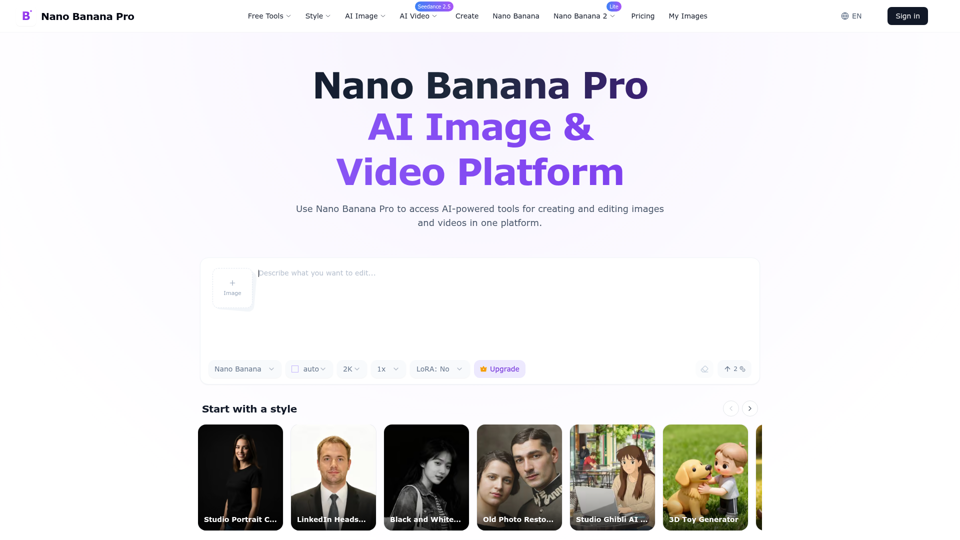
Create and edit high-quality AI images with Nano Banana Pro. Start with free credits, generate up to 4K, and refine text, style, and lighting online.
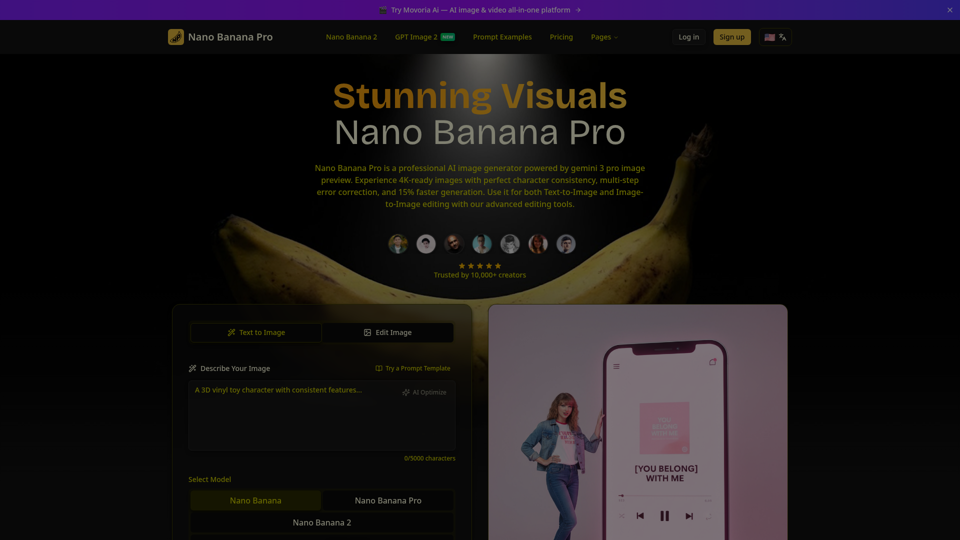
Create beautiful images with Nano Banana Pro, a fast and easy AI image generator. Try it free, keep characters consistent, and pick from flexible aspect ratios.
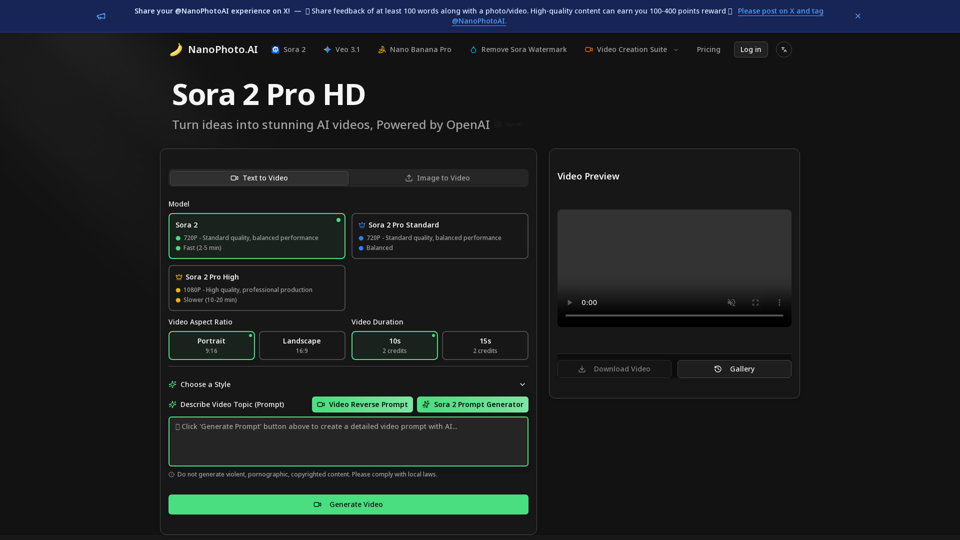
NanoPhoto.AI is a professional AI video and photo editor platform offering AI video editing (Sora 2 Pro, Sora Storyboard) and AI photo editing (Nano Banana)
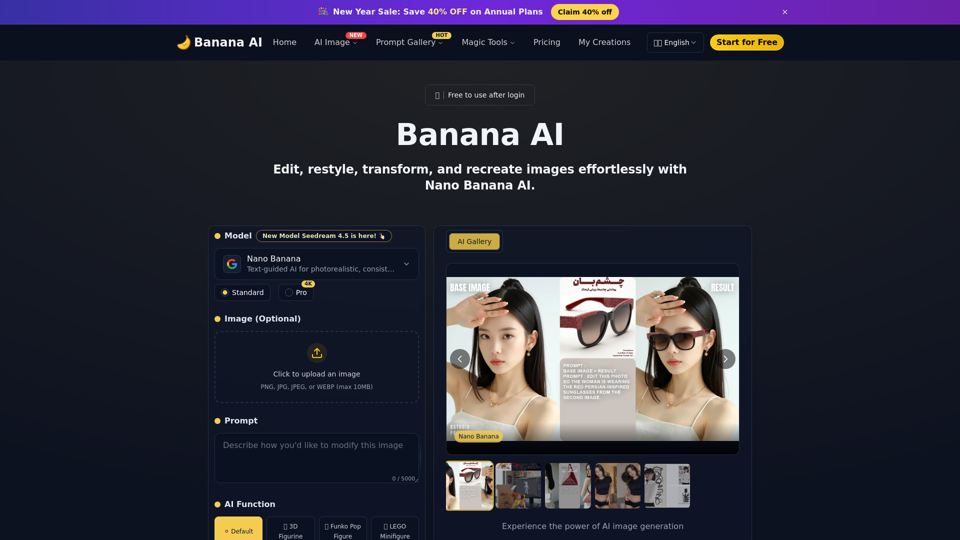
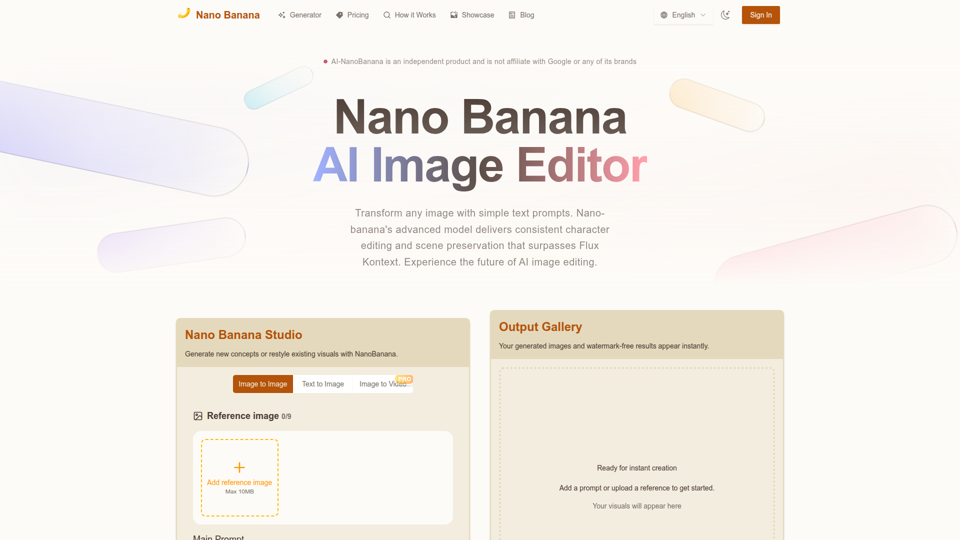
Nano Banana combines image-to-image and text-to-image so teams can ship polished visuals in seconds. Generate, edit, and clean assets in one intuitive workspace.
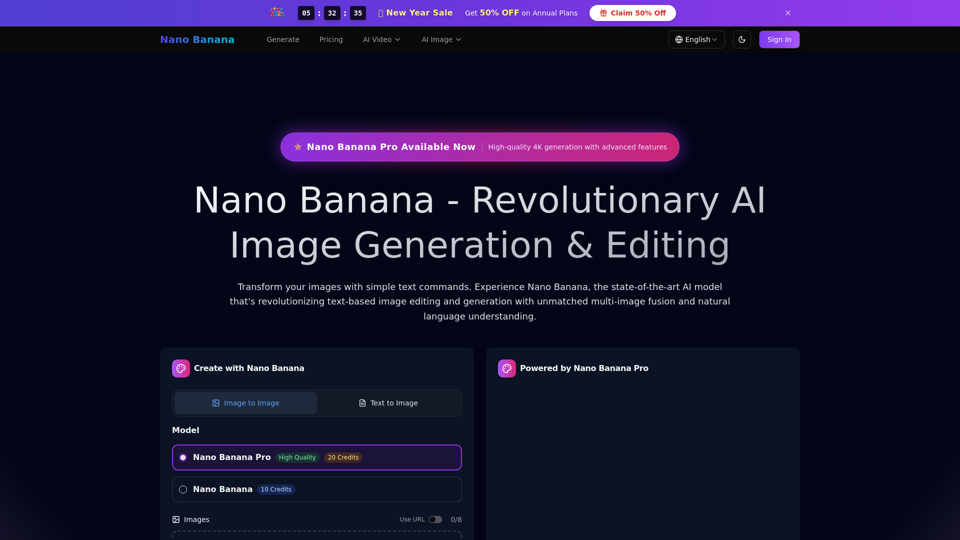
Transform your images with simple text commands. Experience the mysterious AI model that's outperforming industry leaders in text-based image editing and generation.
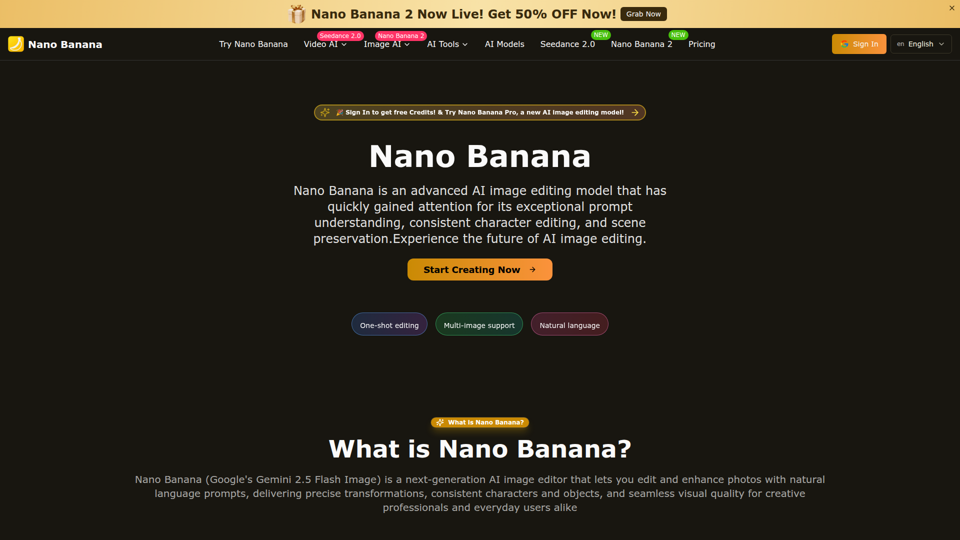
Nano Banana is an AI image editor from Google that lets you edit images with text. Achieve natural edits, consistent results, and creative transformations.Experience the future of AI image editing—try it for free today.
Nano Bananais the fastest AI image editor. Just type what you want and watch magic happen! Edit photos in seconds.