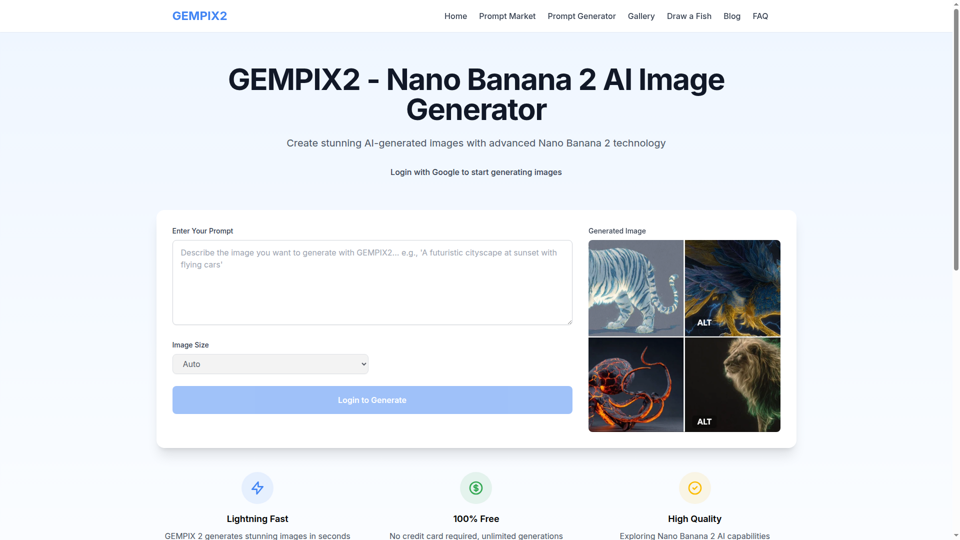
What is Nano Banana Pro?
Nano Banana Pro is an advanced AI-powered platform designed for creating, editing, and generating high-quality images and videos. It excels in rendering clear, legible text within images across multiple languages, making it ideal for posters, infographics, and marketing materials. The platform integrates real-time data and studio-grade creative controls, allowing users to blend multiple images, adjust lighting and camera angles, and produce consistent characters across different scenes.
Features of Nano Banana Pro
Nano Banana Pro offers a robust set of features tailored for professional and creative use:
- Perfect Text Rendering
- Generates crisp, readable typography in various languages with consistent fonts and layouts, eliminating garbled text.
- Multi-Image Blending
- Combine up to 14 reference images in a single composition while maintaining the consistency of up to 5 subjects.
- Studio Creative Controls
- Adjust lighting conditions (e.g., day to night), camera angles, depth of field, and color grading for precise edits.
- Real-Time Knowledge Integration
- Utilizes advanced AI reasoning to visualize live data, such as recipes, weather stats, or sports scores, into accurate charts and diagrams.
- High-Resolution Output
- Generates fast 2K image drafts and upscales to 4K for print-ready detail without quality loss.
- Unified Generate & Edit Workflow
- Create new scenes or make masked edits within the same model, eliminating the need to switch between different tools.
- Character Consistency
- Maintains recognizable characters across unlimited scenes, perfect for comics, virtual influencers, or brand mascots.
How to Use Nano Banana Pro
Using Nano Banana Pro involves a simple three-step workflow:
- Describe or Upload: Start by writing a text prompt describing your desired image or video. You can also upload reference images for blending, style matching, or targeted editing.
- Set Creative Controls: Configure your generation settings. Choose the aspect ratio, specify lighting direction, select a camera angle, and define any masked areas you wish to edit while preserving the rest of the image.
- Review and Refine: The platform generates initial drafts rapidly. You can then review the results, which feature legible text and studio-quality details, and make further refinements as needed to achieve the perfect visual.
Nano Banana Pro Pricing
Nano Banana Pro operates on a credit-based system. New users may receive a limited number of free credits to trial the platform. For continued use, generations consume credits. Detailed information on current credit costs and subscription plans can be found on the official Nano Banana Pro Pricing Page.
Helpful Tips for Using Nano Banana Pro
- Leverage Pre-Set Styles
- Jumpstart your creation by using the built-in style templates like "Studio Portrait Creator," "LinkedIn Headshot Generator," or "Old Photo Restoration."
- Explore Use Case Prompts
- The platform showcases numerous examples (e.g., "Convert to line art," "Redesign your interior"). Hover to see the original image and click to reuse the prompt for similar results.
- Utilize Blending for Complex Compositions
- For product designs or surreal art, use the multi-image blending feature to combine sketches, photos, and 3D renders seamlessly.
- Verify Data Accuracy
- When generating data visualizations or educational diagrams based on real-time information, double-check factual accuracy, as with any AI tool.
- Start with 2K for Iteration
- Use the fast 2K generation for quick drafts and ideation, then upscale your final selections to 4K resolution.
Frequently Asked Questions about Nano Banana Pro
What is Nano Banana Pro?
Nano Banana Pro is an AI image and video generation platform renowned for its exceptional text rendering, multi-image blending capabilities, and professional-grade creative controls for lighting, angles, and editing.
Why is Nano Banana Pro great for text rendering?
It specializes in generating clear, legible typography directly within images, supporting multiple languages with consistent fonts and textures, making it perfect for posters, mockups, and infographics.
Can I blend multiple images together?
Absolutely. You can blend up to 14 reference images into one cohesive composition while keeping the appearance of up to 5 people or products consistent.
What professional controls are available?
You have control over camera angles, lighting conditions (changing day to night), color grading, depth of field, and the ability to edit specific masked regions without affecting the rest of the image.
How does Nano Banana Pro use real-world knowledge?
The platform employs advanced AI reasoning to access and visualize live data (e.g., recipes, sports scores), creating accurate and grounded charts, diagrams, and educational scenes.
What are the best use cases for Nano Banana Pro?
Ideal uses include marketing and branding (logos, multilingual posters), education (data storytelling, diagrams), product design (concept mockups), and creative projects (AI comics, character consistency).
Is Nano Banana Pro free or unlimited?
No, it is not unlimited free. New users might get trial credits. Ongoing use requires credits, with details available on the pricing page.
What resolution does Nano Banana Pro support?
It generates quick 2K drafts and can upscale outputs to 4K resolution, ensuring high-fidelity detail suitable for professional print and digital media.
Nano Banana Pro
Create and edit high-quality AI images with Nano Banana Pro. Start with free credits, generate up to 4K, and refine text, style, and lighting online.
 Vercel
Free AI anime and manga generator. Turn text into anime episodes, manga, comics, webtoons and comic shorts in any art style — no drawing or animation skills needed.
Translate image text across 70+ languages with our advanced AI Image Translator to help you better expand your products globally to various countries
Advertised Here
Reach thousands of visitors daily. Get your spot now!
Tools similar to Nano Banana Pro
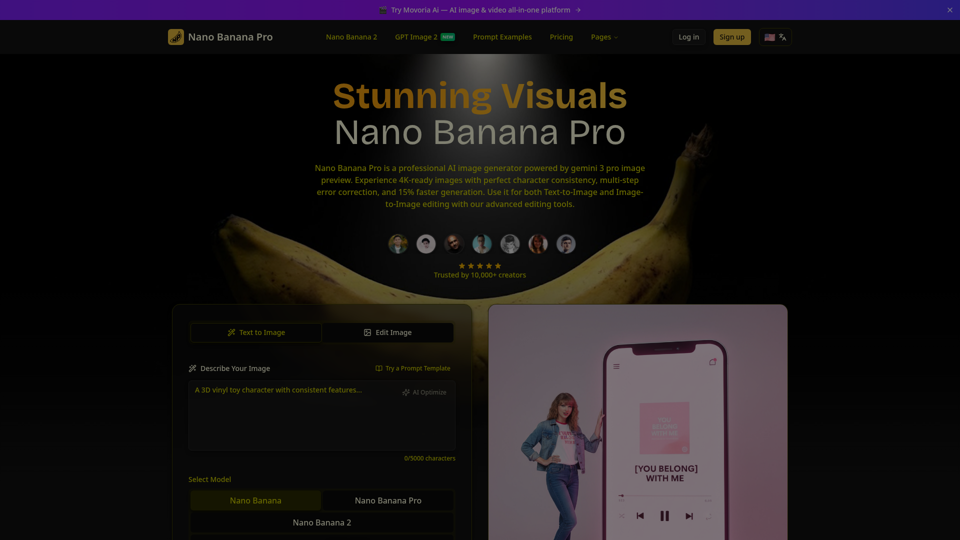
Create beautiful images with Nano Banana Pro, a fast and easy AI image generator. Try it free, keep characters consistent, and pick from flexible aspect ratios.
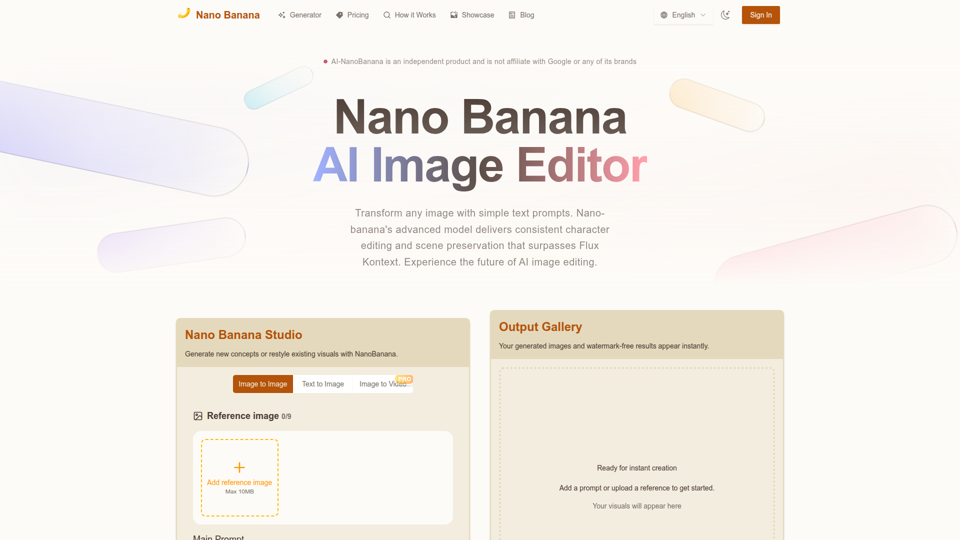
Nano Banana combines image-to-image and text-to-image so teams can ship polished visuals in seconds. Generate, edit, and clean assets in one intuitive workspace.
Transform your images with simple text commands. Experience the mysterious AI model that's outperforming industry leaders in text-based image editing and generation.
Nano Banana is an AI image editor from Google that lets you edit images with text. Achieve natural edits, consistent results, and creative transformations.Experience the future of AI image editing—try it for free today.
Nano Bananais the fastest AI image editor. Just type what you want and watch magic happen! Edit photos in seconds.