BeeVP
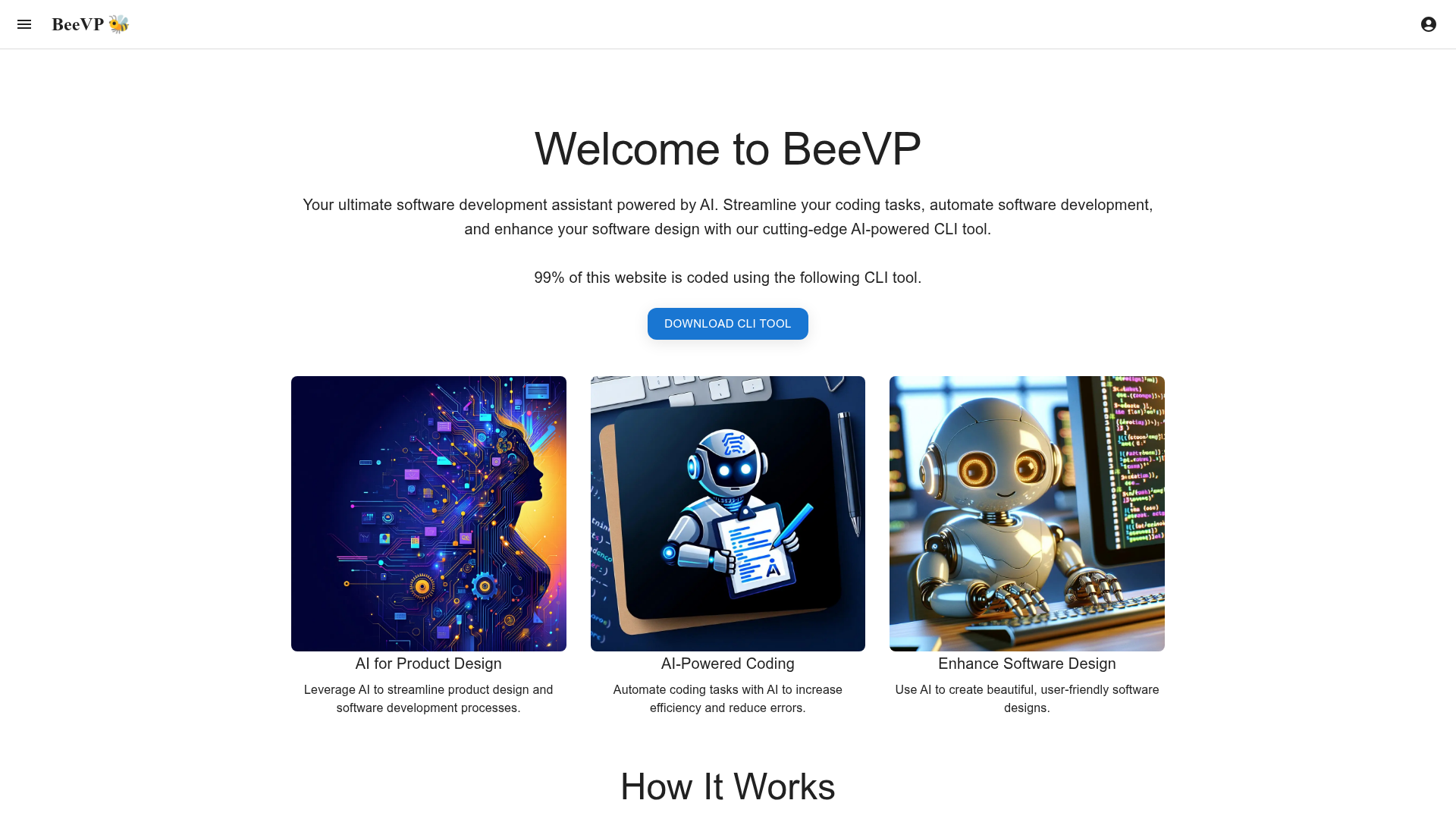
BeeVP offers an AI-powered software development assistant to streamline your coding tasks, automate software development, and enhance your software design.
What is BeeVP?
BeeVP is an AI-powered Command Line Interface (CLI) tool designed to serve as your ultimate software development assistant. It integrates cutting-edge artificial intelligence directly into your development workflow to automate coding tasks, streamline software development processes, and enhance software design. In a remarkable testament to its own capabilities, 99% of the BeeVP website itself was coded using this very CLI tool. It empowers developers, product managers, and engineers to build, debug, and design applications more efficiently by leveraging AI models for tasks ranging from generating new codebases to real-time debugging and automated feature implementation. For those looking to accelerate development, leveraging the right software development tools can be a game-changer.
What Are the Main Features of BeeVP?
The platform is built around a robust CLI with AI deeply integrated into every command. Its core features are designed to cover the complete software development lifecycle.
- AI-Powered CLI Commands
- The tool is accessed through a simple command-line interface with intuitive commands like
ask,debug,bootstrap, anddo. This allows developers to interact with AI assistance seamlessly within their terminal, the environment they already know and use daily, making it a fantastic AI for coding resource. - End-to-End Project Automation
- From the initial
bootstrapcommand that can create an entire new codebase (e.g., a Next.js app with specific frameworks and backend) to thedocommand that implements new features or refactors code, BeeVP automates complex development tasks. This includes automated implementation, following up on changes, and generating any necessary CLI commands. - Intelligent Debugging & Analysis
- Developers can use the
debugcommand to get AI-assisted analysis of error logs and code issues. Theruncommand takes it a step further by executing applications with AI monitoring and real-time auto-debugging, proactively identifying and fixing problems as they occur. - Integrated Creative & Design Assistance
- Recognizing that modern development involves more than just code, BeeVP includes capabilities like the
imagecommand to generate assets (e.g., app icons) using AI-driven image creation models, bridging the gap between development and design tools. - Proven Real-World Application
- The success story of Gencast.ai—an entire website and iOS app built with the BeeVP CLI—serves as powerful validation. It demonstrates the tool's capability to develop complex, production-ready, multi-platform AI applications.
How to Use BeeVP?
Using BeeVP begins by downloading and installing its CLI tool. Once set up, you integrate it directly into your development workflow through your terminal.
- Download & Install: Start by downloading the BeeVP CLI tool from the official website.
- Access via Terminal: Open your command-line interface (Terminal, PowerShell, etc.).
- Execute AI Commands: Use the provided commands to interact with the AI. For example:
- To start a new project: Type
sde bootstrap "Create a new Next.js app with TypeScript, MUI and Firebase backend". - To get help or analyze code: Use
sde ask "How to implement user authentication in React?"orsde ask -a "Analyze the security of my codebase". - To implement a feature: Command
sde do "Add dark mode support to my React app" -p. - To run an app with AI monitoring: Simply use
sde run.
- To start a new project: Type
- Iterate and Develop: Follow up on commands, debug in real-time, and generate assets as needed, all through the CLI. The tool is designed to handle the complexities, allowing you to focus on higher-level logic and product goals.
Price of BeeVP (Expected Model)
While the current landing page focuses on introducing the tool's capabilities, pricing for such a powerful development platform typically follows a tiered model. We can anticipate structures based on usage, project scale, or team size.
- Free Tier / Trial
- A likely offering to allow individual developers to experiment with core commands, possibly with daily usage limits or feature restrictions, similar to how platforms like magicbox.tools offer free tiers for GPT-4o.
- Pro/Individual Plan
- This tier would offer full, unlimited access to all CLI commands, higher usage limits for AI models (like GPT-4 for complex debugging), and priority processing for teams or individual professionals building commercial projects.
- Team/Enterprise Plan
- Designed for larger organizations, this plan would include features like team management, collaboration tools, dedicated support, advanced security compliance, and custom model integrations. It would be priced per seat or with custom enterprise agreements.
Helpful Tips for Maximizing Your Use of BeeVP
To get the most out of BeeVP’s AI-powered development capabilities, consider these strategies:
- Start with `bootstrap`
- Kickstart every new project using the
bootstrapcommand. Provide a detailed, clear prompt describing your tech stack and requirements to generate a robust foundation. - Leverage `ask` Proactively
- Don't just use
askfor errors. Use it as a real-time mentor to understand best practices, review architecture decisions, or analyze code quality and security (ask -a). - Chain Commands for Complex Tasks
- Combine commands in a workflow. For instance,
bootstrapa project, then usedoto implement several features, and finally userunwith AI monitoring to test and debug the entire application in one go. - Use Detailed Prompts
- The quality of the AI's output depends heavily on your input. When using
doorbootstrap, be as specific as possible about technologies, features, and desired outcomes. - Explore `sde image` for Assets
- Don't overlook the creative side. Use the
imagecommand to quickly generate logos, icons, or placeholder graphics, keeping your project's visual development in sync with its code.
Frequently Asked Questions (FAQs)
Is BeeVP suitable for beginner developers?
Absolutely. While powerful for experts, beginners can use it as a learning tool. Commands like sde ask can explain concepts, and sde do can help implement features correctly, providing a guided coding experience.
What AI models power BeeVP?
The platform is powered by advanced AI models (like GPT-4, as referenced in the debug command). It intelligently utilizes different models for tasks such as code generation, analysis, debugging, and image creation, providing a seamless, multi-model AI assistant.
Can I use BeeVP with my existing project?
Yes. You don't need to start from scratch. You can navigate to your existing project's directory in the terminal and use commands like ask, debug, and do to get assistance, analyze, or add new features to your current codebase.
How does BeeVP ensure code quality and security?
The AI is trained on best practices and can perform security analysis (via ask -a). The run command with auto-debugging also helps catch runtime issues. However, as with any generated code, thorough human review and testing are essential before deployment.
Do I need a ChatGPT Plus or other AI subscriptions to use BeeVP?
No. BeeVP provides its own integrated access to necessary AI models through its subscription service. You do not need a separate ChatGPT Plus subscription, similar to how platforms like magicbox.tools provide access to thousands of GPTs without a Plus subscription.
BeeVP
BeeVP offers an AI-powered software development assistant to streamline your coding tasks, automate software development, and enhance your software design.
 Firebase
 HTTP/3
Free AI anime and manga generator. Turn text into anime episodes, manga, comics, webtoons and comic shorts in any art style — no drawing or animation skills needed.
Translate image text across 70+ languages with our advanced AI Image Translator to help you better expand your products globally to various countries
Advertised Here
Reach thousands of visitors daily. Get your spot now!
Tools similar to BeeVP
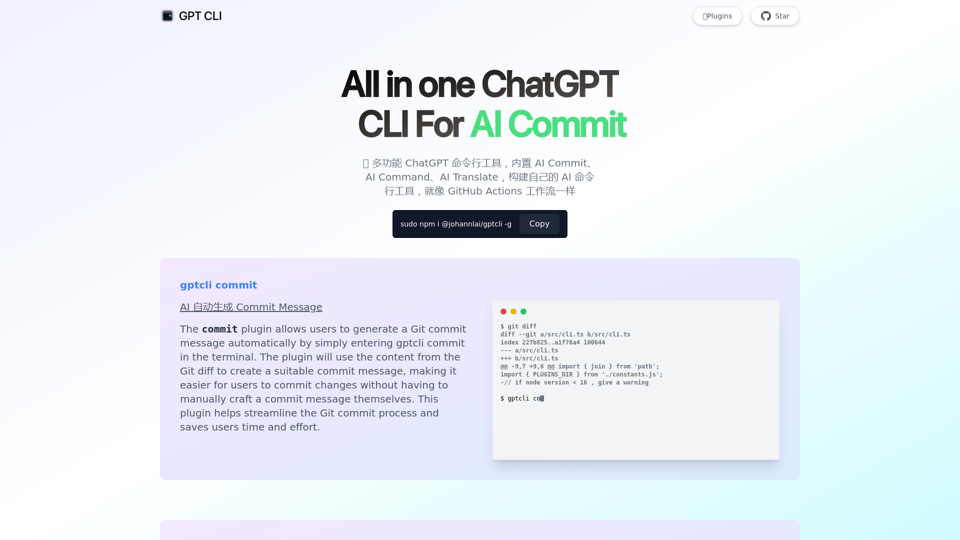
GPT CLI is a command-line interface tool that allows you to create your own ChatGPT CLI tools in seconds. With GPT CLI, you can customize your CLI tools to suit your needs and make your work more efficient. Convert NATURAL LANGUAGE PROCESSING (NLP) to into structured data.
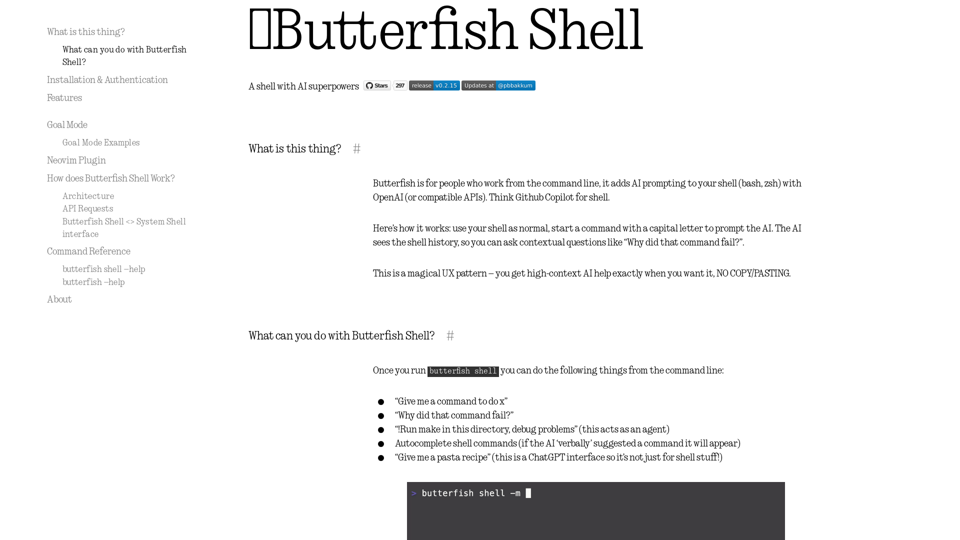
Let's do useful things with LLMs from the command line, with a bent towards software engineering.
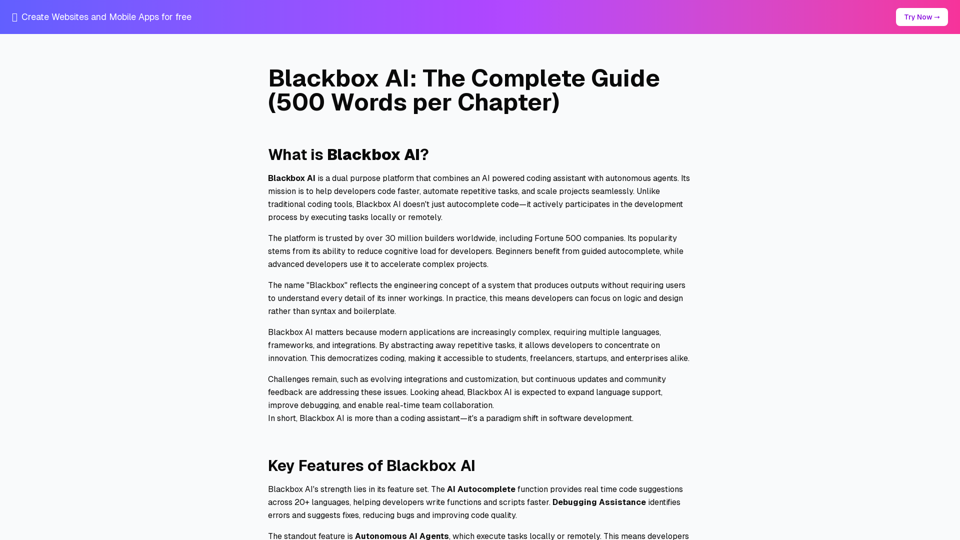
Blackbox AI is a free dual-purpose platform combining an AI-powered coding assistant with autonomous agents. Trusted by 30 million+ developers worldwide. Learn about features, benefits, use cases, and the future of AI-driven development.
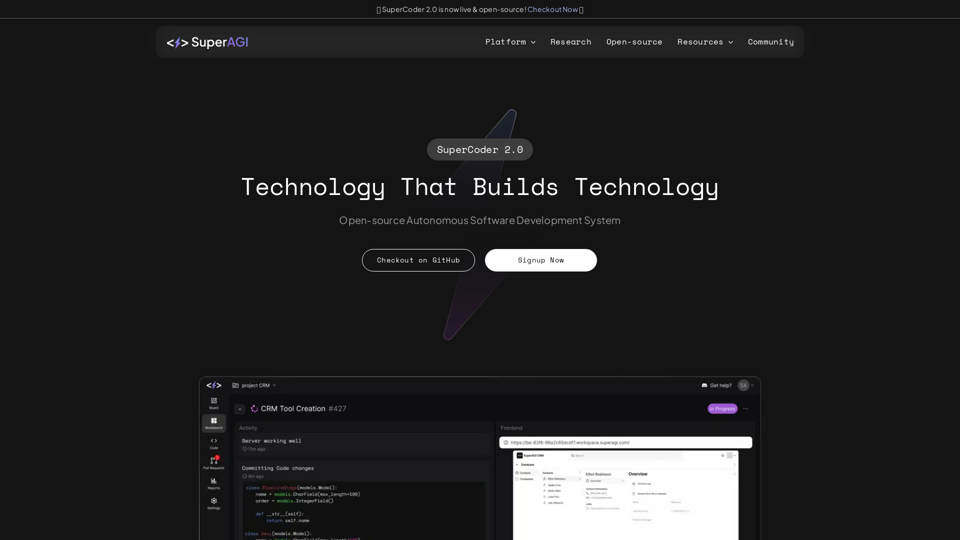
Combining cutting edge developer tools & AI Agents to enable autonomous software development - SuperAGI
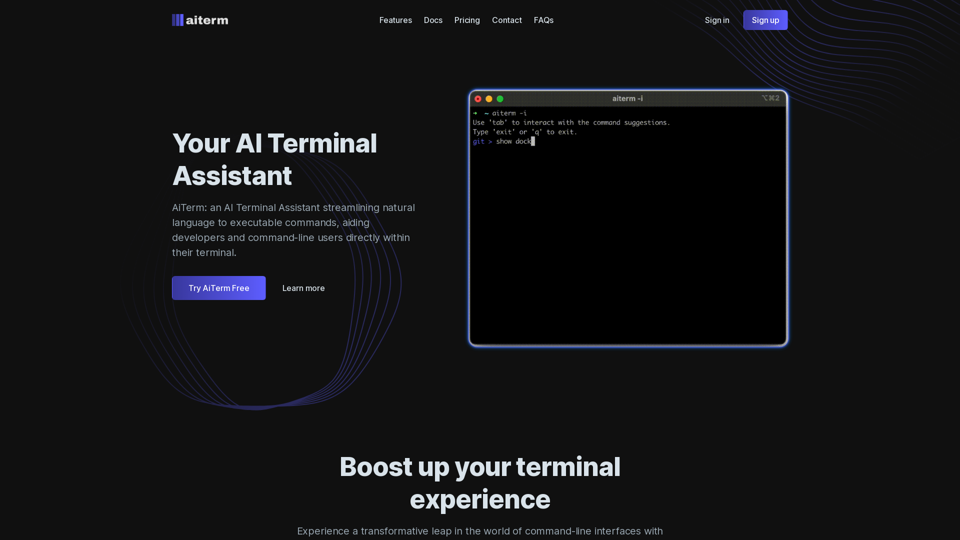
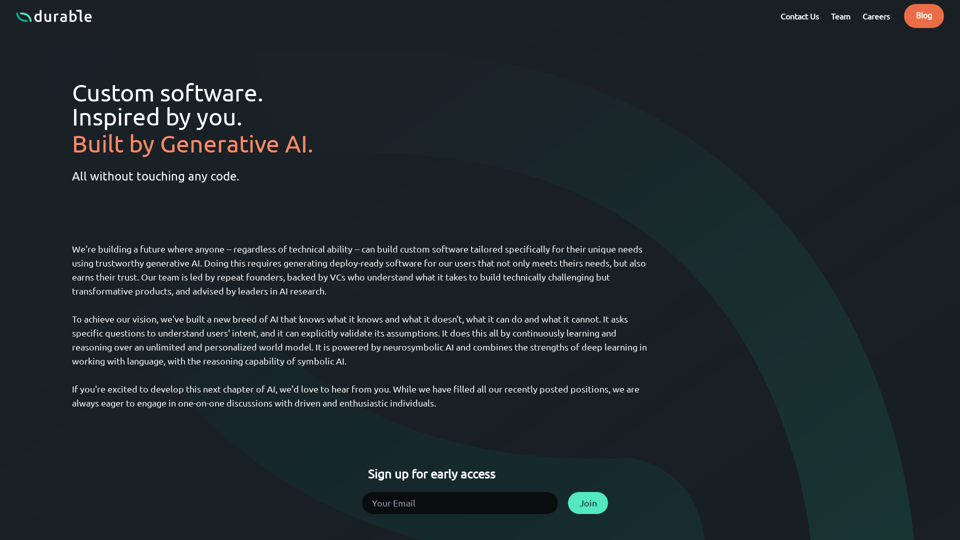
Generate personalized custom software with Generative AI, without ever touching code.
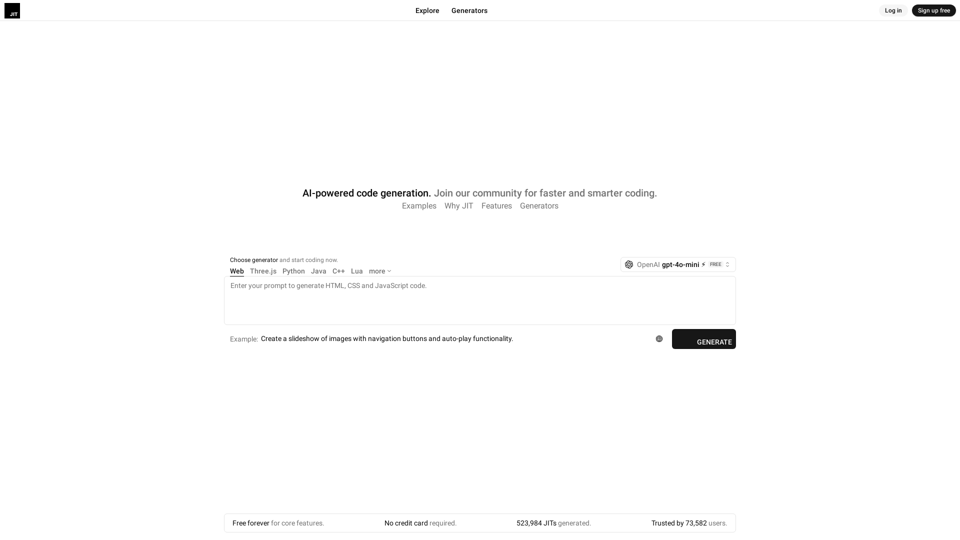
JIT is an AI-powered coding platform for smarter, faster development with a community. AI-powered code generation.