Butterfish
Let's do useful things with LLMs from the command line, with a bent towards software engineering.
What is Butterfish?
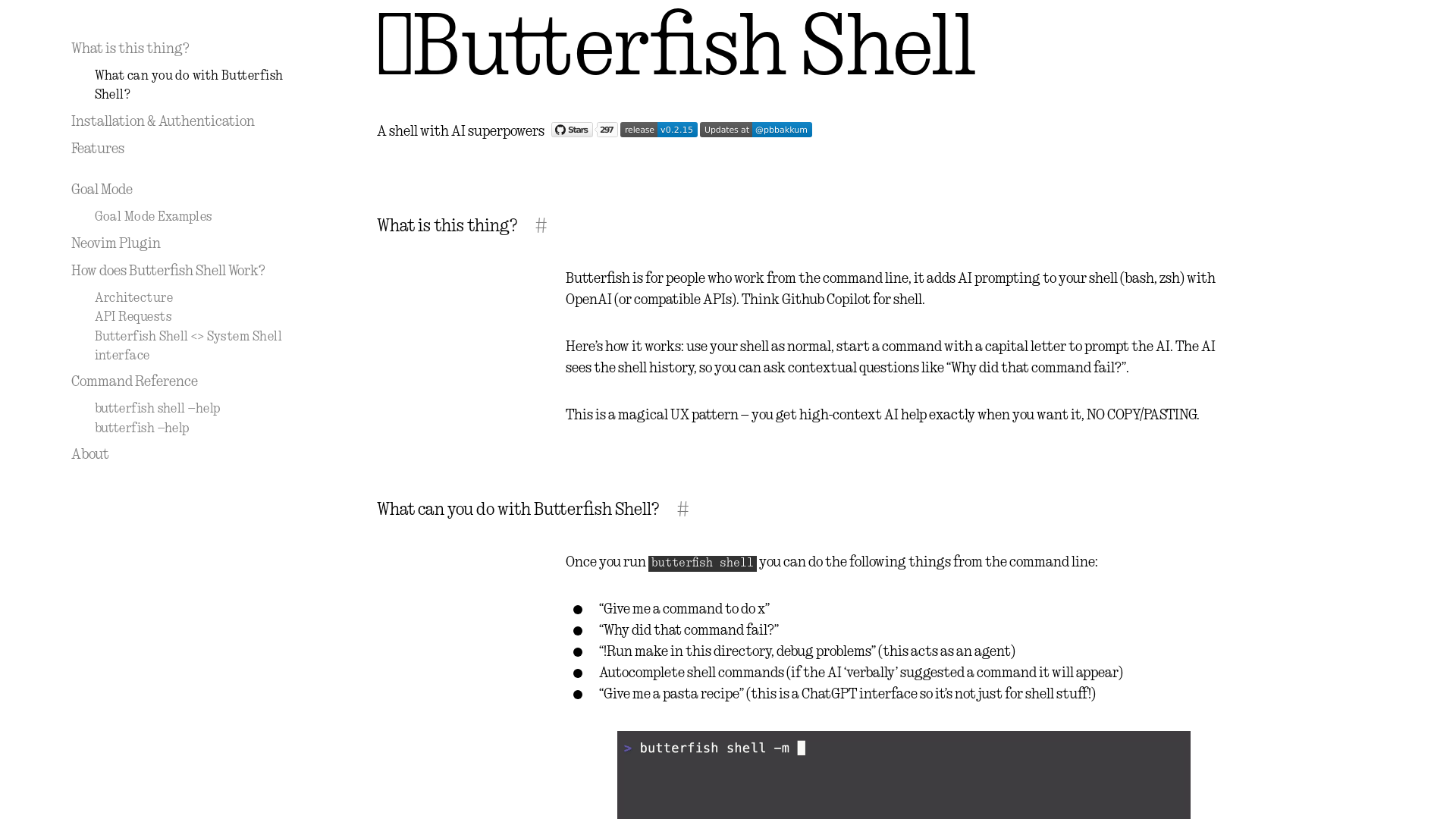
Butterfish is an innovative command-line tool designed for those who work from the terminal. It enhances your shell (bash, zsh) experience by integrating AI prompting capabilities through OpenAI's APIs. It acts like GitHub Copilot but tailored specifically for shell commands, allowing users to interact with AI directly in their command-line interface.
What can you do with Butterfish Shell?
When running Butterfish Shell, users can perform a variety of tasks, including:
- Command Generation
- Ask for commands to perform specific tasks like “Give me a command to do x.”
- Troubleshooting
- Query why a particular command failed, e.g., “Why did that command fail?”
- Agent Functionality
- Use commands in Goal Mode, such as “!Run make in this directory, debug problems,” allowing the AI to act based on previous outputs.
- Culinary Assistance
- Seek out recipes or engage in general inquiries, showcasing its flexibility beyond terminal tasks.
- Autocomplete
- Get command suggestions based on context, enhancing efficiency.
Installation & Authentication
Butterfish is compatible with both MacOS and Linux systems. Here’s how to get started:
- Using Homebrew on MacOS:
   brew install bakks/bakks/butterfish
   butterfish shell
- Using Go:
   go install github.com/bakks/butterfish/cmd/butterfish@latest
   $(go env GOPATH)/bin/butterfish shell
During the first use, you will need to provide an OpenAI API key, which can be obtained here.
Features
- Seamless Integration
- Works smoothly with bash and zsh, starting a new shell instance while preserving custom configurations.
- Contextual Awareness
- The AI has access to your shell history, allowing for more relevant responses and feedback.
- GPT Autosuggest
- Just like code completion, the AI suggests commands based on your typing and past history.
- Custom Prompts
- Configure your prompting language in
~/.config/butterfish/prompts.yamlfor more tailored interactions. - Multiple Model Selection
- Default to
gpt-4-turbo, but you can opt for other models as needed.
Goal Mode
Butterfish Shell includes a feature called Goal Mode, where users can initiate an agent to execute commands on their behalf. By starting a command with !, the AI will respond with directives while maintaining context through previous shell activities. For instance, using !! allows the agent to execute commands without confirmation, which should be used cautiously.
How to Use Butterfish Shell
Engaging with Butterfish Shell is straightforward:
- Type commands as usual.
- Begin a command with a capital letter for AI interaction.
- Use
!for Goal Mode and!!for executing commands without confirmation. - Access the command reference with
butterfish shell --helpfor more advanced usage options.
Price
While Butterfish itself is open-source and free to use, leveraging it necessitates access to OpenAI’s API, which may incur costs depending on your usage and the plan chosen. If frequent use exceeds the free credits, a subscription may be needed for extended access.
Helpful Tips
- To avoid excess charges, consider disabling autosuggest with the
-Aflag or adjust the autosuggest timeout using the-toption. - Always review commands provided by the AI, especially when using Goal Mode, to ensure they align with your objectives.
Frequently Asked Questions
Can I use Butterfish without an OpenAI API key?
No, you need an API key to authenticate and access AI services through Butterfish.
Is my command history safe with Butterfish?
Yes, while Butterfish uses your command history for contextual awareness, user privacy is prioritized, and sensitive data will not be stored.
What shell environments support Butterfish?
Butterfish is designed for shell environments like bash and zsh, making it versatile for both MacOS and Linux users.
What if my commands do not work as expected?
You can directly ask Butterfish why certain commands fail, allowing you to troubleshoot efficiently with the AI's assistance.
Butterfish
Let's do useful things with LLMs from the command line, with a bent towards software engineering.
 Hugo:0.125.4
 Vercel
Free AI anime and manga generator. Turn text into anime episodes, manga, comics, webtoons and comic shorts in any art style — no drawing or animation skills needed.
Translate image text across 70+ languages with our advanced AI Image Translator to help you better expand your products globally to various countries
Advertised Here
Reach thousands of visitors daily. Get your spot now!
Tools similar to Butterfish
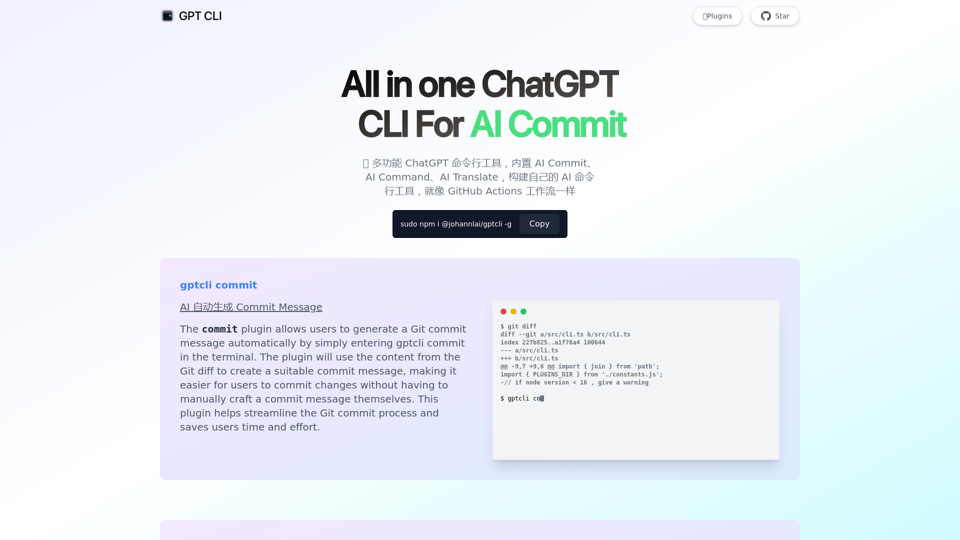
GPT CLI is a command-line interface tool that allows you to create your own ChatGPT CLI tools in seconds. With GPT CLI, you can customize your CLI tools to suit your needs and make your work more efficient. Convert NATURAL LANGUAGE PROCESSING (NLP) to into structured data.
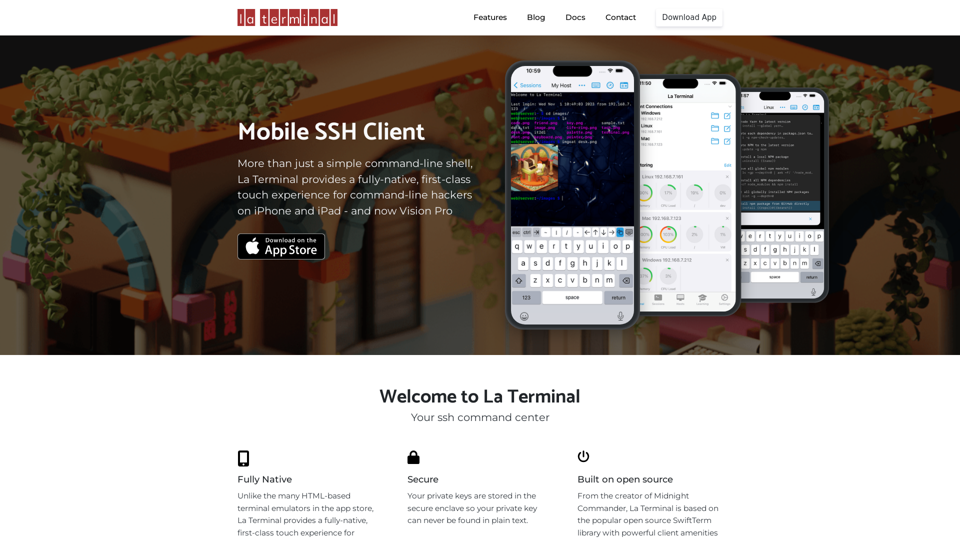
More than just a simple command-line shell, La Terminal provides a fully-native, first-class touch experience for command-line hackers on iPhone and iPad.
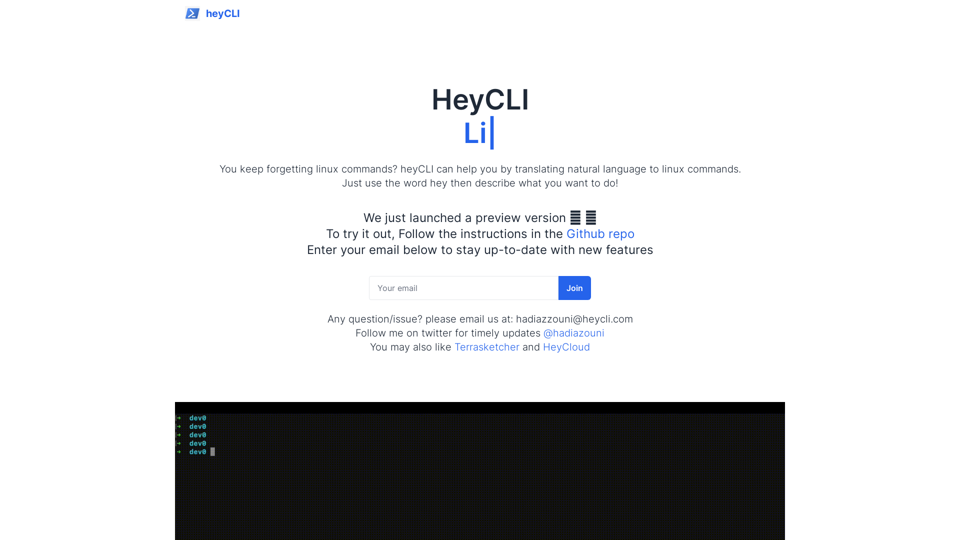
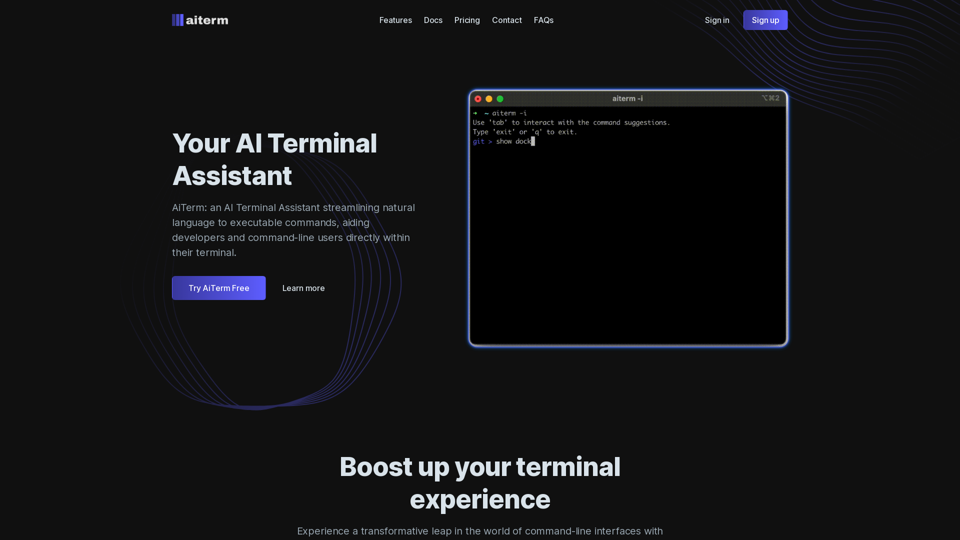
Linux commands in natural language. Work in terminal but using plain English!
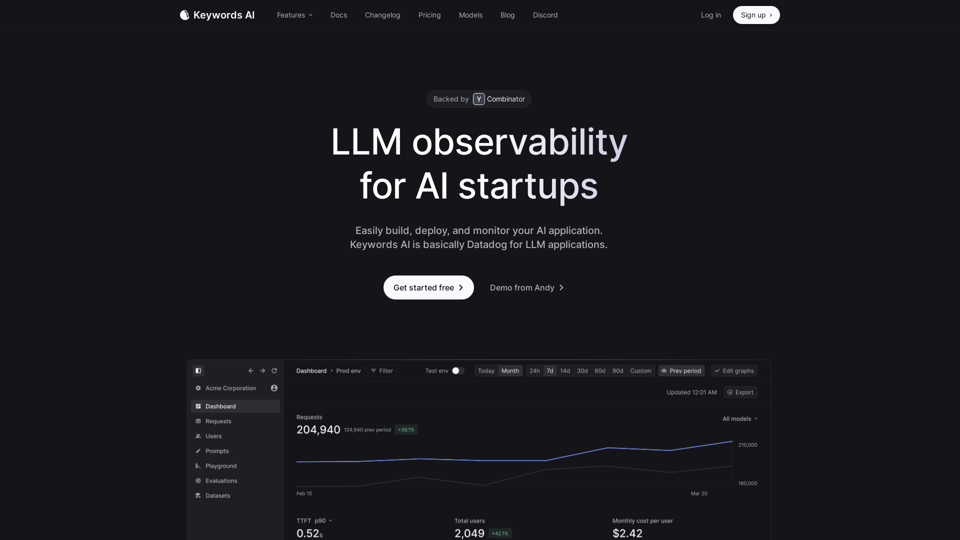
Keywords AI makes it easy for developers to build LLM applications. With 2 lines of code, developers get a complete DevOps platform that speeds up deploying & monitoring AI apps in production.
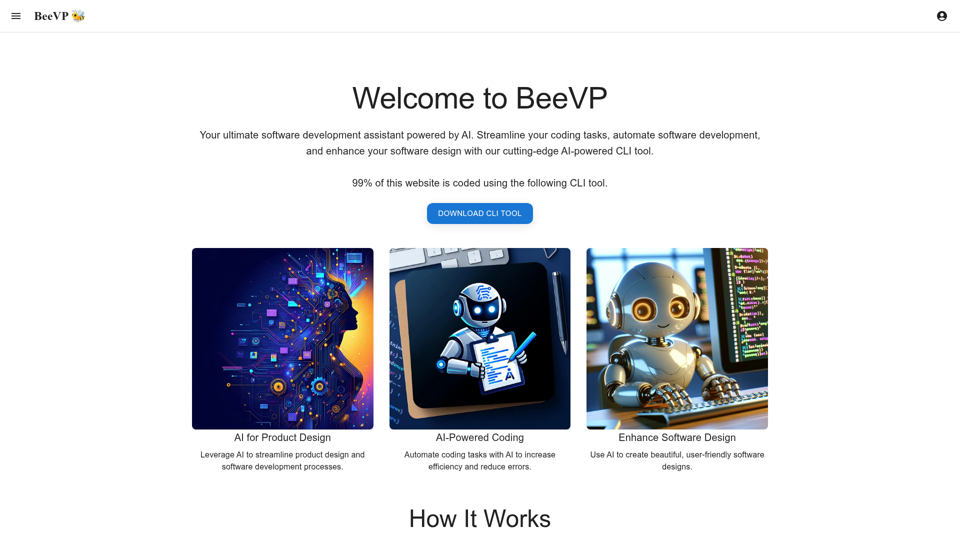
BeeVP offers an AI-powered software development assistant to streamline your coding tasks, automate software development, and enhance your software design.