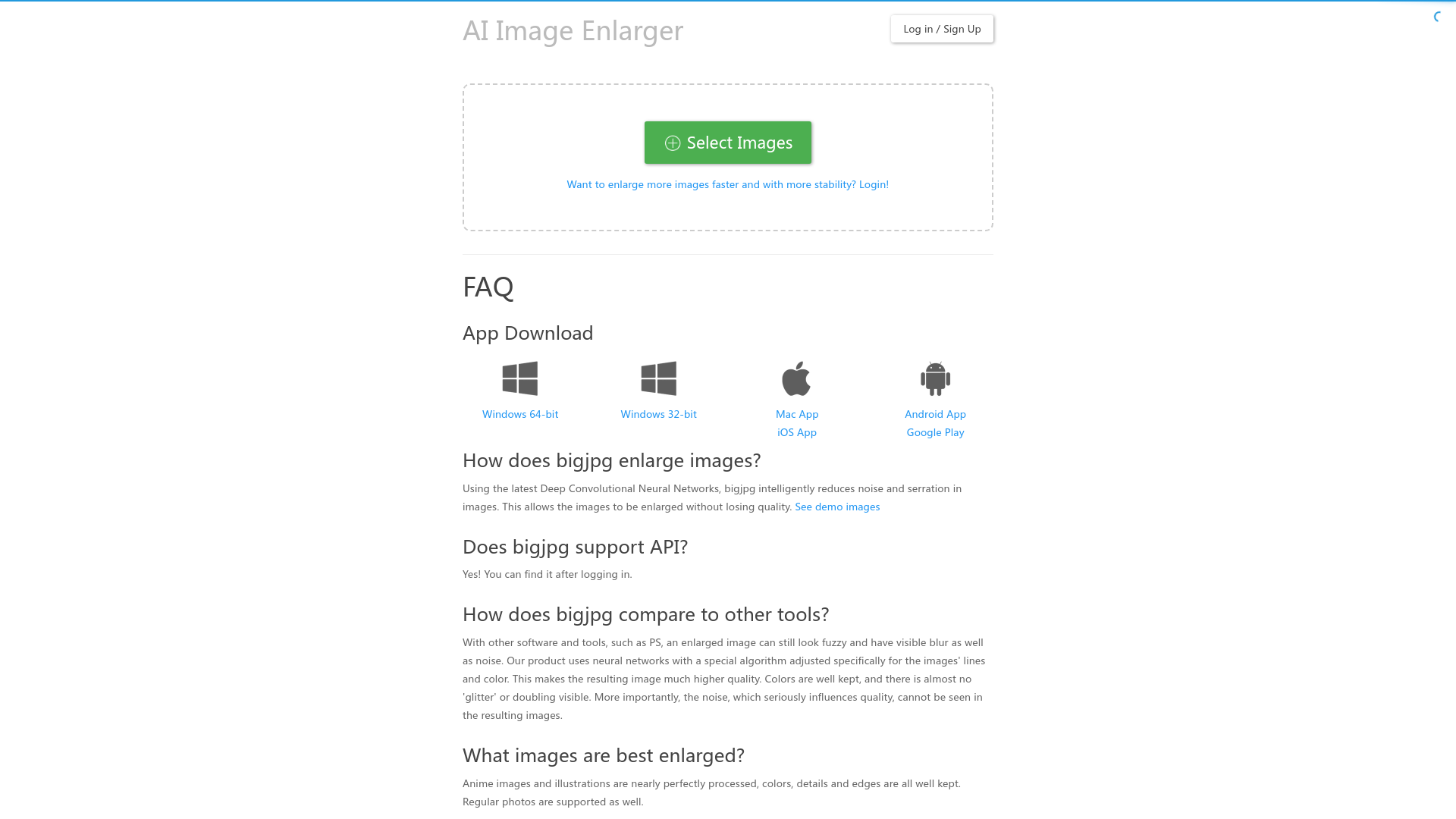
What is Bigjpg?
Bigjpg is an AI-driven super-resolution image enlarging tool that utilizes Deep Convolutional Neural Networks to upscale images without losing quality. It is designed to enhance images while retaining their details and reducing noise, making it ideal for artists and photographers.
Main Features of Bigjpg
- AI Super-Resolution
- Leverages advanced neural networks tailored for art and photography, ensuring high-quality enlargements.
- Flexible Image Upscaling
- Offers multiple scalable options up to 16x enlargement.
- Offline and Parallel Enlarging
- Users can enlarge images offline and handle multiple images simultaneously with the premium plans.
- Noise Reduction
- Effectively minimizes noise in images during the enlargement process.
- Easy to Use API
- Developers can integrate image enlarging capabilities into applications via an accessible API.
How to Use Bigjpg
To enlarge images using Bigjpg, simply log in or create an account. Upload your images and choose the desired enlargement ratio and noise reduction setting. For free users, there are limits on file size and processing speed, while premium subscribers enjoy enhanced capabilities, including larger file uploads and faster processing.
Pricing Plans
- Free Plan
- Pictures / Month: 20
- Max Upload Size: 5MB
- Max Enlarging Ratio: 4x
- Speed: Slow
- Basic Plan
- $6 (2 months)
- Pictures / Month: 500
- Max Upload Size: 50MB
- Max Enlarging Ratio: 16x
- Standard Plan
- $12 (6 months)
- Pictures / Month: 1000
- Max Upload Size: 50MB
- Max Enlarging Ratio: 16x
- Premium Plan
- $22 (12 months)
- Pictures / Month: 2000
- Max Upload Size: 50MB
- Max Enlarging Ratio: 16x
- Top priority speed
Helpful Tips
- Keep your browser open if you are not logged in during the enlarging process to avoid losing your enlarged image.
- Check the server settings for faster download speeds based on your location.
- If you encounter failure while enlarging, try again or check your network connection.
Frequently Asked Questions
How does Bigjpg enlarge images?
Bigjpg uses advanced Deep Convolutional Neural Networks to intelligently reduce noise and enhance the quality of enlarged images.
What types of images work best with Bigjpg?
Anime images and illustrations are processed exceptionally well, but regular photographs are also supported.
Is there a limit on uploaded image size?
Free users are limited to images of 5MB and 3000x3000 pixels, while premium users can upload files up to 50MB.
What should I do if my enlarging fails?
If your enlarging fails, it may be due to network issues or server overload. Simply try again after checking your connection.
Will my uploaded images be kept private?
Yes, uploaded images are automatically deleted after 3 days, and image links are encrypted to ensure privacy.
Bigjpg
Bigjpg - Image Super-Resolution for Anime-style artworks using the Deep Convolutional Neural Networks without quality loss. Photos are also supported.
 Bootstrap
 jQuery:3.2.1
Free AI anime and manga generator. Turn text into anime episodes, manga, comics, webtoons and comic shorts in any art style — no drawing or animation skills needed.
Translate image text across 70+ languages with our advanced AI Image Translator to help you better expand your products globally to various countries
Advertised Here
Reach thousands of visitors daily. Get your spot now!
Tools similar to Bigjpg
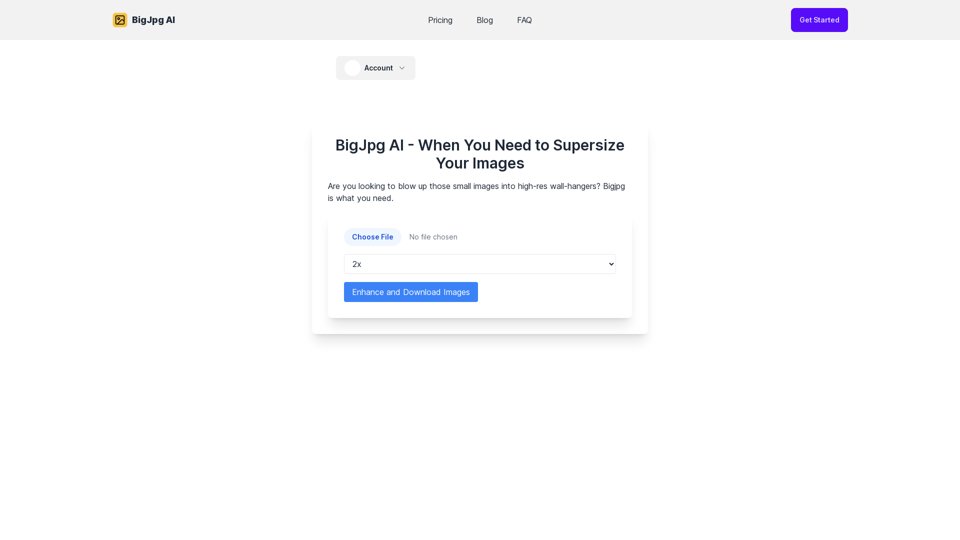
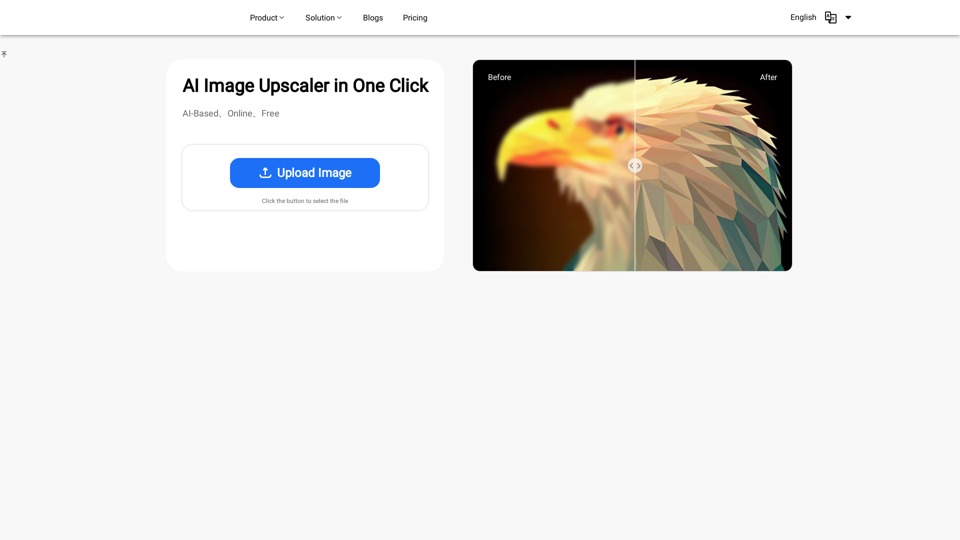
Discover the power of our AI Image Enhancer. Upscale your images to higher resolution for free, online. Perfect for designers, photographers, and artists
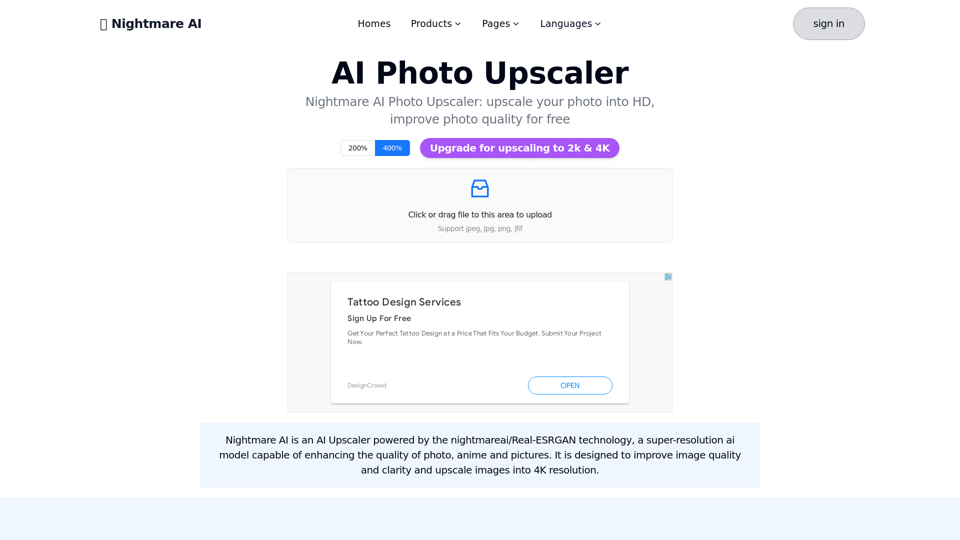
Nightmare AI is nightmareai/real-esrgan based AI Upscaler.Support upscale and enhance photos to HD, significant improve photo quality into high resolution
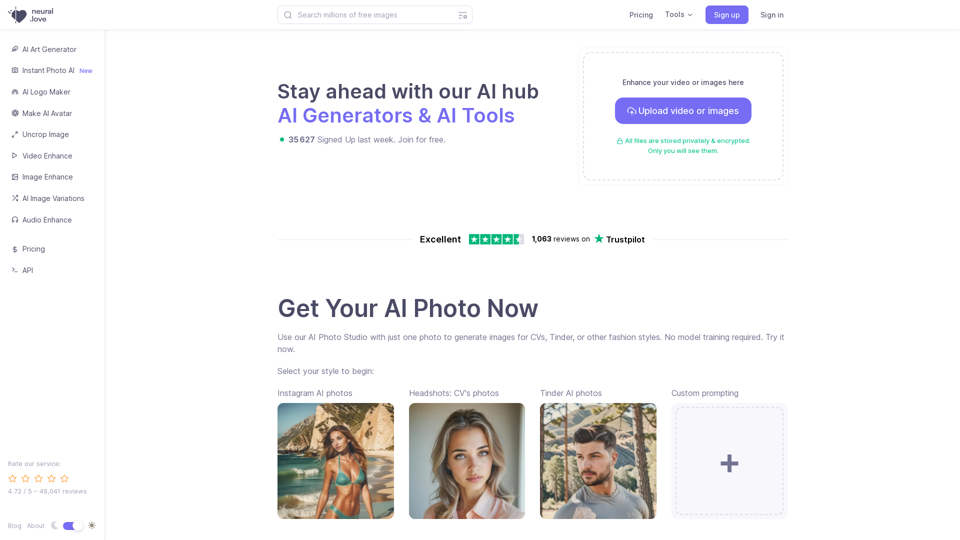
Use AI Image Generator for free or AI enhance, or access Millions Of Public Domain images | AI Enhance & Easy-to-use Online AI tools
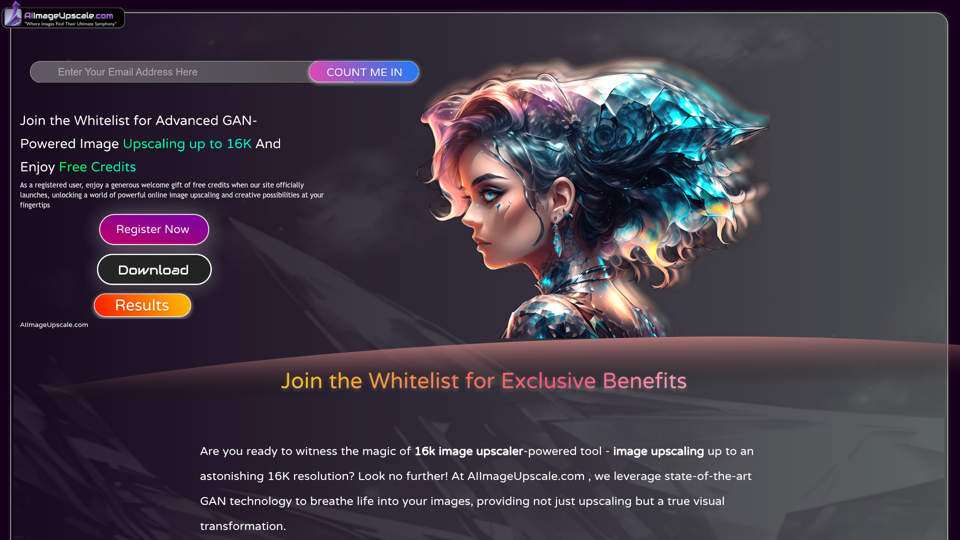
Upscale photos for free with our AI image upscaler, enhancing images by up to 16k and 4k. Increase resolution and enhance image quality effortlessly in seconds.
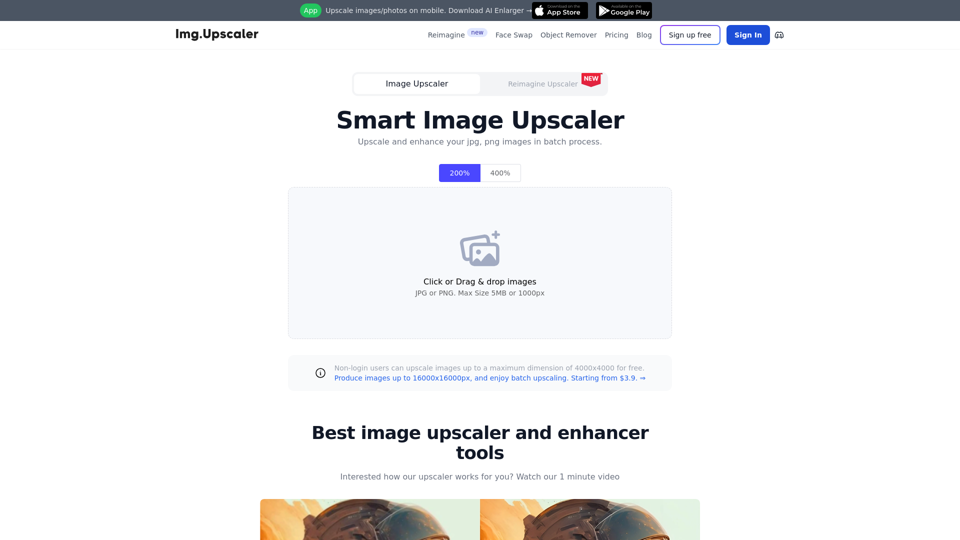
Try our free online image upscaler tool, capable of upscaling images by 400% and up to 16000x16000 resolution. Enlarge your images without compromising quality. Supports JPG, PNG, and JPEG formats.
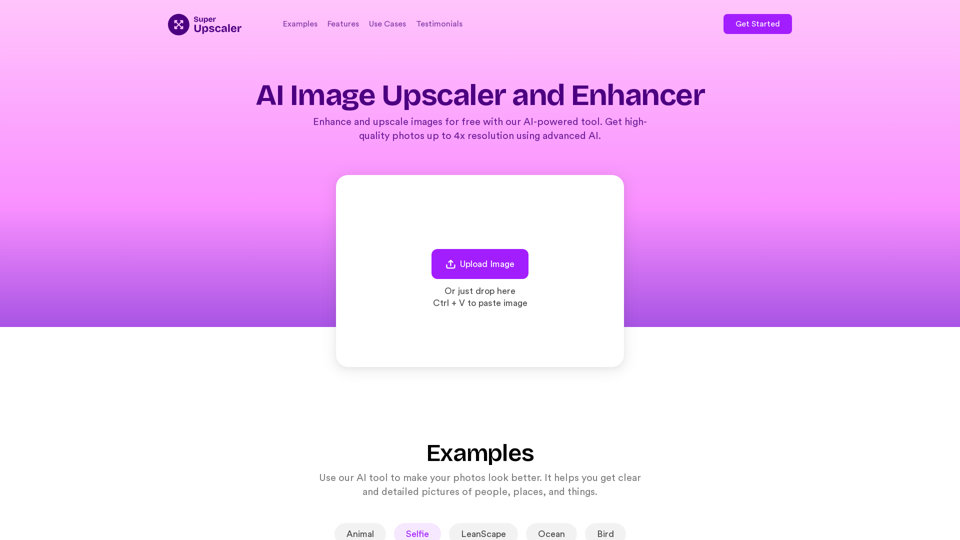
Enhance and upscale images for free with our AI-powered tool. Get high-quality photos up to 4x resolution using advanced AI technology. Try our online image enhancer now!
Upscale image, Increase image resolution, fix blurry photos, generate realistic model images, generate product photos, remove background, remove noise from your old photos