AI Image Upscaler
Try our free online image upscaler tool, capable of upscaling images by 400% and up to 16000x16000 resolution. Enlarge your images without compromising quality. Supports JPG, PNG, and JPEG formats.
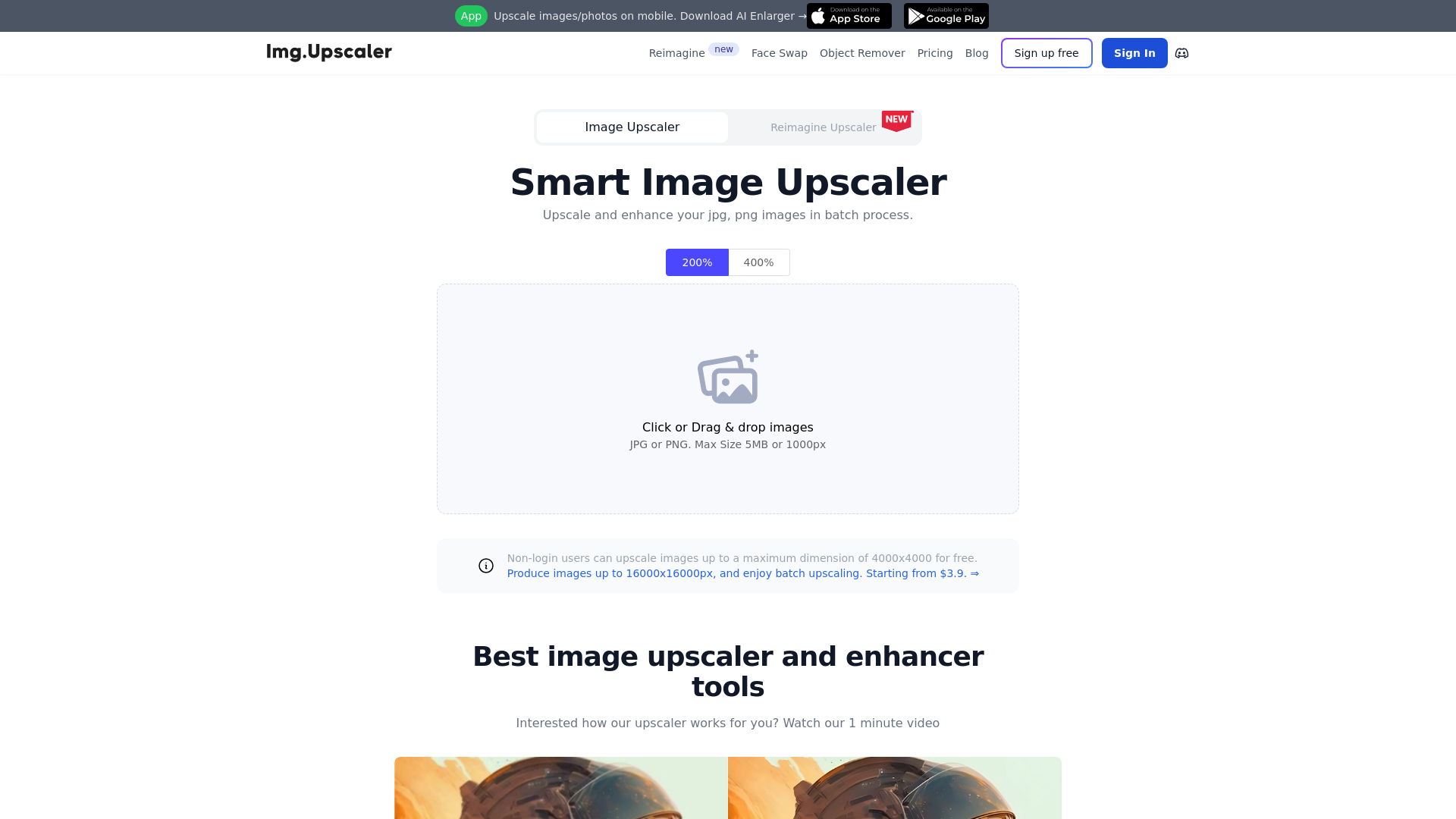
What is ImgUpscaler?
ImgUpscaler is an AI-powered online tool designed to upscale and enhance images, photos, and pictures. This platform allows users to process images in batches, significantly improving their quality without compromising their resolution. It supports common file formats like JPG and PNG, making it accessible and user-friendly for everyone.
What are the main features of ImgUpscaler?
- Batch Processing
- Users can upscale multiple images at once, saving time when dealing with numerous files.
- High-Resolution Output
- Enhance images up to 400%, producing detailed outputs with resolutions of 2048x2048 pixels.
- Different Upscaling Models
- Choose between a portrait model tailored for facial features and a detailed model prioritizing intricate details.
- Privacy Protection
- All photos uploaded are automatically cleared within 24 hours, ensuring user data remains secure.
- Completely Free for Commercial Use
- All upscaled images can be used commercially at no cost, with no hidden fees.
How to use ImgUpscaler?
Using ImgUpscaler is a straightforward process:
- Go to the ImgUpscaler website.
- Click or drag and drop your images (JPG, PNG, or WebP) onto the platform.
- Select your desired upscaling options.
- Start the batch process, allowing the AI to enhance your images.
- Download your upscaled images, ready for use.
What is the pricing structure?
ImgUpscaler offers a free tier where non-login users can upscale images up to a dimension of 4000x4000 pixels. Users can create a free account to receive 20 free credits monthly. For more extensive needs, ImgUpscaler provides a subscription starting from just $3.9, allowing users to generate images up to 16000x16000 pixels with additional premium features.
Helpful Tips
- Experiment with the creativity and resemblance strength settings to get varied results tailored to your needs.
- Use the platform’s powerful image editor tools for cropping, filtering, and more before or after the upscaling process.
- Utilize the reimagine feature at no cost to create modified versions of your images.
Frequently Asked Questions
Can I upscale images without creating an account?
Yes, non-login users can upscale images up to a maximum dimension of 4000x4000 pixels for free.
Will my images be stored on the platform?
No, all uploaded images are deleted within 24 hours, ensuring your privacy is protected.
What file formats does ImgUpscaler support?
ImgUpscaler supports JPG, PNG, and WebP formats, making it versatile for various image types.
Are there any restrictions on commercial use of the upscaled images?
No, all upscaled images can be used for commercial purposes without any hidden fees or restrictions.
How does ImgUpscaler ensure faster processing times?
The platform uses the latest AI and Super-Resolution technology, optimizing the upscaling process to only take a few seconds for each image.
With these features and guidelines, ImgUpscaler stands out as a premier choice for users looking to enhance their images efficiently and cost-effectively.
AI Image Upscaler
Try our free online image upscaler tool, capable of upscaling images by 400% and up to 16000x16000 resolution. Enlarge your images without compromising quality. Supports JPG, PNG, and JPEG formats.
 Cloudflare
 HTTP/3
 Next.js
 Node.js
 React
React Webpack
 dc.js
dc.jsFree AI anime and manga generator. Turn text into anime episodes, manga, comics, webtoons and comic shorts in any art style — no drawing or animation skills needed.
Translate image text across 70+ languages with our advanced AI Image Translator to help you better expand your products globally to various countries
Advertised Here
Reach thousands of visitors daily. Get your spot now!
Tools similar to AI Image Upscaler
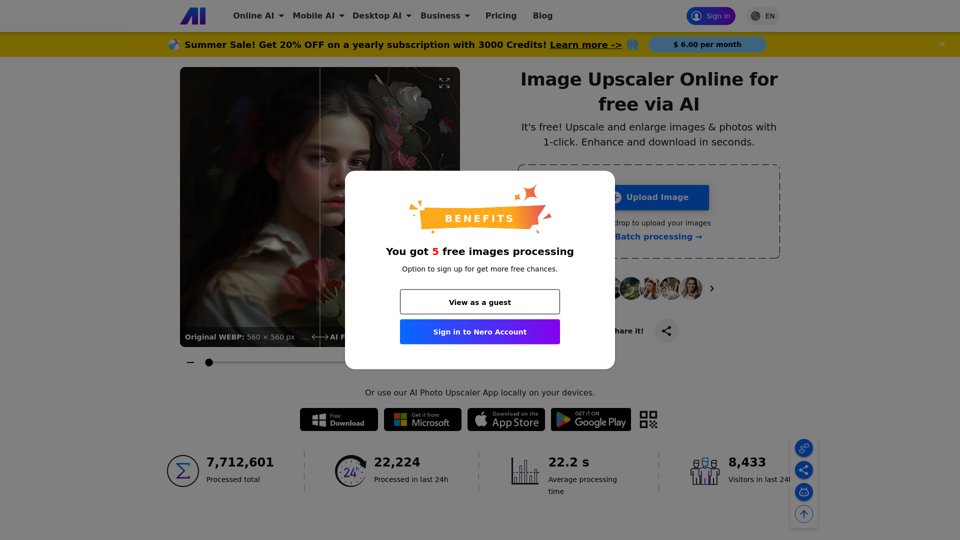
Free online Image Upscaler to upscale and enlarge low-resolution images & photos with one click by 400%. Enhance jpg/png/jpeg/webp/bmp in seconds.
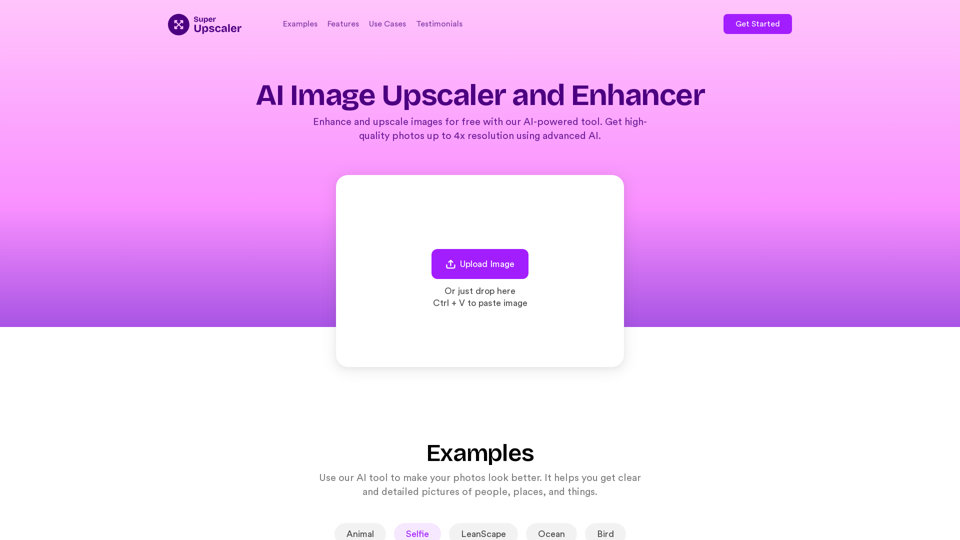
Enhance and upscale images for free with our AI-powered tool. Get high-quality photos up to 4x resolution using advanced AI technology. Try our online image enhancer now!
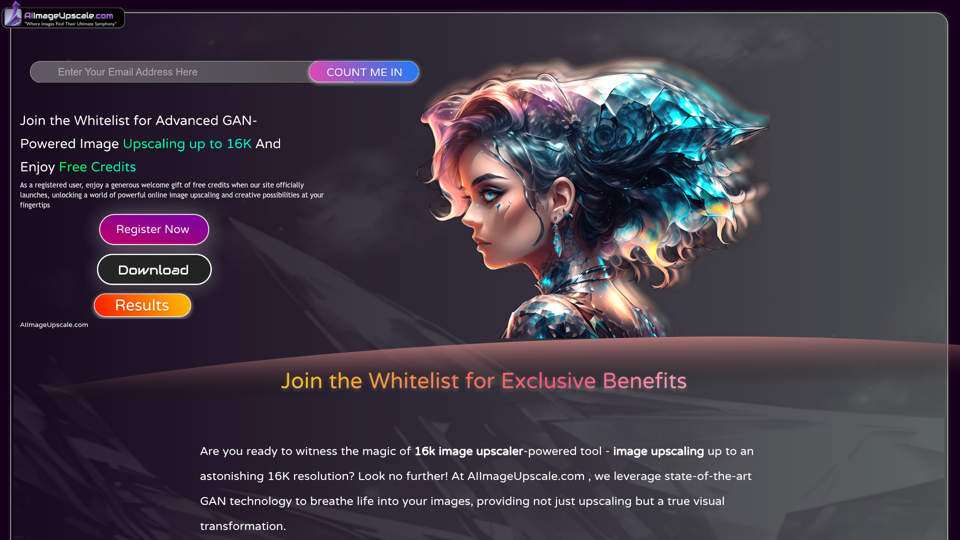
Upscale photos for free with our AI image upscaler, enhancing images by up to 16k and 4k. Increase resolution and enhance image quality effortlessly in seconds.
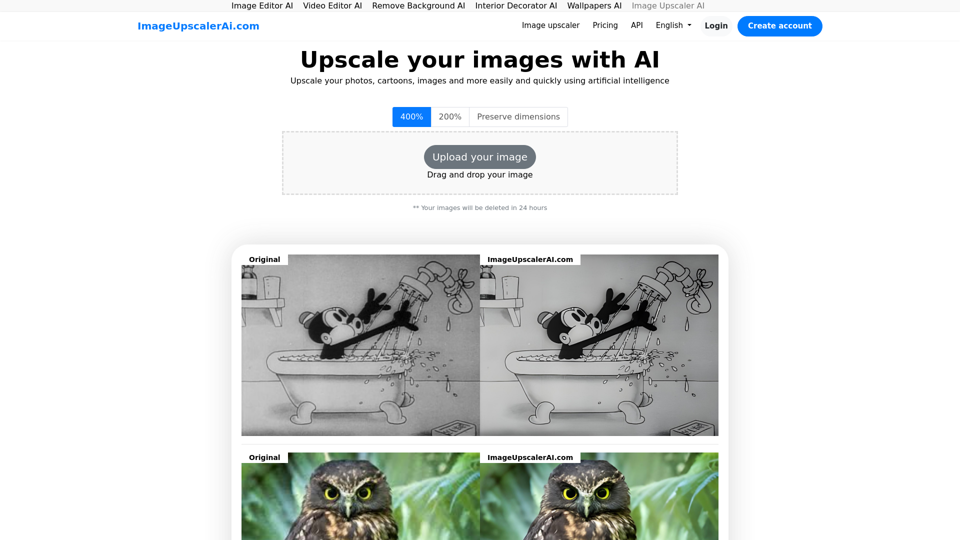
Image Upscaler AI: Free image upscaler using AI. Upscale your images, photos and more with ImageUpscalerAI.com
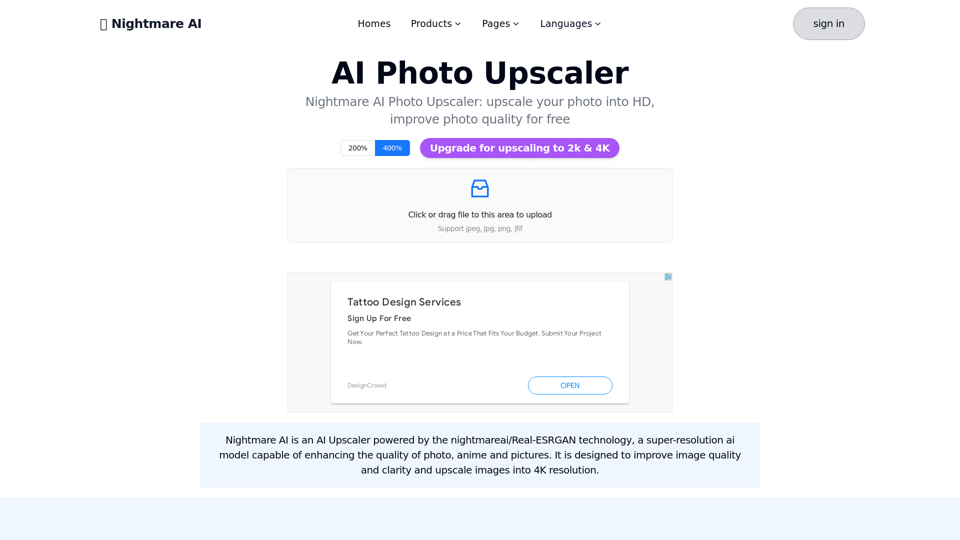
Nightmare AI is nightmareai/real-esrgan based AI Upscaler.Support upscale and enhance photos to HD, significant improve photo quality into high resolution
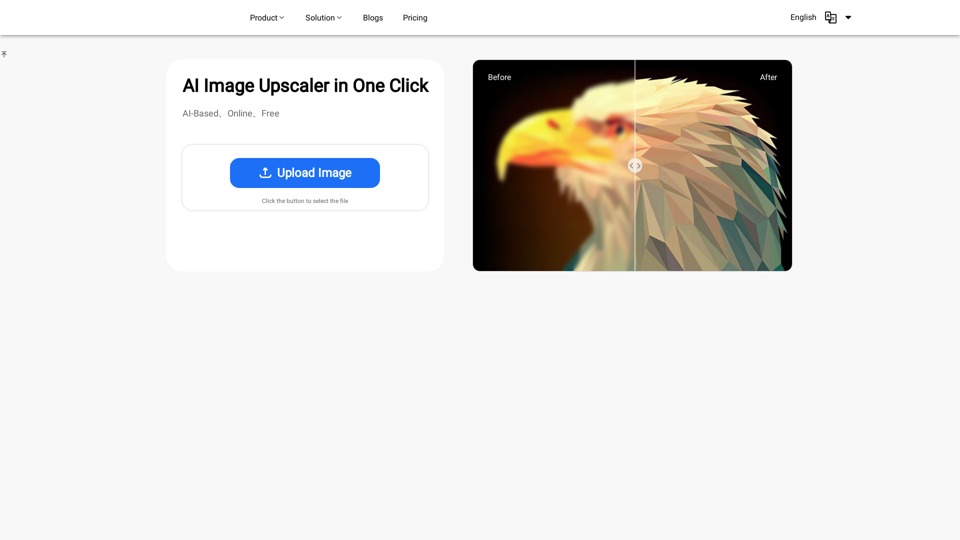
Discover the power of our AI Image Enhancer. Upscale your images to higher resolution for free, online. Perfect for designers, photographers, and artists
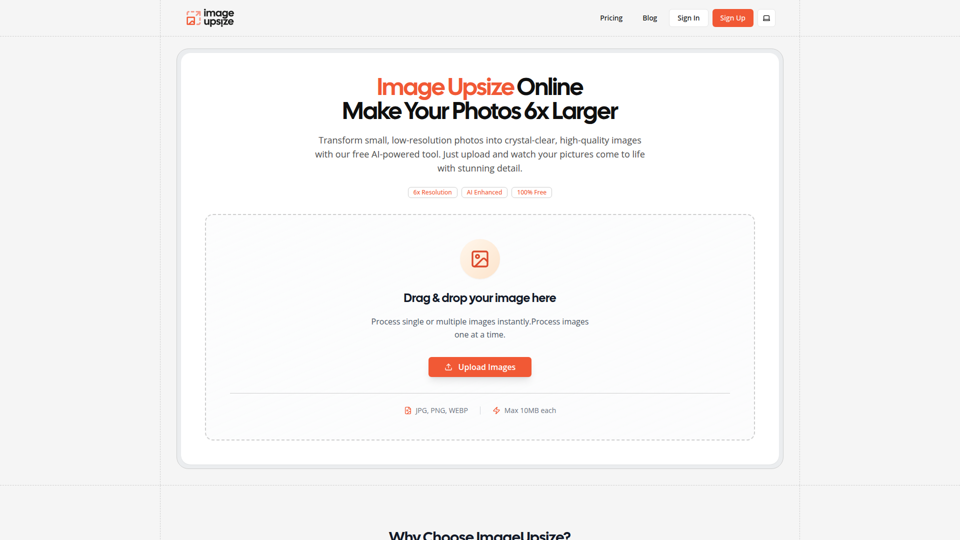
Free online image upsize tool. Enlarge photos up to 6x resolution using advanced AI technology. No watermarks, no registration required.
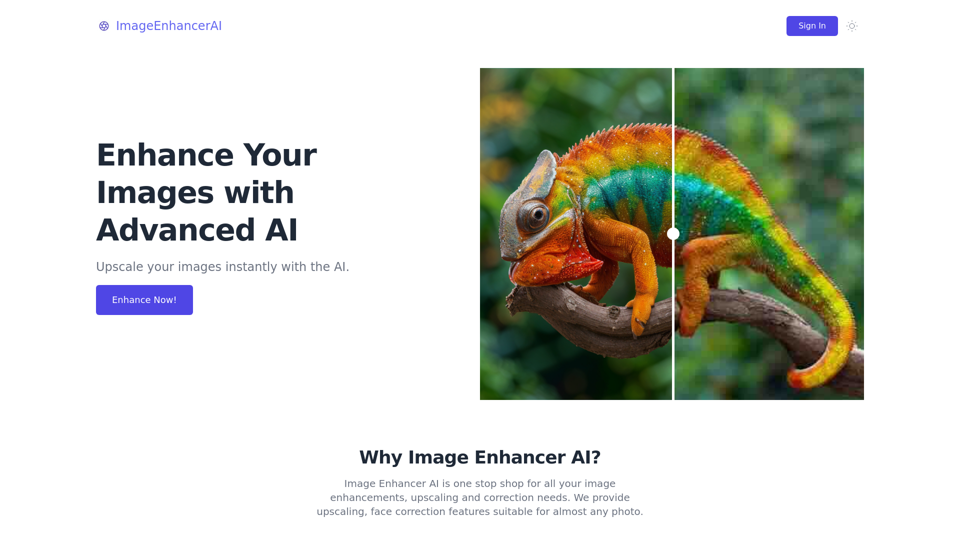
Enhance and upscale your images with Image Enhancer AI. Sharpen blurry photos, increase resolution, and bring your images to life