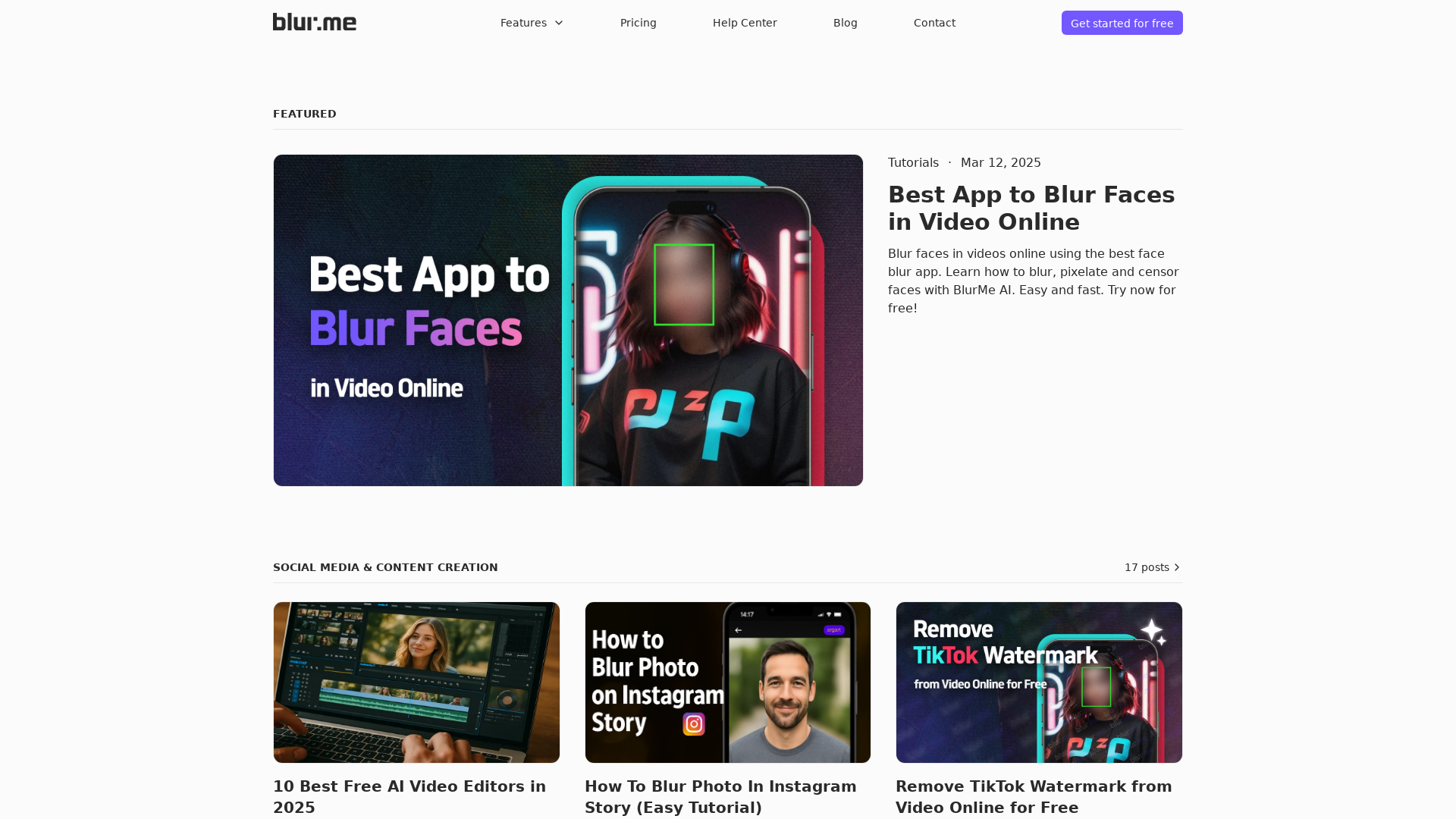
What is BlurMe?
BlurMe is an advanced AI-driven platform designed to enhance privacy through face blurring technology. It provides an easy-to-use solution for blurring faces in videos and photos quickly and effectively, ensuring individuals' identities are protected in visual content.
Main Features of BlurMe
- Advanced Face Blurring
- BlurMe uses AI technology to efficiently blur or pixelate faces in both photos and videos.
- User-Friendly Interface
- The platform offers a straightforward interface that allows users to blur images and videos within seconds.
- Privacy Protection Tools
- With features like anonymization software, users can ensure their images comply with privacy standards effortlessly.
- Versatile Editing Capabilities
- Beyond face blurring, BlurMe supports various types of image and video editing, such as background blurring and watermark removal.
- Accessibility
- Users can access BlurMe online for free, making it an affordable choice for anyone needing face anonymization tools.
How to Use BlurMe
To get started with BlurMe, simply upload your photo or video to the platform. Follow these steps for optimal usage:
- Upload Content: Select the image or video file you wish to edit.
- Choose Blurring Options: Depending on your needs, select the face blurring or pixelation features.
- Preview and Adjust: Use the preview option to see how the blurring looks and make adjustments if needed.
- Download Your Content: Once satisfied, download your edited media and share it securely.
Pricing
BlurMe offers a free version that allows users to blur faces and edit content easily. For those who find themselves frequently needing advanced features or higher usage limits, a subscription model is available at an affordable price, providing enhanced capabilities and customer support.
Helpful Tips
- Utilize the Tutorials
- Check out the in-app tutorials or blog posts for additional guidance on using blur features effectively.
- Stay Up-To-Date
- Follow BlurMe’s blog for the latest trends in privacy and editing techniques.
- Explore Integrations
- If you’re in content creation, explore how BlurMe can integrate with other editing tools for a streamlined workflow.
Frequently Asked Questions
Can I blur faces in both photos and videos using BlurMe?
Yes, BlurMe allows users to blur faces in both photo and video formats seamlessly.
Is there a limit to how many times I can use BlurMe for free?
While the free version offers many features, there are usage limits. Upgrading to a subscription unlocks additional benefits.
Does using BlurMe require any prior editing skills?
No, the platform is designed to be user-friendly, allowing anyone to easily blur faces without prior editing experience.
What measures are in place to protect my data?
BlurMe prioritizes user privacy and security. Data entered into the platform is not used for training AI models without consent. Users can also delete their accounts and personal data at any time.
Are there tutorials available for new users?
Yes, BlurMe provides comprehensive tutorials and blog articles to guide new users through various features and best practices for privacy and editing.
BlurMe
Stay updated with the latest tips, tutorials, and insights on face blur, blurring faces in videos, blurring images, and blurring photos with AI. Explore expert guides on AI-powered redaction and privacy protection with BlurMe.
 Amazon CloudFront
 Amazon Web Services
 HTTP/3
Free AI anime and manga generator. Turn text into anime episodes, manga, comics, webtoons and comic shorts in any art style — no drawing or animation skills needed.
Translate image text across 70+ languages with our advanced AI Image Translator to help you better expand your products globally to various countries
Advertised Here
Reach thousands of visitors daily. Get your spot now!
Tools similar to BlurMe
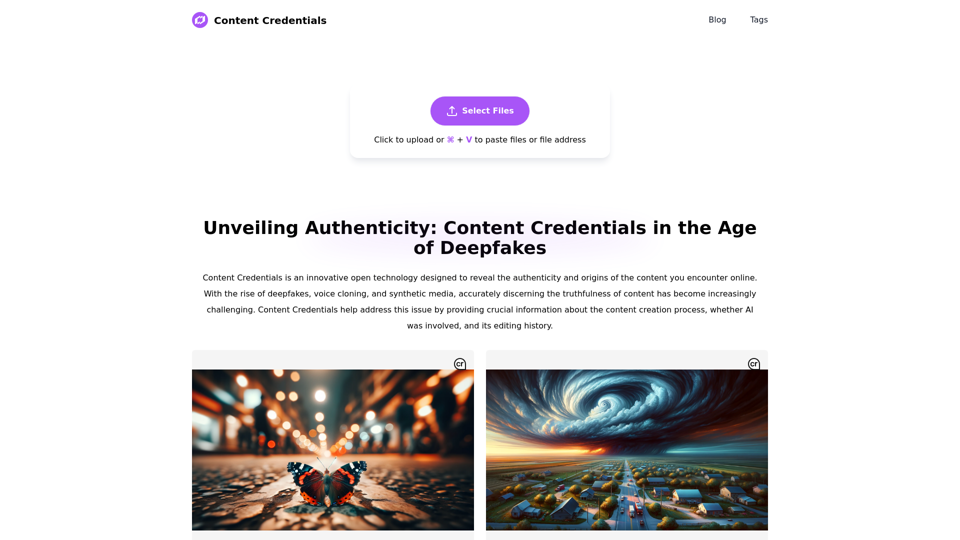
Content Credentials, an open technology, reveals the authenticity and origins of online content. It aids in spotting misinformation and protecting creators' rights.
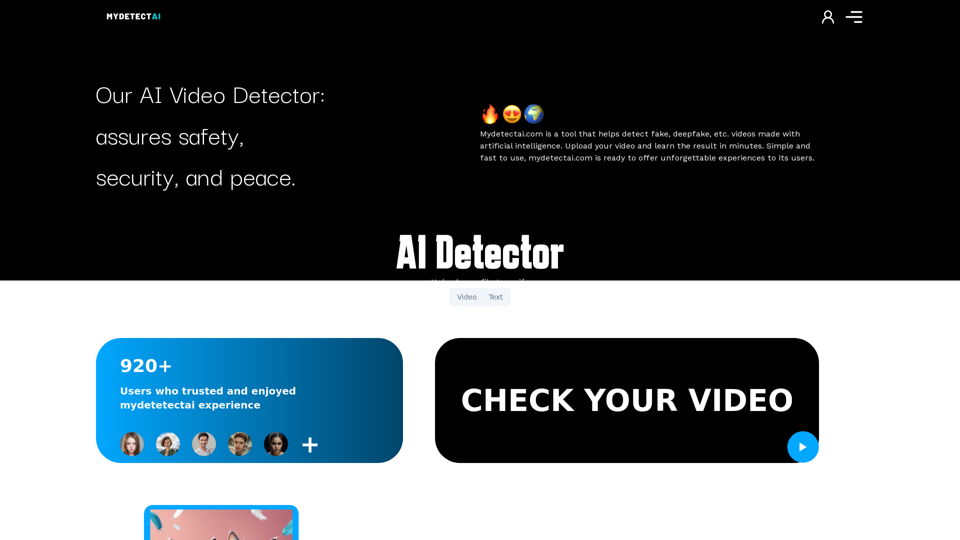
My Detecet Ai Detector. Ai video detector we prevent deepfake videos. We enable you to separate artificial intelligence videos. Visit us to verify your ai videos.
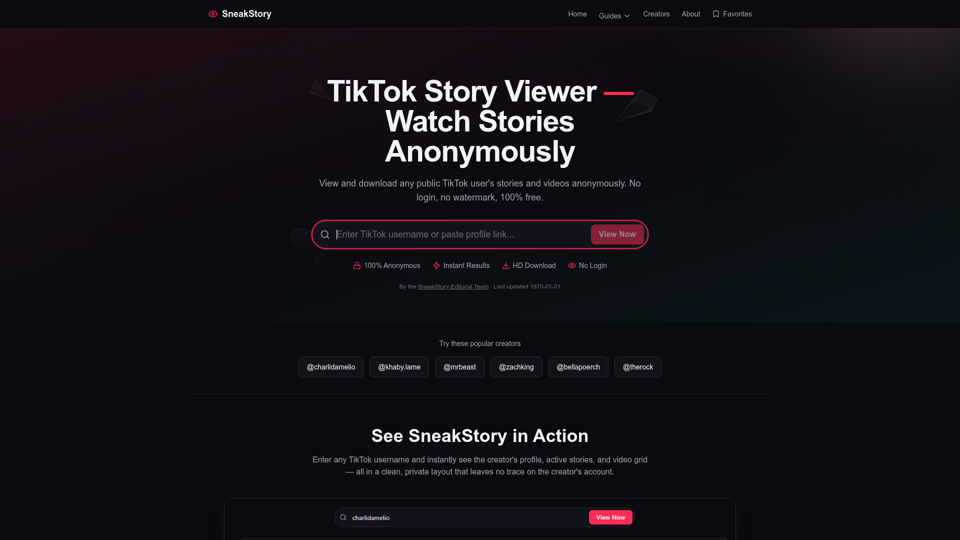
View and download any TikTok user's stories and videos anonymously with SneakStory. Free, no login required, no watermark. Just paste a username to watch.
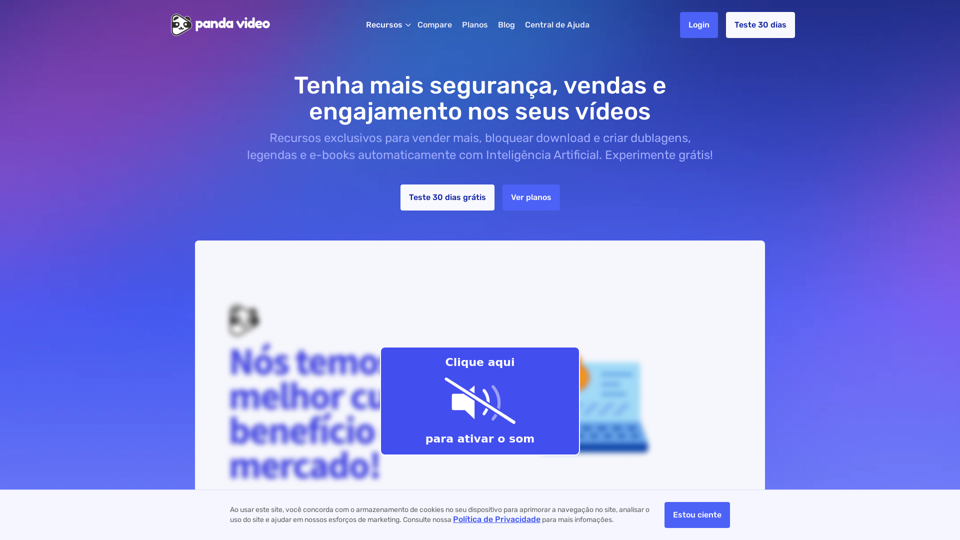
Potencialize suas vendas digitais e garanta segurança na hospedagem de cursos com a Panda Video. A solução ideal para impulsionar seu negócio de forma eficiente e confiável.
LensLink is an AI&IoT company with leading face recognition algorithm technology applied to various scenarios such as face access control attendance, access control, non-sensing attendance, smart office, smart business, etc. It is a supplier of face recognition and analysis systems. Taking artificial intelligence deep learning as the core capability, by building a complete AIoT product system, providing proven industry solutions, promoting the commercialization of AI, helping industry customers and end users reduce costs and increase efficiency, and bring the ultimate experience.

日本コンピュータビジョン(JCV)は、高度なコンピュータビジョン・ソリューション(画像認識)に特化したテクノロジーカンパニーとして、セキュリティとイノベーションにフォーカスし、世界中の産業を変革し生活を向上させる最先端技術やソリューションを提供します。
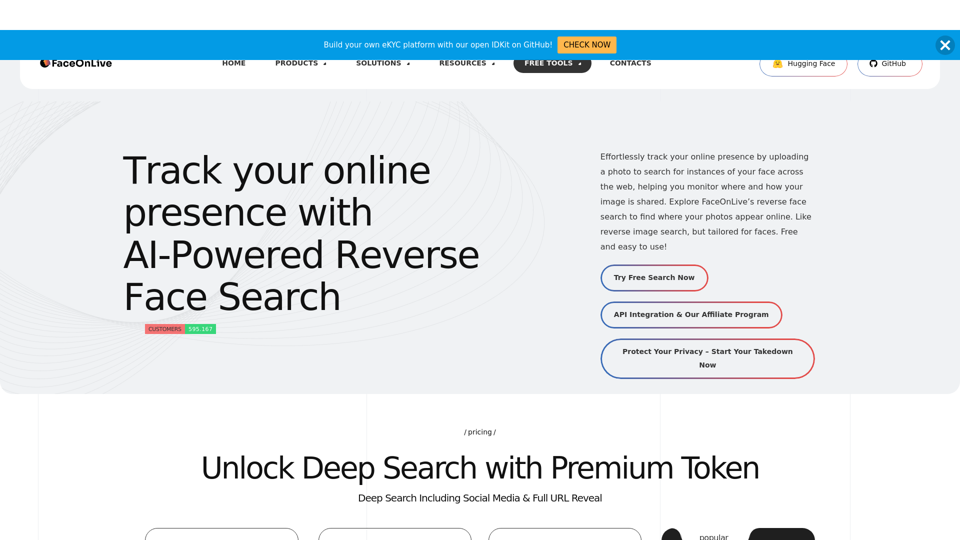
Effortlessly track your online presence by uploading a photo to search for instances of your face across the web, helping you monitor where and how your image is shared. Explore FaceOnLive’s reverse face search to find where your photos appear online....