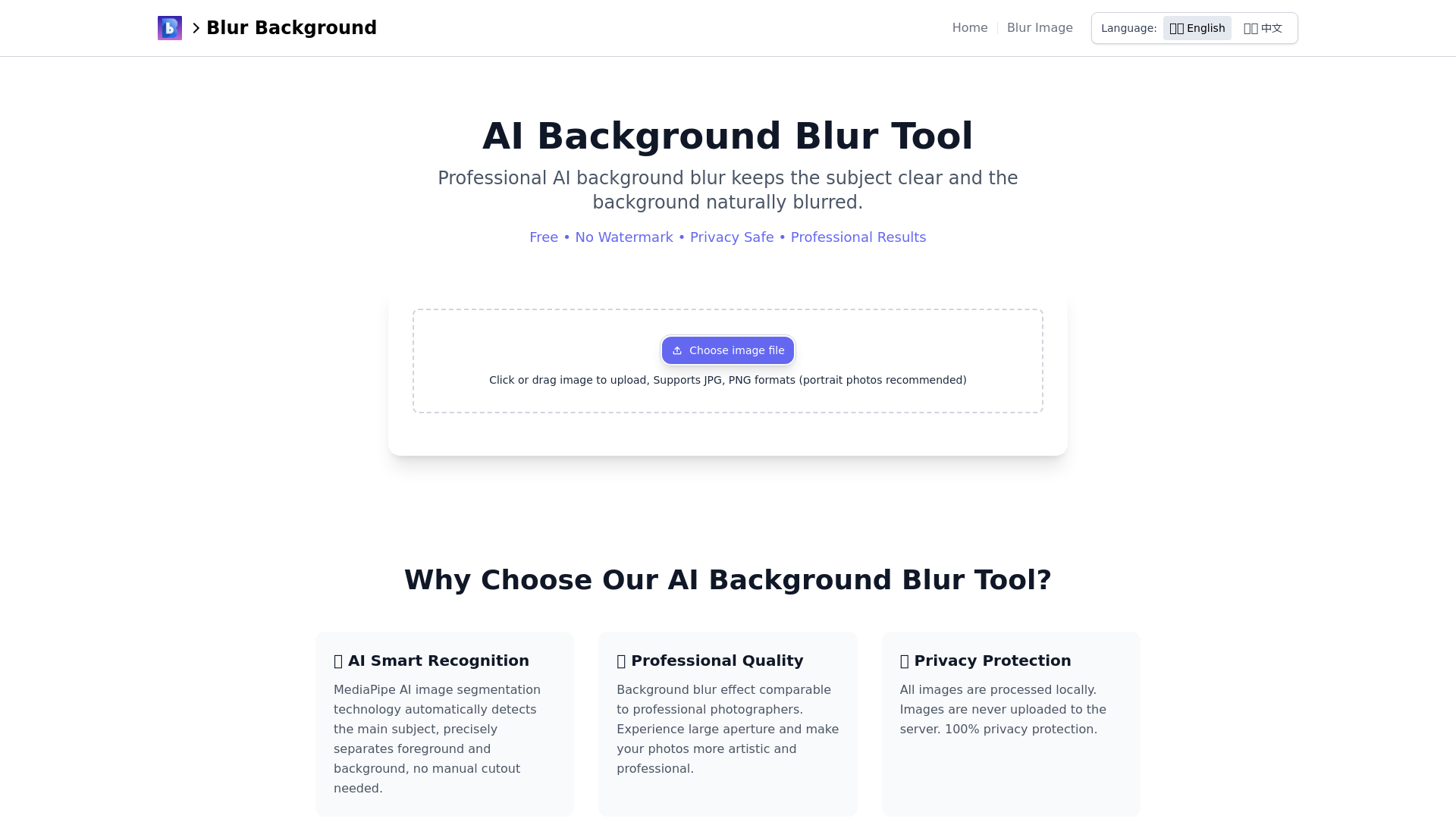
AI Background Blur Tool
Professional AI background blur tool. Supports portrait and object photos. Online processing. Privacy safe.
What is the AI Background Blur Tool?
The AI Background Blur Tool is a professional quality, user-friendly application that utilizes advanced AI technology to blur backgrounds in images while keeping the main subject in focus. It offers high-quality results completely free of charge, without the need for registration or payment.
Features of the AI Background Blur Tool
- Professional Quality
- Delivers a background blur effect that rivals that of professional photographers, simulating a large aperture to enhance the artistic quality of images.
- Smart Recognition
- Utilizes MediaPipe AI technology to automatically detect and separate the main subject from the background, eliminating the need for manual cutouts.
- Privacy Protection
- Processes all images locally, ensuring that no personal data is uploaded to the server, thereby maintaining 100% user privacy.
- Completely Free
- No hidden costs or registration required. Users can access and use the tool any time without constraints.
- Cross-Platform Support
- Compatible with all devices, including smartphones, tablets, and computers, allowing users to edit images from anywhere.
- User-Friendly Interface
- Features a simple operation process; just upload your image and click to blur the background.
How to Use the AI Background Blur Tool
- Upload Your Image: Click the "Upload File" button or drag and drop your photo into the designated area.
- Adjust the Effect: Utilize the slider to set the desired intensity of the blur effect.
- Process the Image: Hit the "Blur Background" button to apply the effect to your image.
- Download and Save: Wait a few seconds for the processing to complete, then click the "Download Blurred Image" button to save the high-quality result.
Price of the AI Background Blur Tool
The AI Background Blur Tool is entirely free! There are no registration requirements or hidden fees, making it a cost-effective solution for anyone in need of background editing for their images.
Helpful Tips for Using the AI Background Blur Tool
- Choose the Right Image
- For the best results, portrait photos are recommended as they allow for better subject-background separation.
- Experiment with Blur Intensity
- Adjust the blur levels to find the perfect balance that highlights your subject.
- Utilize on Multiple Platforms
- Use the tool on any device; whether you’re on a laptop or a mobile phone, it’s convenient and accessible.
Frequently Asked Questions
Is this tool free?
Yes, our AI background blur tool is completely free of charge. There are no registration requirements or usage limits.
Are my images uploaded to a server?
No. All image processing is conducted locally in your browser. We prioritize user privacy and do not collect or store any image data.
What image formats are supported?
The tool supports various formats including JPG, JPEG, and PNG, with portrait photos being recommended for optimal results.
What is the quality of the processed images?
We guarantee that the quality of the processed images will be the same as the original.
Can I adjust the blur intensity?
Yes, the tool allows adjustments to the blur intensity using a simple slider for tailored results.
Start Using the AI Background Blur Tool Now
Transform your photos with a fast, free, and professional tool designed to enhance your images by blurring unwanted backgrounds while keeping your subjects in sharp focus. Start processing images today and elevate your photography!
AI Background Blur Tool
Professional AI background blur tool. Supports portrait and object photos. Online processing. Privacy safe.
 Cloudflare
 Google AdSense
 Google Analytics
 HTTP/3
Free AI anime and manga generator. Turn text into anime episodes, manga, comics, webtoons and comic shorts in any art style — no drawing or animation skills needed.
Translate image text across 70+ languages with our advanced AI Image Translator to help you better expand your products globally to various countries
Advertised Here
Reach thousands of visitors daily. Get your spot now!
Tools similar to AI Background Blur Tool
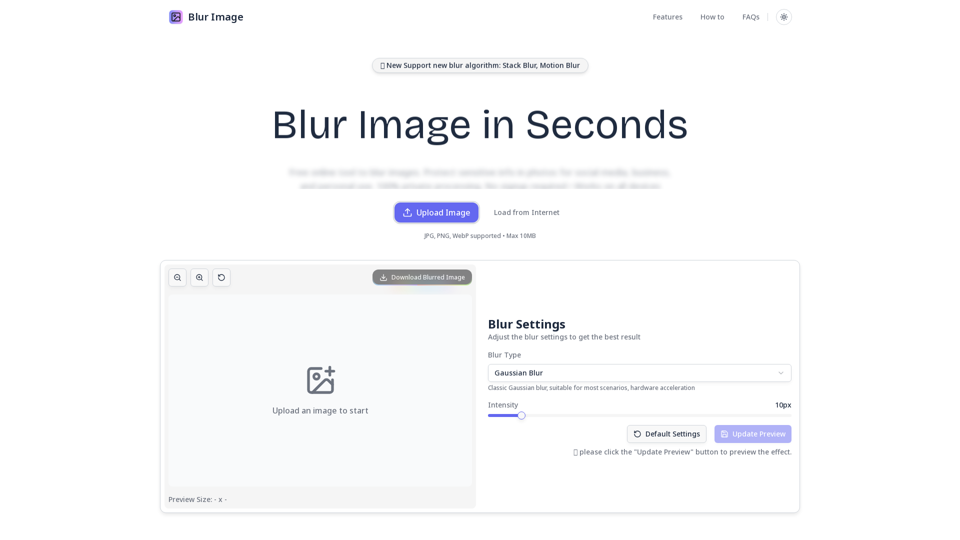
Quickly blur photos online. Simple tool for social media, business & personal privacy. No registration needed.
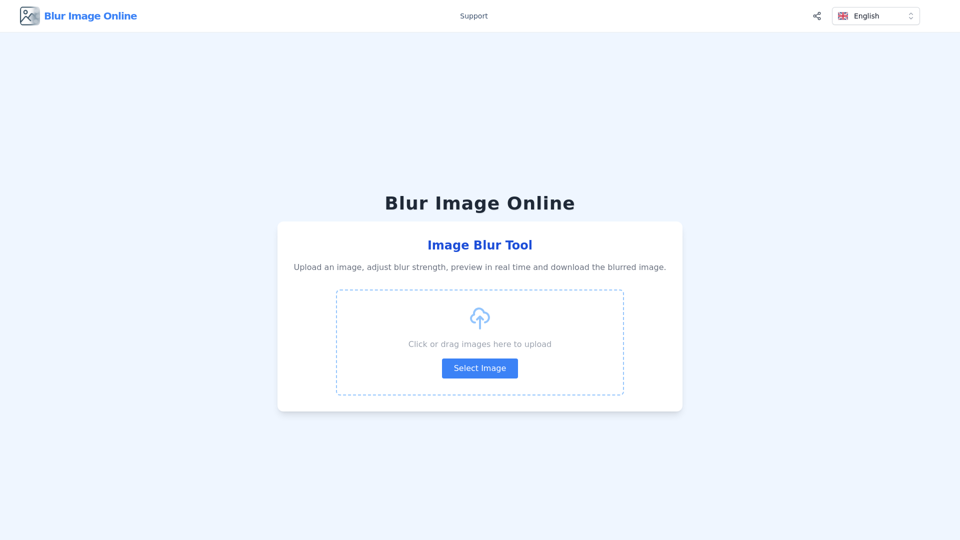
Quickly and easily blur your images online with our powerful image blurring tool. Enhance your photos, protect privacy, and create stunning visuals.

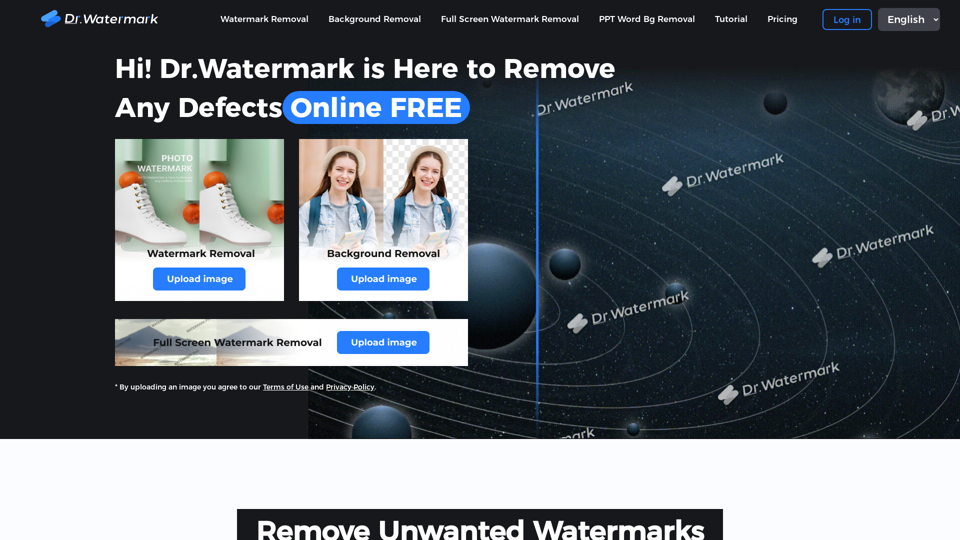
Hi! Dr. Watermark is a free online tool to remove watermarks and intelligently remove backgrounds from images, including text, logos, people, objects or any defects. No prior editing skills required. Remove watermark and background in 5 seconds at high resolution.
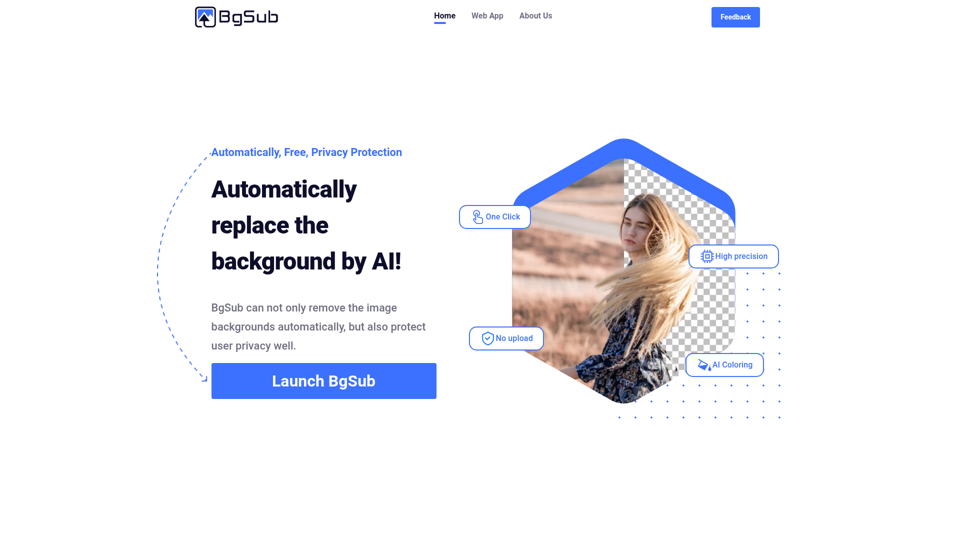
Remove or replace backgrounds from images in just 5 seconds, intelligently adjust colors, all in the browser, no need to upload your images
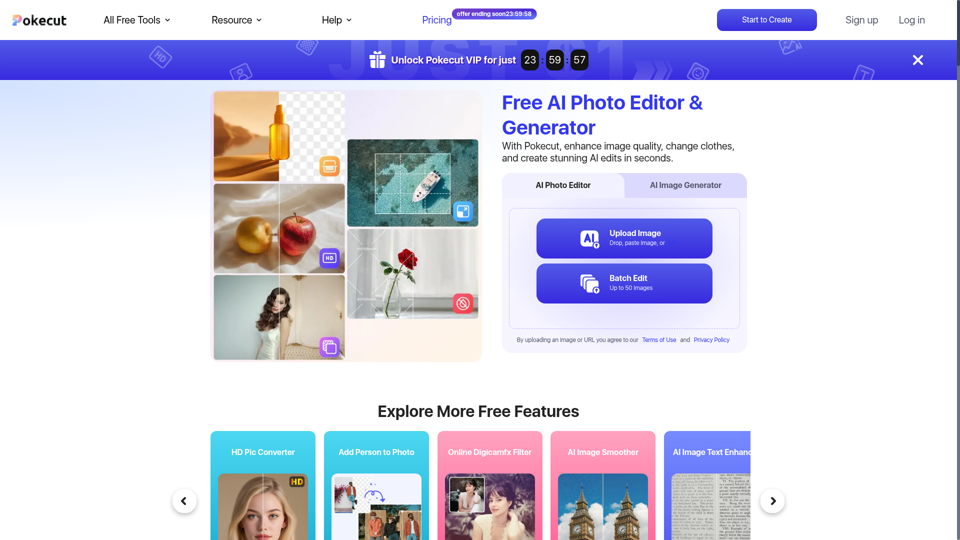
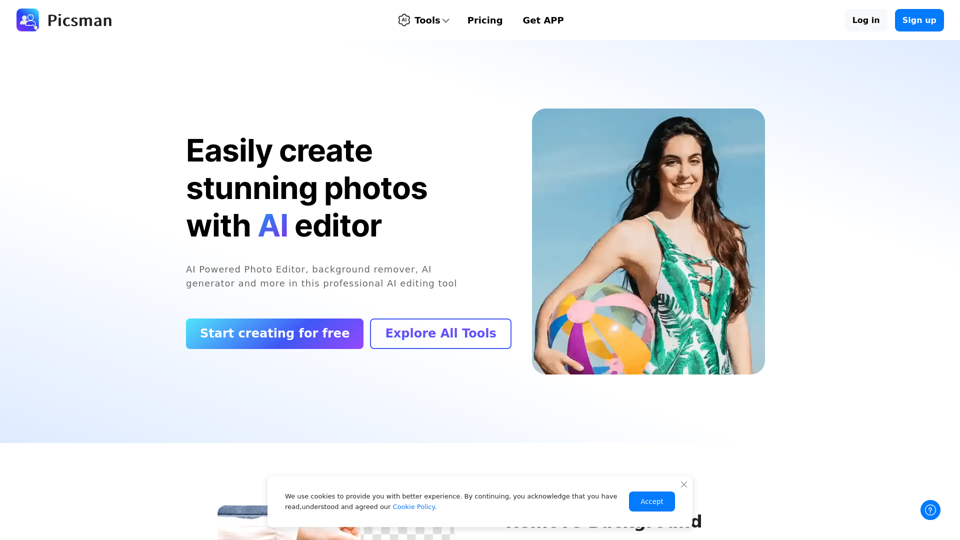
Easily enhance and create product photos with our AI editing tools. Remove background, AI image generator, remove objects, photo enhancer and batch edit.