Nittei
No account registration, login, or download required. This is a scheduling service that you can use for free indefinitely. It is convenient for scheduling meetings and events. The calendar URL can be shared worldwide. If you log in with Google, you can read your own calendar events. It also picks up your available time slots in text form, making it easy to copy and notify others.
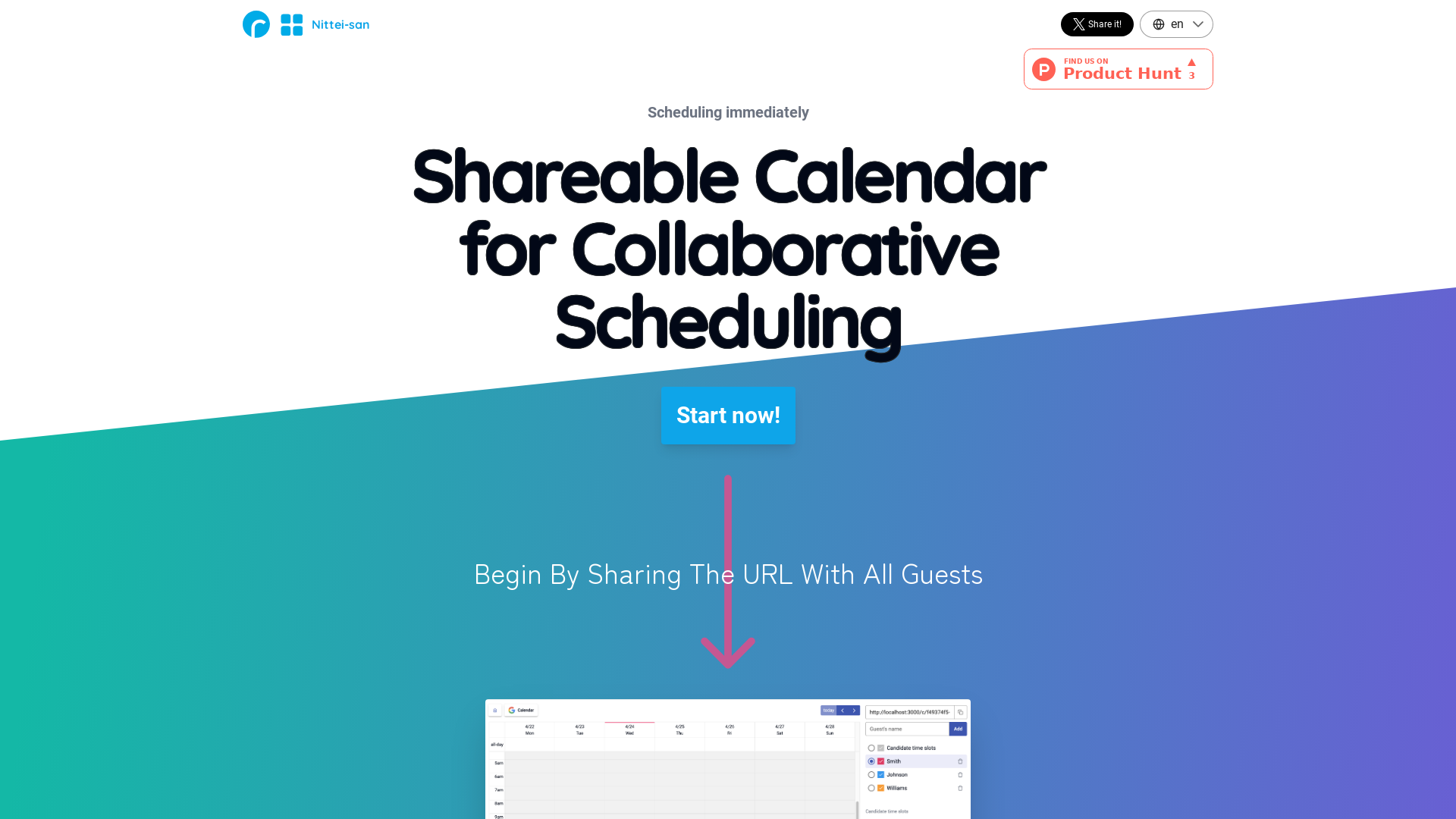
What is Nittei-san?
Nittei-san is a shareable calendar tool designed for collaborative scheduling, allowing users to quickly adjust their schedules with others. It enables organizers to set up a calendar that participants can access anonymously, facilitating smooth communication without the need for account registration or login. This accessibility makes it ideal for scheduling meetings, appointments, or events across various groups and organizations. Its real-time editing feature allows all participants to see and adjust preferences simultaneously, ensuring that scheduling is efficient and straightforward.
Features of Nittei-san
- Instant Accessibility
- Users can access and start using the tool immediately without the need to create an account or log in.
- Collaborative Real-time Editing
- Everyone can edit the shared calendar at the same time, similar to using a whiteboard for scheduling.
- Google Calendar Sync
- For users logged in with Google, there's an option to synchronize their personal Google calendars, providing a comprehensive view of availability.
- Global Calendar Sharing
- The scheduling link can be shared widely over the internet, allowing for easy access by participants worldwide.
- User-friendly Interface
- With a simple and familiar calendar design, even first-time users can navigate and use Nittei-san with ease.
How to Use Nittei-san
For Organizers:
- Click the "Start Scheduling!" button to create a new calendar.
- Input potential time slots into the calendar.
- Add expected participants (members can join themselves as well).
- Share the generated URL with all participants.
- Wait for everyone to enter their availability, completing the scheduling process.
For Participants:
- Access the link shared by the organizer.
- Select your name and input your preferred dates and times.
- Notify the organizer once you have finished submitting your availability.
Price
Nittei-san is completely free to use indefinitely. There are no hidden charges or subscription fees, making it an economical choice for both individuals and organizations seeking a hassle-free scheduling solution.
Helpful Tips
- Make sure to share the calendar link early to give all participants ample time to respond.
- Use the Google sync feature to manage your existing commitments effectively alongside your scheduled appointments.
- Regularly remind participants close to the scheduling deadline to ensure maximum availability feedback.
- Keep the scheduling interface open in a separate tab during discussions to quickly adapt to any sudden changes in participant availability.
Frequently Asked Questions
1. Do I need to create an account to use Nittei-san?
No, you can use Nittei-san immediately without any need for registration or account creation.
2. Can I set reminders for my scheduled meetings using Nittei-san?
Currently, Nittei-san does not support reminders or notifications. It is advisable to manually track your confirmed schedules.
3. Is there a mobile app for Nittei-san?
Nittei-san is a web-based tool that is optimized for mobile usability but does not have a dedicated mobile app.
4. How does Nittei-san compare to other scheduling tools?
Nittei-san stands out for its ease of access and lack of account requirements, streamlining the scheduling process in ways that more complex tools might complicate.
5. Can I use Nittei-san for private events?
Absolutely! Nittei-san is perfect for both professional and private scheduling activities, ensuring that everyone involved can easily participate.
Nittei
No account registration, login, or download required. This is a scheduling service that you can use for free indefinitely. It is convenient for scheduling meetings and events. The calendar URL can be shared worldwide. If you log in with Google, you can read your own calendar events. It also picks up your available time slots in text form, making it easy to copy and notify others.
 Amazon CloudFront
 Amazon S3
 Amazon Web Services
 Google Sign-in
 Node.js
 Nuxt.js
 Vue.js
Free AI anime and manga generator. Turn text into anime episodes, manga, comics, webtoons and comic shorts in any art style — no drawing or animation skills needed.
Translate image text across 70+ languages with our advanced AI Image Translator to help you better expand your products globally to various countries
Advertised Here
Reach thousands of visitors daily. Get your spot now!
Tools similar to Nittei
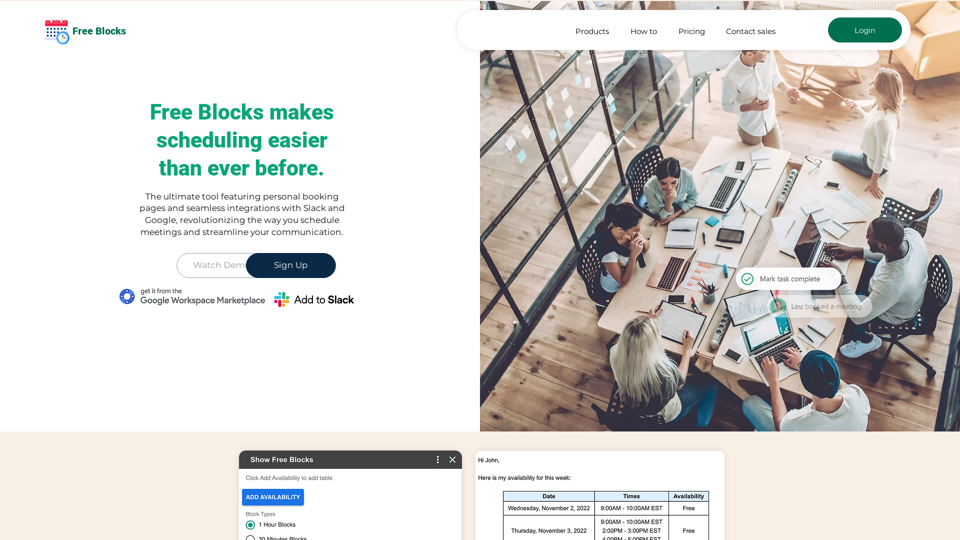
Free Blocks helps you share your calendar availability with others.
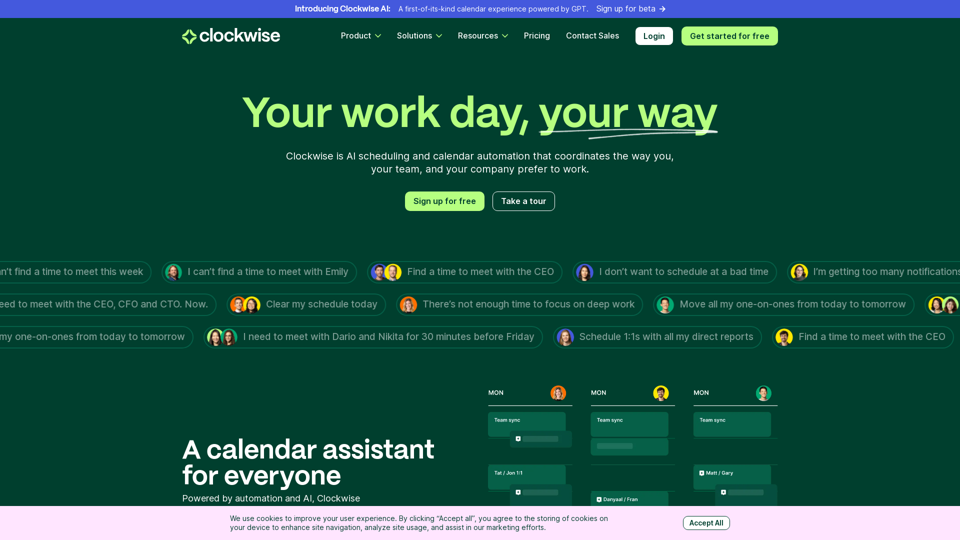
Clockwise uses powerful AI to optimize teams' calendars to create more time in everyone’s day. It's a new way of working that gives us flexibility and focus. Get started free.
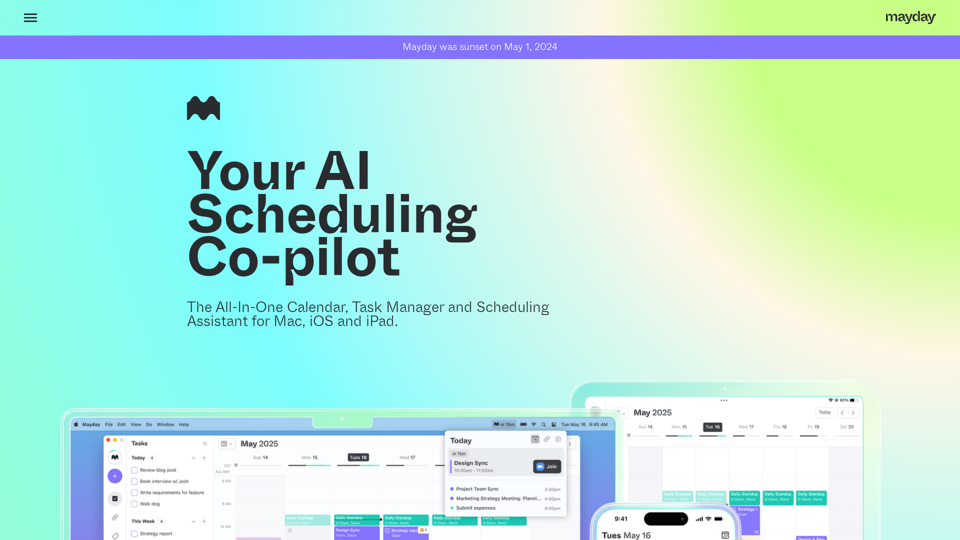
Time is your most valuable asset. Make sure you're spending it wisely. Download the early release for iOS, macOS, and iPadOS.

A collaboration platform with efficient integration of instant messaging, smart calendar, cloud creation and so much more
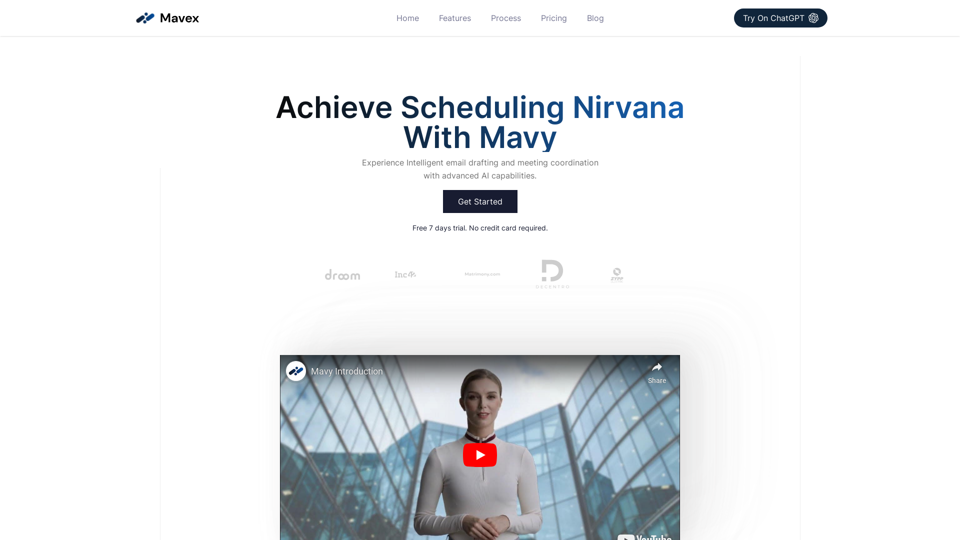
Use our personal AI powered Executive Assistant to breeze through scheduling, calendar management, email drafting and beyond
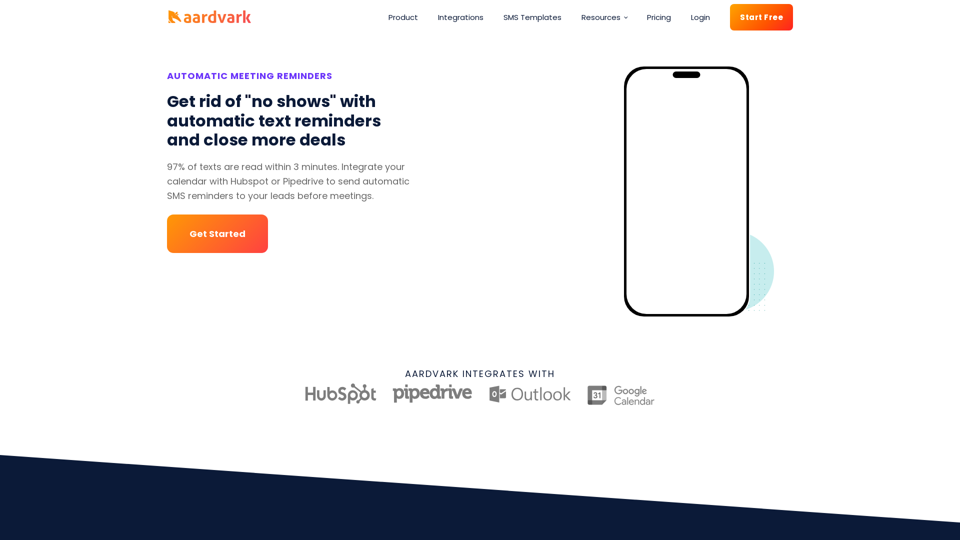
Decrease "no shows" with automatic SMS text reminders before meetings. Integrates with Hubspot, Pipedrive, Google Calendar, and Outlook.
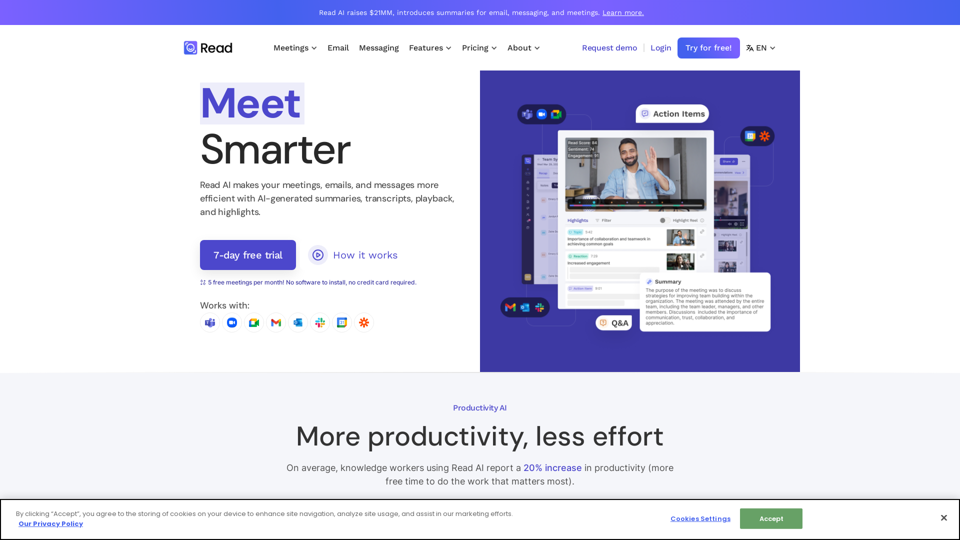
In a hybrid world, Read improves meeting wellness through better scheduling, real-time analytics, summaries, transcription, playback, and automated recommendations. On average, Read identifies 20 meeting hours a month that could be eliminated.