Automated Meeting Reports, Transcripts, Notes, Video, Coaching, Scheduling
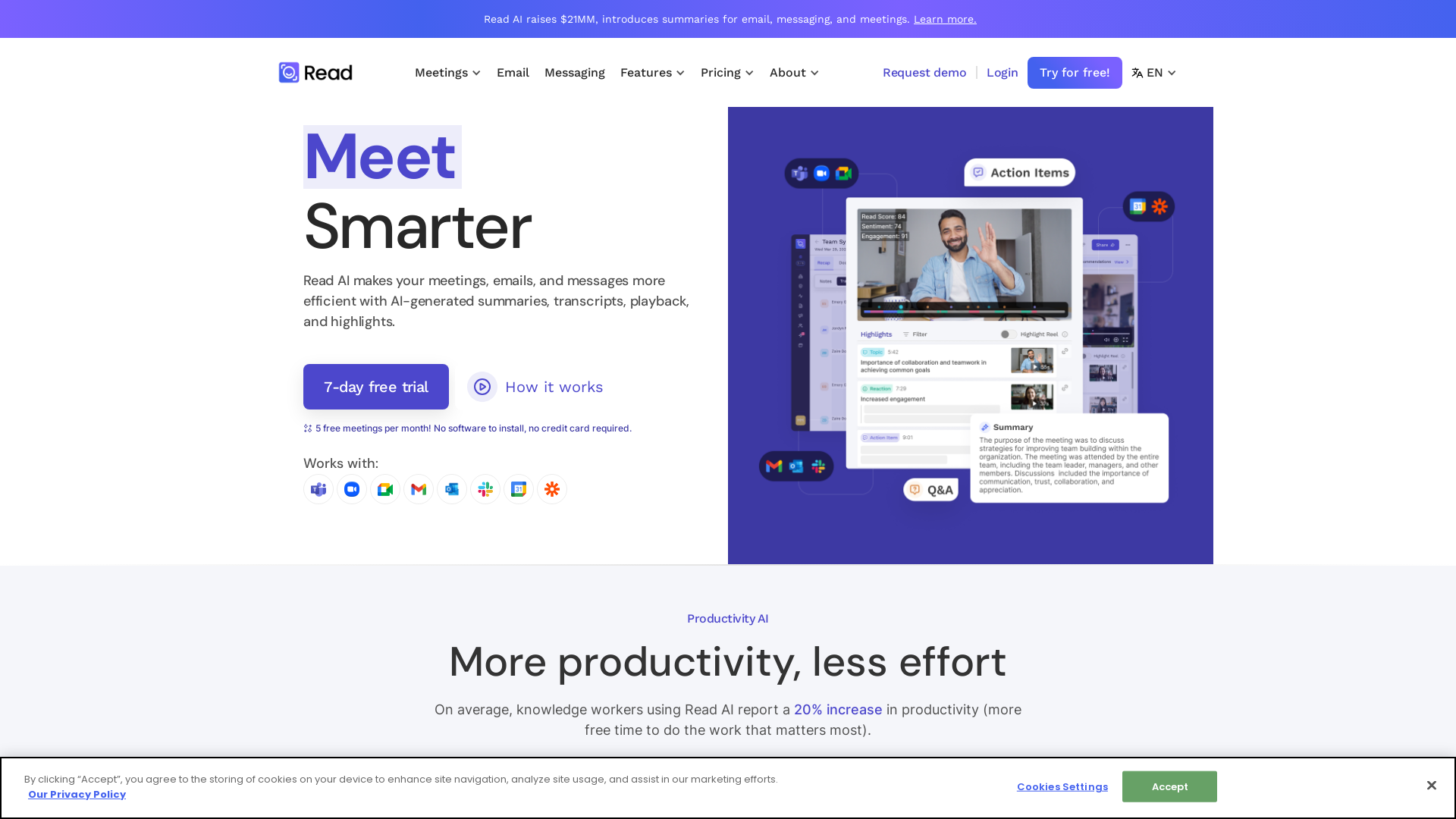
In a hybrid world, Read improves meeting wellness through better scheduling, real-time analytics, summaries, transcription, playback, and automated recommendations. On average, Read identifies 20 meeting hours a month that could be eliminated.
What is Read AI?
Read AI is an innovative platform designed to enhance productivity by providing AI-generated summaries, transcripts, and notes for meetings, emails, and messages. With features like meeting playback and smart scheduling, Read AI makes it easier for users to manage their workload and improve communication efficiency. It integrates seamlessly with popular platforms like Zoom, Teams, and Meet, ensuring users can access its capabilities regardless of their preferred communication tools.
What are the main features of Read AI?
- Meeting Reports and Summaries
- Get instant summaries and transcripts of meetings for better retention of details.
- Smart Scheduler
- Optimize meeting scheduling with personalized links and intelligent scheduling.
- Action Items and Key Questions
- Automatically generated action items and questions streamline follow-up processes.
- Multi-language Support
- Supports various languages including English, Spanish, French, and more for global collaboration.
- Real-time Metrics
- Access metrics that can help improve future meetings.
- Integration
- Easily integrate with platforms like Zoom, Google Meet, Teams, and Slack for a seamless workflow.
How to use Read AI?
To use Read AI, simply sign up for a free account. You can enjoy 5 free meetings per month without the need for software installation or credit card details. Once registered, utilize its features such as recording meetings, generating summaries, coaching scripts, and analyzing conversations to enhance your productivity.
What is the pricing for Read AI?
Read AI offers a variety of pricing plans, beginning with a free trial that allows five meetings per month without any charges. For users looking for more extensive features and capabilities, affordable subscription options are available, providing unlimited access to meeting tools, transcription, and analytics.
Helpful Tips
- Maximize Usage
- Make the most of your five free meetings each month by planning important discussions and utilizing summaries for follow-up tasks.
- Integrate Fully
- Take advantage of Read AI's integrations by linking it with frequently used apps to eliminate silos in communication and enhance workflow.
- Feedback Loop
- Utilize the feedback feature to become a better communicator, enhancing your presentation and discussion skills for future meetings.
Frequently Asked Questions
Can I record video meetings with Read AI?
Yes, Read AI allows the recording and playback of your meetings so you can review and summarize key moments later.
How do I ensure my data is secure when using Read AI?
Read AI follows best practices for data handling and is SOC II certified. User data is not utilized for training models unless explicitly permitted.
Is it possible to summarize non-meeting content like emails?
Absolutely! Read AI can summarize not just meetings, but also emails and messaging across platforms for a more streamlined experience.
What if I need more than five meetings?
Users who find that five meetings per month is insufficient can opt for a subscription plan, which offers unlimited access to all features.
Can I use Read AI on multiple devices?
Yes, Read AI is a multi-platform service, enabling you to access its features from various devices and environments.
Automated Meeting Reports, Transcripts, Notes, Video, Coaching, Scheduling
In a hybrid world, Read improves meeting wellness through better scheduling, real-time analytics, summaries, transcription, playback, and automated recommendations. On average, Read identifies 20 meeting hours a month that could be eliminated.
 C3.js
C3.js Cloudflare
 Google Font API
 Google Hosted Libraries
 Google Sign-in
 Google Tag Manager
 HTTP/3
 Unpkg
Unpkg Zendesk
 jQuery:3.5.1
Free AI anime and manga generator. Turn text into anime episodes, manga, comics, webtoons and comic shorts in any art style — no drawing or animation skills needed.
Translate image text across 70+ languages with our advanced AI Image Translator to help you better expand your products globally to various countries
Advertised Here
Reach thousands of visitors daily. Get your spot now!
Tools similar to Automated Meeting Reports, Transcripts, Notes, Video, Coaching, Scheduling
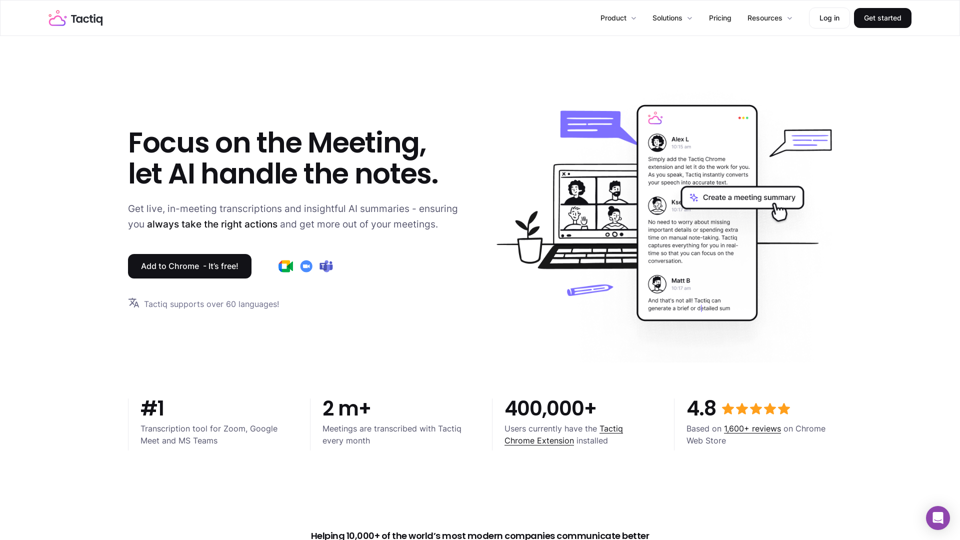
Get more from your meetings with Tactiq.io AI meeting assistant. From live transcription to AI summaries, action items and custom AI prompts just for you.
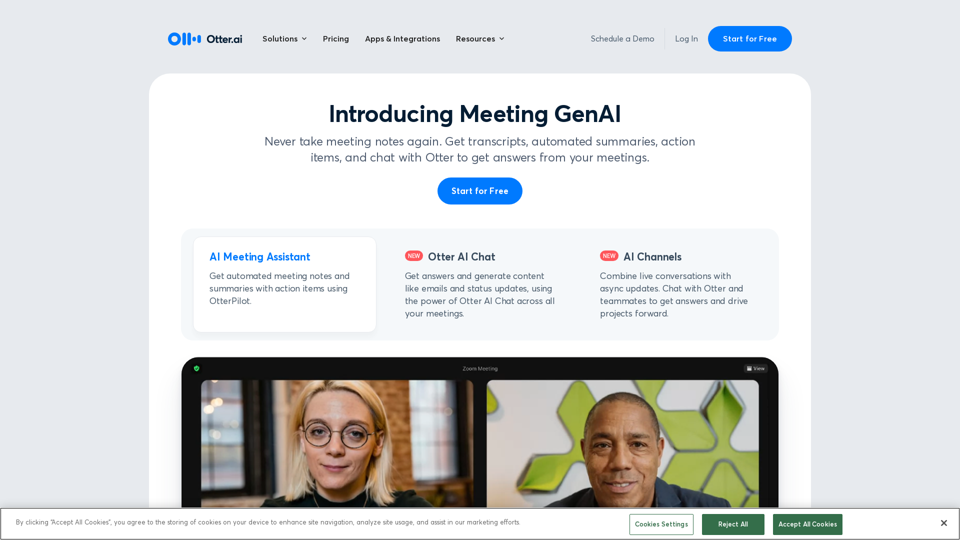
Otter.ai uses an AI Meeting Assistant to transcribe meetings in real time, record audio, capture slides, extract action items, and generate an AI meeting summary.
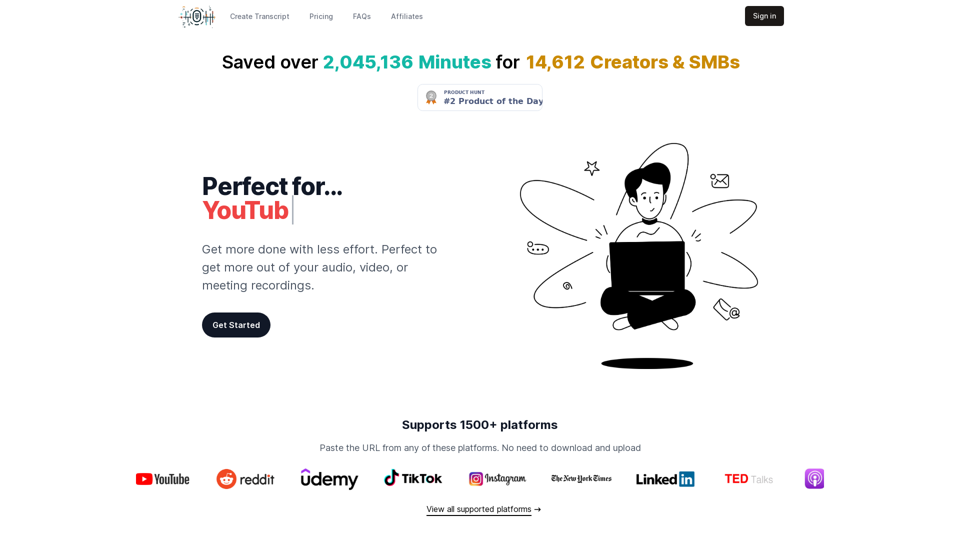
Transcribe your podcasts, videos, and meetings. Accelarate your learning and productivity.
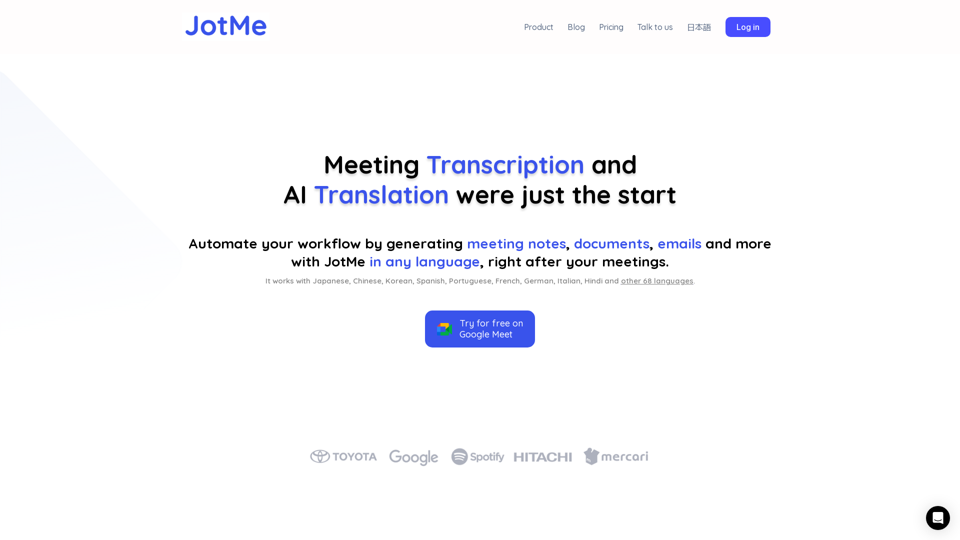
JotMe transcribes & translates your meetings, and generates meeting notes, documents, emails, task tickets, and more, all based on the context that matters to you.
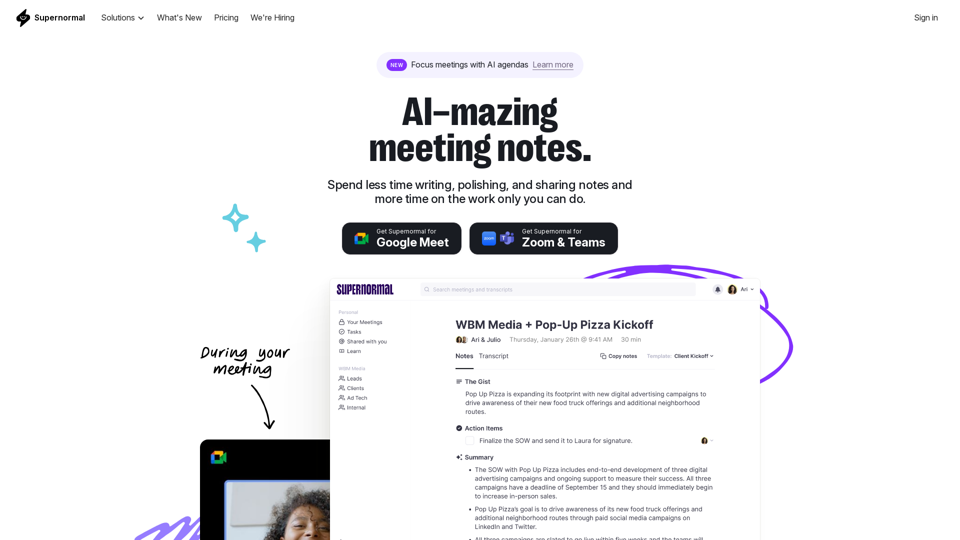
Supernormal is your all-in-one solution for meeting management. Our Supernormal AI notetaker and Supernormal Chrome Extension seamlessly handle meeting transcription on Google Meet, Zoom, and Teams. Transcribe, record, and share meeting notes effortlessly with Google Meet transcription, Zoom transcription, and Teams transcription options. With Supernormal, your Meeting Notes, Meeting Transcription, and Meeting Recording needs are met with ease. Plus, our integration with Google Drive, Notion, Quip, Slack, Hubspot, Salesforce, and more makes collaboration a breeze. Elevate your meetings with Supernormal AI!
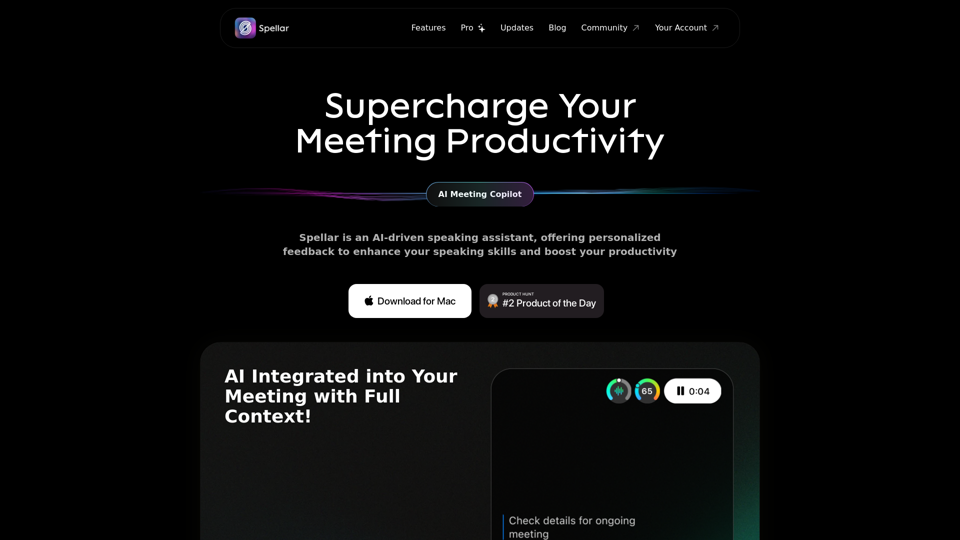
Spellar AI - powered macOS meeting assistant, enhances communication with real-time engagement tips, meeting summaries key points and tasks tracking. Ideal for non-native English speakers in remote work. Spellar records calls with meetings notes automated
Notes, analytics, coaching. Better meetings with AI. Good meetings are made of strong hosts and focused attendees. Sonero helps with both.