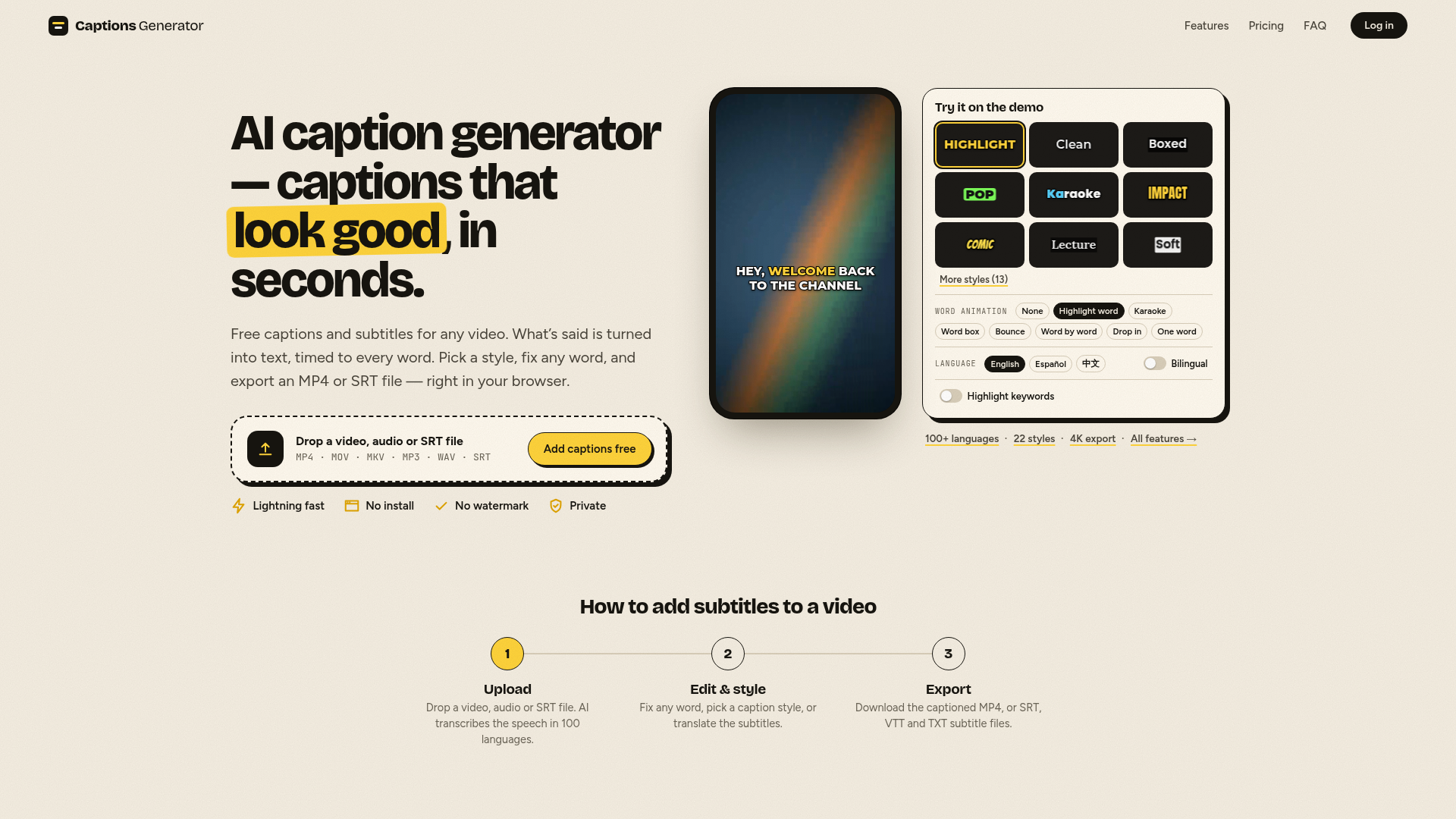
What is Free AI Caption & Subtitle Generator?
Free AI Caption & Subtitle Generator is a browser-based tool that turns the speech in a video or audio file into timed captions, which you can edit, style, translate and export. It is built for creators posting to TikTok, Reels, Shorts and YouTube, and for anyone who needs subtitles without opening a full video editor. It sets itself apart with a free plan that adds no watermark, SRT, VTT and TXT downloads and free translation, and with captions that are rendered in the browser so the video itself never leaves the device.
Key features
- Automatic transcription in 100 languages
- Speech is turned into text with every word timed to the audio, and the language is detected automatically.
- Caption styles
- 8 styles are free and 22 come with Pro, including karaoke, word highlight, bounce, pop, comic, boxed and neon.
- Word-level editing and SRT import
- Fix any word in the transcript, or import your own SRT or VTT file, restyle it and burn it into the video.
- Translation and bilingual captions
- Translate captions into 100+ languages for free, or show two languages at once with Pro; Arabic, Hebrew and other right-to-left scripts are supported.
- Hook titles and safe-zone check
- Add up to three texts per video, shown for the whole video, the first seconds or set times, with a safe-zone check for TikTok, Reels and Shorts.
- MP4 and subtitle file export
- Burn captions into an MP4 at 1080p for free, up to 4K on Pro, or download SRT, VTT and TXT files.
- Privacy by design
- Captions are rendered in the browser and the video never leaves the device; only the audio track is sent for transcription and it is never stored.
How to use Free AI Caption & Subtitle Generator
- Upload a video, audio or SRT file — MP4, MOV, MKV, MP3, WAV or SRT.
- Let the AI transcribe the speech; the language is detected automatically across 100 languages.
- Edit and style the captions: fix any word, pick a caption style, add a hook title, or translate the subtitles.
- Export the captioned MP4, or download SRT, VTT and TXT subtitle files for YouTube, Premiere, CapCut or another editor.
Use cases
- Short-form creators captioning vertical 9:16 clips for TikTok, Reels and YouTube Shorts.
- YouTubers who need an SRT or VTT subtitle track for a 16:9 video.
- Anyone captioning for accessibility, since captions are required for prerecorded audio under W3C WCAG 2.2 level A.
- Language learners and viewers abroad, using free translation or Pro bilingual captions that show two languages at once.
- Editors who already have an SRT file and want to restyle it and burn it into the video.
Pricing
Free — $0 (free account): edit videos up to 90 minutes, export videos up to 3 minutes, 30 minutes of captions a month, no watermark, 1080p export, 8 caption styles with any font and color, text on video such as hook titles, SRT, VTT and TXT downloads, audio or SRT file upload, and translation into 100+ languages.
Pro — $4.92/month, billed $59 yearly, cancel anytime: everything in Free, plus videos up to 90 minutes, unlimited AI captions, exports up to 4K, all 22 styles including karaoke and word highlight, bilingual captions, AI keyword highlights, and custom fonts and saved styles.
Monthly and yearly billing are both offered, with the yearly option saving 50%.
FAQ
Is Free AI Caption & Subtitle Generator free to use?
Yes. Captioning and editing work on videos up to 90 minutes for free, and a free account exports videos up to 3 minutes long with 30 minutes of captions a month, in MP4 up to 1080p and with no watermark. Pro removes the caption limit and adds 4K exports and the full style set.
Which languages does Free AI Caption & Subtitle Generator support?
Transcription works in 100 languages with automatic detection, including sentences that mix English and Chinese. Translation is free and covers 100+ languages, and Pro adds bilingual captions that show two languages at once.
Does Free AI Caption & Subtitle Generator add a watermark to my video?
No. Free MP4 exports are 1080p and carry no watermark, and the same applies to the SRT, VTT and TXT subtitle files you download.
Is my video private when I use Free AI Caption & Subtitle Generator?
The video never leaves your device, because captions are rendered in the browser. Only the audio track is sent for transcription, and the site states that video and audio are never stored.
Can Free AI Caption & Subtitle Generator caption vertical videos for TikTok and Reels?
Yes. Captions are drawn at the size of your video, so vertical 9:16 clips work like 16:9 YouTube videos, and they start clear of each app's buttons. A safe-zone check covers TikTok, Reels and Shorts, and hook titles can stay on screen for the whole video or set times.
How is Free AI Caption & Subtitle Generator different from CapCut, VEED or Descript?
It is a caption tool rather than a full video editor, so those tools do more editing overall. What it adds is a free plan with no watermark, SRT, VTT and TXT files, and free translation.
Free AI Caption & Subtitle Generator
Free AI caption generator with no watermark: add subtitles to any video in seconds. Auto captions in 100 languages, free translation and SRT/VTT downloads.
 Cloudflare
 Google Analytics
 HTTP/3
Free AI anime and manga generator. Turn text into anime episodes, manga, comics, webtoons and comic shorts in any art style — no drawing or animation skills needed.
Translate image text across 70+ languages with our advanced AI Image Translator to help you better expand your products globally to various countries
Advertised Here
Reach thousands of visitors daily. Get your spot now!
Tools similar to Free AI Caption & Subtitle Generator
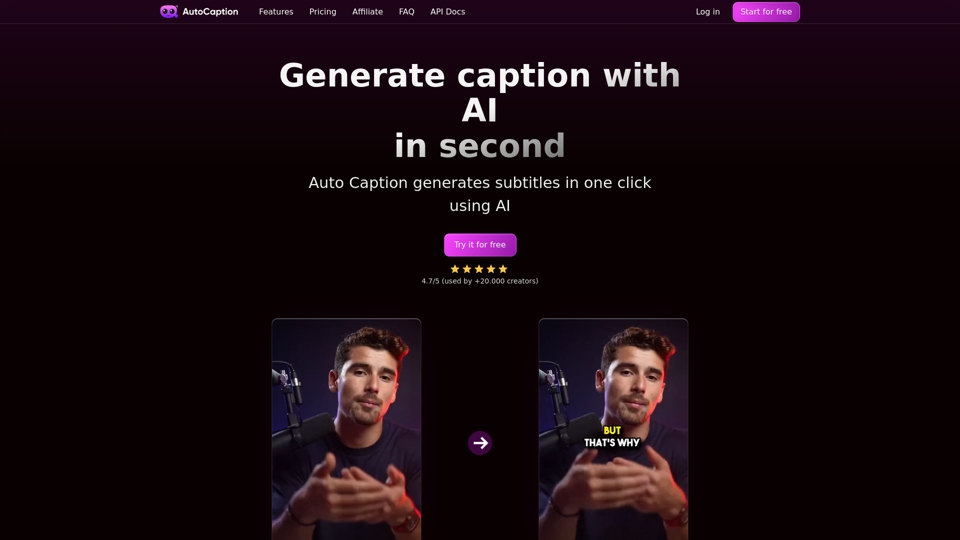
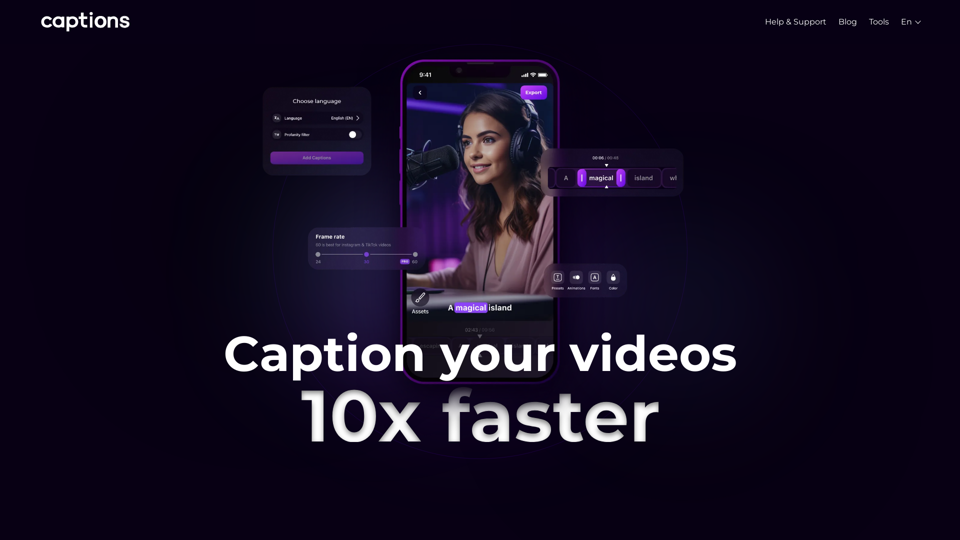
Automatic AI caption generator with animated emojis, auto subtitle ai generator for videos on Instagram, TikTok and Youtube. 100 languages supported.
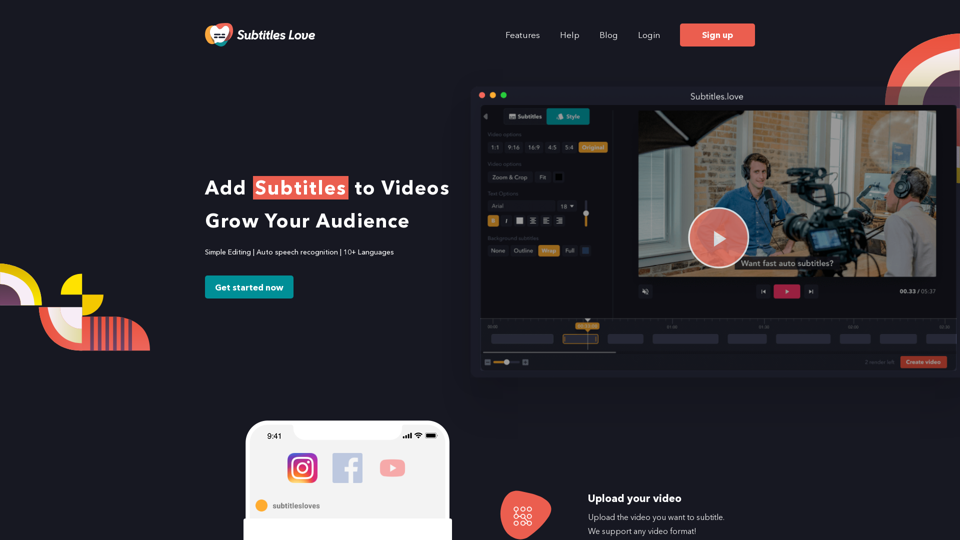
Easily convert English audio to text with our speech to text converter. Download subtitles in txt, srt, and vtt formats for free, without any watermarks.
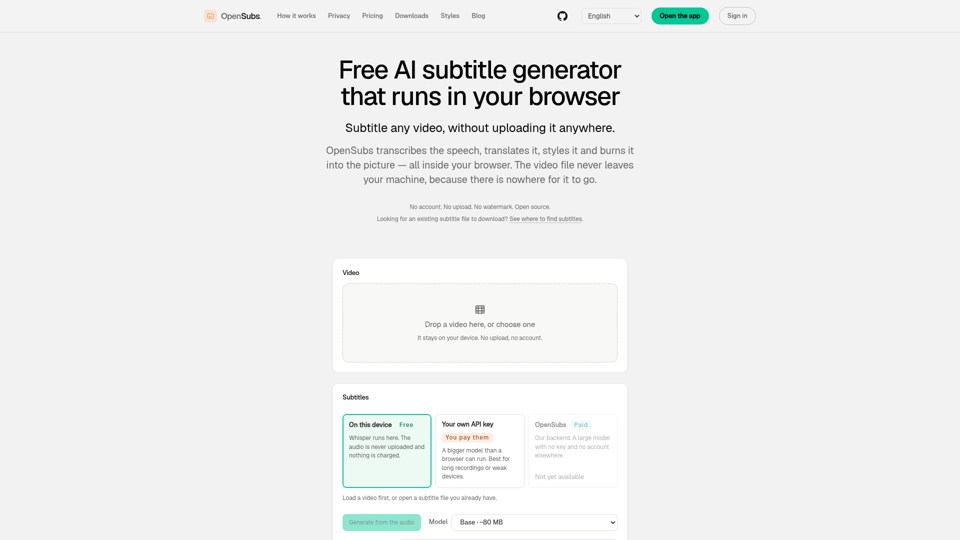
Transcribe, translate, style and burn subtitles into video — entirely in your browser. The video never leaves your machine. Free, no account, open source.
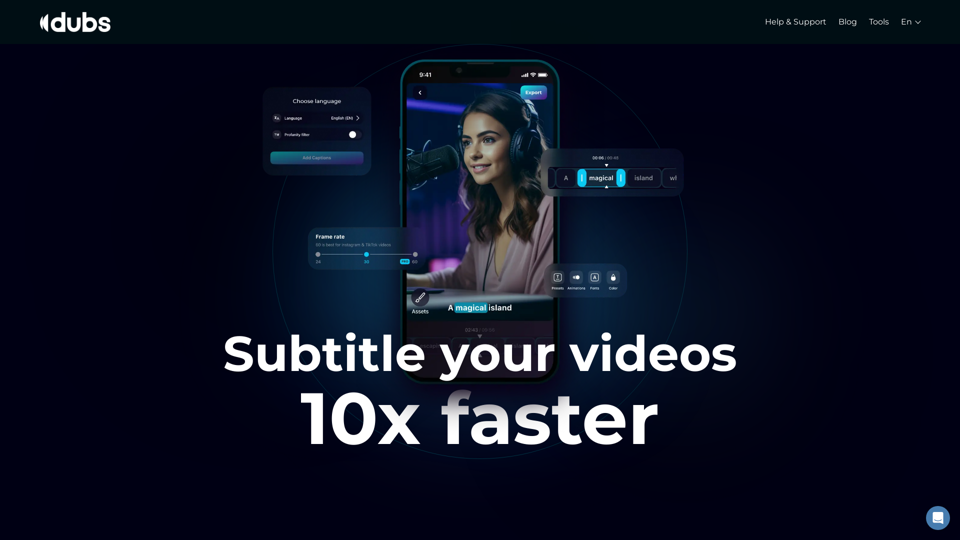
Revolutionize your video content with the ultimate captions app. Enhance engagement, accessibility, and discoverability effortlessly!
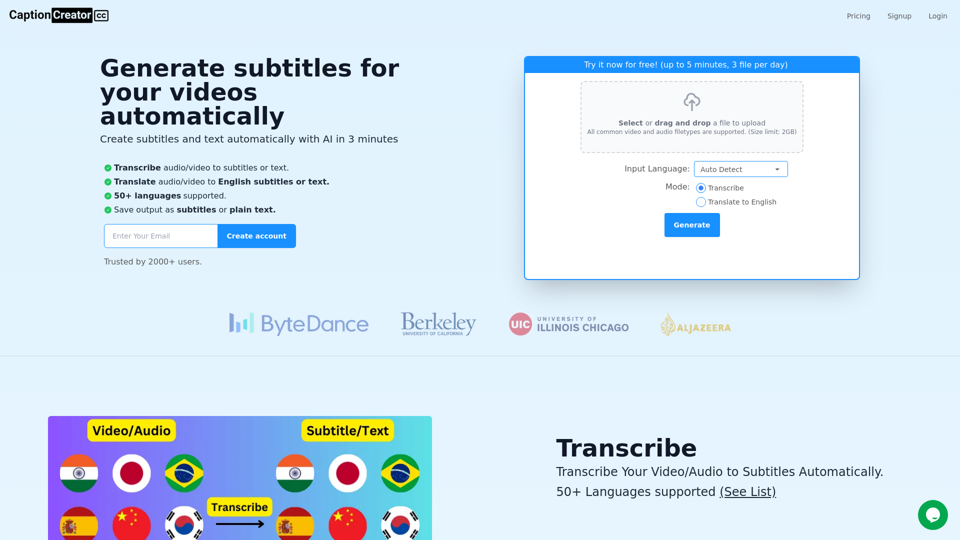
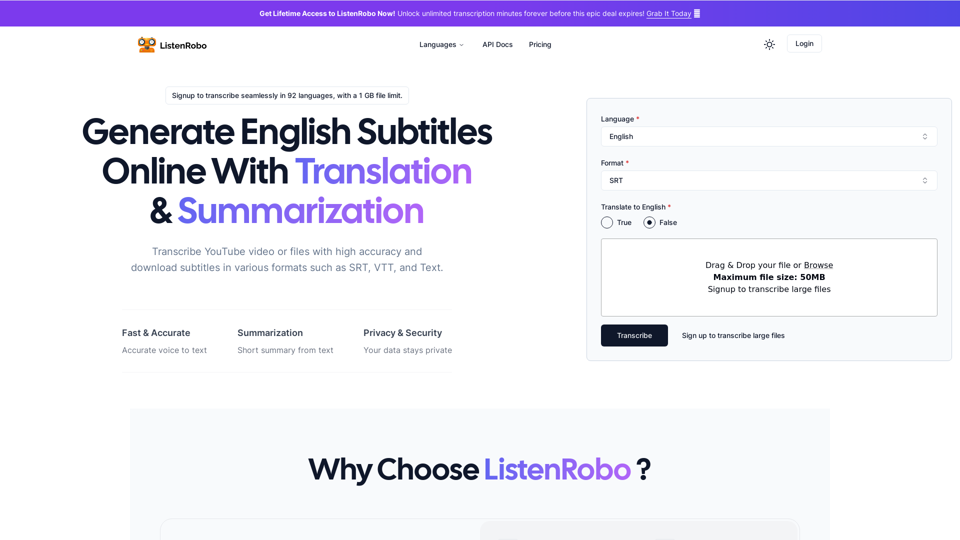
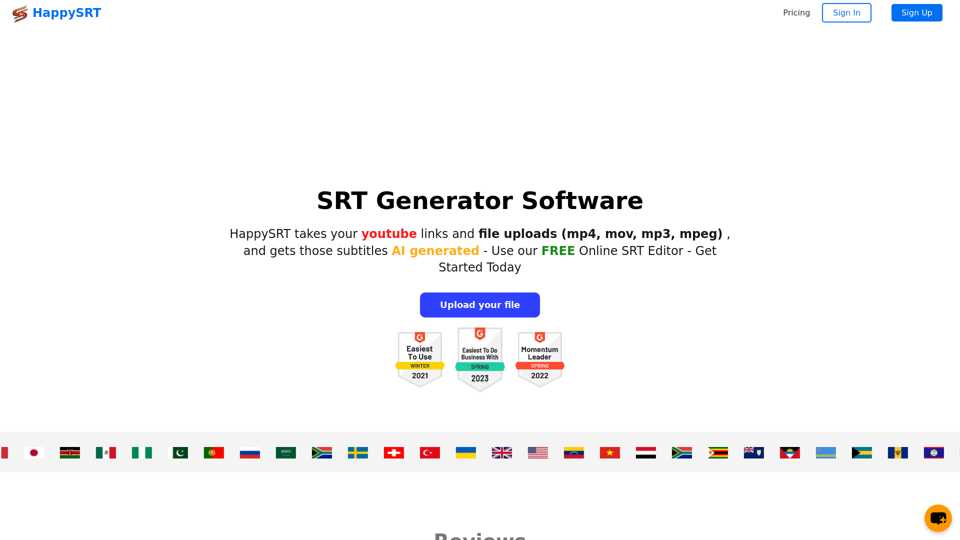
Generate subtitles for your videos with AI in 3 minutes. 50+ supported languages. Transcribe or translate to English. Export as subtitles or text.