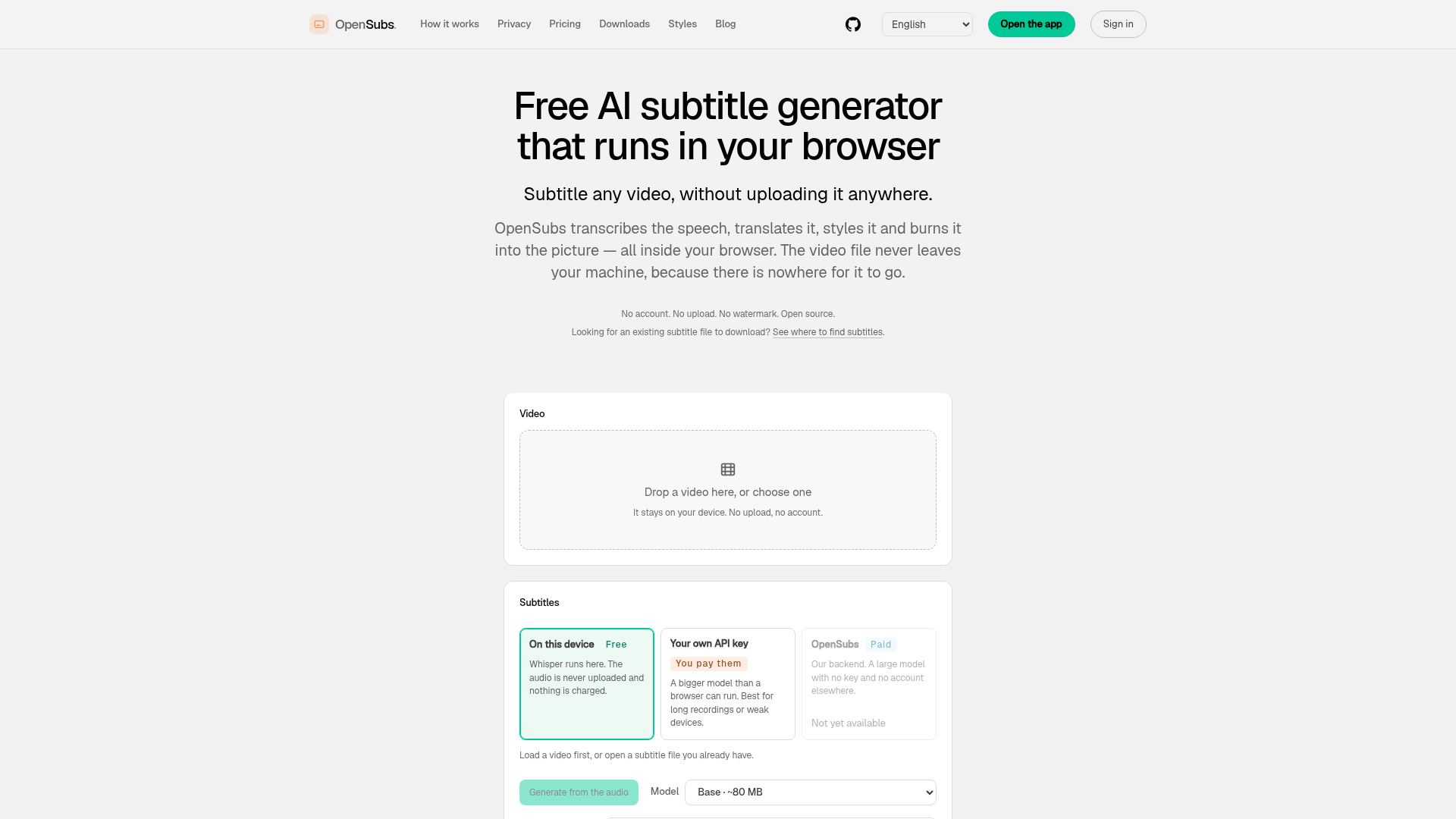
What is OpenSubs?
OpenSubs is a free, open-source, AI-powered subtitle generator that runs entirely within your web browser. It allows you to transcribe speech, translate dialogue, style captions, and burn subtitles directly into your video files—all without ever uploading your video to a server. Your data remains private on your own machine.
Key Features of OpenSubs
- Local Processing
- All transcription and processing happen on your device. Your video and audio never leave your computer.
- No Account Required
- You can start using it immediately without any sign-up.
- Open Source
- The entire codebase, including the web app, browser extension, desktop app, and command-line tool, is available on GitHub under the AGPL-3.0 license.
- Wide Language Support
- Transcribe and translate audio into over 20 languages, including Chinese, Japanese, Korean, Spanish, French, Arabic, and more.
- Multiple Output Formats
- Export subtitles as .srt, .vtt, or .ass files, or burn them directly into an MP4 video.
- Browser-Based AI
- Uses OpenAI's Whisper models (Tiny, Base, Small) running locally via ONNX and transformers.js, leveraging WebGPU or WebAssembly.
- No Watermark
- Generated videos and subtitle files contain no watermarks.
- Flexible Translation Options
- Choose from free browser-based translation, bring your own API key (OpenAI, Claude, DeepL), or use OpenSubs' paid cloud translation service.
How to Use OpenSubs?
- Load Your Video: Drag and drop a video file onto the web page. The video is processed locally.
- Generate Subtitles:
- Select the Whisper model size (Tiny ~40 MB, Base ~80 MB, Small ~250 MB) for transcription.
- Choose or auto-detect the spoken language.
- Translate & Style:
- Translate subtitles using Chrome's built-in tool (free), your own API key, or OpenSubs' cloud service.
- Apply one of 12 visual presets to style your subtitles.
- Export:
- Download the subtitles as an .srt, .vtt, or .ass file.
- Or, burn the styled subtitles directly into a new MP4 video, encoded in your browser using WebCodecs.
Alternative Apps for Advanced Use:
- Browser Extension
- Generates live subtitles for videos playing in any browser tab (Chrome, Edge, Firefox).
- Desktop App
- For macOS, Windows, and Linux. Ideal for processing long videos or batch files, utilizing
ffmpegfor burning. - Command-Line Tool
- For automation, scripting, and CI/CD pipelines.
Pricing Model
- Free Tier
- Permanently free for all on-device processing. This includes transcription, on-device translation, styling, video burning, and all export formats.
- Credits ($5 for 1,000)
- Required only for using OpenSubs' cloud-based translation backend. The cost per job is shown upfront, you are charged exactly that amount, and failed jobs cost nothing. Credits do not expire.
Helpful Tips for Using OpenSubs
- For Best Privacy
- Use the on-device Whisper transcription and Chrome's built-in translation. This ensures no data leaves your computer.
- Handling Long Videos
- For videos longer than a few minutes, consider using the downloadable Desktop App for more stable performance.
- Font Support
- OpenSubs bundles necessary fonts, so non-Latin scripts (e.g., Chinese, Arabic) render correctly in burned videos.
- Offline Use
- After your first visit, the speech model is cached, allowing most functions to work offline.
- Multi-language Videos
- The auto-detector checks language every 4 seconds. If your video switches between two known languages, manually selecting both can improve accuracy.
Frequently Asked Questions (FAQ)
Is my video uploaded anywhere?
No. OpenSubs operates entirely in your browser. Your video file is read locally and never sent to any server.
Is my API key saved or shared?
No. If you provide your own API key (e.g., for OpenAI), it is used directly from your browser's memory to contact the provider's API. It never passes through OpenSubs' servers and is cleared when you close the tab.
Do I need an account?
No account is needed for the core features: transcription, on-device translation, styling, and exporting. An account is only required if you purchase credits for the cloud translation service.
How does it generate subtitles from speech?
It uses OpenAI's Whisper model, compiled to run locally via ONNX and transformers.js. It uses your device's WebGPU if available, otherwise WebAssembly. The model weights (40-250 MB) are downloaded once and cached.
Can it burn subtitles into the video file?
Yes. It uses libass (the same renderer as ffmpeg) compiled to WebAssembly to render the subtitles and WebCodecs to encode them into a new MP4 file. The original audio is preserved.
What does it cost?
Everything that runs on your device (the vast majority of features) is completely free. The only paid option is cloud translation via OpenSubs' backend, priced at 1,000 credits for $5.
Does it add a watermark?
No. There is no watermark on exported videos or subtitle files.
Which languages are supported for translation?
Translation into 20 languages is supported, including: Simplified/Traditional Chinese, Japanese, Korean, Spanish, Portuguese, French, German, Italian, Russian, Arabic, Hindi, Indonesian, Thai, Vietnamese, Turkish, Polish, Dutch, and Ukrainian.
Does it work offline?
Yes, largely. After the initial download of the speech model, all on-device functions (transcription, styling, burning) work offline. Cloud translation, of course, requires an internet connection.
Is it really open source?
Yes. The entire project—engine, web app, browser extension, desktop app, and CLI—is open source under the AGPL-3.0 license on GitHub.
Free AI Subtitle Generator
Transcribe, translate, style and burn subtitles into video — entirely in your browser. The video never leaves your machine. Free, no account, open source.
 Nginx:1.24.0
 Ubuntu
Free AI anime and manga generator. Turn text into anime episodes, manga, comics, webtoons and comic shorts in any art style — no drawing or animation skills needed.
Translate image text across 70+ languages with our advanced AI Image Translator to help you better expand your products globally to various countries
Advertised Here
Reach thousands of visitors daily. Get your spot now!
Tools similar to Free AI Subtitle Generator
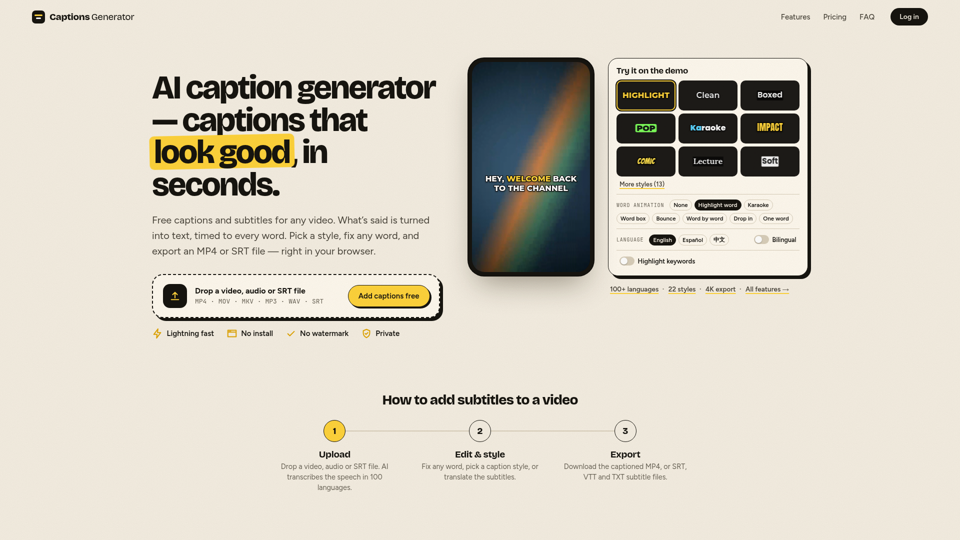
Free AI caption generator with no watermark: add subtitles to any video in seconds. Auto captions in 100 languages, free translation and SRT/VTT downloads.
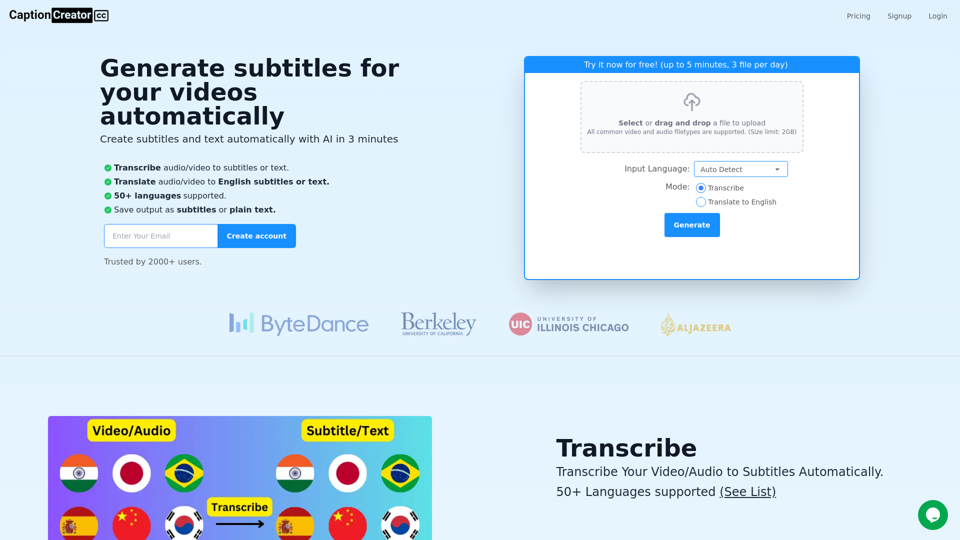
Generate subtitles for your videos with AI in 3 minutes. 50+ supported languages. Transcribe or translate to English. Export as subtitles or text.
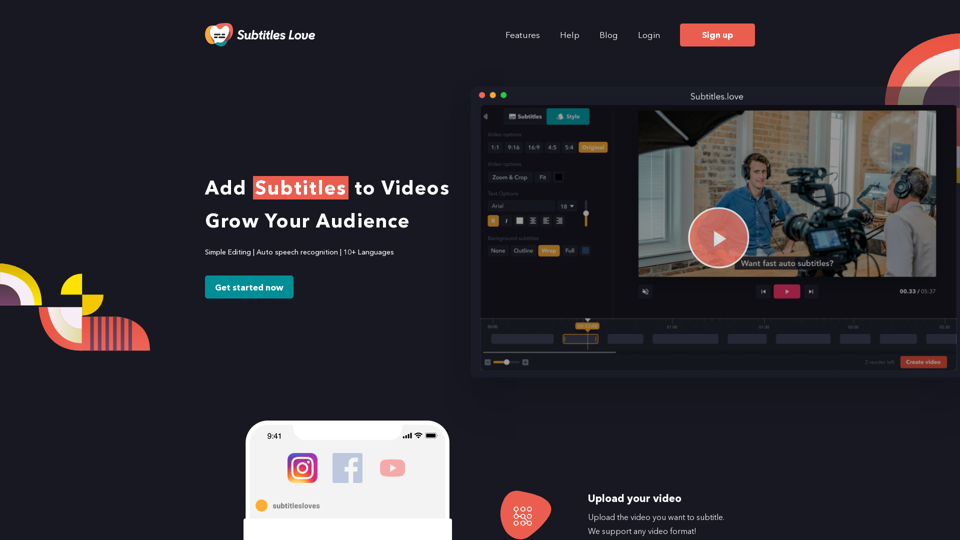
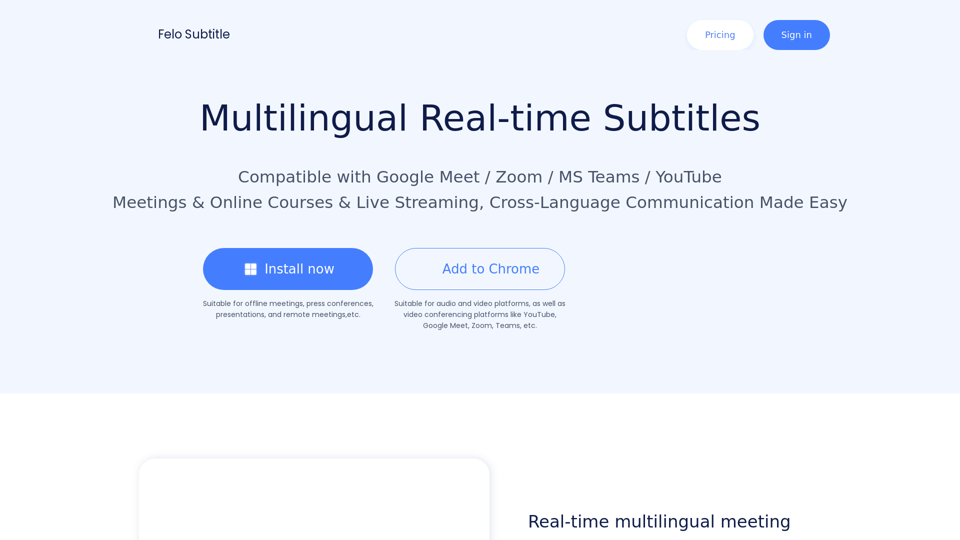
Felo Subtitles: Making Meetings, Webinars & Events More Accessible with AI-powered Live Captioning and Multilingual Subtitles.
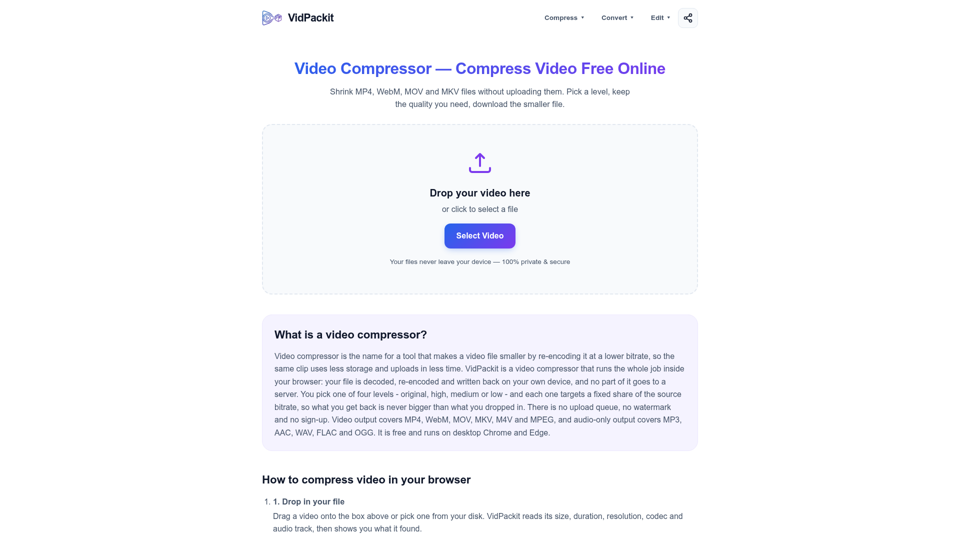
Compress MP4, WebM, MOV and MKV in your browser with no upload, no watermark and no signup. Pick a level and download a smaller video. Start now.
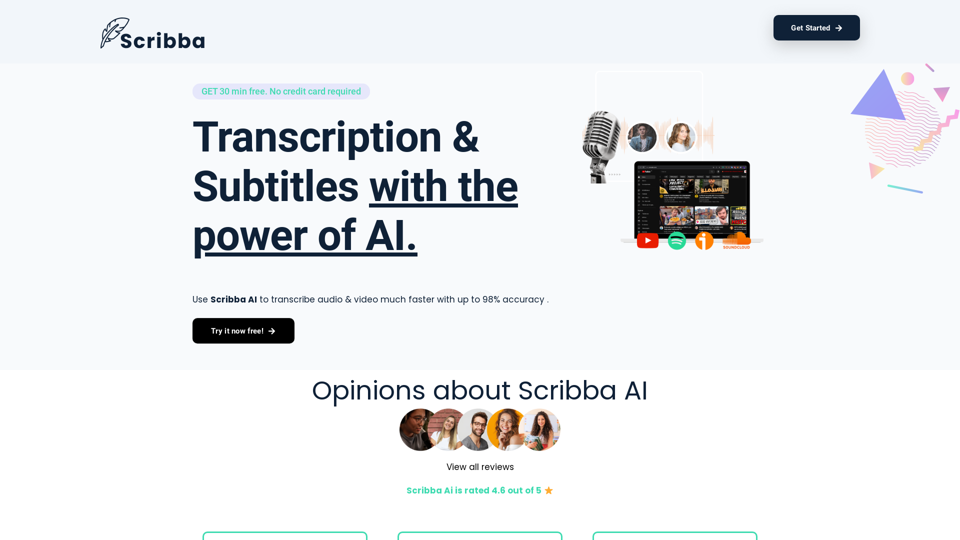
Scribba - Transcription & Subtitles with the power of AI. Use the power of AI to transcribe your videos and get subtitles.
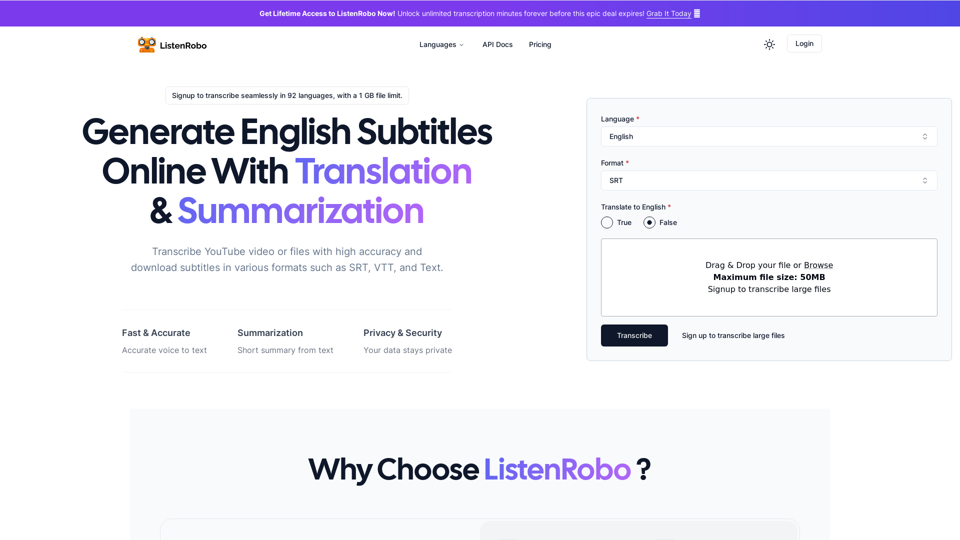
Easily convert English audio to text with our speech to text converter. Download subtitles in txt, srt, and vtt formats for free, without any watermarks.
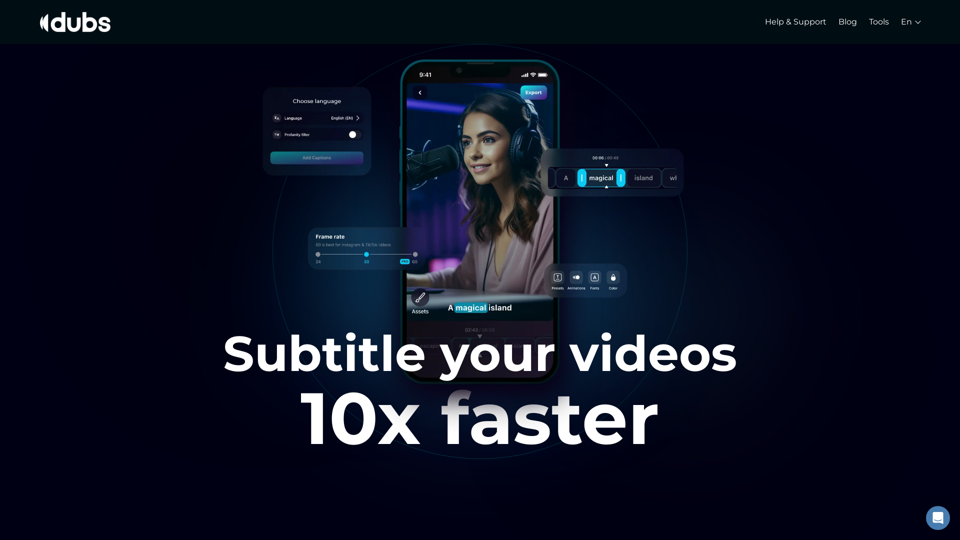
Revolutionize your video content with the ultimate captions app. Enhance engagement, accessibility, and discoverability effortlessly!