Free AI Presentation Maker & Slideshow Maker
Free AI presentation maker & slideshow maker trusted by 190,000+ users. Turn PDFs, docs & ideas into pro AI slides, videos & avatars in 2 minutes. The best free slidemaker.
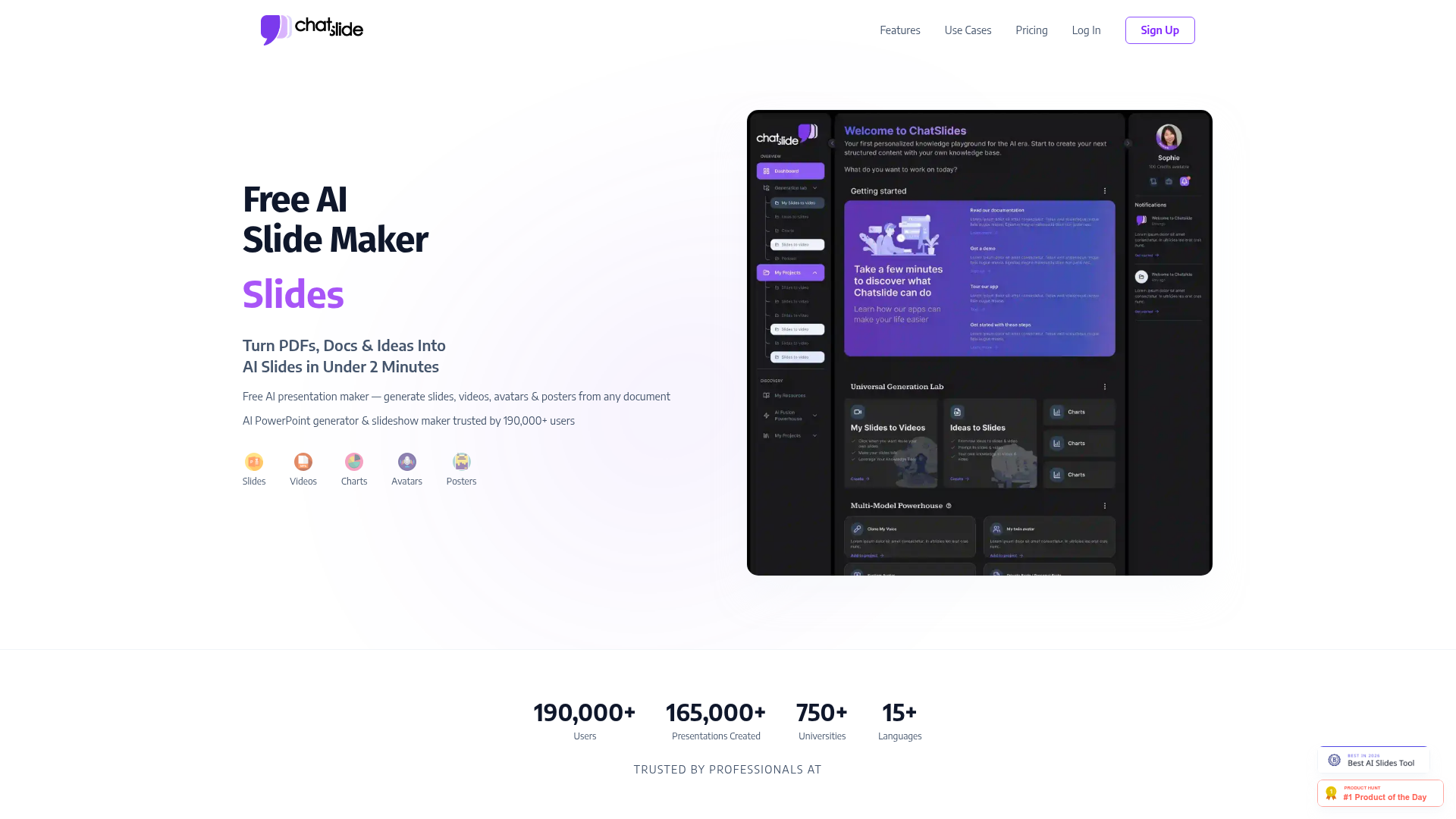
What is ChatSlide?
ChatSlide is a comprehensive, AI-powered platform designed to transform how individuals and teams create presentations. Moving far beyond a simple slide maker, ChatSlide acts as an intelligent content studio that converts documents, PDFs, web pages, videos, and even simple ideas into professional slides, videos, avatars, charts, and posters—often in under two minutes. It is a free AI presentation maker and PowerPoint generator trusted by over 190,000 users globally.
What are the main features of ChatSlide?
ChatSlide is distinguished by its multi-modal AI capabilities that streamline the entire content creation workflow. Its core features include:
- Multi-Format Input to Stunning Output
- Upload PDFs, Word documents, web URLs, or simply type an idea. ChatSlide's AI then generates outlines and converts this content into visually compelling slides, complete with key insights and structured flow.
- AI-Powered Video & Avatar Studio
- Transform scripts and content into engaging narrated videos featuring over 500 high-quality, talking-head AI avatars. It includes realistic lip-sync, support for 28+ languages, and even AI voice cloning from a short voice sample.
- Dynamic Chart & Data Analysis
- Instantly generate dynamic charts and data visualizations from raw data or text descriptions, making complex information clear and impactful for decision-making.
- Advanced AI Image Generation
- Access over 25 top-tier AI image models (like DALL-E 3, Flux, Imagen 4, Grok, and Nano Banana 2) within a single subscription to create perfect visuals for every slide, without managing multiple API keys.
- The ChatSlide Bot - A Structured Content Agent
- This unique AI agent helps organize, connect, and expand your knowledge. It allows for content creation that is 24-150x faster, can be trained on your expertise, and helps generate high-quality slides in just two minutes.
How to use ChatSlide?
Using ChatSlide is a simple, three-step process that anyone can master:
- Upload & Generate: Start by uploading your source material—a PDF, document, or webpage—or by simply entering your topic. The AI will analyze the content and generate a structured outline for your presentation.
- Tailor & Design: Use the ChatSlide Bot to refine the outline, adjust the design template, select AI avatars for videos, and choose the perfect AI image models for your slide visuals. You can make real-time adjustments to suit your brand and message.
- Edit & Export: Maintain full creative control by editing text, swapping layouts, and fine-tuning every detail of your presentation. Finally, export your project as a PPTX, PDF, or Keynote file, or render it as a video with an AI avatar presenter.
ChatSlide Price & Plans
ChatSlide offers a free tier and transparent, subscription-based pricing models to suit different needs, all backed by a 14-day money-back guarantee.
- Free Plan
- A fully-featured free AI presentation maker, perfect for trying core features with limited credits.
- Plus Plan ($14.90/month)
- Ideal for small projects, offering 500 credits/month for generating slides, AI images (Imagen 3/4), and videos.
- Pro Plan ($19.90/month)
- The most popular plan, providing 2,500 credits/month, voice cloning for one profile, custom branding, and direct support.
- Ultimate Plan ($59.90/month)
- For power users, offering unlimited credits, access to advanced AI models (like GPT-5o), all 500+ AI avatars, voice cloning for 5 profiles, and the highest resource limits.
Helpful Tips for Using ChatSlide
To maximize your productivity and creativity with ChatSlide, consider these tips:
- Leverage the ChatSlide Bot
- Engage deeply with the ChatSlide Bot. The more specific your instructions, the better it can structure and expand your content based on your unique expertise.
- Experiment with AI Avatars
- Different avatars suit different tones. Use a formal avatar for business pitches and a casual one for internal training to enhance engagement.
- Mix and Match AI Image Models
- Don't rely on a single model. For architectural slides, try Wan; for conceptual art, use Flux. ChatSlide's unified access lets you pick the perfect tool for each visual.
- Use the Free Toolkit
- Explore the platform's 50+ free PowerPoint and PDF tools (like compressors, mergers, and converters) for everyday tasks without needing other websites.
- Start with a Clear Document
- For the best AI-generated outlines and slides, begin with a well-structured PDF or document. Clear source material leads to more coherent and impactful presentations.
Frequently Asked Questions about ChatSlide
Is ChatSlide really free to use?
Yes, ChatSlide offers a robust free plan that allows you to experience its core AI presentation maker capabilities, including generating slides from documents, with a limited number of free credits per day.
How does the AI avatar video creation work?
You simply paste your script, select one of the 500+ AI avatars (choosing their wardrobe and frame), and the platform generates a video with perfectly synced lip movements and natural intonation in your chosen language or cloned voice.
Can I use my own branding in ChatSlide presentations?
Absolutely. Starting from the Pro plan, you can upload your company logo, set custom color themes, and apply your fonts to ensure every presentation is consistently on-brand.
What kind of documents can I upload to create slides?
ChatSlide supports a wide range of inputs including PDFs, Microsoft Word documents (.doc, .docx), PowerPoint files (.pptx), web page URLs, and even text from videos or social media posts.
Do I need a ChatGPT Plus subscription to use ChatSlide?
No, you do not. ChatSlide provides its own integrated access to advanced AI models, including capabilities similar to GPT-4o and beyond, within its subscription plans. You can create presentations without any external AI service subscriptions.
What happens if I exceed my monthly credit limit?
If you use all your monthly generation credits, you can purchase additional credit packs or upgrade to a higher plan like the Ultimate plan, which offers unlimited credits for continuous creation.
Free AI Presentation Maker & Slideshow Maker
Free AI presentation maker & slideshow maker trusted by 190,000+ users. Turn PDFs, docs & ideas into pro AI slides, videos & avatars in 2 minutes. The best free slidemaker.
 Vercel
Free AI anime and manga generator. Turn text into anime episodes, manga, comics, webtoons and comic shorts in any art style — no drawing or animation skills needed.
Translate image text across 70+ languages with our advanced AI Image Translator to help you better expand your products globally to various countries
Advertised Here
Reach thousands of visitors daily. Get your spot now!
Tools similar to Free AI Presentation Maker & Slideshow Maker
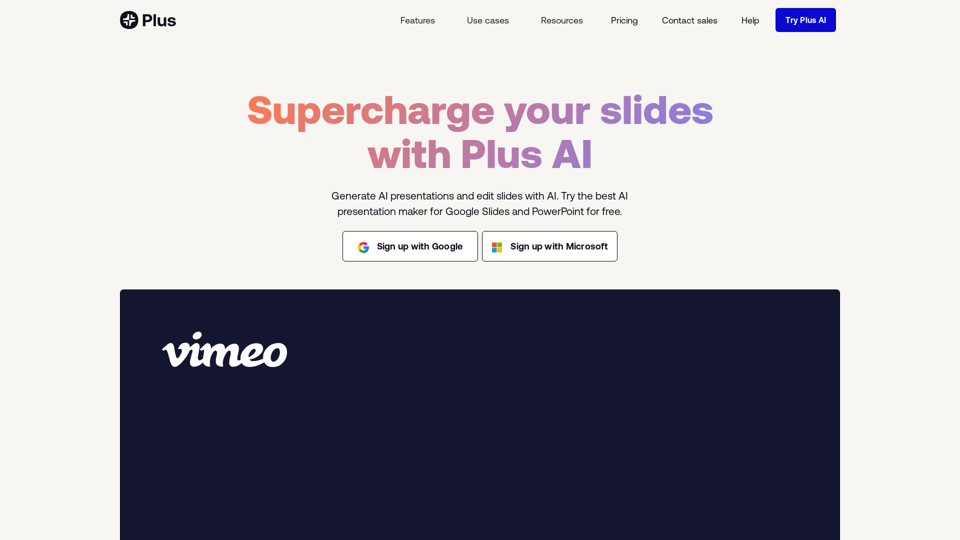
Stop making presentations the old way. Try Plus AI presentation maker for free to make PowerPoint and Google Slides presentations in minutes.
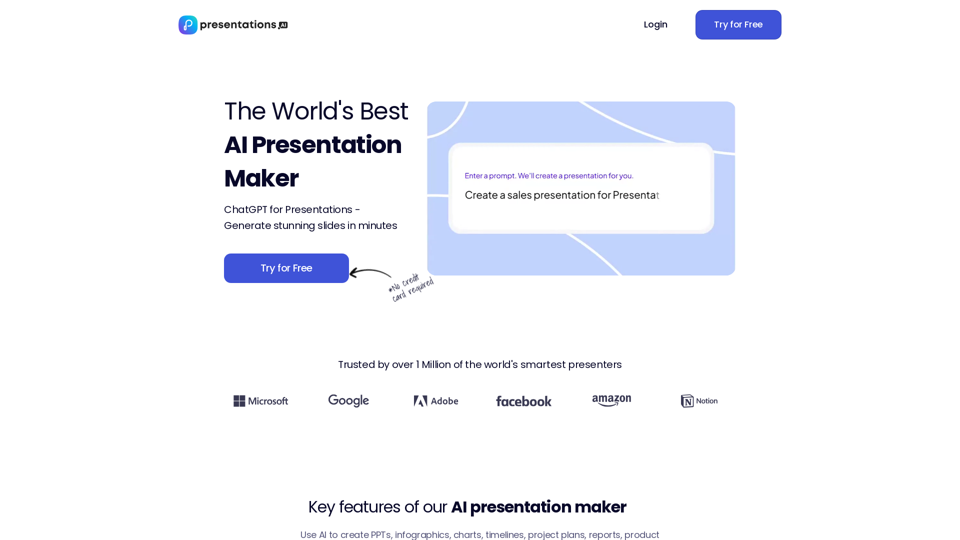
Use AI to transform ideas into captivating presentations in seconds. Ideal for businesses, educators, and personal projects. Start now - it's free!
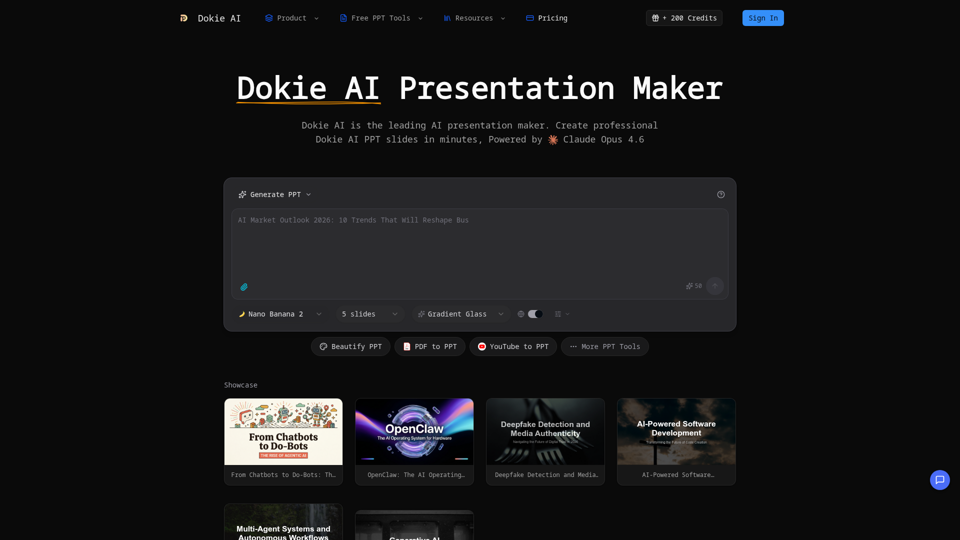
Create professional Dokie AI presentations in minutes. Dokie AI PPT generator transforms your ideas into polished slides with intelligent automation.
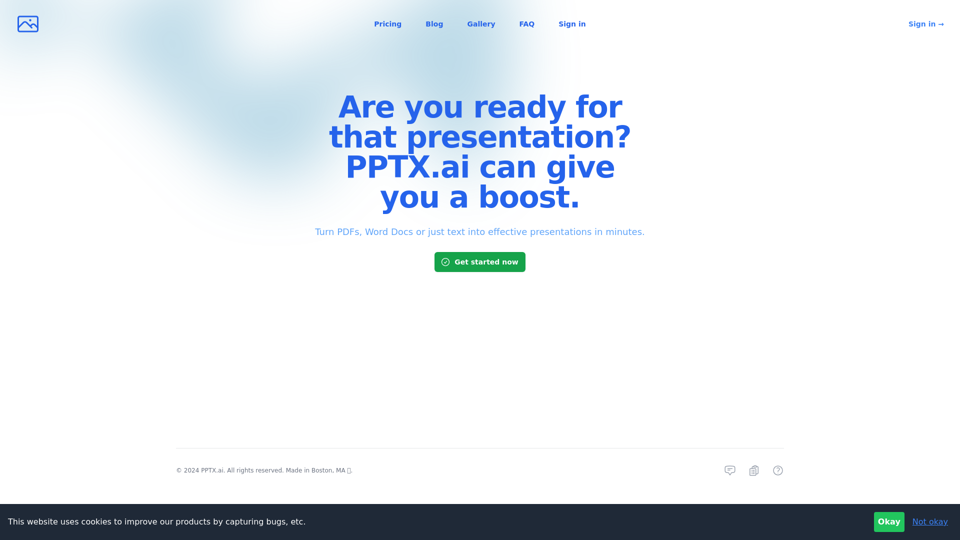
Get a running headstart with AI-powered presentations
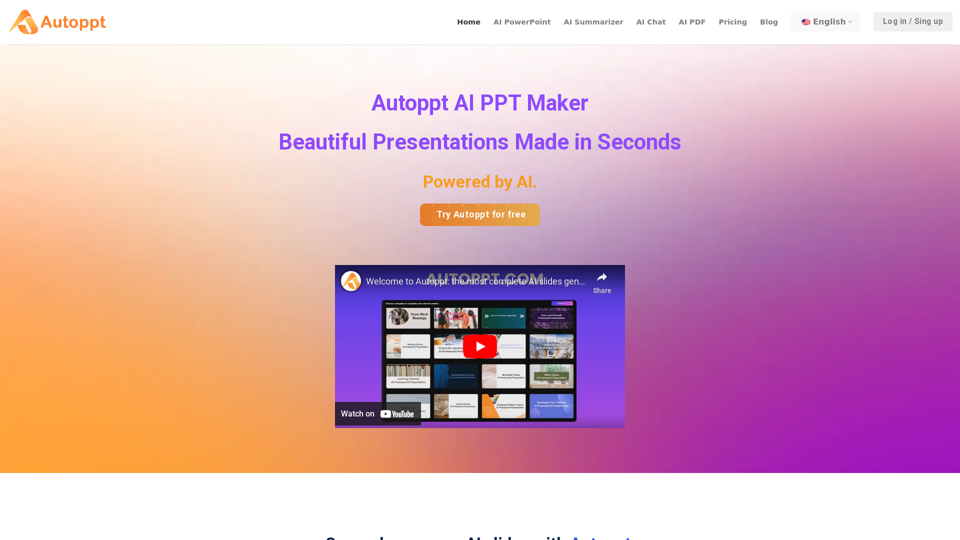
Autoppt: AI PowerPoint Generator with powerful Slides AI ensures seamless and fast presentation creation. The Best Free AI PPT Maker.
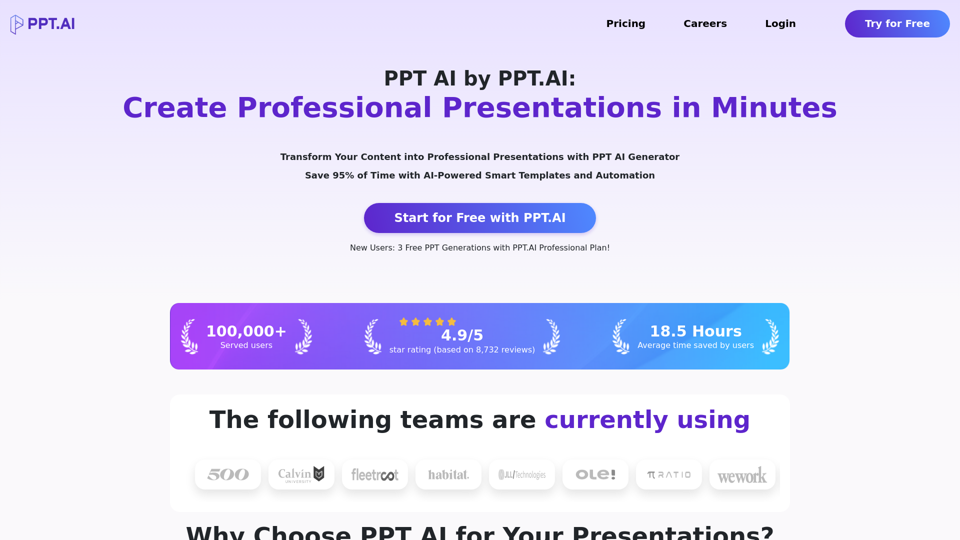
Transform your ideas into stunning presentations with PPT AI. Save 95% time using smart automation and premium templates. Try PPT.AI today for free.
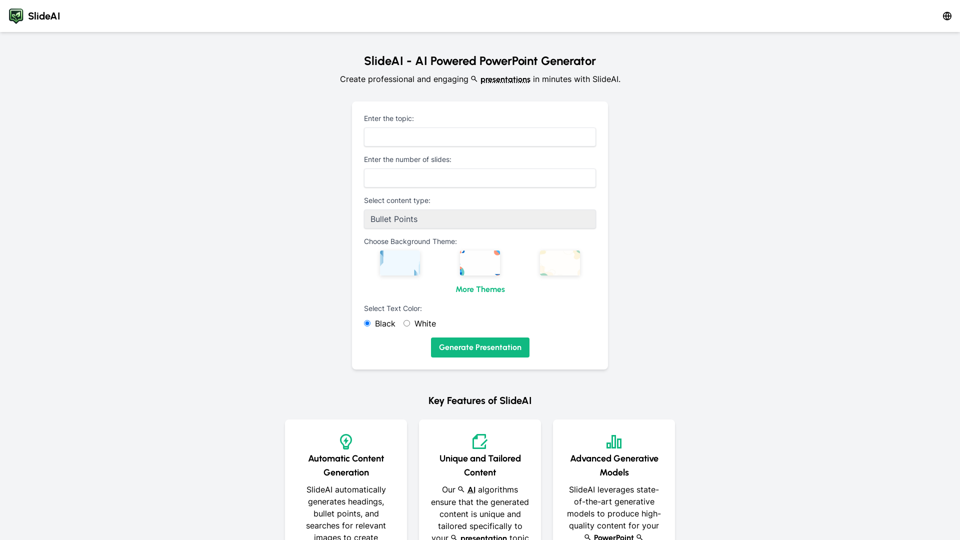
Create professional presentations effortlessly with Slides AI, the AI Presentation Generator. Tailored content, stunning designs, and it's all free. Try our AI PowerPoint Maker today!
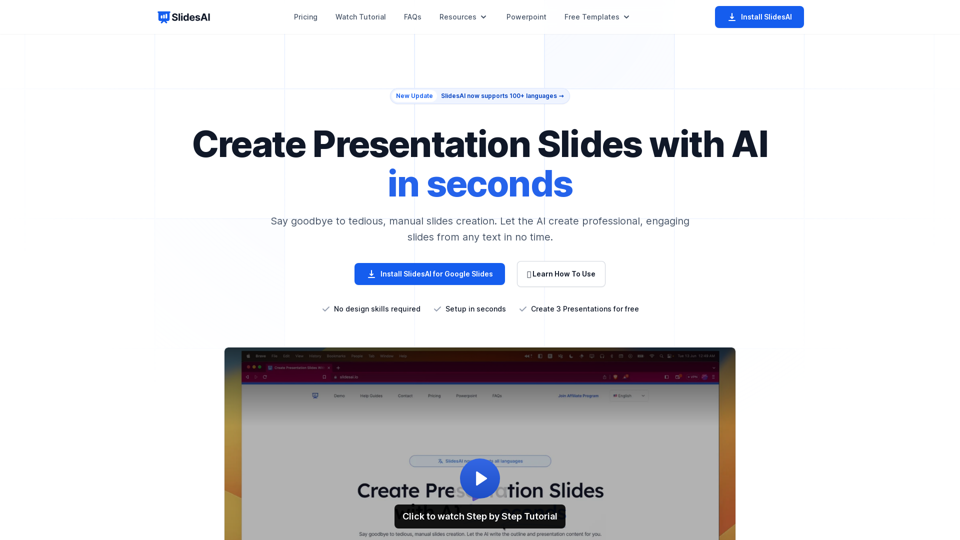
SlidesAI is an AI-Powered Text To Presentation Tool that summarizes and creates presentation slides from any piece of text.