Clarity Write
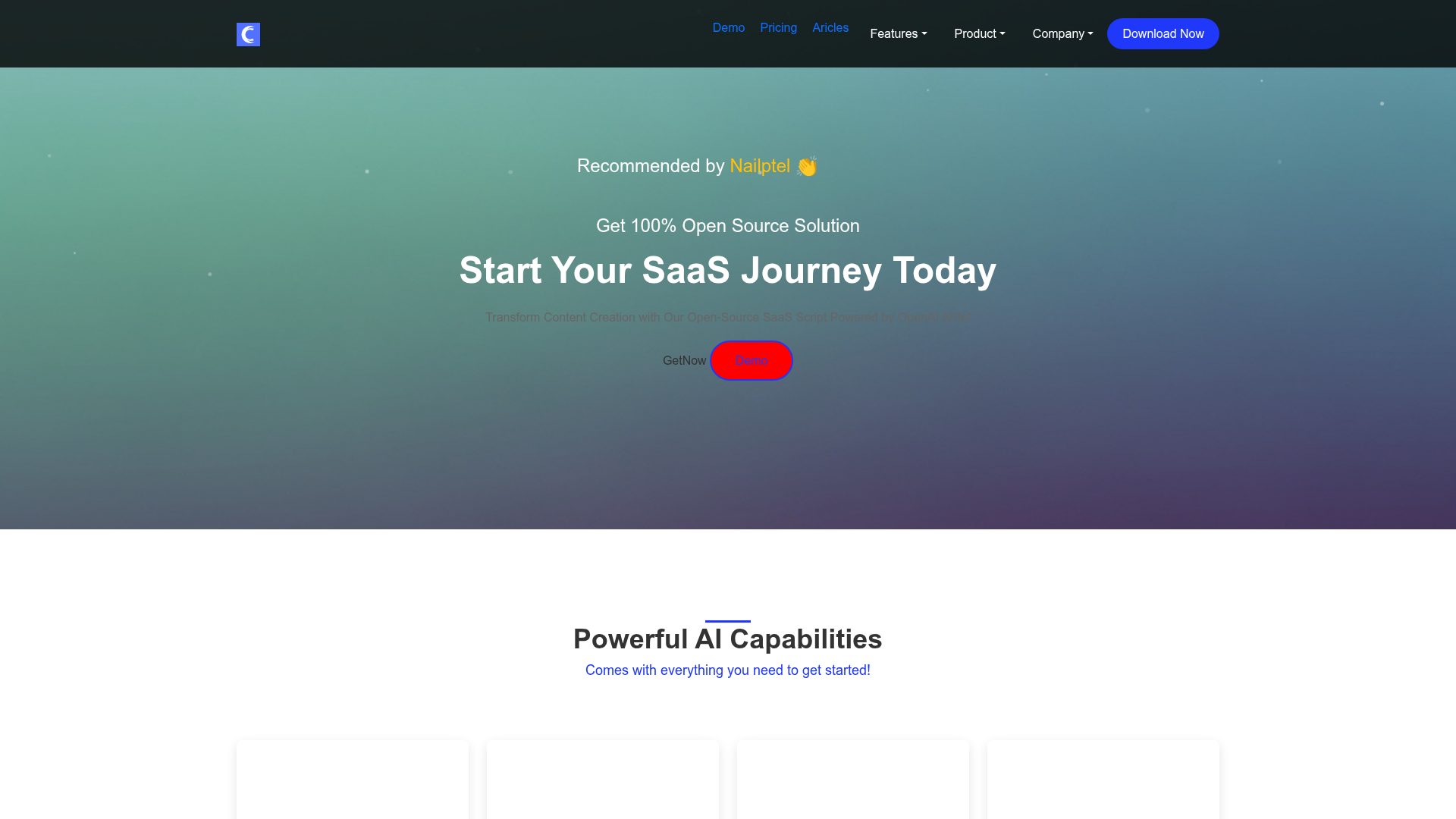
Unlock the power of AI-driven content creation with our open-source SaaS script powered by OpenAI APIs. Start your SaaS journey today and revolutionize content production effortlessly.
What is ClarityWrite?
ClarityWrite is an all-in-one, AI-powered content creation and management platform designed to streamline workflows for writers, marketers, developers, and businesses. It integrates cutting-edge AI technologies like GPT-3.5, GPT-4, DALL·E, and Whisper to offer a comprehensive suite of tools for generating text, creating images, writing code, transcribing audio, and managing content—all from a single, unified dashboard.
What are the key features of ClarityWrite?
ClarityWrite stands out with its extensive and integrated feature set:
- Comprehensive AI Toolbox
- Access powerful modules for AI Writing, AI Image generation, AI Code automation, and AI Transcription, eliminating the need for multiple disparate tools.
- Vast Template Library
- Jumpstart any project with over 500 built-in, professionally designed templates for blogs, social media, ads, and more.
- Intelligent Chatbots
- Engage with over 20 specialized AI chatbots for real-time, expert advice on SEO, web development, marketing, and other domains.
- Powerful Content Editor
- A dedicated, intuitive editor allows you to refine, polish, and perfect AI-generated content before publishing.
- Robust Admin & CMS
- A full-featured admin panel offers multi-language support, payment gateway management, blog systems, multi-account roles, and seamless OpenAI API integration for complete platform control.
- All-in-One Solution
- From website and user dashboard to hosting support and lifetime updates, ClarityWrite provides a complete operational ecosystem.
How to use ClarityWrite?
Getting started with ClarityWrite is straightforward:
- Choose a Plan: Select from the Starter, Professional, or Enterprise lifetime plan based on your needs (e.g., number of prompts, scale).
- Set Up & Install: The package includes installation support. Configure your domain, hosting, and integrate your OpenAI API keys in the admin panel to power the AI modules.
- Explore the Dashboard: Navigate the user-friendly dashboard to access all tools—AI Writing, Image generation, Code assistant, Transcription service, Template library, and Chatbots.
- Create & Edit: Use AI prompts to generate content, then import it into the powerful editor for fine-tuning and formatting.
- Manage & Publish: Utilize the admin CMS to manage website content, user accounts, payments, and blog posts, creating a seamless workflow from creation to publication.
What is the price of ClarityWrite?
ClarityWrite offers transparent, one-time lifetime pricing with no recurring fees:
- Starter Plan
$19.99 (One-Time Payment)
- Includes core AI modules (Writing, Code, Image, Transcription), 100+ prompts, 20+ AI bots, website & dashboard, multi-language support, basic payments, installation, hosting support, and lifetime updates.
- Professional Plan
$49.99 (One-Time Payment)
- Everything in Starter, plus 500+ built-in prompts for expanded creativity and use cases.
- Enterprise Plan
$100 (One-Time Payment)
- The complete package with 1000+ built-in prompts, designed for high-volume users and agencies needing maximum template variety and content output.
All plans come with free installation, domain & hosting guidance, chat support, and lifetime updates.
Helpful Tips for Maximizing ClarityWrite
- Leverage Templates
- Don't start from scratch. Use the 500+ templates as inspiration and a quick foundation for any content type.
- Combine AI Modules
- For a rich blog post, use AI Writing for the draft, DALL·E for featured images, and the AI Code snippet generator for any embedded technical examples.
- Utilize Specialized Chatbots
- Before starting a complex project, chat with the SEO or marketing bot to strategize and get tailored advice.
- Refine in the Editor
- Always run AI-generated text through the built-in editor. It’s designed to help you polish tone, check grammar, and improve readability.
- Integrate Your API Keys
- For full functionality and higher limits, ensure you securely add your own OpenAI API credentials in the admin settings.
- Explore the Admin Tools
- Use the multi-account feature to assign roles (e.g., writer, editor, admin) to team members for streamlined collaboration.
Frequently Asked Questions (FAQs)
Do I need a ChatGPT Plus subscription to use ClarityWrite?
No. ClarityWrite operates using your own OpenAI API keys for GPT and DALL·E models. You do not need a separate ChatGPT Plus subscription; you only pay for your API usage through OpenAI.
Can I really generate images and code with ClarityWrite?
Absolutely. The platform fully integrates DALL·E for text-to-image creation and GPT-4 for generating and explaining code snippets across multiple programming languages.
Is technical expertise required for installation?
No. All plans include professional installation support. The team will assist you with setting up the platform on your domain and hosting.
What kind of support is available?
ClarityWrite provides multi-channel support including email, WhatsApp, live chat, phone call, and a ticketing system, backed by experienced software engineers and developers.
Are the lifetime updates truly free forever?
Yes. Purchasing any lifetime plan grants you access to all future feature updates, security patches, and improvements for the product at no additional cost.
How does the transcription feature work?
It uses OpenAI's Whisper AI model. You can upload audio or video files, and the AI will transcribe them into accurate text quickly and efficiently.
Can I manage a multi-author blog with ClarityWrite?
Yes. The built-in blog system with categories, combined with the multi-account admin feature, allows you to easily manage a team of writers and editors within the platform.
What if the free prompts aren't enough?
The free built-in prompts are a starting point. For extended use, you will use your own OpenAI API key, which gives you access to the full capabilities and quotas provided by your OpenAI account.
Clarity Write
Unlock the power of AI-driven content creation with our open-source SaaS script powered by OpenAI APIs. Start your SaaS journey today and revolutionize content production effortlessly.
 Bootstrap:5.3.7
 Cloudflare
 HTTP/3
 PHP:8.4.20
 jsDelivr
Free AI anime and manga generator. Turn text into anime episodes, manga, comics, webtoons and comic shorts in any art style — no drawing or animation skills needed.
Translate image text across 70+ languages with our advanced AI Image Translator to help you better expand your products globally to various countries
Advertised Here
Reach thousands of visitors daily. Get your spot now!
Tools similar to Clarity Write
Leverage AI's capabilities to produce captivating images, compelling text, interactive chatbots, voice cloning, and YouTube tools seamlessly.
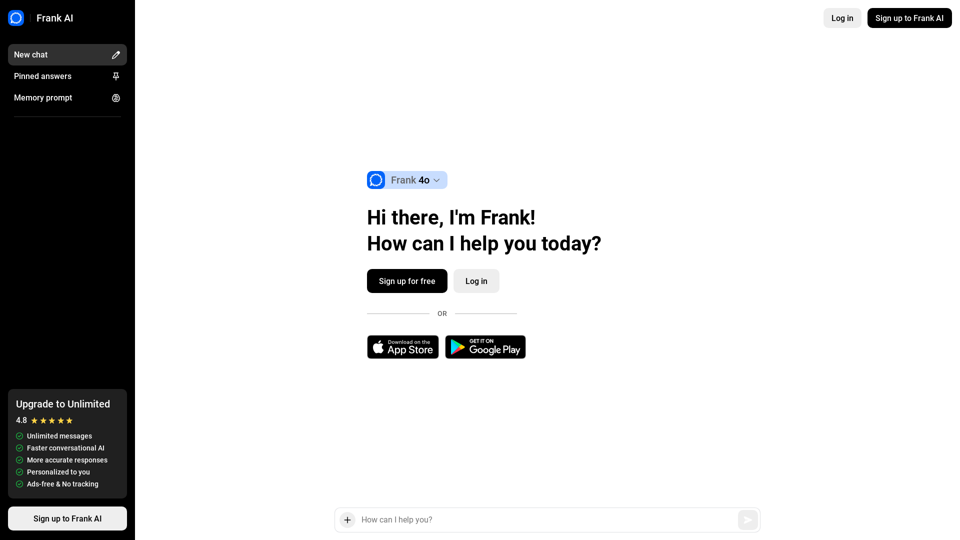
AI Essay Writer, Creative Email, and Script Writing. Frank is an AI essay writer that helps you write essays, emails, and scripts. It is a creative writing tool that uses AI to help you write better. The fastest and most advanced AI writing tool, that uses GPT-4, GPT-4 Turbo, and ChatGPT to help you write better.
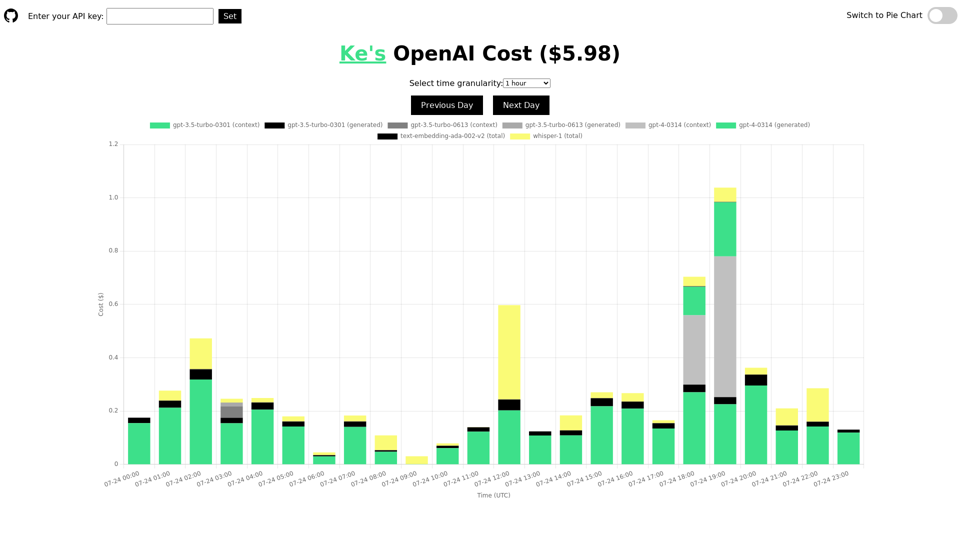
Track and analyze your daily usage and cost of the OpenAI API. Understand the costs for different models, including ChatGPT, GPT-4, Whisper, and text-embedding models. Display the information by time or using a pie chart. This tool is open-source and will not leak your API key.
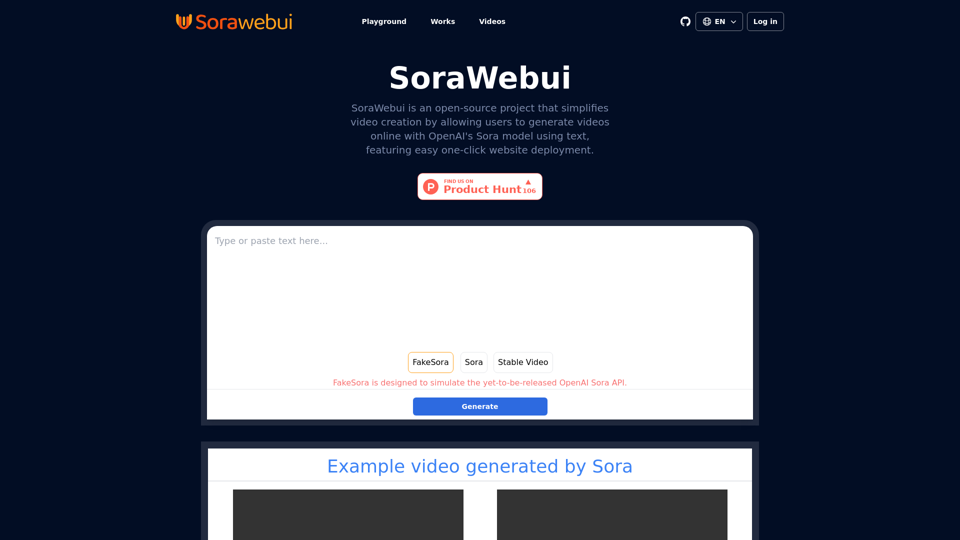
SoraWebui is an open-source platform enabling users to easily create videos from text with OpenAI's Sora model.
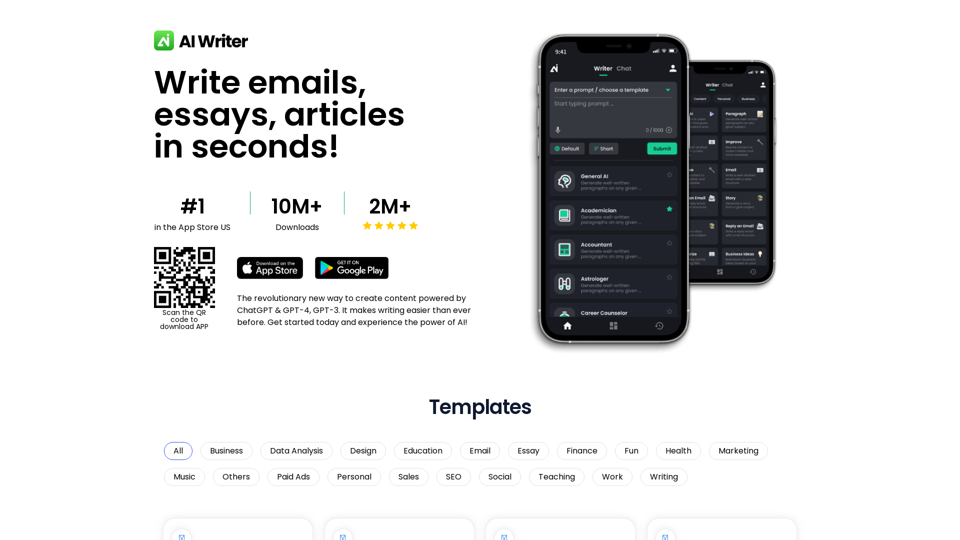
Experience the future of writing with BlogNLP: Your AI-powered writing assistant and content generator. Effortlessly create SEO-optimized, captivating content in less time and at an affordable cost. Try it free and elevate your writing with the sophistication of AI technology today.
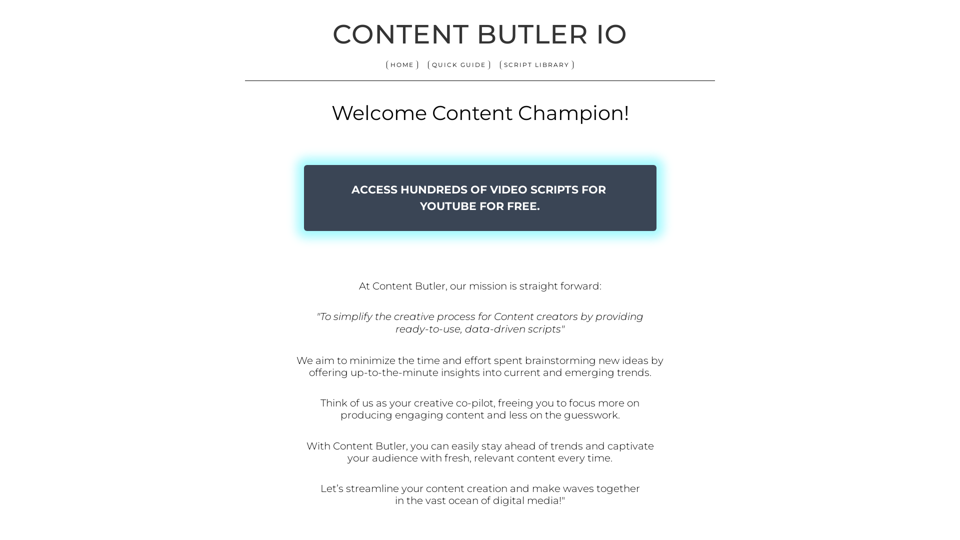
Discover Content Butler, the ultimate AI-driven tool for generating 100% FREE YouTube video scripts. Save time, stay on trend, and streamline your content creation process with pre-production suggestions and budget planning.