OpenAI API Cost
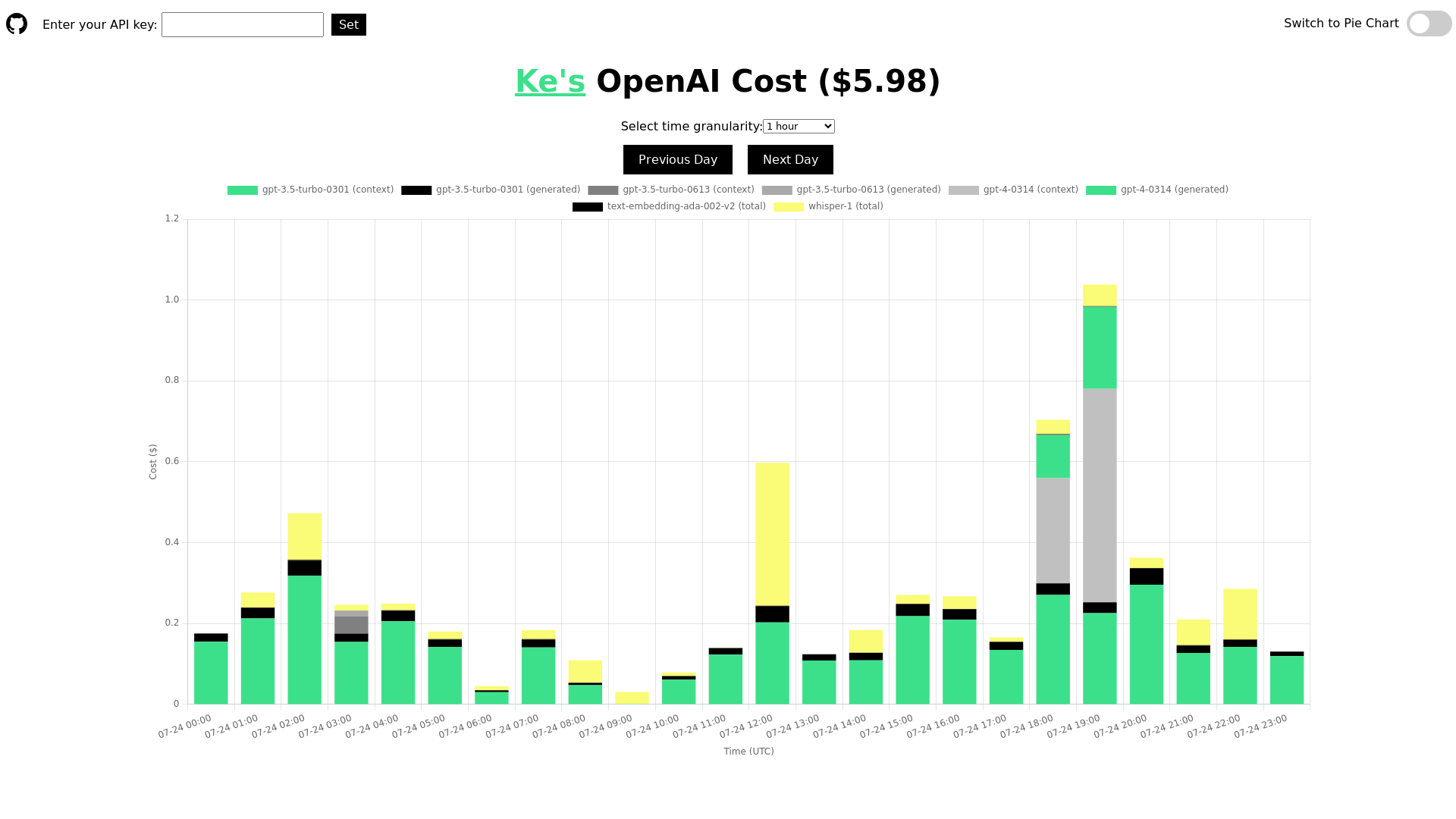
Track and analyze your daily usage and cost of the OpenAI API. Understand the costs for different models, including ChatGPT, GPT-4, Whisper, and text-embedding models. Display the information by time or using a pie chart. This tool is open-source and will not leak your API key.
What is OpenAI API Cost Tracker?
The OpenAI API Cost Tracker is a tool designed to help users monitor and manage the costs associated with using the OpenAI API. This platform provides an intuitive interface for tracking expenses in real-time, helping developers and businesses understand their spending more effectively.
What are the main features of OpenAI API Cost Tracker?
- Real-time Cost Tracking
- Keep an eye on your API expenditures with up-to-date information.
- Granular Time Selections
- Choose from various time intervals, such as 5 minutes, 30 minutes, or 1 hour, to analyze spending patterns.
- Visualization Tools
- Utilize pie charts for a clear visual representation of your costs.
- API Key Integration
- Easily enter your API key for seamless tracking of your costs related to specific projects or applications.
- User-Friendly Interface
- Navigate through the platform with ease to access important information quickly.
How to use OpenAI API Cost Tracker?
Using the OpenAI API Cost Tracker is straightforward. Simply enter your API key to begin tracking your expenses. Select your preferred time granularity (5 minutes, 30 minutes, or 1 hour) and view your costs visually through charts. This allows for quick insights into your spending habits and helps in controlling costs effectively.
What is the pricing for using OpenAI API?
The pricing for accessing OpenAI's API varies based on the specific model and usage levels. As of 2023, the average user reports costs around $5.98 for their API usage, but this can fluctuate significantly depending on the volume of API calls and the complexity of tasks performed.
Helpful Tips for Using OpenAI API Cost Tracker
- Set a Budget
- Establish a monthly budget for your API usage to prevent overspending.
- Monitor Regularly
- Check your costs frequently to catch any unexpected charges early on.
- Optimize Usage
- Investigate your usage patterns and optimize your API calls for cost efficiency.
- Utilize Documentation
- Refer to OpenAI's documentation to understand the pricing model better and make informed decisions.
Frequently Asked Questions
Can I track costs for multiple projects?
Yes, you can enter different API keys corresponding to multiple projects to track each individually.
Is my data secure when using the cost tracker?
Absolutely, the platform prioritizes user privacy and data security. Your API key and financial data are protected.
How often is the cost information updated?
The cost information is updated in real-time, providing you with the most current spending insights.
Do I need a subscription to use OpenAI API Cost Tracker?
No, the OpenAI API Cost Tracker is accessible for free, allowing users to monitor their API costs without any subscriptions.
What should I do if I encounter discrepancies in my cost tracking?
If you notice any inconsistencies, you can contact customer support for assistance in resolving the issue. They are equipped to help you understand any anomalies in your cost tracking.
OpenAI API Cost
Track and analyze your daily usage and cost of the OpenAI API. Understand the costs for different models, including ChatGPT, GPT-4, Whisper, and text-embedding models. Display the information by time or using a pie chart. This tool is open-source and will not leak your API key.
 HTTP/3
 PHP
PHP Tailwind CSS
Free AI anime and manga generator. Turn text into anime episodes, manga, comics, webtoons and comic shorts in any art style — no drawing or animation skills needed.
Translate image text across 70+ languages with our advanced AI Image Translator to help you better expand your products globally to various countries
Advertised Here
Reach thousands of visitors daily. Get your spot now!
Tools similar to OpenAI API Cost
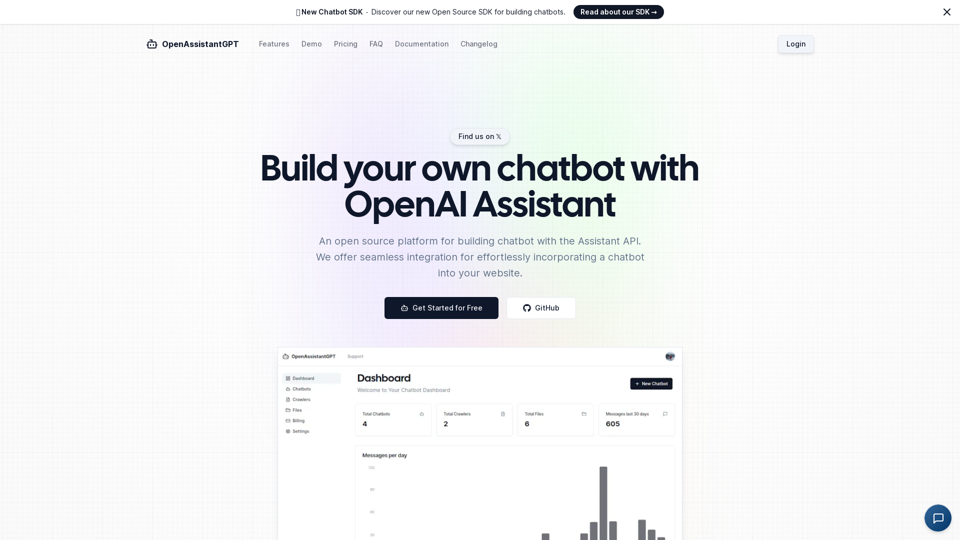
OpenAssistantGPT is the open-source platform for building chatbot using the OpenAI Assistant API. We offer seamless integration for effortlessly incorporating a chatbot into your website.
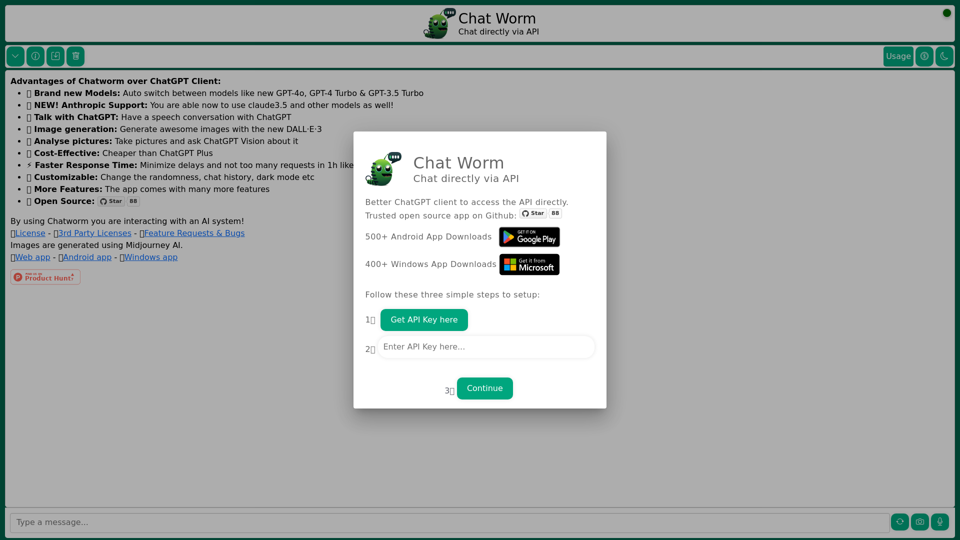
Chatworm is a cost-effective solution to ChatGPT for those who need an AI assistant for chatting. Access ChatGPT API directly and get faster responses from the AI assistant. Customize your chat experience by changing the model of the AI assistant.
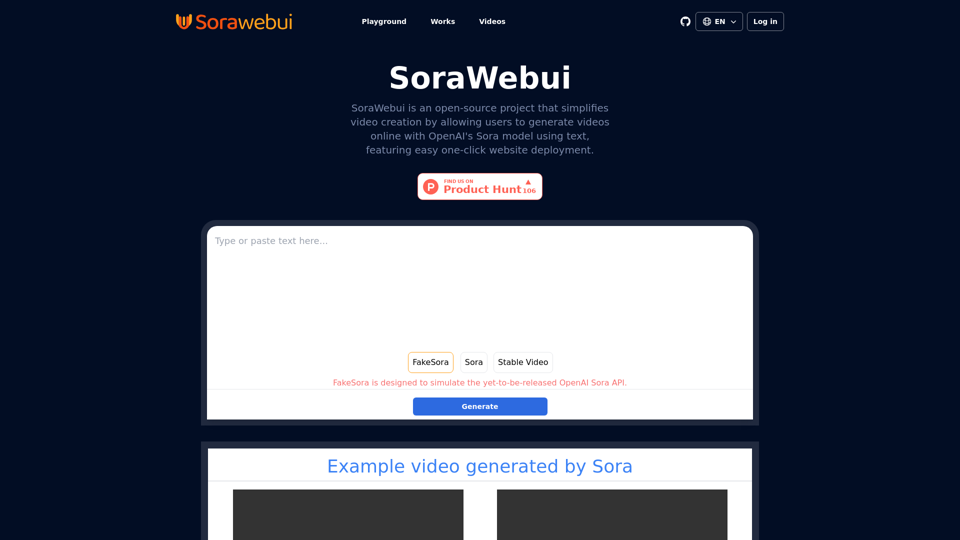
SoraWebui is an open-source platform enabling users to easily create videos from text with OpenAI's Sora model.
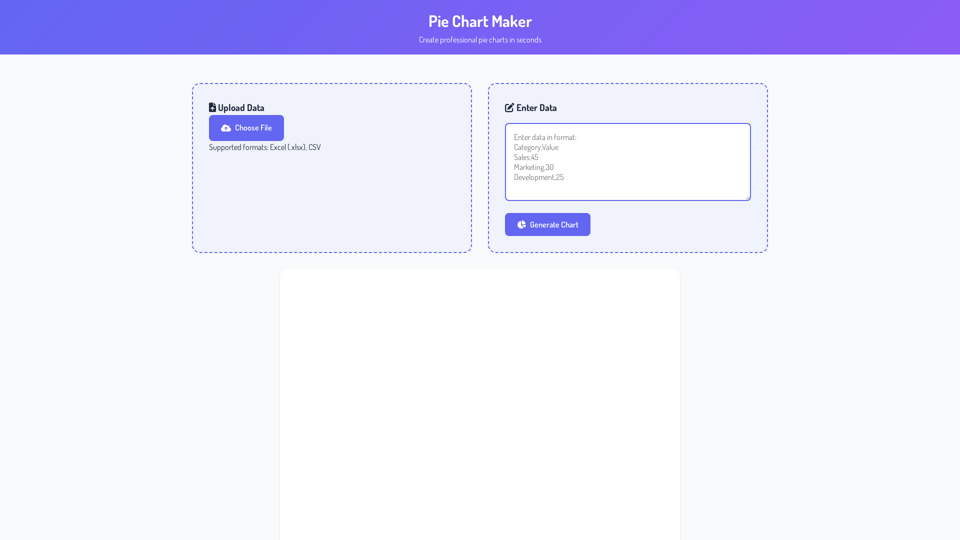
Create pie charts online for free with our Pie Chart Maker. No sign-up needed. Generate, customize, and download professional charts instantly. Data-safe, mobile-friendly, and 100% free!
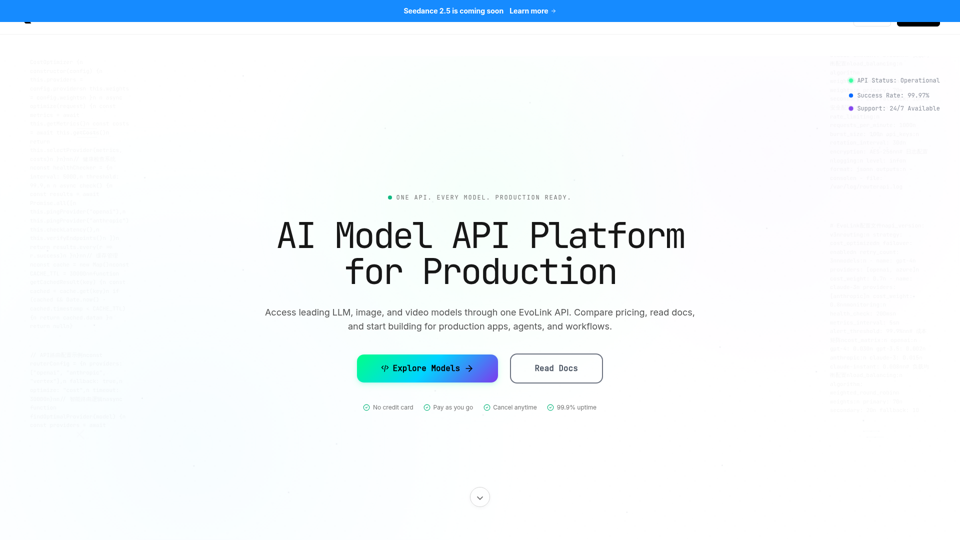
Access GPT, Claude, Gemini, Seedance, Kling & more via one EvoLink API. Get production-ready, cost-efficient access across LLM, image, and video models.
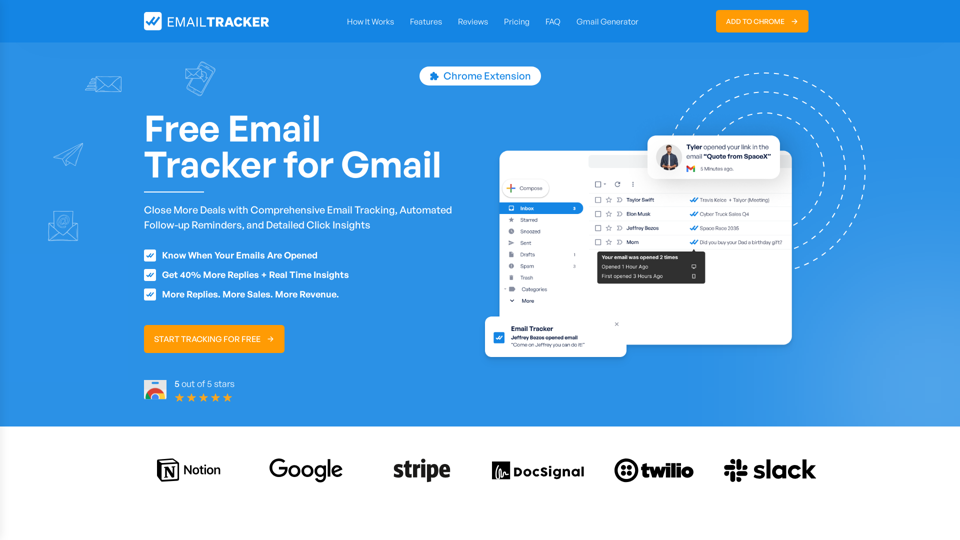
Free Email Tracker for Gmail. Close More Deals with Comprehensive Email Tracking, Automated Follow-up Reminders, and Detailed Click Insights
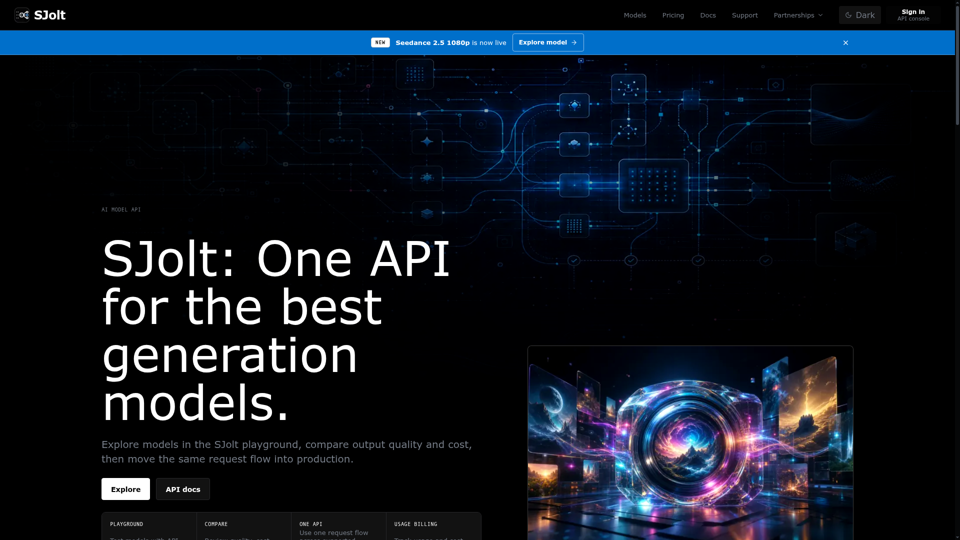
Explore image, video, and audio generation models in the SJolt playground, compare output quality and cost, then copy the same API request into production.