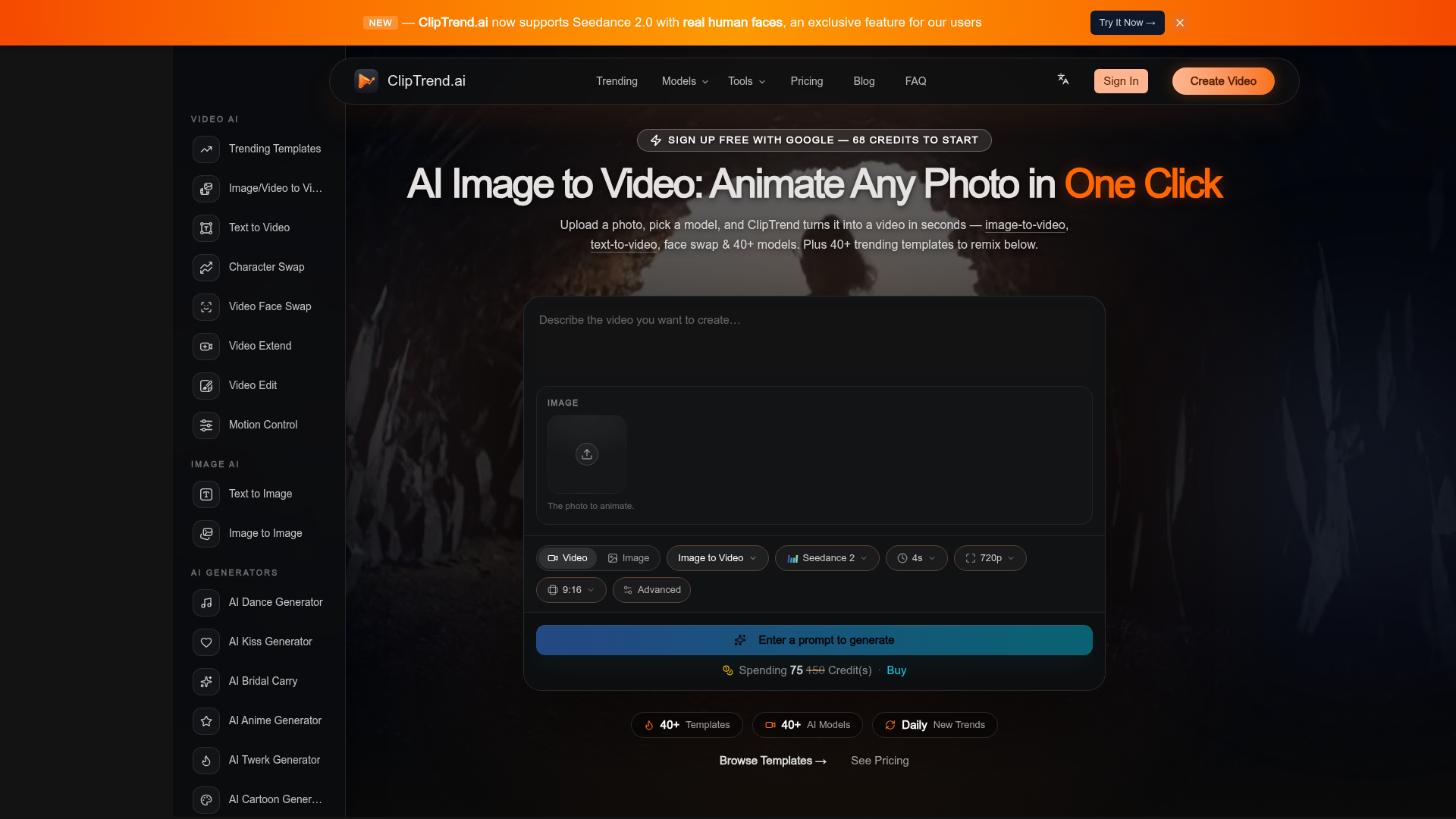
What is ClipTrend.ai?
ClipTrend.ai is a cutting-edge, trend-first platform for ### AI image to video generation and AI-powered video creation. It specializes in tracking and providing templates for viral AI video effects from platforms like TikTok and YouTube. Instead of starting with a blank prompt, users choose from a gallery of pre-tuned, trending templates. By simply uploading a photo or a short clip and clicking generate, you can create social-ready videos in seconds. The platform intelligently routes your request to the best-fit AI model, such as Seedance 2.0, Kling 3, or Veo 3.1, to produce the desired viral effect without requiring technical knowledge of different AI engines.
Feature
ClipTrend.ai is packed with powerful features designed for creators and marketers:
- Viral-First Template Gallery
- Access over 40+ daily updated, trending AI video effect templates with real view counts. Browse for free and only pay when you generate.
- Comprehensive AI Workspace
- A unified platform offering 9+ video tools (like Image-to-Video, Text-to-Video, Face Swap, Motion Control) and 6+ image tools (like Text-to-Image, AI Character).
- Aggregated Top AI Models
- Seamlessly switch between 20+ leading AI models including Seedance 2 (with exclusive real human face support), Kling 3, Veo 3.1, Wan 2.7, Grok Imagine, and Ideogram 3.0 in one place.
- Smart, Prompt-Free Inputs
- Eliminate prompt engineering. Use pre-tuned templates, paste a TikTok URL to lift motion, or use the "Surprise Me" feature for instant ideas.
- Commercial & Creator-Friendly
- All paid generations come with a commercial license and produce watermark-free MP4 exports suitable for ads and monetized content.
- User-Focused Trust Features
- Includes automatic refunds for failed generations, a 2-day email support guarantee, and "mistake credits" for platform-caused issues.
How to Use ClipTrend.ai?
Using ClipTrend.ai to create viral AI videos is a straightforward, three-step process:
- Browse or Upload: Start by exploring the template gallery to find a trending effect you like, or go directly to the main ### AI Image to Video workspace.
- Customize Your Input: Upload a photo (or a short video clip for some tools). You can add a simple text prompt describing the motion or use the template's pre-set parameters. For ultimate ease, paste a TikTok URL to copy its motion style.
- Generate & Download: Click the "Generate" button. ClipTrend will process your request using the optimal AI model and deliver a video in 30-60 seconds. If you use credits (not on free previews), you can download a clean, watermark-free MP4 file ready for social media.
Price
ClipTrend.ai operates on a transparent, pay-as-you-go credit system:
- Free to Browse
- The entire template gallery and workspace are free to explore.
- Pay-Per-Generation
- You only spend credits when you generate a video. Each template clearly displays its credit cost upfront (typically 8-40 credits for a 5-10 second clip).
- Credit Packs
- Purchase credit packs as needed without any subscription. New users get ### 68 free credits upon signing up with Google.
- Subscriptions
- For regular creators, monthly subscriptions offer a larger credit allowance at a significantly lower per-credit cost. All paid credits yield commercial-safe, watermark-free outputs.
- Auto-Refund
- Credits are only consumed on successful generations. Failed renders are refunded automatically to your account.
Helpful Tips
Maximize your success with ClipTrend.ai using these tips:
- Start with Templates
- If you're new to AI video, begin with the trending templates. They are engineered for virality and require minimal input.
- Use High-Quality Photos
- For the best "Image to Video" results, use clear, well-lit photos with a distinct subject. This helps the AI model understand and animate the scene accurately.
- Leverage the Motion Vault
- Found a dance or movement style you love on TikTok? Paste the video URL into ClipTrend to extract and save that motion for use in your own creations.
- Experiment with Models
- Don't be afraid to try the same prompt or image with different AI models (like Seedance 2 vs. Kling 3) to see which style you prefer for a particular effect.
- Check the Cost
- Always note the credit cost on a template card before generating to manage your budget effectively.
Frequently Asked Questions
What is the best AI image to video generator?
For creators focused on viral trends, ClipTrend.ai is a top contender. It aggregates leading models like Seedance 2 and Kling 3, provides pre-tuned templates based on real viral moments, and offers a pay-as-you-go model—all in a browser with no software install.
How does AI image to video work on ClipTrend?
You provide a still photo and a short text prompt describing the desired motion. ClipTrend's system routes this input to the most suitable AI video model (e.g., Seedance 2 for human faces, Kling for cinematic motion) which generates the frames to create a short, moving video clip, returned as an MP4.
Does ClipTrend work for commercial or business use?
Yes. You retain full rights to the videos you generate. The watermark-free MP4 exports from paid credits are cleared for use in social media marketing, paid advertisements, client projects, brand campaigns, and monetized content like YouTube Shorts.
How is ClipTrend different from Runway or Pika?
While Runway and Pika are general-purpose video AI tools requiring you to craft prompts and choose models manually, ClipTrend is trend-driven. It does the research, prompt engineering, and model selection for you, packaging them into one-click templates so you can achieve a specific viral look instantly.
How do ClipTrend credits work?
Credits are the platform's internal currency. Each generation consumes a set number of credits, shown transparently before you confirm. You buy credit packs or subscribe monthly. Credits are only deducted for successful generations; failed ones are auto-refunded.
AI Image to Video
AI image to video — animate any photo into a video in one click with ClipTrend.ai. Plus text-to-video, face swap & 40+ AI models. Start free.
 Cloudflare
 HTTP/3
 Next.js
 Node.js
 React
React Webpack
Free AI anime and manga generator. Turn text into anime episodes, manga, comics, webtoons and comic shorts in any art style — no drawing or animation skills needed.
Translate image text across 70+ languages with our advanced AI Image Translator to help you better expand your products globally to various countries
Advertised Here
Reach thousands of visitors daily. Get your spot now!
Tools similar to AI Image to Video
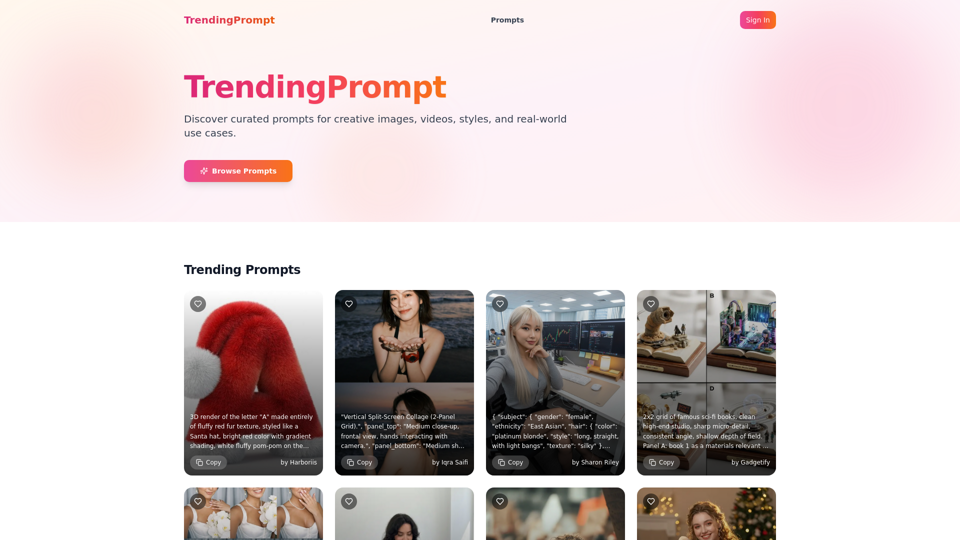
Discover curated prompts for creative images, videos, styles, and real-world use cases.
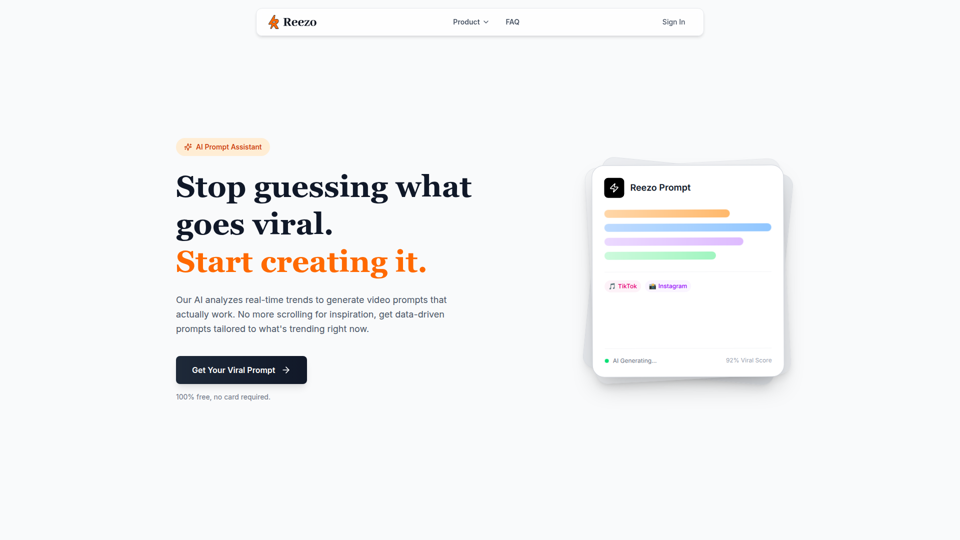
Create viral video content in seconds with Reezo's AI prompt generator. Get trending TikTok, Instagram Reels, and YouTube Shorts ideas instantly. 100% free, no signup required. Generate your next viral video now!, Step-by-step process for generating viral video prompts using AI refinement, Complete AI video creation toolkit with real-time generation, viral prediction, and platform optimization, Real-time AI video prompt generation with viral scoring, Real-time analysis of video viral potential using AI algorithms, Automatic optimization for TikTok, Instagram, and YouTube platforms
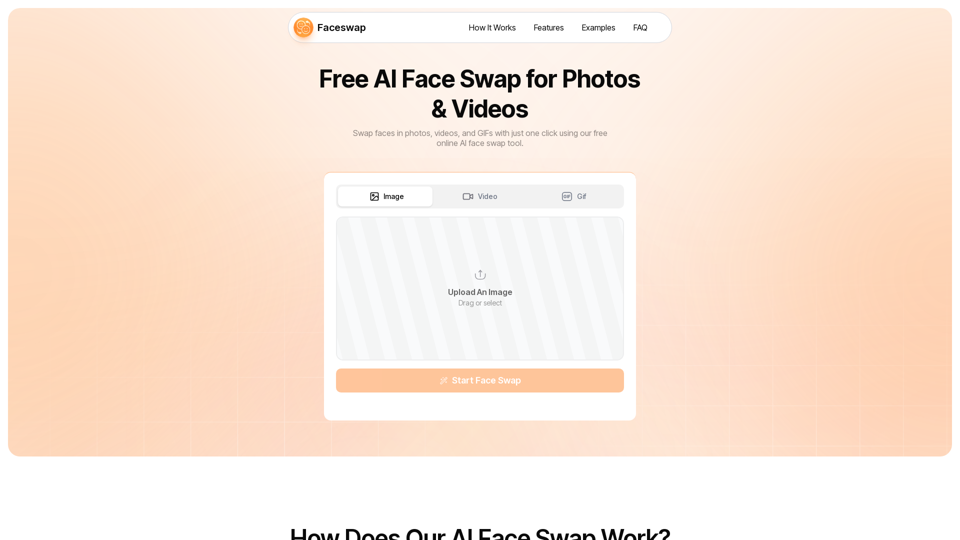
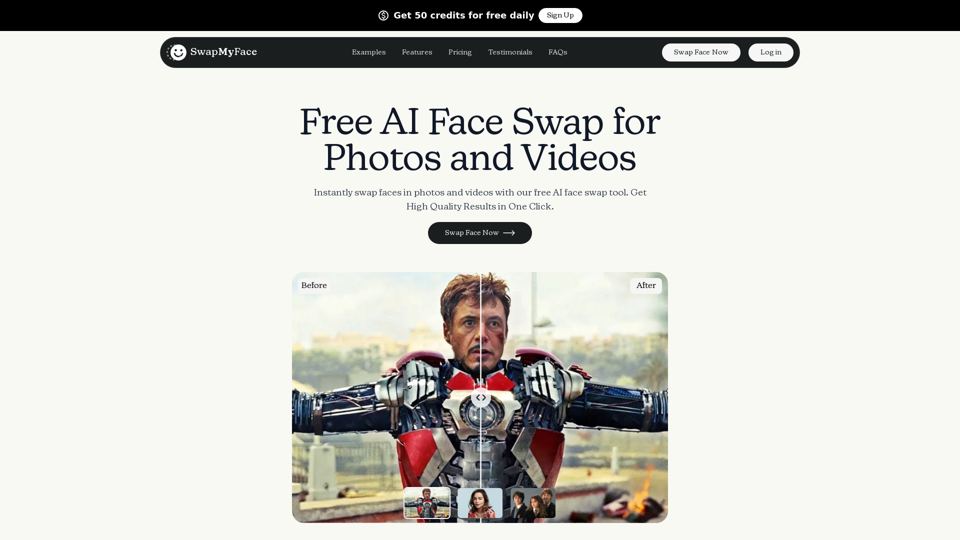
Swap faces in images, videos, and GIFs with AI Face Swap Online tool. 100% free, no watermark, no login needed.
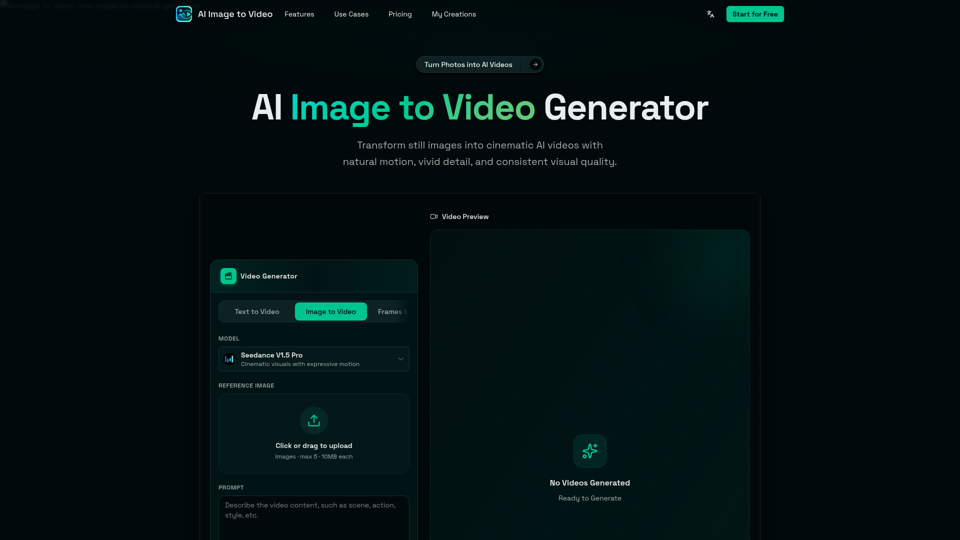
AI Image to Video is a free online image to video AI generator. Turn photos into AI videos for social media, products, portraits, anime, and pets.
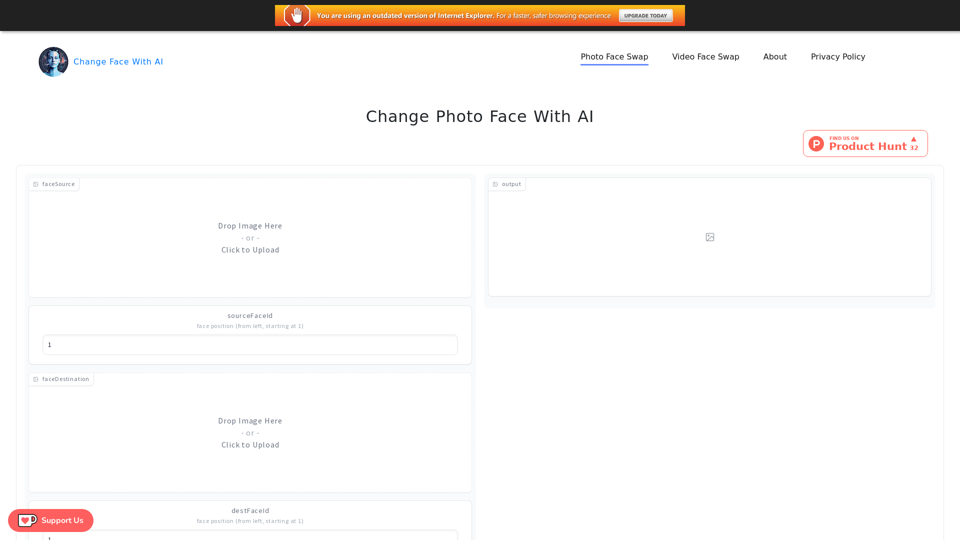
Change Face With AI powered by AI. It is a tool that can change the face of a picture or video, includes Photo Face Swap and Video Face Swap.
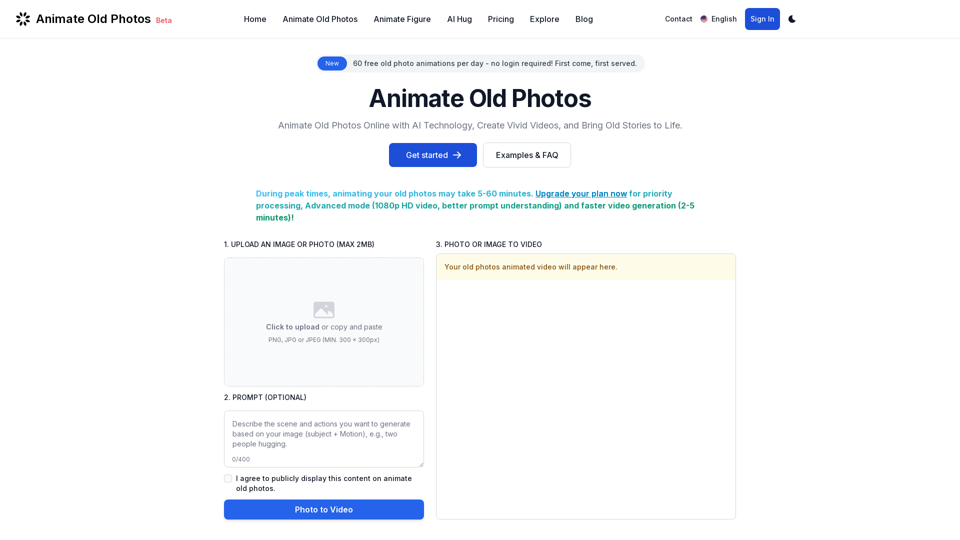
Animate old photos online with advanced AI. Turn your old photos into captivating videos. Easy to use with quick results! Bring old photos to life.
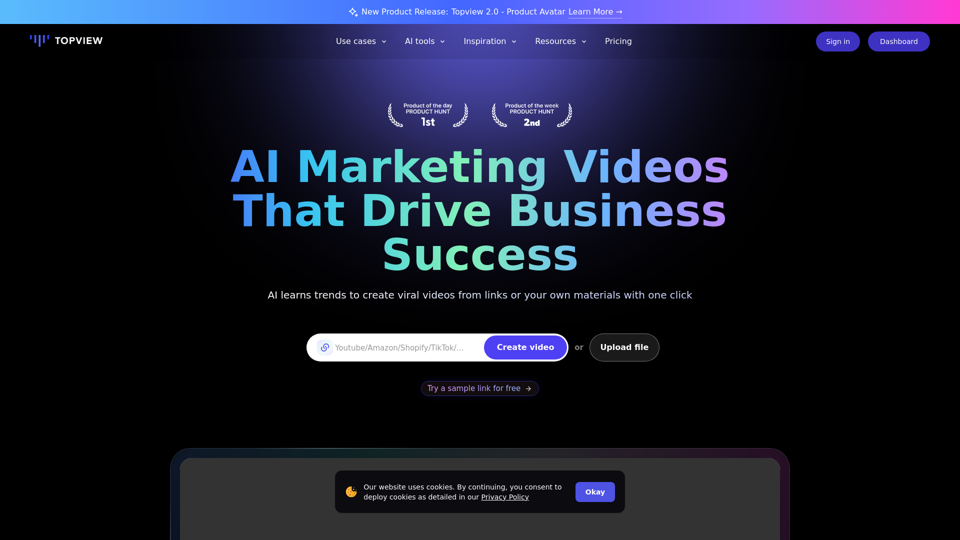
Topview is an AI video editor that turns your links into viral videos in one click. Best AI Video Editor for creating, editing, and enhancing videos.