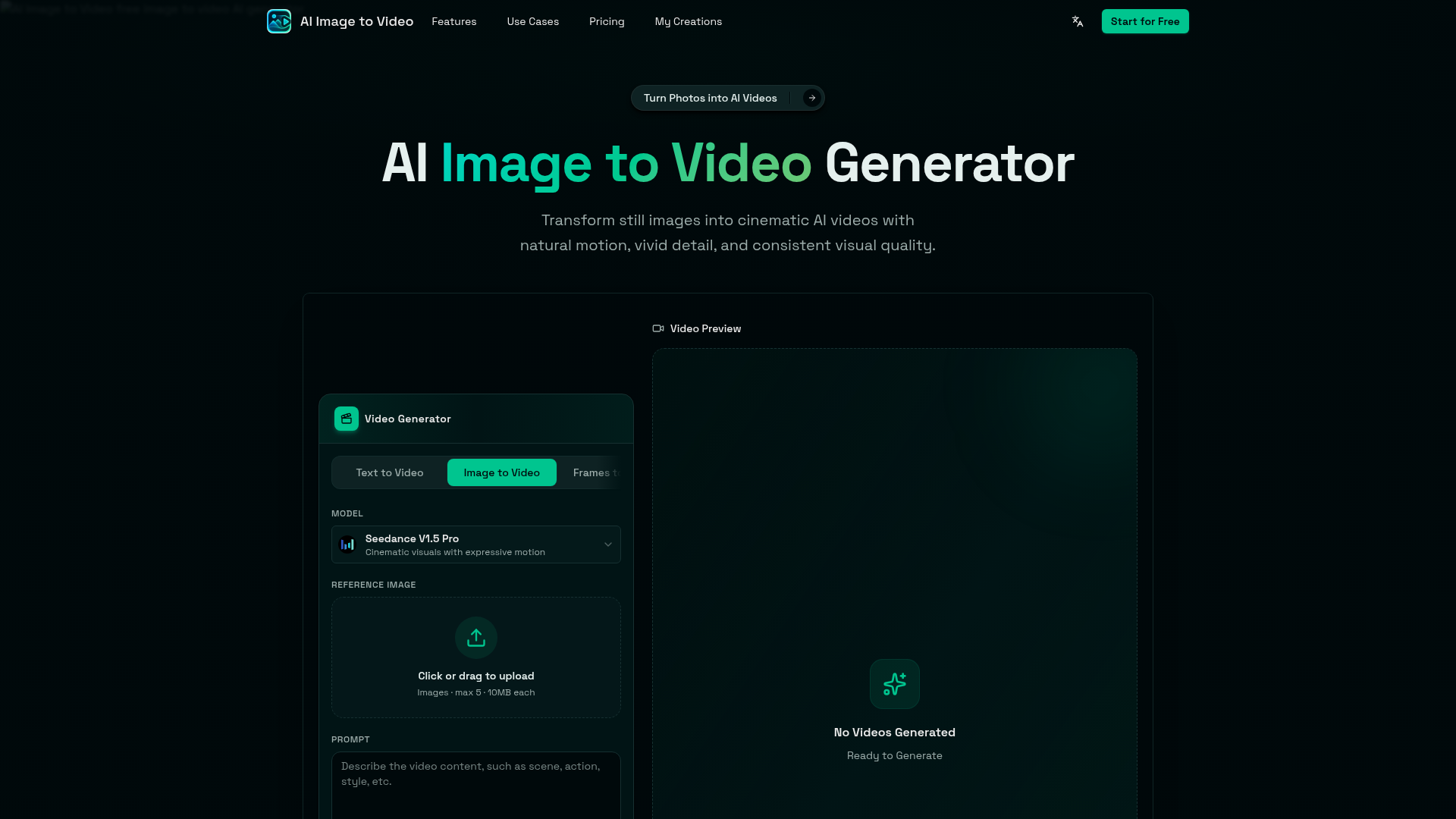
What is AI Image to Video?
AI Image to Video is an advanced, free online generator that empowers users to transform static images into dynamic, cinematic AI videos. By leveraging cutting-edge AI models like Seedance V1.5 Pro, it animates photos, product shots, portraits, anime artwork, pet pictures, and various creative scenes. Users simply upload an image, describe the desired motion through a text prompt, and generate short videos with natural movement, vivid detail, and consistent visual quality, all directly in a web browser without the need for complex editing software.
What is the main feature of AI Image to Video?
The platform's core feature is its ability to create compelling video content from a single still image. Key functionalities include:
- One-Image Workflow
- Start with any photo, artwork, or product shot to generate a video without needing video footage.
- Motion Prompt Control
- Guide camera movement, subject animation, lighting, and mood using simple natural language descriptions.
- Cinematic Camera Effects
- Apply professional effects like slow zoom, camera pan, orbit shots, push-in movement, and depth motion.
- Subject Consistency
- Keep the main subject—whether a person, pet, product, or character—recognizable and clear throughout the animation.
- Fast Online Generation
- Produce social-media-ready videos in minutes directly from your browser, eliminating the need for local software or GPU resources.
- Versatile Output
- Create videos optimized for platforms like TikTok, Instagram Reels, YouTube Shorts, ads, product demos, and promotional content.
How to use AI Image to Video?
Using the AI Image to Video generator is a straightforward four-step process conducted entirely online:
- Upload an Image: Select and upload a still image such as a portrait, product photo, anime artwork, pet picture, or landscape. The platform supports multiple image formats.
- Write a Motion Prompt: In the provided text box, describe the movement you envision. Examples include "slow cinematic zoom," "gentle hair motion," "product rotation with floating particles," or "dramatic camera pan across a landscape."
- Configure Settings: Adjust parameters like aspect ratio (e.g., 1:1, 9:16, 16:9), resolution, video duration, and optional audio generation to match your needs.
- Generate and Download: Click the generate button. The AI processes your image and prompt to create a short video. Once complete, you can preview, download, and immediately use the video for social media, marketing, or creative projects.
How much does AI Image to Video cost?
AI Image to Video operates on a freemium model designed to be accessible:
- Free Tier
- Users can start creating videos for free, making it an excellent tool for initial experiments, personal projects, or generating short social media clips.
- Paid Options
- For enhanced capabilities such as higher video quality, faster generation speeds, longer durations, watermark-free downloads, or increased usage limits, affordable subscription plans or credit-based purchases are available. Specific costs for credits or subscriptions are detailed on the platform's pricing page.
Helpful Tips for AI Image to Video
To achieve the best results when creating AI videos from images, consider these practical tips:
- Use High-Quality Source Images
- Upload clear, well-lit images with a distinct subject. Higher resolution inputs generally yield better video quality.
- Be Specific with Motion Prompts
- Detailed prompts lead to more accurate animations. Instead of "move," try "slow zoom into the subject's eyes with a soft background blur."
- Experiment with Camera Angles
- Describe cinematic techniques like "low-angle shot," "birds-eye view," or "handheld camera movement" to add professional flair.
- Leverage for Content Creation
- Ideal for quickly producing product reveal videos, animated social media posts, portfolio pieces, or storytelling clips without a full production team.
- Review Platform Terms
- For commercial use, such as in ads or promotional campaigns, always check the platform's terms of service regarding licensing and usage rights for generated videos.
Frequently Asked Questions
What is AI Image to Video?
AI Image to Video is a free online generator that uses artificial intelligence to convert still images into short, animated videos with natural motion and cinematic effects based on user-described prompts.
Is AI Image to Video free to use?
Yes, you can start using the basic image-to-video generation features for free. Access to advanced features, higher quality outputs, or increased generation limits may require a subscription or credit purchase.
Can I make an AI video from just one image?
Absolutely. The core functionality is built around animating a single uploaded image. You do not need multiple images or video footage to begin.
How does an image to video AI generator work?
The generator uses your uploaded image as a visual foundation. It then interprets your text prompt to model and render motion—such as camera movement, subject animation, or environmental changes—creating a coherent short video clip.
Can I turn a photo into a video with AI?
Yes. AI Image to Video excels as a photo-to-video AI tool. It can animate portraits, selfies, product photos, pet images, food photography, landscapes, and much more.
What kind of images can I upload?
You can upload a wide variety of images, including portraits, product shots, anime and manga artwork, pet photos, food pictures, fashion imagery, real estate photos, illustrations, and poster designs.
Can I control the motion in the generated video?
Yes, through motion prompts. You can describe specific actions like "slow camera zoom," "cinematic pan left," "subtle facial expression change," "hair flowing in the wind," or "dramatic lighting shift" to guide the AI's animation.
Can I create image to video AI clips without editing software?
Yes. The entire process—uploading, prompting, generating, and downloading—happens online. No video editing software, timeline editing, or technical expertise is required.
Can I use AI Image to Video for product videos?
Definitely. It is highly effective for creating promotional videos from product photos. You can generate ads, e-commerce demos, landing page visuals, and social media campaign clips quickly.
Can I create videos for TikTok, Reels, or YouTube Shorts?
Yes. The platform supports aspect ratios and durations perfect for short-form video platforms like TikTok, Instagram Reels, YouTube Shorts, and X (Twitter) posts.
Is AI Image to Video the same as text to video?
No. Text-to-video models primarily generate video from a textual description alone. AI Image to Video starts with your specific uploaded image, ensuring the output retains the original subject's visual identity, composition, and style more faithfully.
Can I use generated videos commercially?
AI Image to Video is designed to support content creation, marketing, and commercial workflows. For specific commercial rights, licensing, and usage scope, please refer to the platform's official terms and conditions.
AI Image to Video
AI Image to Video is a free online image to video AI generator. Turn photos into AI videos for social media, products, portraits, anime, and pets.
 Cloudflare
 HTTP/3
 Next.js
 Node.js
 React
React Webpack
Free AI anime and manga generator. Turn text into anime episodes, manga, comics, webtoons and comic shorts in any art style — no drawing or animation skills needed.
Translate image text across 70+ languages with our advanced AI Image Translator to help you better expand your products globally to various countries
Advertised Here
Reach thousands of visitors daily. Get your spot now!
Tools similar to AI Image to Video
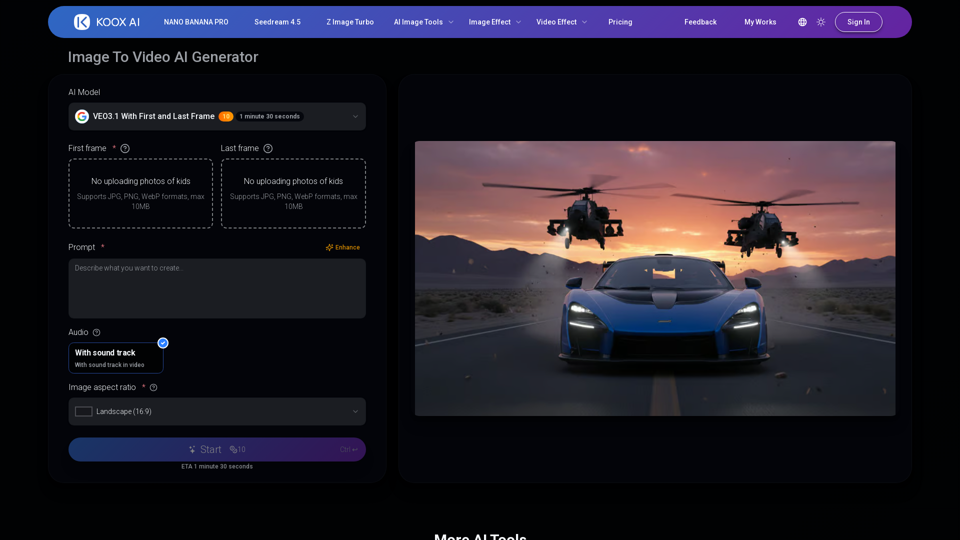
Transform any image to video with our free IMAGE TO VIDEO AI generator. Convert photos to videos with realistic motion and cinematic effects.
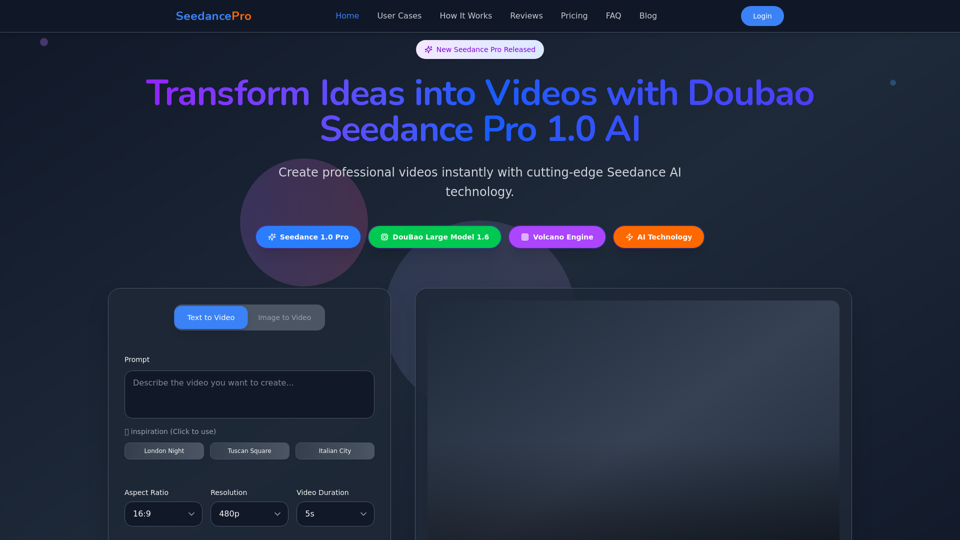
Create stunning videos with Seedance Pro AI video generator. Transform text and images into professional videos effortlessly.
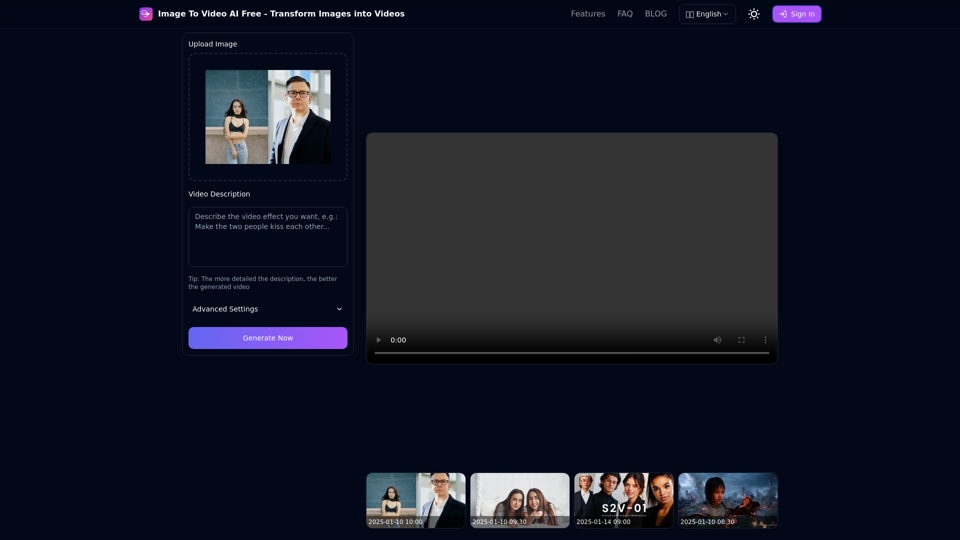
Free online tool to convert images into stunning videos using AI technology. Transform static images into dynamic videos with our advanced AI video generation.
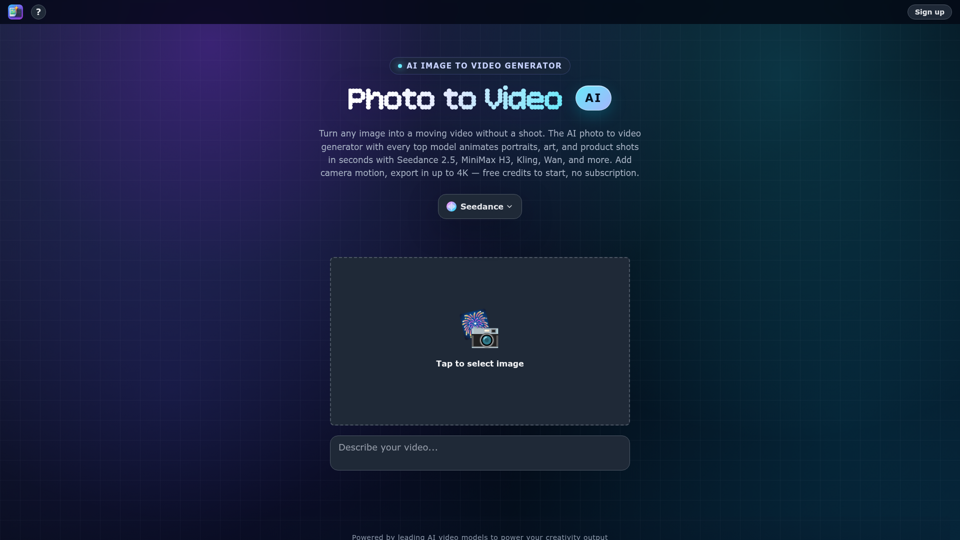
Turn any photo into video with AI. Photo to video AI generator with Seedance 2.5, MiniMax H3, Kling, Wan, up to 4K. Free credits, no subscription.
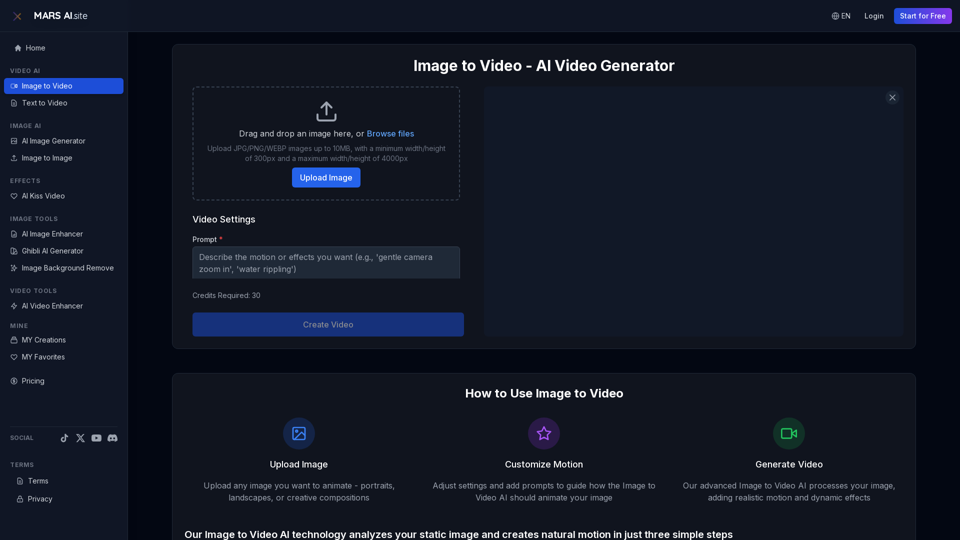
Transform static images into stunning motion videos with our advanced Image to Video AI technology. Our Image to Video tool breathes life into your photos with natural, fluid motion effects
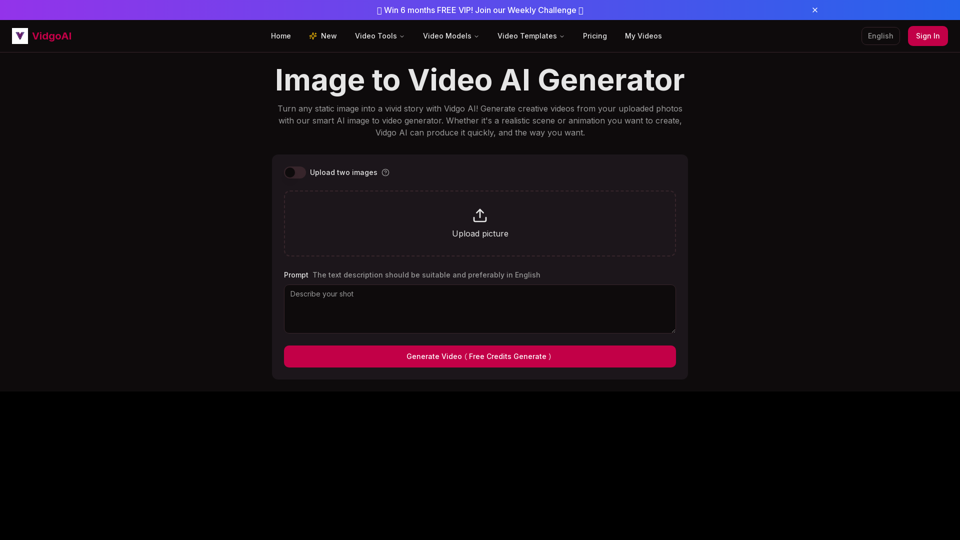
Use the image to video AI generator of Vidgo AI for free. Convert photos to videos with high-quality and captivating results. Try our image to video AI now!
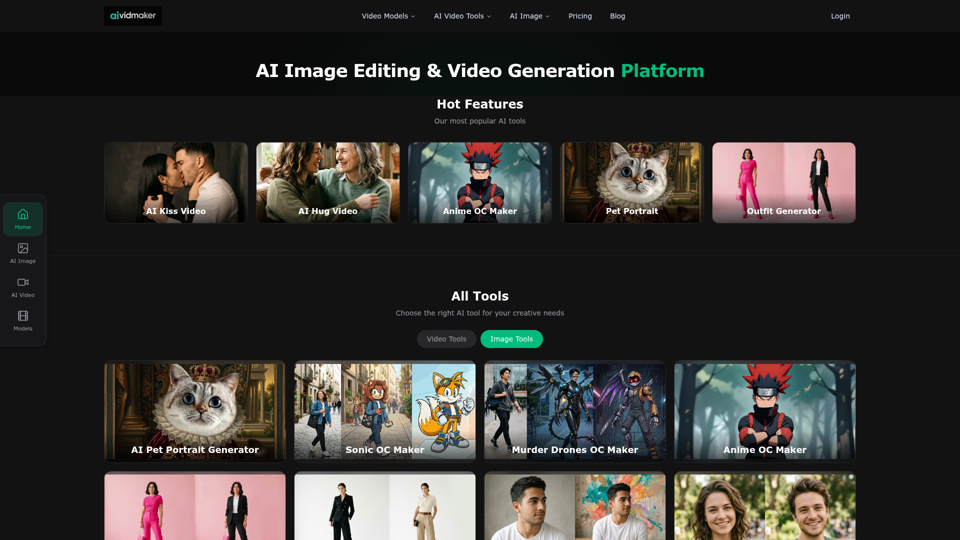
Create AI videos and images with Sora 2, Veo 3.1, Seedance 2.0 and more. Virtual try-on, anime OC maker, pet portraits. Free to try.
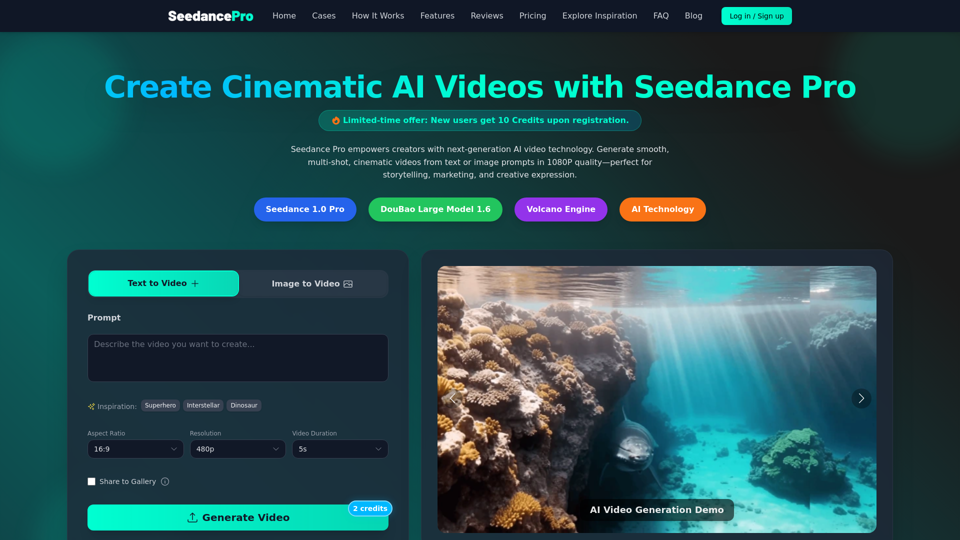
Create cinematic 1080P videos from text or images with Seedance Pro. Experience multi-shot narratives, smooth camera motions, and precise prompt control.