What is AI Image Merger?
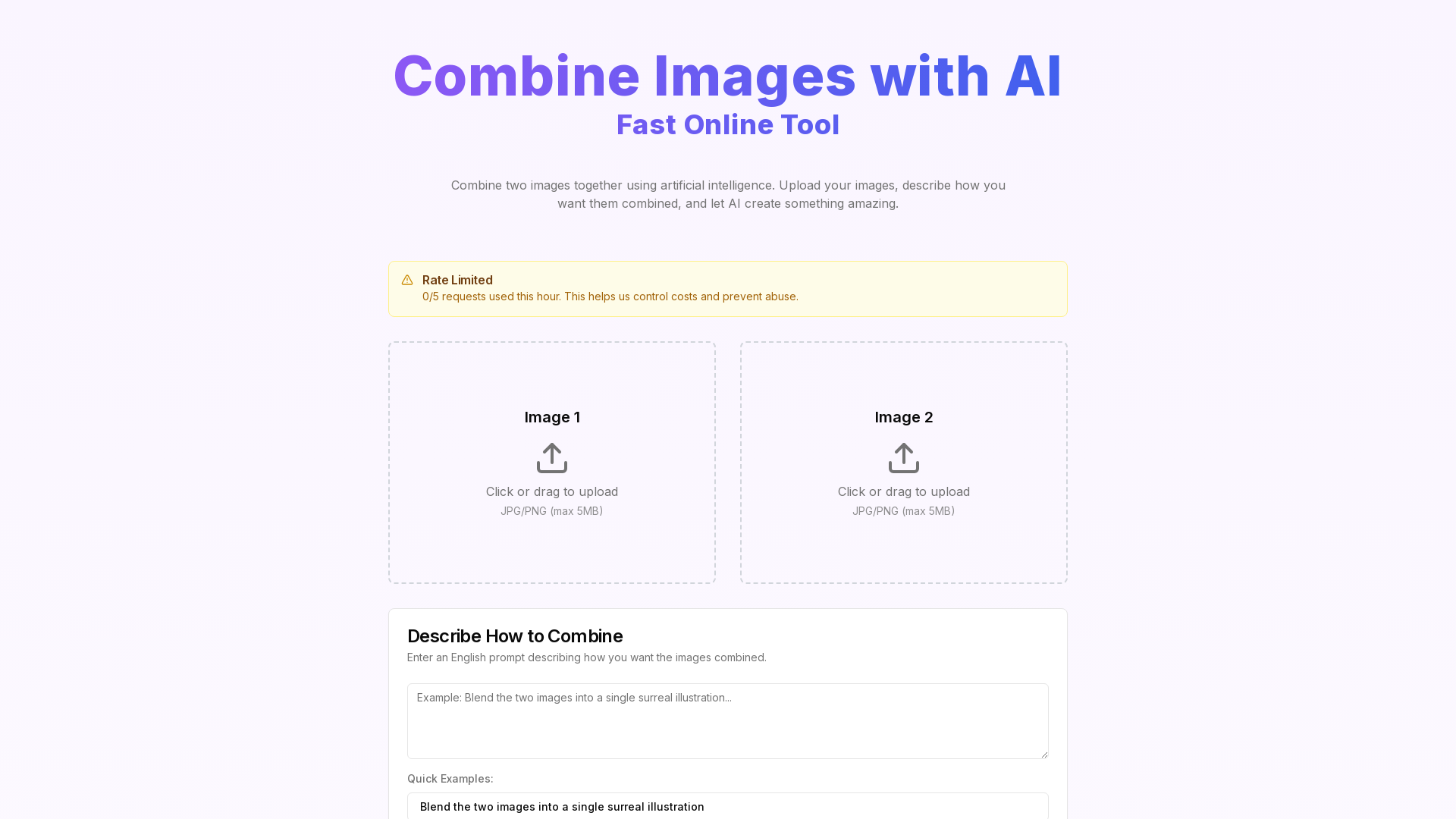
AI Image Merger is an innovative online tool that utilizes artificial intelligence to blend two images together seamlessly. Users simply upload their chosen images, provide descriptions detailing how they wish to combine them, and watch as AI generates a unique and visually stunning result. This tool is perfect for artists, designers, and anyone looking to create custom images quickly and effortlessly.
Features of AI Image Merger
- User-Friendly Interface
- The platform facilitates easy uploading of images and prompt entry for descriptions.
- Supports Multiple Formats
- Accepts JPG and PNG formats, allowing a wide range of image sources.
- High-Quality Results
- AI technology ensures that the final merged images maintain high quality and clarity.
- Quick Processing Time
- Most image merges are completed in 30-60 seconds, providing rapid results.
- Ownership of Generated Images
- Users retain rights to the images created, making it convenient for personal or commercial use.
How to Use AI Image Merger
- Upload Images: Select two images you want to merge. The platform supports JPG and PNG formats with a maximum file size of 5MB per image.
- Describe the Combination: Write a detailed prompt in English specifying how you want the images combined. You can draw inspiration from quick examples provided on the site.
- AI Processing: Click on "Merge Images with AI" and wait as the AI processes your images, which usually takes about 30-60 seconds.
- Download Result: Review your merged image and download it in PNG format once processing is complete.
Price
AI Image Merger operates on a free usage model with certain limits. Users can make up to 5 requests per hour. For extensive use or higher limits, paid plans may be available in the future to cater to more demanding users.
Helpful Tips
- Use High-Quality Images
- To achieve the best results, ensure the images you upload are clear and of high quality.
- Be Specific
- The more detailed your description of the image combination, the better the final result will be.
- Experiment
- Don’t hesitate to try out different image combinations and prompt variations to see what unique results the AI can produce.
- Check Rate Limit
- Be aware of the request limits to manage your usage efficiently.
Frequently Asked Questions
What image formats are supported?
AI Image Merger supports JPG and PNG formats. For best results, images should have a resolution between 512x512 and 2048x2048 pixels.
How long does processing take?
Processing typically takes between 30-60 seconds, depending on server load and the complexity of the images.
How many requests can I make per hour?
To manage costs and prevent system abuse, each IP address is limited to 5 requests per hour. You will see your remaining requests displayed after processing.
Who owns the copyright of generated images?
You retain ownership of the generated images, provided that you have the rights to the original uploaded images.
Pro Tips
- Detailed Descriptions: Providing detailed combination descriptions that mention style, layout, and colors can result in superior outcomes.
- Image Quality Matters: Using images that are high-quality and clear significantly enhances the final merged image quality.
- Creative Experimentation: Feel free to explore different image combinations and prompts; AI technology can yield unexpectedly beautiful visual results.
AI Image Merger
Upload two images and use AI to merge them together with custom prompts. Create stunning visual combinations powered by machine learning.
 Vercel
Free AI anime and manga generator. Turn text into anime episodes, manga, comics, webtoons and comic shorts in any art style — no drawing or animation skills needed.
Translate image text across 70+ languages with our advanced AI Image Translator to help you better expand your products globally to various countries
Advertised Here
Reach thousands of visitors daily. Get your spot now!
Tools similar to AI Image Merger
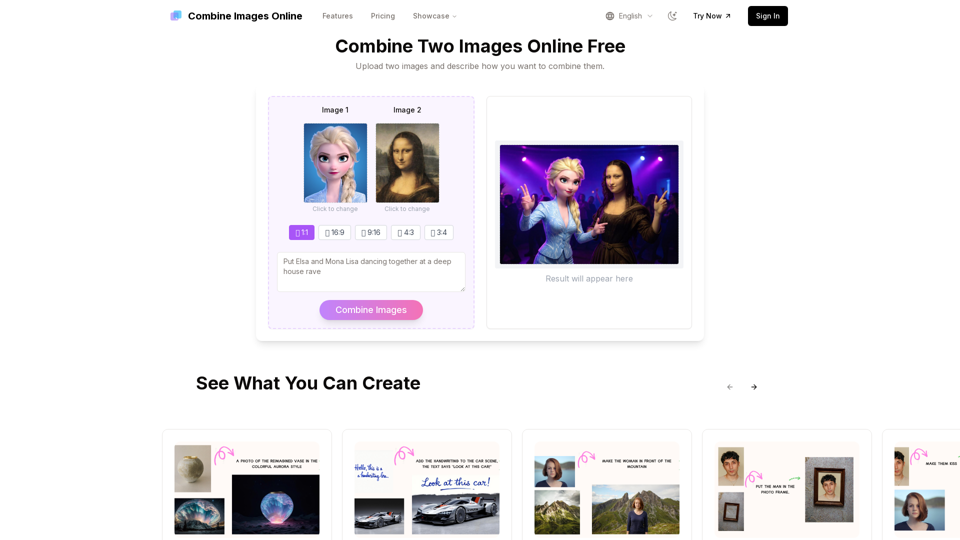
Combine Images Online is the easiest way to merge two images with your own effect. Upload, describe, and get your new image in seconds.
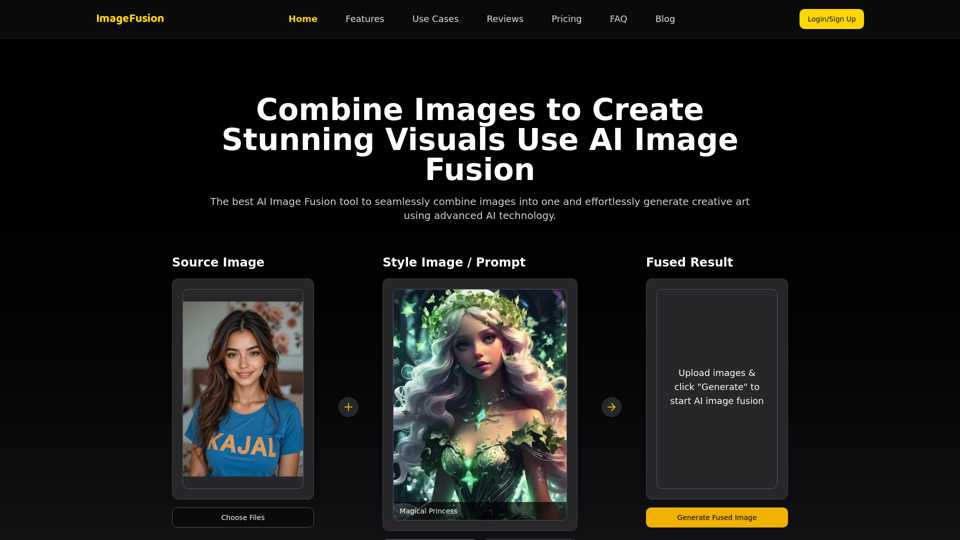
AI Image Fusion: Combine images online effortlessly. Our powerful tool uses AI to intelligently merge your photos, enhancing detail and creating seamless results. Free and easy image combination awaits!
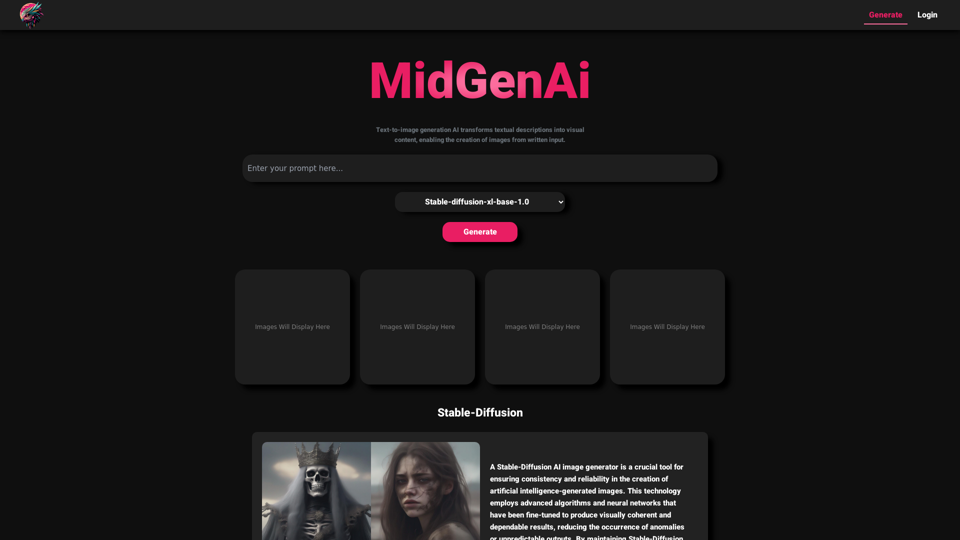
MidGen AI - Text-To-Image Best AI Image Generator 100% Free to use, with best 5 trained Models.
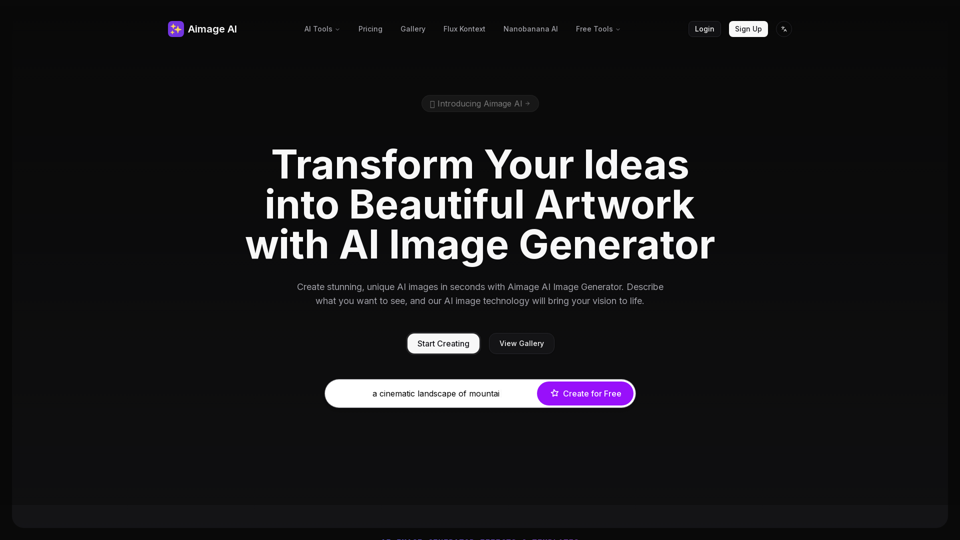
Create stunning AI art, images, and pictures in seconds for free with GenPictures. Turn your text into visual masterpieces effortlessly.
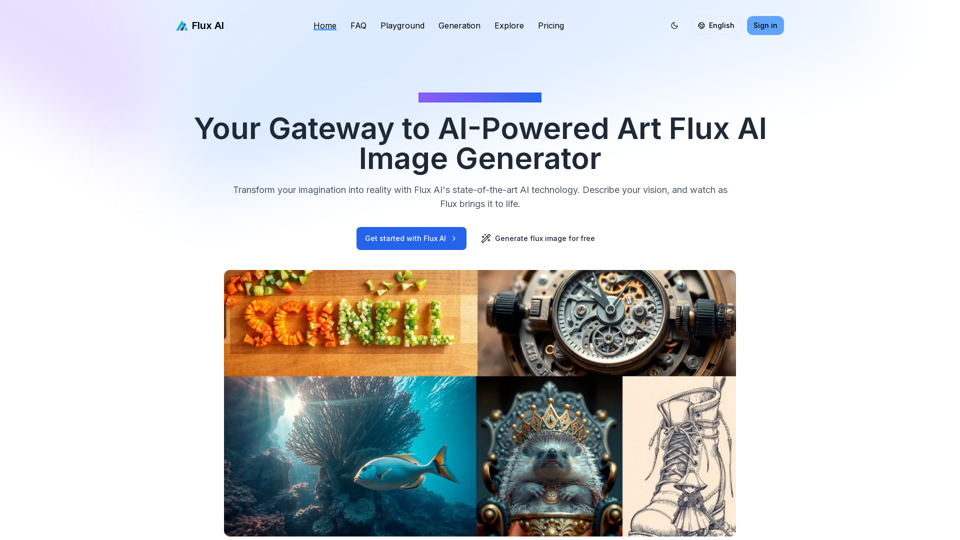
Explore the limitless potential of Flux AI, the premier AI image generator that transforms your text descriptions into stunning, unique visuals.
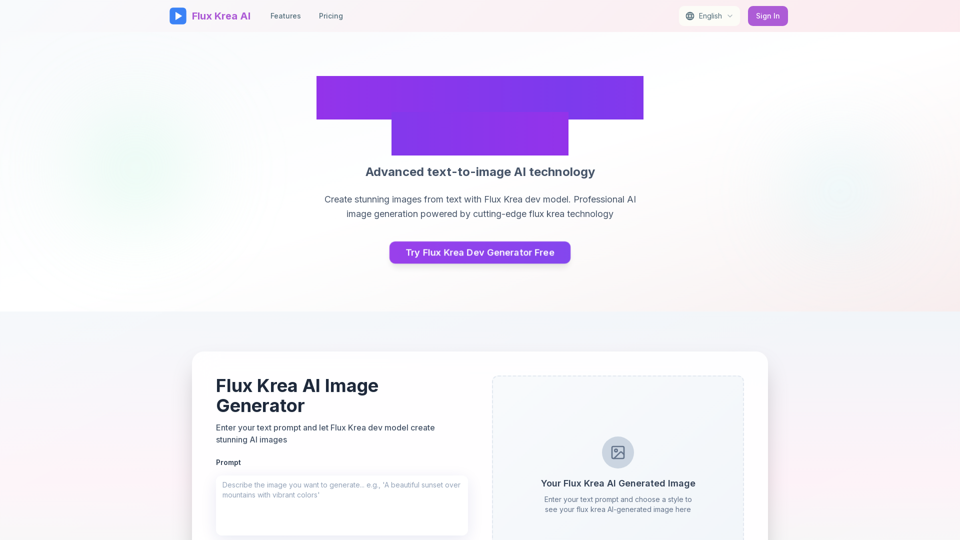
Create stunning AI images from text prompts. Free text to image generator with professional results in seconds.
Remove background in high-resolution for free, or change background color of photo, instantly and accurately with Blend's AI background remover.