Commabot
Online CSV Editor with Virtual Assistant
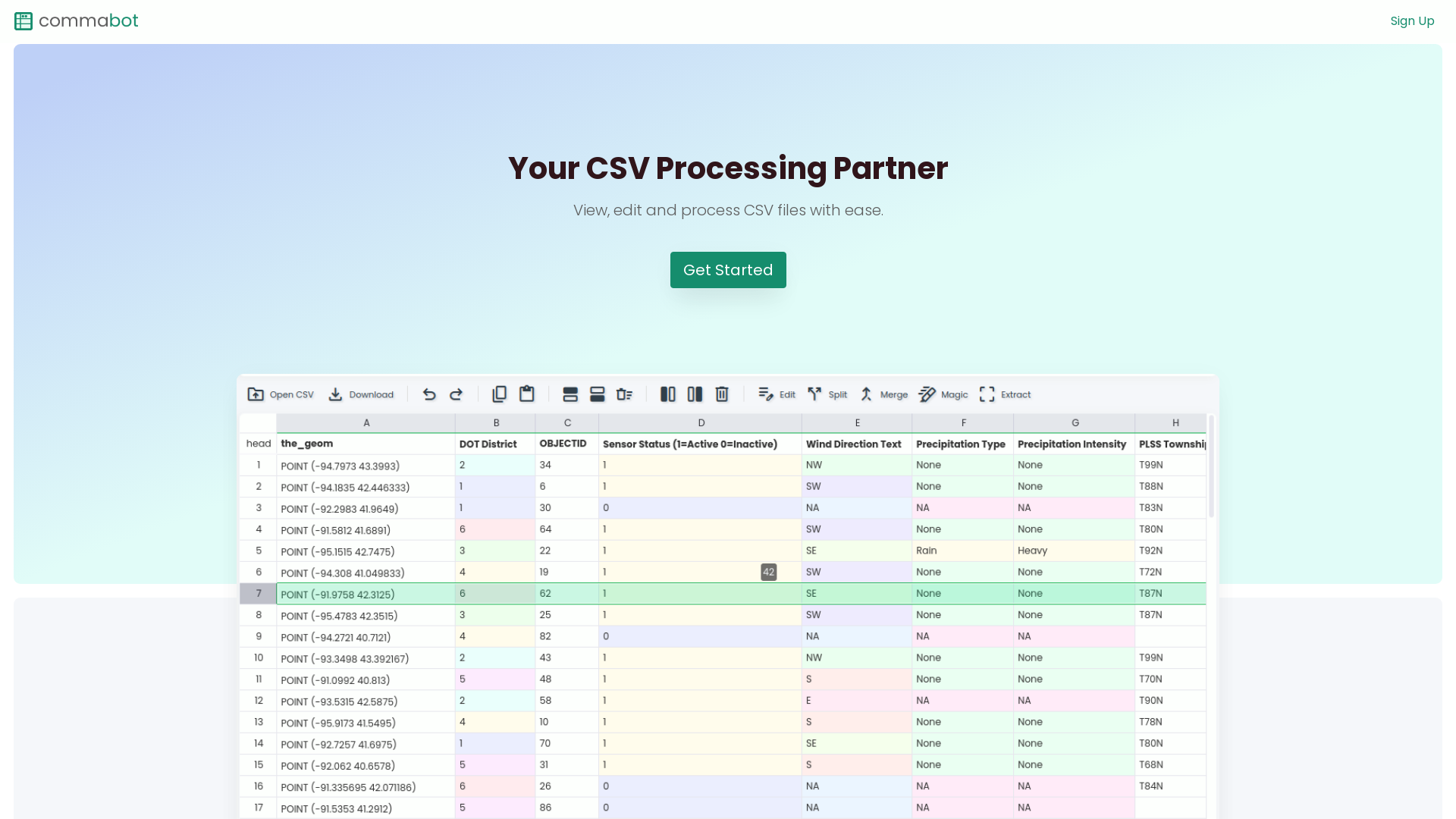
What is Commabot?
Commabot is an advanced online CSV editor designed to facilitate the easy viewing, editing, and processing of CSV files. It provides users with a clean and organized interface, making it a powerful tool for anyone looking to manage their CSV or spreadsheet data efficiently. Whether you're analyzing databases, preparing data for reports, or conducting bulk edits, Commabot streamlines the entire process.
What are the main features of Commabot?
- Intuitive Viewing
- Open and browse your CSV files effortlessly with a clean and organized view that enhances the user experience.
- Direct Editing
- Make changes directly in a familiar spreadsheet interface, allowing for quick data updates and modifications.
- Bulk Automation
- Automate repetitive editing tasks easily, ensuring consistency across your dataset and significantly saving time.
- Data Extraction
- Extract valuable information from unstructured text with just a few clicks, transforming your data handling capabilities.
- AI Enabled Insights
- Utilize an AI assistant to gain smart suggestions and insights from your data, enhancing decision-making.
- Dark Mode Option
- Reduce eye strain and enhance your workflow with a customizable dark mode interface for comfortable viewing.
How to use Commabot?
Getting started with Commabot is simple. Users can sign up for an account and begin uploading their CSV files directly to the platform. Once uploaded, users have access to a range of tools to view, edit, and automate tasks involving their data. The user-friendly interface makes navigating through features straightforward, enabling users to maximize efficiency in their data processing tasks.
What is the pricing for Commabot?
Commabot offers competitive pricing structures tailored to fit various user needs. While there may be a free version available with limited capabilities, subscribing to premium plans provides users with additional features, enhanced automation tools, and prioritized support. Check the website for the latest subscription rates and offers.
Helpful Tips for Using Commabot
- Utilize AI Features
- Make the most of the AI assistant by seeking data insights and recommendations that can help improve your data analysis and decision-making.
- Explore Bulk Editing Options
- Take advantage of the automation features for bulk edits to save time on large datasets.
- Familiarize Yourself with Shortcuts
- Learn keyboard shortcuts to navigate and edit more efficiently within the platform.
- Engage with the Community
- Visit the knowledge hub for tutorials on topics like CSV to Nested JSON conversion and more.
Frequently Asked Questions
Can I edit my CSV files directly in Commabot?
Yes, Commabot allows you to edit your CSV files directly within a familiar spreadsheet interface, making it easy to update your data.
Is there a limit to the number of files I can process?
Depending on your subscription level, there may be limits on the number of files you can process at once. Check the pricing details for specifics.
Does Commabot support other file formats?
Yes, Commabot supports various file conversions, including CSV to Nested JSON and CSV to XML, allowing for versatile data management.
Is customer support available?
Yes, Commabot provides customer support for subscribers, ensuring that any queries or issues can be promptly addressed.
Can I access Commabot on mobile devices?
Commabot is designed to be responsive and can be accessed on mobile devices, allowing for easy editing and viewing on the go.
Explore the capabilities of Commabot today, the ultimate online CSV editor!
Commabot
Online CSV Editor with Virtual Assistant
 Firebase
 HTTP/3
Free AI anime and manga generator. Turn text into anime episodes, manga, comics, webtoons and comic shorts in any art style — no drawing or animation skills needed.
Translate image text across 70+ languages with our advanced AI Image Translator to help you better expand your products globally to various countries
Advertised Here
Reach thousands of visitors daily. Get your spot now!
Tools similar to Commabot
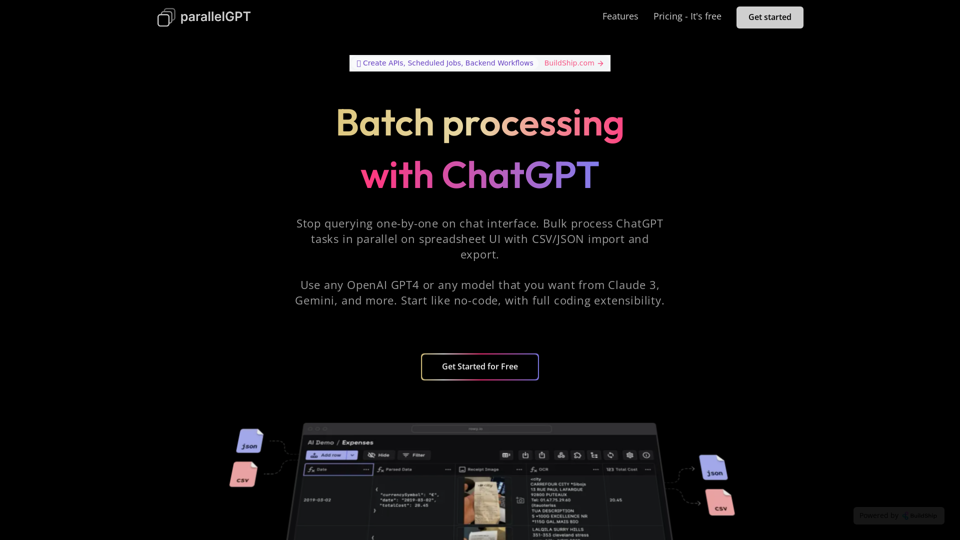
Import prompts in bulk from CSV or JSON files and process chatGPT queries in batch in parallel on spreadsheet UI. Collaborate with your team, and tweak prompts in low code.
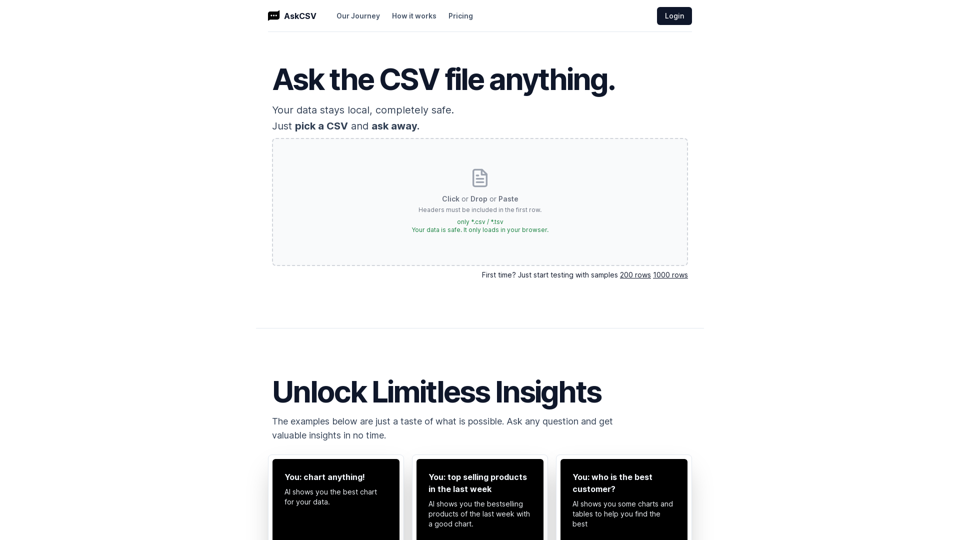
Mito is the fastest way to do Python data science. Edit your data in a spreadsheet, and generate Python code automatically.
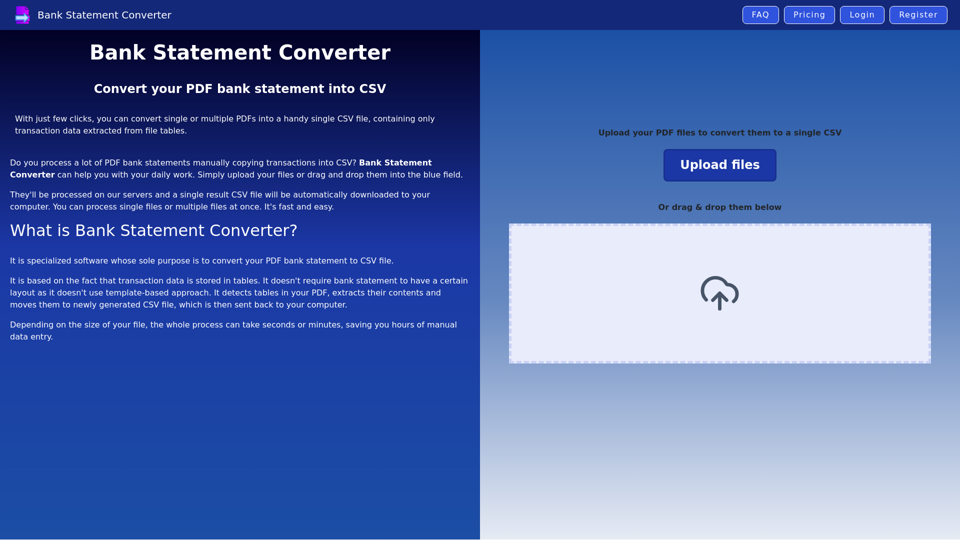
Best PDF converter for bank statements - convert PDF statements to CSV file online
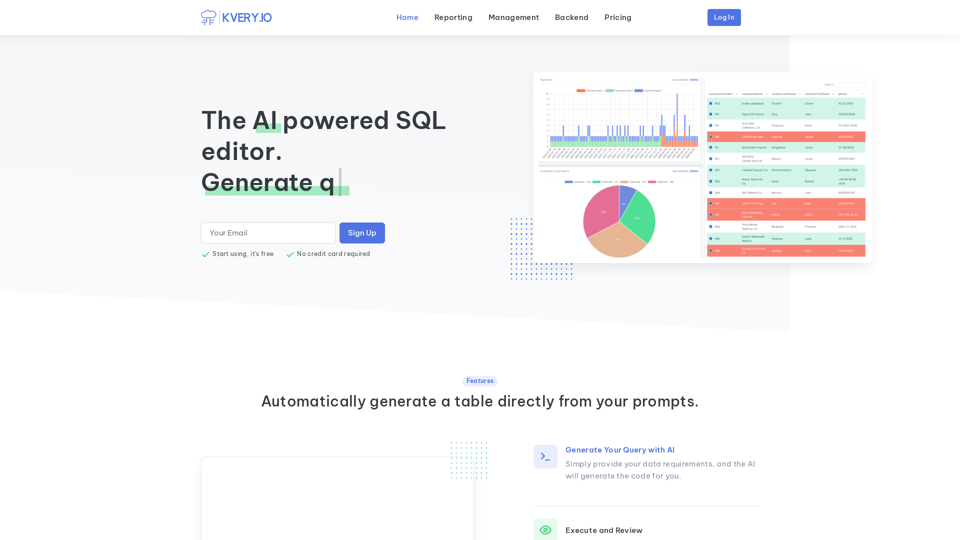
Transform your database management experience with an admin interface built in a few clicks. Simplify API-driven database control and effortlessly generate BI reports. Accelerate software development with APIs and admin interfaces developed 10 times faster. Easily schedule SQL jobs for seamless automation.

Tablize turns your data into dashboards and more, enabling smarter work to happen
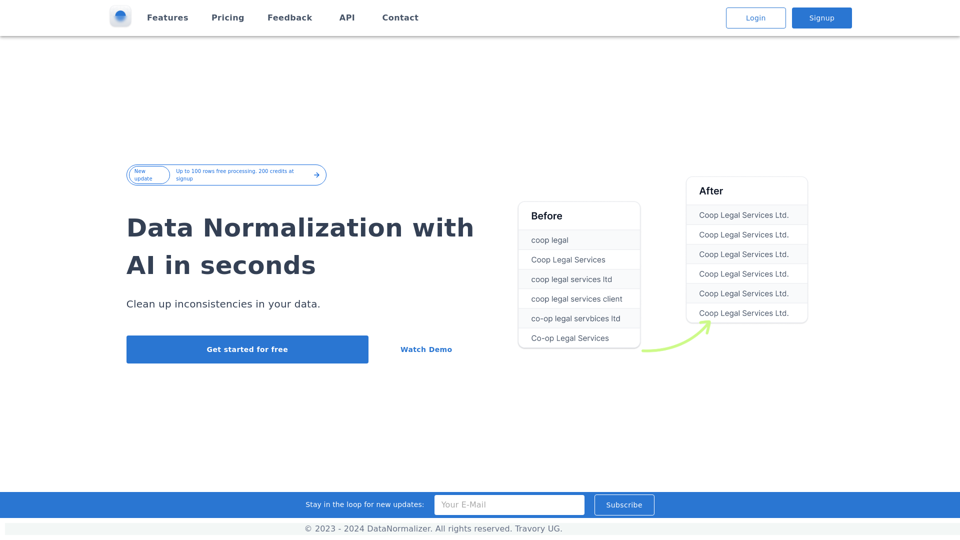
Normalize Data in Excel, Python, R, SQL, CSV with fuzzy match, fuzzy search and levenshtein distance.

Sheety.ai is a tool that helps you to generate formulas for your spreadsheets. It uses the power of AI to understand your problem and generate the right formula for you.