Batch / Bulk processing for ChatGPT AI
Import prompts in bulk from CSV or JSON files and process chatGPT queries in batch in parallel on spreadsheet UI. Collaborate with your team, and tweak prompts in low code.
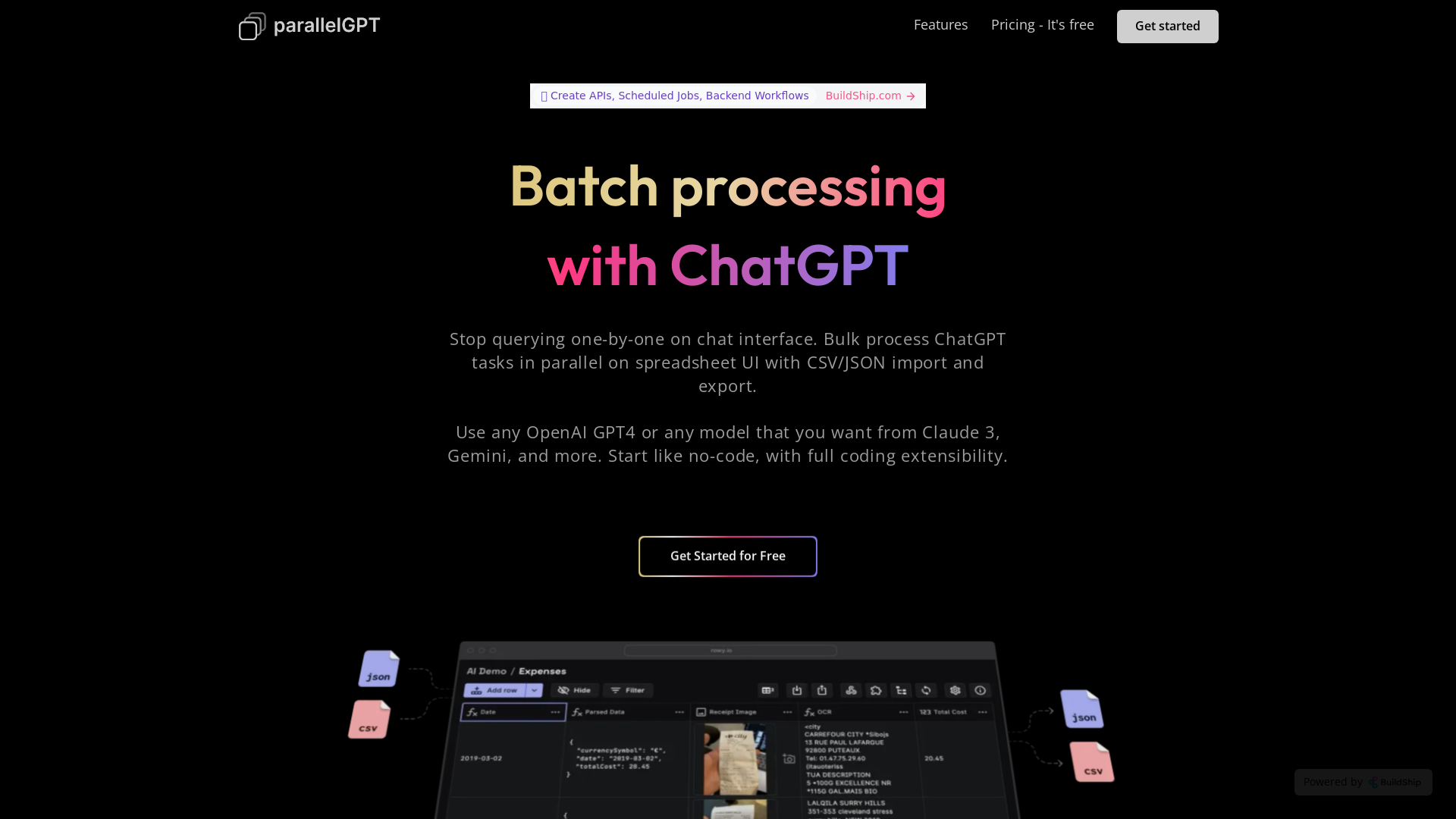
What is Batch / Bulk Processing for ChatGPT?
Batch processing for ChatGPT is an innovative feature that allows users to streamline their interactions with the AI by processing multiple tasks simultaneously. Instead of querying one-by-one through a chat interface, users can utilize a spreadsheet-like UI, enabling bulk processing of ChatGPT tasks efficiently through CSV or JSON import and export. This feature supports various OpenAI models, including GPT-4, Claude 3, and Gemini, allowing users to select the model that best fits their needs.
Features of Batch / Bulk Processing for ChatGPT
- Parallel Task Management
- Manage multiple queries at once through an intuitive spreadsheet UI.
- Flexible Model Selection
- Work with any OpenAI model you prefer, such as GPT-4, Claude 3, or Gemini.
- Low-Code to Full Coding
- Start with no-code solutions to create workflows, or dive deeper into coding for extended functionalities.
- Secure Data Handling
- Generated data is safely stored in your own Google Cloud project, ensuring privacy and security for API keys.
- Collaboration Options
- Invite team members with customizable access controls - viewer, editor, content creator, etc.
How to Use Batch / Bulk Processing for ChatGPT?
To get started with batch processing:
- Create an Account: Sign up for free at BuildShip.com.
- Import Data: Use CSV or JSON files to bulk import tasks.
- Select Your Model: Choose your preferred AI model, including GPT-4.
- Tweak Your Prompts: Modify the prompt to suit your specific needs or requirements easily.
- Export Results: After processing, export all results using the same CSV or JSON format.
Pricing
The batch processing feature for ChatGPT is accessible for free, allowing users to explore its powerful capabilities without any financial commitment. Additional premium offerings may be available for users requiring advanced features or extended usage.
Helpful Tips
- Maximize Productivity
- Use the bulk processing feature to handle large datasets or complex queries without needing to execute them one at a time.
- Utilize Templates
- Start with ready-made templates for quick setup, saving time in the configuration process.
- Secure Your Information
- Ensure that your API keys are managed and stored using Google Secret Manager for optimal security.
Frequently Asked Questions
Can I use my own OpenAI API key?
Yes, users can add their OpenAI API key to customize the experience and utilize the capabilities of the model of their choice.
What if I encounter issues while using BuildShip?
You can reach out for support via Discord, where live assistance is available, and you can learn from fellow users.
Are there limits on bulk processing?
As of now, the service is free, allowing users to explore bulk processing without restrictions, but be sure to monitor any updates regarding usage limitations.
Can I collaborate with my team?
Absolutely! You can invite team members to work together and set their access levels for collaborative tasks.
Is there a community to join?
Yes, BuildShip offers a community. You can join on Discord and Twitter to stay connected, receive updates, and learn more about using the platform effectively.
Batch / Bulk processing for ChatGPT AI
Import prompts in bulk from CSV or JSON files and process chatGPT queries in batch in parallel on spreadsheet UI. Collaborate with your team, and tweak prompts in low code.
Free AI anime and manga generator. Turn text into anime episodes, manga, comics, webtoons and comic shorts in any art style — no drawing or animation skills needed.
Translate image text across 70+ languages with our advanced AI Image Translator to help you better expand your products globally to various countries
Advertised Here
Reach thousands of visitors daily. Get your spot now!
Tools similar to Batch / Bulk processing for ChatGPT AI
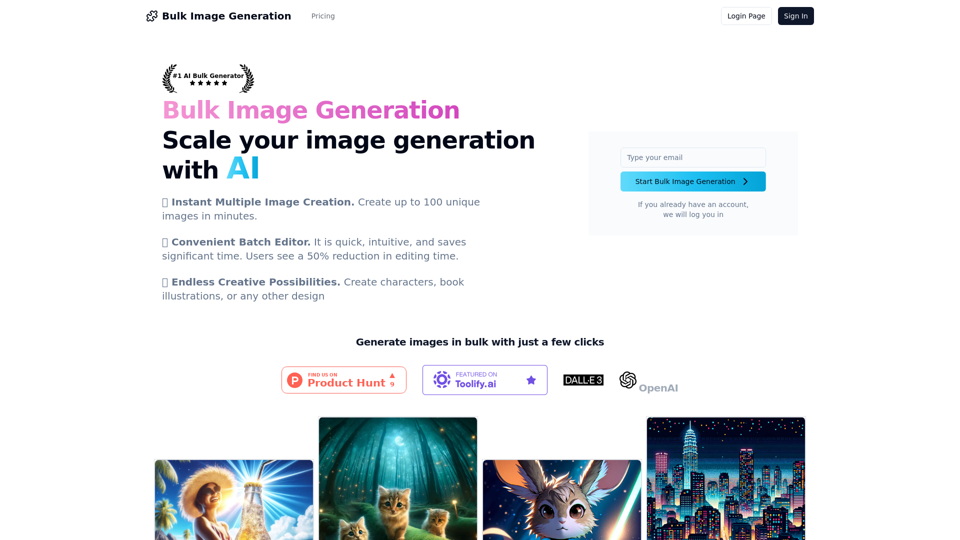
Unleash your creativity with our AI-powered Bulk Image Generation tool. Instantly create up to 100 unique images in minutes for characters, book illustrations, and more. Experience a 50% reduction in editing time with our convenient batch editor. Explore endless creative possibilities today!
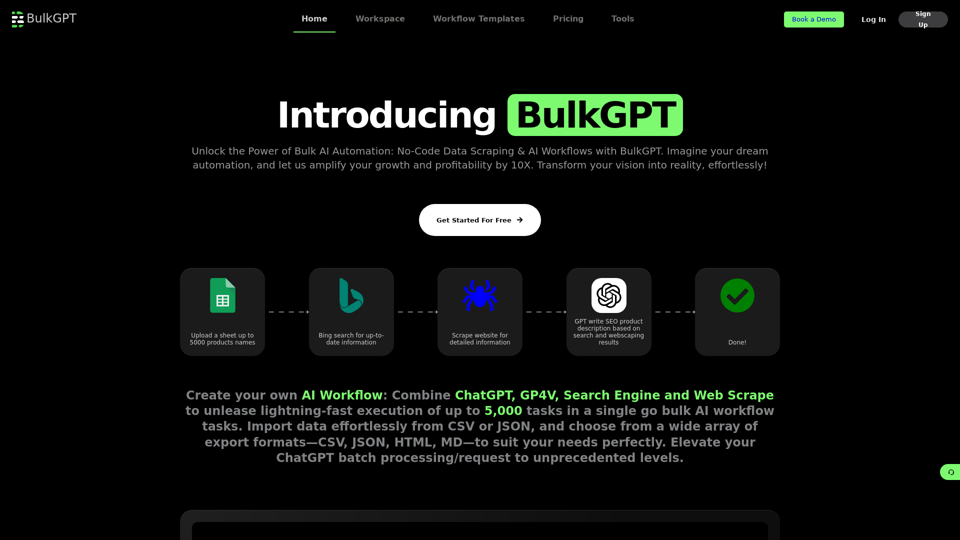
DIY no code bulk AI workflow creation tool that combines the power of internet to process ChatGPT request in batches at blazing fast speed.
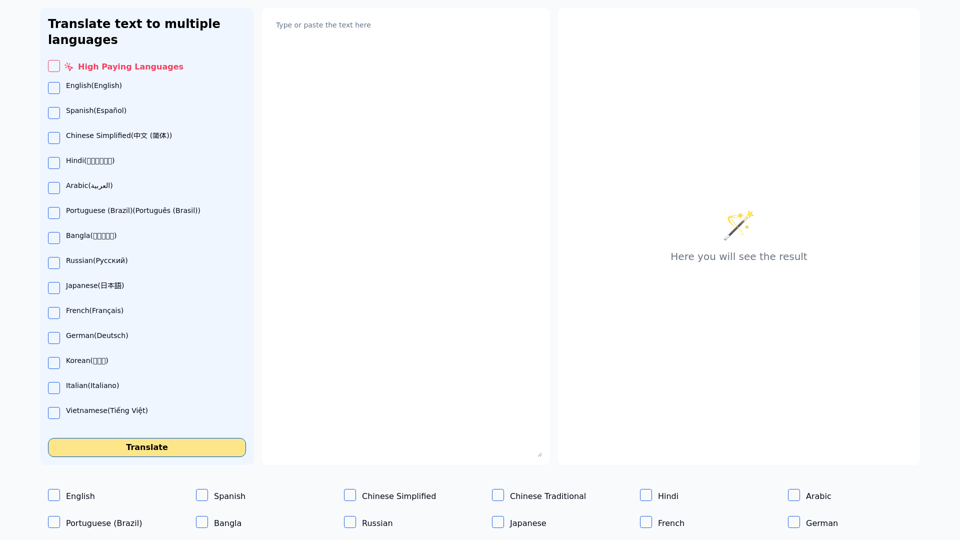
Translate one text to multiple languages simultaneously
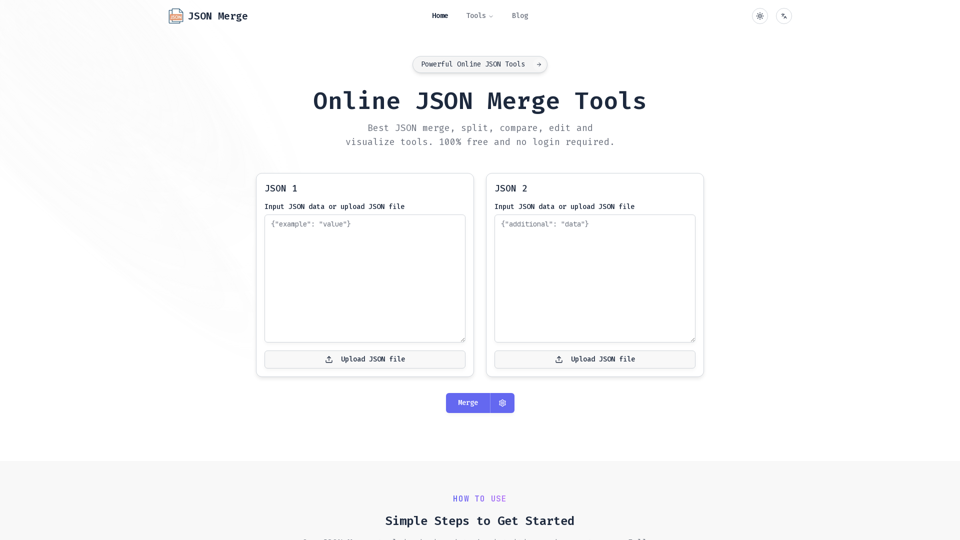
JSON Merge is a powerful online tool for JSON merge, compare, validate and more. Simplify your workflow and save time with our efficient JSON processing utilities.
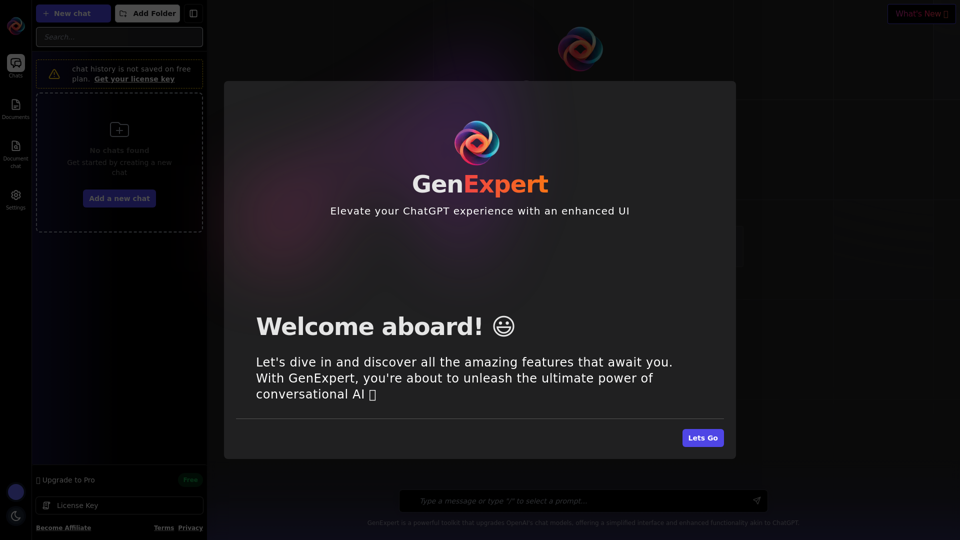
Explore the advanced UI of GenExpert.io, a cutting-edge platform for generative AI including ChatGPT. Harness the power of prompts and system prompts for enhanced AI interactions. Discover the limitless possibilities of generative AI with GenExpert.io.

Free Access to the Most Advanced ChatGPT Prompt Library made for Professionals in Marketing, Sales, Business, Law, and more. 2000+ Best ChatGPT Prompts. Start Here. ☝
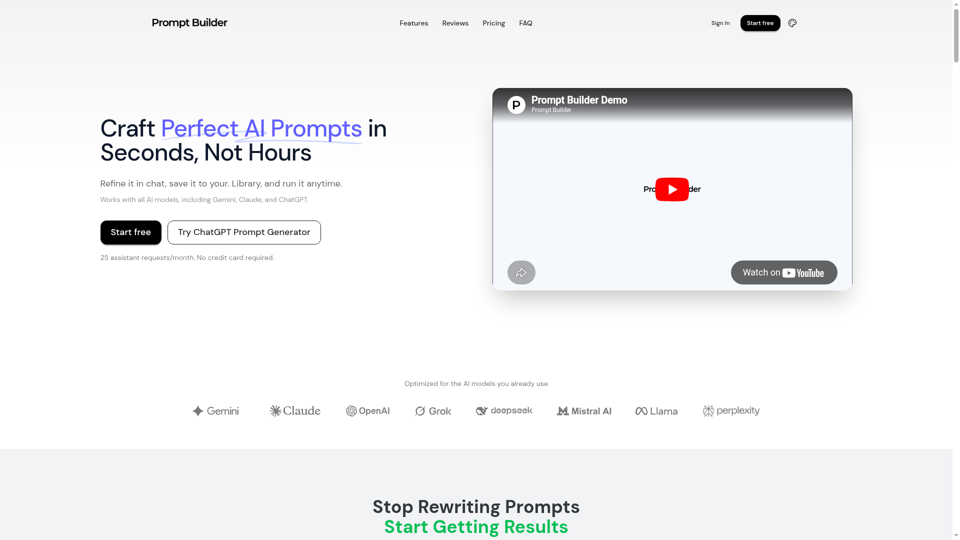
Turn an idea into a model-optimized prompt in seconds. Generate, refine, test, and save reusable prompts for Gemini, Claude, ChatGPT, and more.