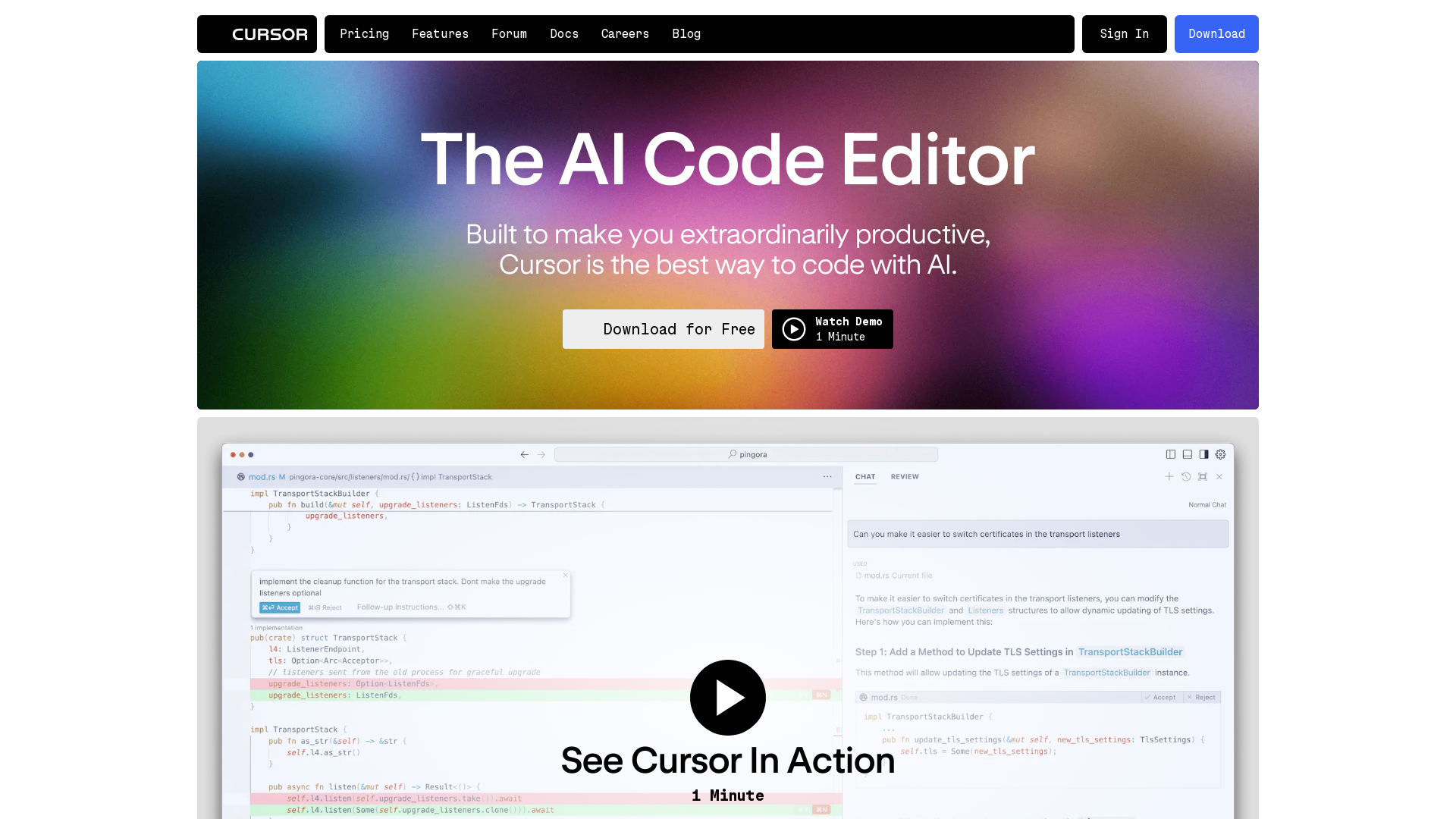
What is Cursor?
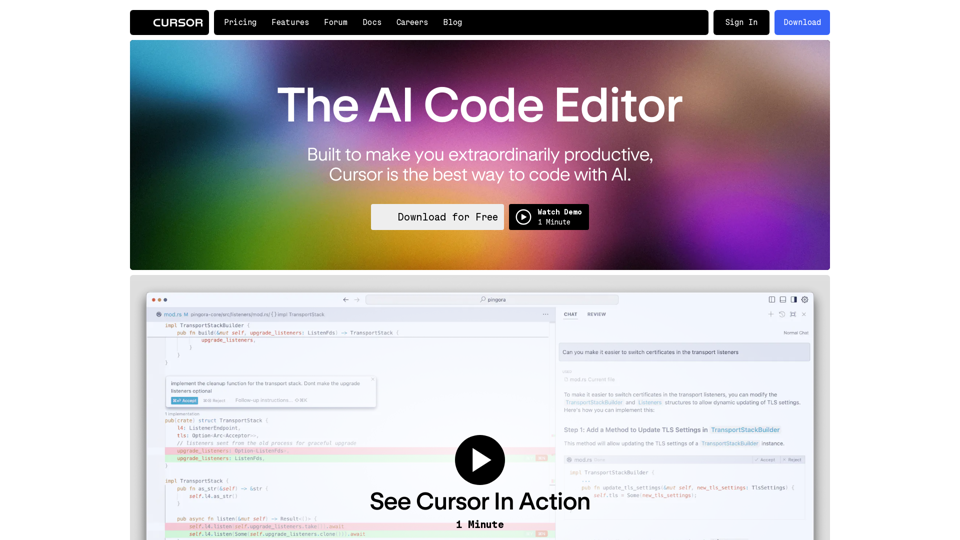
Cursor is an innovative AI-driven code editor designed to significantly enhance productivity for developers. By leveraging advanced AI technology, Cursor allows users to interact with their codebase and implement changes seamlessly, making coding more efficient and collaborative. Whether you're working on personal projects or in a team setting, Cursor transforms the programming experience with its array of powerful features.
Main Features of Cursor
- Intelligent Code Assistance
- Cursor can understand your codebase and provide contextual answers, allowing for quick reference to specific files or documentation.
- Prediction Capabilities
- Using Cursor's Copilot++, users can breeze through coding changes as the tool predicts the next required edits, significantly speeding up the development process.
- Natural Language Processing
- With the Cmd-K feature, developers can write code by simply entering instructions in natural language, making it easier to update classes or functions with one prompt.
- Familiar Interface
- Users can import their extensions, themes, and keybindings all at once, ensuring a smooth transition to Cursor without losing custom configurations.
- Privacy & Security
- Cursor prioritizes user data protection with a privacy mode that prevents any code from being stored on its servers. The platform is also SOC 2 certified for enhanced security.
- Customizable Experience
- Developers can use their API key to begin their journey with Cursor or opt for the hosted version for a full experience.
How to Use Cursor
Using Cursor is straightforward and user-friendly. Developers can download the application for free and start coding right away. After installation, users can import their existing coding configurations and begin utilizing the AI features to enhance their coding workflow. Cursor's intuitive design allows for effortless navigation and coding execution.
Pricing
Cursor offers a free download for users to get started. If developers wish to unlock additional features or capabilities, affordable subscription options are available. While the base version is robust, subscribing can provide access to advanced functionalities aimed at maximizing productivity.
Helpful Tips for Maximizing Cursor
- Utilize Chat Features
- Engage with the chat tool to get rapid answers specific to your codebase.
- Experiment with Copilot++
- Explore the predictive editing features to speed up coding tasks and reduce repetitive actions.
- Give Natural Language Commands a Try
- Use the Cmd-K function to write code more intuitively, which can be particularly helpful for larger updates.
- Regularly Check for Updates
- Stay informed about new features and improvements that could further enhance your coding experience.
Frequently Asked Questions
Will Cursor store my code?
No, Cursor has a strong focus on privacy and security. The privacy mode ensures that none of your code is stored on their servers, as Cursor is SOC 2 certified.
Can I use my existing code editor settings with Cursor?
Yes! Cursor allows you to import all your extensions, themes, and keybindings in one click, preserving your familiar coding environment.
Is there an API integration option available?
Absolutely, users can start with their own API key or choose the hosted version of Cursor for a comprehensive experience.
How does Cursor compare to traditional code editors?
Cursor integrates AI technology directly into the code editing process, providing seamless features that improve productivity, unlike traditional editors that may not incorporate AI functionalities as effectively.
What should I do if I need more advanced features?
If the features available in the free version of Cursor are not sufficient for your needs, consider upgrading to one of the affordable subscription plans that unlock additional capabilities and enhancements.
Try Cursor now and experience the future of coding with AI!
Cursor
The AI Code Editor
 Google Tag Manager
 Vercel
Free AI anime and manga generator. Turn text into anime episodes, manga, comics, webtoons and comic shorts in any art style — no drawing or animation skills needed.
Translate image text across 70+ languages with our advanced AI Image Translator to help you better expand your products globally to various countries
Advertised Here
Reach thousands of visitors daily. Get your spot now!
Tools similar to Cursor
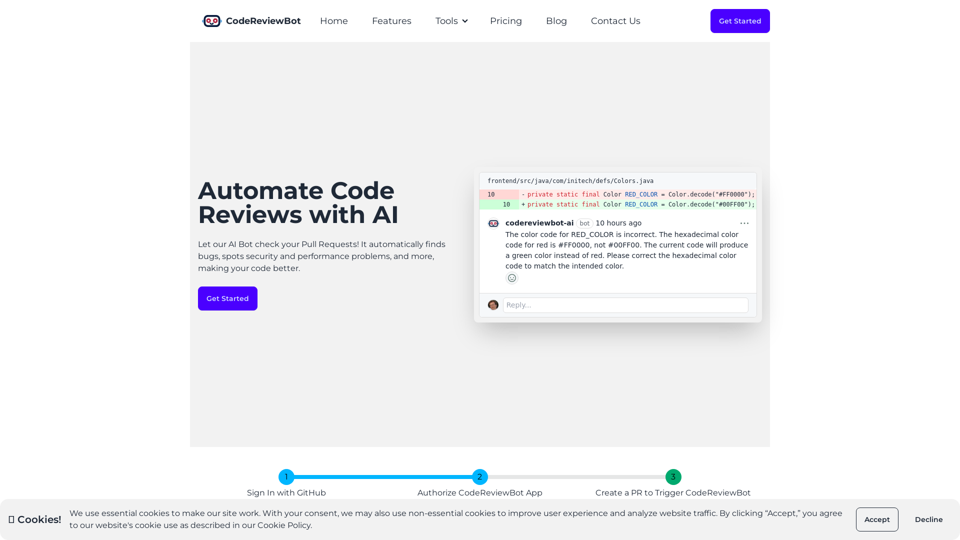
CodeReviewBot.ai offers an AI-powered code review service integrating seamlessly with GitHub pull requests, improving coding efficiency.
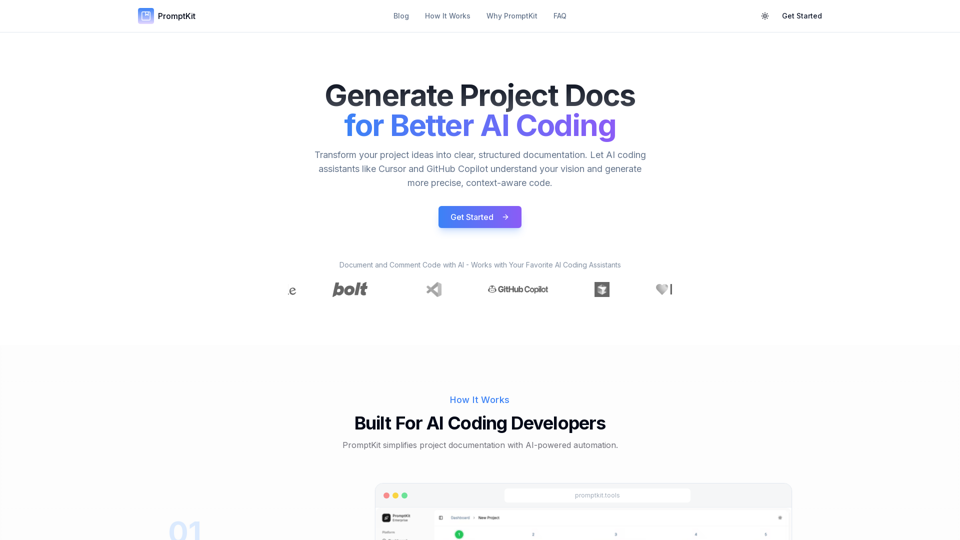
Make AI coding assistants understand your project better. Generate smart documentation that improves code suggestions from Cursor, Windsurf, and other AI tools.
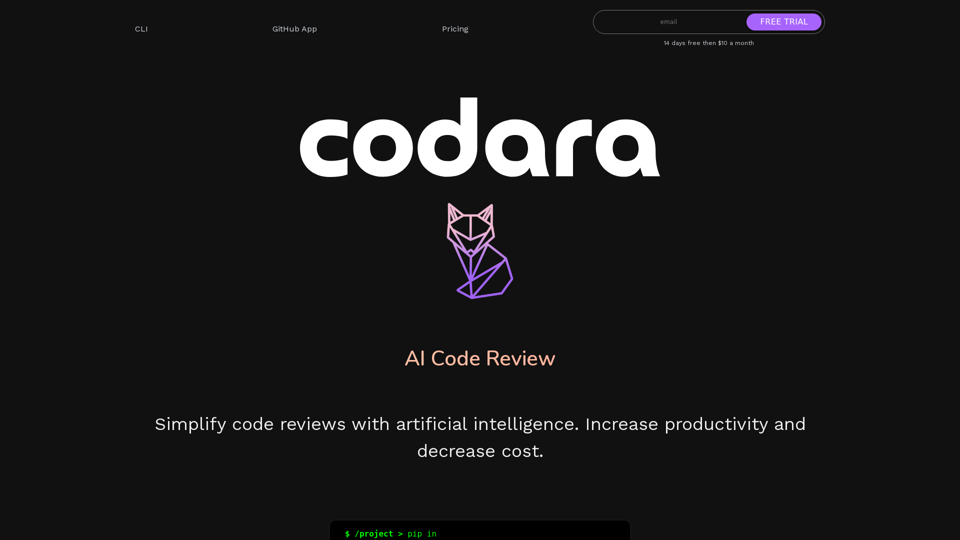
Improving the development experience and code review process by integrating artificial intelligence.
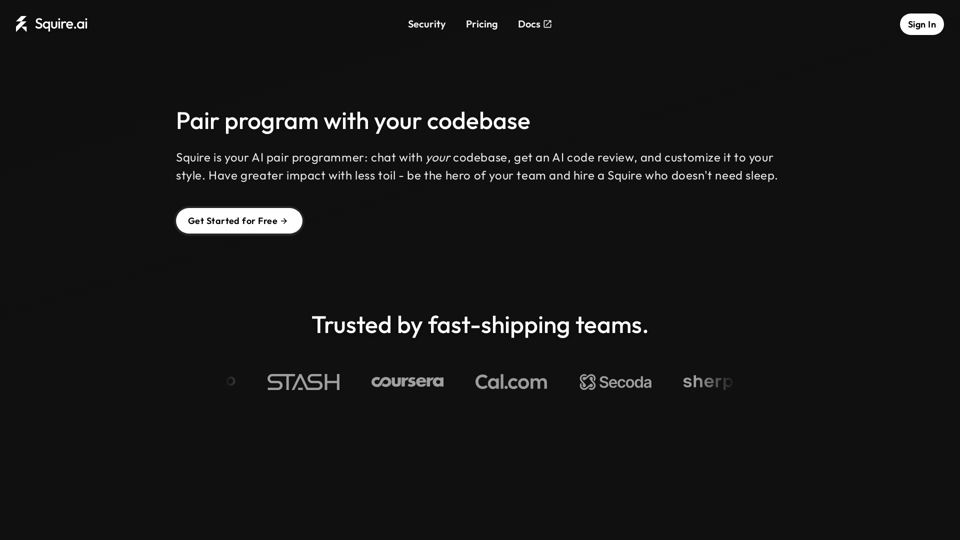
Squire is a context aware agent who works with you to write pull request descriptions and review PRs.
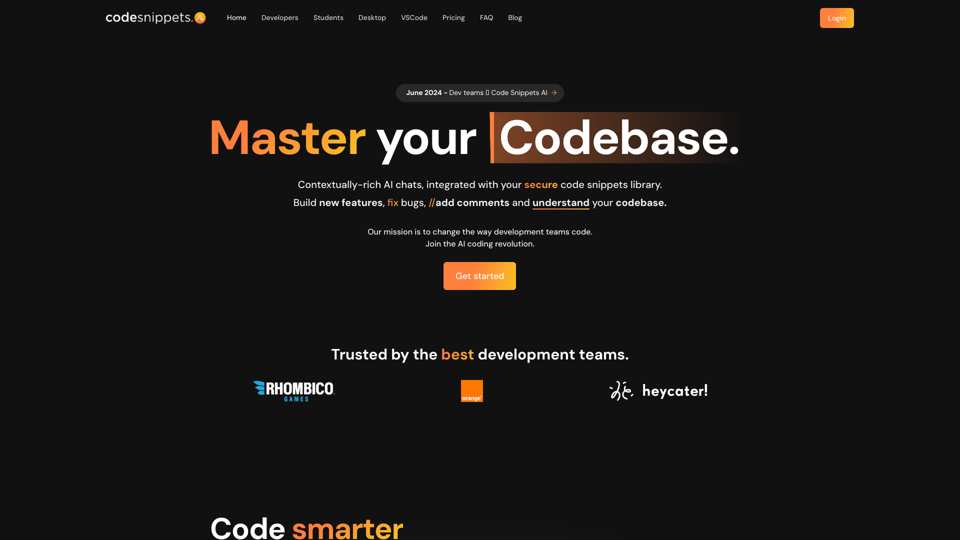
Generate code with GPT-4, Mixtral 8x7B, and Capybara 7B, & more. Save, store and reuse your teams code snippets, on mupltiple platforms.
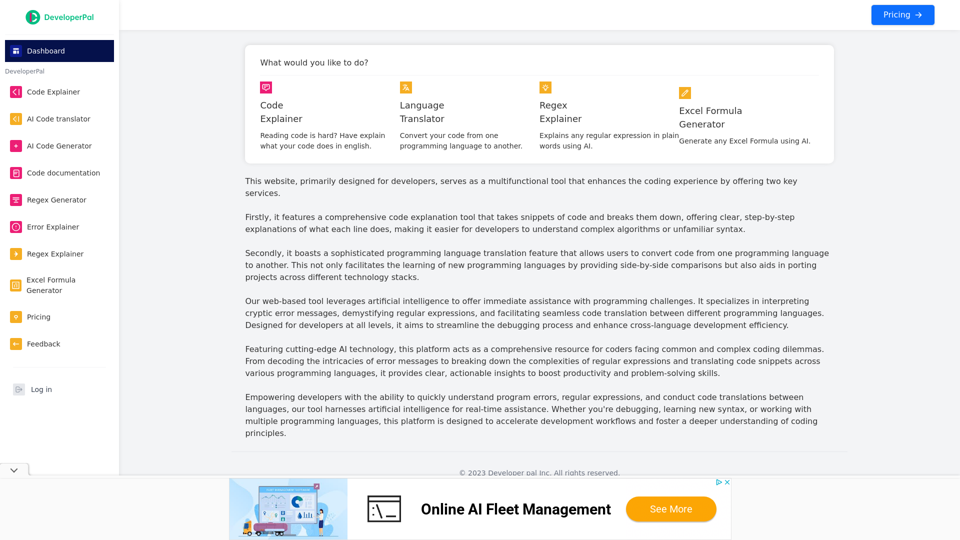
Code Explainer, AI Code explainer, AI Code translator, code translator, python code explainer, java code explainer, Translation, The Ultimate Coding Companion
DeveloperPal is the ultimate destination for developers seeking efficient code explanation and cross-language translation. Whether you're working with JavaScript, Python, Java, or any other programming language, our tools are designed to boost your development efficiency and solve coding challenges. Streamline your development process with our comprehensive suite of tools today.
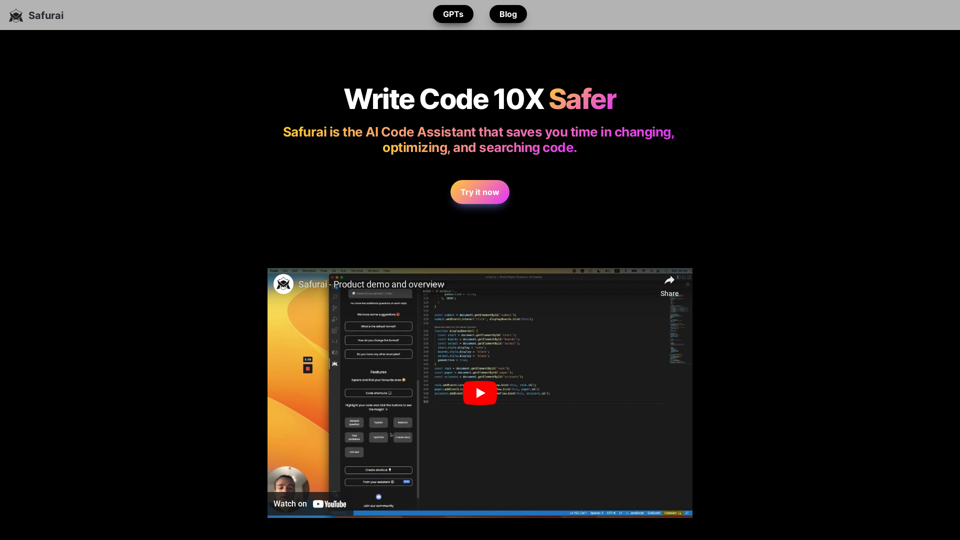
The AI Code Assistant to supercharge developers productivity. Safurai supports all programming languages, completely free for Visual Studio Code.