CVGist
Create professional resumes instantly with AI. No forms, just results.
What is CVGist?
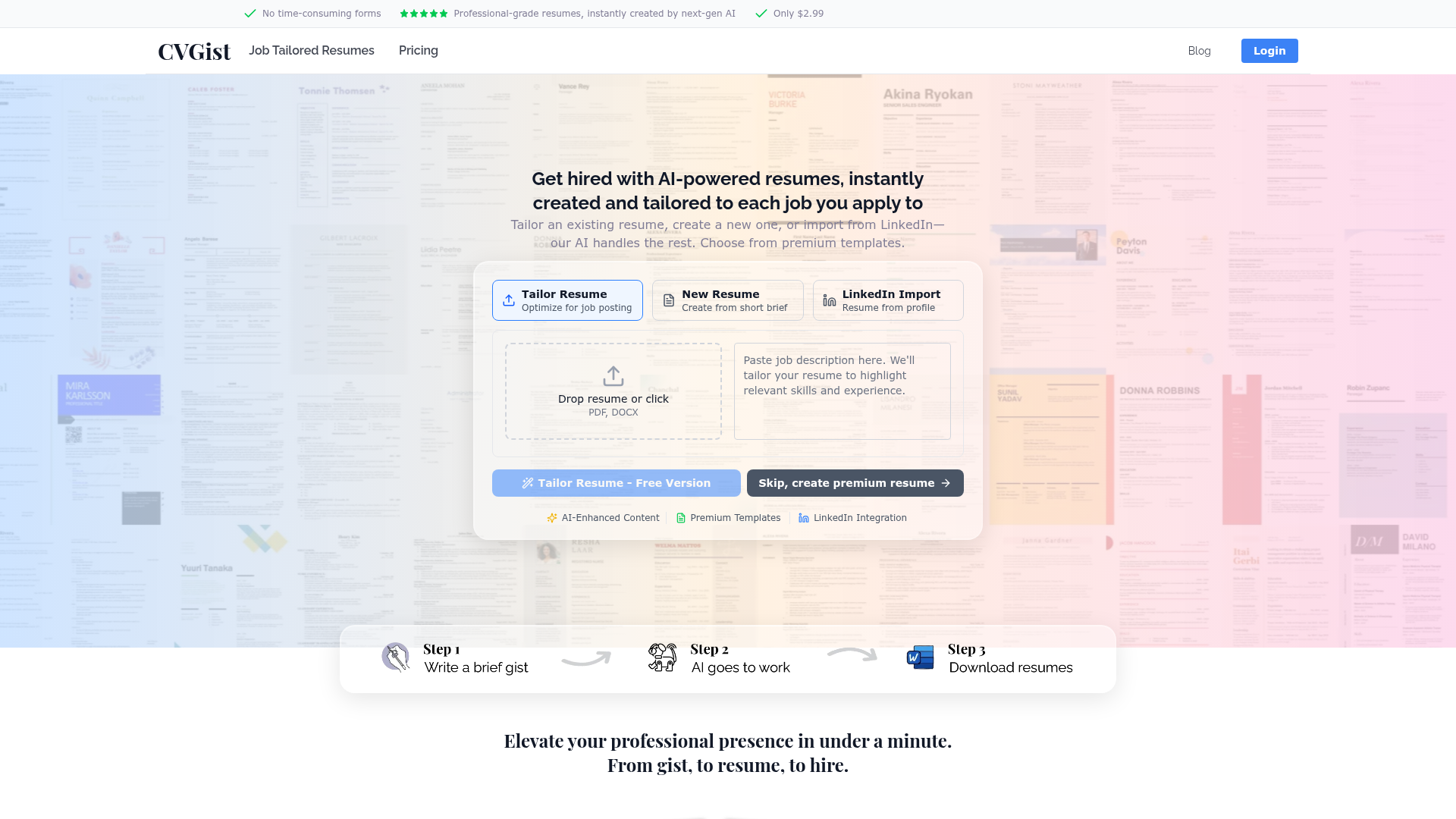
CVGist is an AI-powered, professional-grade resume creation platform designed to instantly generate tailored resumes for job applications. It leverages next-generation AI, specifically Google's Gemini 3 Pro, to transform a brief gist of your experience, an existing resume, or a LinkedIn profile into a polished, ATS-optimized document in under a minute. The service eliminates time-consuming forms and manual formatting, providing users with immediate, fully-crafted resumes across a vast library of premium templates.
What is the main feature of CVGist?
CVGist's core features revolve around speed, intelligence, and precision in resume creation and tailoring for the modern job search.
1. Instant Resume Creation from Multiple Sources: Users can create a new resume from a short brief, tailor an existing resume (PDF or DOCX) to a specific job posting, or import their profile directly from LinkedIn. The AI handles all the heavy lifting of structuring, writing, and formatting.
2. AI-Powered Tailoring and Editing: Powered by Gemini 3 Pro, the platform can optimize a resume for any job posting simply by pasting the job URL. It intelligently incorporates relevant keywords and language to match the role. For power users, a Chrome extension enables bulk tailoring—processing dozens of open job tabs simultaneously to generate multiple tailored resumes with one click. The AI also provides one-click refinements and suggestions for any section of the resume.
3. Extensive, ATS-Compliant Template Library: CVGist offers over 90 premium Microsoft Word templates, all hand-tested to be compliant with major Applicant Tracking Systems (ATS). This ensures clean formatting, proper structure, and machine-readable documents that survive automated screening.
4. Speed and Efficiency: The platform is built for velocity, boasting an average time of under 60 seconds to generate the first resume. This allows job seekers to apply faster and more extensively than competitors.
How to use CVGist?
The process is designed to be intuitive and fast, with three primary entry points:
For Tailoring an Existing Resume: On the platform, you can drag-and-drop or upload your current resume (PDF or DOCX). Then, paste the URL of the job posting you're applying for. CVGist's AI will analyze the job description and instantly rewrite and reformat your resume to match it, optimizing for ATS keywords.
For Creating a New Resume: If you're starting fresh, you simply provide a brief gist of your skills, experience, and target role. The AI expands this into a complete, professionally written resume, ready for download in your chosen template.
For Importing from LinkedIn: You can authorize CVGist to access your LinkedIn profile. The AI will extract the relevant information and build a structured resume from it, which you can then further tailor or edit.
After generation, you receive a fully crafted resume in Microsoft Word format, offering infinite editing possibilities. Users can leverage the built-in AI editing tools to refine any section with simple prompts.
Price
CVGist operates on a straightforward, affordable pricing model. The core service to ### create a complete, AI-generated resume is priced at only $2.99. This fee provides immediate access to professional-grade resumes, premium templates, and AI-powered tailoring. The platform emphasizes value, offering a powerful tool used by over 8,000 users at a cost significantly lower than traditional resume writing services. There is also a free preview option available for users to experience the tool before purchasing the full version.
Helpful Tips
To maximize your success with CVGist:
- Utilize the Bulk Tailoring Feature
- If you are applying to many roles, use the CVGist Chrome Extension. Open all the job postings you're interested in in separate tabs, then use the extension to generate a uniquely tailored resume for each one simultaneously. This turns a tedious process into a single-click operation.
- Start from Your Strongest Base
- Whether you choose to import from LinkedIn, upload your best existing resume, or write a concise brief, provide the AI with the clearest and most comprehensive information possible. This gives Gemini 3 Pro a stronger foundation to build upon.
- Trust the ATS Optimization
- The templates and AI keyword integration are specifically designed to pass ATS filters. Avoid manually stuffing keywords, as the AI does this naturally to maintain a human, professional tone. Focus on using the AI edit features to refine the content's impact rather than its format.
- Iterate with AI Edits
- Don't treat the first output as final. Use the one-click AI refinements on sections like your professional summary or key achievements to explore different phrasings and strengthen your narrative. The AI can help you articulate your experience more powerfully.
Frequently Asked Questions
How long does it take to create a resume with CVGist?
The average time to generate your first resume is under 60 seconds. The process from input (brief, upload, or import) to downloadable Word document is remarkably fast.
Can CVGist really tailor a resume to a specific job posting?
Yes. By pasting the job posting URL, CVGist's AI (Gemini 3 Pro) analyzes the description, extracts key requirements and terminology, and rewrites your resume to align with them. This includes optimizing for keywords that Applicant Tracking Systems (ATS) look for, increasing your chances of ranking higher and being seen by recruiters.
What formats does the output resume come in?
Resumes are generated in Microsoft Word (.docx) format. This provides maximum flexibility for further manual editing, sharing, and compatibility with all employer systems. The documents are built from a library of over 90 premium Word templates.
Is CVGist ATS-compliant?
Absolutely. Every template in CVGist's library is hand-tested against major ATS software to ensure proper formatting, heading hierarchy, and machine-readable structure. This is a critical feature, as studies show up to 75% of resumes are filtered out by ATS before human review.
How does the LinkedIn import work?
You can connect your LinkedIn profile to CVGist securely. The AI will extract information from your profile—including work experience, education, skills, and summary—and use it as the foundational data to construct a structured, formatted resume. You can then edit or tailor this generated resume further.
What AI model does CVGist use?
CVGist is powered by Google's most advanced large language model, Gemini 3 Pro. This provides superior language understanding, nuanced writing that sounds natural, and intelligent optimization capabilities compared to earlier generation AI models.
Who uses CVGist?
CVGist is trusted by professionals aiming to accelerate their job search. It has been used to create over 20,000 AI resumes for more than 8,000 customers, including those targeting roles at top companies like Amazon, Google, Microsoft, Capital One, and many others featured on the site.
CVGist
Create professional resumes instantly with AI. No forms, just results.
 Amazon CloudFront
 Amazon S3
 Amazon Web Services
 HTTP/3
Free AI anime and manga generator. Turn text into anime episodes, manga, comics, webtoons and comic shorts in any art style — no drawing or animation skills needed.
Translate image text across 70+ languages with our advanced AI Image Translator to help you better expand your products globally to various countries
Advertised Here
Reach thousands of visitors daily. Get your spot now!
Tools similar to CVGist
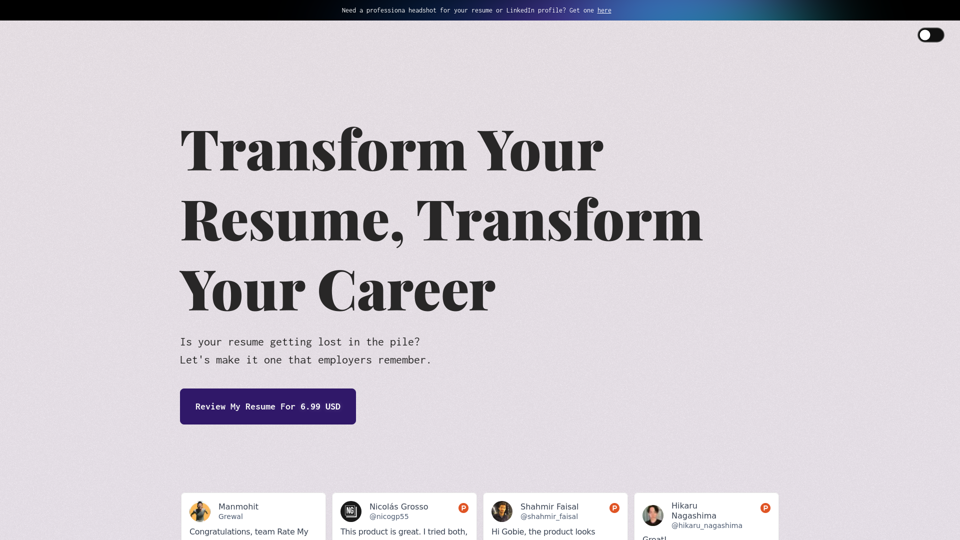
Looking to improve your resume? Check out our free AI-powered resume checker! With tips and improvements for you, our resume checker is the perfect way to get your resume ready for your next job application.
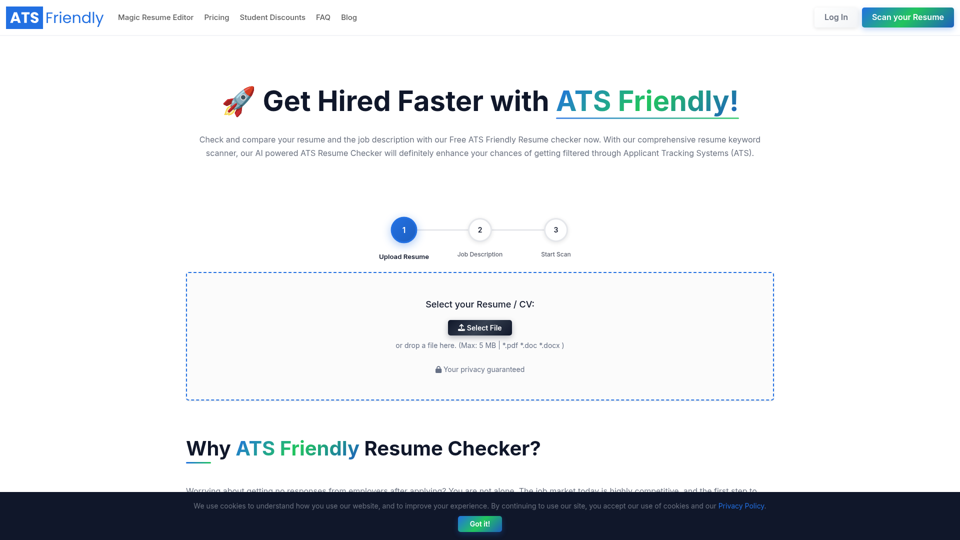
Upload your resume with the Job Description to our Free ATS Resume Checker and instantly scan to find whether your resume is ATS-Friendly.
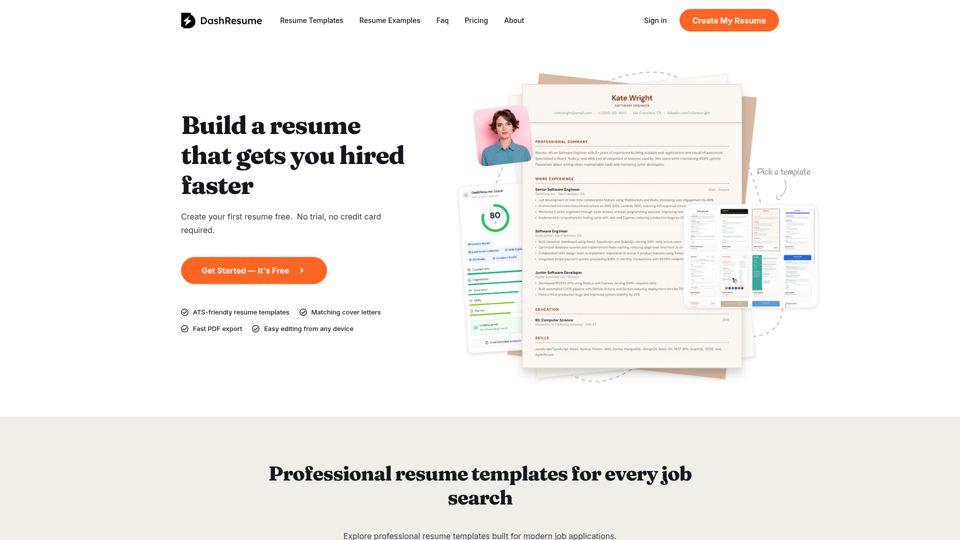
Build a professional resume faster. Choose a template, customize every section, create cover letters, and download polished PDFs.
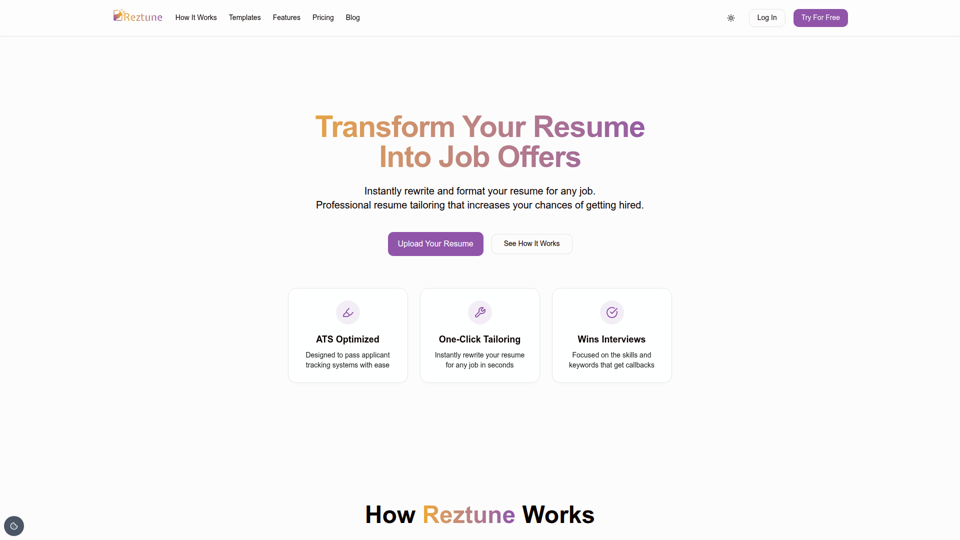
Instantly rewrite and format your resume for any job with AI. Paste job description, we will tailor your resume into professional, ATS-ready template.
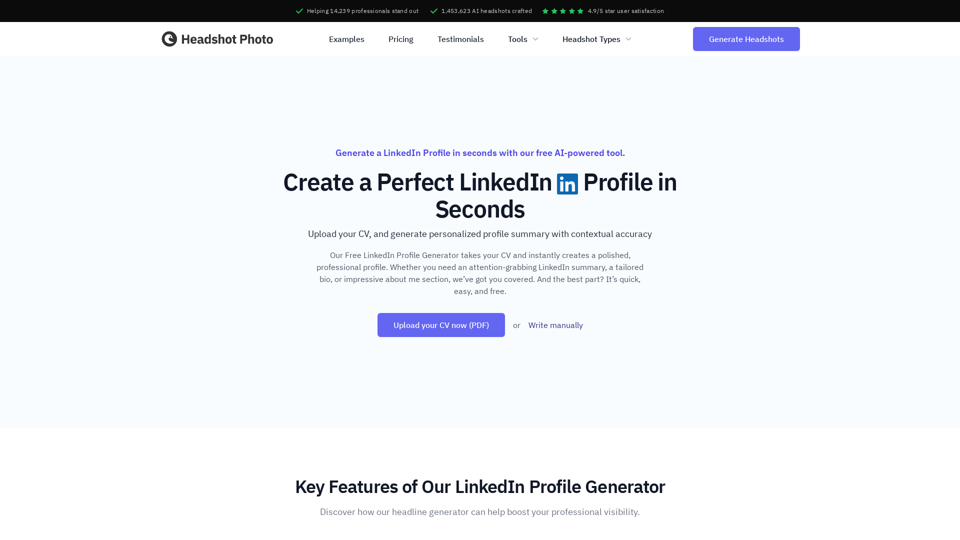
Create a standout LinkedIn profile in minutes with our Free LinkedIn Profile Summary Generator. No sign-up required!
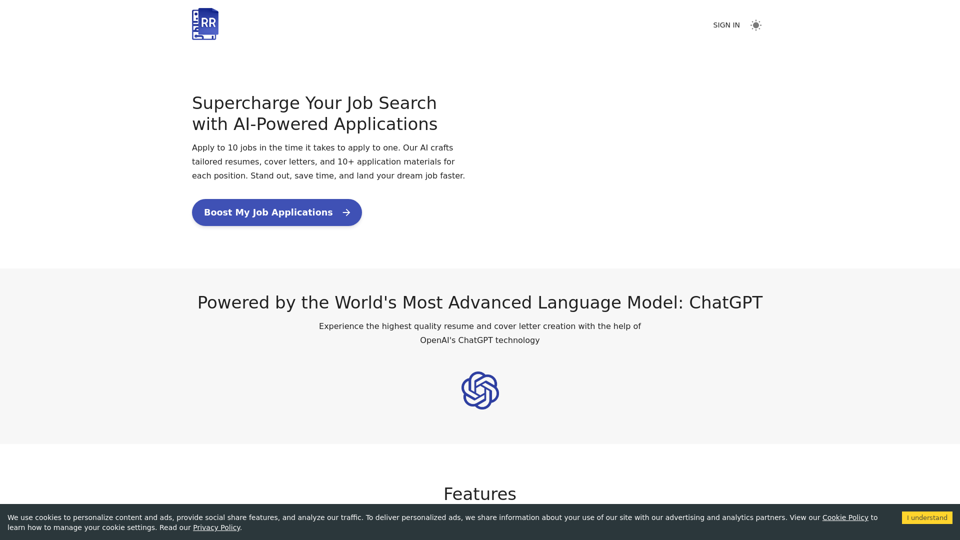
Streamline your job hunt with Resume Revival – your free resume builder powered by AI. Tailor unique resumes and cover letters to match any job description. Perform skill gap analysis to boost your professional growth. ATS-optimized and keyword-rich applications. Free. Effective. User-friendly.
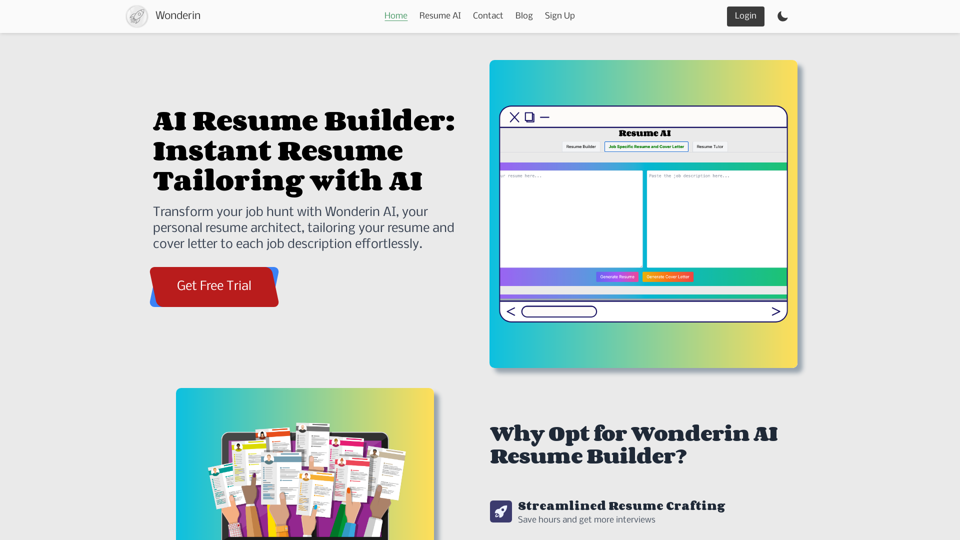
AI Resume Tailor helps you create a customized resume tailored to the job you're applying for. Our simple and easy-to-use tool ensures your resume stands out to employers. Get noticed and land your dream job with our advanced AI technology. Try it now!