Free Resume Builder
Build a professional resume faster. Choose a template, customize every section, create cover letters, and download polished PDFs.
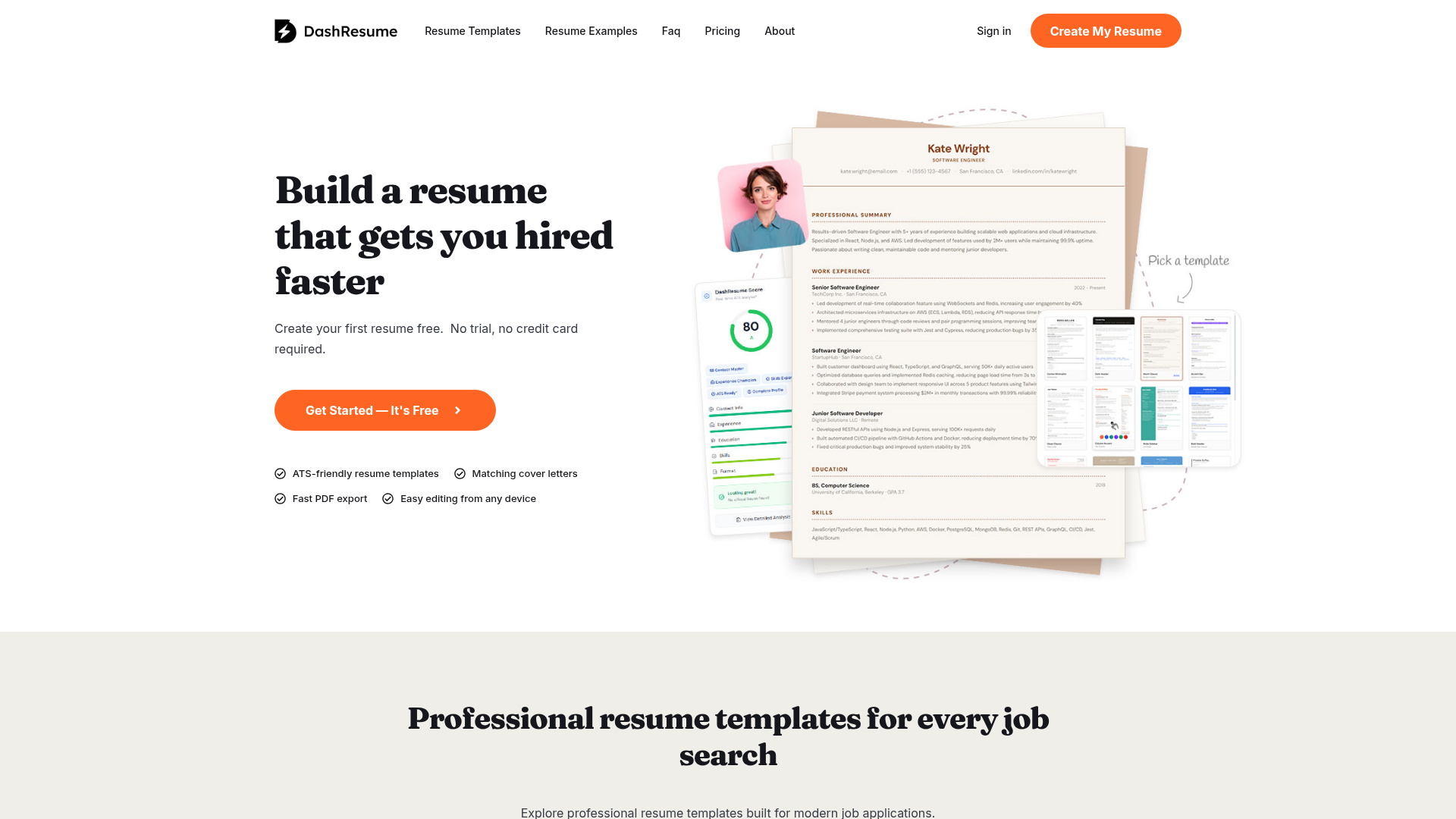
What is DashResume?
DashResume is an advanced online resume builder designed to help job seekers create professional, Applicant Tracking System (ATS)-friendly resumes and matching cover letters quickly and effectively. It streamlines the resume creation process by providing smart tools, modern templates, and AI-powered analysis to ensure your resume not only looks great but also performs well with automated hiring software, helping you get hired faster.
What are the Main Features of DashResume?
- ATS-Friendly Resume Templates
- Access a diverse and growing collection of professional resume templates specifically designed to be parsed correctly by ATS software while maintaining a polished, modern aesthetic for human recruiters.
- AI Job Match Analysis
- Paste a job description to receive a detailed match score, identify missing keywords, and get AI-generated suggestions for improving your resume's relevance for that specific role.
- Instant Resume Import
- Upload an existing PDF resume to automatically parse and transfer your content into the editor, saving you from manually retyping your entire work history.
- Shareable Resume Link (Pro Feature)
- Generate a custom, always-up-to-date URL (e.g., dashresu.me/your-name) to share your resume easily in LinkedIn messages, email signatures, and other places where file attachments are cumbersome.
- Integrated Cover Letter Builder
- Create professional cover letters that perfectly match the design of your chosen resume template for a cohesive and credible application package.
- Smart Resume Management
- Easily duplicate, tailor, and manage unlimited versions of your resume for different job applications from a single, organized dashboard.
- Fast PDF Export
- Download your polished resume as a job-ready PDF file instantly. Free users get one download, with unlimited exports available on paid plans.
How to Use DashResume?
Using DashResume is a straightforward process designed for efficiency:
- Sign Up for Free: Create your first resume with no credit card required and no trial limitations.
- Build or Import: Start from scratch with a professional template or instantly import your existing resume via PDF upload.
- Edit with Ease: Use the intuitive online editor to customize every section—add your experience, skills, and education. Reorder blocks and adjust designs with simple clicks.
- Optimize with AI: For tailored applications, use the AI Job Match tool. Paste a job description to get a match score and actionable insights to refine your content.
- Download & Share: Export your final resume as a polished PDF. Pro users can also generate and share a custom, live link that always displays their latest resume version.
What is the Price of DashResume?
DashResume offers a freemium pricing model:
- Free Plan
- Allows you to build your first resume, save it in your account, and use ### one free PDF download. This is perfect for trying the platform.
- Pro Plan (Paid Subscription)
- Unlocks premium features including ### unlimited PDF downloads, the ### AI Job Match tool (with a monthly analysis quota), ### Shareable Resume Links, access to all premium templates, and the ability to create and manage multiple resume versions. Specific pricing details are available on the DashResume Pricing page.
Helpful Tips for Using DashResume
- Leverage the Import Feature
- If you have an existing resume, use the PDF import function to save significant time. It automatically structures your content for you.
- Use AI Job Match Strategically
- Don't just rely on a generic resume. Use the AI analysis for each important job application to identify and integrate key keywords from the job description.
- Utilize the Shareable Link
- Once on a Pro plan, use your custom dashresu.me link in your email signature and LinkedIn profile. It's a dynamic portfolio that updates automatically.
- Create Multiple Versions
- Tailor your resume for different career paths or industries by duplicating your base resume and customizing each version for specific roles.
- Review the ATS Feedback
- Pay attention to the built-in resume analysis to correct common structural or formatting issues before submitting your application.
Frequently Asked Questions About DashResume
Is DashResume really free to start?
Yes. You can create, edit, and save your first resume for free and receive one PDF download at no cost.
How does DashResume help with ATS systems?
The platform provides templates with clean, readable formatting and structures that ATS software can parse easily. The AI Job Match tool further helps you optimize keyword relevance, which is crucial for ATS ranking.
Can I build a cover letter on DashResume?
Absolutely. DashResume includes an integrated cover letter builder with templates that match your resume's design for a professional, unified application.
Is it suitable for students or first-time job seekers?
Yes. DashResume is excellent for all levels, from students and career-changers to experienced professionals. The guided process and templates help build a strong resume from any starting point.
What happens if I edit my resume after sharing the custom link?
The shareable resume link (dashresu.me/your-name) always displays the latest saved version of your resume. Any edits you make are reflected instantly, so recruiters always see your most current information.
Why use a resume builder instead of Microsoft Word or Google Docs?
A dedicated builder like DashResume eliminates formatting headaches, ensures ATS compatibility, saves time with features like import and AI analysis, and provides a polished, professional result much faster than manual document editors.
Free Resume Builder
Build a professional resume faster. Choose a template, customize every section, create cover letters, and download polished PDFs.
 Cloudways
 Elementor:4.0.4
 Google Analytics
 MySQL
MySQL Nginx
Nginx PHP
PHP Swiper
 UIKit
UIKit WordPress:6.9.4
 jQuery
Free AI anime and manga generator. Turn text into anime episodes, manga, comics, webtoons and comic shorts in any art style — no drawing or animation skills needed.
Translate image text across 70+ languages with our advanced AI Image Translator to help you better expand your products globally to various countries
Advertised Here
Reach thousands of visitors daily. Get your spot now!
Tools similar to Free Resume Builder
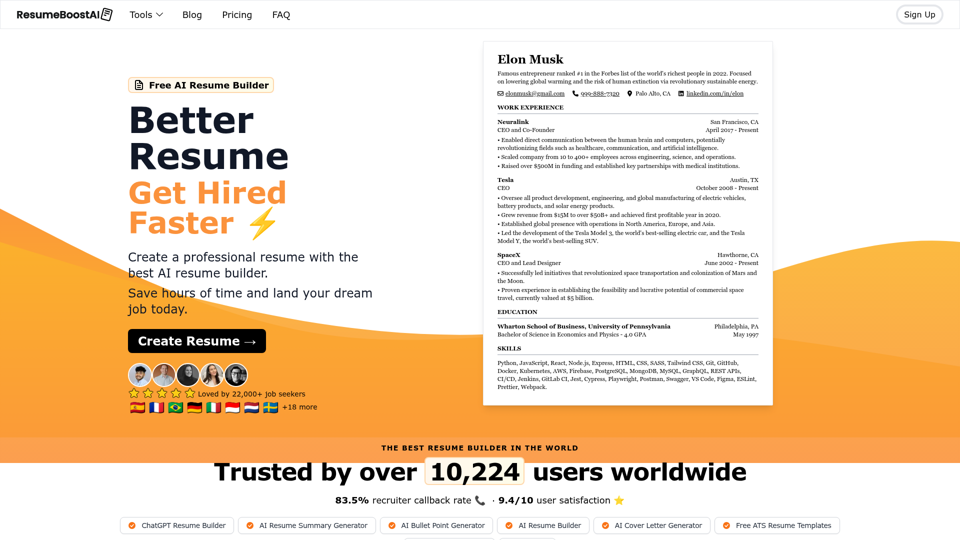
Free AI Resume Builder to create the perfect resume. Choose from professional resume templates and examples, and land your dream job today.

Build your resume with Resume Trick - a free online resume builder! Resume tips, examples and templates. Cover letter builder is also available.
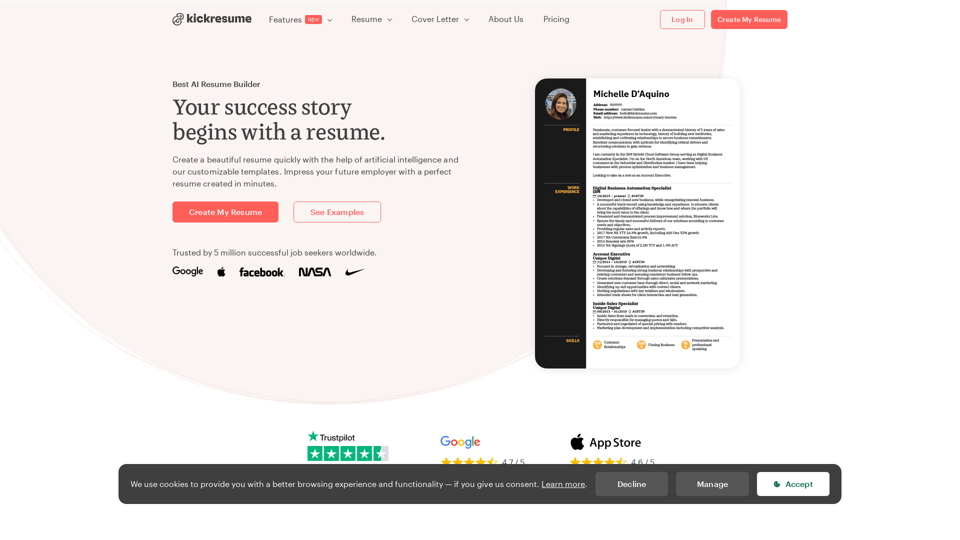
Create your best resume yet. Online resume and cover letter builder used by 5,000,000 job seekers worldwide. Professional templates approved by recruiters.
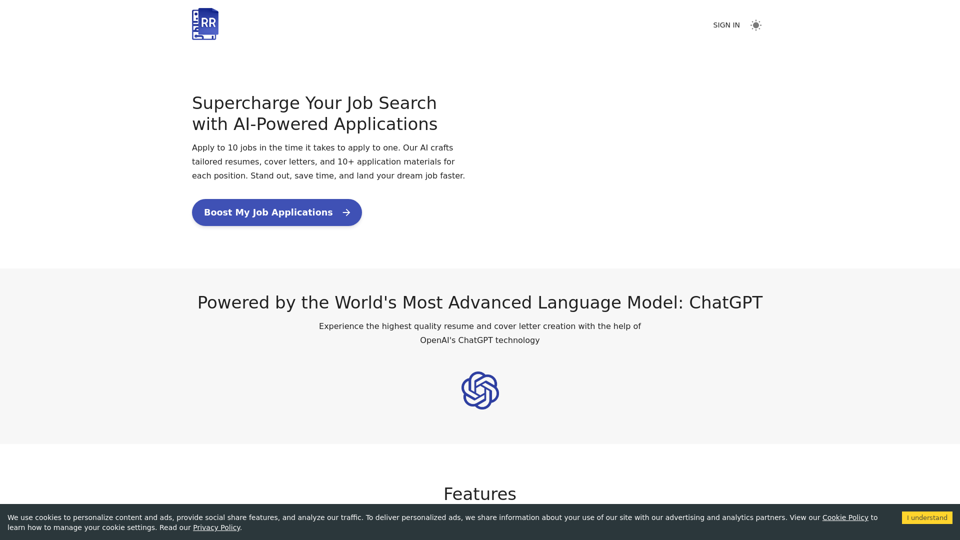
Streamline your job hunt with Resume Revival – your free resume builder powered by AI. Tailor unique resumes and cover letters to match any job description. Perform skill gap analysis to boost your professional growth. ATS-optimized and keyword-rich applications. Free. Effective. User-friendly.
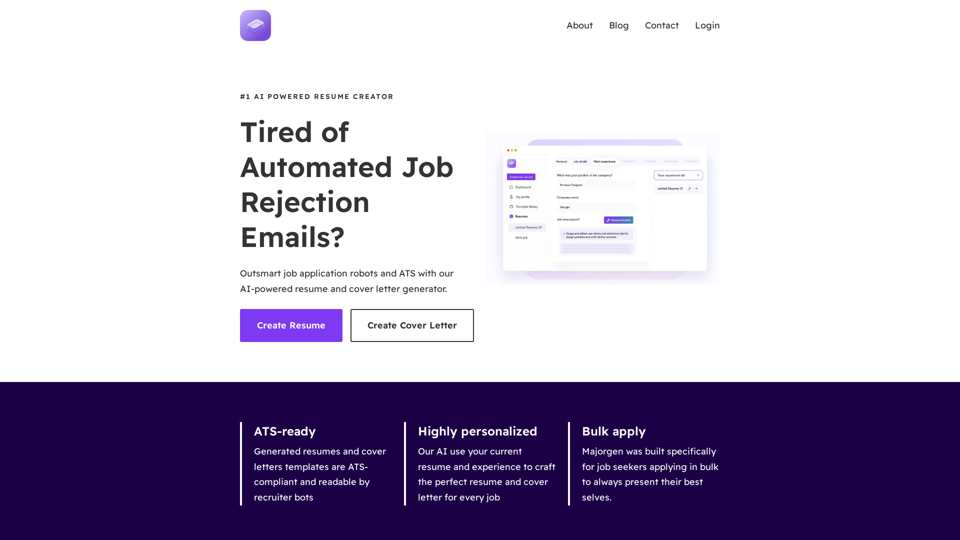
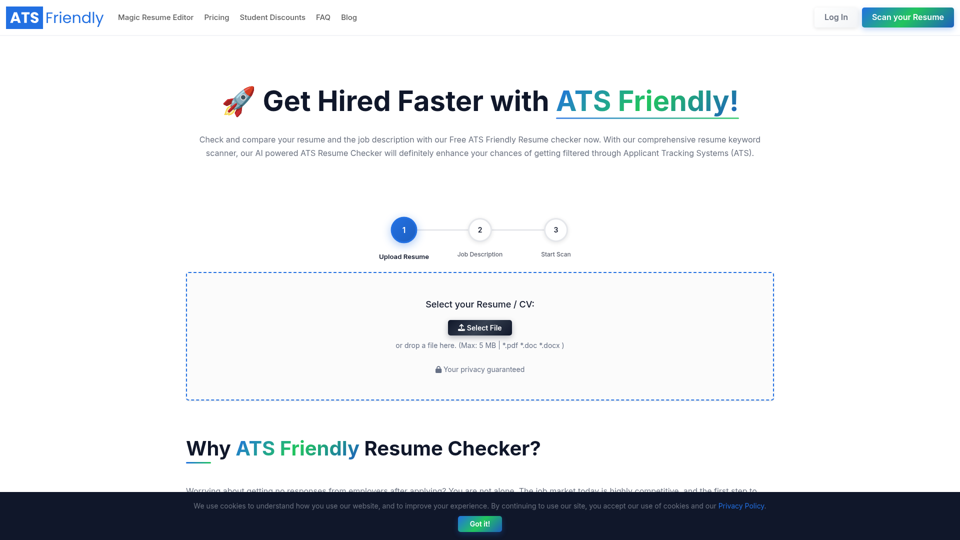
Upload your resume with the Job Description to our Free ATS Resume Checker and instantly scan to find whether your resume is ATS-Friendly.
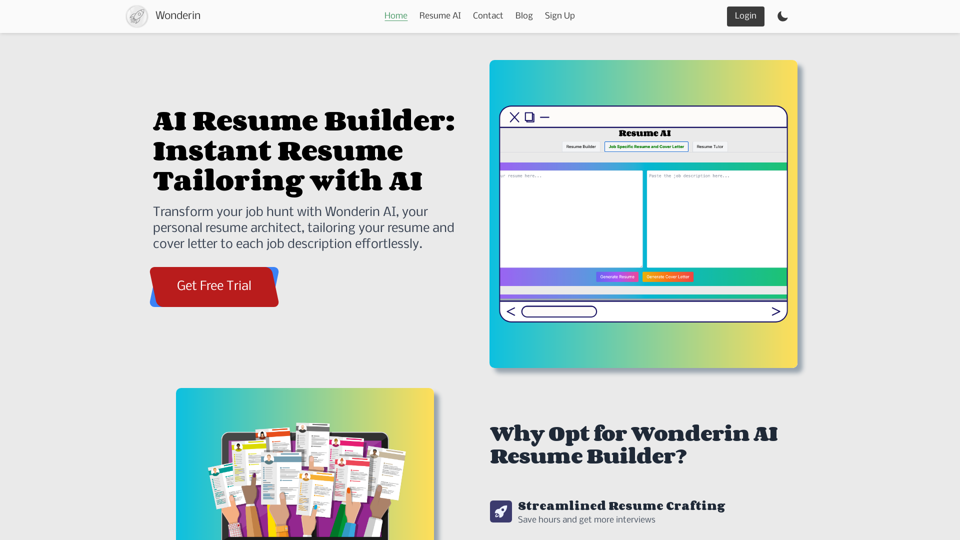
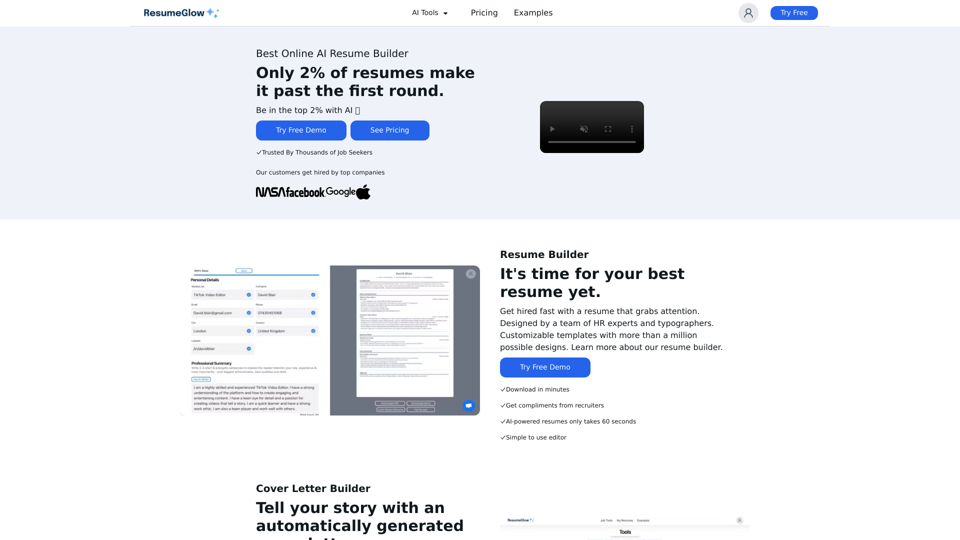
Get hired fast with a resume that grabs attention. Designed by a team of HR experts and typographers. Customizable templates with more than a million possible