What is Photo to Video AI Free?
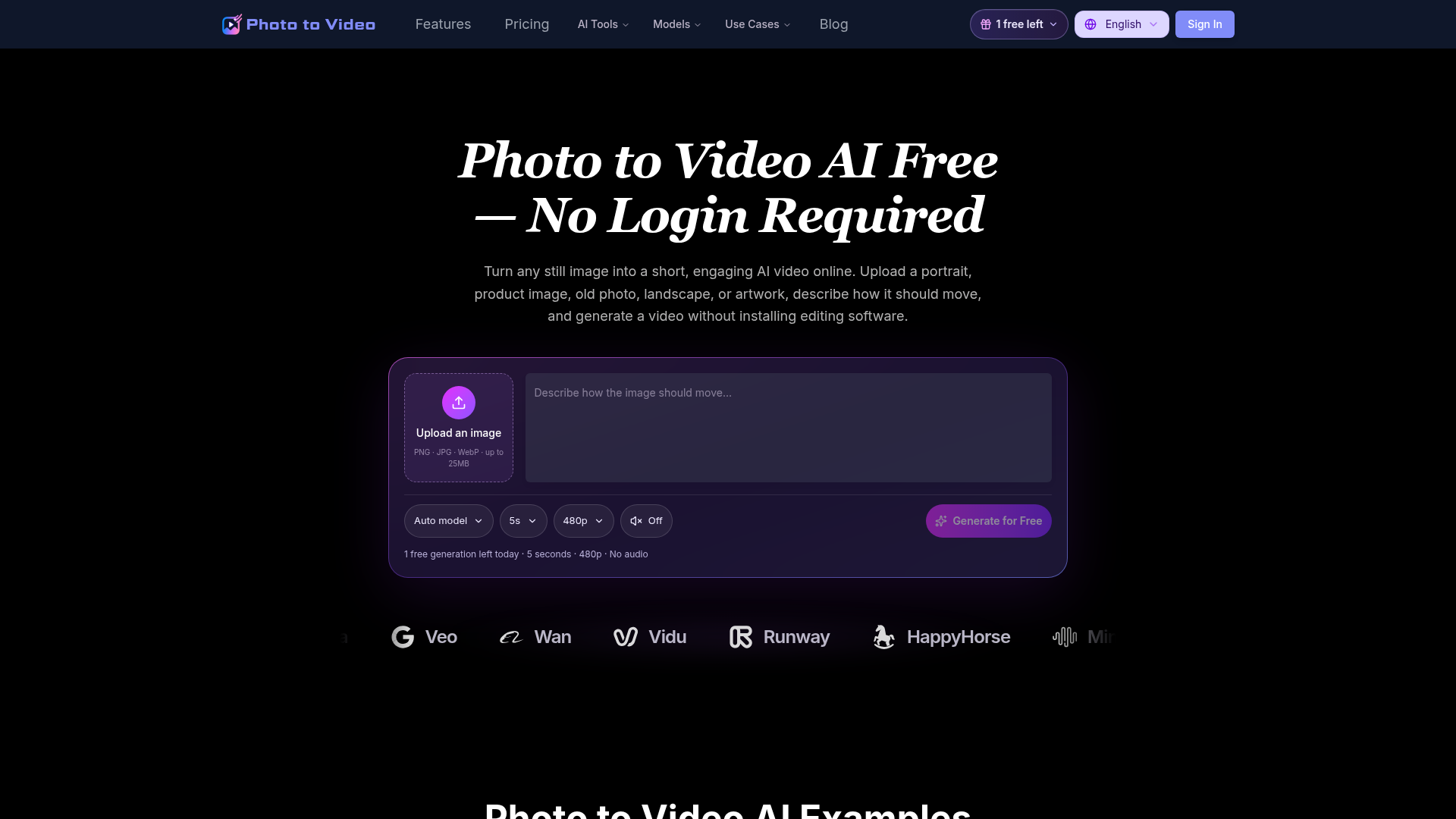
Photo to Video AI Free is an online image-to-video generator that turns a still picture into a short AI video. You upload an image, describe how it should move, and generate a downloadable clip without installing editing software. It is aimed at social media creators, product and portrait photographers, and anyone animating family, wedding, or artwork images, and it works in the browser with a free daily generation.
Key features
- Text-prompt motion control
- Describe the action, mood, camera angle, lighting, speed, and background movement so the model knows which parts of the image should stay consistent and which should change.
- Motion matched to the image
- The generator analyzes the visible subject and scene before adding movement; low motion suits portraits and old photos, while stronger motion suits products, landscapes, and fantasy art.
- Multiple AI models
- Generations can run on Seedance, Kling, Hailuo, Grok, PixVerse, Sora, Veo, Wan, Vidu, Runway, HappyHorse, or MiniMax.
- Social-ready aspect ratios
- Choose 9:16 for TikTok, Instagram Reels, and YouTube Shorts, 1:1 for square posts, or 16:9 for YouTube, websites, presentations, and landscape ads.
- Simple upload workflow
- Accepts PNG, JPG, and WebP images up to 25 MB, with no timeline editing or keyframe animation required.
- Free daily preview
- Free accounts get one 5-second, 480p video per UTC day with no audio, and the allowance resets at 00:00 UTC.
How to use Photo to Video AI Free
- Upload your photo — a portrait, landscape, product shot, old picture, illustration, or other creative image (PNG, JPG, or WebP).
- Describe the motion you want in a prompt, including the action and camera movement, such as fluttering wings, drifting petals, or a slow camera push-in.
- Adjust the settings, including the model, video length, resolution, and aspect ratio for your target platform.
- Generate the video and preview the motion; the estimated processing time is shown before you submit the task.
- Download the result with your available access. Signing in lets you download completed works without watermarks.
Use cases
- Social content creators
- Produce vertical or square clips for TikTok, Instagram Reels, and YouTube Shorts.
- Product content creators and advertisers
- Turn a clean product image into a short clip with a slow rotation, camera orbit, light sweep, or background animation.
- Portrait and wedding photographers
- Add subtle expressions, blinking, or a small camera push to portraits and wedding photos used as scene transitions.
- Family memory keepers
- Animate old family photos with gentle expressions, breathing, and slow camera movement for slideshows.
- Illustrators and artists
- Explore movement in clouds, light, and other elements of landscape or fantasy artwork.
Pricing
Photo to Video AI Free is free to start, and paid plans are billed yearly with credits that refresh monthly. Annual billing is advertised as saving 20%, and one-time credit packs are also available.
- Free — $0 forever
- 1 free video every day, 5 seconds, 480p, no audio. Sign in to download all works without watermarks. The daily allowance resets at 00:00 UTC.
- Basic — $5/month
- 100 credits per month, up to 10 videos per month, videos up to 10 seconds, up to 1080p, watermark-free downloads, audio on supported models, limited email support.
- Pro — $21.9/month
- 500 credits per month, up to 50 videos per month, videos up to 10 seconds, up to 1080p, watermark-free downloads, audio on supported models, limited email support.
- Ultimate — $36.9/month
- 1000 credits per month, up to 100 videos per month, videos up to 10 seconds, up to 1080p, watermark-free downloads, audio on supported models, limited email support.
Video estimates use 5-second, 480p videos without audio at 10 credits each. Longer videos, higher resolutions, audio, and other models may use more credits. Subscription credits refresh monthly and do not roll over; credit packs have no scheduled expiry and no automatic renewal. Resolution and audio options depend on the selected model.
FAQ
Is Photo to Video AI Free actually free to use?
Yes. Free accounts can create one watermarked video per UTC day at 480p for 5 seconds without audio, using the Seedance 1.5 Pro model. Additional generations, longer durations, higher resolutions, and audio require a paid plan or credit pack.
What file types can I upload to Photo to Video AI Free?
Photo to Video AI Free accepts PNG, JPG, and WebP images up to 25 MB. Suitable inputs include portraits, product photos, old pictures, landscapes, illustrations, anime art, pet photos, and social media graphics.
Does Photo to Video AI Free add a watermark to generated videos?
Videos downloaded without signing in are watermarked. After signing in, completed works can be downloaded without watermarks, with no daily work limit and without needing to regenerate them.
Which aspect ratio should I pick in Photo to Video AI Free?
Use 9:16 for TikTok, Instagram Reels, and YouTube Shorts, 1:1 for square social posts, and 16:9 for YouTube, websites, presentations, and landscape advertisements.
How should I write a prompt in Photo to Video AI Free?
Describe the main subject, one clear action, the camera movement, and the mood you want. For example: "The woman smiles naturally and blinks while her hair moves gently in the wind. The camera slowly pushes closer."
Are photos uploaded to Photo to Video AI Free private?
Uploaded images are used only to provide the generation service and are handled according to the Privacy Policy. Original uploads and generated files are automatically deleted after 24 hours.
Can videos made with Photo to Video AI Free be used commercially?
Commercial use is available for videos generated with eligible paid plans, subject to the Terms of Service and the usage rules of the selected model.
Photo to Video AI Free
Use Photo to Video AI Free to animate images online. Upload a picture, describe the motion, and create an AI video for social media, ads, and more.
 Cloudflare
 HTTP/3
 Next.js
 Node.js
 React
 Vercel
 Webpack
Free AI anime and manga generator. Turn text into anime episodes, manga, comics, webtoons and comic shorts in any art style — no drawing or animation skills needed.
Translate image text across 70+ languages with our advanced AI Image Translator to help you better expand your products globally to various countries
Advertised Here
Reach thousands of visitors daily. Get your spot now!
Tools similar to Photo to Video AI Free
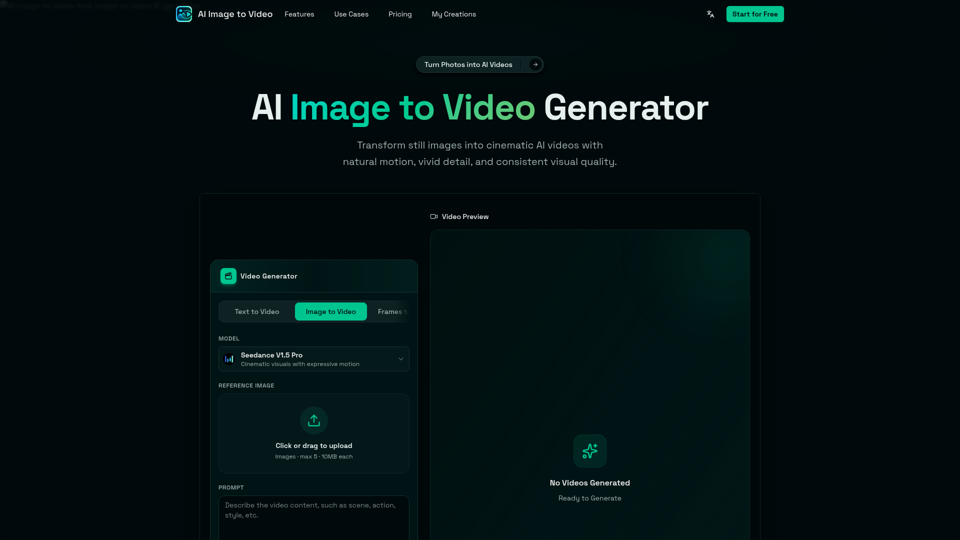
AI Image to Video is a free online image to video AI generator. Turn photos into AI videos for social media, products, portraits, anime, and pets.
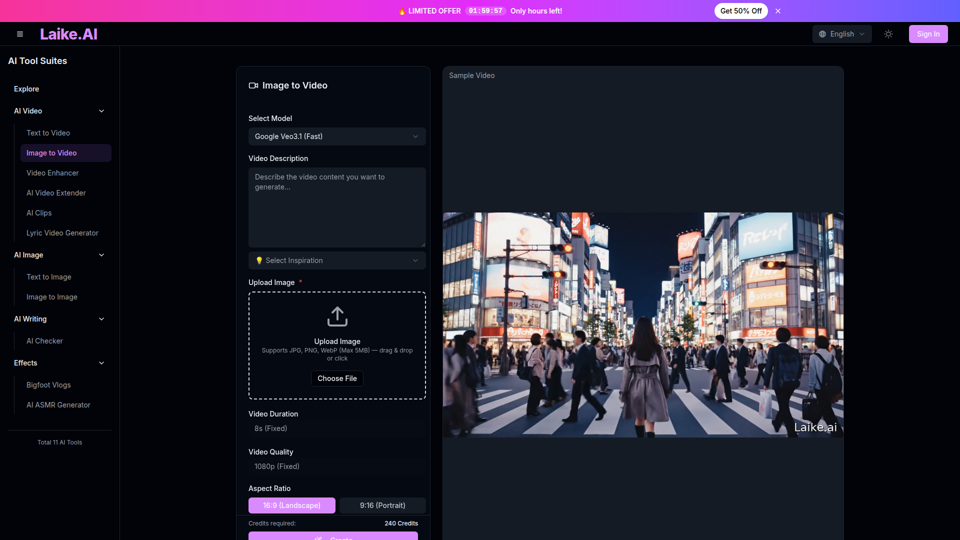
Transform static images into captivating videos. Add motion, camera effects and cinematic flair—perfect for social media and ads.
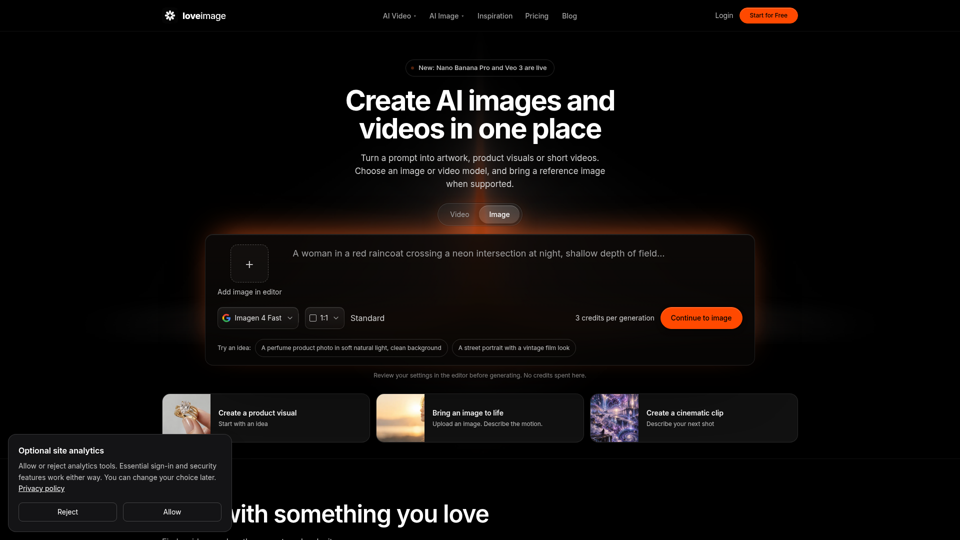
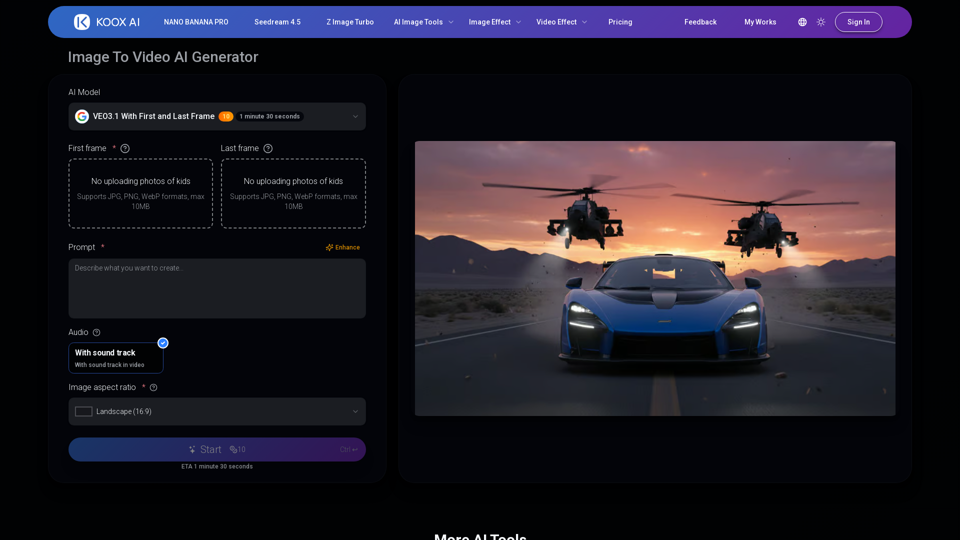
Transform any image to video with our free IMAGE TO VIDEO AI generator. Convert photos to videos with realistic motion and cinematic effects.

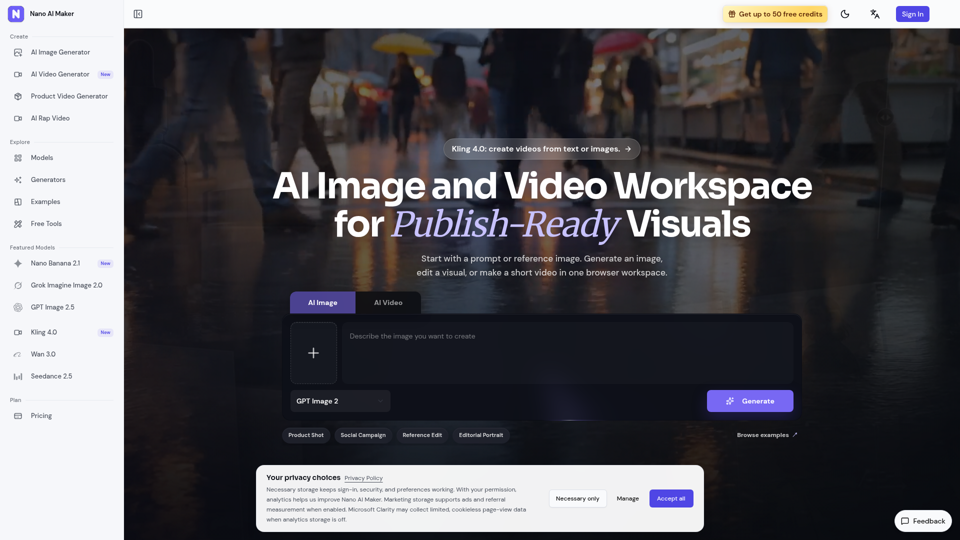
Create AI images, edit reference photos, and generate short videos in one browser workspace for product shots, ads, social posts, and creative testing.

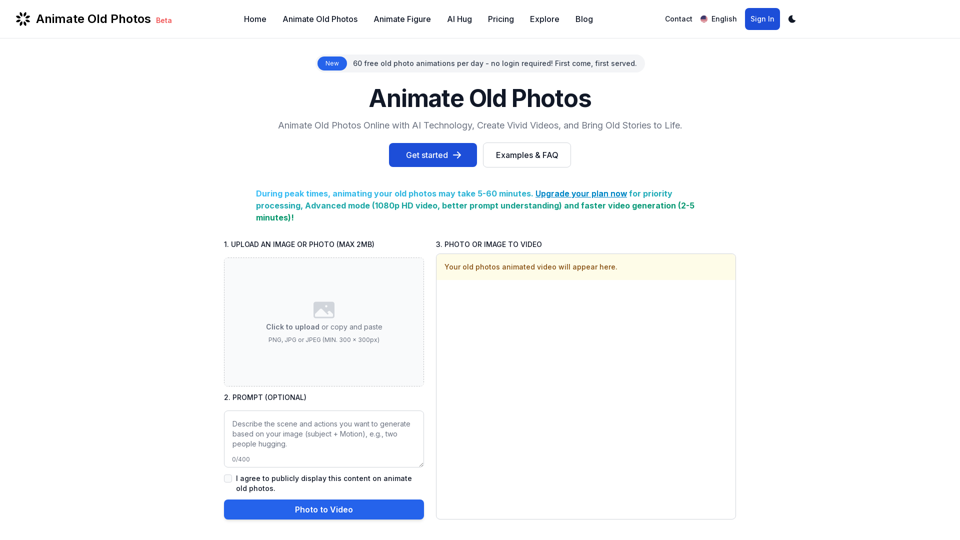
Animate old photos online with advanced AI. Turn your old photos into captivating videos. Easy to use with quick results! Bring old photos to life.