
What is Huelift?
Huelift is a browser-based AI photo editor for everyday photos. It brings together four tools — Photo Enhancer, Background Remover, Watermark Remover and Style Transfer — so users can restore detail, isolate a subject, remove a watermark or apply an artistic style without installing software. It offers 3 free AI credits every day with no sign-in required, and lets users compare each result with the original before downloading.
Key features
- Photo Enhancer
- Offers face restoration, noise reduction, compression cleanup and strong restoration modes to match the problem in a photo.
- Background Remover
- Isolates a person, pet or product and exports a transparent PNG, with cutout refinement around hair, glass and fine edges.
- Watermark Remover
- Users brush over a watermark and the AI reconstructs the selected area from the surrounding image, with a preview before applying.
- Style Transfer
- Applies watercolor, oil painting, anime and other presets, or follows a custom description and reference image.
- Free daily credits
- 3 free AI credits every day with no sign-in, where each standard tool uses 1 credit per task and unused credits expire.
- Local preview and manual edits
- Preview, crop and adjust a photo locally for free before any AI processing.
- Compare and download
- Results can be compared with the original and downloaded at no extra cost once a task is complete.
How to use Huelift
- Open the editor in a modern desktop or mobile browser and upload a JPG, PNG or WebP image up to 20 MB.
- Pick the tool that fits the problem: Photo Enhancer for faces, noise or compression; Background Remover for a cutout; Watermark Remover for marks on images you own or have permission to edit; Style Transfer for an artistic look.
- Run the AI task, checking the displayed credit cost and available balance first.
- Compare the processed image with the original, zooming in on faces, text, hair and fine edges.
- Apply the result to keep editing, or use the export controls to download it.
Use cases
- Restoring soft light, natural color and crisp detail to a favorite portrait.
- Turning a busy room into a clean studio backdrop for a photographer's subject.
- Creating a painted or editorial-style portrait while keeping recognizable facial details.
- Cleaning up a travel shot by removing an unwanted overlay and rebuilding nearby color and texture.
- Producing product visuals or social posts with a transparent cutout or a new art style.
Pricing
Huelift offers a Free plan at $0.00 forever with 3 free credits daily and no sign-in required, covering up to 3 images; unused daily credits expire. Paid plans are billed yearly: Starter at $5.75/month ($69.00 billed yearly) with 20 credits each month, Creator at $15.75/month ($189.00 billed yearly) with 60 credits each month, and Studio at $34.92/month ($419.00 billed yearly) with 150 credits each month. Monthly credits do not roll over. Paid plans include all AI photo editing tools, AI magic tools, 10GB cloud storage and priority support. The site also lists credit packs without stating their prices. Prices are in USD and taxes appear at checkout. Maximum image counts assume 1 credit per edit; Magic Edit uses 1–3 credits depending on settings, and repeat edits count separately.
FAQ
Is Huelift free to use?
Yes, Huelift includes a Free plan at $0.00 forever with 3 free credits every day and no sign-in required, which covers up to 3 images. Preview, crop and manual adjustments are also free and run locally. Magic Edit requires a paid plan or credit-pack purchase.
Do I need an account to use Huelift's AI tools?
No. Enhancement, background removal, watermark removal and style transfer are available with 3 free credits daily without signing in. Guest projects are tied to the browser's anonymous session, so clearing cookies can lose access; signing in from the same browser keeps projects with the account.
What image formats and sizes does Huelift support?
Huelift accepts JPG, PNG and WebP files up to 20 MB and 64 megapixels. Photo enhancement resizes the input to a maximum edge of 1536 pixels before processing, and output size depends on the selected tool, with no guaranteed 4K or lossless result.
What can Huelift's Photo Enhancer do?
It offers face restoration, noise reduction, compression cleanup and strong restoration modes. It improves an estimate of detail and cannot guarantee recovery of missing information, so a severely blurred original may not be recoverable.
Does Huelift work on mobile?
Yes. Huelift runs in a modern desktop or mobile browser and requires no app installation. Users upload a JPG, PNG or WebP image to start editing.
When are photos uploaded to Huelift's servers?
Choosing a photo prepares it locally. Starting AI processing uploads the image to private storage and sends a temporary image link to Replicate. Closing the browser does not automatically delete files.
AI Photo Editor Online
Enhance photos, remove backgrounds and watermarks, or try artistic styles with Huelift. Get 3 free AI credits daily, no sign-in required. Compare and download.
 Next.js
 Node.js
 React
 Vercel
 Webpack
 dc.js
Free AI anime and manga generator. Turn text into anime episodes, manga, comics, webtoons and comic shorts in any art style — no drawing or animation skills needed.
Translate image text across 70+ languages with our advanced AI Image Translator to help you better expand your products globally to various countries
Advertised Here
Reach thousands of visitors daily. Get your spot now!
Tools similar to AI Photo Editor Online
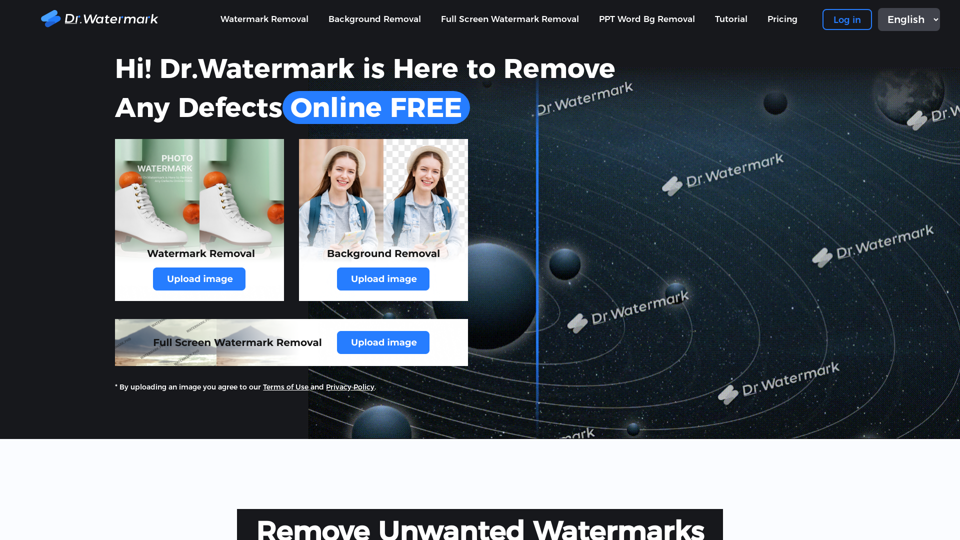
Hi! Dr. Watermark is a free online tool to remove watermarks and intelligently remove backgrounds from images, including text, logos, people, objects or any defects. No prior editing skills required. Remove watermark and background in 5 seconds at high resolution.
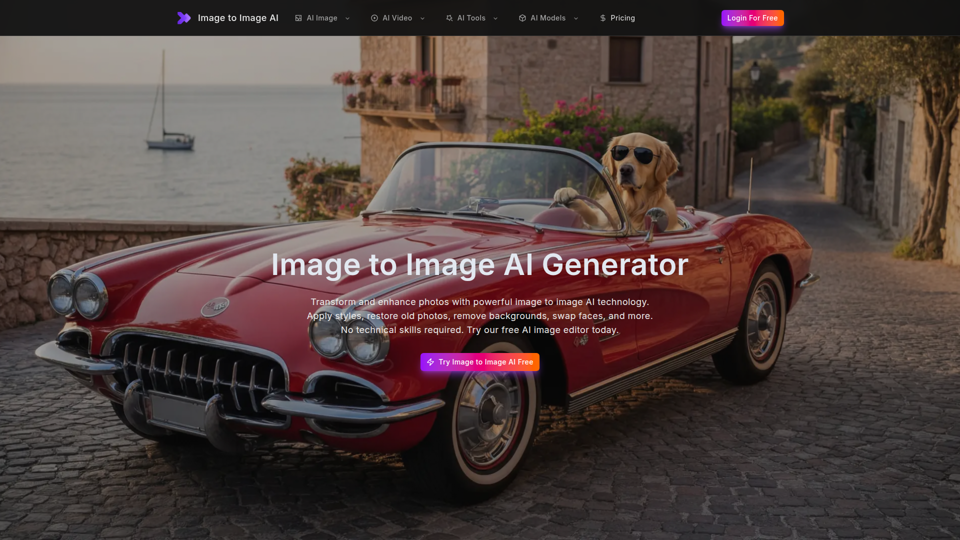
Free image to image AI generator and AI image editor online. Face swap, restore old photo, remove background, upscale, and transform photos with AI in seconds.
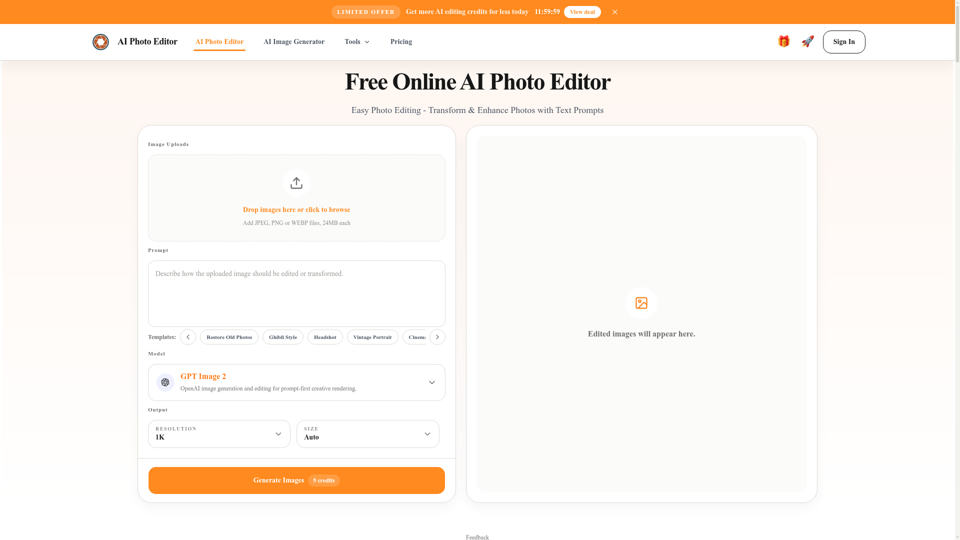
Free AI photo editor online for fast, simple photo edits. Remove, replace, enhance, and restyle images in seconds with an easy AI editor.

Transform your images with FLUX Kontext's AI tools. Remove backgrounds, enhance photos, and apply artistic styles in seconds. Try our free trial today!

AI Product Photoshoot, ecommerce photo editor, background remover, mockup maker
Remove backgrounds from your images for free! Our AI bg remover tool makes it easy to create stunning, transparent images in seconds. Enjoy 100% free background removal no hidden fees, no hassle. Remove bg ai
Remove watermark from photos in a flash online with Dewatermark.AI. Watermark remover using AI Technology to clear proof from images completely free.
Remove backgrounds from images instantly with our free AI tool. Get perfect transparent backgrounds in seconds - no signup required. Supports JPG, PNG, WebP formats.