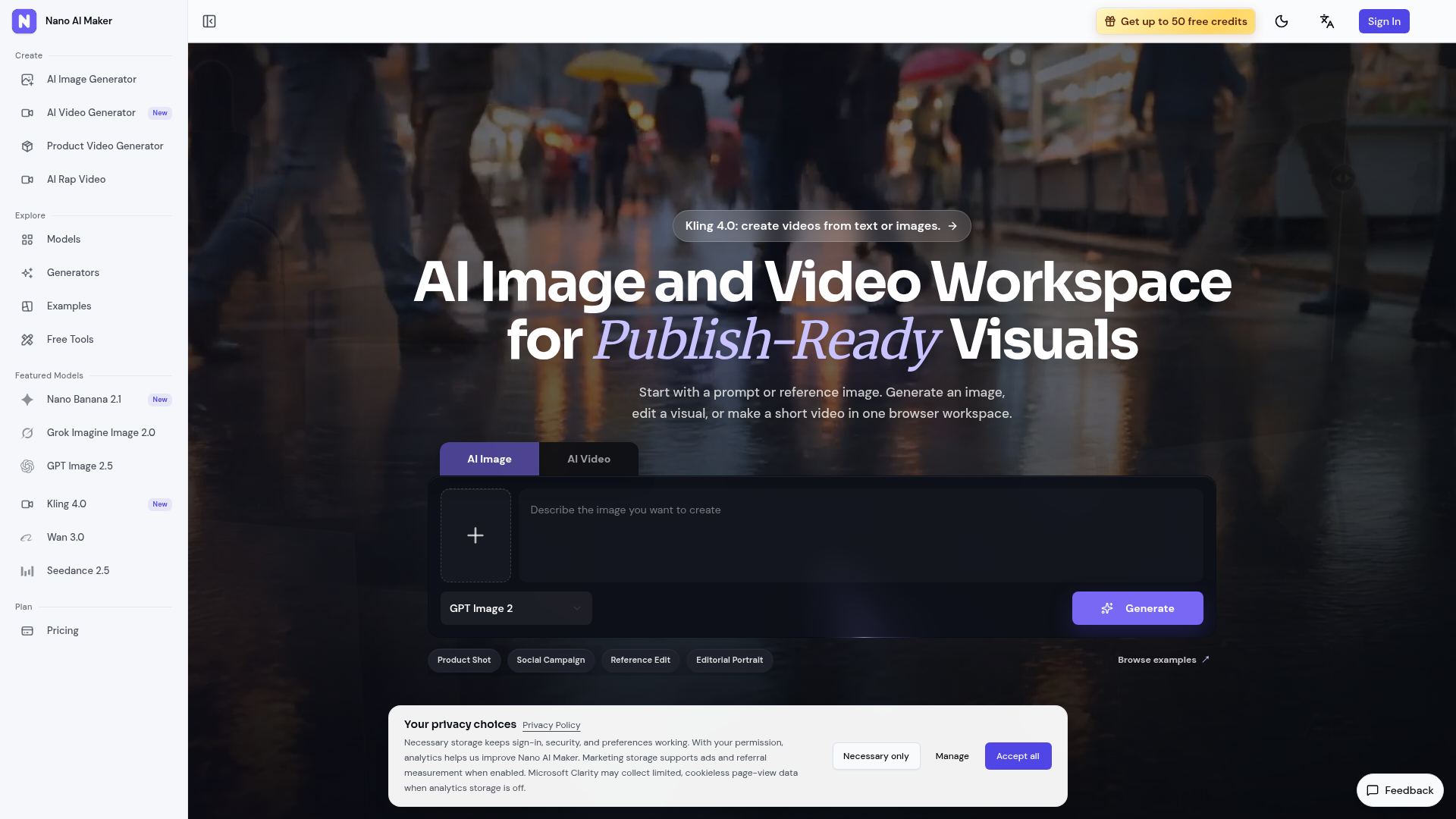
What is Nano AI Maker?
Nano AI Maker is a browser workspace for AI image generation, reference-based image editing, and short video creation. It is built for creators, marketers, founders, and product teams who need product shots, ads, social posts, and creative tests from a prompt or an uploaded reference. It sets itself apart by combining several image and video models, tracked task history, and credit-based generation in one place.
Key features
- Natural language prompts
- Describe background, lighting, or styling changes in everyday language instead of using design software.
- Character consistency
- Keep facial features and identity direction steadier across reference-guided edits.
- Scene blending
- Supported editing models can change a background or style while preserving the main subject direction.
- Multiple variations
- Choose an output count on supported image models to create several candidates in one task.
- Multiple AI models
- Pick image and video models by task fit, from product visuals and posters to reference edits and short clips.
- Tracked results
- Submit a task, follow its status, and download completed images or playable videos from Activity.
- Fast creative iteration
- Use lower-cost image runs for concept checks, then move to higher quality images or tracked video tasks.
How to use Nano AI Maker
- Start with a prompt or upload a reference image.
- Choose the workflow that matches the visual you need, such as text-to-image, image-to-image, text-to-video, image-to-video, or reference-to-video.
- Select the image or video model, for example GPT Image 2 for images or Kling 4.0, Gemini Omni, or Grok Imagine 1.5 for video.
- Check the credit cost shown by the generator before submitting, since credits are deducted per generation based on model and settings.
- Follow the task status in Activity, then preview and download the finished image or video.
Use cases
- Product photos
- Create catalog-ready scenes from a product idea or reference image, with a 1K product image as output.
- Social posters
- Turn campaign ideas into square ad or social visuals with clean headline space.
- Reference edits
- Restyle an uploaded image while keeping the main subject recognizable.
- Image-to-video motion drafts
- Turn one product image, character frame, or campaign still into a short clip.
- Character work
- Keep character details and identity direction more consistent across reference-guided edits.
Pricing
Nano AI Maker uses credits that are deducted per generation based on the selected model and settings, and the generator shows the exact cost before submission. Stated examples include GPT Image 2 at 3/5/8 credits for 1K/2K/4K images, Gemini Omni at 25 credits for product motion, Veo 3.1 Fast at 30 credits for an 8-second video, and Grok Imagine 1.5 at 65 credits for automotive motion. New accounts can start with free credits when available, and paid plans and credit packs provide more capacity. The official website does not list prices for paid plans or credit packs.
FAQ
Is Nano AI Maker free to try?
New accounts can start with free credits when available. More capacity for image generation, image editing, and short video creation comes from paid plans and credit packs.
How do credits work in Nano AI Maker?
Credits are deducted per generation based on the model and settings you choose. The generator displays the exact cost before you submit, so you can see the charge for each task.
Can I use Nano AI Maker outputs for commercial projects?
Yes, outputs can be used in commercial workflows when you hold the rights to any prompts, reference images, product photos, logos, people, or source materials you upload, subject to Nano AI Maker terms and upstream model policies.
Does Nano AI Maker add watermarks to images or videos?
Nano AI Maker does not add an extra watermark to image downloads. Video watermark behavior depends on the selected model and settings, and the generator shows available controls when a model supports them.
Where does Nano AI Maker save generated results?
Generated image and video tasks are saved in Activity, where you can preview completed results and download files once a task succeeds.
Which workflows does Nano AI Maker support?
It supports text-to-image, image-to-image, reference-guided image creation, text-to-video, image-to-video, and reference-to-video workflows across supported models.
Nano AI Maker
Create AI images, edit reference photos, and generate short videos in one browser workspace for product shots, ads, social posts, and creative testing.
 Cloudflare
 HTTP/3
 Next.js
 Node.js
 React
React Webpack
Free AI anime and manga generator. Turn text into anime episodes, manga, comics, webtoons and comic shorts in any art style — no drawing or animation skills needed.
Translate image text across 70+ languages with our advanced AI Image Translator to help you better expand your products globally to various countries
Advertised Here
Reach thousands of visitors daily. Get your spot now!
Tools similar to Nano AI Maker
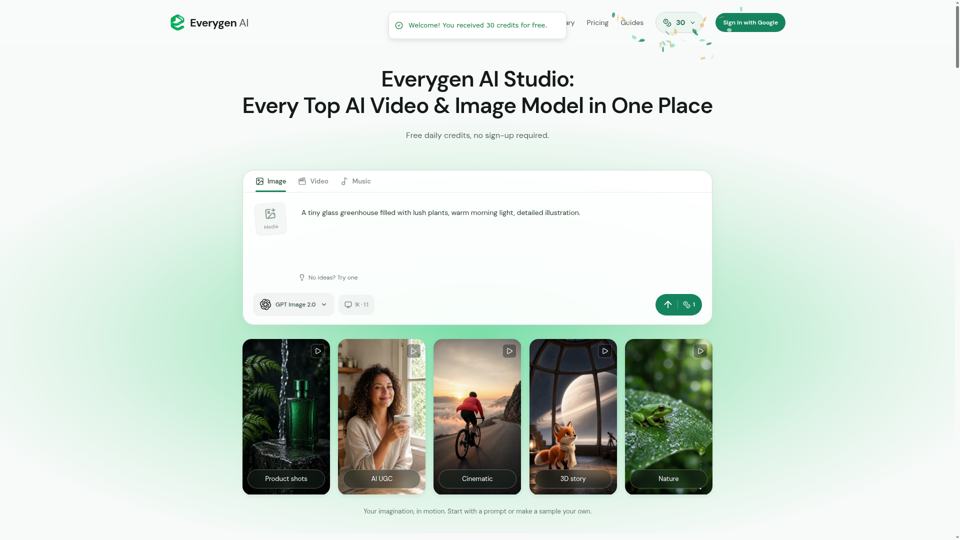
Create AI videos, images, music, UGC scenes and product shots. Get free daily credits for images, videos and music. Explore Everygen AI models, Viewmax and MCP resources.
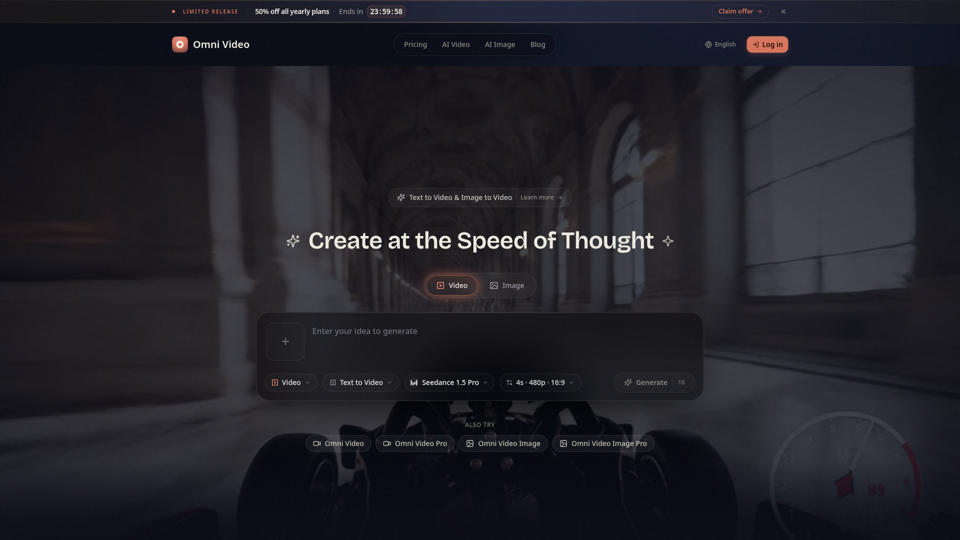
Create cinematic AI videos with Omni Video from text prompts or reference images. Use text-to-video and image-to-video workflows for social clips, ads, education, product stories, and visual ideas.
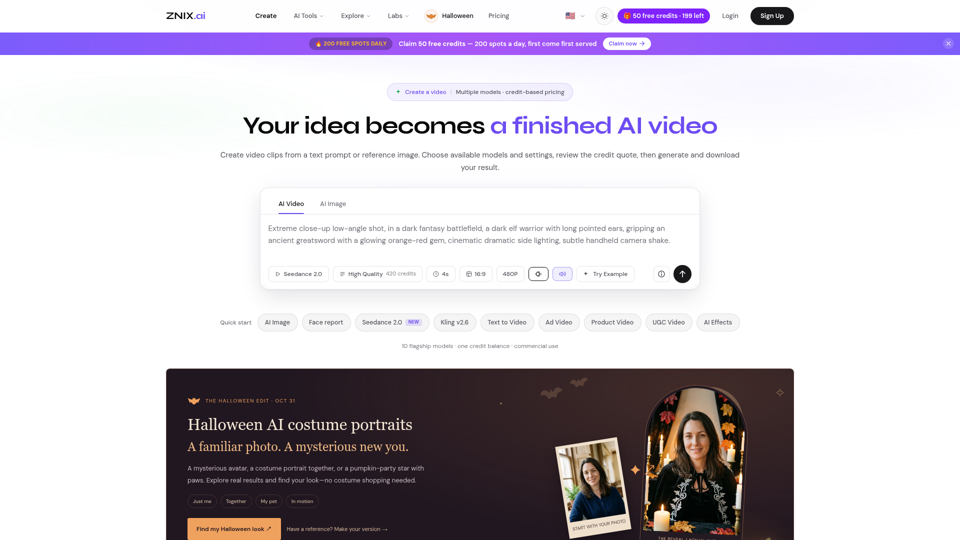
Turn text and reference images into AI videos and images with ZNIX. Compare available models, check credit costs, and download results from one creative workspace.
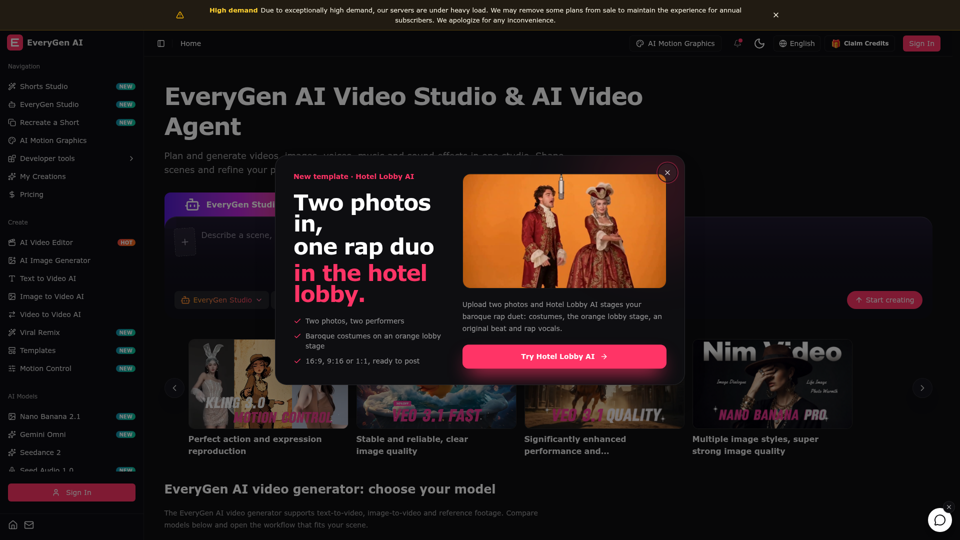
Create videos with the EveryGen AI video generator. Plan and edit in the EveryGen AI video studio, with images, audio, music and MCP.
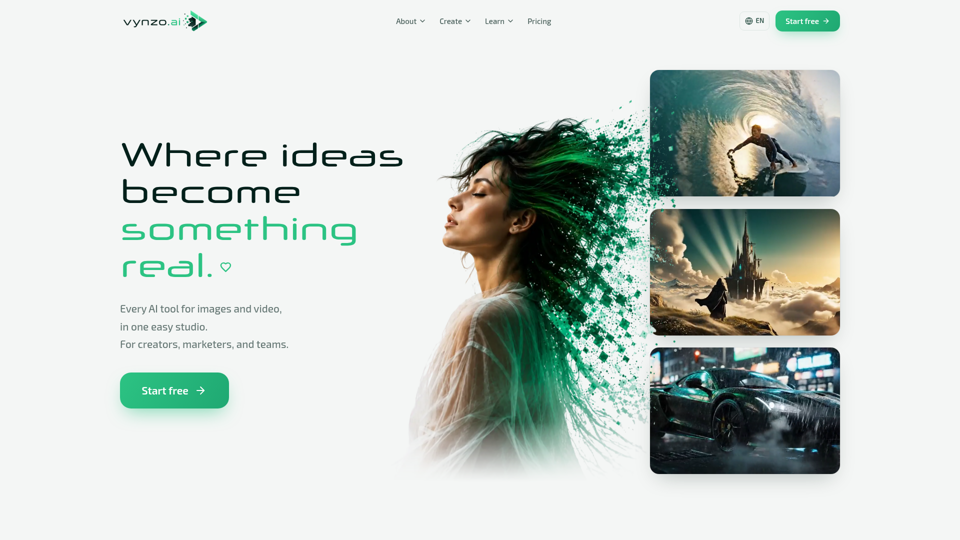
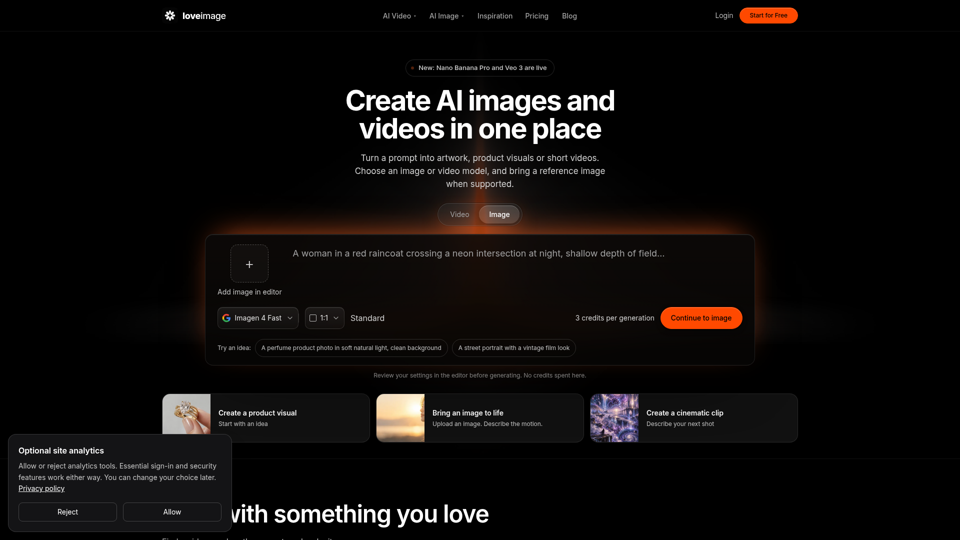
Create AI images and video from a prompt — text-to-image, AI video, face swap, and an AI image editor in one creative studio. Free starter credits to try.
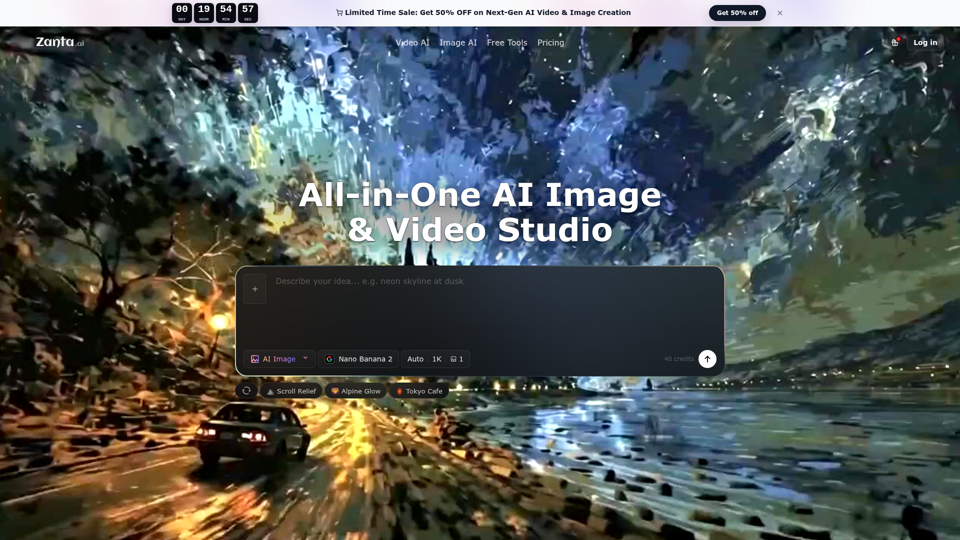
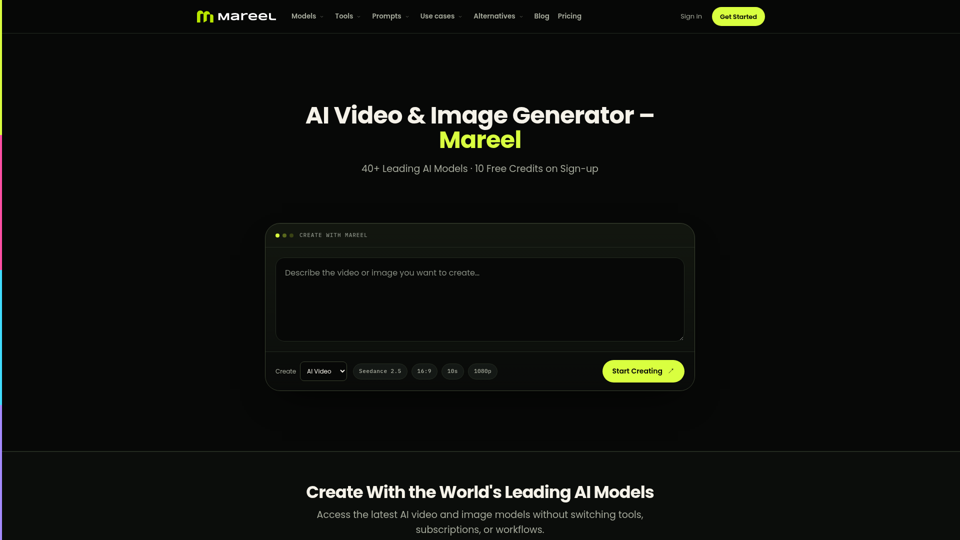
Create AI videos and images with 40+ leading AI models in one workspace. Compare models, choose a subscription, and manage generation credits in one place.