DataLang
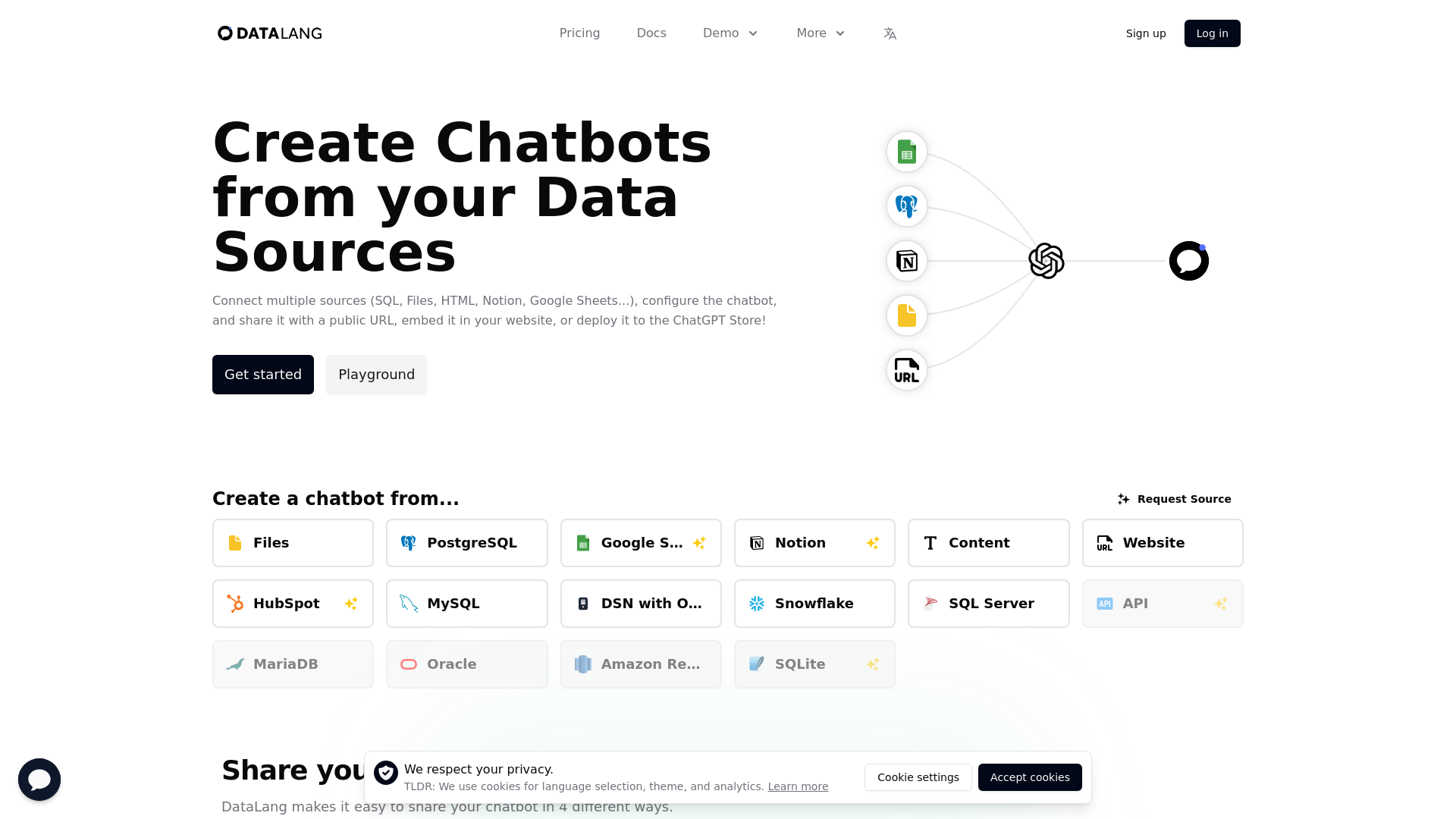
Create Chatbots from Postgres, Websites, Google Sheets, Notion, Files, Text, HTML, and more.
What is DataLang?
DataLang is a powerful platform designed to create chatbots from diverse data sources, including SQL databases, files, HTML, Notion, and Google Sheets. It allows users to configure chatbots easily and share them via a public URL, embed them on websites, or deploy them to the ChatGPT Store.
What are the main features of DataLang?
- Connect Multiple Sources
- Integrate data from various sources such as PostgreSQL, Google Sheets, MySQL, Notion, and more.
- User-Friendly Setup
- Follow a simple four-step process to set up and deploy your chatbot.
- Versatile Sharing Options
- Share your chatbot through a public URL, embed as a widget, or publish to the GPT Store.
- Customizable Data Views
- Expose specific data from your sources to tailor the chatbot experience.
- API Access
- Utilize the API to ask questions and interact with your data.
How to use DataLang?
To use DataLang, follow these simple steps:
- Set Up Your Data Source: Choose your databases, files, or any text sources that you want to connect.
- Add a Data View: Expose data from a selected source to customize the bot's responses.
- Chat with Your Data: Train your AI model with the selected data sources.
- Share It: Deploy your chatbot via a public URL, embed it on your website, or publish it to the GPT Store.
What are the pricing options for DataLang?
DataLang offers various pricing plans tailored for organizations of different sizes:
- Trial
- Free plan for creating a simple chatbot with a single data source and 10 credits.
- Starter
- $19/month for 1 user, allowing access to 1 data source, 10 data views, and 500 credits/month.
- Pro
- $49/month for small teams, offering 5 users, 10 data sources, 50 data views, and 2,000 credits/month.
- Business
- $399/month for large teams, which includes up to 10 users, 50 data sources, 1,000 data views, and 10,000 credits/month.
Helpful Tips
- Start with the Trial
- Use the free trial to explore features before committing to a paid plan.
- Utilize Data Views
- Make the most of data views to customize how your chatbot interacts with users.
- Regularly Review Your Plan
- Adjust your subscription as your project or team's needs grow.
Frequently Asked Questions
Can I connect any type of data source?
Yes, DataLang supports a wide range of data sources including SQL databases, HTML files, Notion, and Google Sheets.
Is my data secure with DataLang?
DataLang prioritizes user privacy and data protection. Always refer to their privacy policy for detailed information.
How do I publish my chatbot to the GPT Store?
You can configure your chatbot and follow the submission guidelines provided by DataLang to publish your GPT to the GPT Store.
What kind of support does DataLang provide?
Support varies by plan, with basic support for Pro users and priority support for Business subscribers.
How can I cancel my subscription?
You can cancel your subscription at any time through your account settings. Make sure to review the cancellation policy beforehand.
By leveraging DataLang's capabilities, you can create functional chatbots to interact with your data sources effectively!
DataLang
Create Chatbots from Postgres, Websites, Google Sheets, Notion, Files, Text, HTML, and more.
 Fly.io
 Clickbank
 Google Analytics
 Rewardful
 Simple Analytics
 Storylane:1
 YouTube
Free AI anime and manga generator. Turn text into anime episodes, manga, comics, webtoons and comic shorts in any art style — no drawing or animation skills needed.
Translate image text across 70+ languages with our advanced AI Image Translator to help you better expand your products globally to various countries
Advertised Here
Reach thousands of visitors daily. Get your spot now!
Tools similar to DataLang
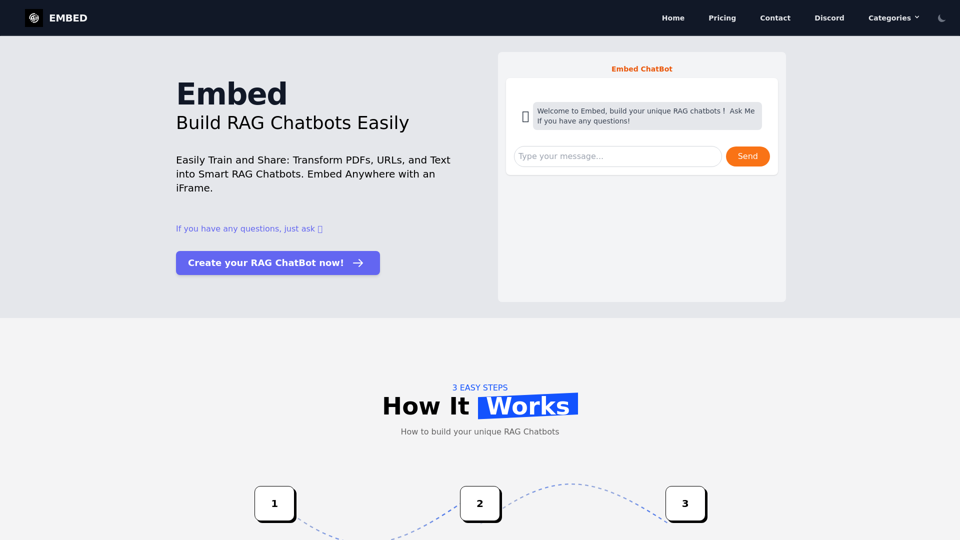
Easily Train and Share: Transform PDFs, URLs, and Text into Smart RAG Chatbots. Embed Anywhere with an iFrame.
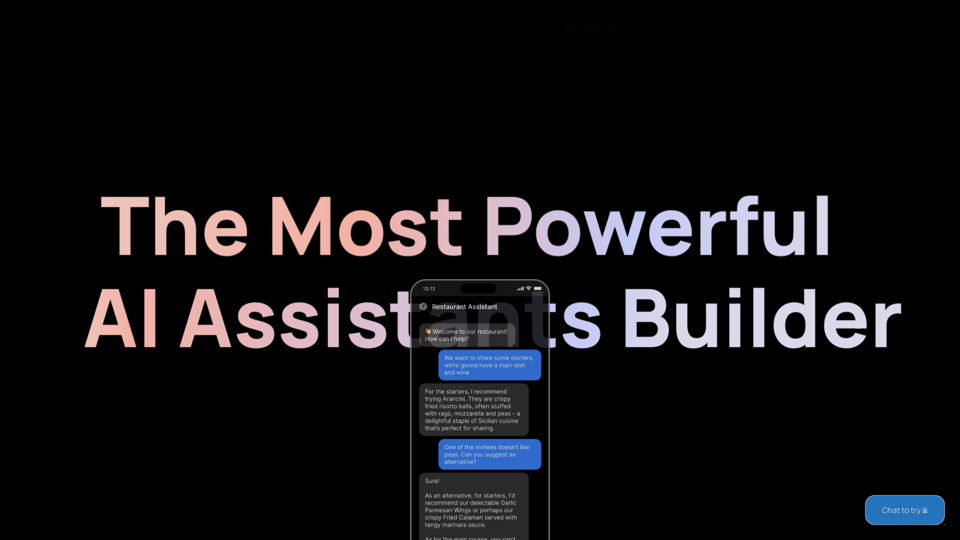
Start building your AI Assistant using models such as OpenAI, Claude & Azure. Easily connect to your tools and database and ship as an API Chatbot or HTML embed widget
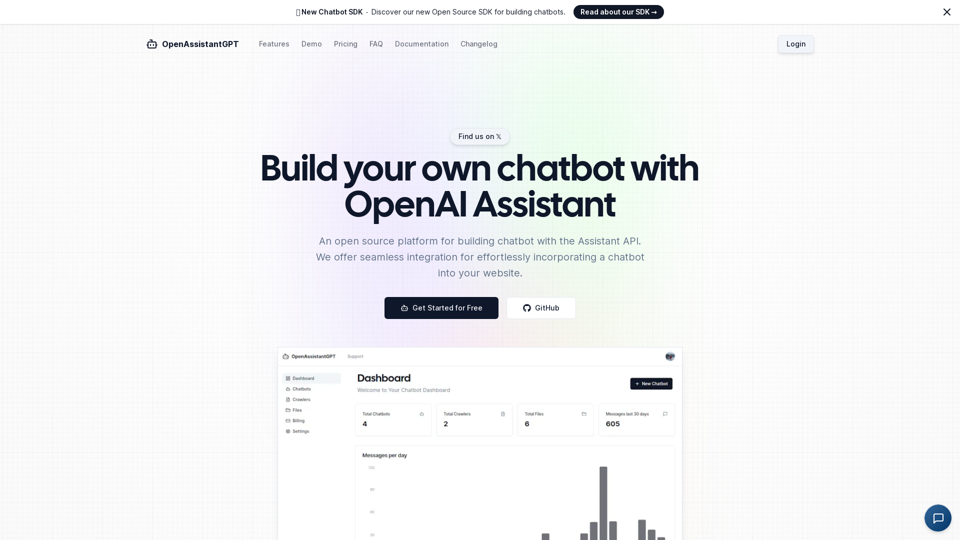
OpenAssistantGPT is the open-source platform for building chatbot using the OpenAI Assistant API. We offer seamless integration for effortlessly incorporating a chatbot into your website.
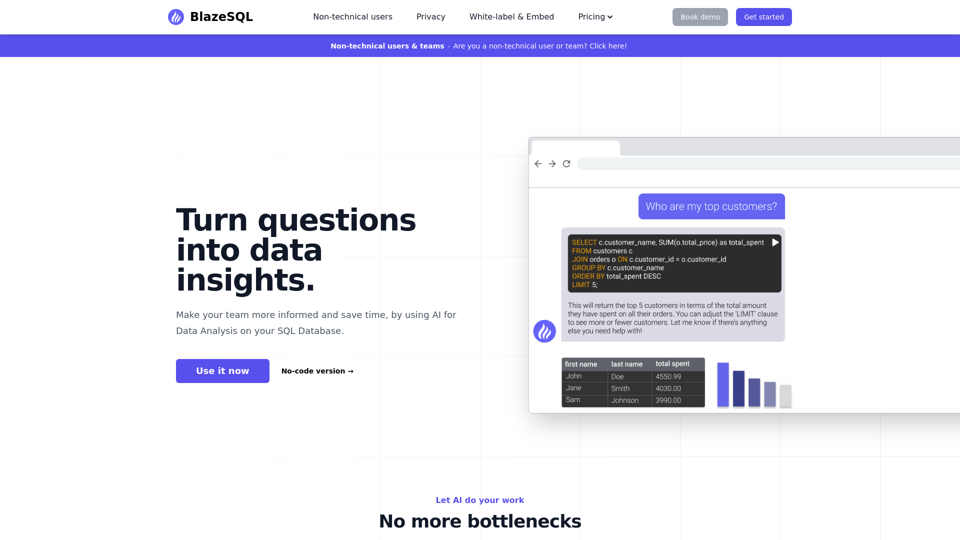
This AI Data Analytics chatbot generates SQL queries with AI, like ChatGPT for your SQL Database. Connect it to your SQL database for cutting edge AI Data Analysis, and let it work for you.
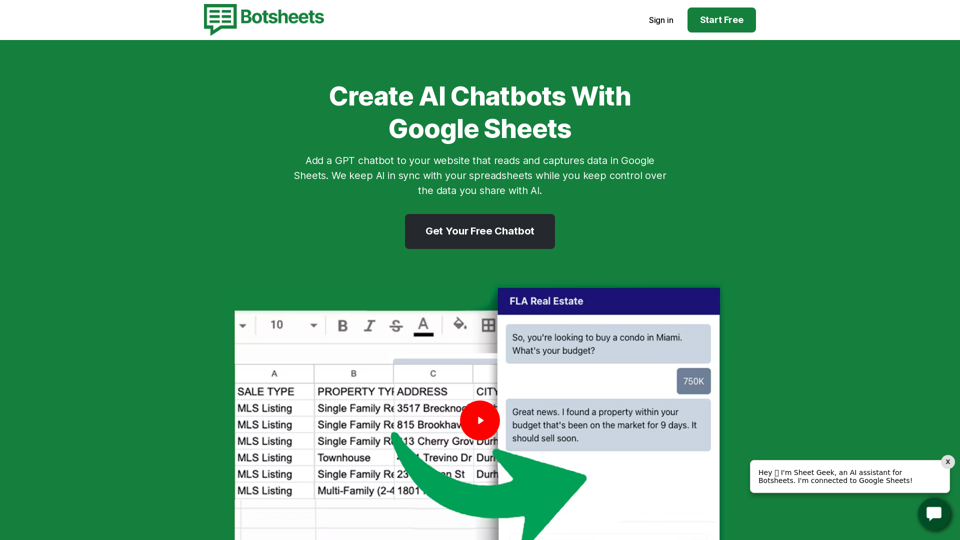
Create more accurate, more personalized, and more delightful AI chatbots. Best of all, we keep AI in sync with changes to your data while you train AI at the source and keep control over the data you share with AI.
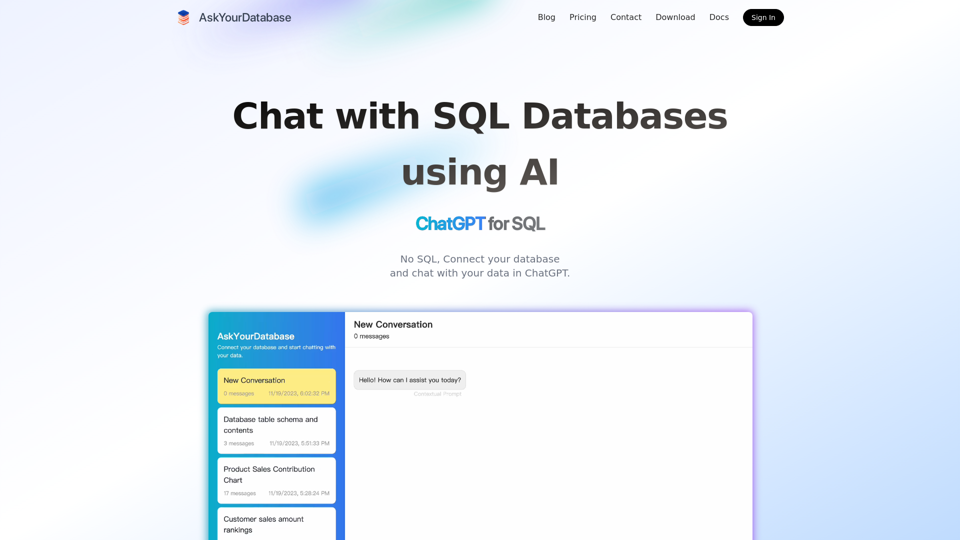
This AI SQL chatbot generates SQL code using AI, like ChatGPT for SQL Databases. Connect and chat with database in ChatGPT.
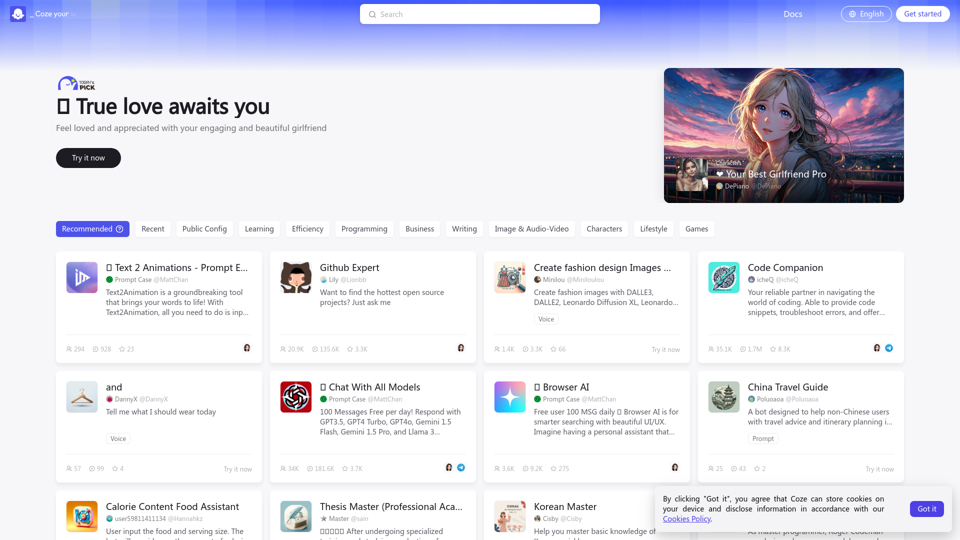
Coze is a next-generation AI application and chatbot developing platform for everyone. Regardless of your programming experience, Coze enables you to effortlessly create various chatbots and deploy them across different social platforms and messaging apps.