Easily Train and Share
Easily Train and Share: Transform PDFs, URLs, and Text into Smart RAG Chatbots. Embed Anywhere with an iFrame.
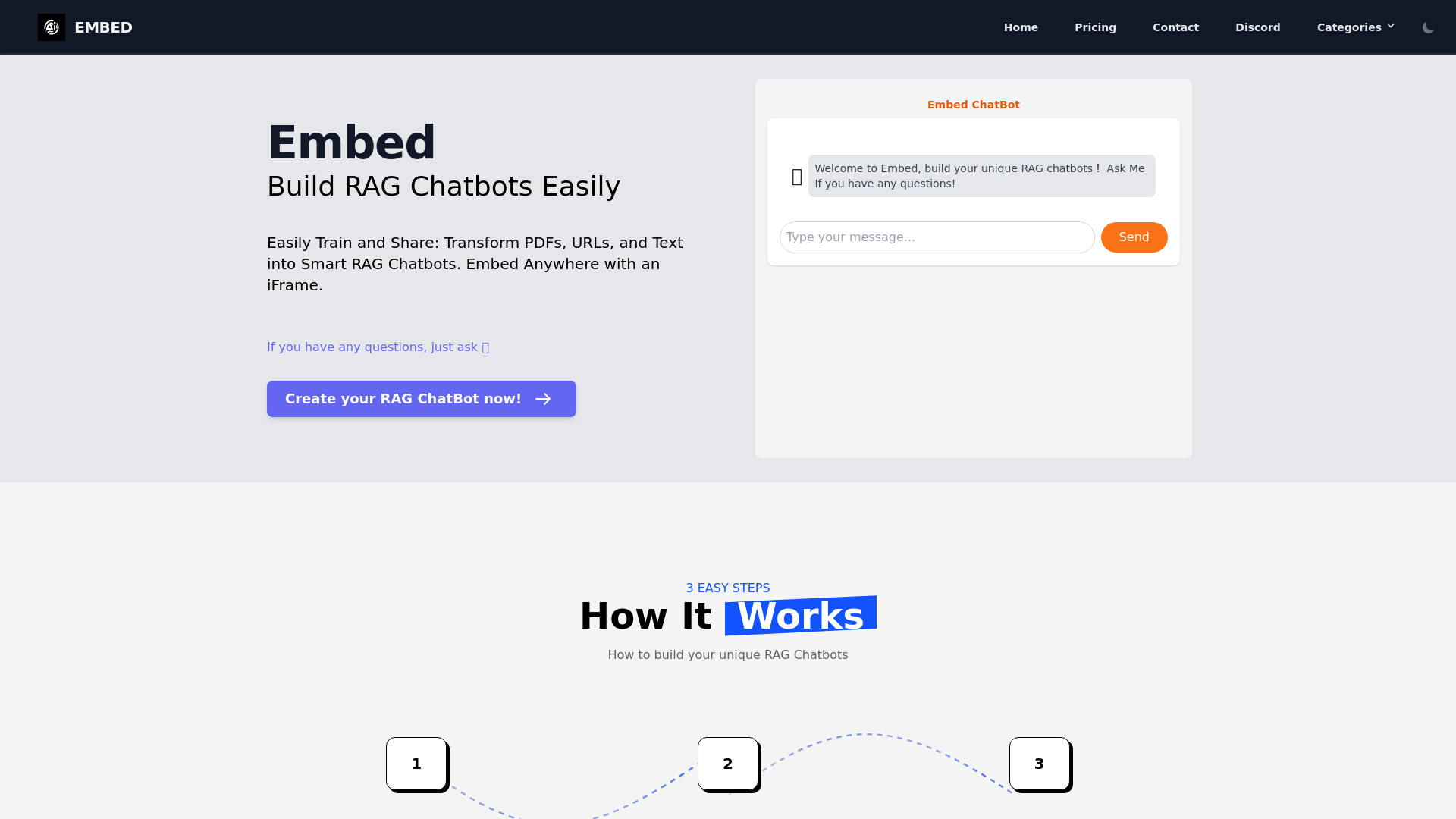
What is Chatframe?
Chatframe is a tool for building RAG chatbots that are trained on your own content, such as PDFs, HTML files, Q&A formats, URLs and text. It is aimed at people who want a chatbot that answers from their own material and can be shared on a website or platform. What sets it apart is the short setup path: train the data, configure the model and prompts, then embed the finished chatbot with an iframe.
Key features
- Multiple training sources
- Chatframe chatbots can be trained on PDFs, HTML files, Q&A formats, URLs and text.
- Model selection
- You choose the AI model behind the chatbot, with GPT, Google Gemini and Llama3 named as options.
- System prompts
- Chatbot behaviour is configured by setting up system prompts.
- Iframe embedding
- The finished chatbot is deployed on a website or platform by embedding it with an iframe.
- Live chat preview
- The site shows a live chat preview area where a trained chatbot appears once embedded.
- Quickstart guide
- A dedicated quickstart guide covers the embedding step.
- Llama3 access
- A Chatframe blog post from April 2024 announces free access to Llama3 on the platform.
How to use Chatframe
- Train the chatbot with your data sources, including PDFs, HTML files and Q&A formats, to improve its understanding and response accuracy.
- Configure the chatbot by writing system prompts and selecting the AI model you want, such as GPT, Google Gemini or Llama3.
- Share the chatbot by embedding it in your website or platform with an iframe so users can interact with it.
- Follow the quickstart guide for the embedding step if you need the exact iframe setup.
Use cases
- Website owners who want a chatbot that answers visitor questions from their own documents.
- Shopify store owners, a scenario Chatframe covers in its blog with a guide on building a RAG chatbot for a Shopify store.
- Teams with documentation in PDF or HTML form that would otherwise be read manually.
- Support or sales teams that already have Q&A content and want it turned into a chatbot.
- Developers who need a chatbot they can drop into an existing page through an iframe.
Pricing
The Chatframe website does not list pricing or plan details; check the official site for current information.
FAQ
Is Chatframe free to use?
The Chatframe website does not list pricing or plans. A Chatframe blog post dated 26 April 2024 announces free access to Llama3 on the platform, but no general pricing information is published on the site.
What data can I train a Chatframe chatbot on?
Chatframe chatbots can be trained on PDFs, HTML files, Q&A formats, URLs and text. The site describes training on diverse sources as a way to improve the chatbot's understanding and response accuracy.
Which AI models can I use with Chatframe?
Chatframe lets you select the AI model when configuring a chatbot, with GPT, Google Gemini and Llama3 named as options. The model is chosen alongside the system prompts during setup.
How do I embed a Chatframe chatbot on my website?
Chatframe chatbots are shared by embedding them with an iframe, which makes them accessible for users to interact with on your website or platform. A quickstart guide on the site covers this step.
Can I control how a Chatframe chatbot responds?
Yes. Chatbot behaviour is configured through system prompts, which you set during the configuration step along with the AI model. The site does not list further detail on prompt options.
Can I use Chatframe for a Shopify store?
Chatframe's blog includes a guide on building a RAG chatbot for a Shopify store, published on 1 April 2024. The general workflow is the same: train the data, configure the chatbot and embed it with an iframe.
Easily Train and Share
Easily Train and Share: Transform PDFs, URLs, and Text into Smart RAG Chatbots. Embed Anywhere with an iFrame.
Free AI anime and manga generator. Turn text into anime episodes, manga, comics, webtoons and comic shorts in any art style — no drawing or animation skills needed.
Translate image text across 70+ languages with our advanced AI Image Translator to help you better expand your products globally to various countries
Advertised Here
Reach thousands of visitors daily. Get your spot now!
Tools similar to Easily Train and Share
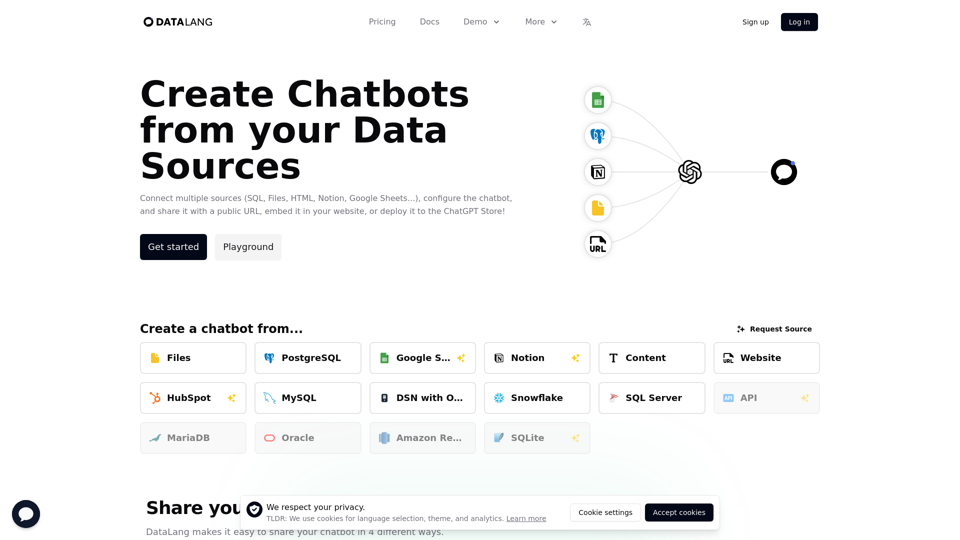
Create Chatbots from Postgres, Websites, Google Sheets, Notion, Files, Text, HTML, and more.
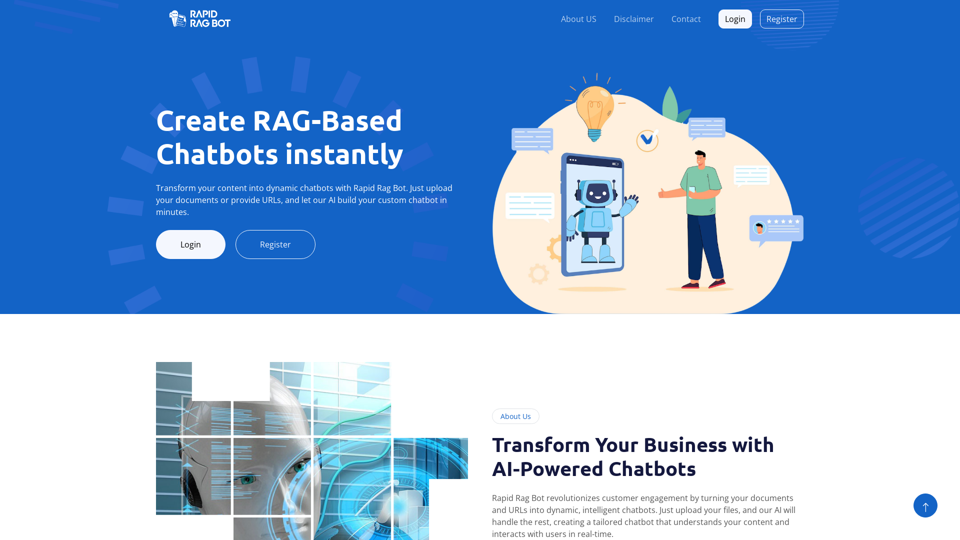
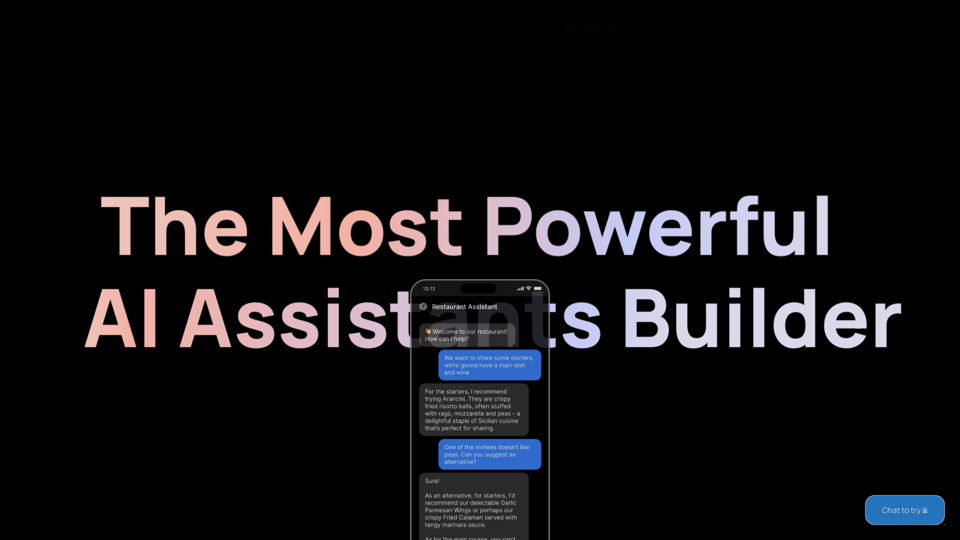
Start building your AI Assistant using models such as OpenAI, Claude & Azure. Easily connect to your tools and database and ship as an API Chatbot or HTML embed widget
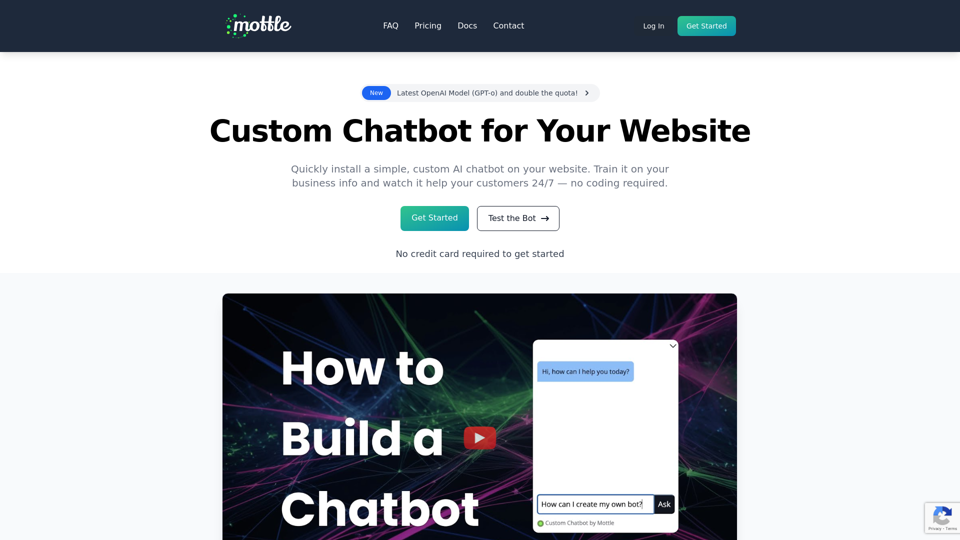
Create and train your own custom AI bot that you can use instantly embed on your website.
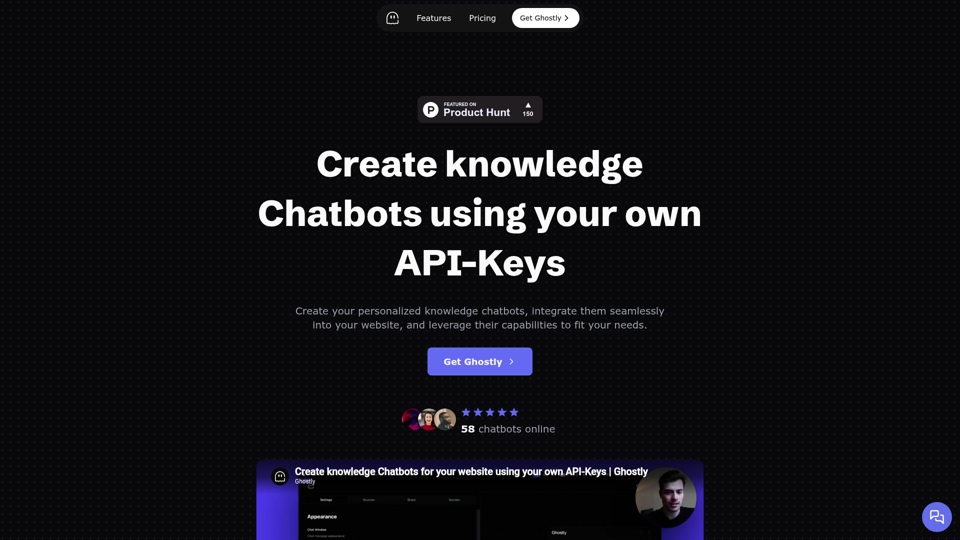
Build a user-friendly chatbot for your website in minutes. No coding required. Simple creation, easy embedding.
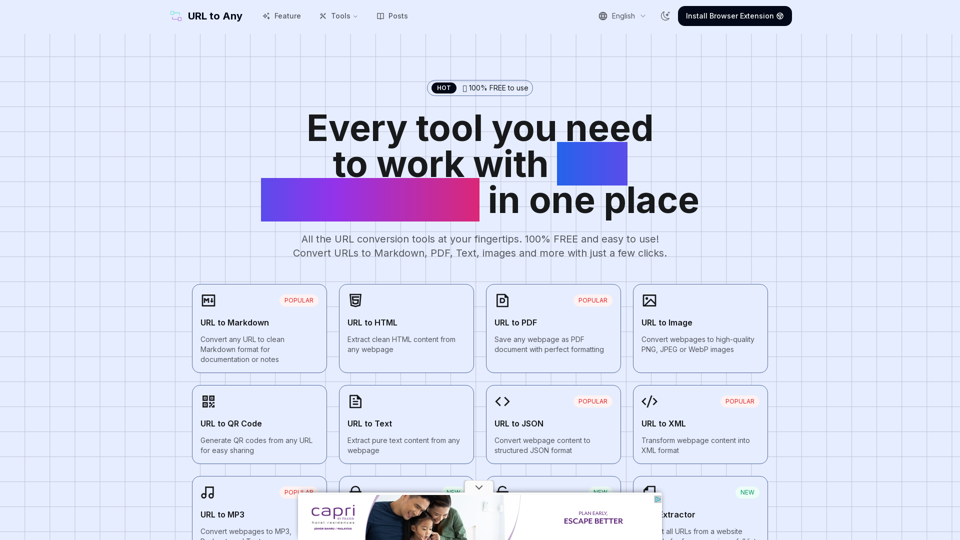
URL to Any provides various URL conversion tools to transform web content into Markdown, PDF, images, and more formats.
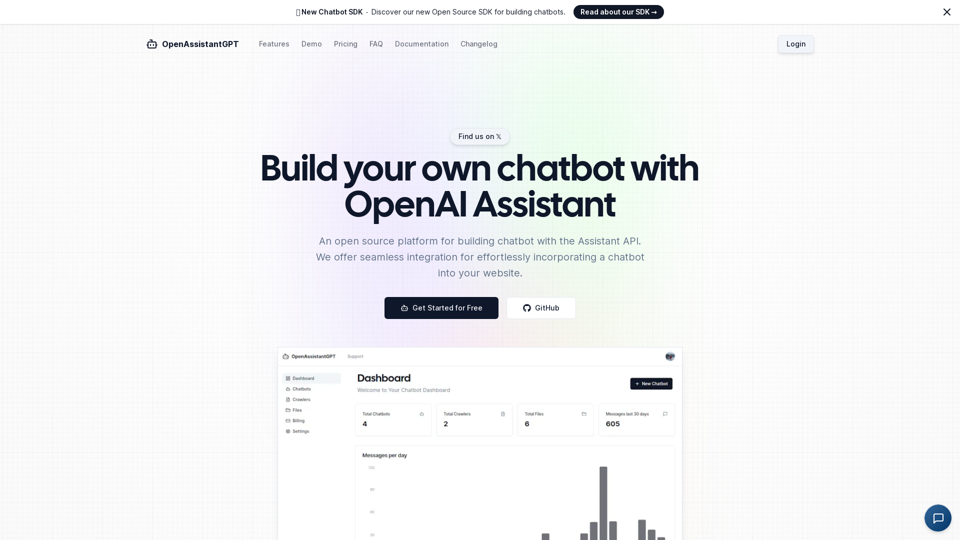
OpenAssistantGPT is the open-source platform for building chatbot using the OpenAI Assistant API. We offer seamless integration for effortlessly incorporating a chatbot into your website.
Custom AI Chatbot to enhance your website customer support and save you time.