MyLens
Discover the intersections of history with our AI-powered timelines. Dive deep into the narratives of the past and see where two unique histories meet. Create, explore, and connect stories seamlessly.
What is MyLens?
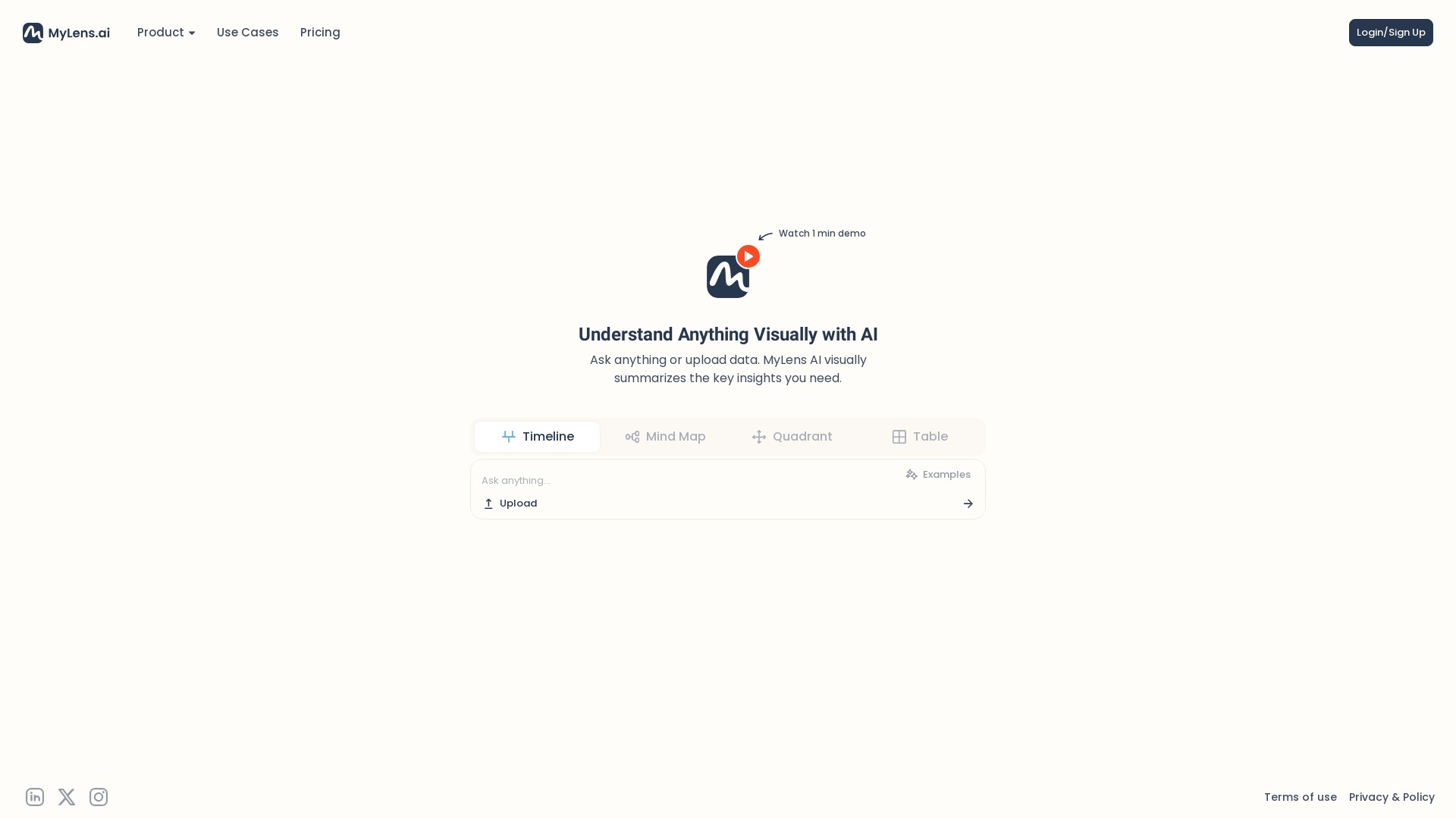
MyLens is an innovative AI-powered platform designed to visually summarize complex data and insights, making it easier for users to understand and analyze information. With the ability to ask questions or upload data, MyLens transforms text and data into engaging visual formats such as timelines, mind maps, and quadrants, enabling better comprehension and retention.
What are the main features of MyLens?
- Visual Summarization
- MyLens converts text and data into intuitive visual formats that highlight key insights.
- Interactive Tools
- Users can create timelines, mind maps, and quadrants to explore information from different perspectives.
- Data Upload Capabilities
- Easily upload your own data to generate custom visualizations tailored to your needs.
- User-Friendly Interface
- A streamlined design that simplifies the process of understanding complex information.
How to use MyLens?
Using MyLens is straightforward:
- Sign Up: Create your account by logging in or signing up on the platform.
- Ask Questions or Upload Data: You can either input queries or upload datasets for analysis.
- Generate Visual Summaries: MyLens will process your input and present the findings visually, allowing you to grasp essential insights quickly.
Pricing of MyLens
MyLens offers a range of pricing plans to accommodate different user needs. While a basic account may provide limited features or usage, subscribing to premium plans unlocks additional options and capabilities for comprehensive data visualization.
Helpful Tips for Using MyLens
- Maximize Visualizations
- Experiment with uploading different types of data to fully utilize MyLens's summarization capabilities.
- Leverage Interactive Features
- Utilize mind maps and quadrants to brainstorm and structure your thoughts effectively.
- Regular Use
- Frequent use of MyLens helps familiarize you with its features and functions, enhancing your overall data comprehension skills.
Frequently Asked Questions
Can I upload my own data?
Yes, MyLens allows users to upload data files, which the AI will then analyze and summarize visually.
Is there a free trial available?
MyLens offers various subscription models; users should check the website for any available free trials or limited-time offers.
How does MyLens ensure data privacy?
MyLens is committed to user privacy and employs robust security measures to protect all uploaded data. Users can rest assured their information is secure.
What types of visual formats can MyLens produce?
MyLens can create a variety of visual formats including timelines, mind maps, quadrants, and tables, making it versatile for different analytical needs.
Do I need technical knowledge to use MyLens?
No, MyLens is designed to be user-friendly, and no technical expertise is required to generate visual summaries.
MyLens
Discover the intersections of history with our AI-powered timelines. Dive deep into the narratives of the past and see where two unique histories meet. Create, explore, and connect stories seamlessly.
 Cloudflare
 HTTP/3
 Next.js
 Node.js
 React
React Webpack
Free AI anime and manga generator. Turn text into anime episodes, manga, comics, webtoons and comic shorts in any art style — no drawing or animation skills needed.
Translate image text across 70+ languages with our advanced AI Image Translator to help you better expand your products globally to various countries
Advertised Here
Reach thousands of visitors daily. Get your spot now!
Tools similar to MyLens
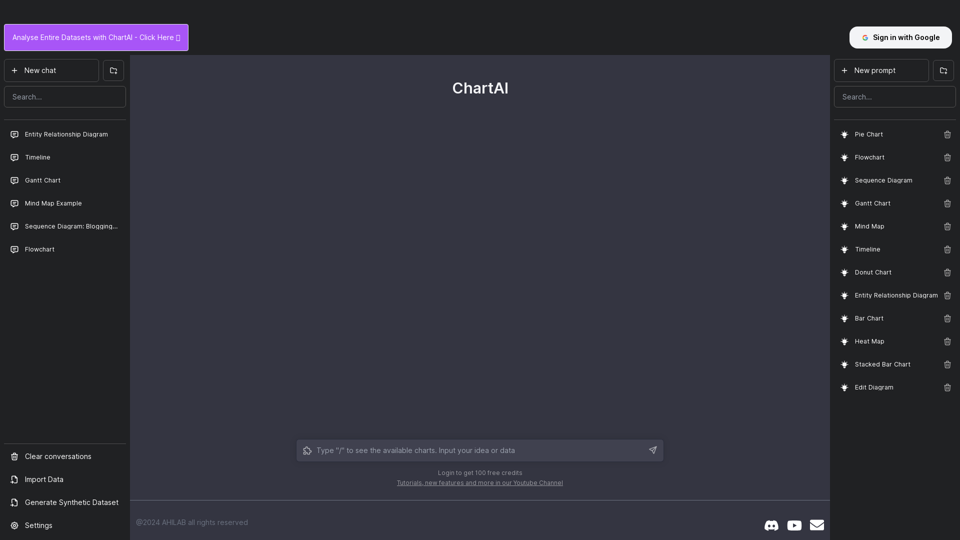
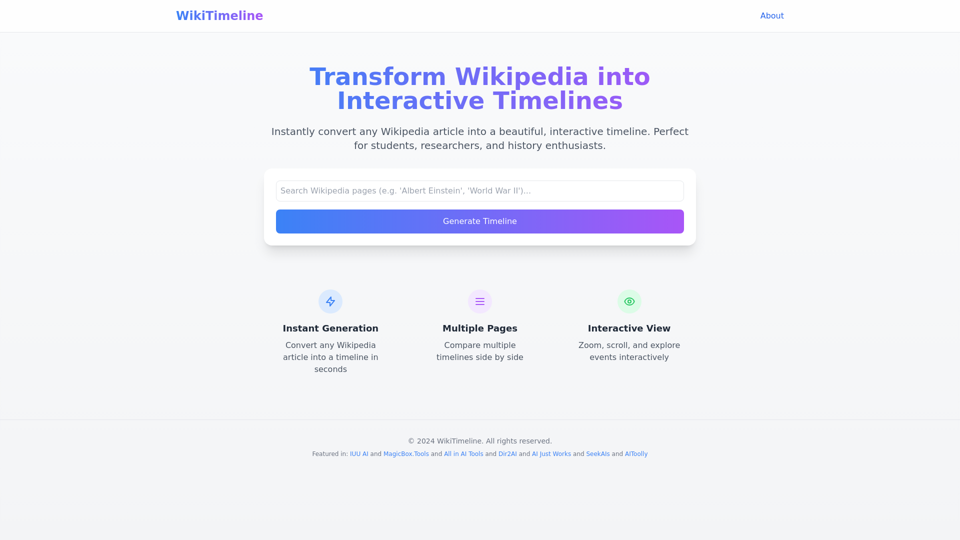
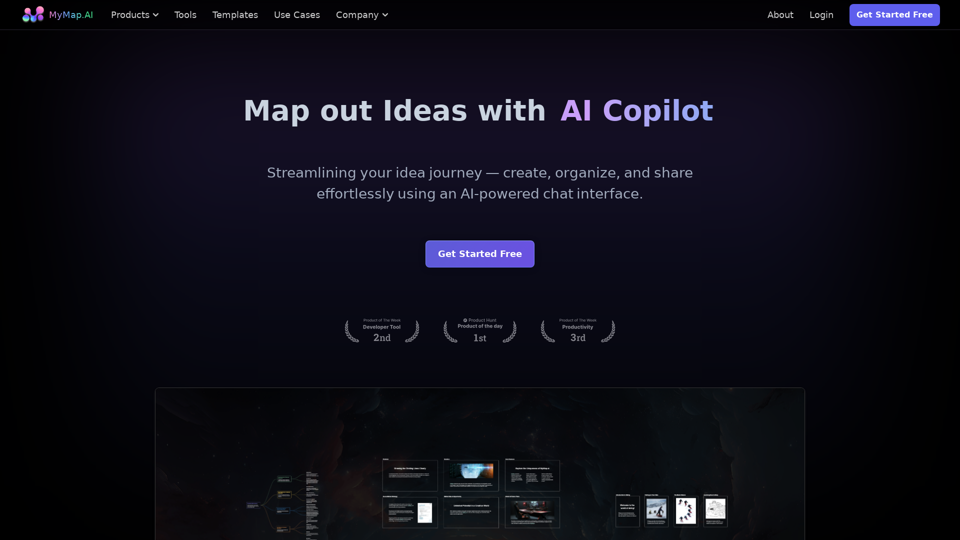
MyMap turns your text ideas into visuals like mind maps and presentations through a simple chat interface. Ideal for students, teachers, and professionals with no design skills required. It’s your time-saving tool for easy, collaborative visual creation