
What is DeepL AI Platform: Translation, Voice & API?
DeepL is an AI-first translation platform that translates text, files, media formats and voice into more than 100 languages. It is built for individuals, developers and enterprises that need accurate multilingual communication, and it combines a translator, document translation, real-time voice translation, a writing assistant and an API in one suite. DeepL states that its specialized LLM is trained on proprietary data by thousands of language experts, and that over 200,000 businesses use it.
Key features
- Text, file, media and voice translation
- DeepL translates text, documents in all major formats, media formats and speech into 100+ languages.
- Document translation with layout preservation
- Files can be dragged and dropped for translation while the original formatting, layout and visual context are preserved, with support for bulk and enterprise workflows.
- Real-time voice translation
- DeepL translates speech live in virtual meetings or in-person conversations, and the result is designed to still sound like the speaker.
- DeepL Write
- A writing tool that adapts style and tone to fit a brand and its target audience.
- Glossaries, Rules and Clarify
- Pro features for enterprise-grade translations, including custom glossaries and tone control.
- DeepL API
- Developers can integrate DeepL Language AI into their own systems to scale workflows, using an endpoint such as
POST /v2/translatewithtext,source_langandtarget_langparameters. - Apps, integrations and AI app connectors
- DeepL is available as Windows, macOS and Android apps, as Chrome and Firefox extensions, and as integrations for Google Workspace, Word, PowerPoint and Outlook. It also works inside ChatGPT, Claude, Copilot and other AI apps through MCP.
How to use DeepL AI Platform: Translation, Voice & API
- Open the DeepL translator and enter or paste your source text, or select a file from your device.
- Choose the source language or leave it on "Detect language", then select the target language.
- For documents, drag the file onto the page; DeepL translates it while keeping the original layout and formatting.
- For voice, select the languages you want to use and start speaking to get real-time translation.
- For development work, sign up for API access and send requests to the translate endpoint with the text and language codes, following the quick-start guide.
Use cases
- Enterprises that need to translate large volumes of documents across departments while keeping formatting intact.
- Support and sales teams handling multilingual conversations, using real-time voice translation in meetings or in person.
- Companies in life sciences, manufacturing, legal, finance, government and retail that need custom glossaries and tone control for industry terminology.
- Developers and product teams that embed translation into their own software through the DeepL API.
- People who work inside AI assistants such as ChatGPT, Claude or Copilot and need translation of text, files and glossaries without leaving the app.
- Professionals who want to adjust the style and tone of business writing with DeepL Write.
Pricing
The official website does not list specific plans or prices. It links to a free trial sign-up, a Pro sign-up and a "Contact Sales" option for enterprise enquiries, so check deepl.com for current pricing.
FAQ
Is DeepL free to use?
The website offers a free trial sign-up and a free download of the DeepL app for Windows, but it does not list plan prices or state which features are included at no cost. Current pricing is available on the official site.
How many languages does DeepL support?
DeepL translates text, files and glossaries in more than 100 languages. The translator lets you pick a source language manually or use automatic language detection, and the API accepts language codes such as ES for Spanish and EN-GB for British English.
Can DeepL translate documents without changing the layout?
Yes. DeepL translates documents in all major formats and preserves the original formatting, layout and visual context, which the site describes as suited to bulk and enterprise workflows.
Does DeepL offer real-time voice translation?
Yes. DeepL Voice translates speech in real time for virtual meetings and in-person conversations, and the translated speech is intended to still sound like the person speaking.
Can DeepL be integrated into other software?
Yes. DeepL offers an API for integrating its translation into existing systems, MCP-based connectors for ChatGPT, Claude, Copilot and other AI apps, browser extensions for Chrome and Firefox, and add-ins for Google Workspace, Word, PowerPoint and Outlook.
How is DeepL different from other translation tools?
DeepL describes itself as an end-to-end AI-first translation platform whose specialized LLM is trained on proprietary data by thousands of language experts. It also states that more than 200,000 businesses use the platform, and it offers pro features such as glossaries, rules and tone control.
DeepL Captcha
 Cloudflare
 HTTP/3
Free AI anime and manga generator. Turn text into anime episodes, manga, comics, webtoons and comic shorts in any art style — no drawing or animation skills needed.
Translate image text across 70+ languages with our advanced AI Image Translator to help you better expand your products globally to various countries
Advertised Here
Reach thousands of visitors daily. Get your spot now!
Tools similar to DeepL Captcha

Translate texts, conversations and full document files instantly with Lara, the World's most reliable translator
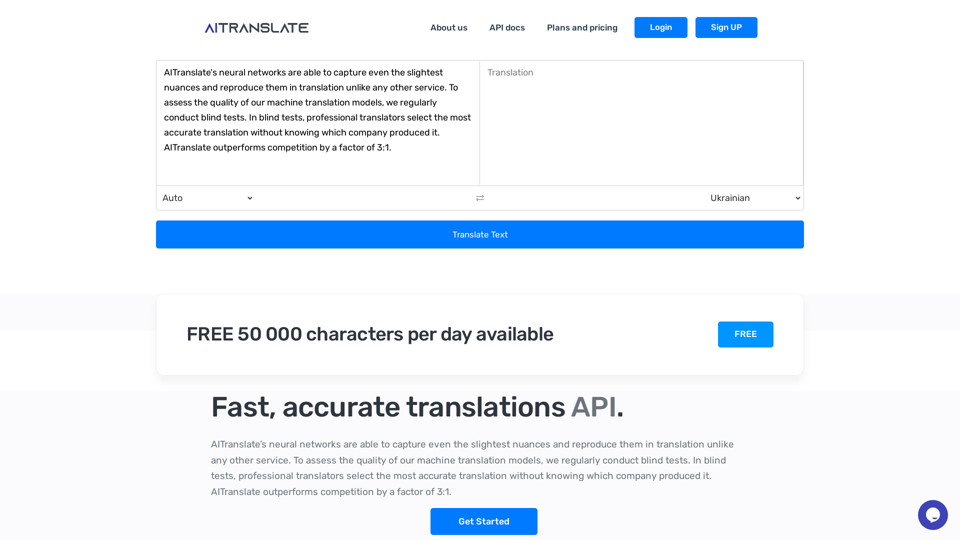
AI Translate - automatic translation api service into more than 99 languages.
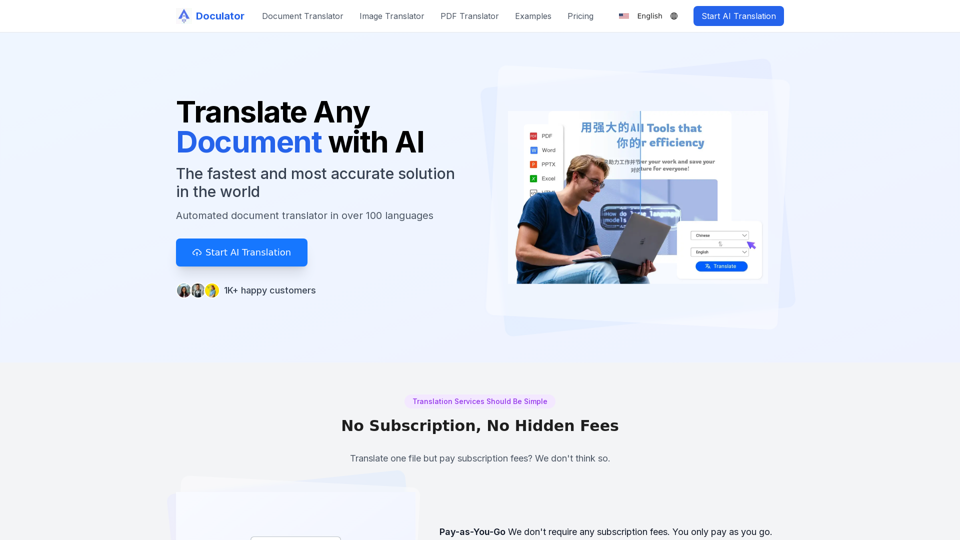
Free AI Translator is an online tool that helps you translate documents, images, audio, and video - PDF, Word, PNG, MP3 and more.
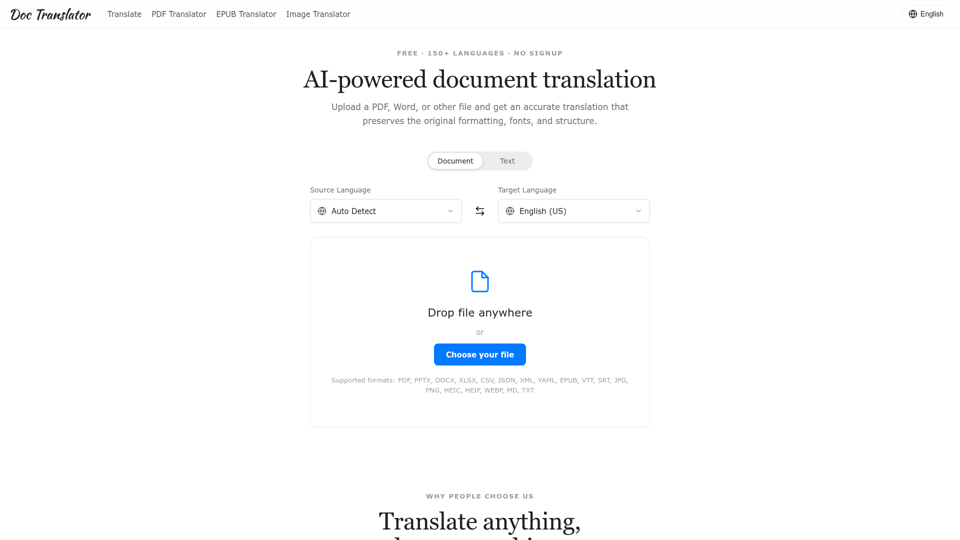
Translate PDFs, images, and slides across 50+ file types and 150+ languages with AI, keeping the original layout. Try it free, no signup required.

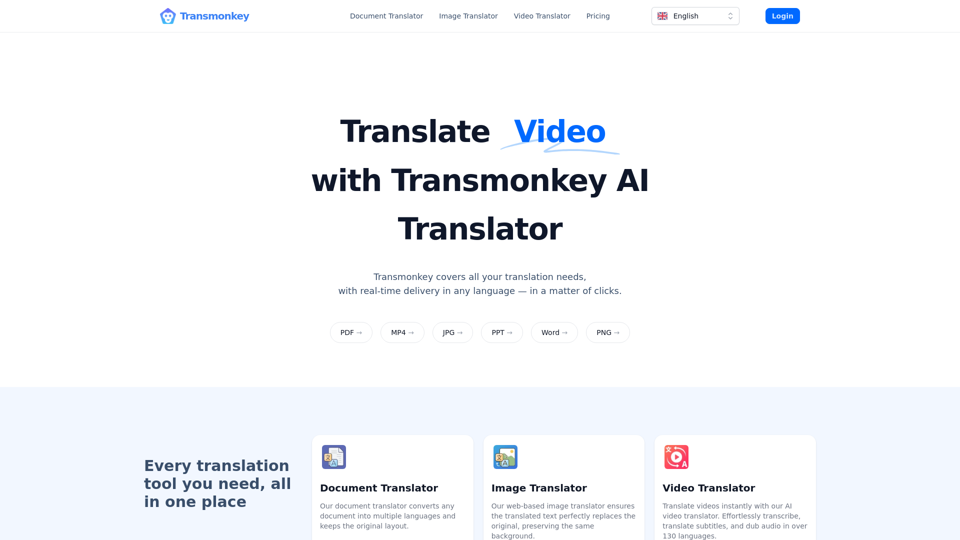
Translate any file instantly with Transmonkey. Our top AI translator can translate documents, images, audio, and video - PDF, Word, PNG, MP3 and more.
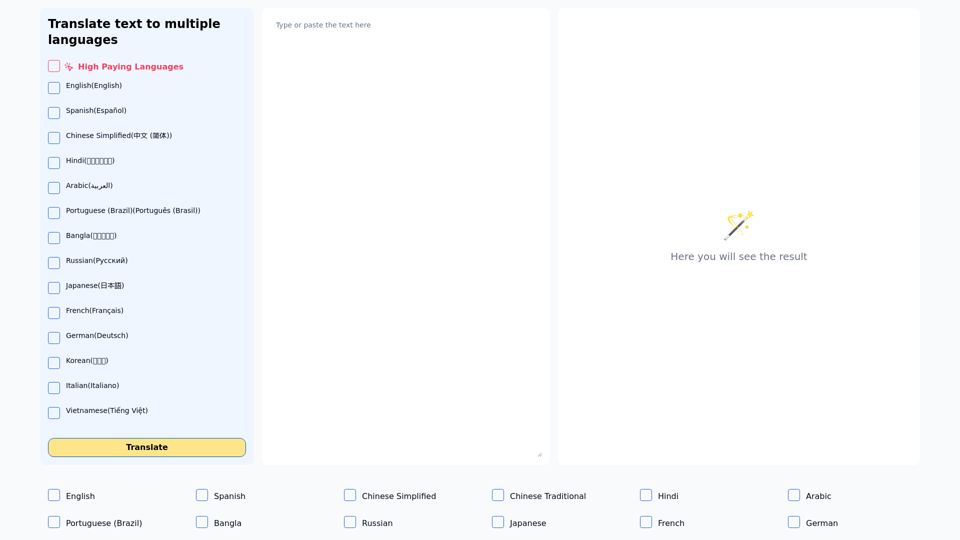
Translate one text to multiple languages simultaneously
