What is Doctranslator.io?
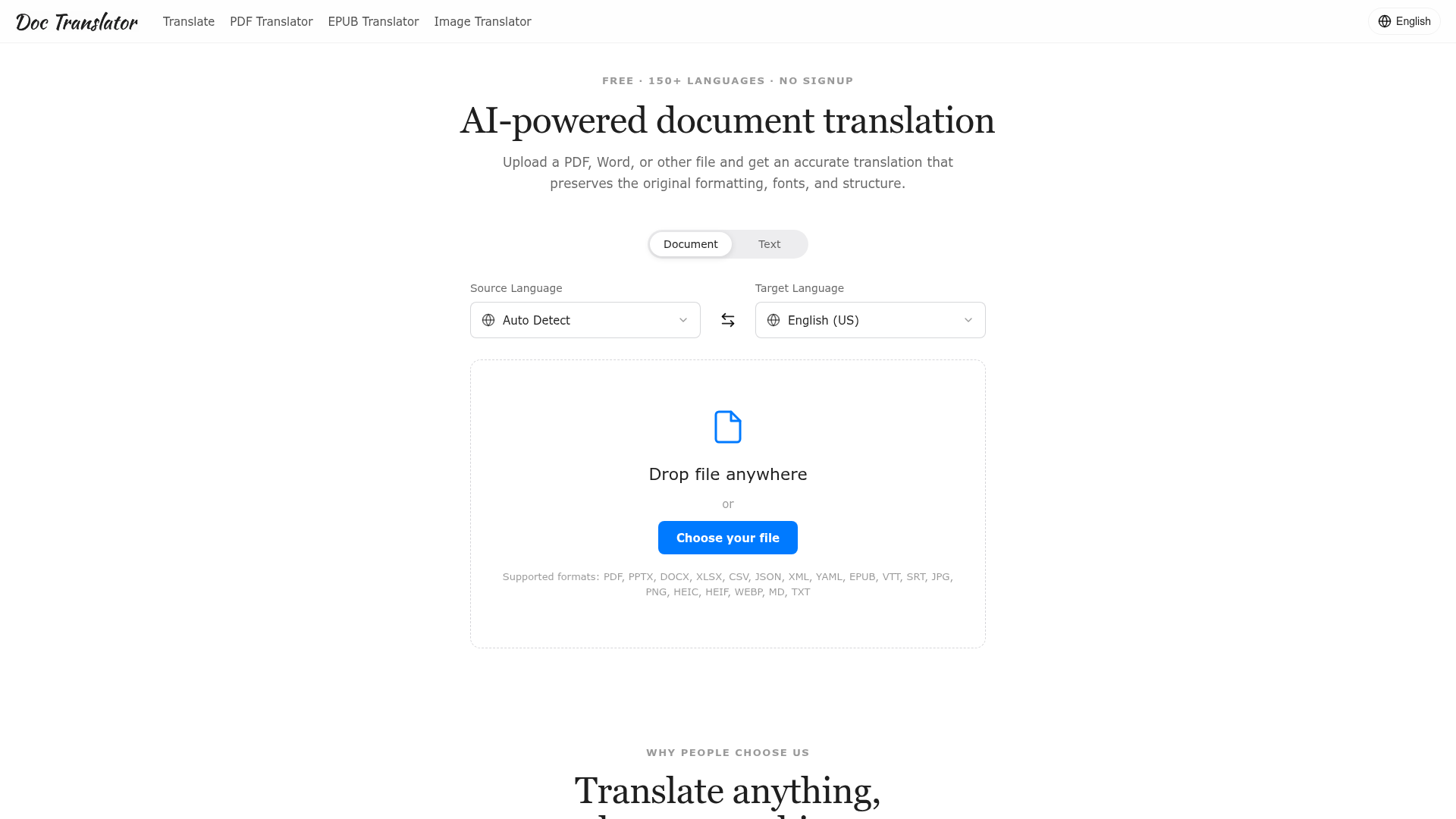
Doctranslator.io is a free, AI-powered document translation platform that allows you to upload files in over 50 formats—including PDF, Word, PowerPoint, Excel, images, and subtitles—and receive fast, accurate translations in over 150 languages. It is designed for real-world use, prioritizing the preservation of the original document's formatting, fonts, layout, and structure, delivering a pixel-perfect translated file ready for immediate use without any manual reformatting.
Key Features of Doctranslator.io
1. Pixel-Perfect Formatting Preservation
The core feature of Doctranslator.io is its unparalleled ability to maintain the exact layout of your original document. Columns, tables, fonts, images, charts, and all stylistic elements remain untouched in the translated output. This eliminates the hours typically spent on copying, pasting, and reformatting after translation.
2. Support for 50+ File Formats
This platform consolidates translation for a wide array of document types into a single, streamlined tool. It handles everything from common office files (PDF, DOCX, PPTX, XLSX) to data files (CSV, JSON, XML), e-books (EPUB), subtitles (SRT, VTT), images (JPG, PNG, HEIC, WEBP), and plain text (MD, TXT), removing the need for multiple converters or plugins.
3. AI-Powered, Natural Translations in 150+ Languages
Leveraging modern, context-aware AI, Doctranslator.io provides translations that read naturally, as if written by a native speaker. It understands tone, terminology, and nuance, ensuring meaning is accurately conveyed across languages for diverse content, from technical manuals to creative works.
4. No Signup Required & Completely Free
True to its user-friendly ethos, Doctranslator.io requires no account creation, credit card, or subscription to start using its service. You can instantly upload a file, translate it, and download the result, making it an exceptionally accessible tool for students, professionals, and teams.
How to Use Doctranslator.io
Using Doctranslator.io is a straightforward, three-step process designed for maximum efficiency:
- Upload Your File: Drag and drop your file into the browser window or click to choose a file from your computer. The platform supports over 50 different formats.
- Select Languages: The tool can auto-detect the source language. You simply need to choose your target language from the list of over 150 options.
- Download Your Translation: Within minutes, your translated document will be ready for download. The output file will retain the original formatting and be immediately shareable.
Pricing Model
Doctranslator.io operates on a ### completely free model with no hidden costs, signup walls, or usage limits for its core translation service. You can translate documents as needed without providing any payment information.
Helpful Tips for Maximizing Doctranslator.io
- For Complex Layouts
- This tool excels with complex documents like annual reports, brochures, or academic papers with multiple columns and tables. Trust it to handle the layout so you can focus on the content.
- Review Critical Documents
- While the AI translations are highly accurate for general and professional use, for legally binding contracts or sensitive medical documents, a quick human review is always recommended before final publication.
- Batch Processing for Teams
- The tool's speed and formatting fidelity make it ideal for teams needing consistent translations across multiple files, streamlining workflows for localization managers and operations leads.
- Use for Multimedia Projects
- Translate subtitle files (.SRT, .VTT) or text within images while maintaining sync and layout, perfect for video producers and content creators.
Frequently Asked Questions (FAQ)
Which file types can I translate?
You can translate over 50 formats, including PDF, DOCX, PPTX, XLSX, CSV, EPUB, Markdown, TXT, JSON, XML, YAML, subtitle files (SRT, VTT), and images (JPG, PNG, WebP, HEIC, HEIF).
Will my original formatting be preserved?
Yes. Doctranslator.io is specifically engineered to rebuild your document with an identical layout. Fonts, tables, images, columns, and structure are preserved, delivering a translated file that is visually indistinguishable from the original.
How many languages are supported?
The platform supports translation for more than 150 languages. It features automatic source-language detection, so you only need to select your desired target language.
Is it free, and do I need an account?
Yes, it is completely free to use. No signup, account creation, or credit card is required. You can upload, translate, and download your files immediately.
Is my data private and secure?
Your files are transferred via an encrypted connection and are used solely to generate your translation. They are not shared, sold, or used for training AI models. Uploads are automatically and securely deleted after processing.
How accurate are the translations?
The AI provides context-aware, highly accurate translations that handle tone and terminology well across most content types. For high-stakes legal or medical documents, we recommend a final human review alongside the AI output.
Best AI Translator for Documents
Translate PDFs, images, and slides across 50+ file types and 150+ languages with AI, keeping the original layout. Try it free, no signup required.
 Vercel
Free AI anime and manga generator. Turn text into anime episodes, manga, comics, webtoons and comic shorts in any art style — no drawing or animation skills needed.
Translate image text across 70+ languages with our advanced AI Image Translator to help you better expand your products globally to various countries
Advertised Here
Reach thousands of visitors daily. Get your spot now!
Tools similar to Best AI Translator for Documents
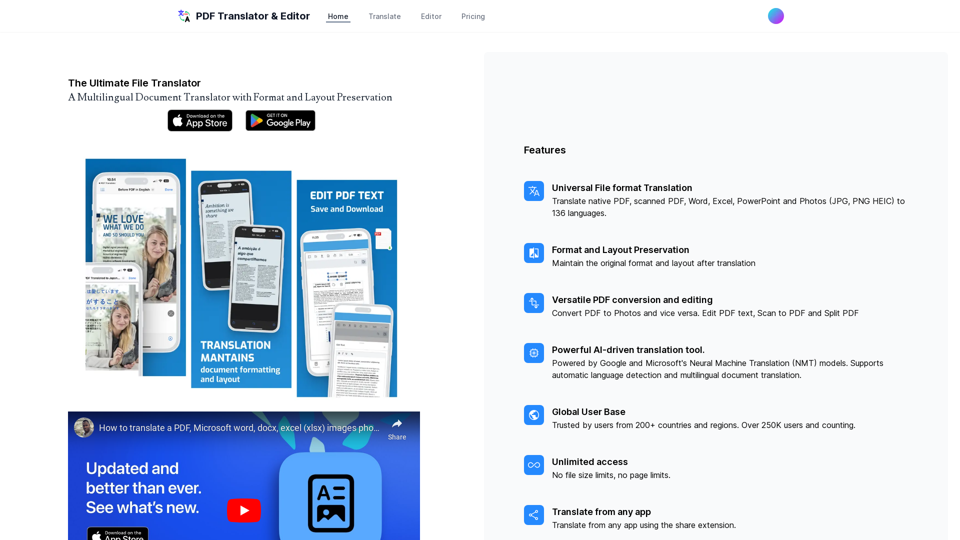
Translate your PDF, pptx, photos, excel and Word documents with AI
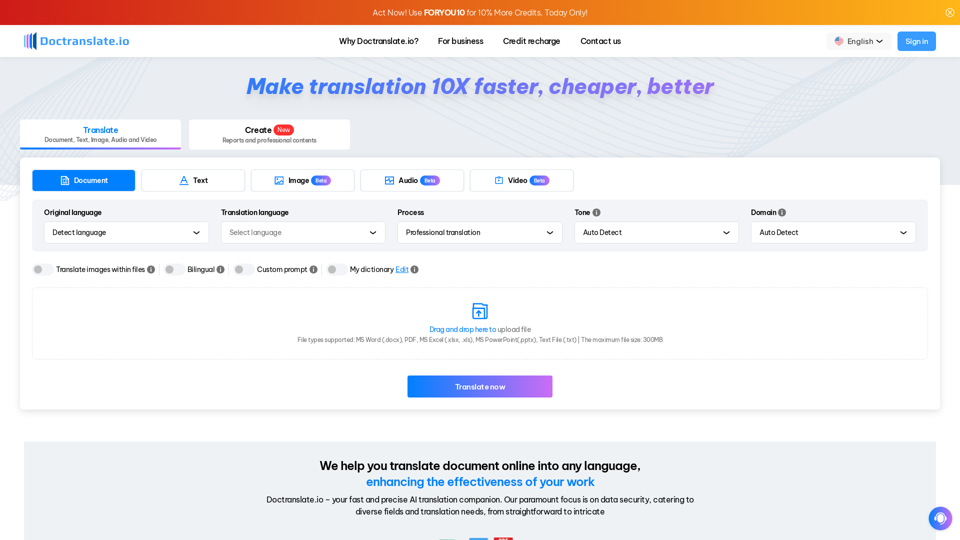
DocTranslate.io offers fast, accurate, and cost-effective document translation for over 85 languages, supporting various file types and maintaining original layouts. Its AI-powered tool is perfect for professionals, significantly reducing manual translation efforts and costs
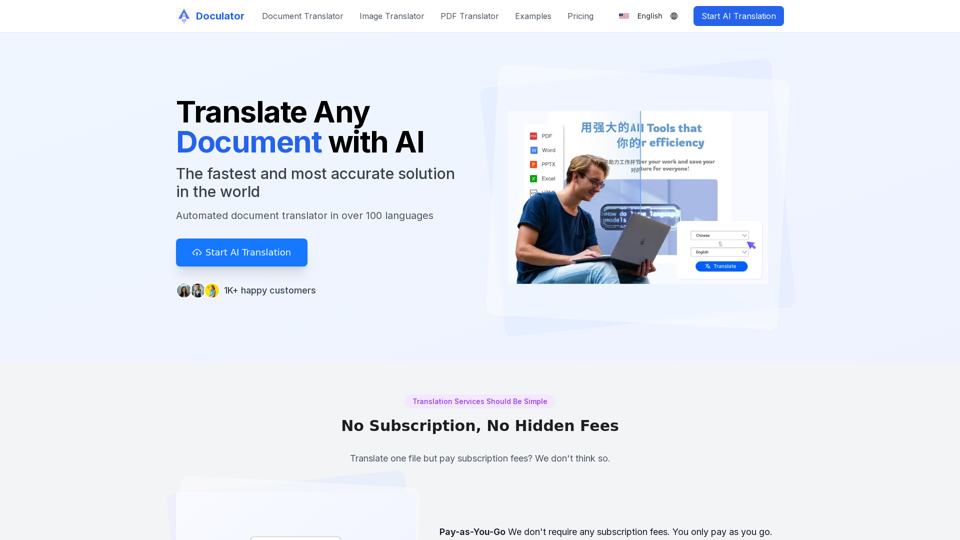
Free AI Translator is an online tool that helps you translate documents, images, audio, and video - PDF, Word, PNG, MP3 and more.
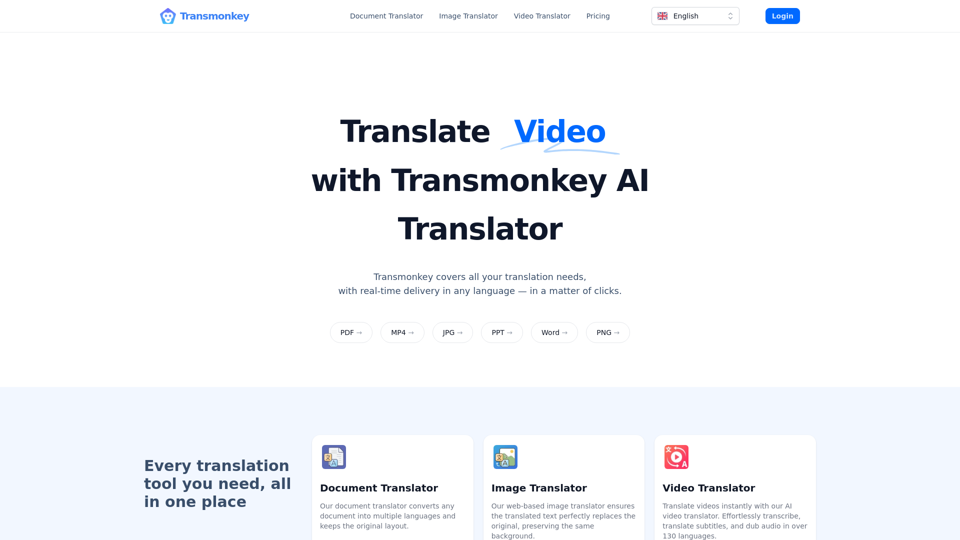
Translate any file instantly with Transmonkey. Our top AI translator can translate documents, images, audio, and video - PDF, Word, PNG, MP3 and more.
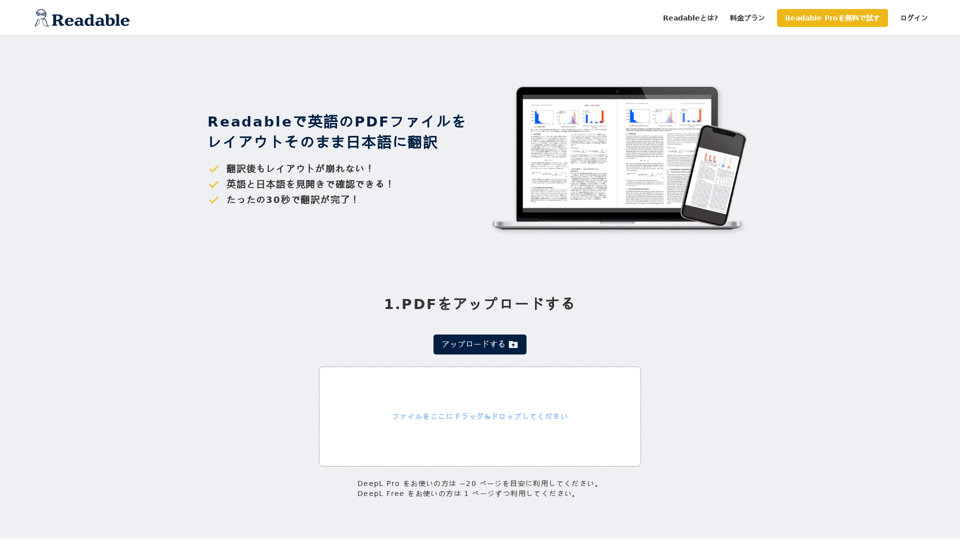
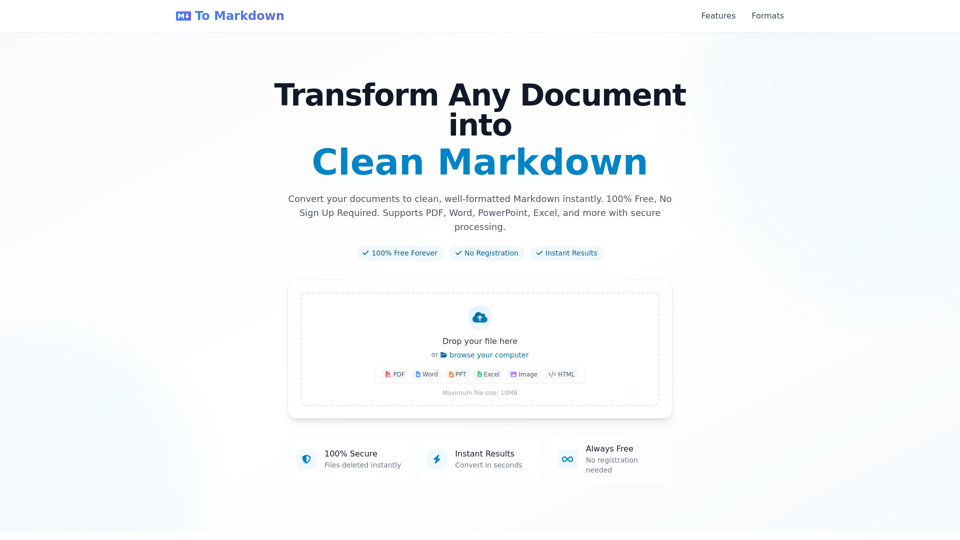
Convert any document to clean Markdown format instantly - 100% Free, No Registration Required. Support PDF, Word, PowerPoint, Excel and more. Fast, secure, and easy to use online converter with instant results.
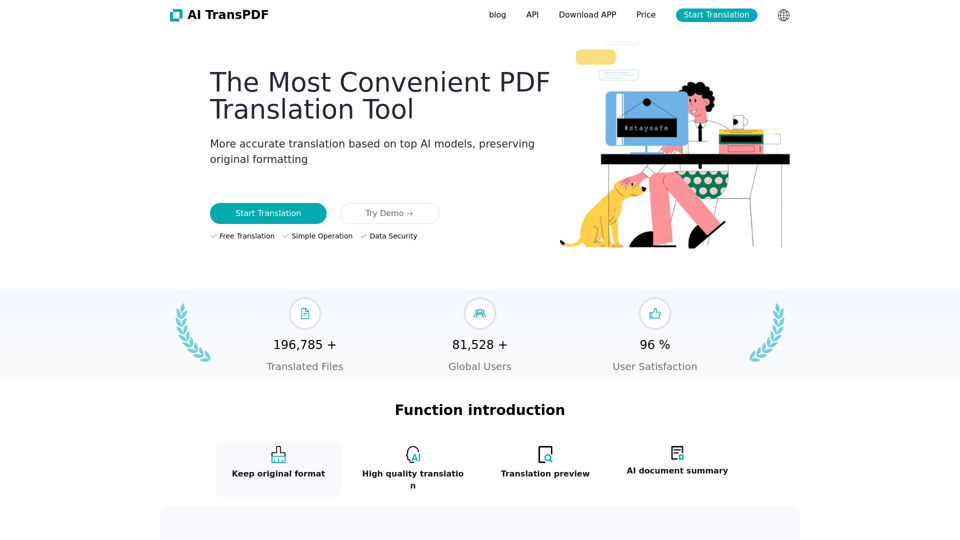
High-quality translation of various documents; supports pdf/pptx/xlsx/epub/doc, all retaining format and translating; supports free translation preview, supports scanned documents, simple operation, start immediately.