Diagramming AI
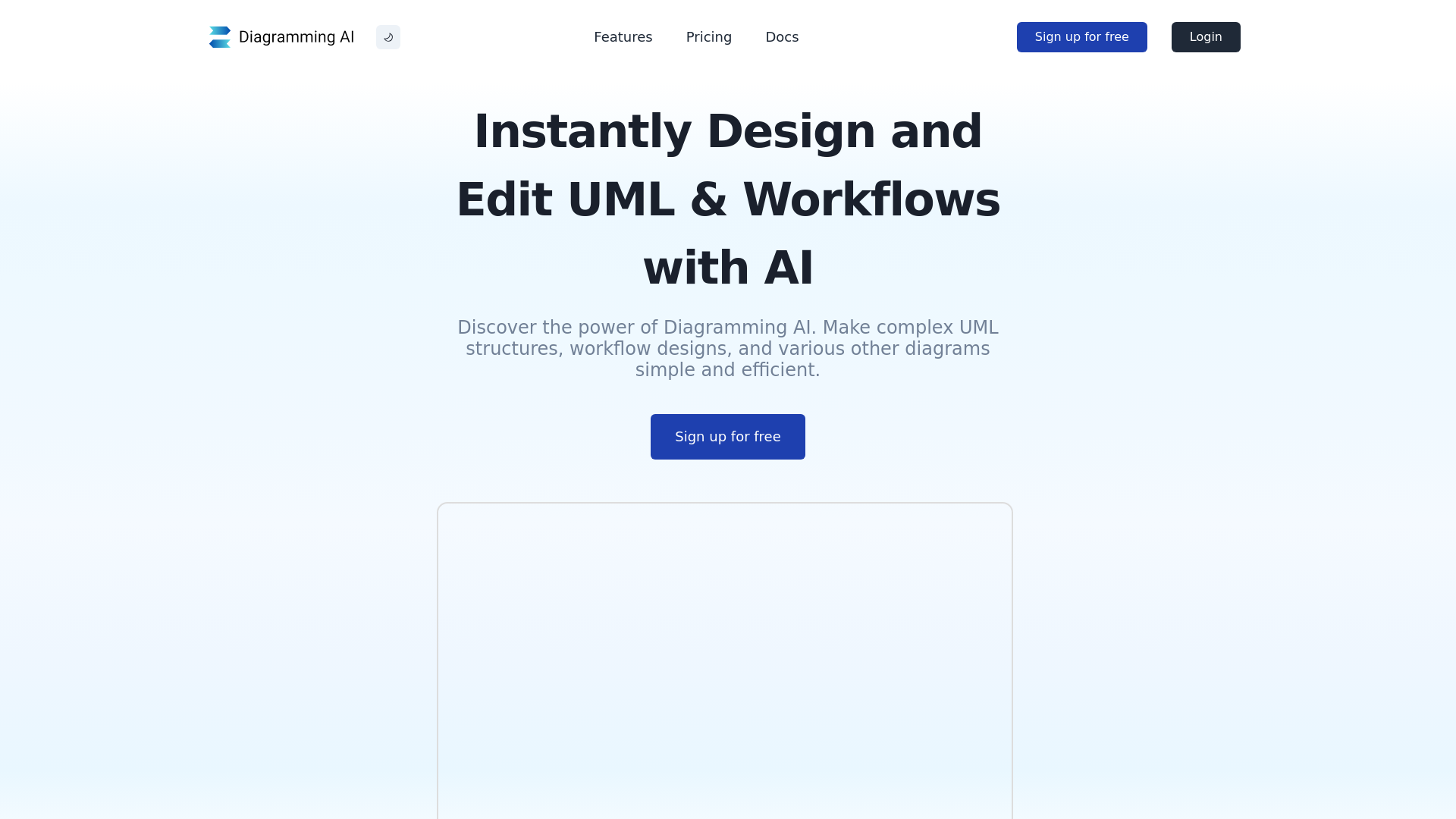
Discover Diagramming AI. Make complex UML structures,workflow designs, and various other diagrams simple and efficient.
What is Diagramming AI?
Diagramming AI is an innovative platform that utilizes artificial intelligence to simplify the process of creating and editing complex diagrams, including UML structures, workflows, and other visual representations. The tool enhances productivity by allowing users to make intricate designs quickly and efficiently through intuitive commands and AI-driven suggestions.
What are the Main Features of Diagramming AI?
- AI-Powered Automated Diagram Creation
- Users can generate various types of diagrams instantly using GPT-based AI by simply inputting text.
- AI Chat
- Engage in interactive discussions with AI for tailored suggestions and immediate updates on your diagrams.
- Seamless Diagram Drawing
- Experience continuous, fluid drawing with AI assistance for enhanced clarity and precision.
- Quick Edit Functionality
- Modify diagram sizes and styles easily with user-friendly options for efficient chart construction.
- Project-Based Diagram Code Storage
- Create multiple projects and store diagrams using either Mermaid or PlantUML codes for easy access and management.
- Flexible Export & Editing
- Easily export diagrams in various formats (SVG/PNG) or shareable URLs, ensuring up-to-date visuals.
- Customizable Color Themes
- Personalize diagrams with over 10 themes for Mermaid diagrams and 40+ for PlantUML, adding vibrancy to your work.
- URL to Diagram
- Convert any website into a diagram for quick overviews.
- Image to Diagram
- Generate diagrams from images, accommodating various input methods for versatility.
- Diagram Templates
- Access an extensive library of templates across different diagram types to kickstart your diagramming process.
How to Use Diagramming AI?
Using Diagramming AI is straightforward. Users first sign up for free to access the platform, and from there, they can start creating diagrams using AI commands. Simply input your text or engage in AI chat for suggestions, and watch as the tool generates diagrams seamlessly. Users can modify, export, and switch diagram types with ease, ensuring an efficient design process.
Pricing
- Free Plan
- 2 projects
- 3 diagrams per project
- 10 credits
- Lite Plan
- $3/month
- Unlimited projects
- Unlimited diagrams per project
- 250 credits
- Starter Plan
- $6/month
- Unlimited projects
- Unlimited diagrams per project
- 600 credits
- Access to URL to Diagram and Image to Diagram features
- Pro Plan
- $14/month
- Unlimited projects
- Unlimited diagrams per project
- 2,000 credits
- Access to URL to Diagram and Image to Diagram features
- Upgraded access to GPT-4 technology
Helpful Tips
- Take advantage of the free plan to experiment with the features before committing to a paid subscription.
- Use the AI Chat feature to enhance your diagram suggestions and improvements interactively.
- Explore the library of templates to find quick solutions for common diagram types.
- Regularly check your diagram storage and organization to maintain project efficiency.
Frequently Asked Questions
What is the key benefit of using Diagramming AI?
The primary advantage of Diagramming AI is its ability to automate diagram creation using AI, enabling users to generate high-precision diagrams quickly. This significantly enhances productivity and ease of use for a variety of diagramming needs.
What kinds of diagrams can be created with AI?
Diagramming AI supports a wide range of diagrams including flowcharts, sequence diagrams, Gantt charts, mind maps, and more, catering to diverse visual needs in different domains.
Who can benefit from using Diagramming AI?
Professionals across various sectors—such as software developers, project managers, educators, and marketers—can greatly benefit from this tool for visualizing concepts, processes, and project plans.
How does the AI Chat feature work?
The AI Chat feature enables users to engage with AI for suggestions and improvements on their diagrams, aiding in creating more refined visual representations through immediate feedback.
Which version of GPT is being used?
The platform uses GPT-4o-mini as standard across all plans, ensuring users have access to the latest advancements in AI technology.
What is Project-Based Diagram Code Storage?
This feature allows users to organize multiple diagrams within defined projects using either Mermaid or PlantUML codes, facilitating easier updates and management of visual assets.
Explore the vast capabilities of Diagramming AI and instantly elevate your diagramming experience today!
Diagramming AI
Discover Diagramming AI. Make complex UML structures,workflow designs, and various other diagrams simple and efficient.
 Vercel
Free AI anime and manga generator. Turn text into anime episodes, manga, comics, webtoons and comic shorts in any art style — no drawing or animation skills needed.
Translate image text across 70+ languages with our advanced AI Image Translator to help you better expand your products globally to various countries
Advertised Here
Reach thousands of visitors daily. Get your spot now!
Tools similar to Diagramming AI
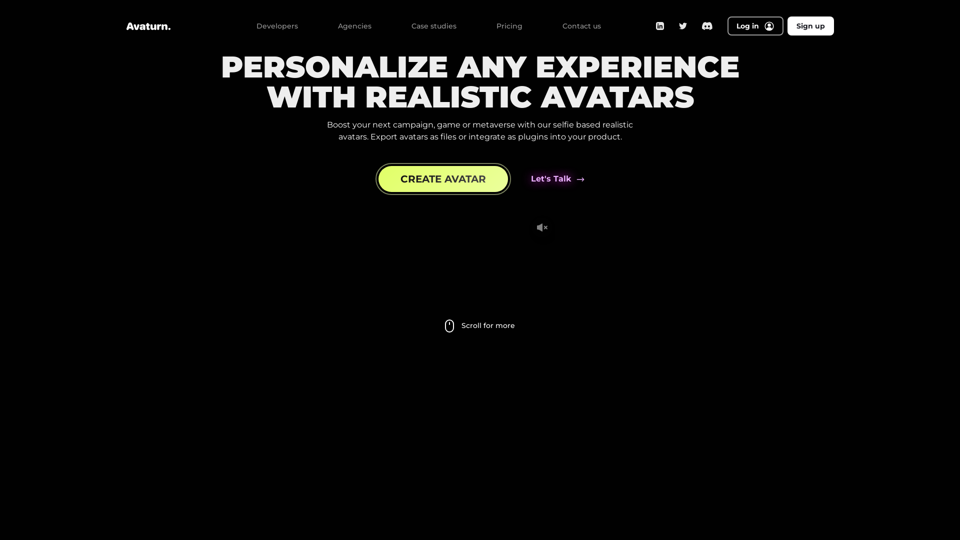
Create realistic 3D avatar with a selfie, customize, export as 3D model. Developer? Integrate our avatar SDK into your app or metaverse.
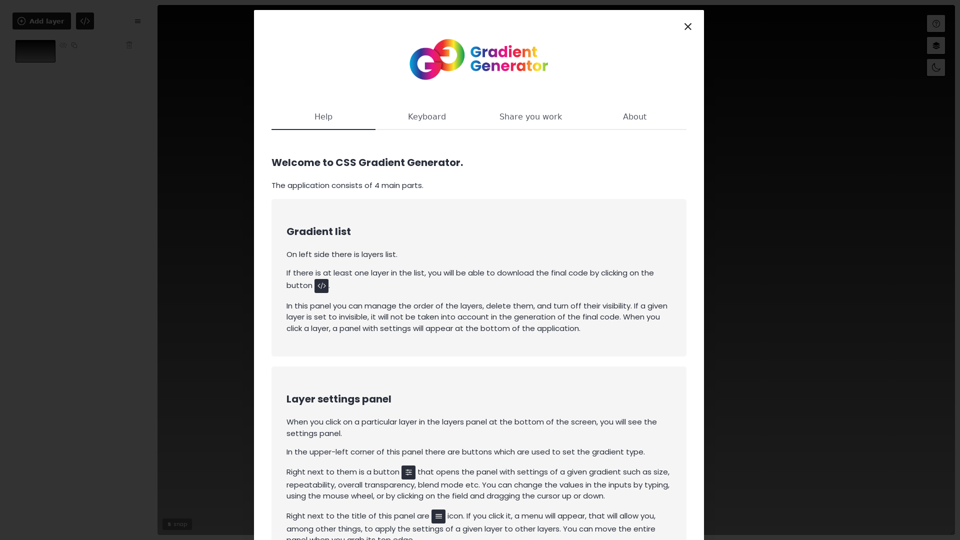

From first-time founders to experienced engineers, Bubble allows users to build, design, and launch apps in record speed – no code required.
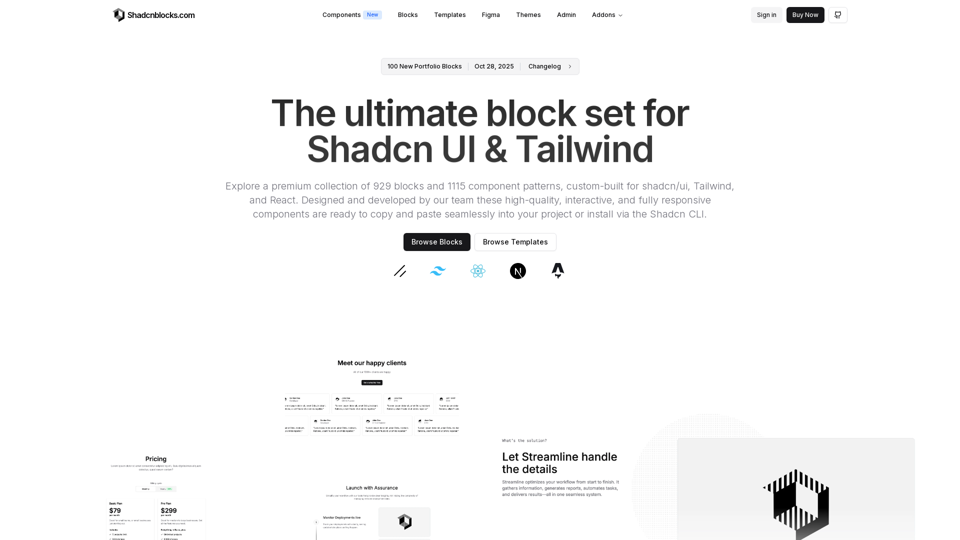
Discover hundreds of extra shadcn/ui blocks and Shadcn UI components. Shadcnblocks is a premium component library built with Shadcn UI, React & Tailwind.
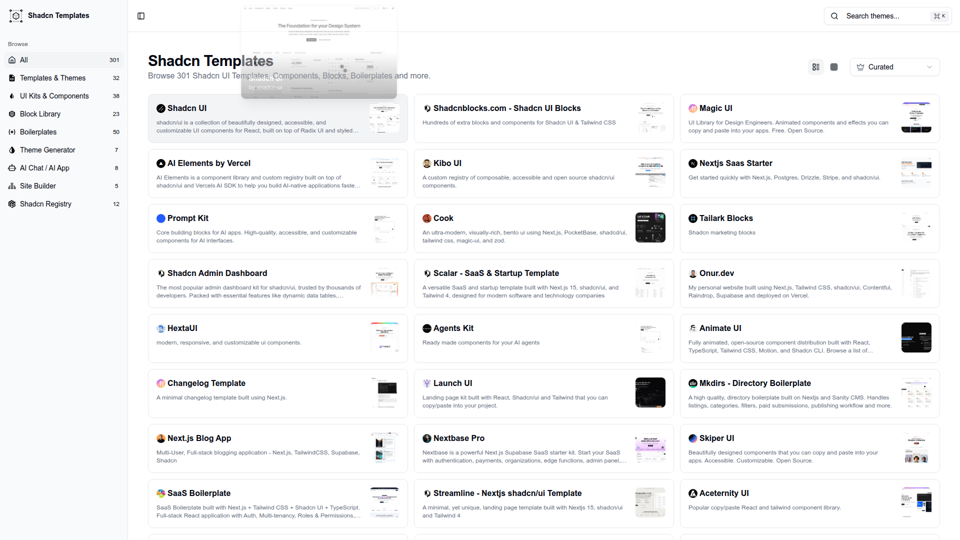
A huge collection of shadcn ui templates and components. Shadcn UI Templates, UI Kits, Blocks, Components, Boilerplates, Admin dashboards and more.
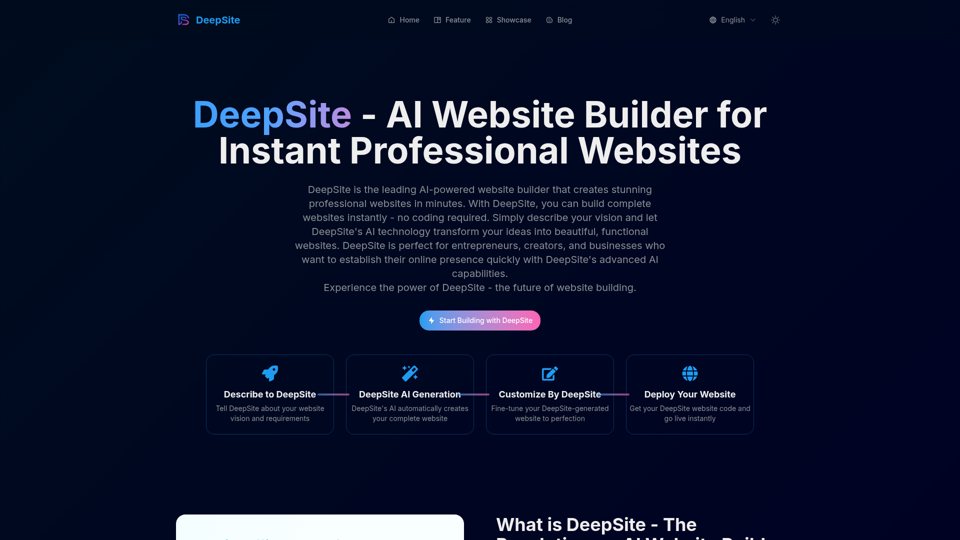
DeepSite is an AI-powered website builder that helps you create stunning websites instantly. No coding required, just describe what you want and let AI do the work.
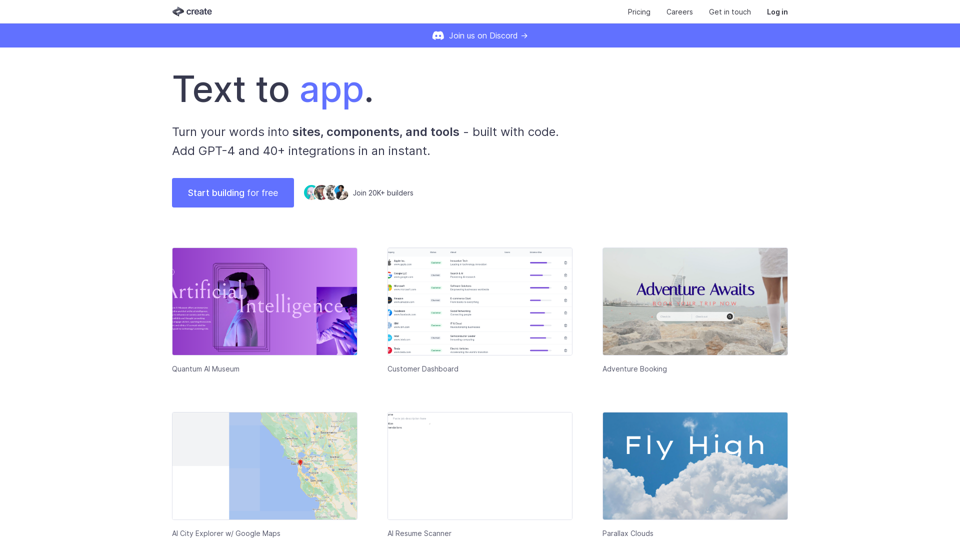
Create lets you code using plain text and images. Use it to build components, sites, designs, prototypes, products, tools and more.